Record an inspection on the phone
While walking the unit, the inspector records scores, the verdict and the findings to fix, so follow-up starts at once.
InspectorOn a phone8 steps
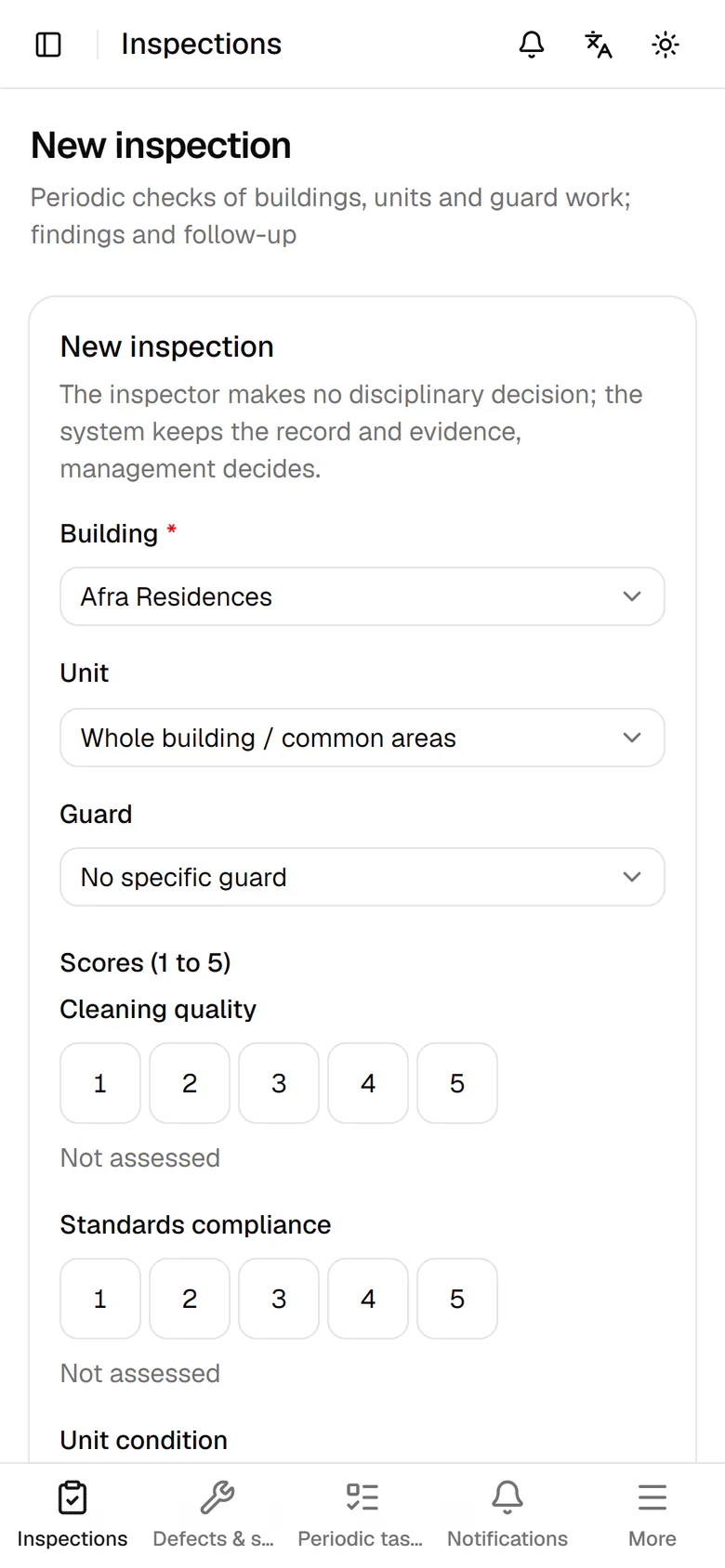
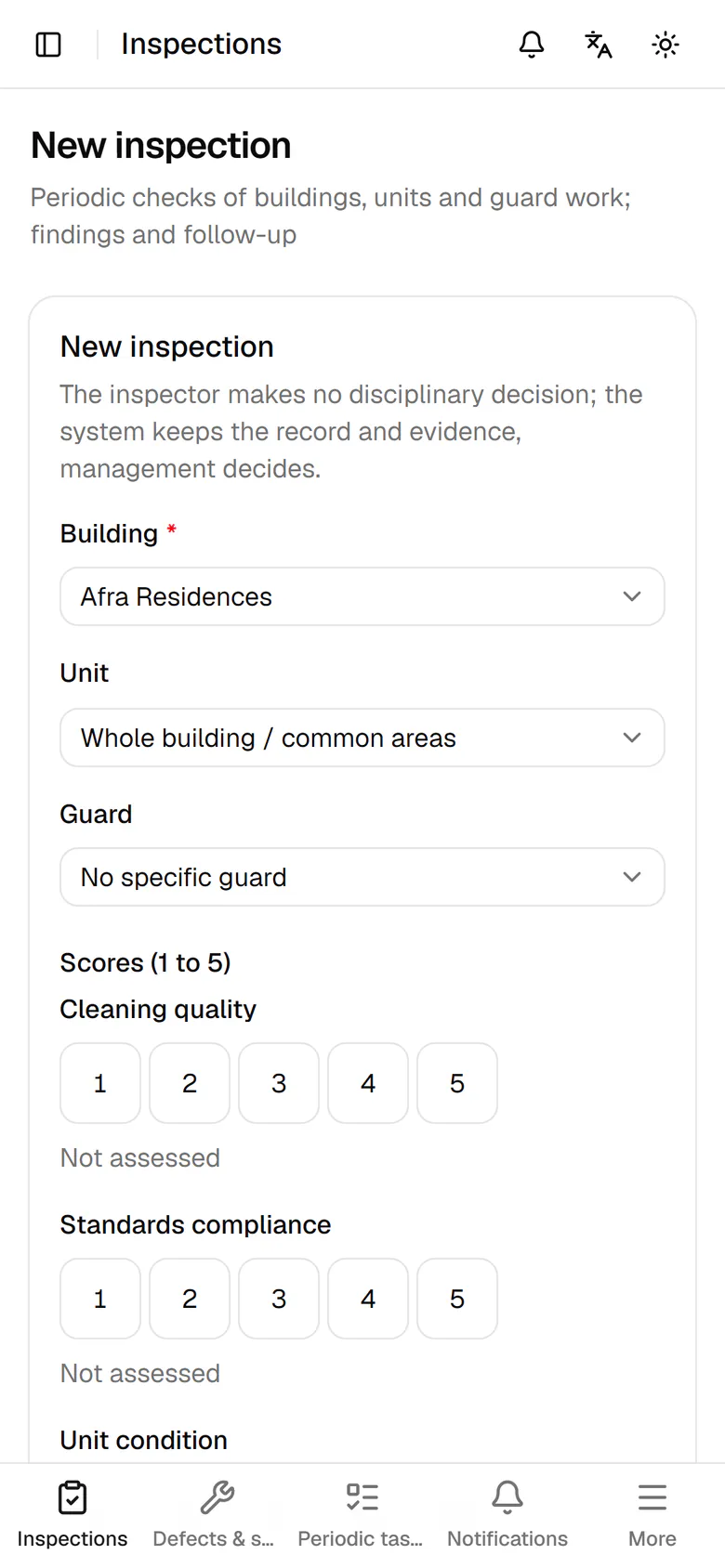
Choose the building you are standing in from the list.
Step by step
- 1
Choose the building you are standing in from the list.
- 2
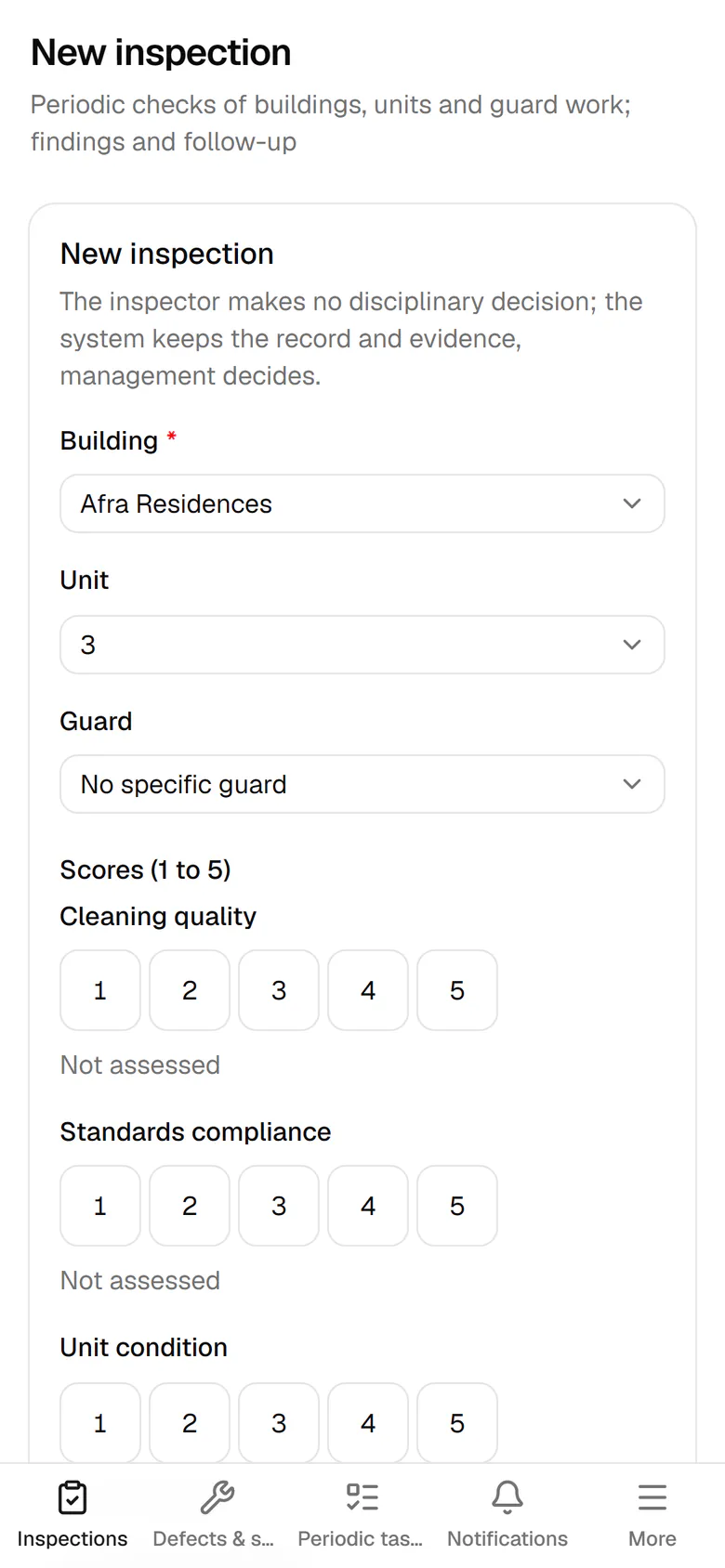
Pick the unit you are inspecting, or keep the whole building and common areas.
- 3
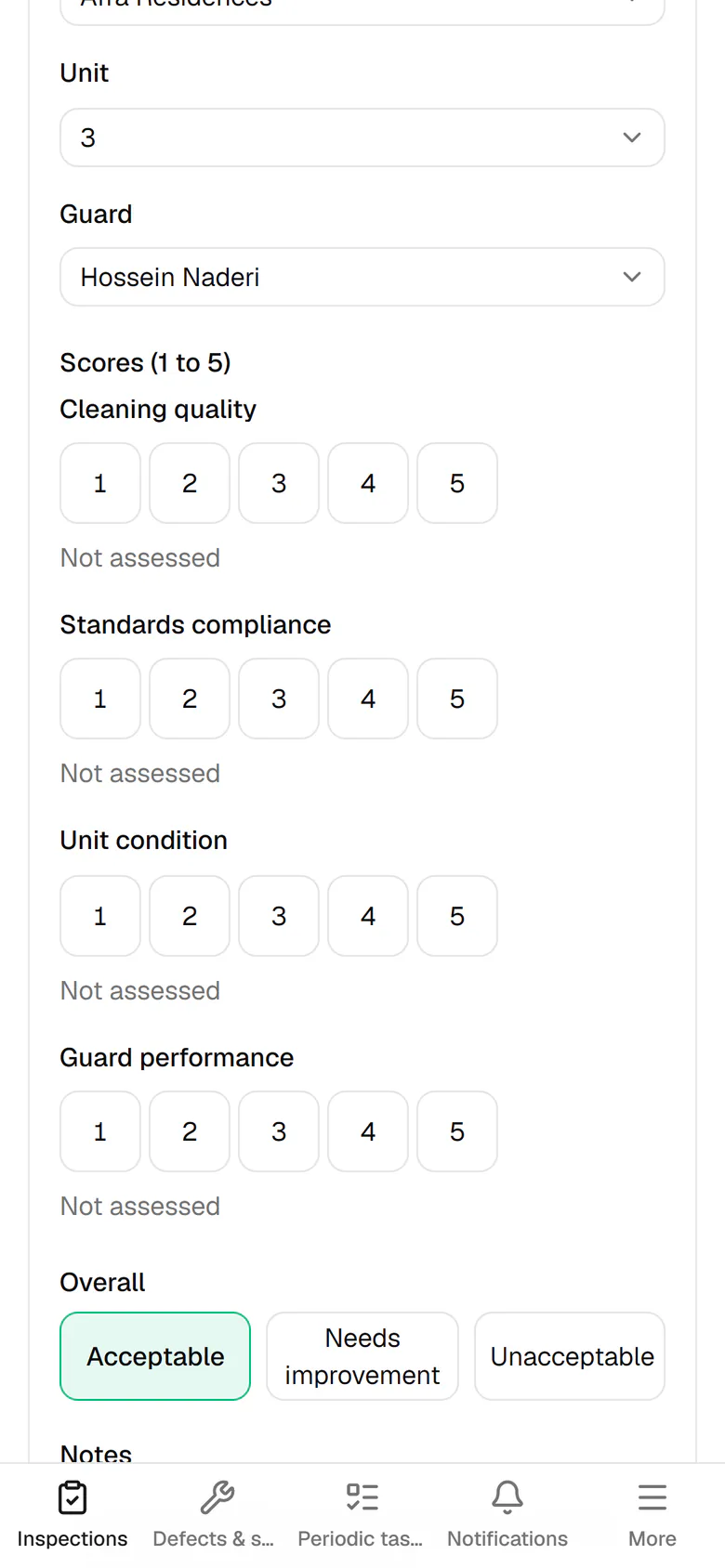
Select the host responsible for this unit so their performance score is recorded.
- 4
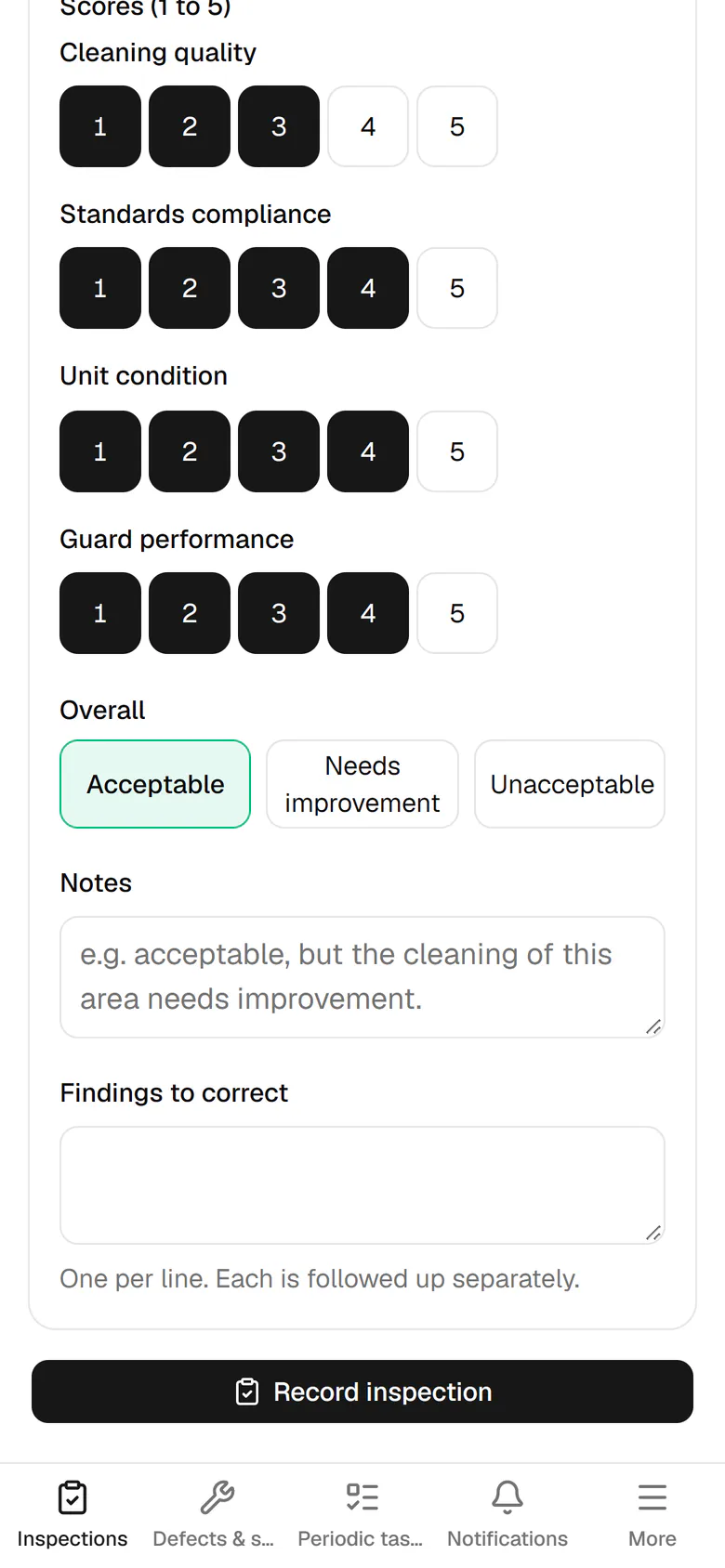
Score cleanliness, standards, unit condition and host performance from 1 to 5.
- 5
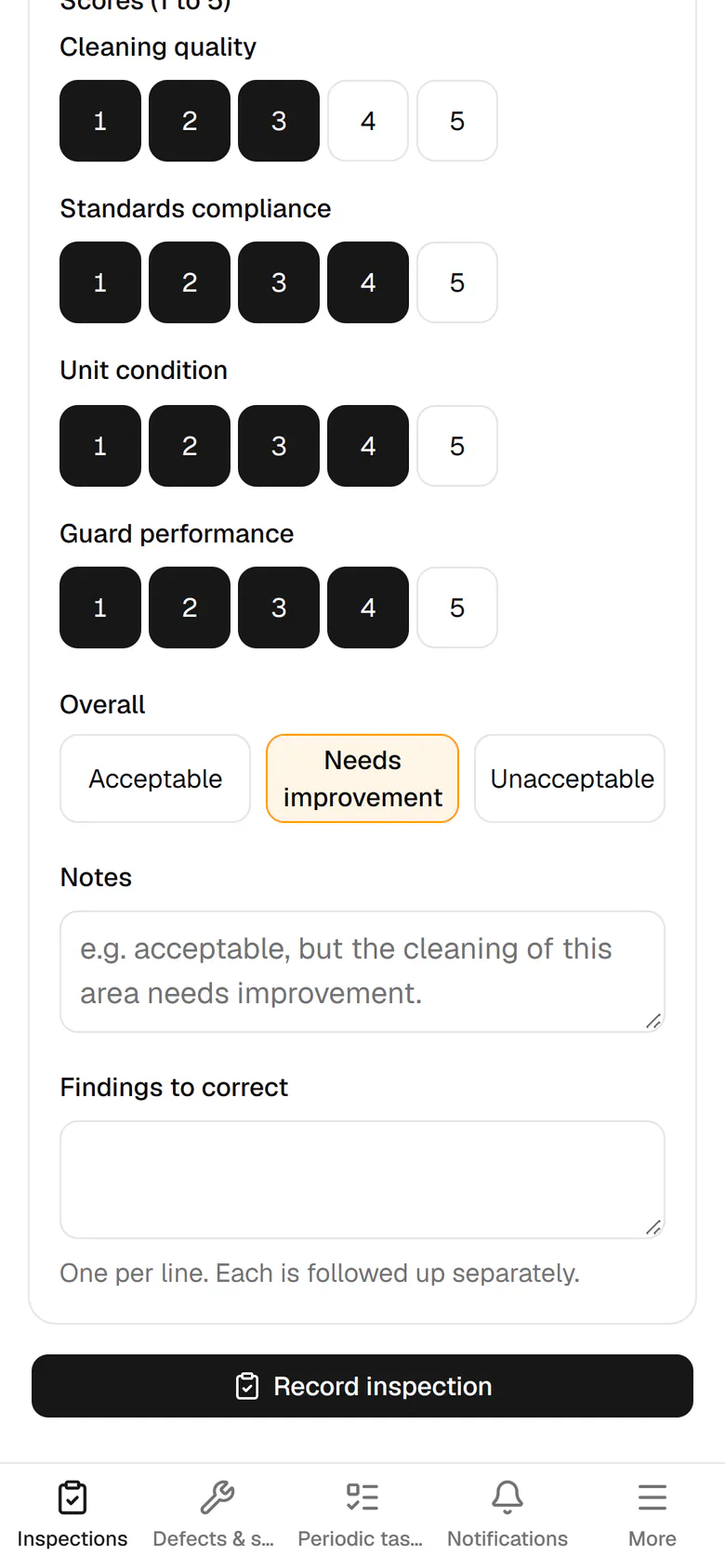
Set the overall result; here the unit needs improvement.
- 6
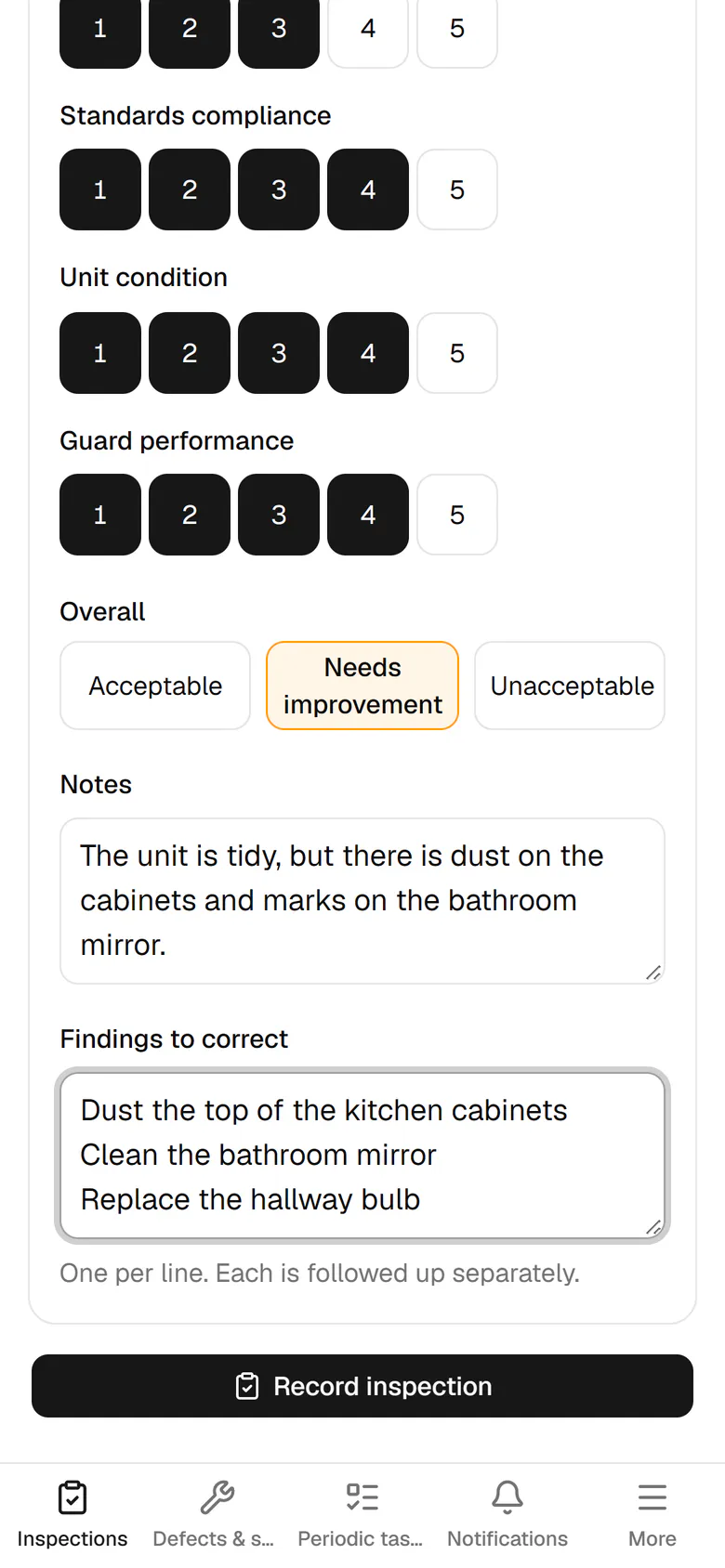
Write a short note and put each finding to fix on its own line.
- 7
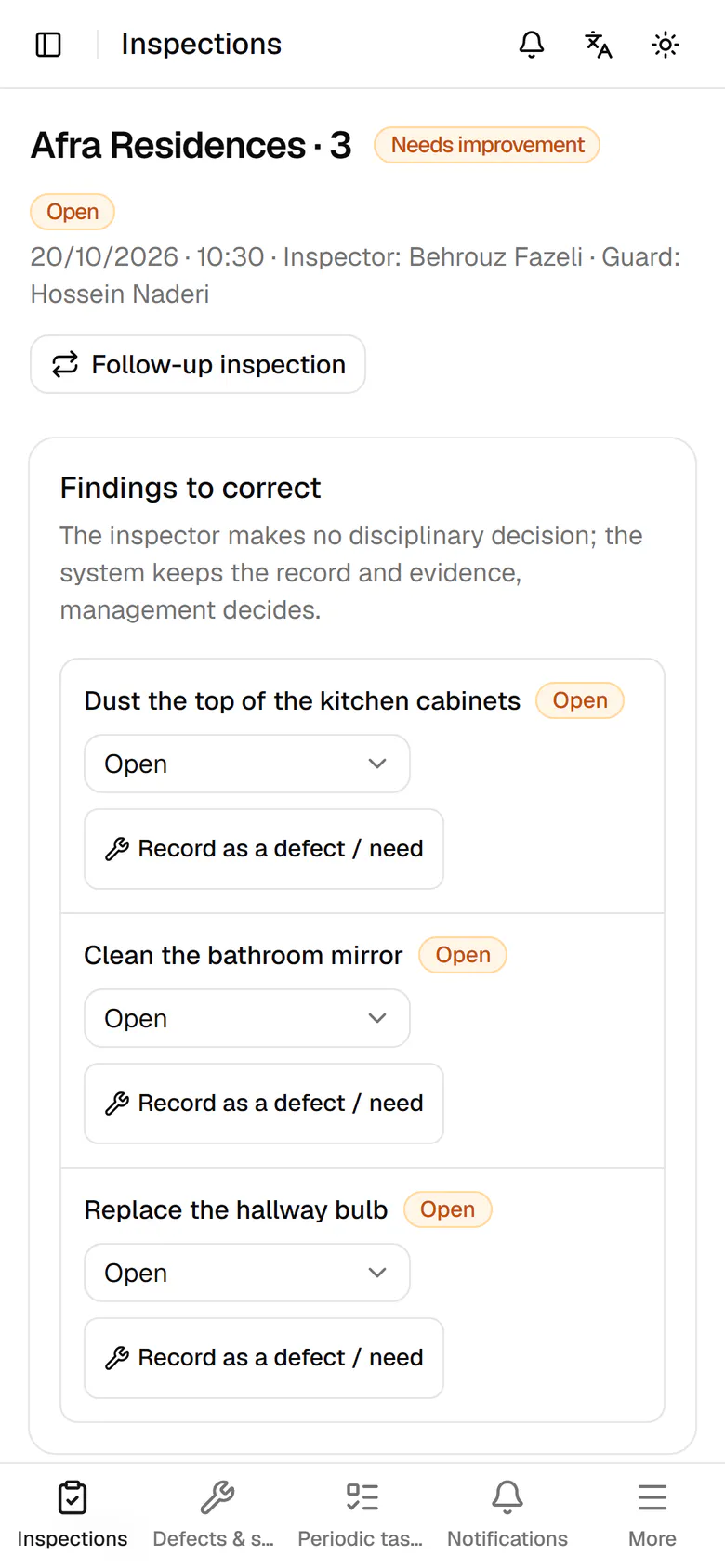
Tap Record inspection to save it with the date, time and your name.
- 8
The inspection is saved, and every finding can now be followed up on its own.