Edit and cancel bookings
Booking dates change only with the guest's recorded consent, and a cancellation is recorded after a clear confirmation.
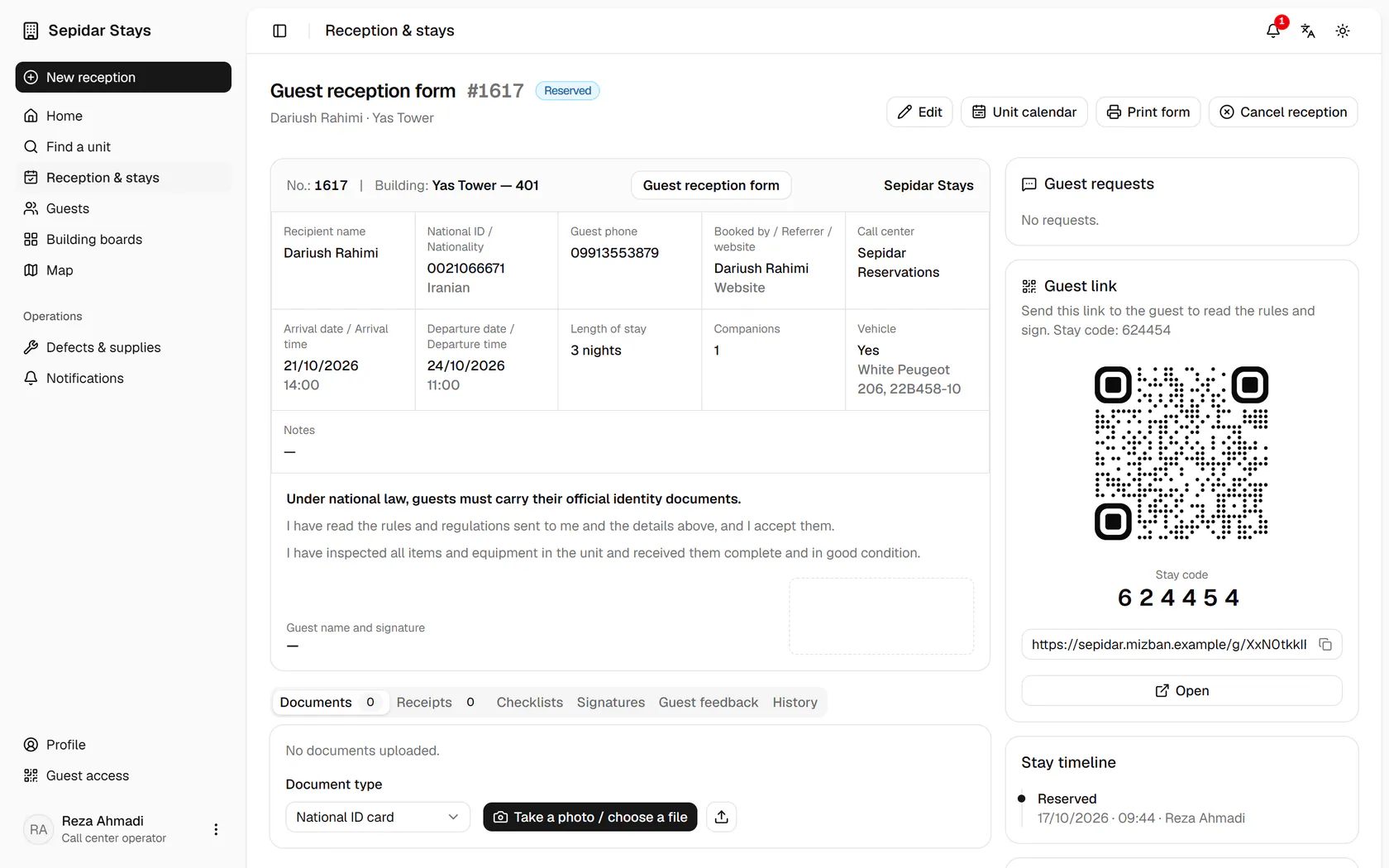
Open Dariush Rahimi's booking for tomorrow at Yas Tower 401 with Edit.
Step by step
- 1
Open Dariush Rahimi's booking for tomorrow at Yas Tower 401 with Edit.
- 2
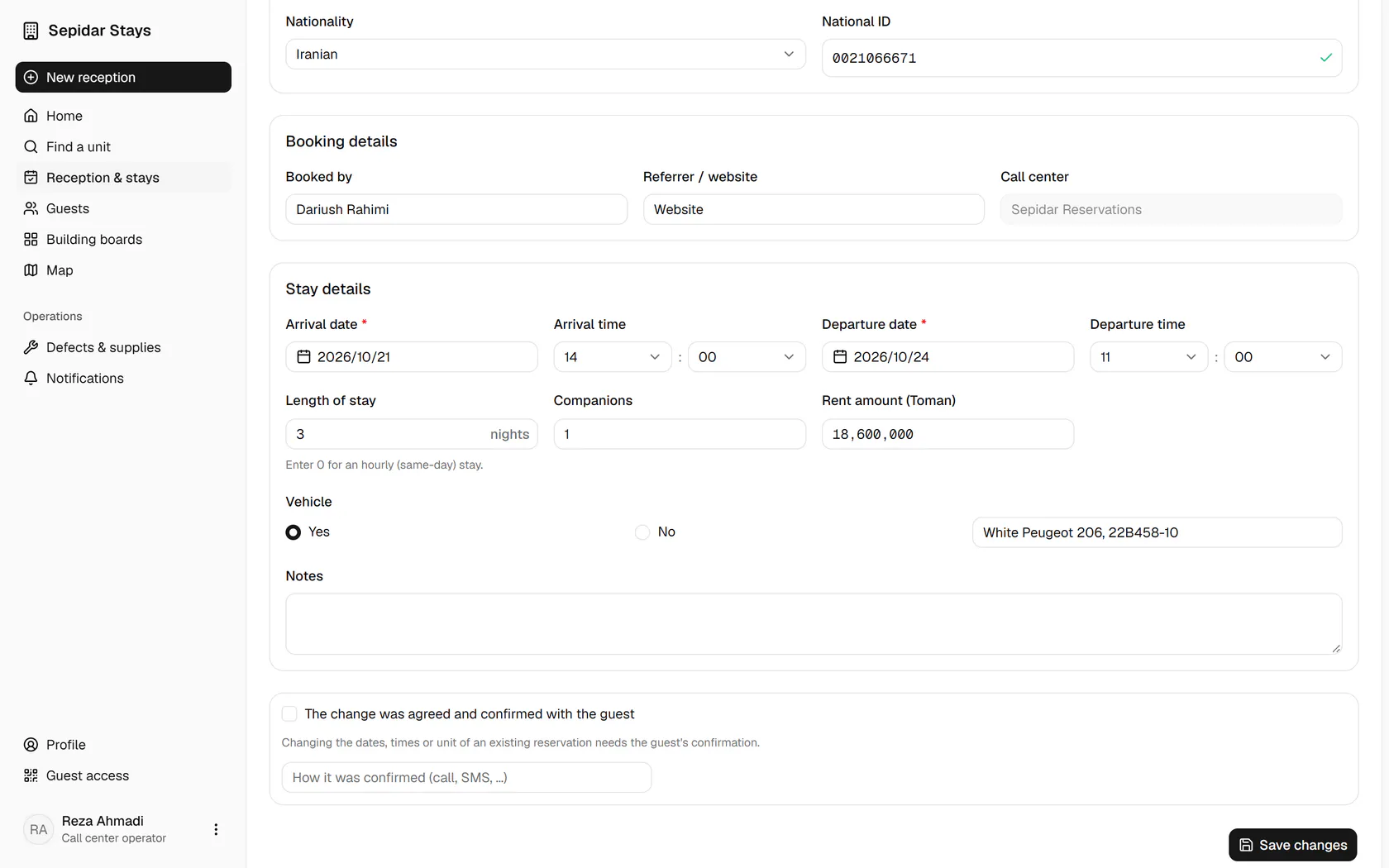
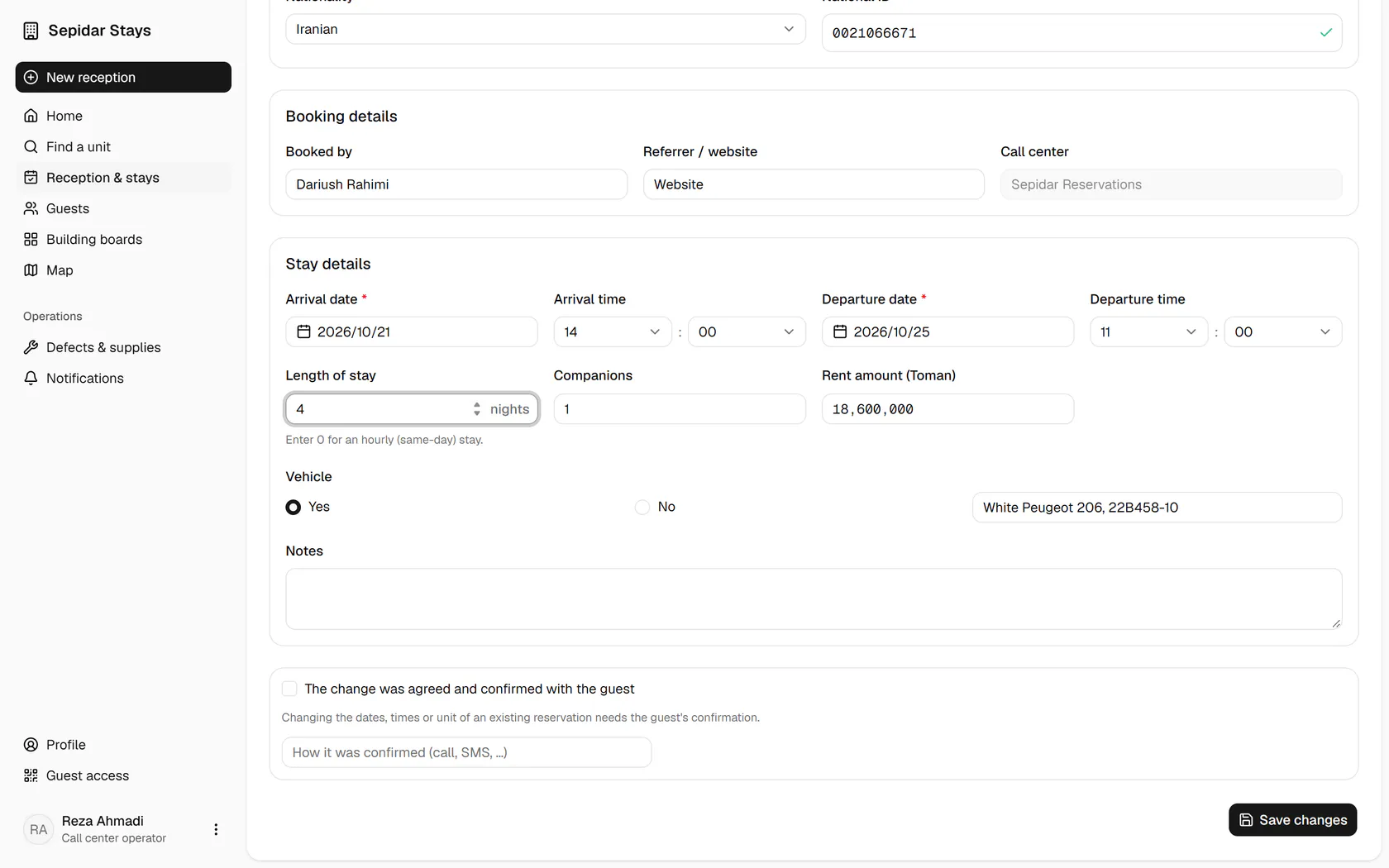
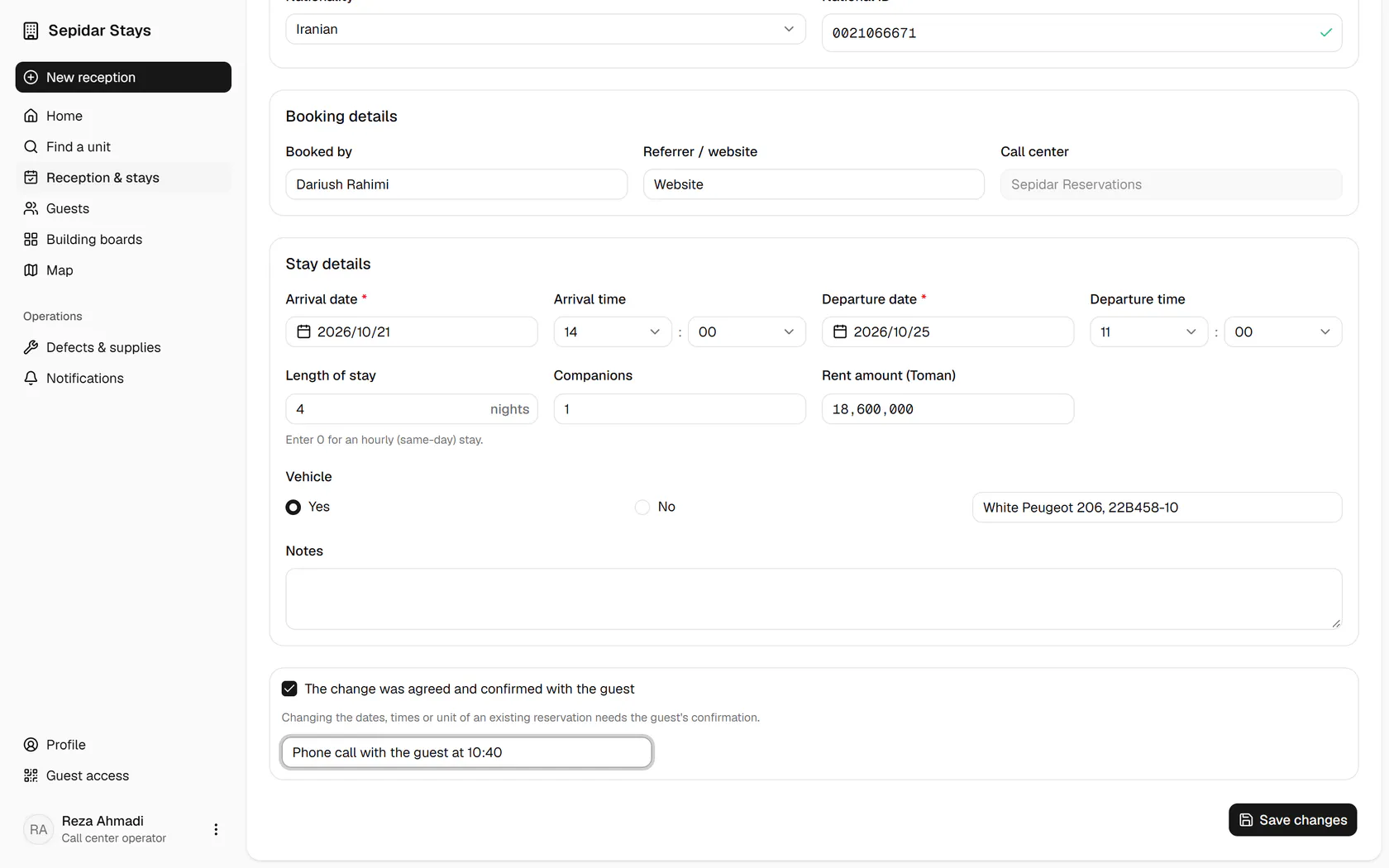
The guest wants one more night; set the length to four nights and the check-out moves.
- 3
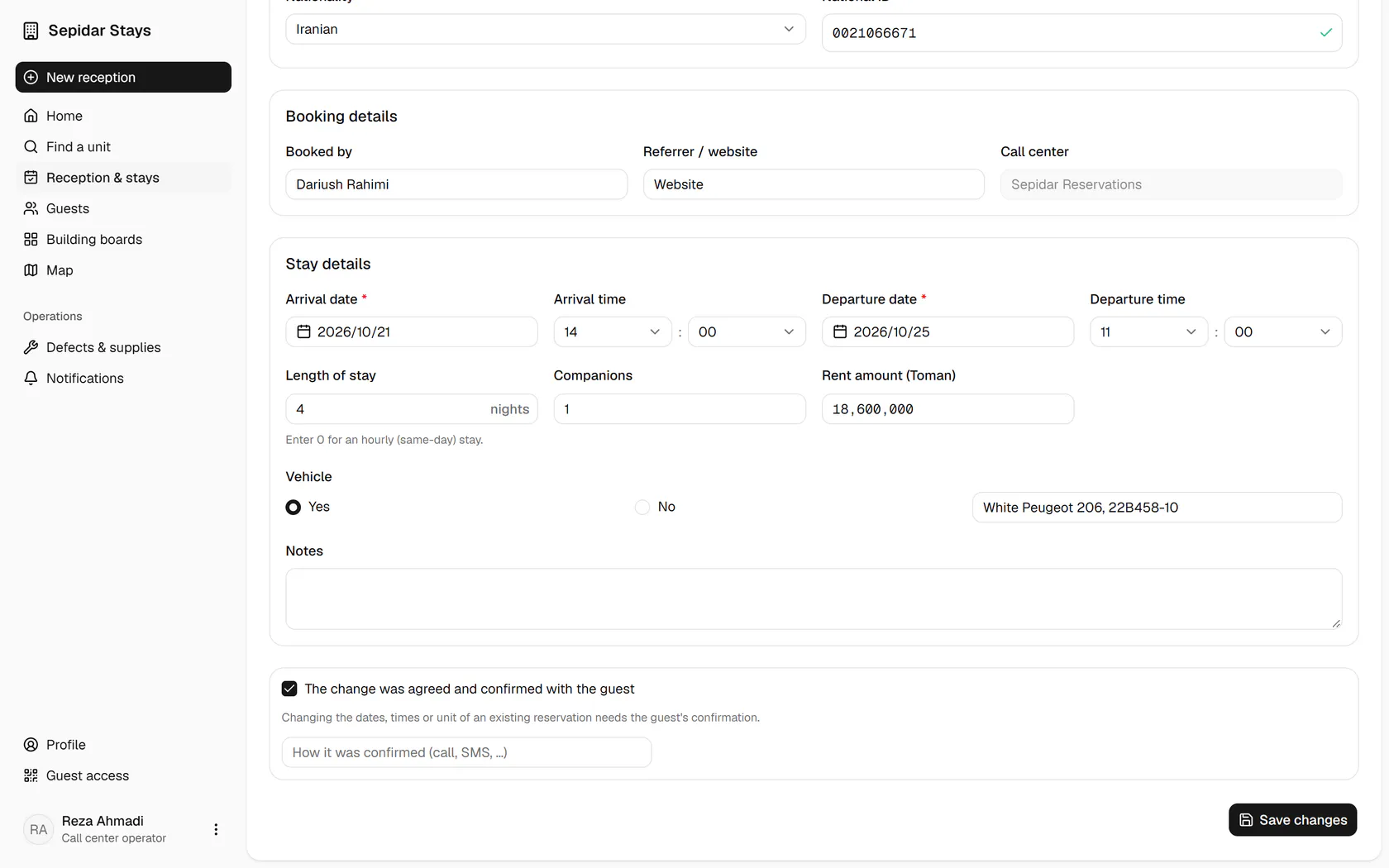
A date change is not saved without the guest's consent; tick this box.
- 4
Write how the consent was given, for example a phone call or SMS.
- 5
Save the changes; the unit calendar is checked again before saving.
- 6
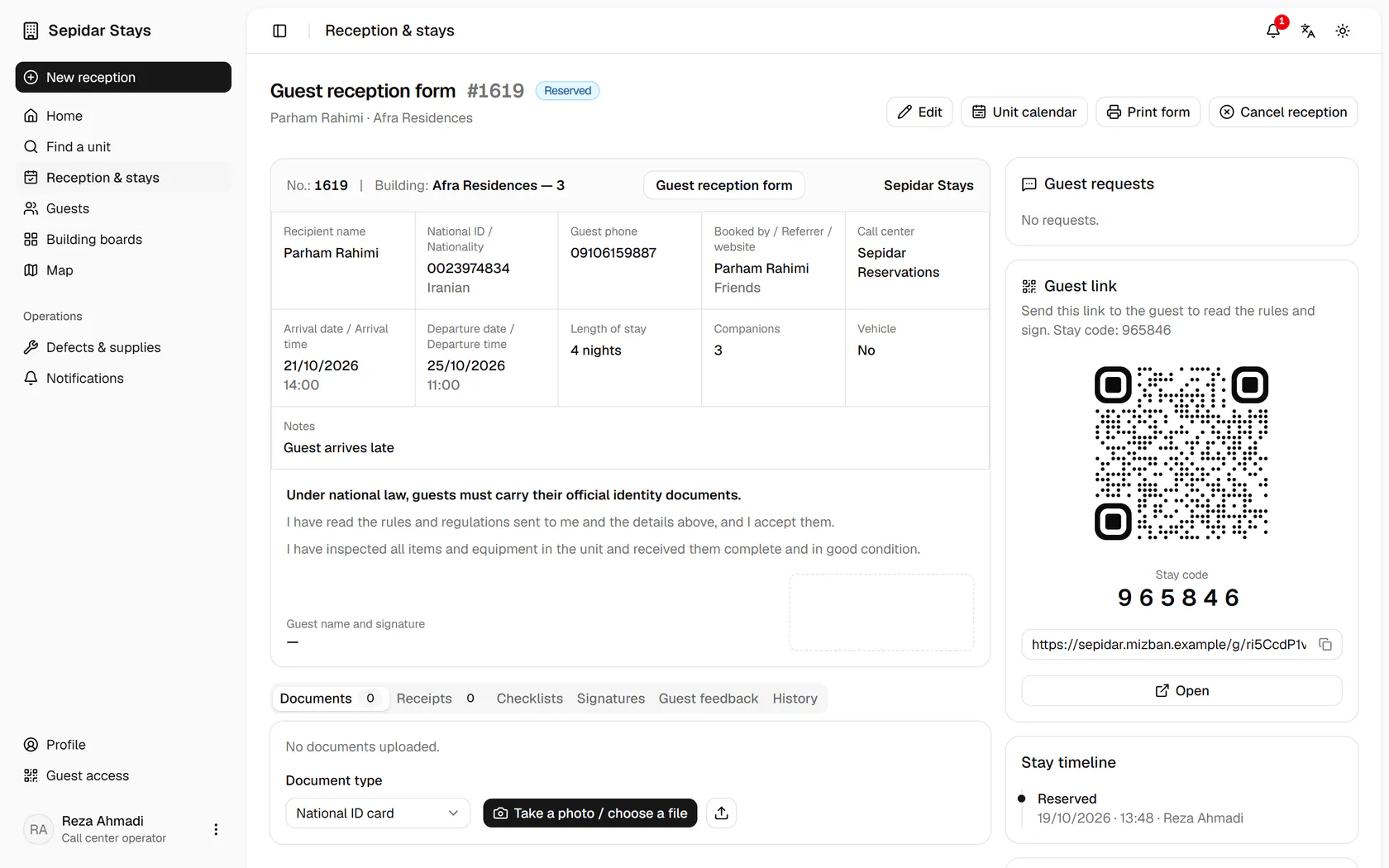
Another booking at Afra Residences must be cancelled; press Cancel reception.
- 7
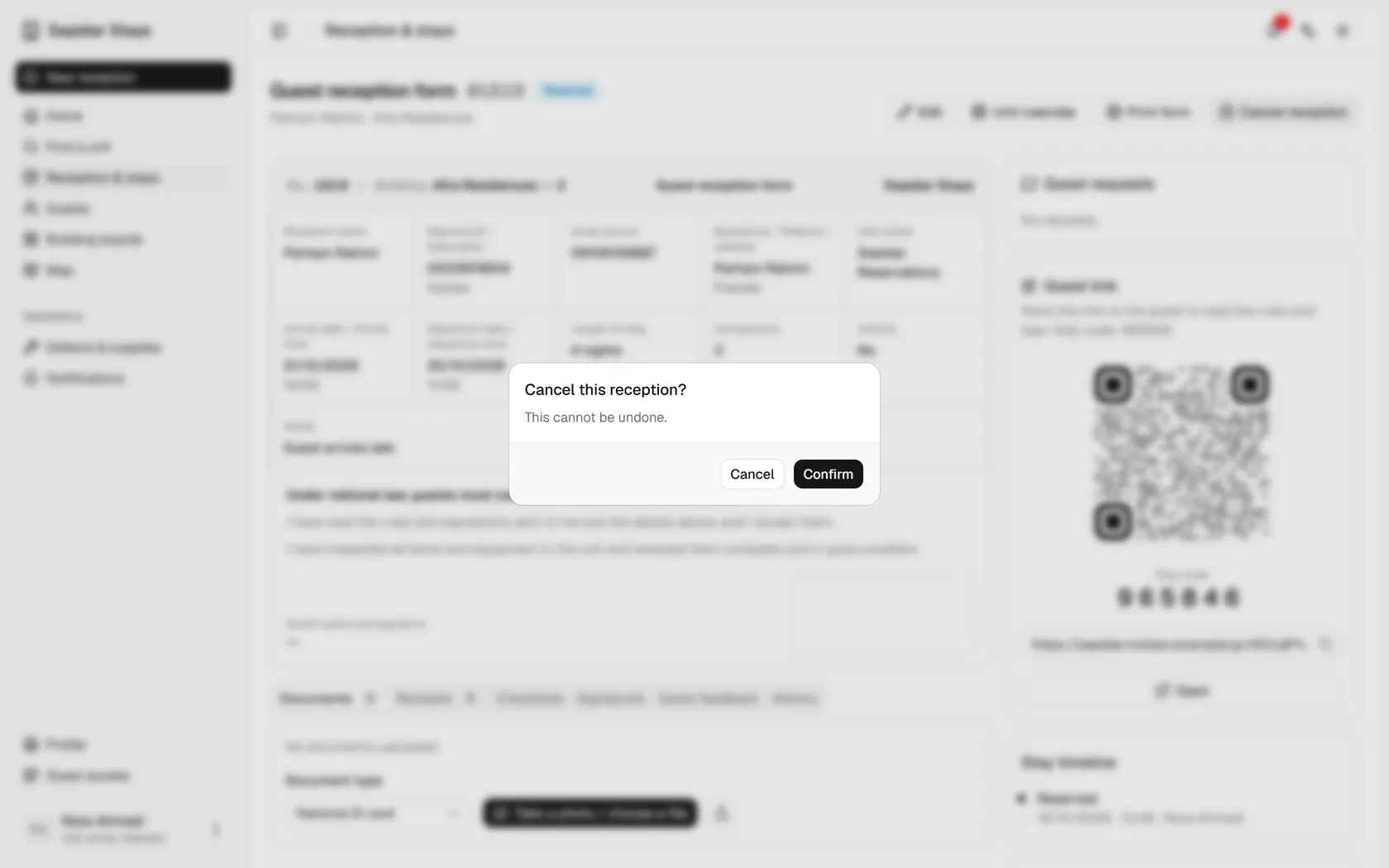
A cancellation cannot be undone; confirm only if you are sure.
- 8
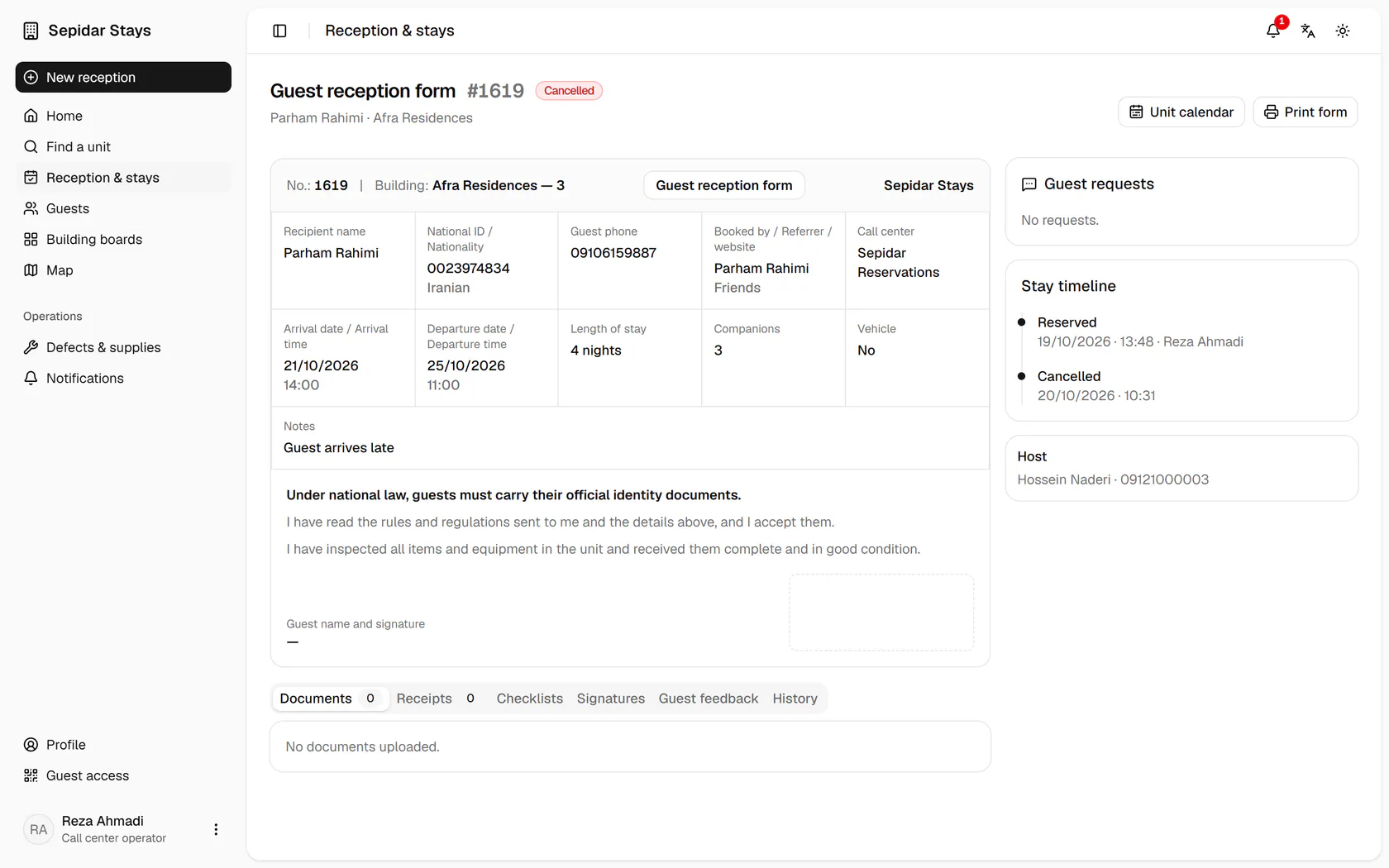
The booking shows Cancelled, and the unit is bookable again for these dates.