Guest feedback for inspectors
The inspector sees guest ratings and comments by building, unit and host, and files each comment for the next inspection.
InspectorOn a computer7 steps
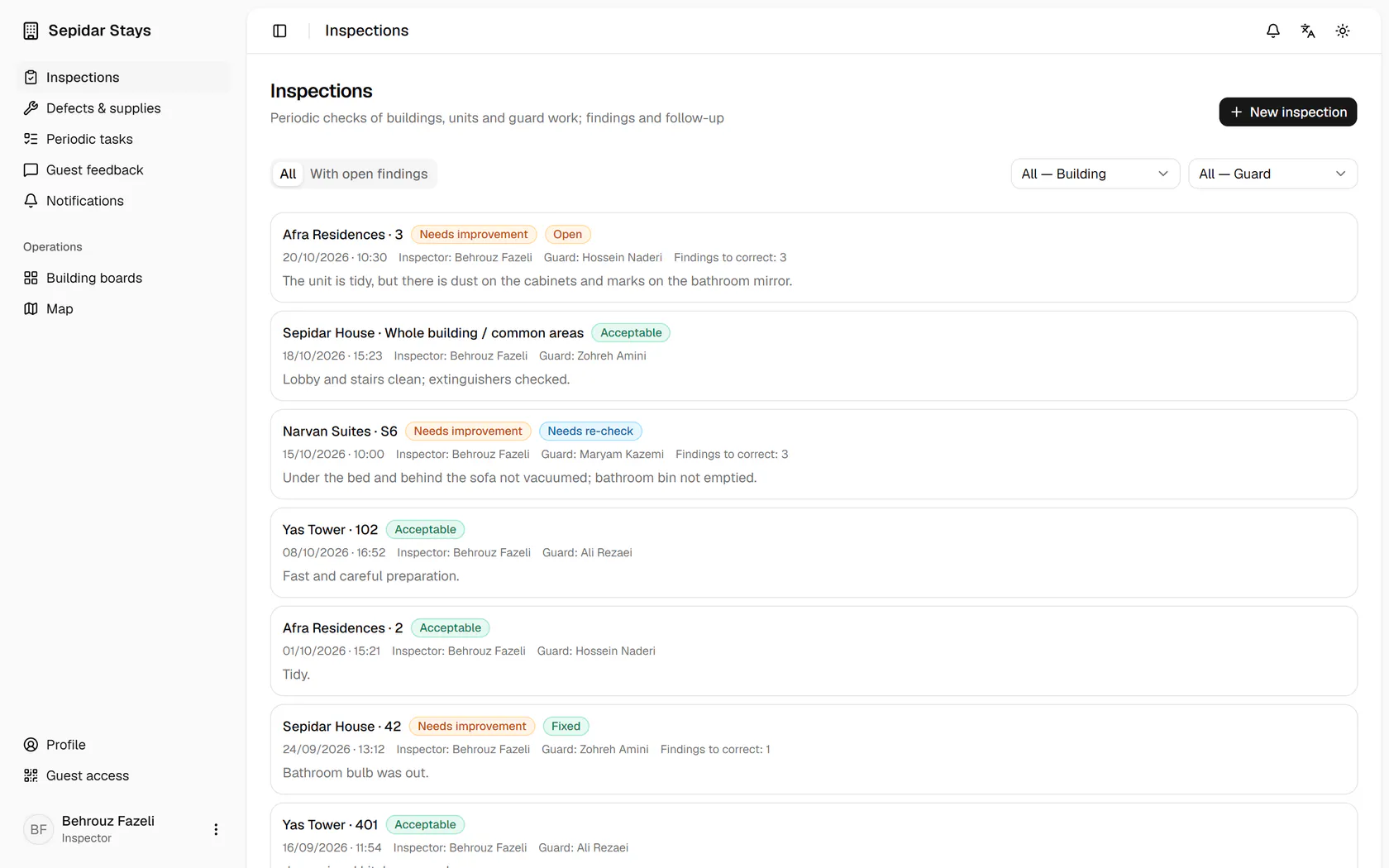
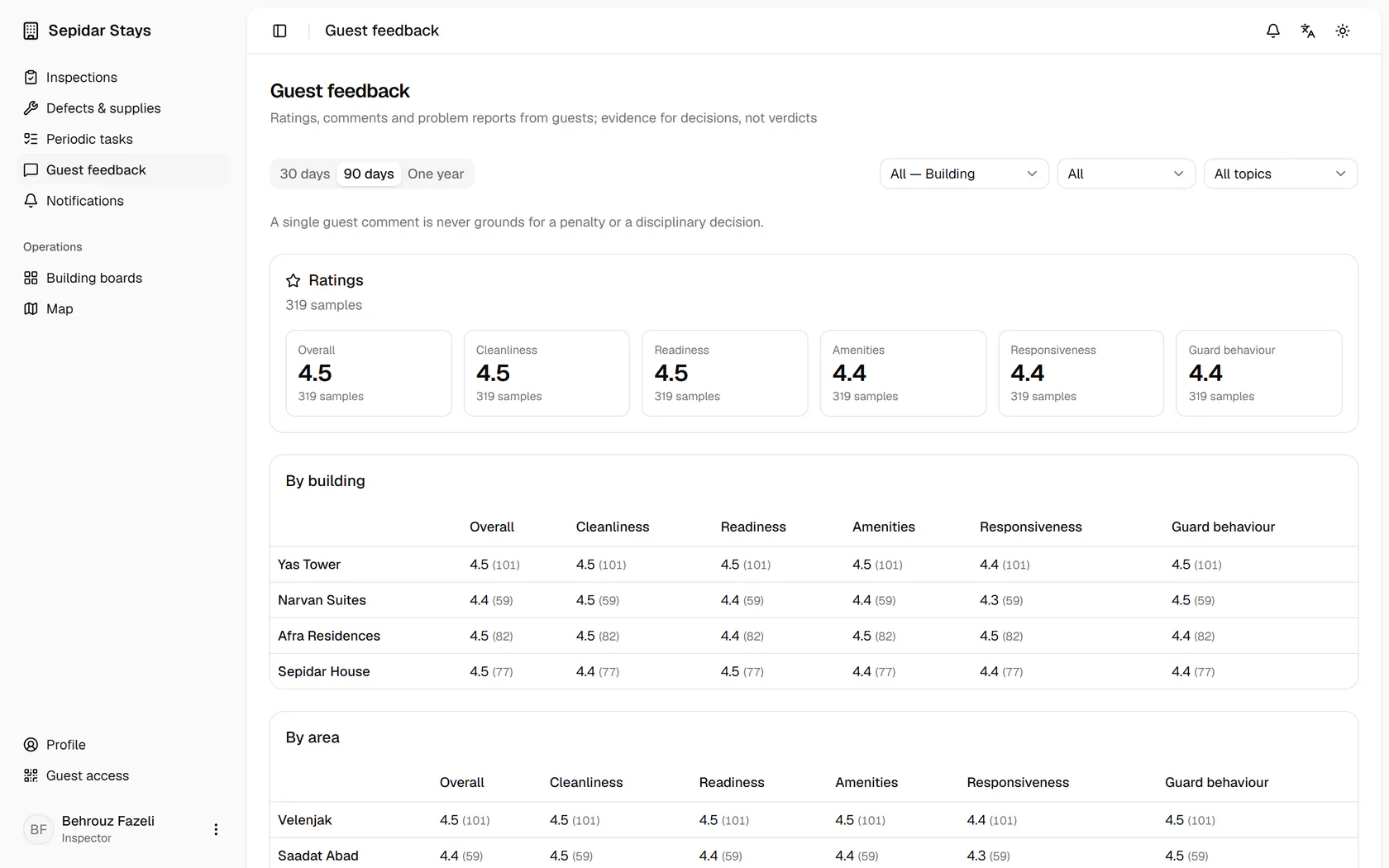
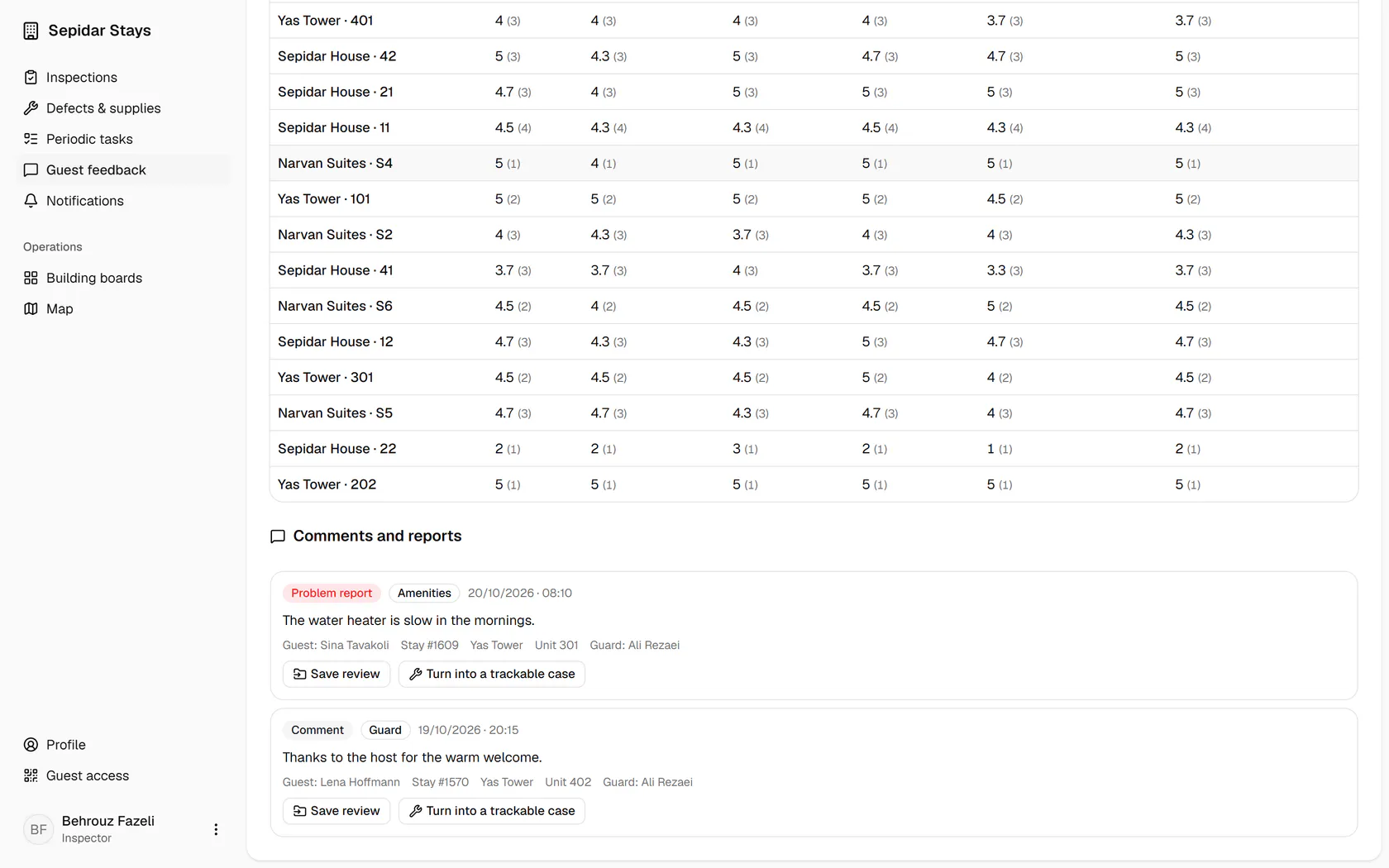
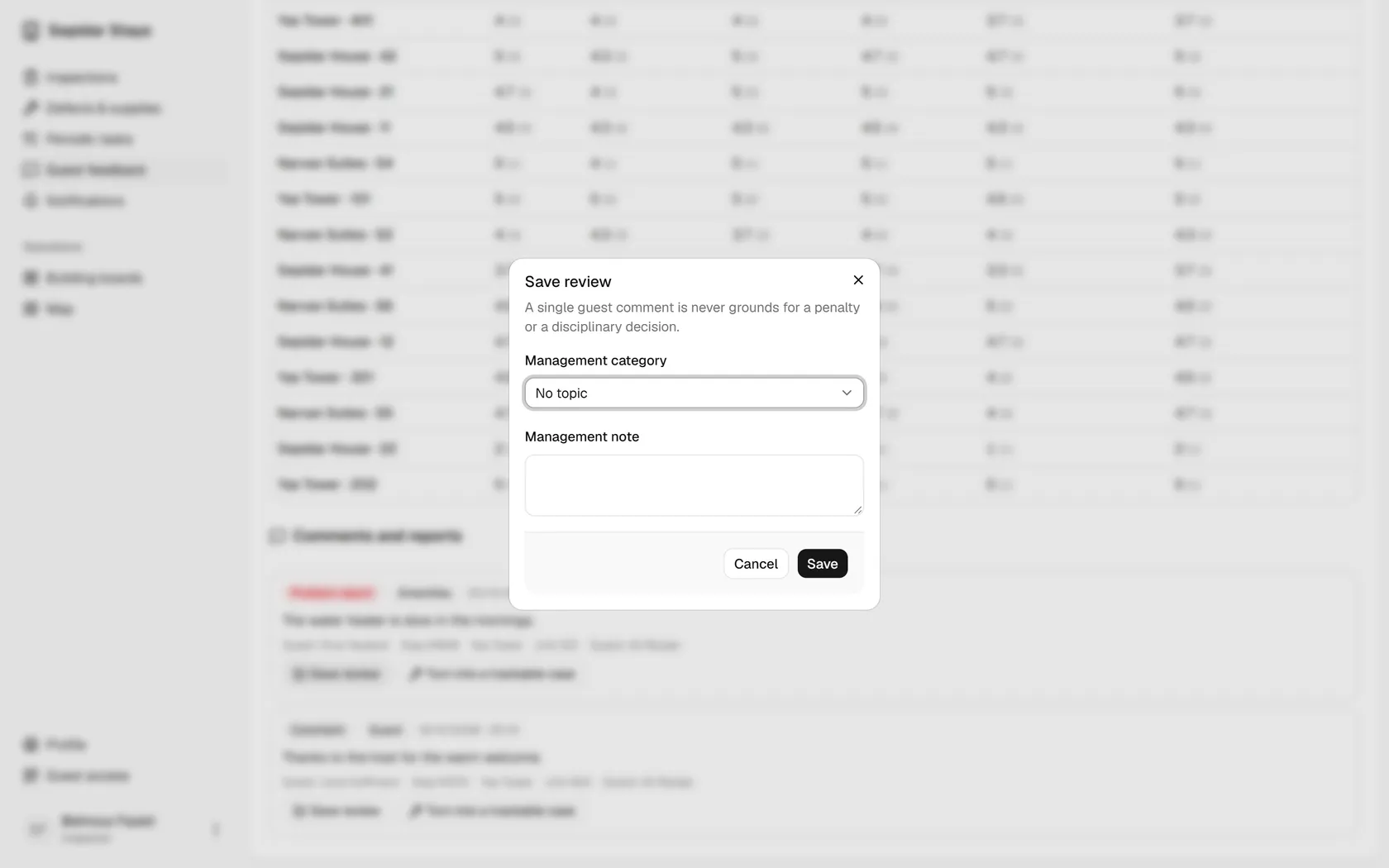
Open Guest feedback from the menu.
Step by step
- 1
Open Guest feedback from the menu.
- 2
Set the period to 30 days to see how things stand lately.
- 3
Guest comments sit below the tables; open the review for the water heater report.
- 4
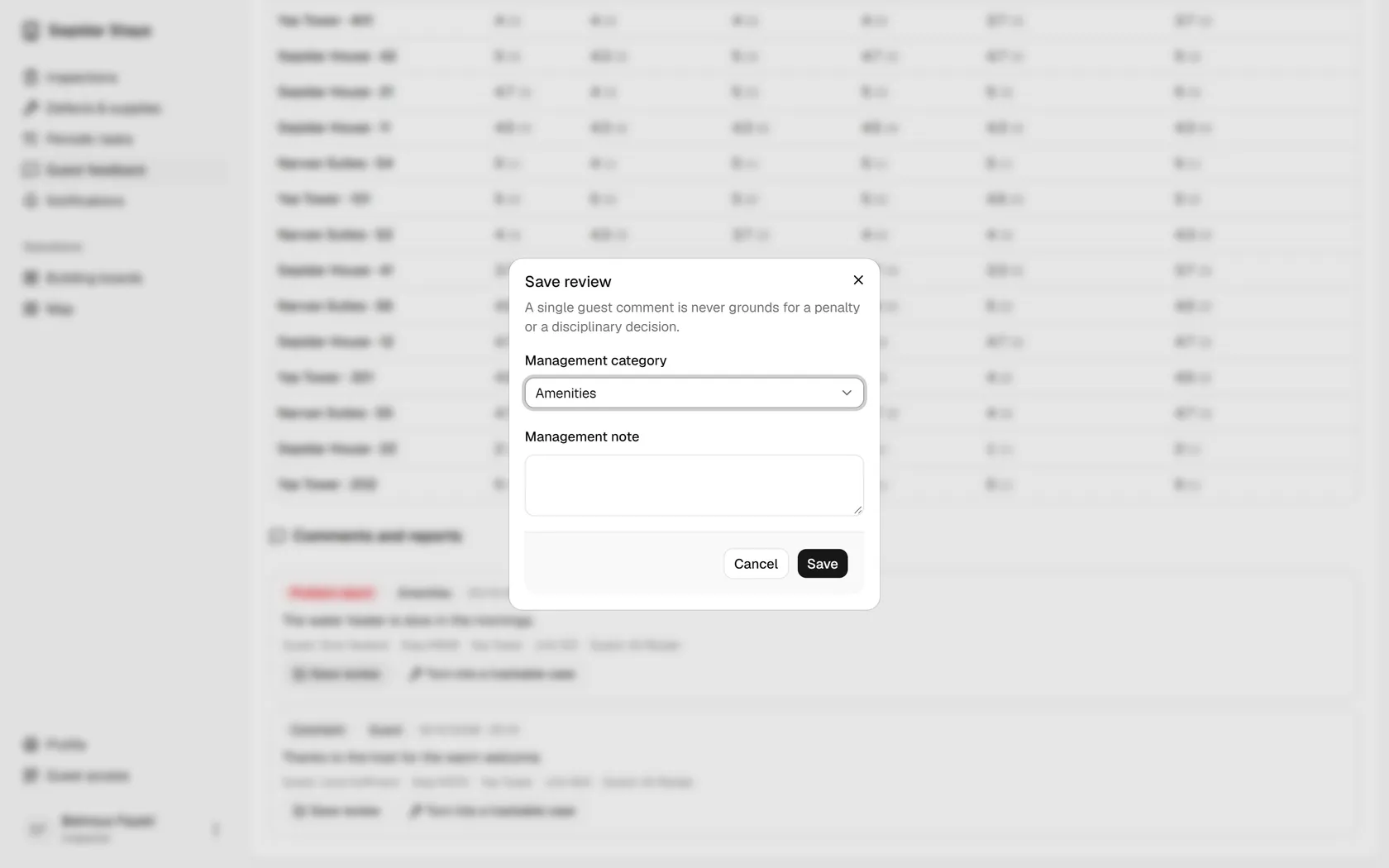
Choose a management category; here it is about amenities.
- 5
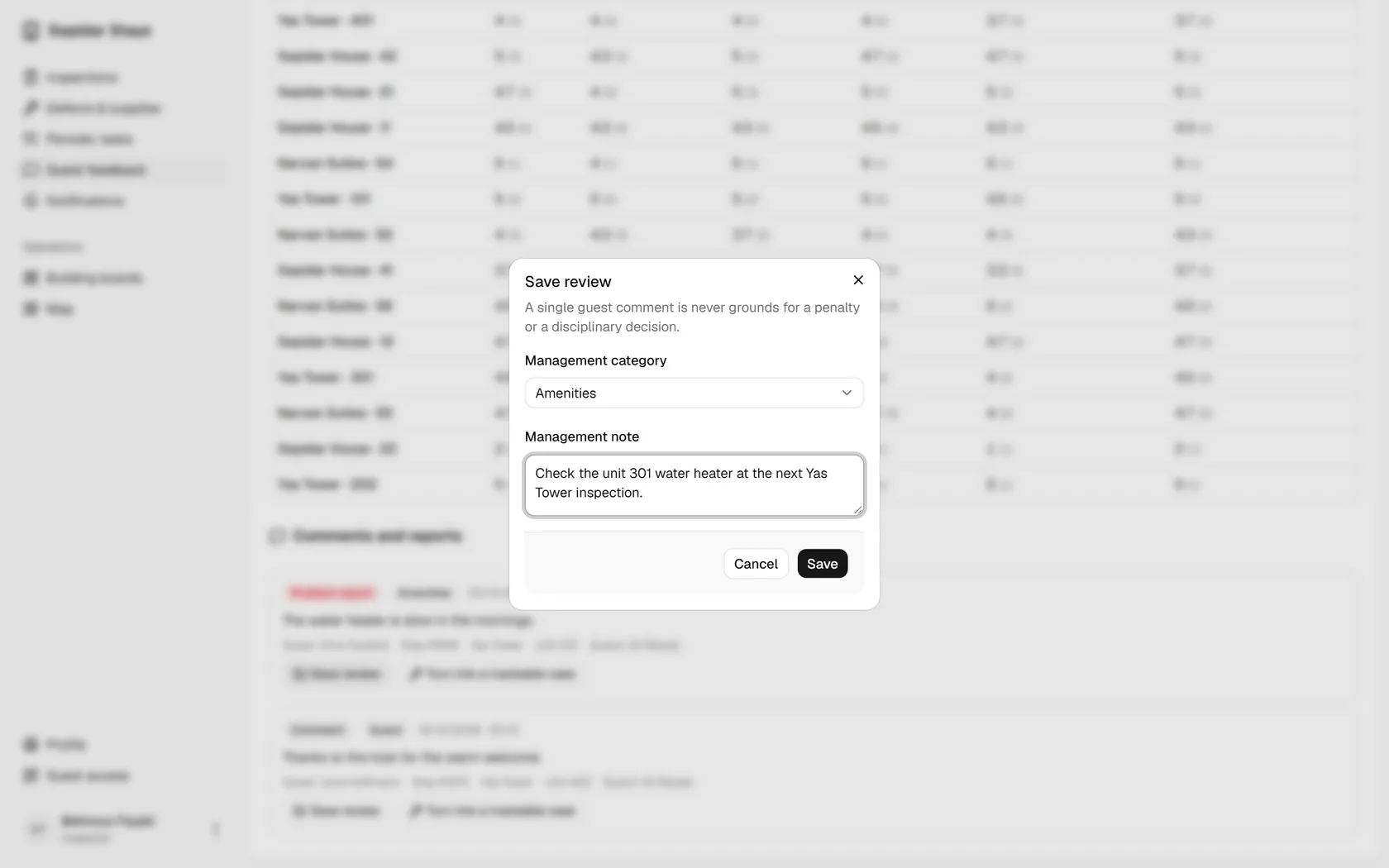
Leave a note on what to check at the next inspection.
- 6
Save it; a single guest comment is never grounds for a penalty.
- 7
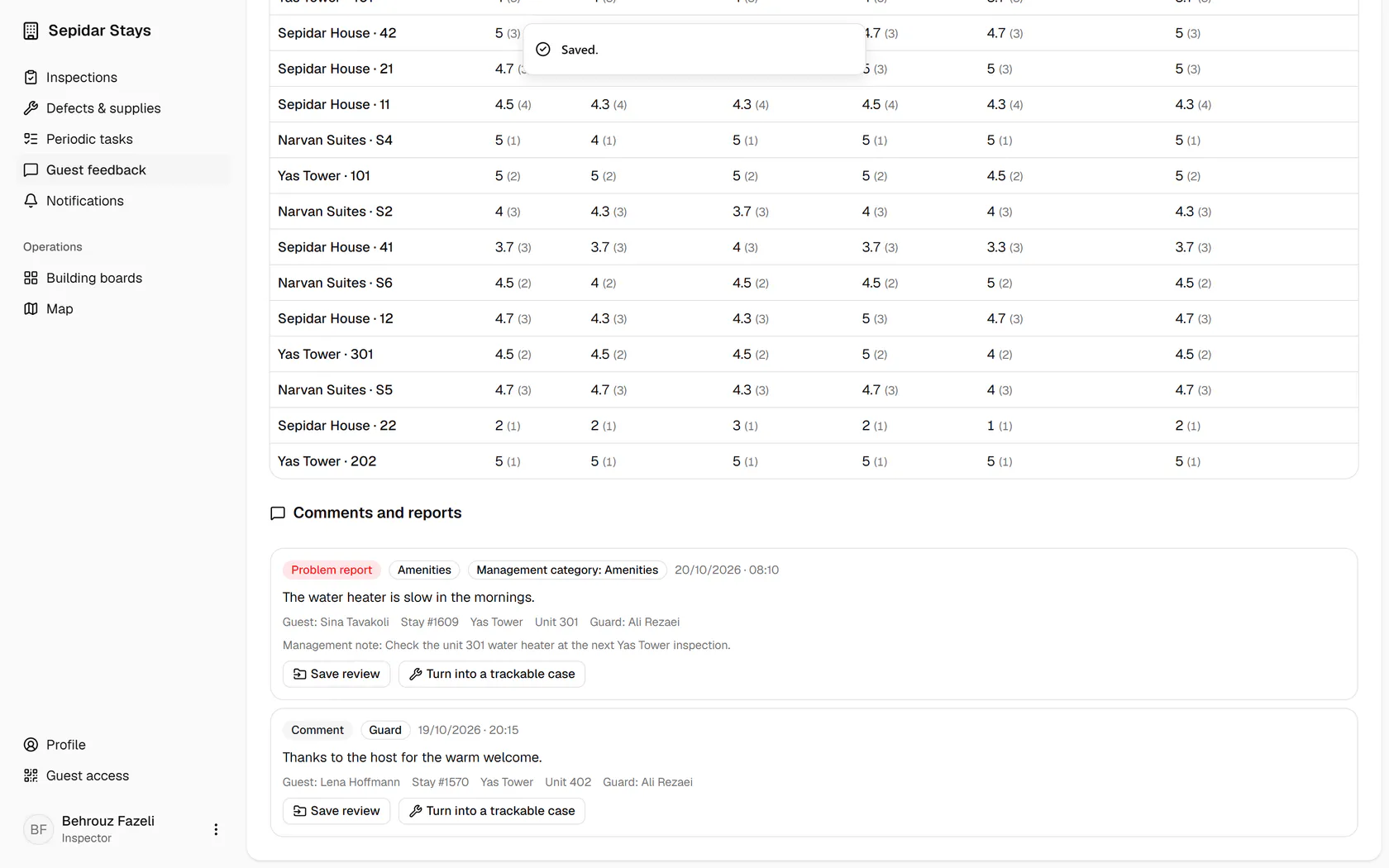
The management category and note now show beside the guest's comment.