Review finished cleanings
The inspector checks finished cleanings against their checklist, approves good work and sends incomplete work back with a reason.
InspectorOn a computer8 steps
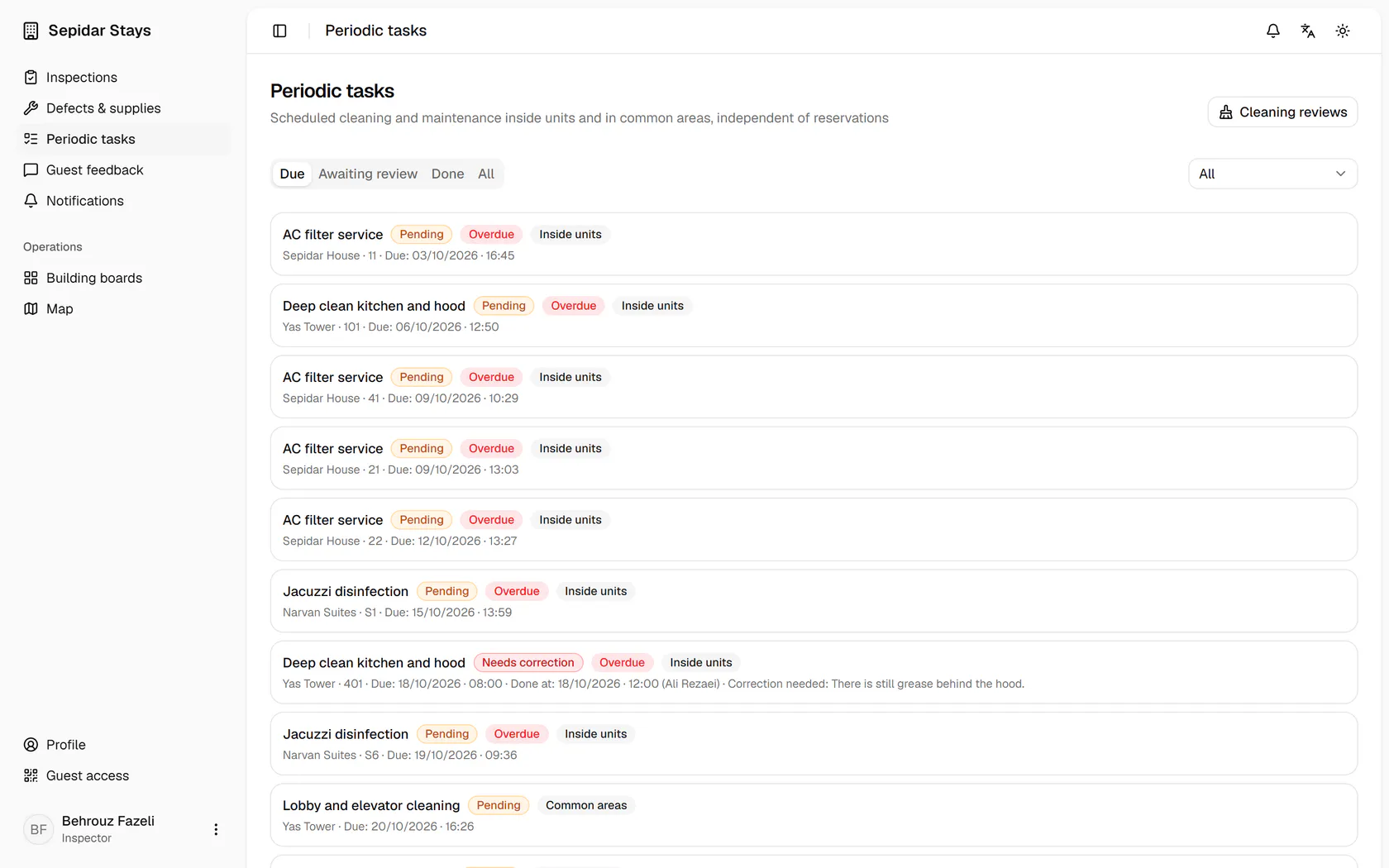
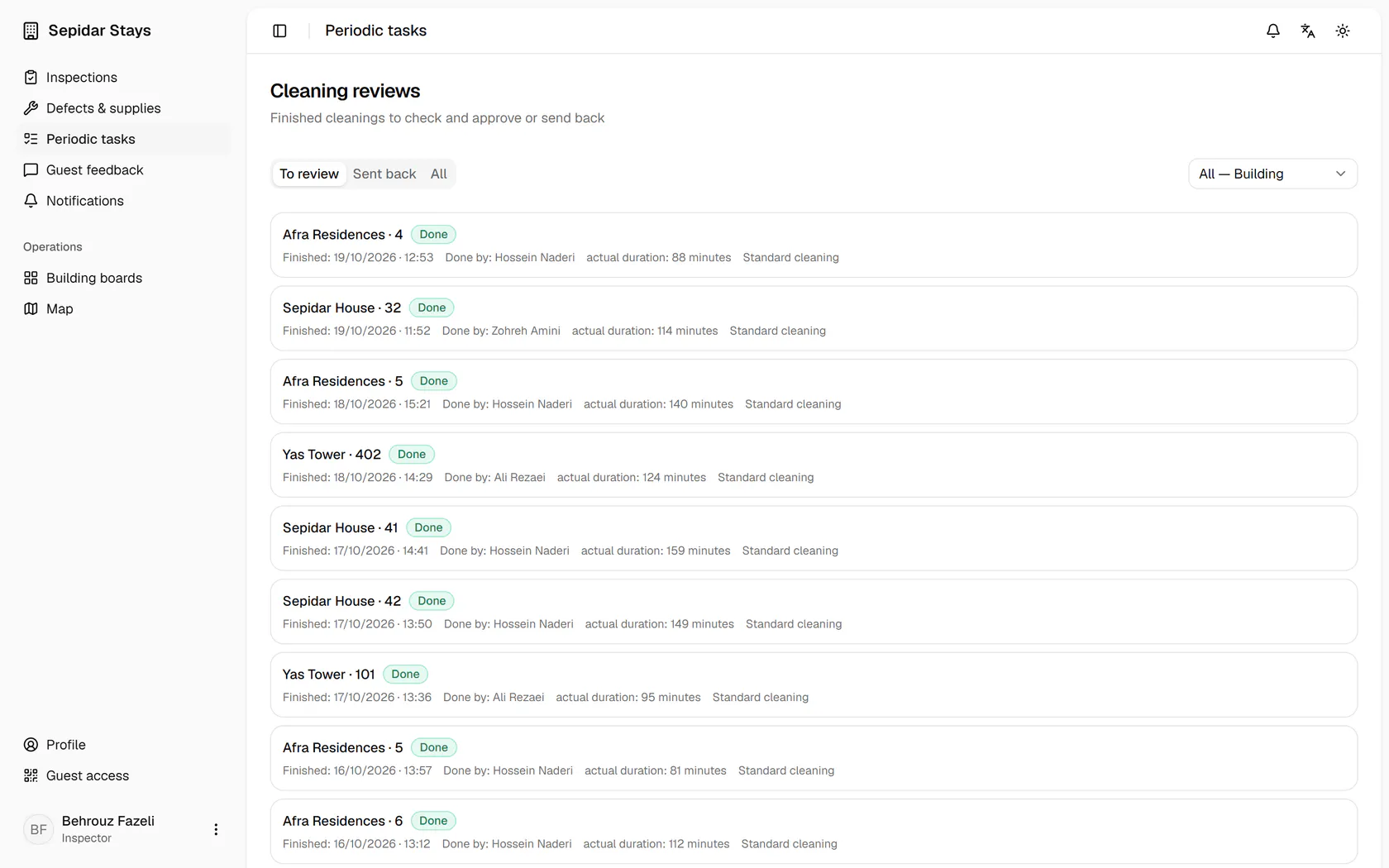
On the periodic tasks page, open Cleaning reviews.
Step by step
- 1
On the periodic tasks page, open Cleaning reviews.
- 2
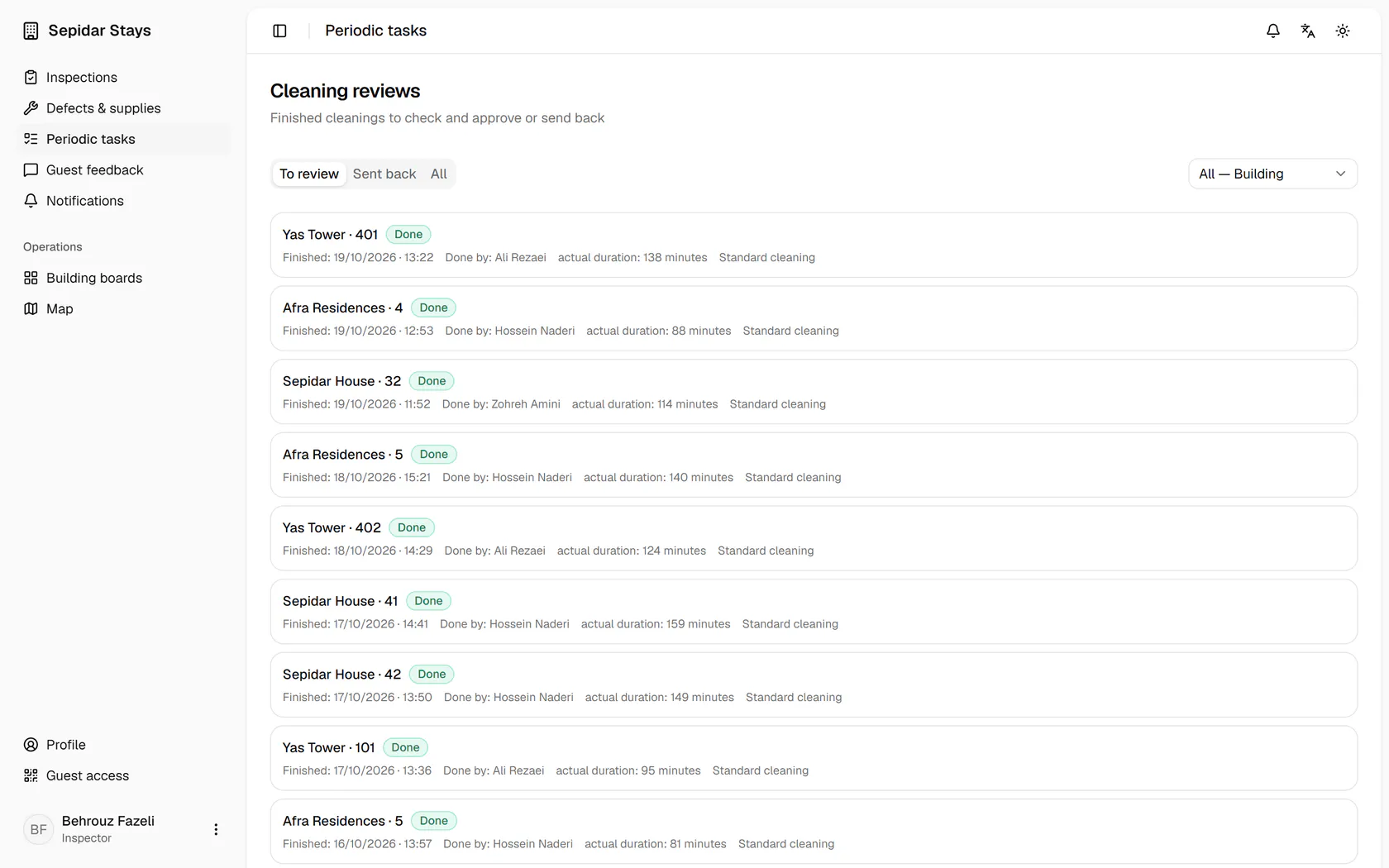
Cleanings waiting for review are listed here; open the most recent one.
- 3
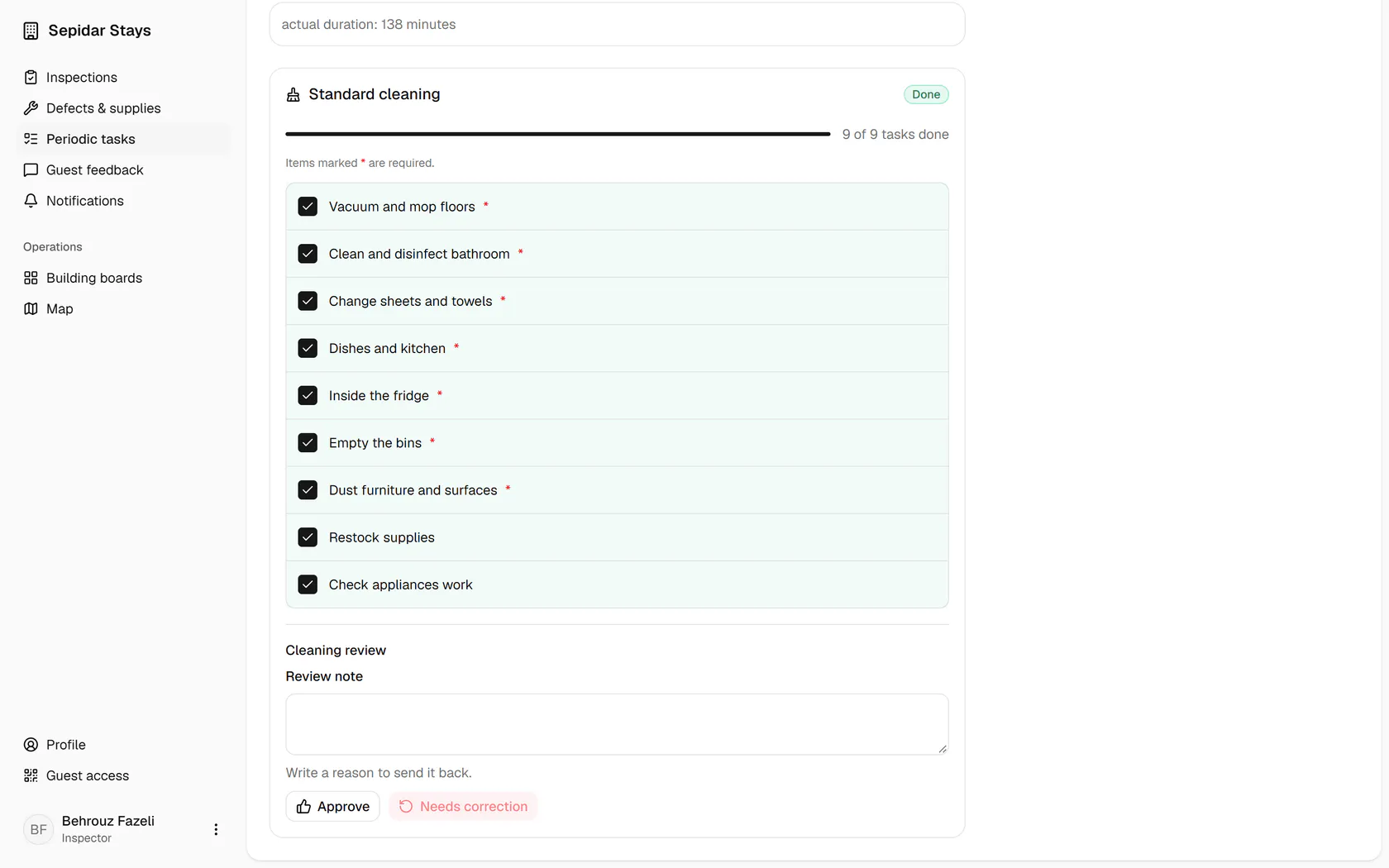
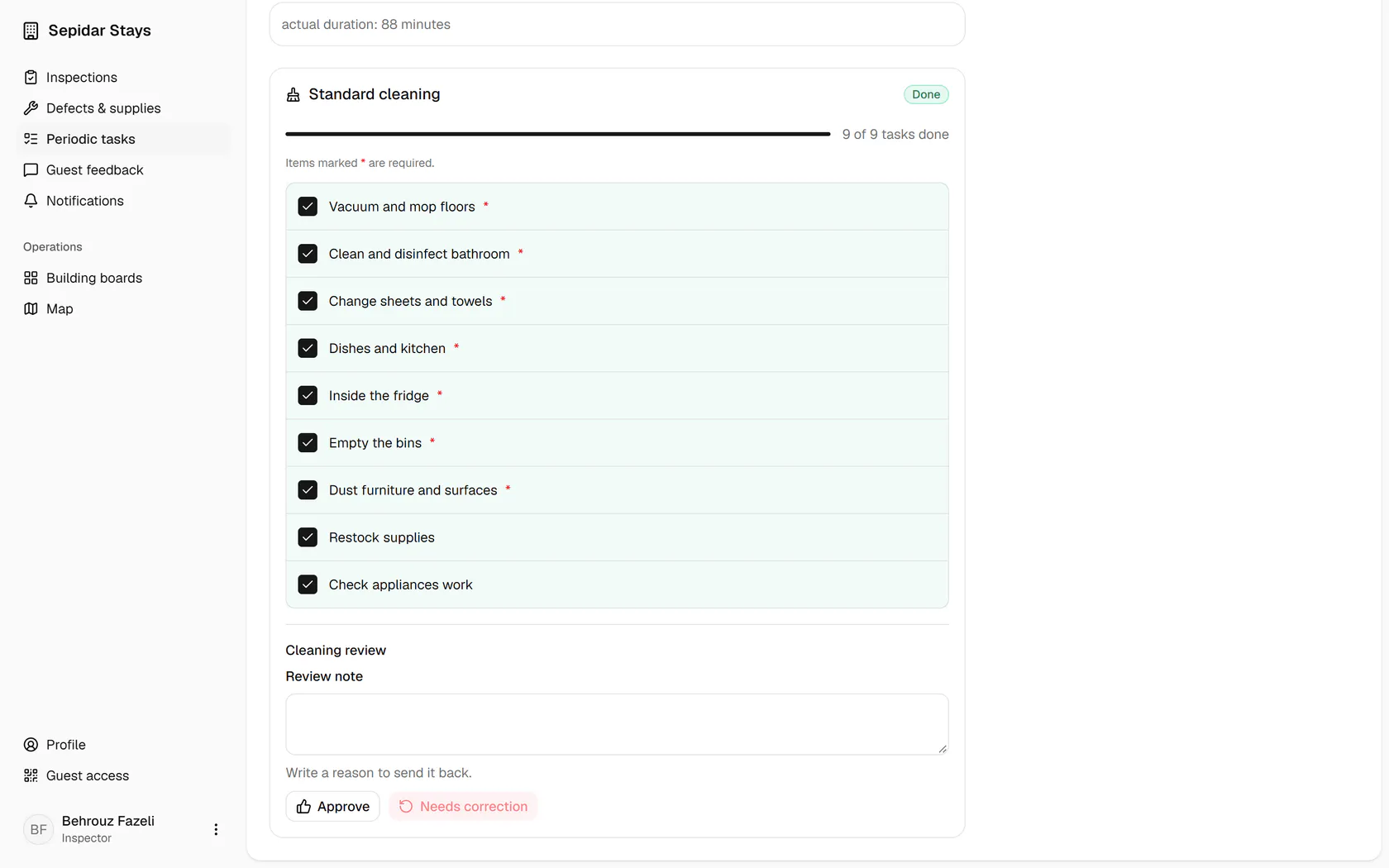
The checklist is complete and you have seen the unit, so approve it.
- 4
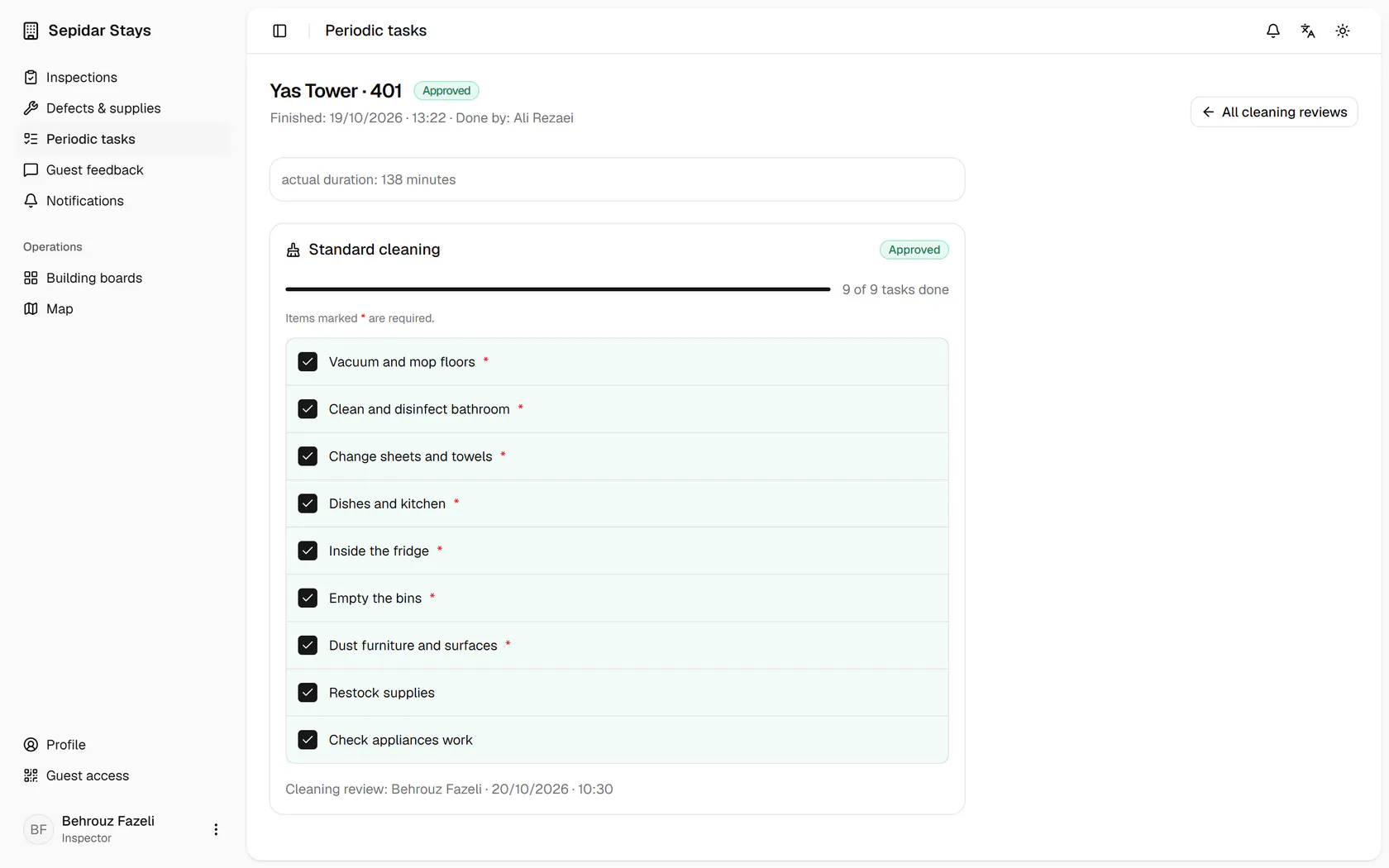
Go back to the cleaning reviews list for the next one.
- 5
Open the next cleaning; the approved one has left the list.
- 6
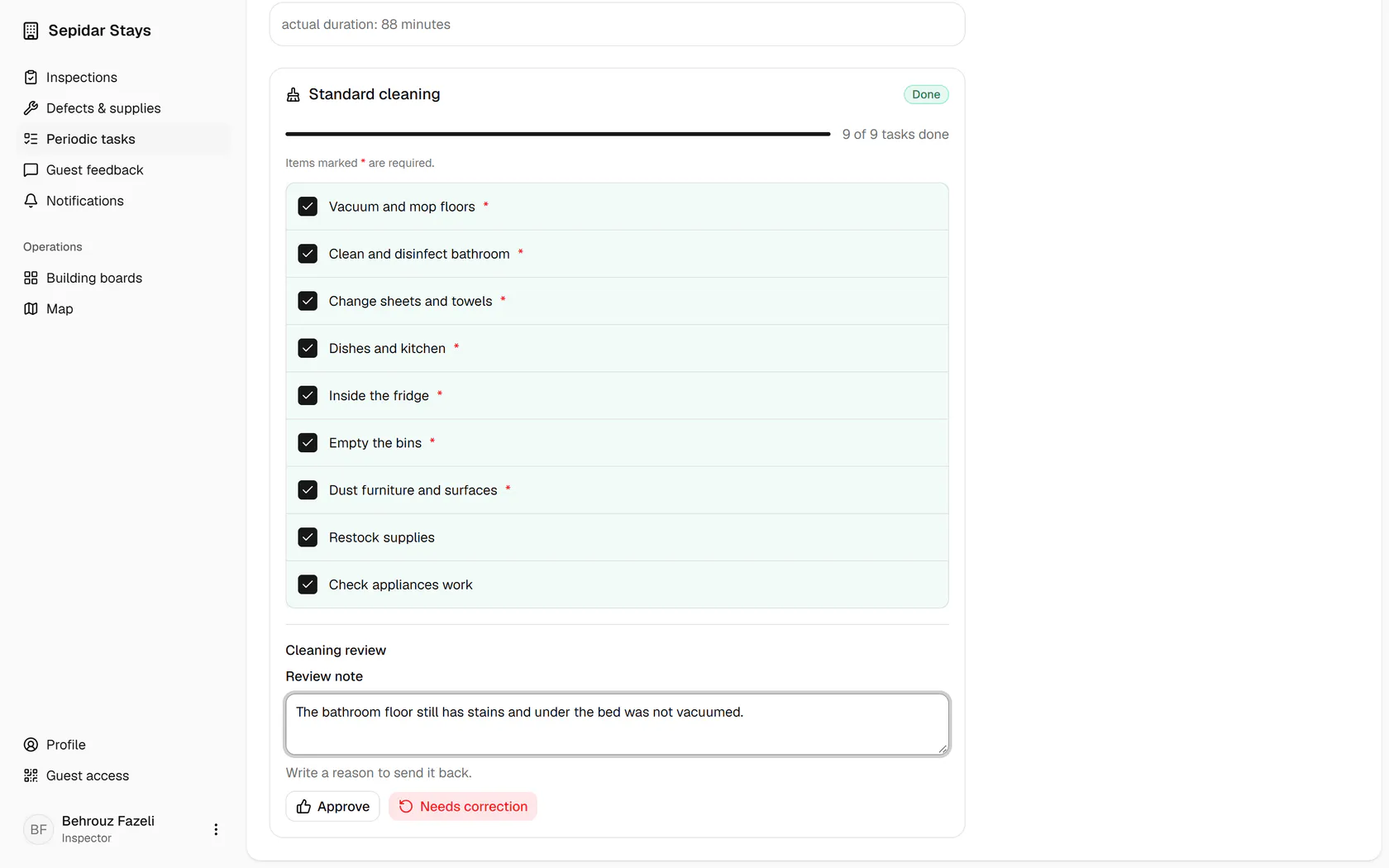
Write what is not finished so the host knows exactly what to fix.
- 7
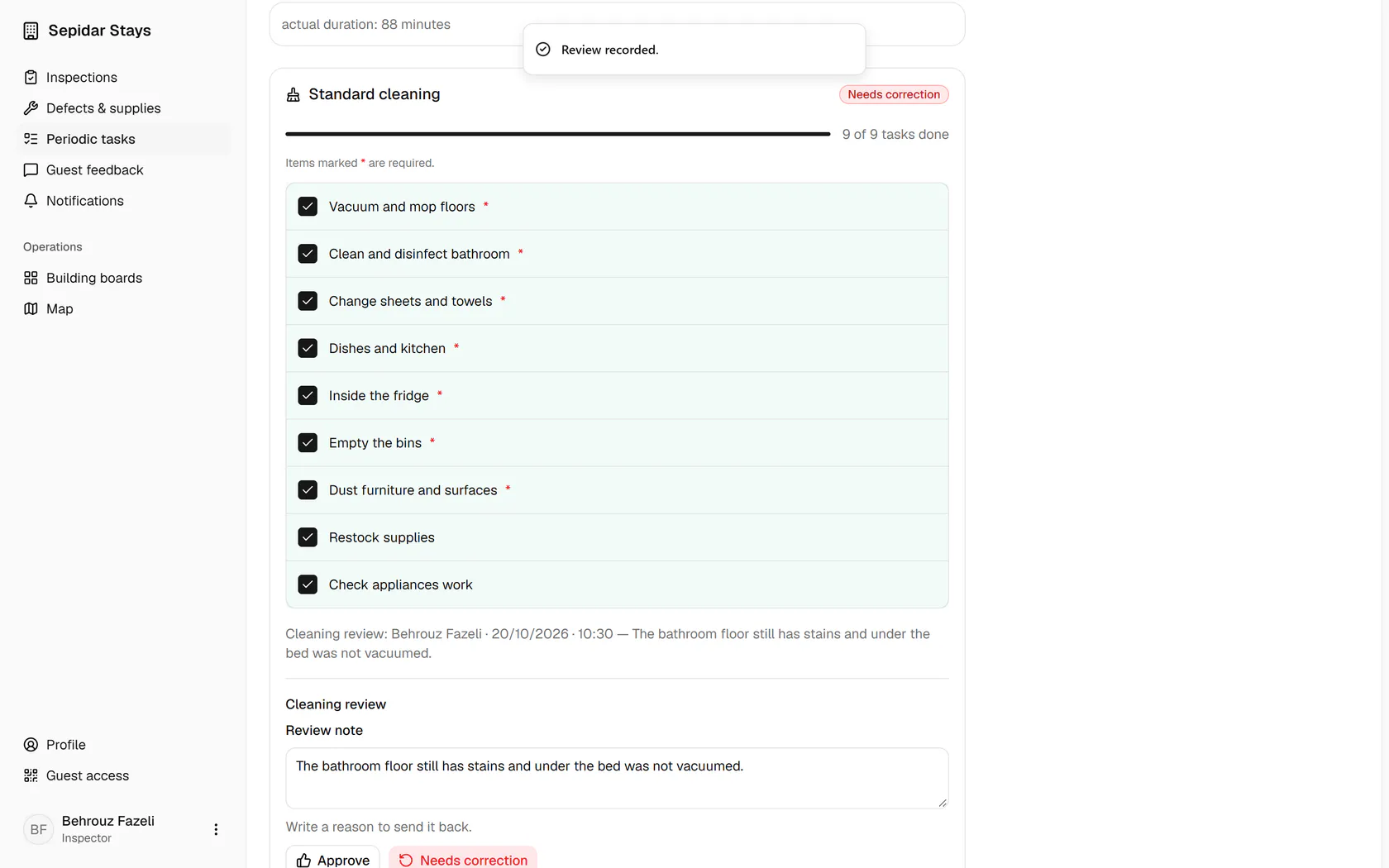
Needs correction sends the work back to the host with your note.
- 8
The status is now Needs correction, with your name and review time recorded.