Skip to content
Mizban

From start to repaired

Two buttons move the job, and a photo of the result sends the case to the supervisor for checking.

MaintenanceOn a phone7 steps
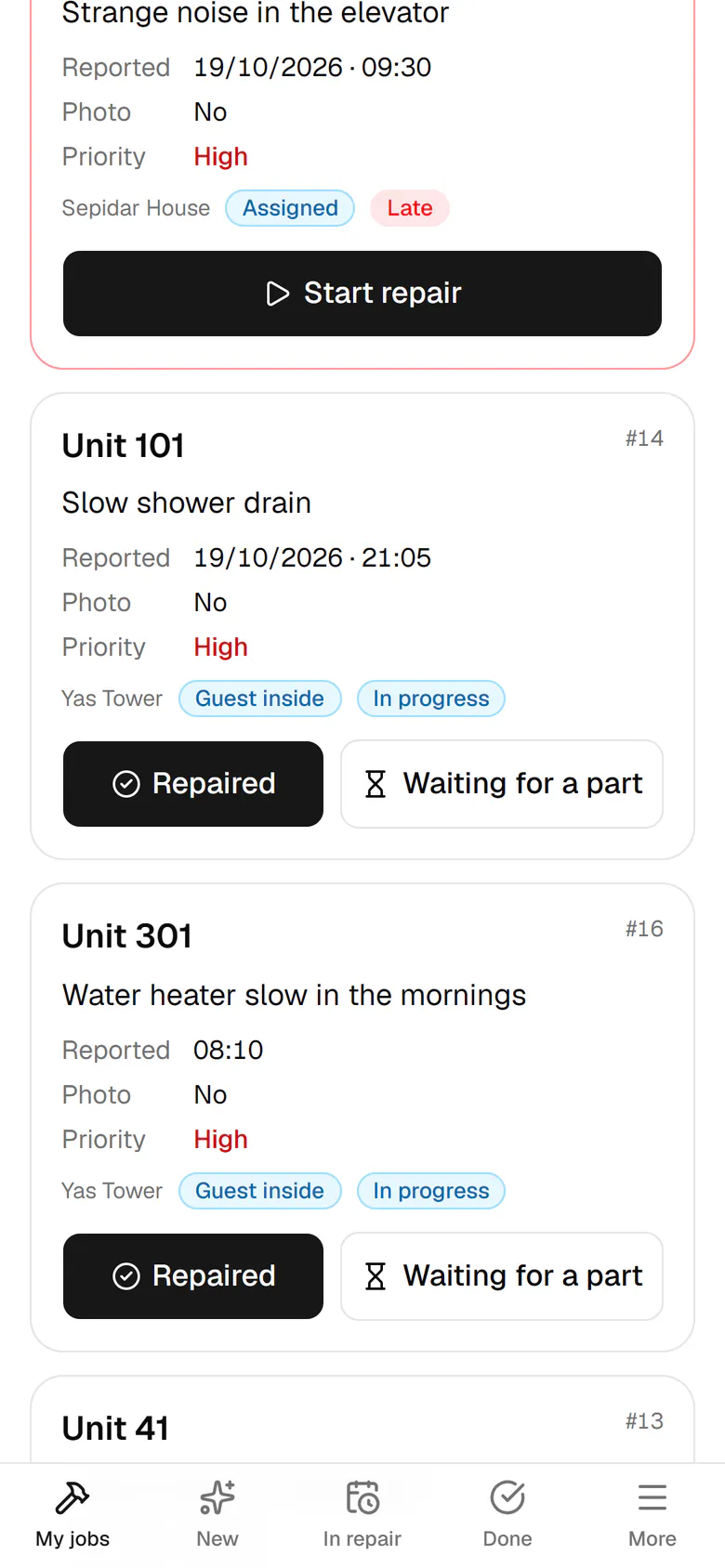
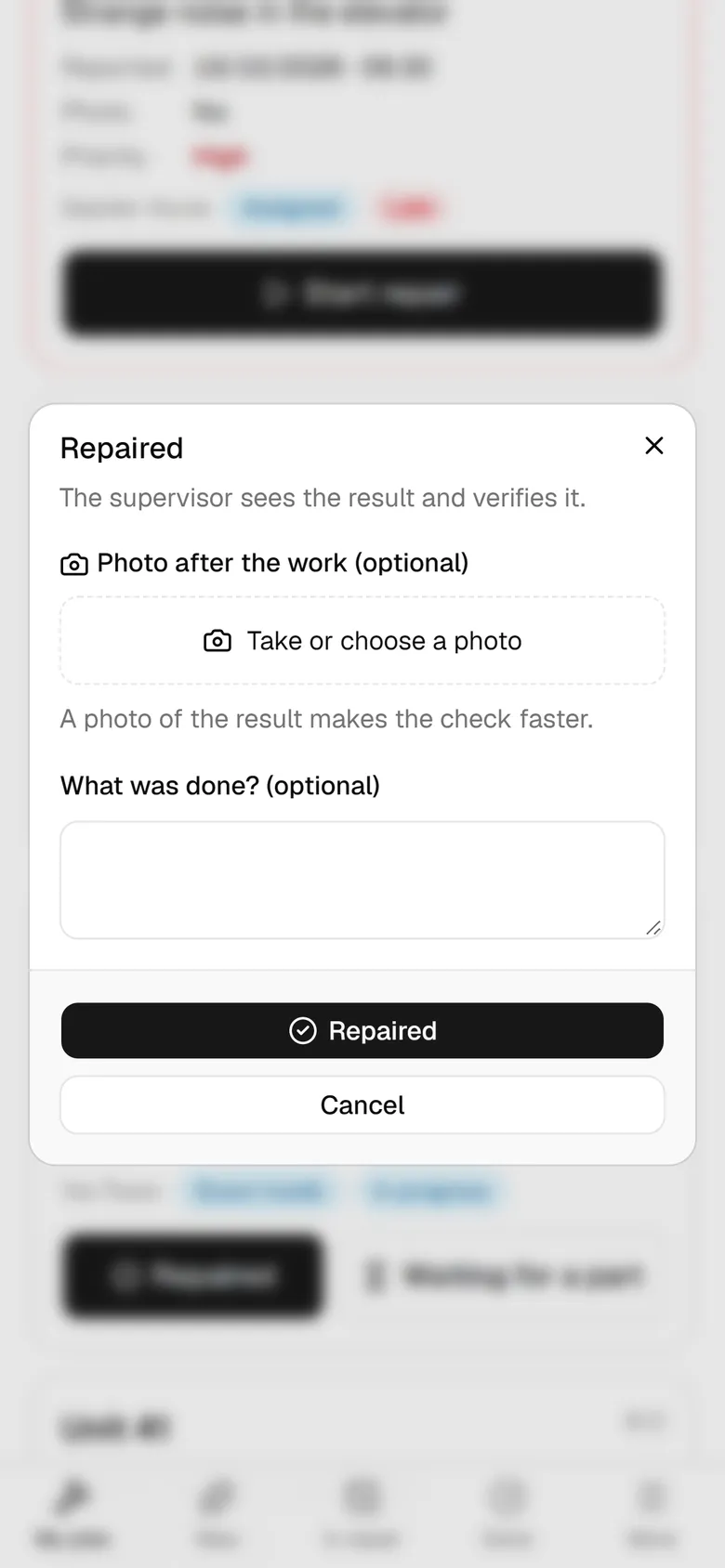
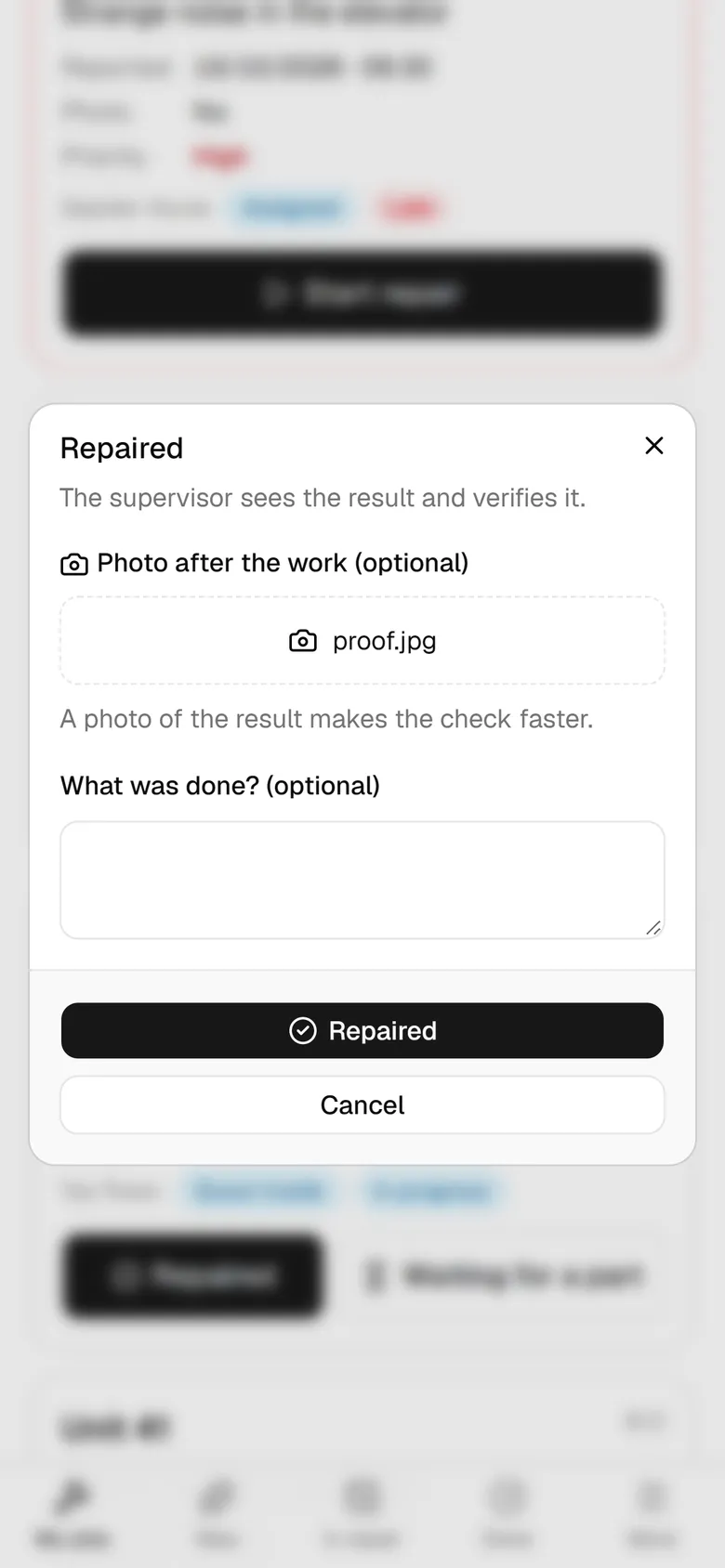
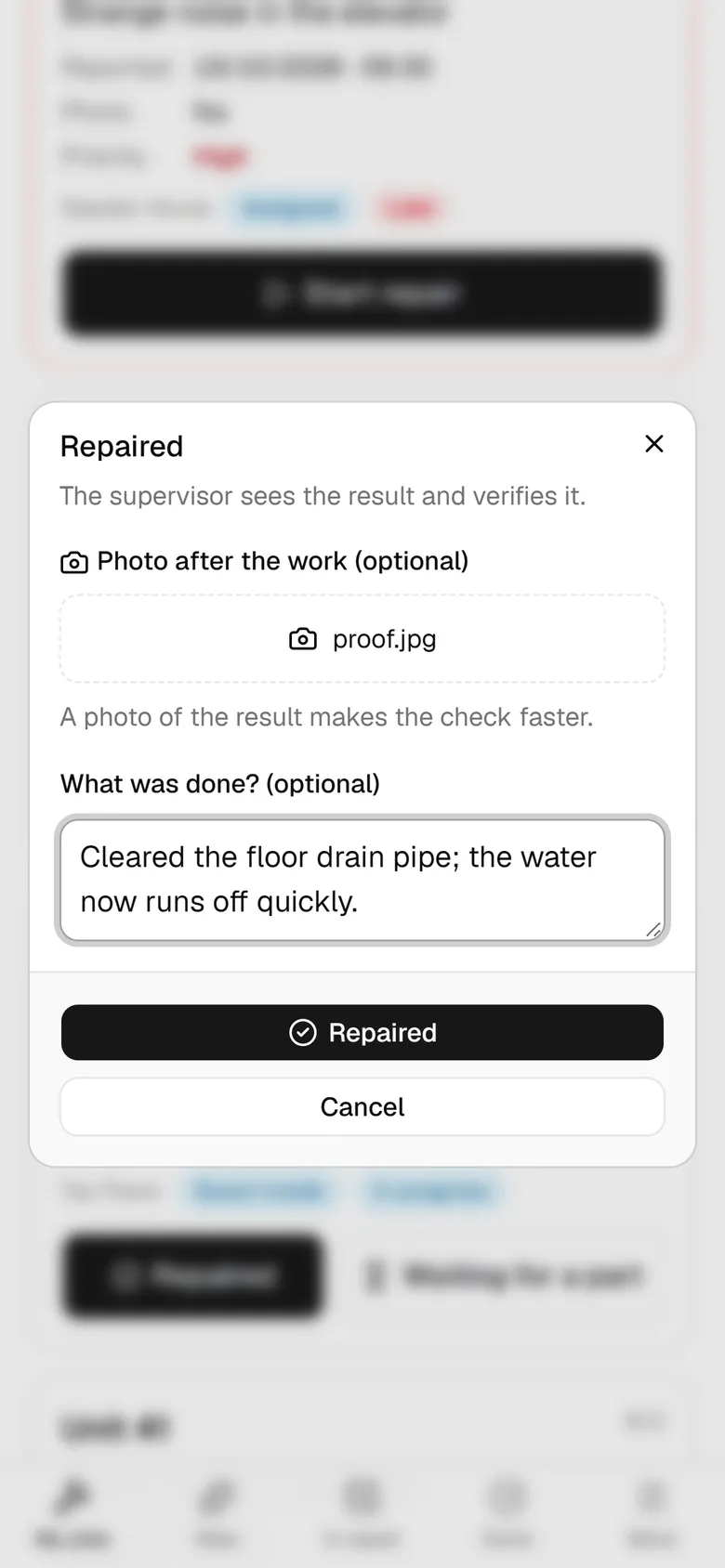
The shower in unit 101 drains slowly. Tap Start repair when you get there.The job is in repair now. Tap Repaired when you finish.Tap Take or choose a photo; a photo of the result is optional but speeds up the check.Write one sentence about what was done.Tap Repaired so the case moves on to verification.The job left the open list. Open the Done tab.The case is marked fixed, and the supervisor checks the result with the photo.

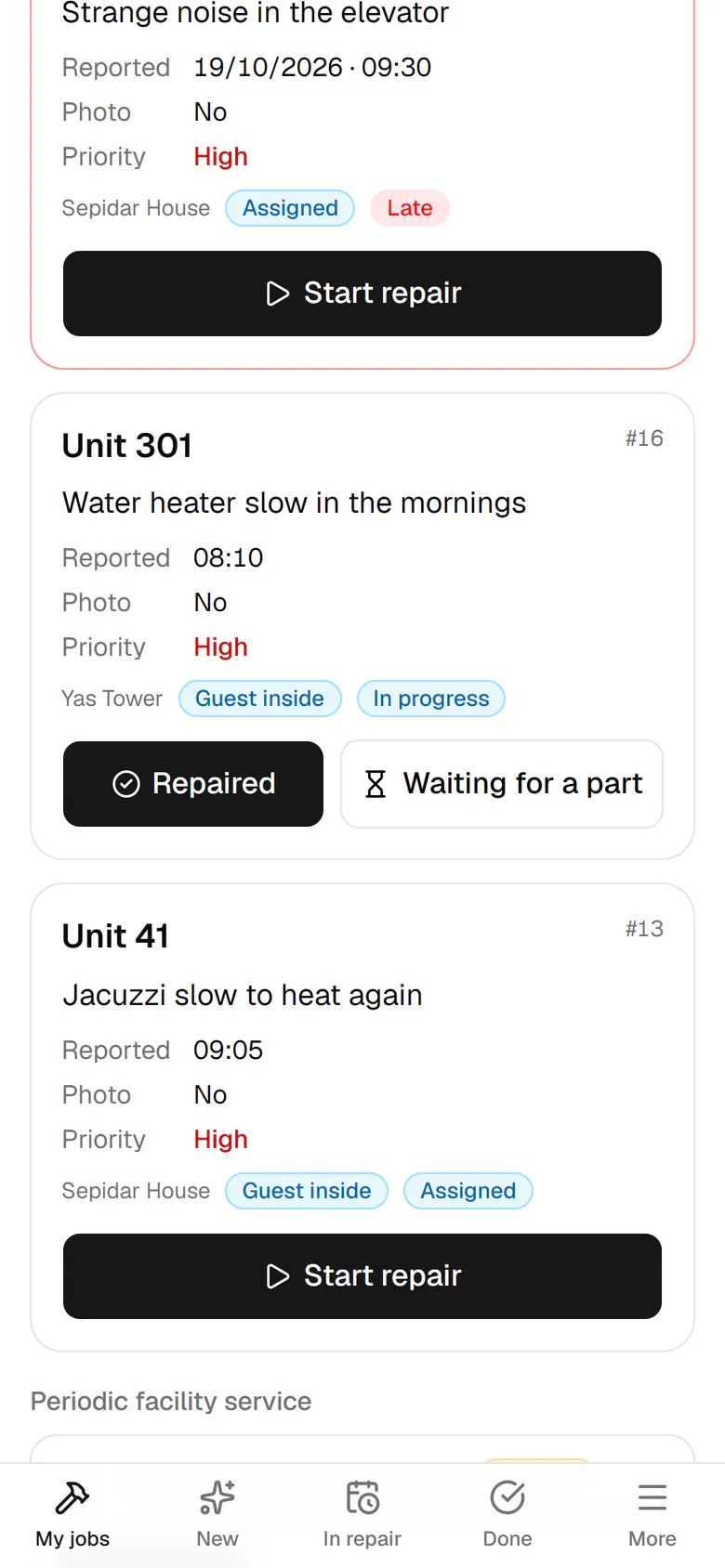
The shower in unit 101 drains slowly. Tap Start repair when you get there.

10:45"Start repair", then "Fixed"Majid picks up the 301 water heater from his queue, starts the repair and closes it with a photo. The case goes to the supervisor for verification.

Step by step

  1. 1

    The shower in unit 101 drains slowly. Tap Start repair when you get there.

    The shower in unit 101 drains slowly. Tap Start repair when you get there.
  2. 2

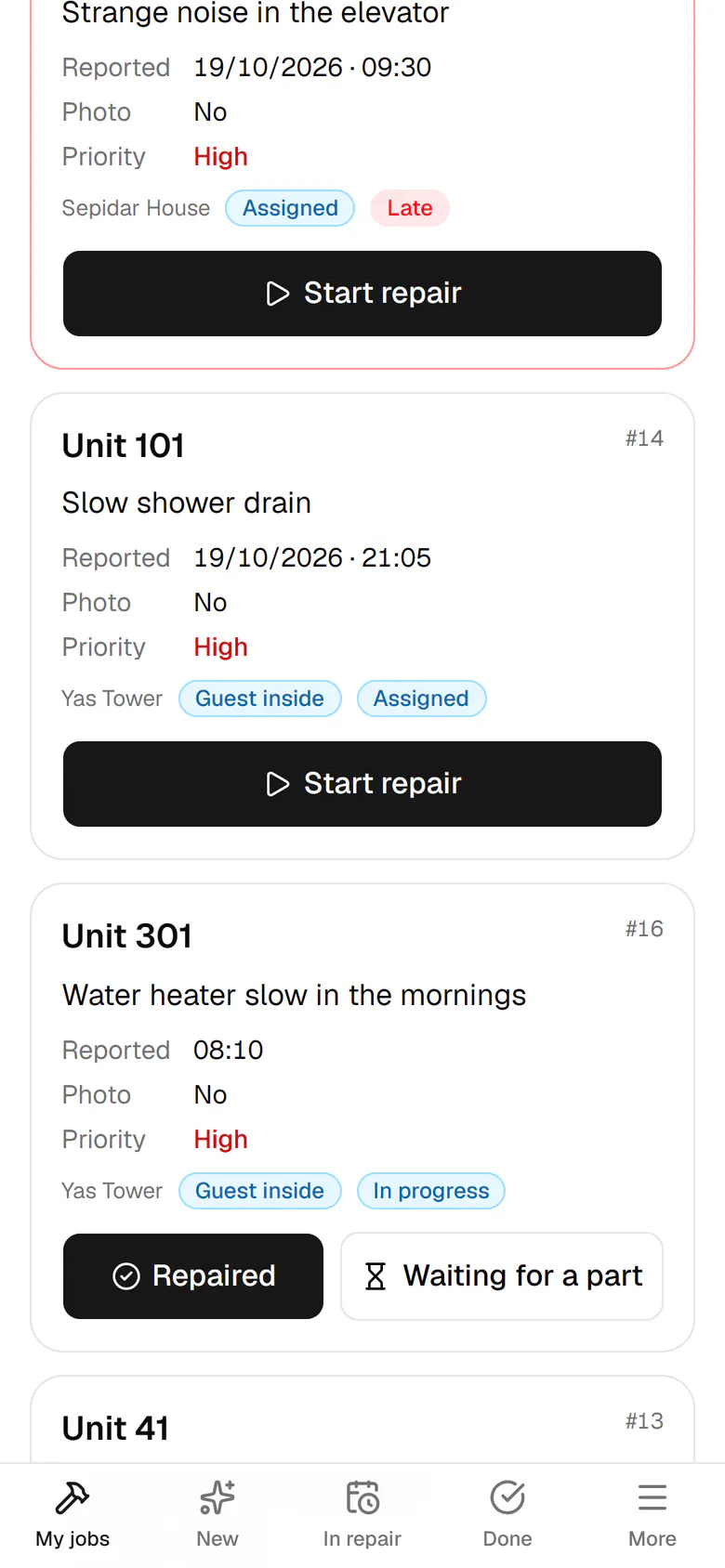
    The job is in repair now. Tap Repaired when you finish.

    The job is in repair now. Tap Repaired when you finish.
  3. 3

    Tap Take or choose a photo; a photo of the result is optional but speeds up the check.

    Tap Take or choose a photo; a photo of the result is optional but speeds up the check.
  4. 4

    Write one sentence about what was done.

    Write one sentence about what was done.
  5. 5

    Tap Repaired so the case moves on to verification.

    Tap Repaired so the case moves on to verification.
  6. 6

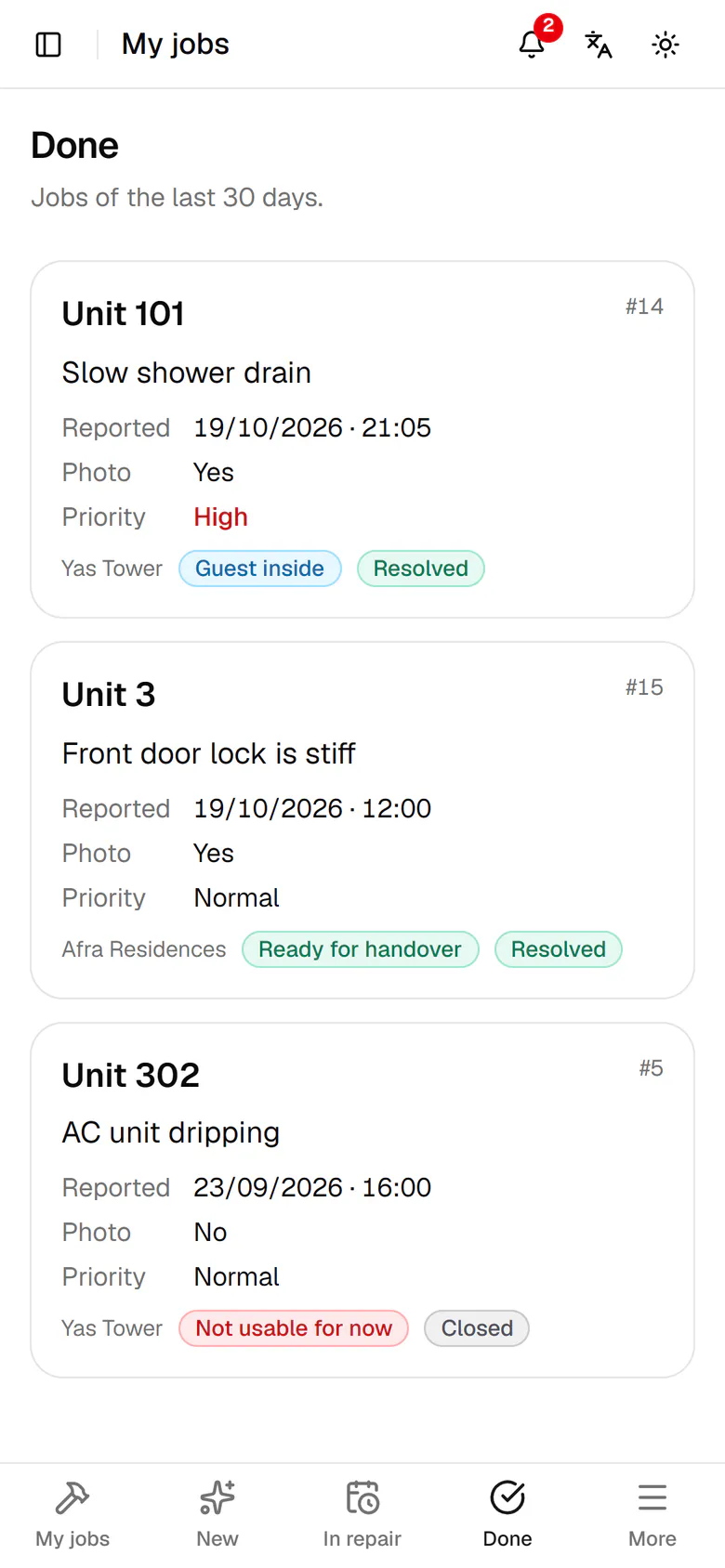
    The job left the open list. Open the Done tab.

    The job left the open list. Open the Done tab.
  7. 7

    The case is marked fixed, and the supervisor checks the result with the photo.

    The case is marked fixed, and the supervisor checks the result with the photo.