Skip to content
Mizban

Take a new breakdown

The guest reported the slow water heater from his phone; the repairer reads the details and starts the job.

MaintenanceOn a phone5 steps
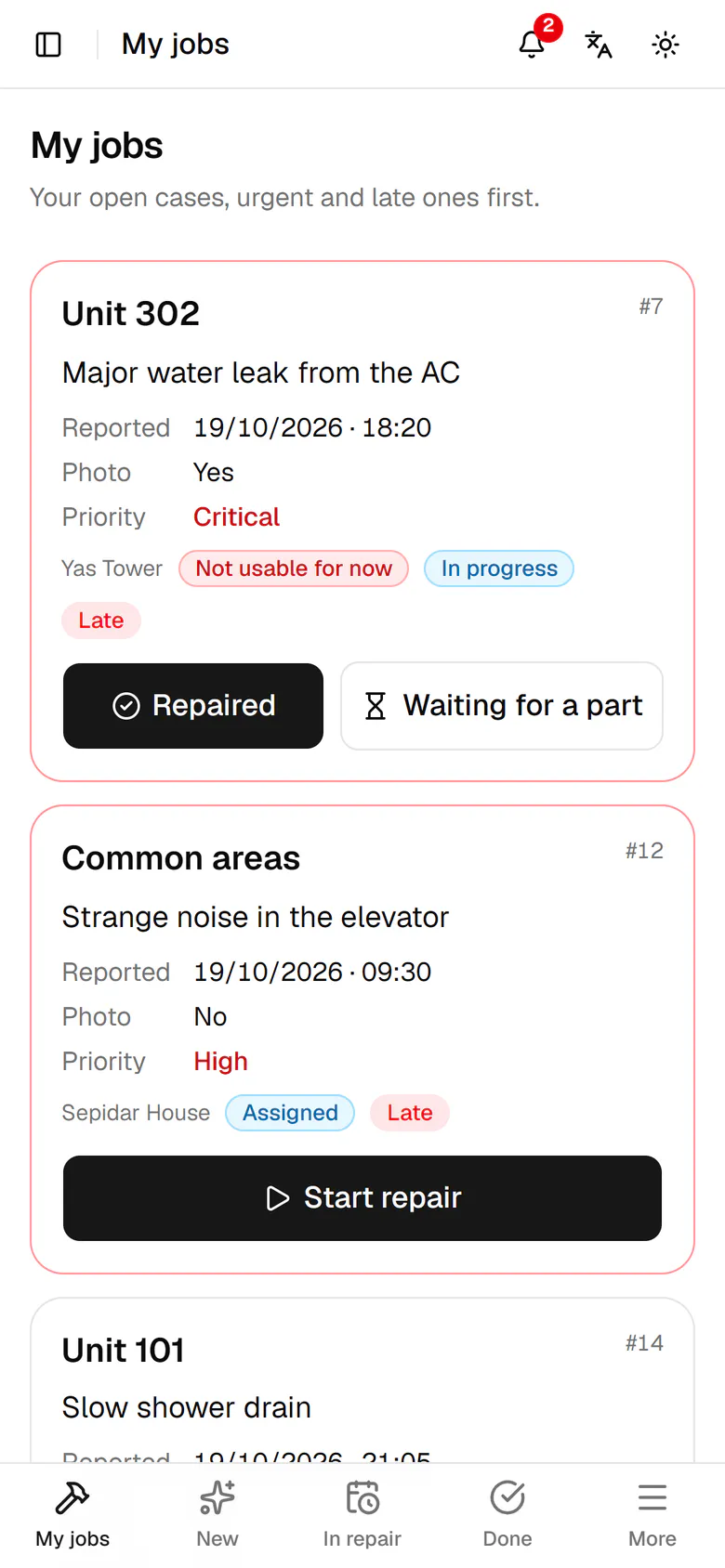
Tap New in the bottom bar to see breakdowns not started yet.The water heater in unit 301 is slow in the mornings. Open the card.The case says what happened, who reported it and which appliance is affected.The next step is at the top of the case. Tap Start repair.The case is now in progress, with Repaired and Waiting for a part ready.

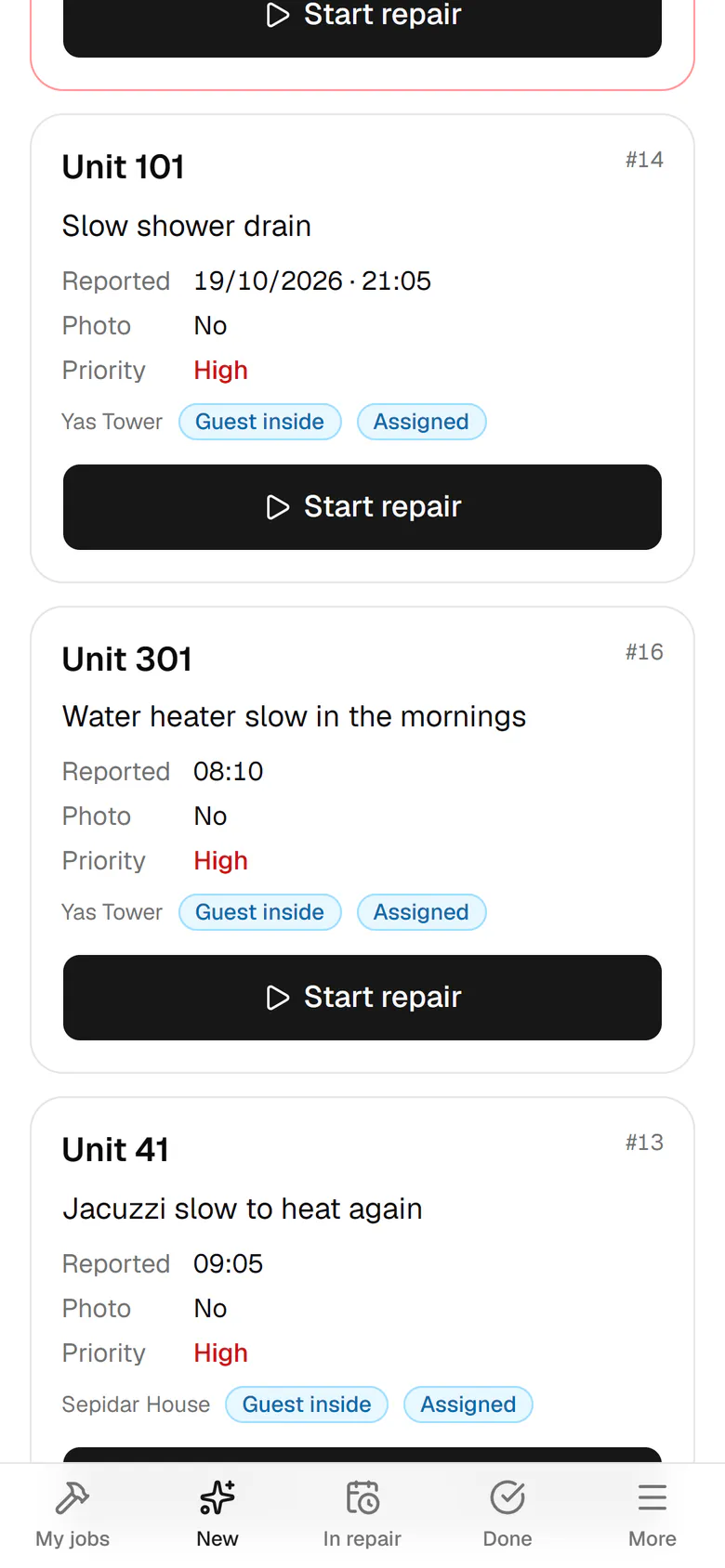
Tap New in the bottom bar to see breakdowns not started yet.

Step by step

  1. 1

    Tap New in the bottom bar to see breakdowns not started yet.

    Tap New in the bottom bar to see breakdowns not started yet.
  2. 2

    The water heater in unit 301 is slow in the mornings. Open the card.

    The water heater in unit 301 is slow in the mornings. Open the card.
  3. 3

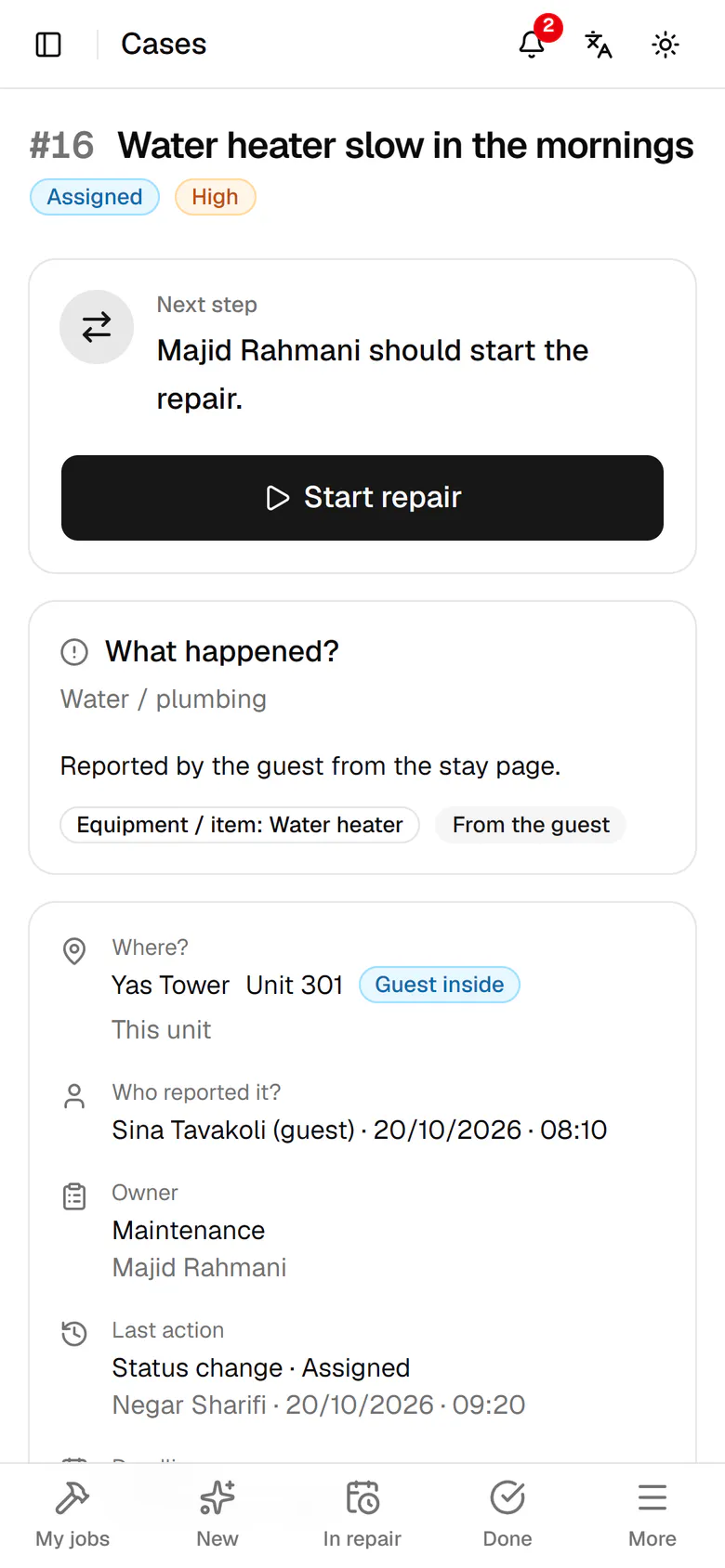
    The case says what happened, who reported it and which appliance is affected.

    The case says what happened, who reported it and which appliance is affected.
  4. 4

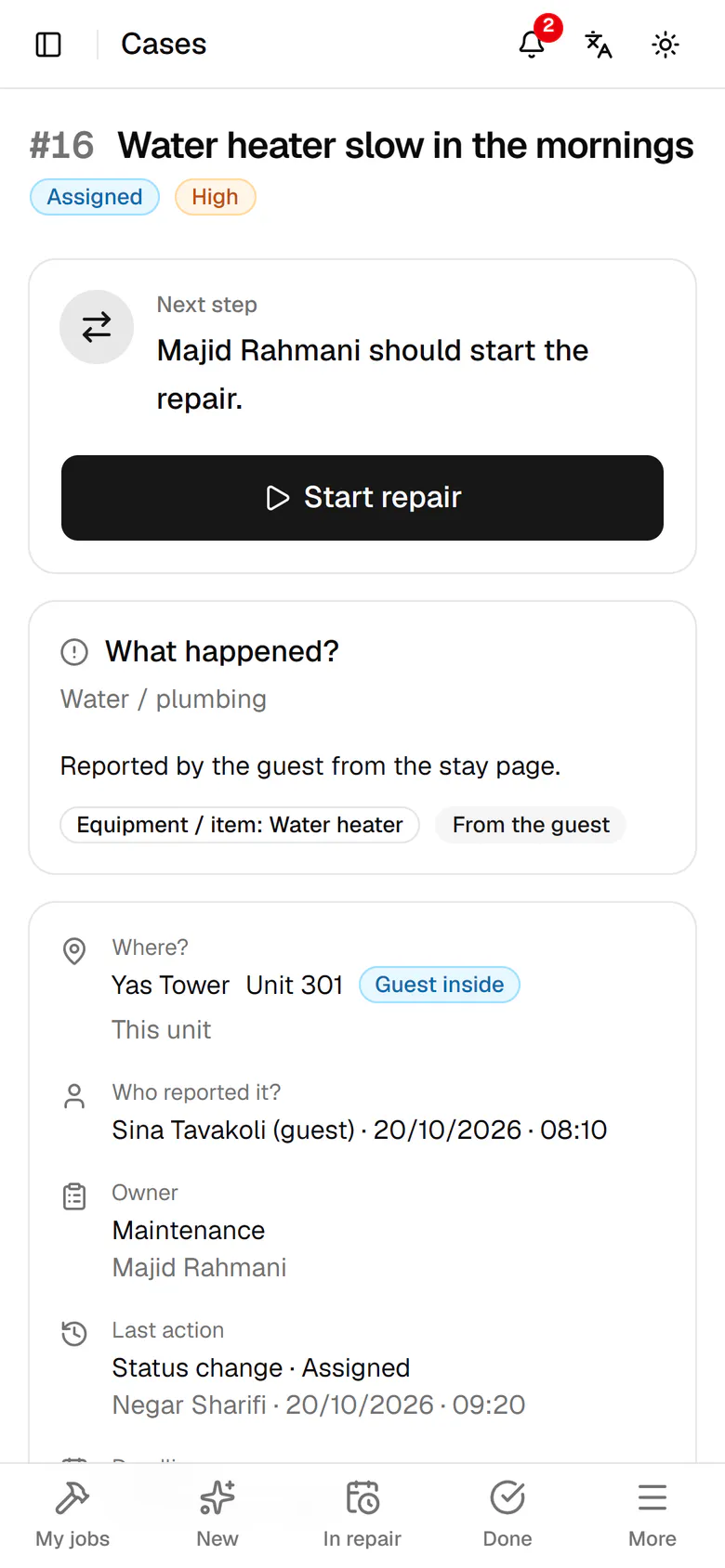
    The next step is at the top of the case. Tap Start repair.

    The next step is at the top of the case. Tap Start repair.
  5. 5

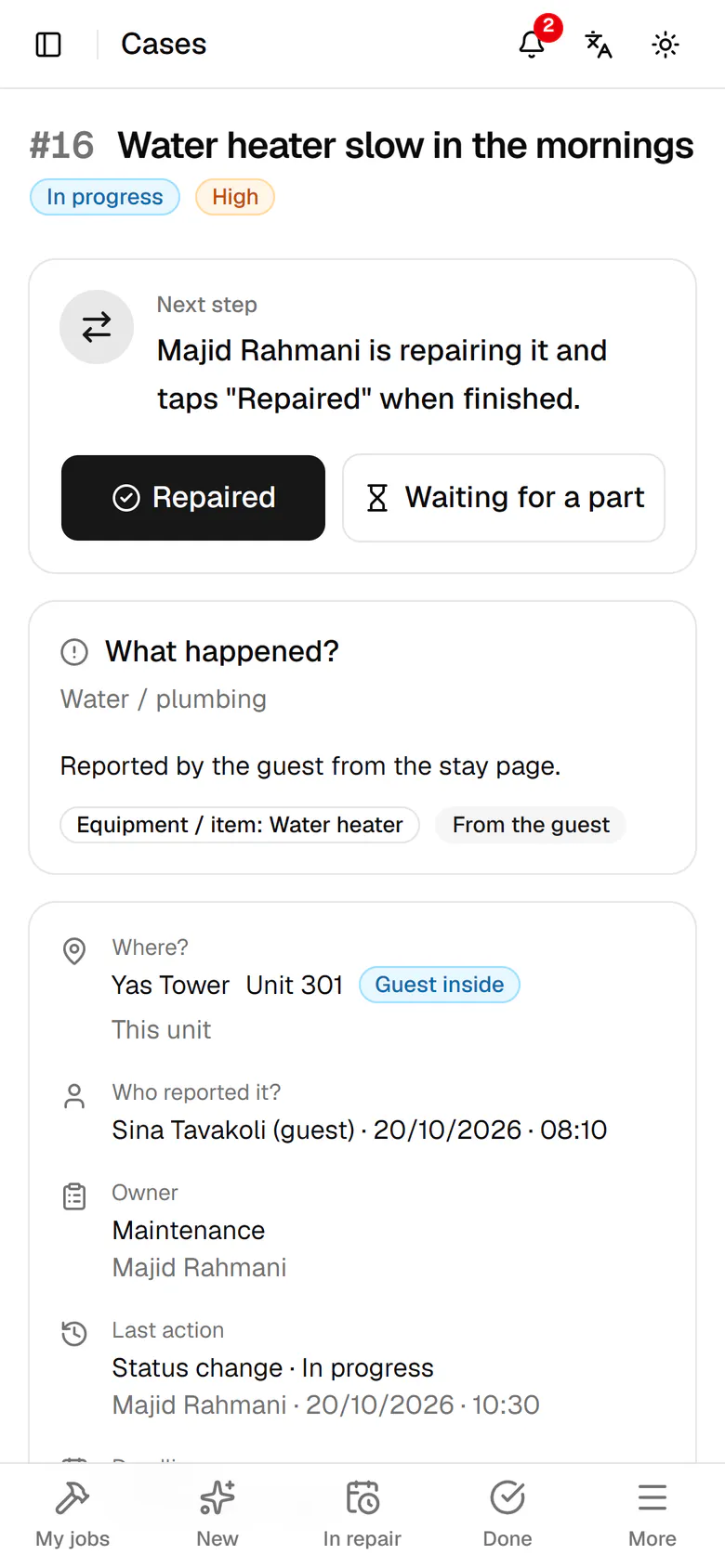
    The case is now in progress, with Repaired and Waiting for a part ready.

    The case is now in progress, with Repaired and Waiting for a part ready.