Confirm a building's need
Procurement works with requests, not raw reports: it sees each missing item, corrects the lines and confirms the need.
ProcurementOn a computer7 steps
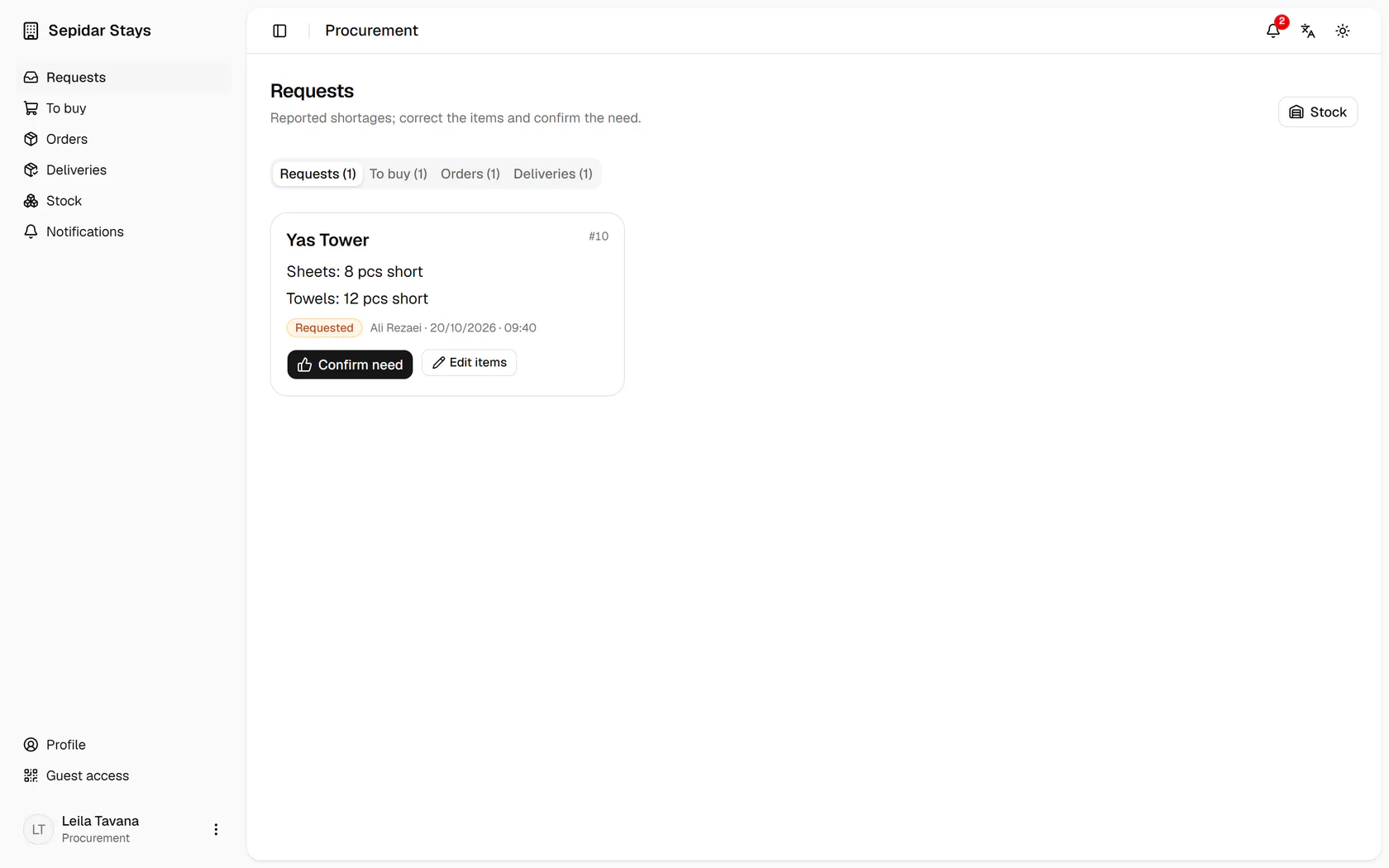
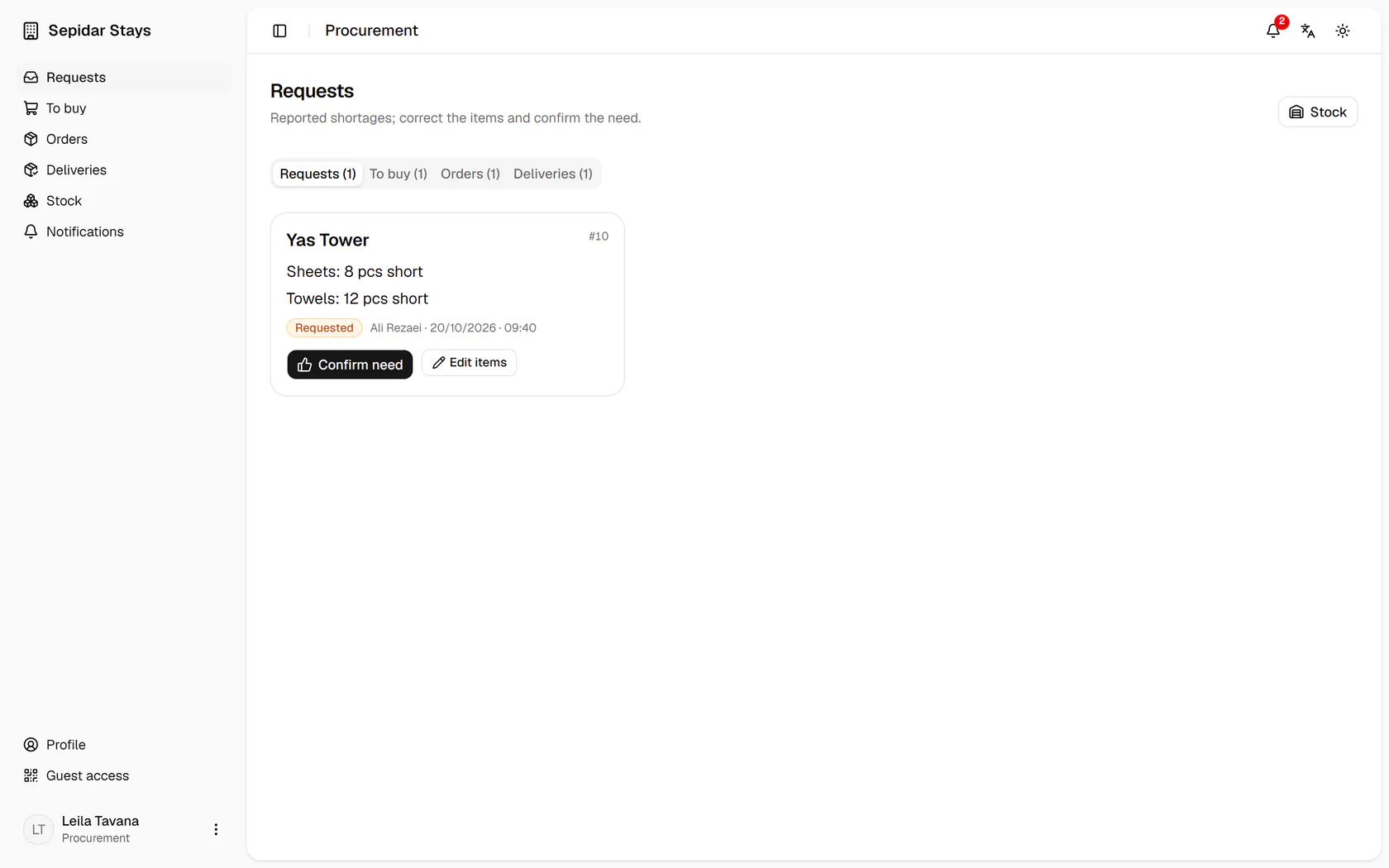
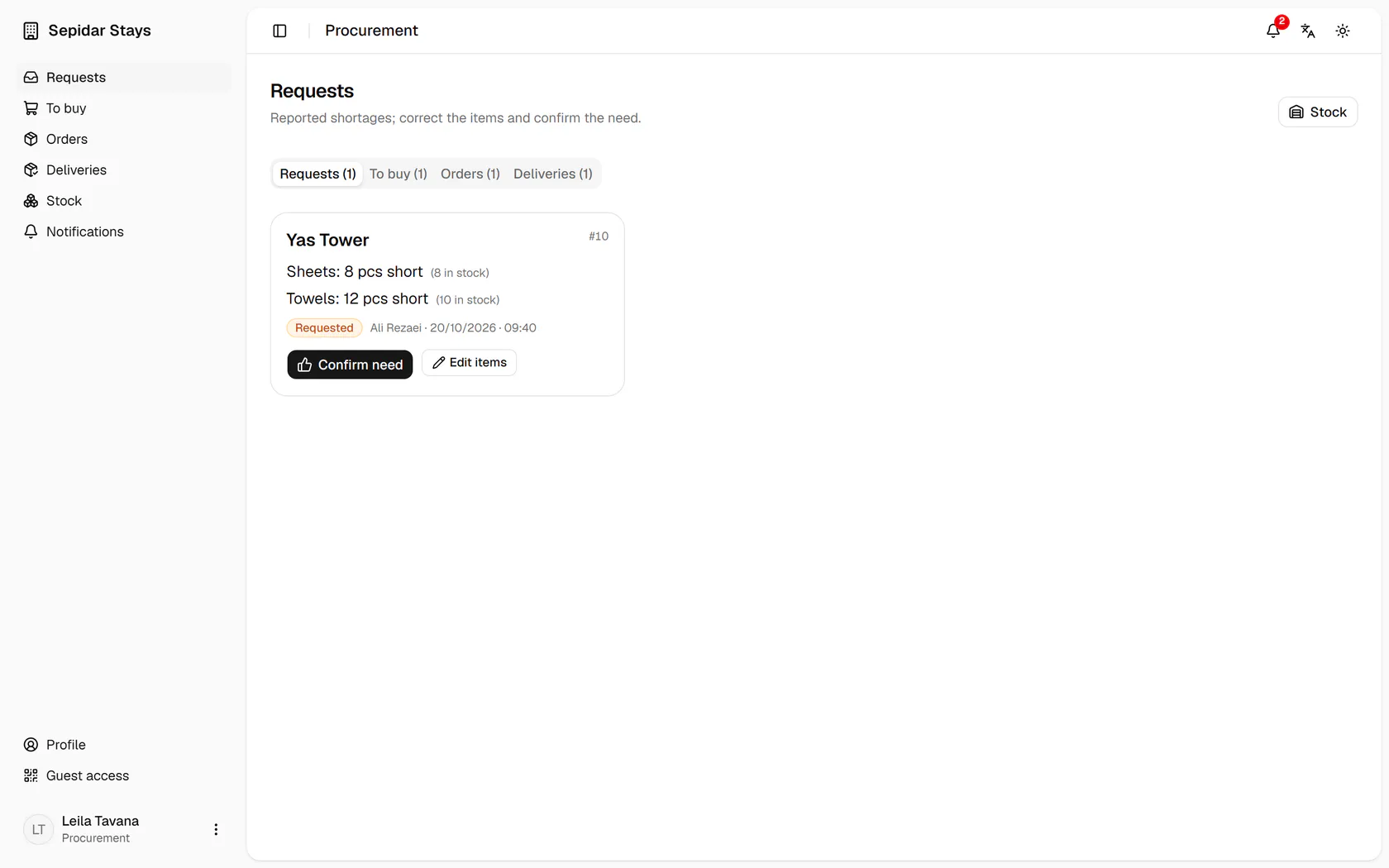
Yas Tower is short of 8 sheets and 12 towels; each item is one line.
Step by step
- 1
Yas Tower is short of 8 sheets and 12 towels; each item is one line.
- 2
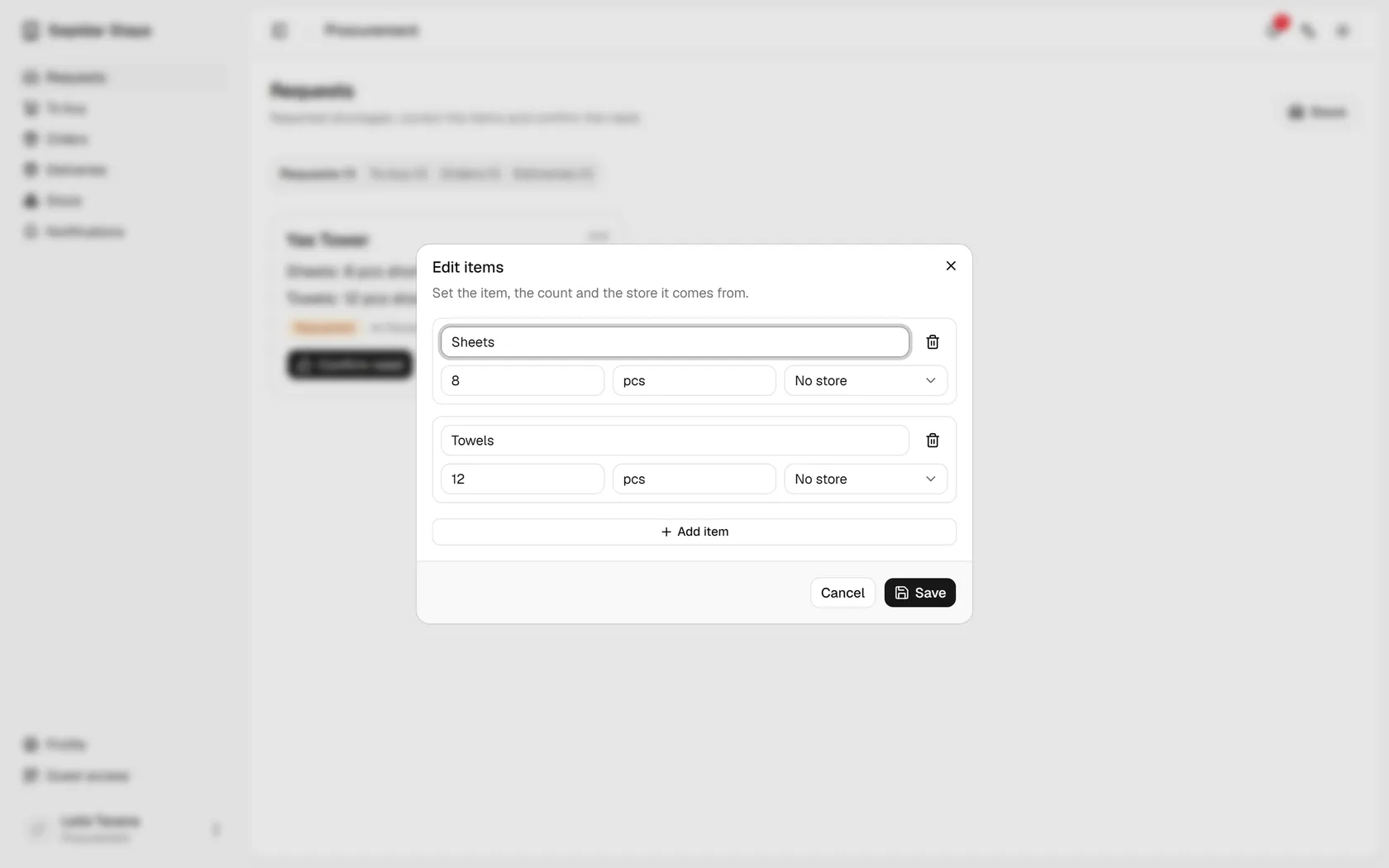
Open Edit items to correct an item, its count or its store.
- 3
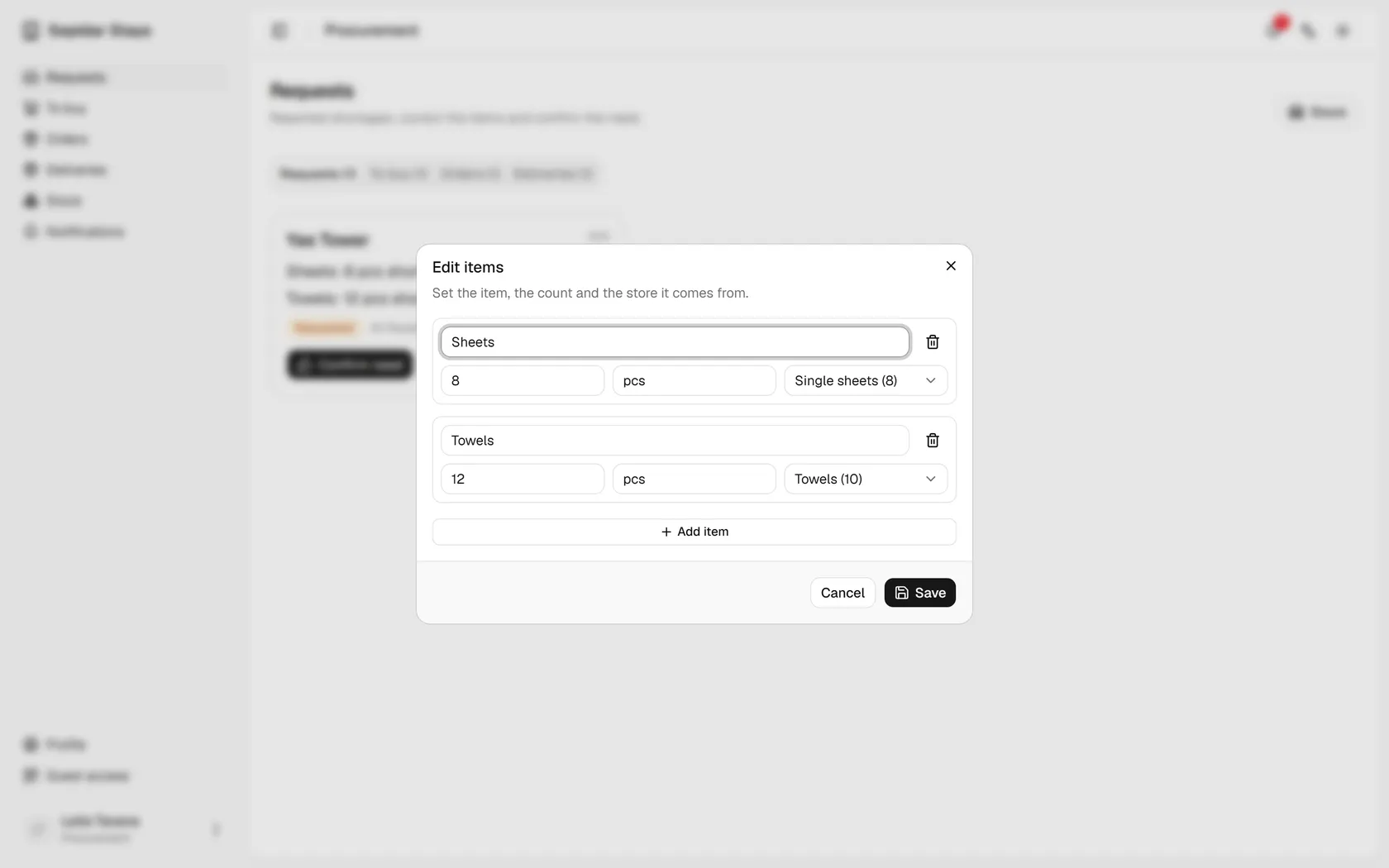
Link each line to its stock item so the count on the shelf shows beside it.
- 4
Save the items; they can still change until something is bought.
- 5
The stock of each item now shows; press Confirm need.
- 6
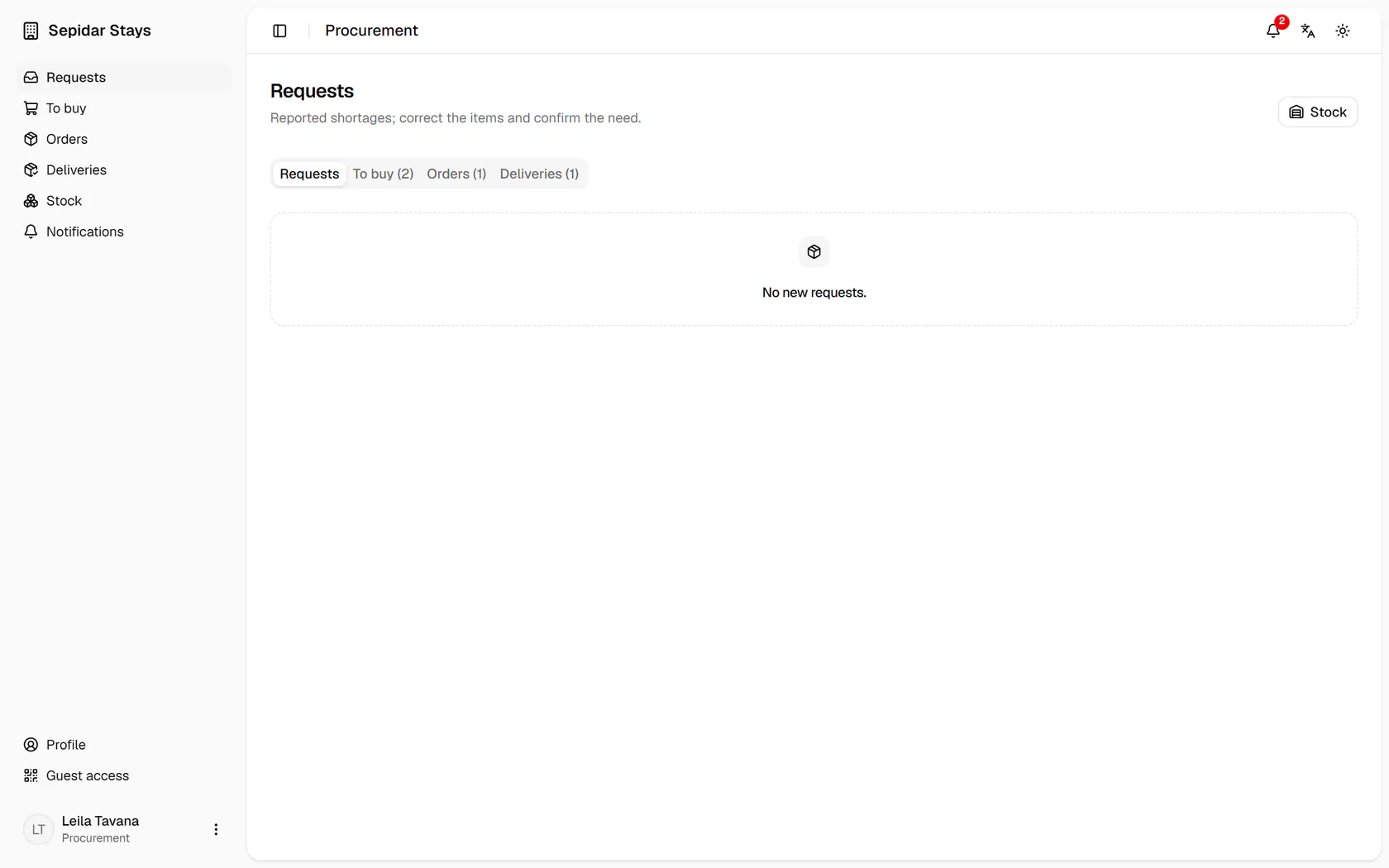
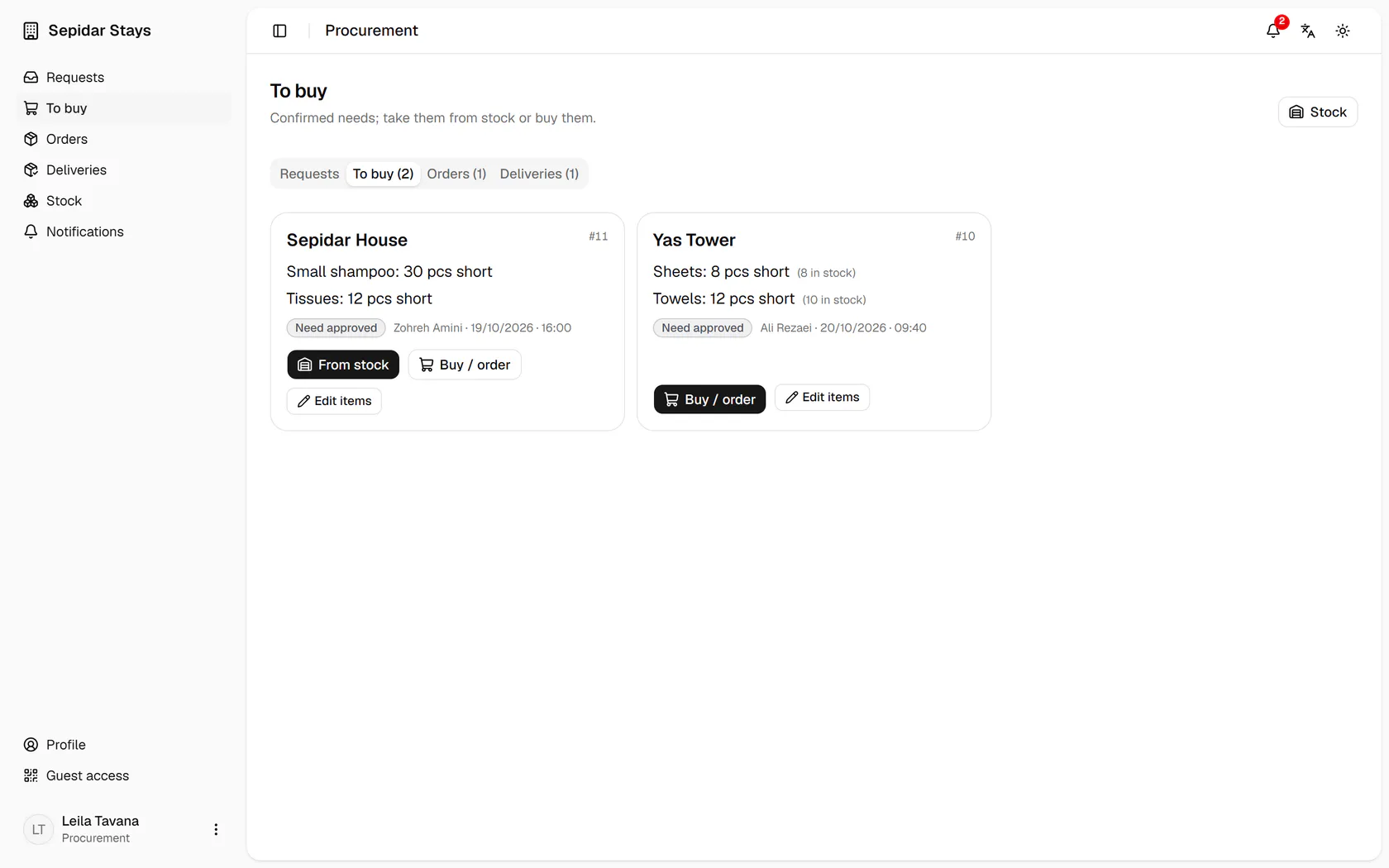
The confirmed request has moved to the To buy tab; open it.
- 7
Sepidar can be served from stock, but Yas Tower's towel shelf is short, so only buying is offered.