Follow up site check findings
The supervisor updates each finding and turns a lingering one into a case, so nothing is forgotten.
SupervisorOn a computer7 steps
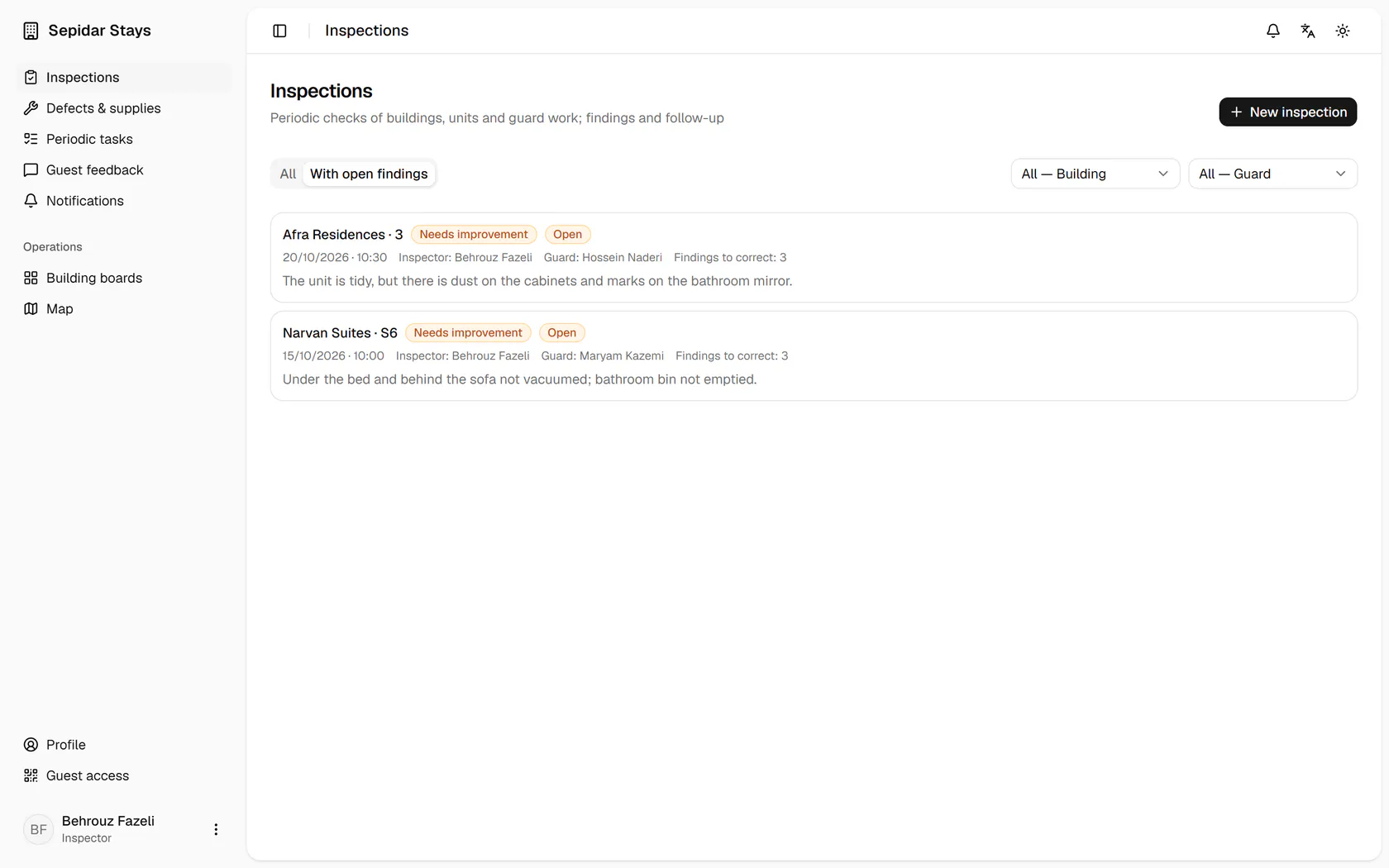
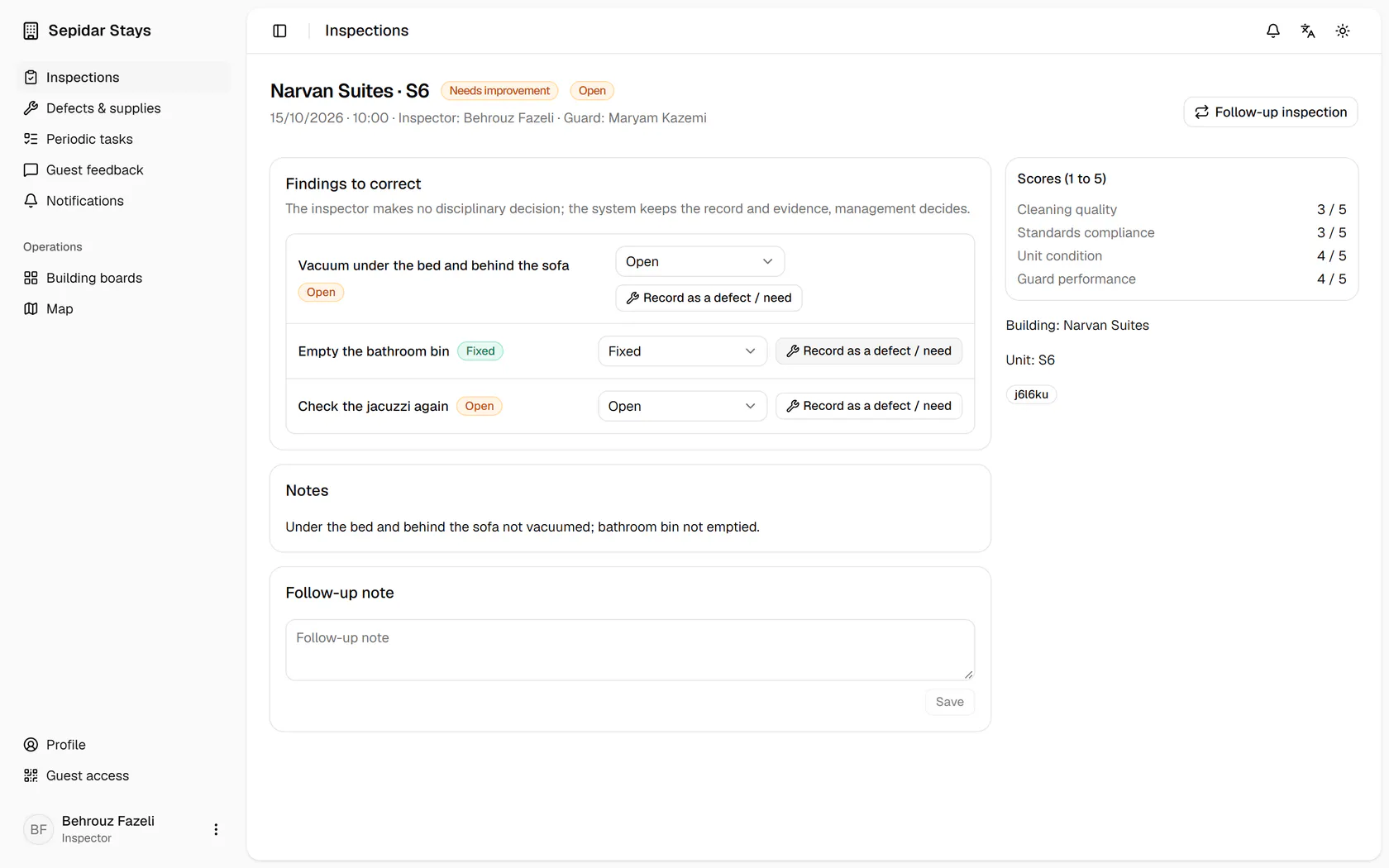
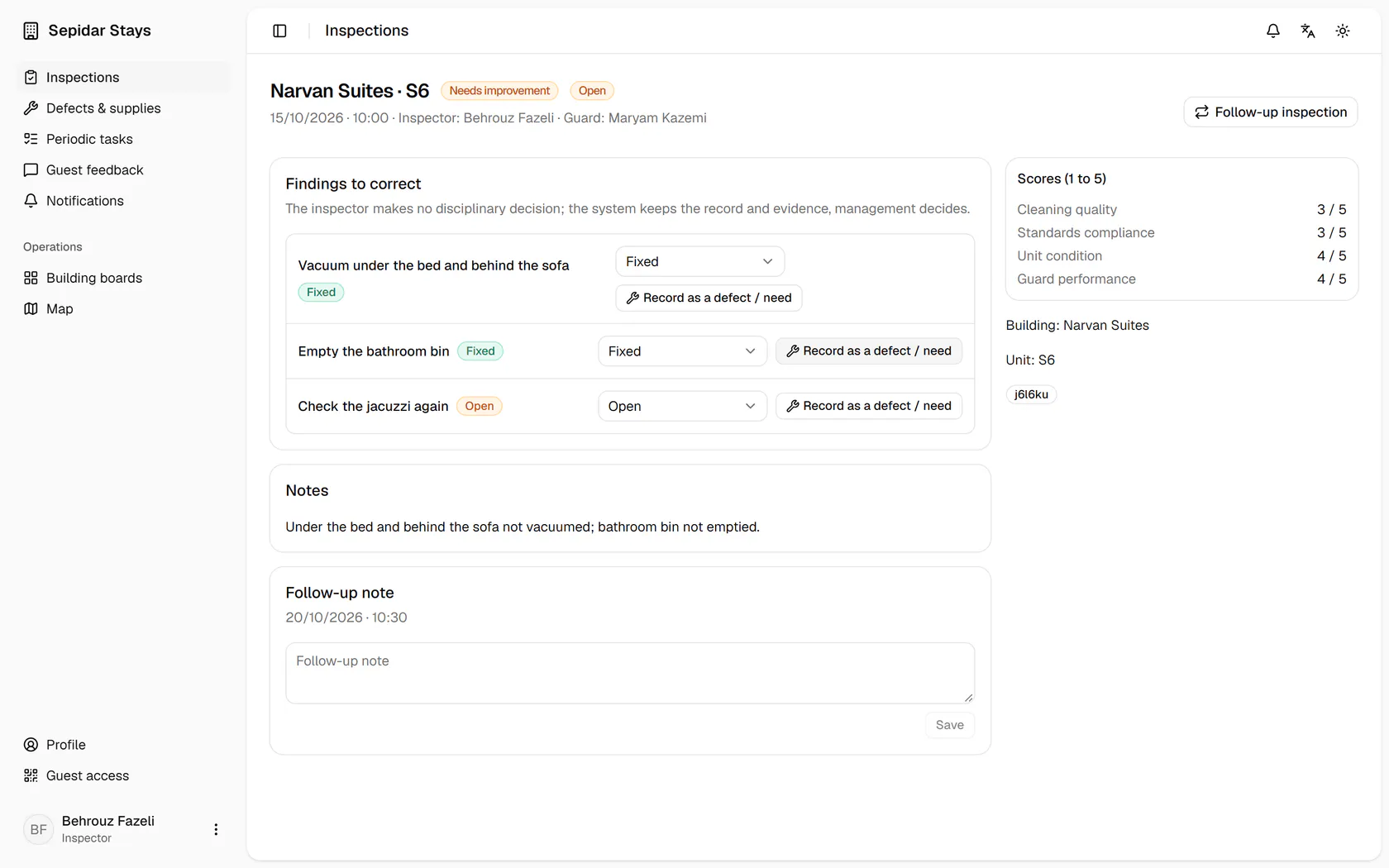
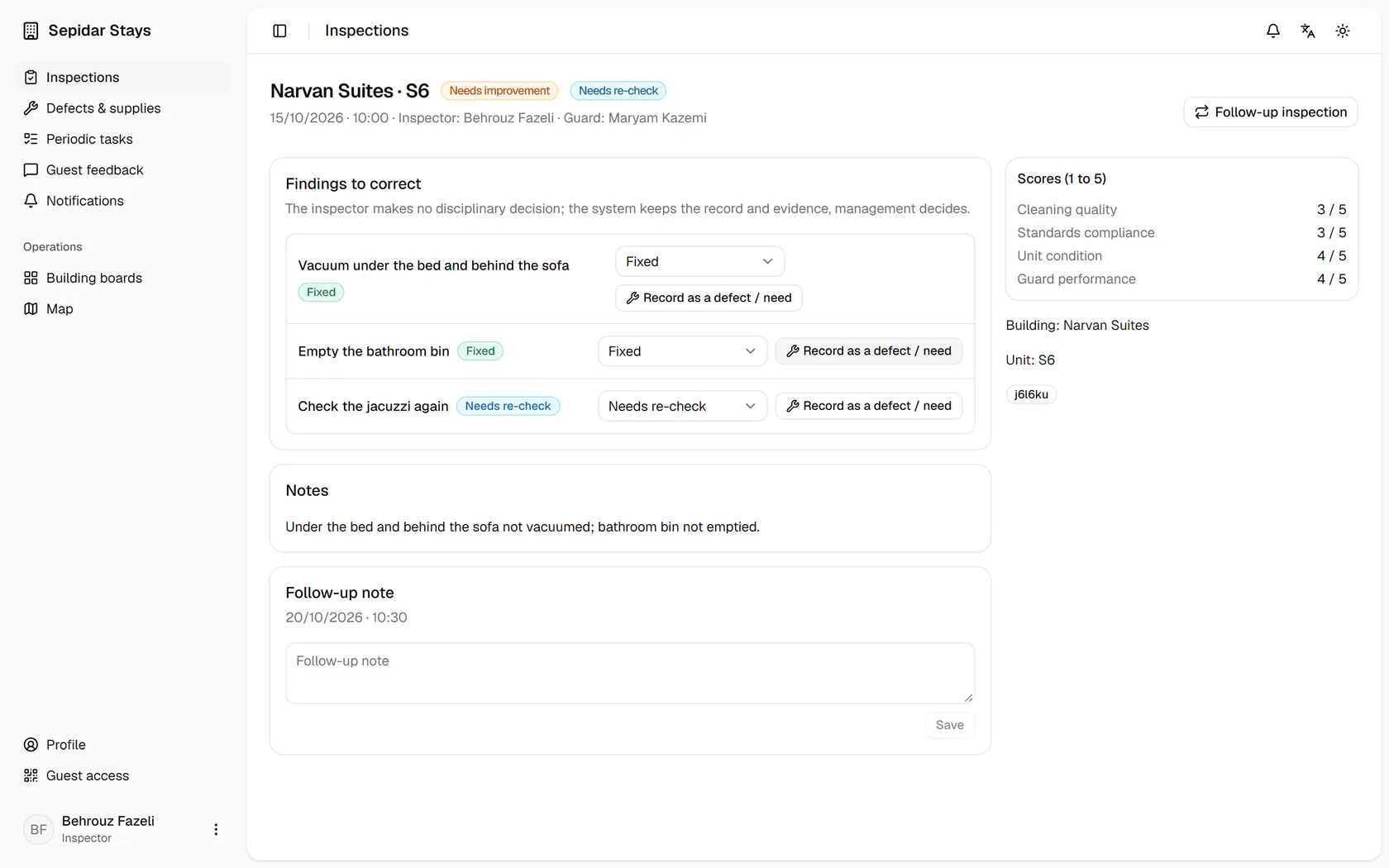
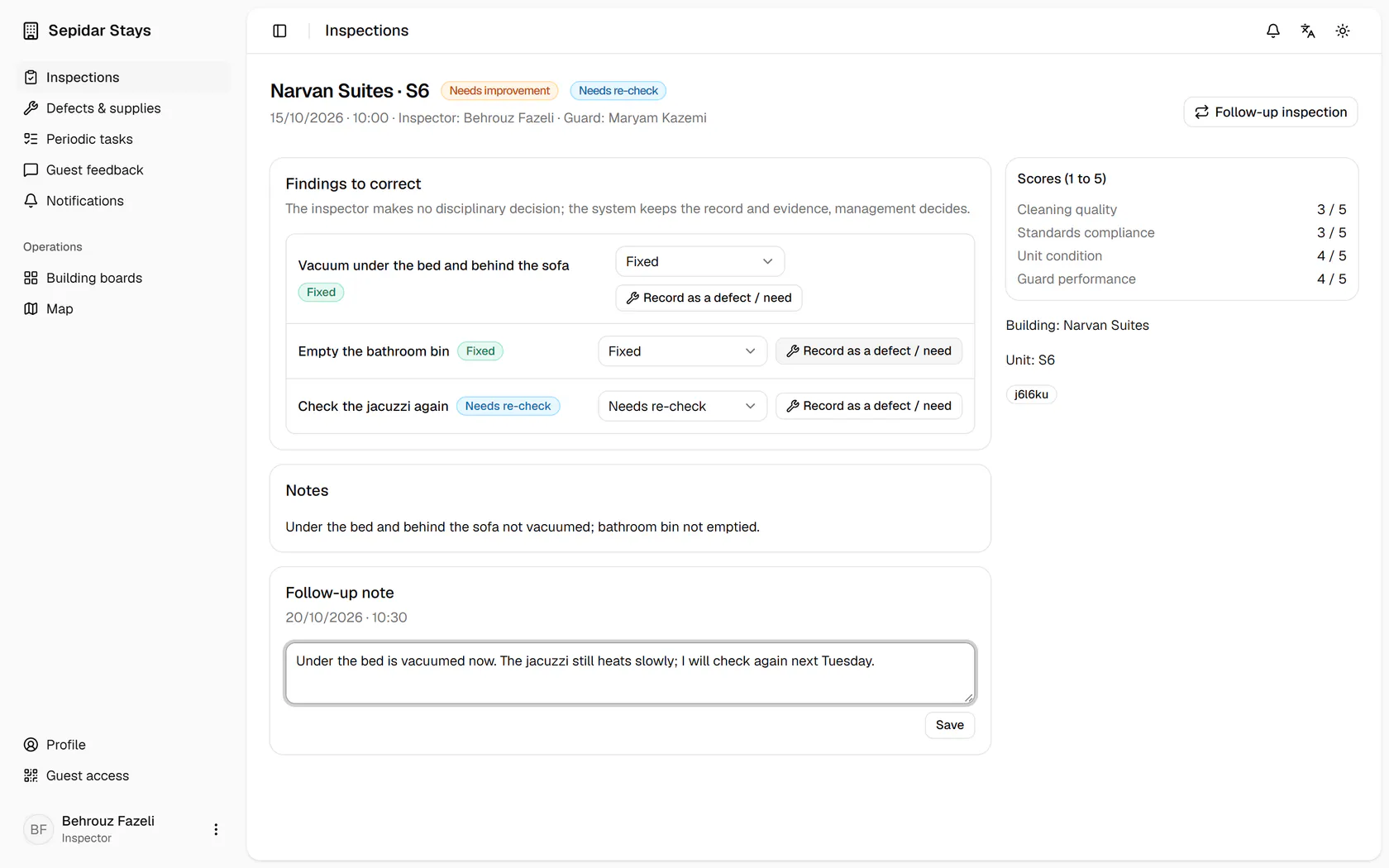
From site checks with open findings, open the Narvan S6 check.
Step by step
- 1
From site checks with open findings, open the Narvan S6 check.
- 2
Under the bed is vacuumed now, so mark this finding Fixed.
- 3
The jacuzzi still has a problem, so set it to Needs re-check.
- 4
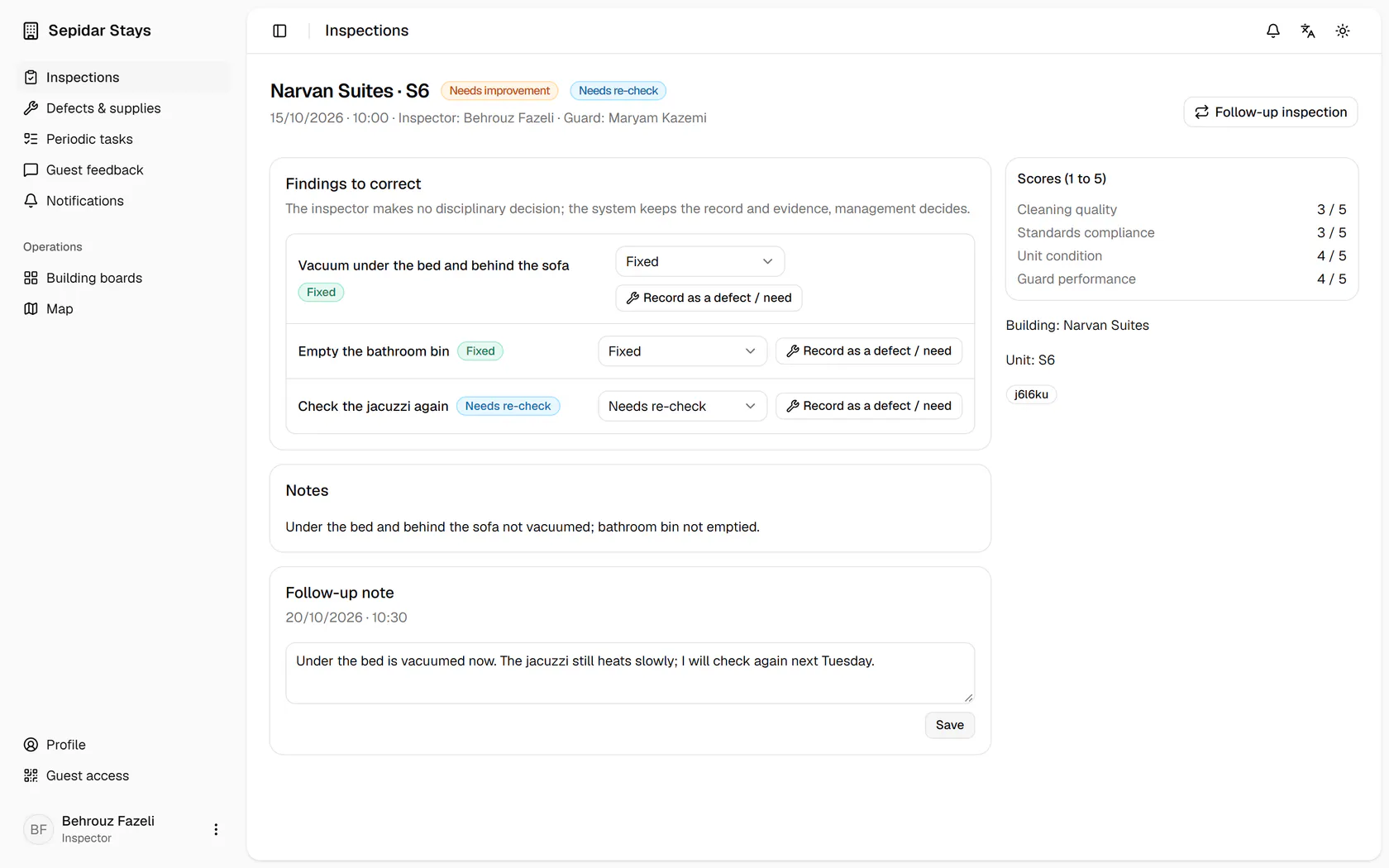
In the follow-up note, write what you saw and who should take it on.
- 5
Save the note so it stays with the site check, with its time.
- 6
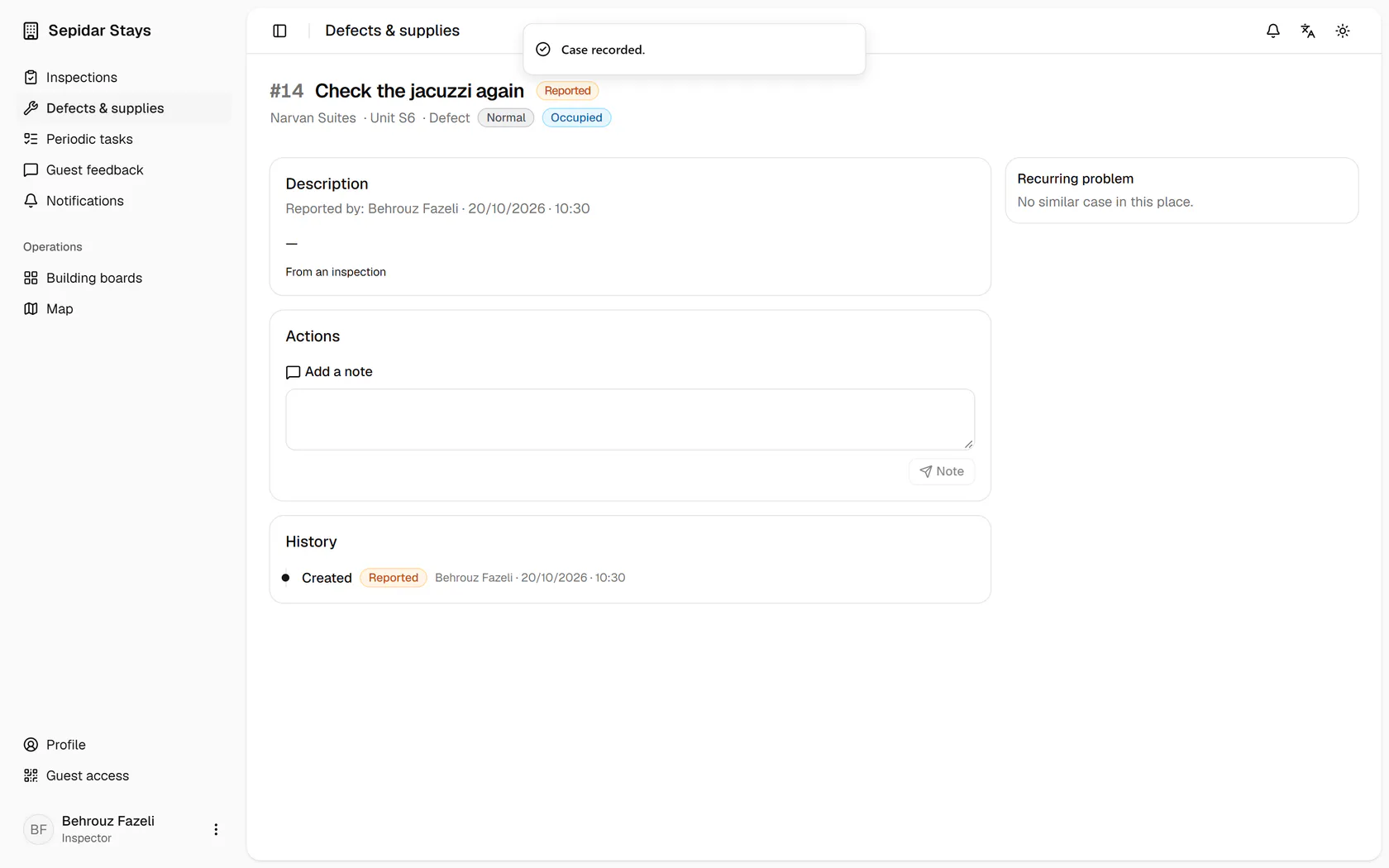
For the jacuzzi, press Record as a defect or need so its repair is tracked.
- 7
A new case linked to the site check is created and waits for routing.