Supervisor
Sees what needs checking, who should do it and what is still open; disciplinary decisions stay with management.
The supervisor's day
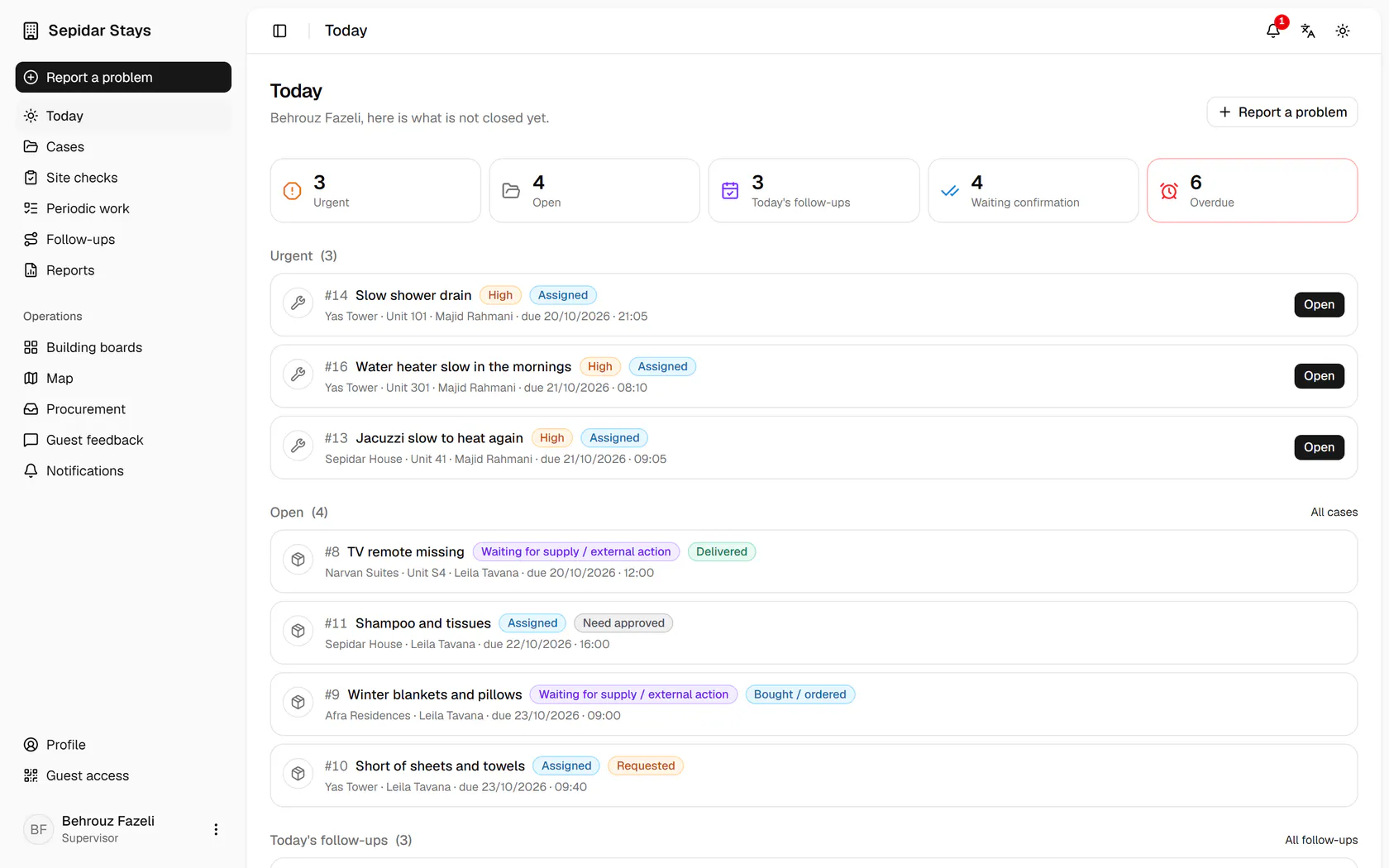
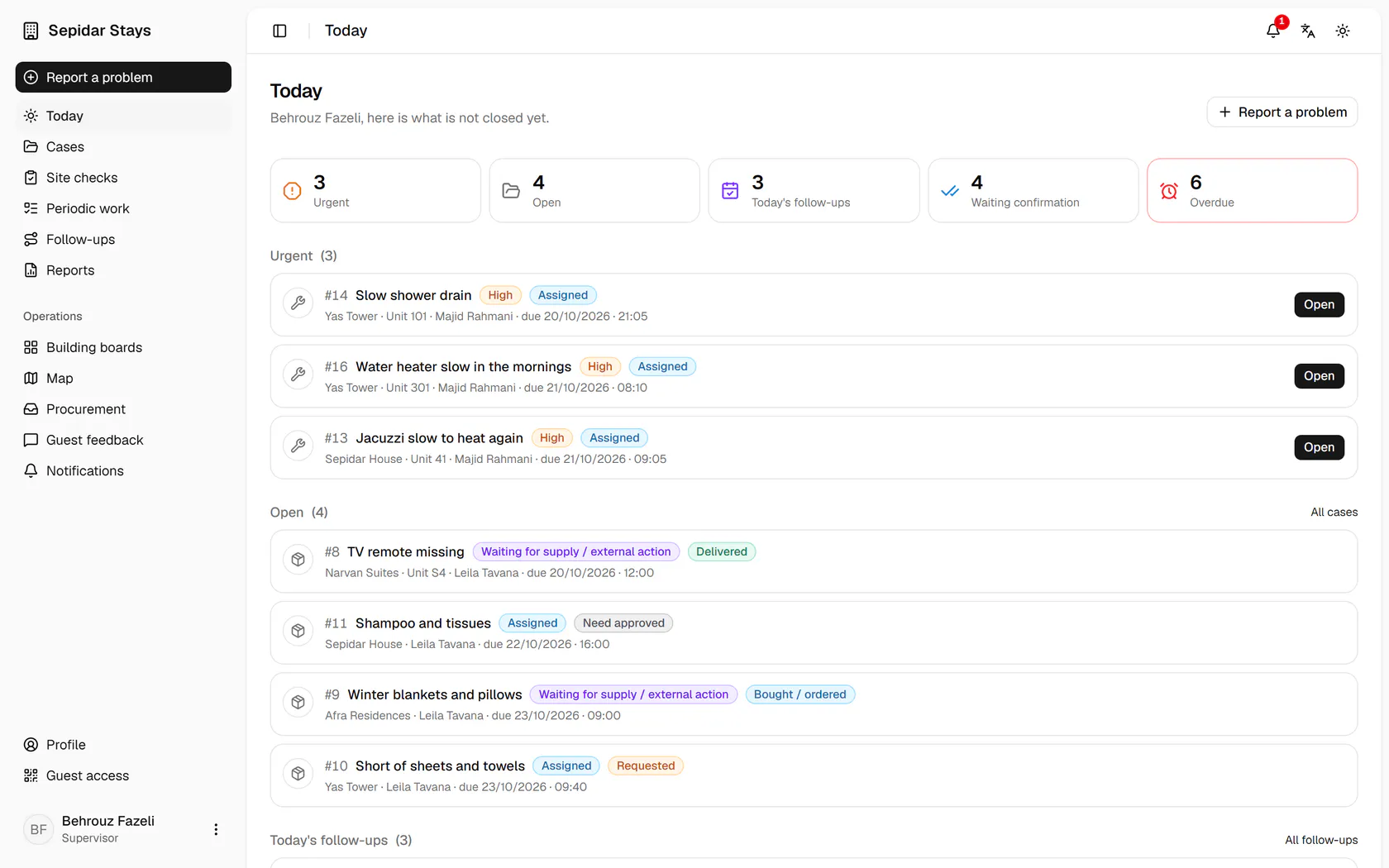
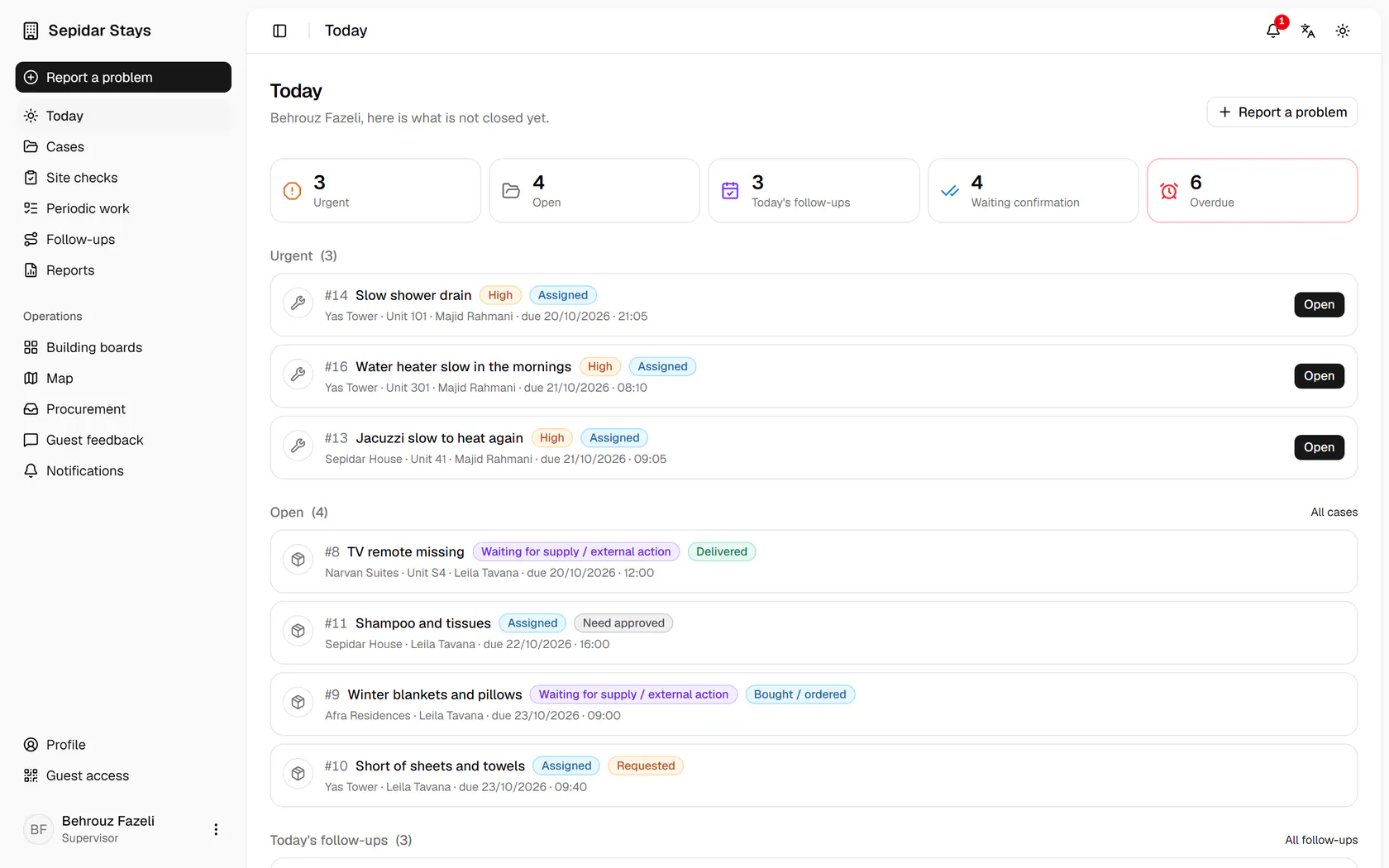
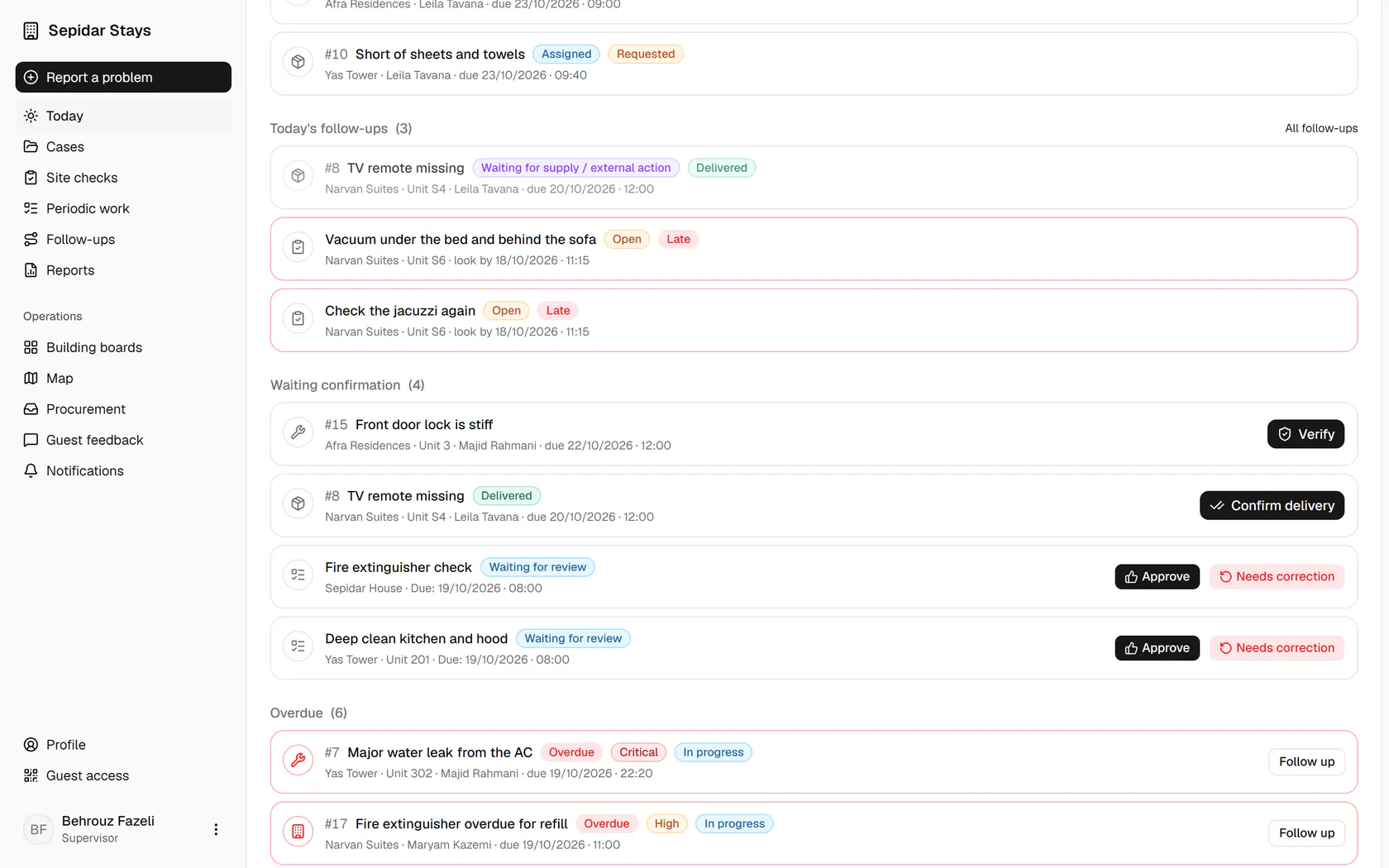
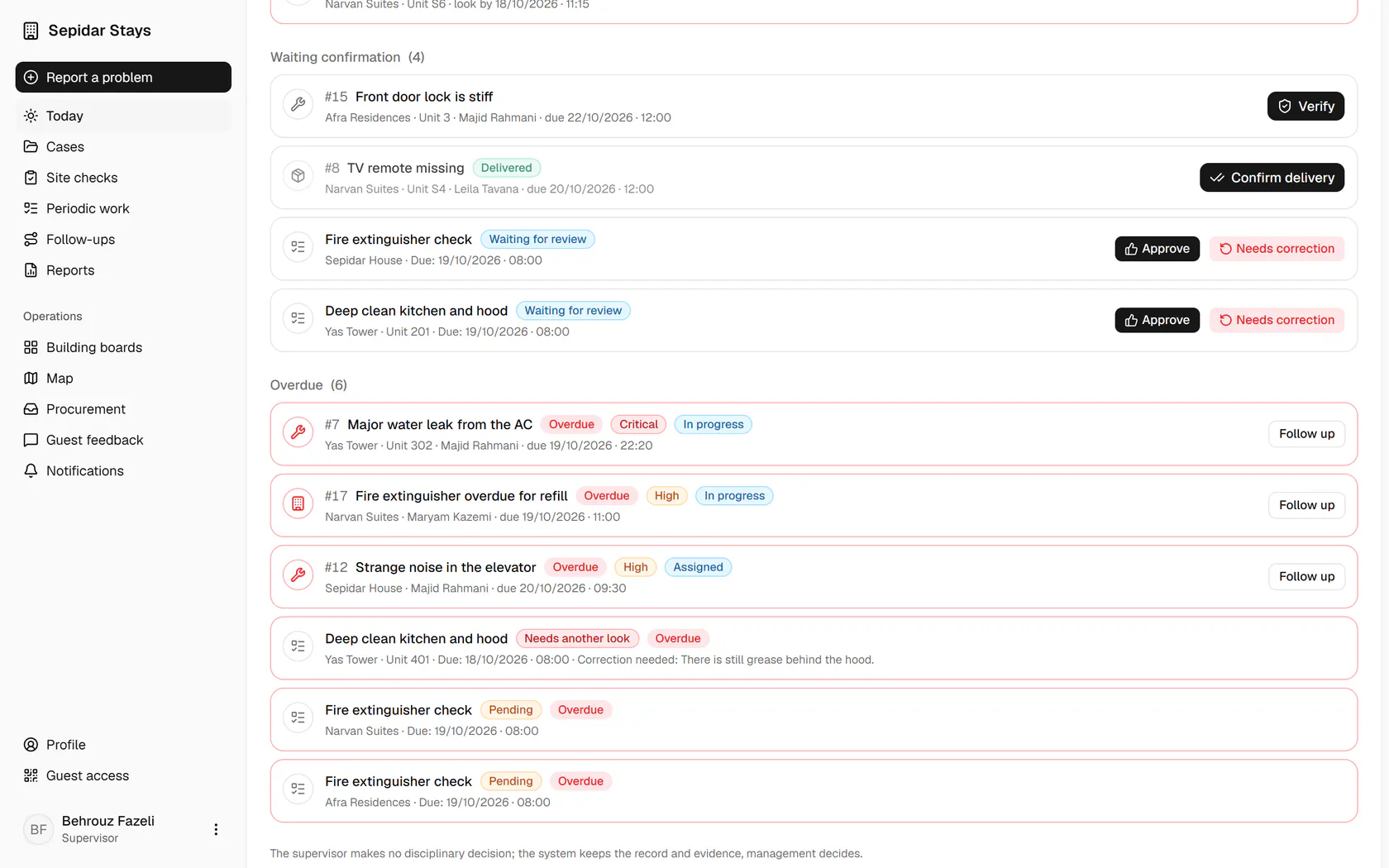
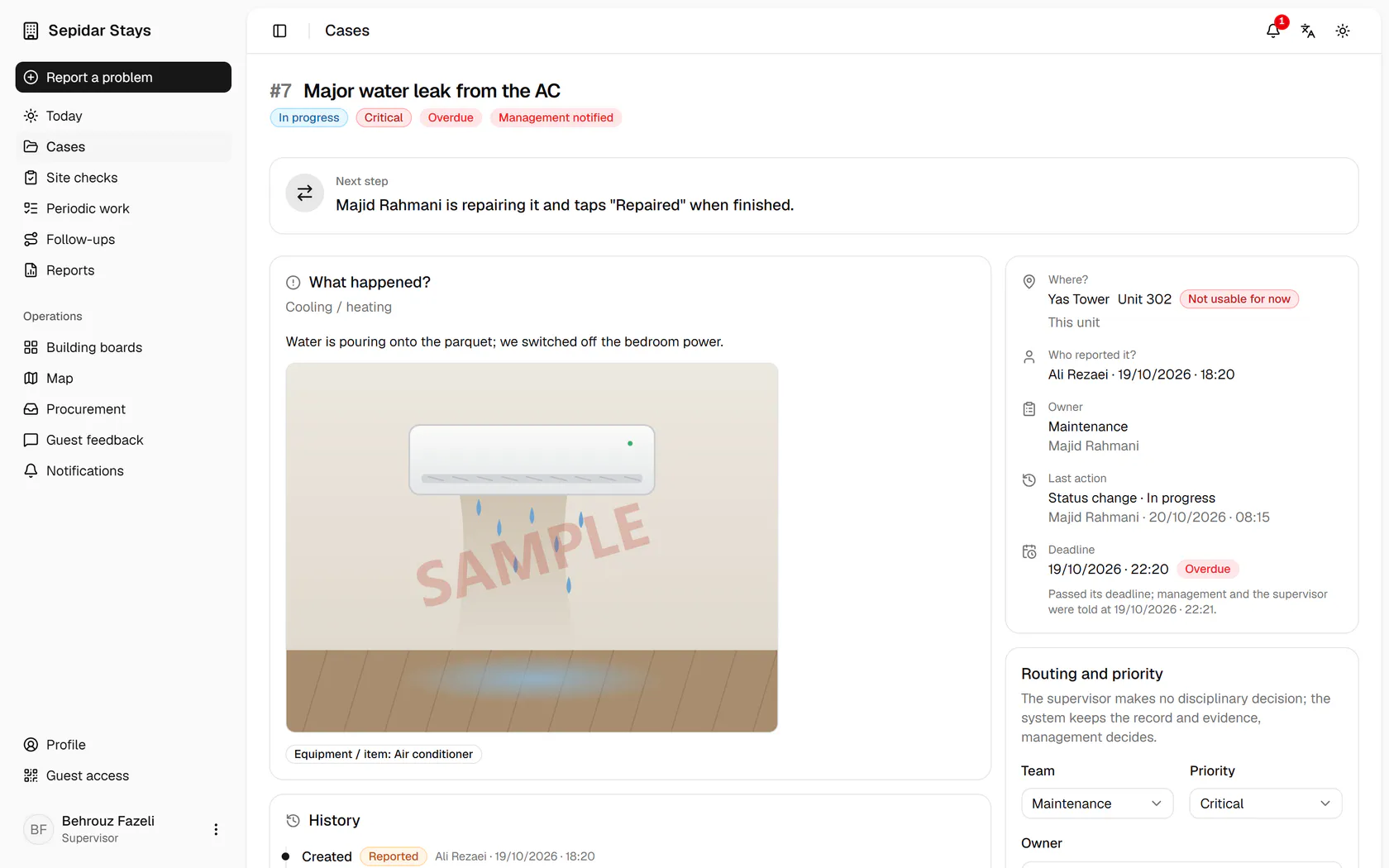
The five counters show how many items are urgent, open, due today, waiting confirmation and overdue.
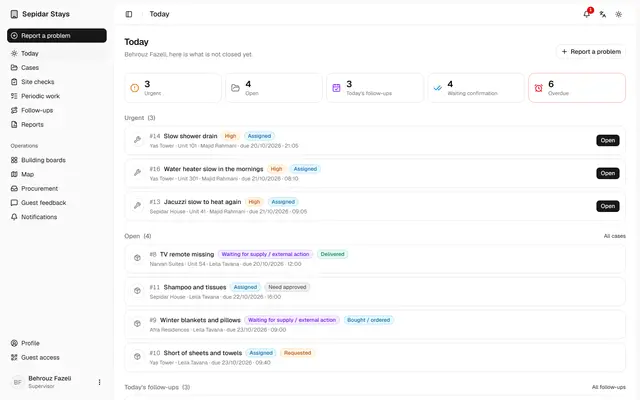
The supervisor's day
On one page the supervisor sees what is urgent, what waits for their confirmation and what is past its deadline.
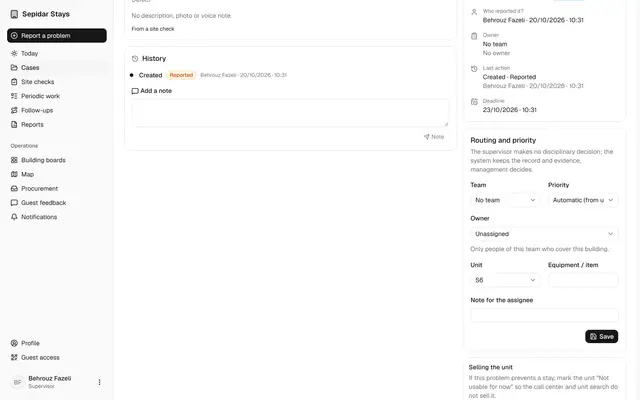
Route a case to a team
The supervisor sets the team, priority and owner of a new case, so no problem is left without an owner.
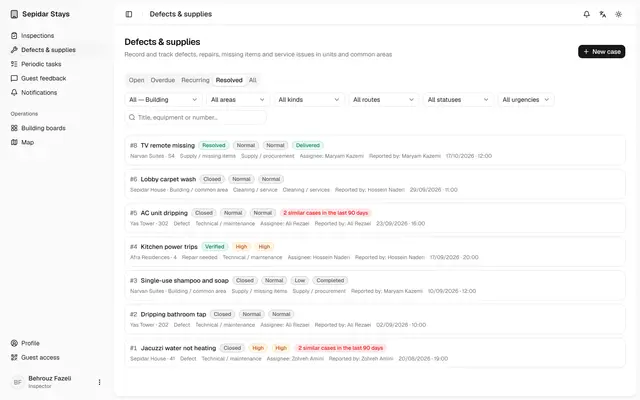
Verify a repair
The supervisor checks the repair photo and verifies or reopens the case, so no repair is closed unchecked.
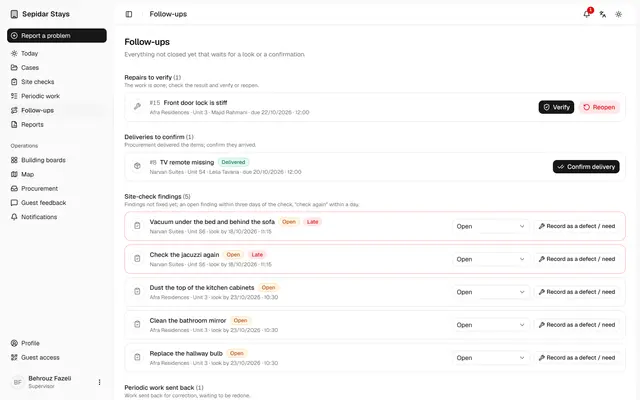
Open follow-ups
Everything not closed yet is on one list, so fewer phone chases and fewer forgotten jobs.
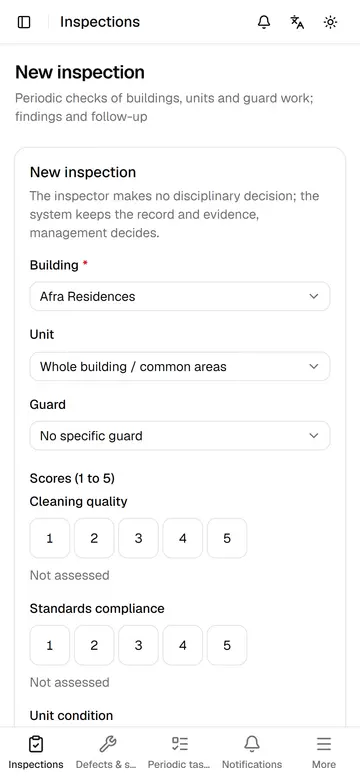
A site check on the phone
During a site check the supervisor records scores, the result and the findings to fix, so follow-up starts at once.
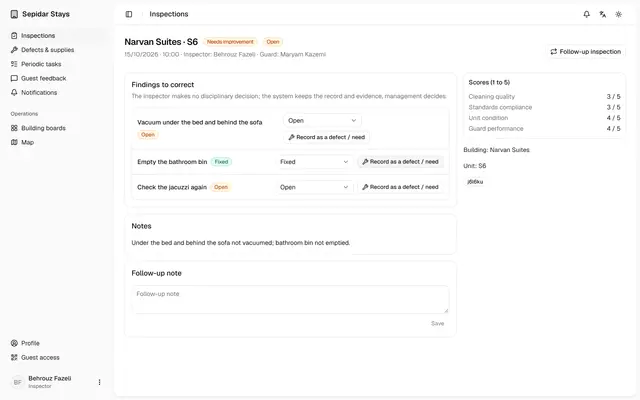
Follow up site check findings
The supervisor updates each finding and turns a lingering one into a case, so nothing is forgotten.
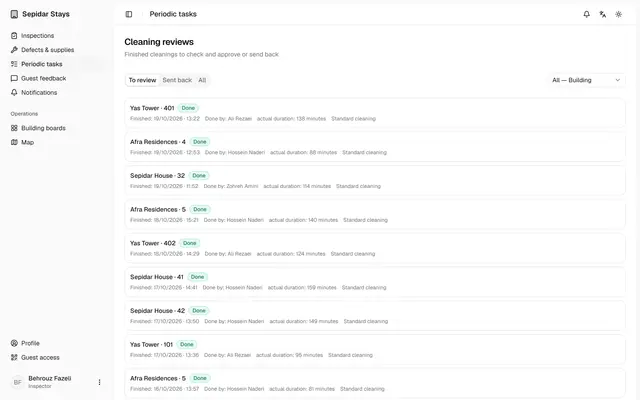
Review finished cleanings
The supervisor checks finished cleanings against their checklist, approves good work and sends incomplete work back with a reason.
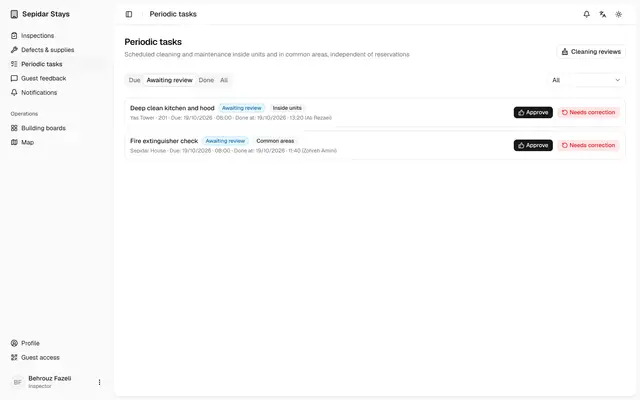
Review periodic tasks
The supervisor approves finished periodic work or sends it back with a reason, so a tick never replaces quality.
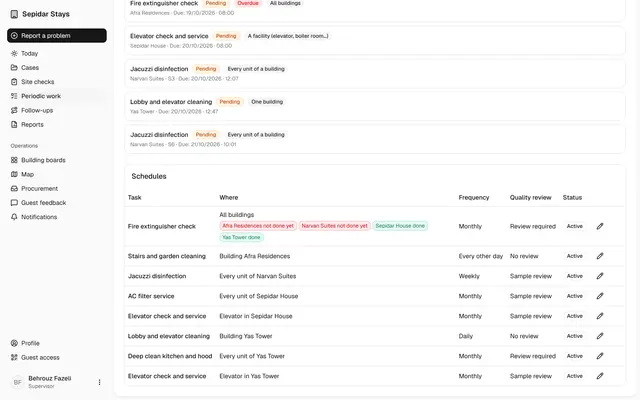
One periodic task, every building
One rule covers every building, yet each building has its own status, and one done never closes another.
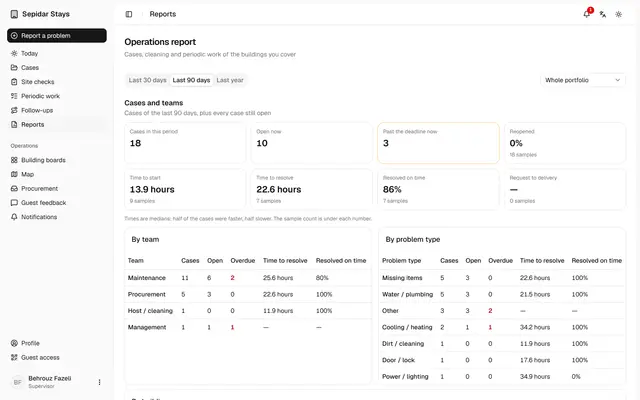
The supervisor's operations report
The supervisor sees how fast cases, cleaning and periodic work move, without the money figures kept for management.
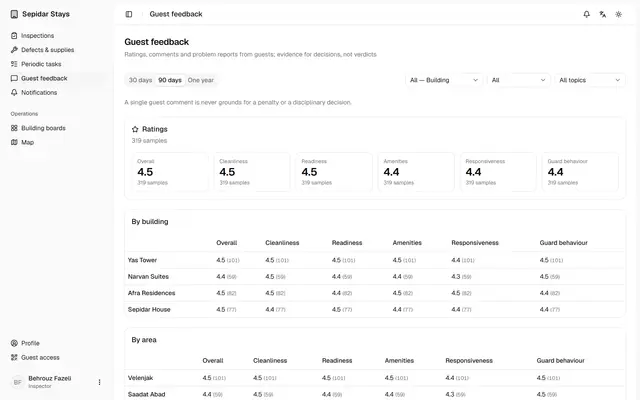
Guest feedback for the supervisor
The supervisor sees guest ratings and comments by building and unit, and files each comment for the next site check.