The supervisor's day
On one page the supervisor sees what is urgent, what waits for their confirmation and what is past its deadline.
SupervisorOn a computer6 steps
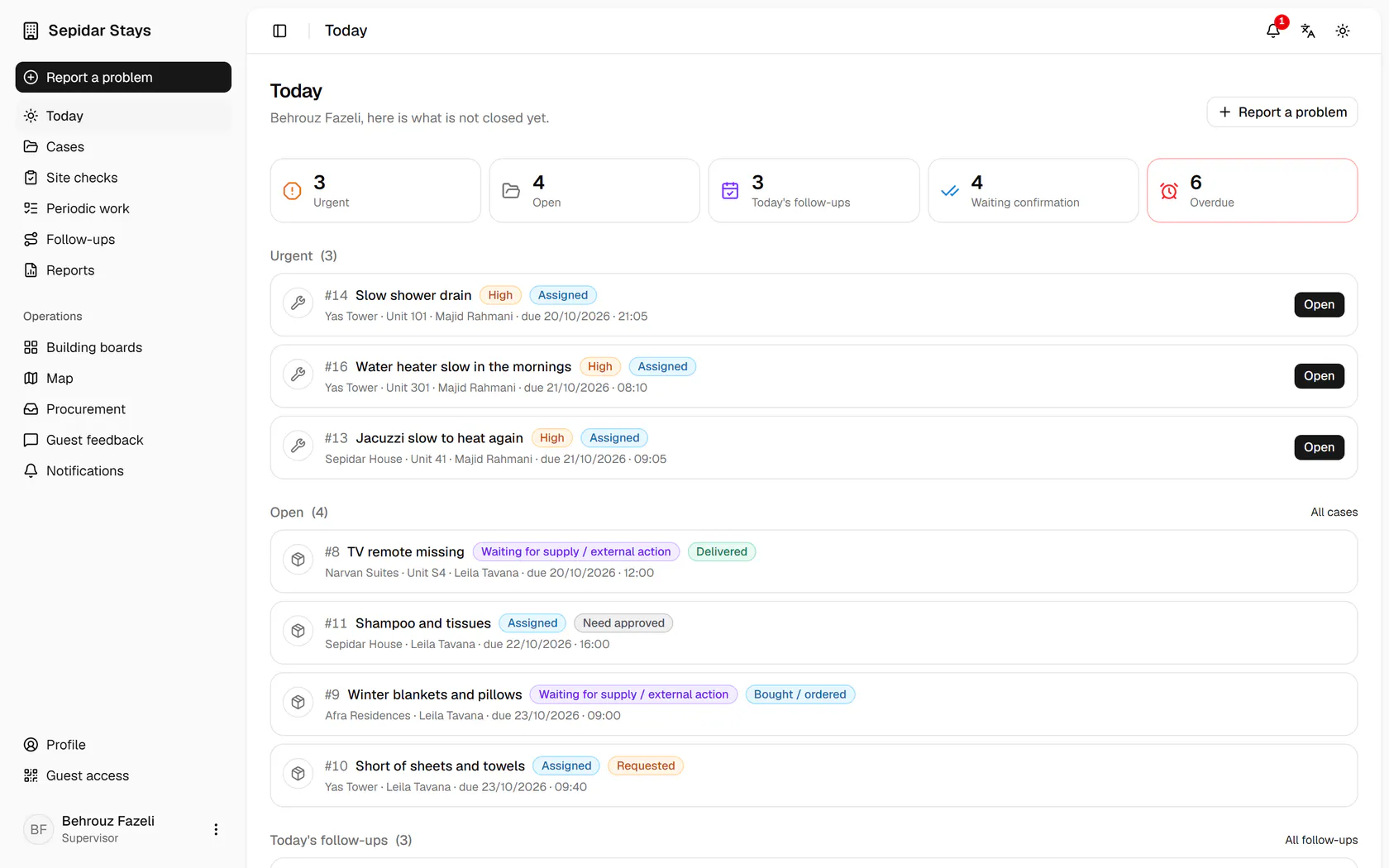
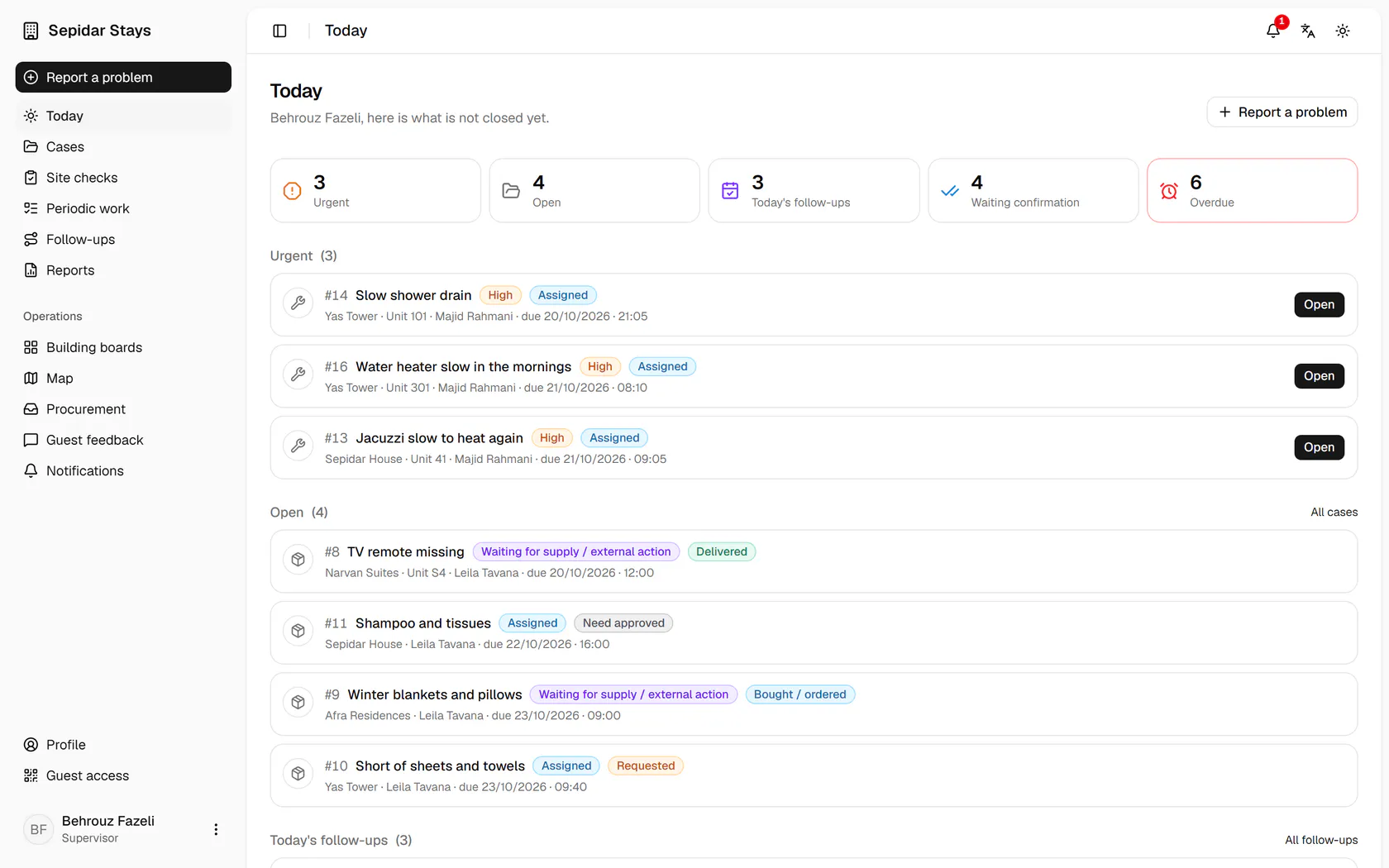
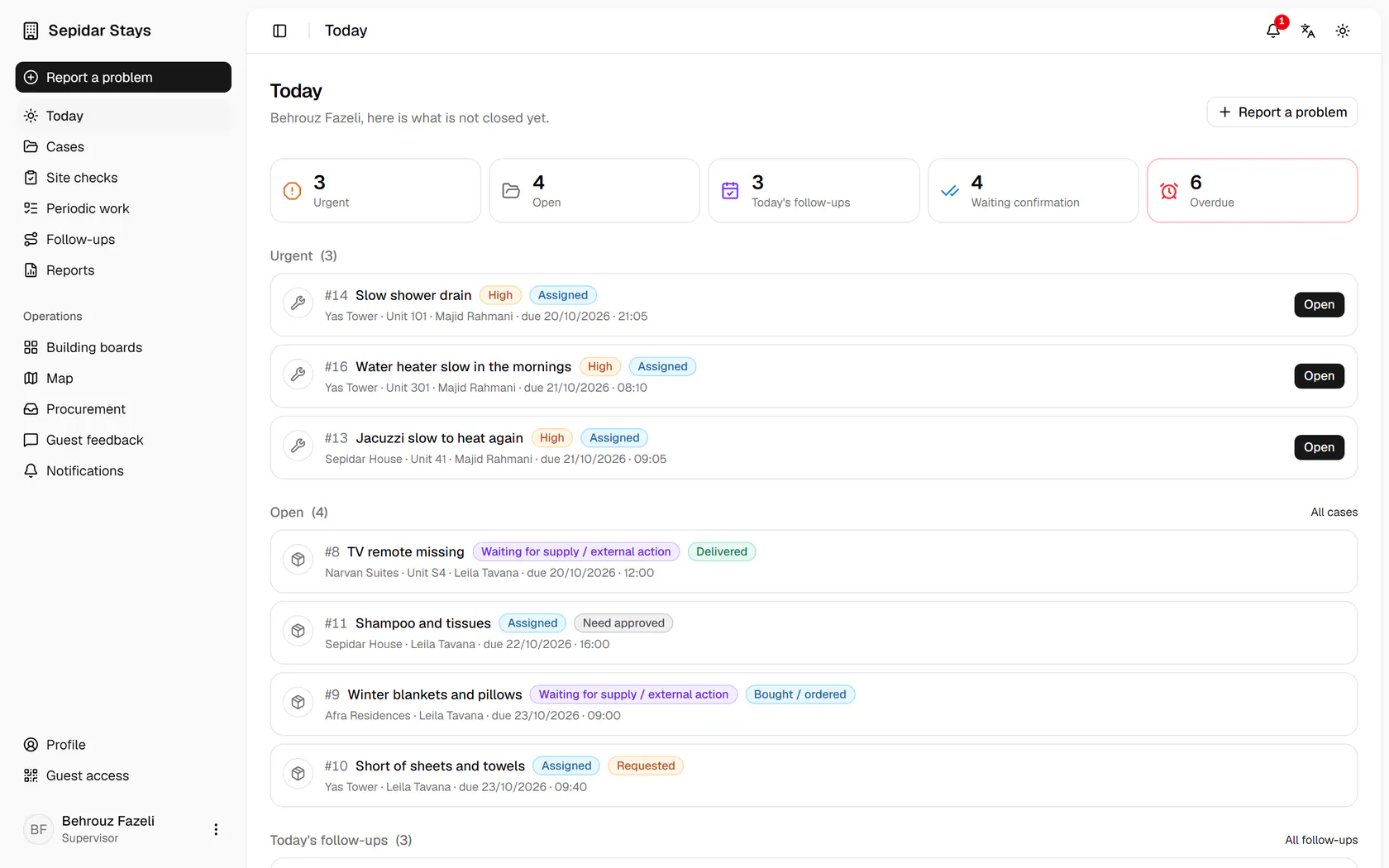
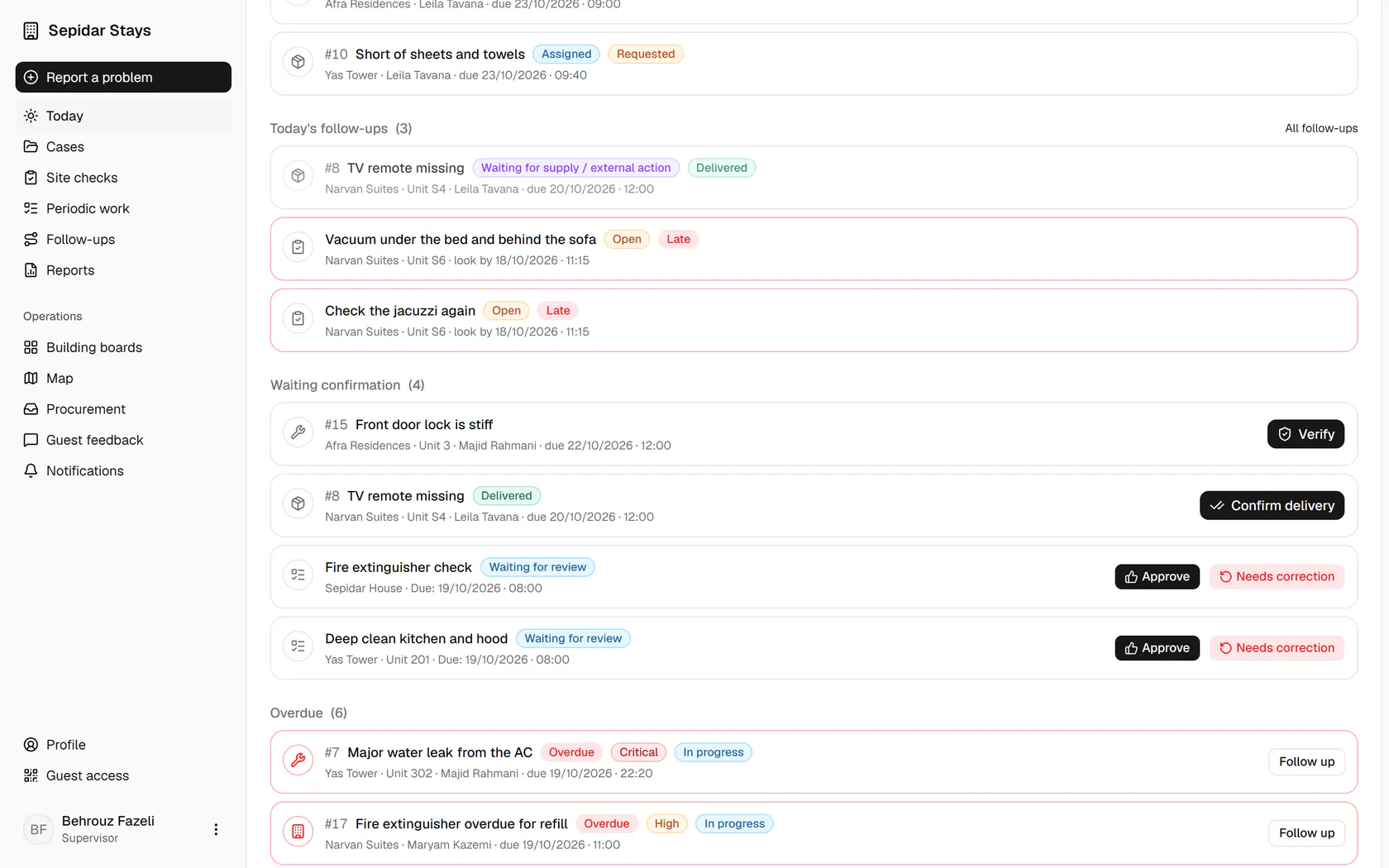
The five counters show how many items are urgent, open, due today, waiting confirmation and overdue.
Step by step
- 1
The five counters show how many items are urgent, open, due today, waiting confirmation and overdue.
- 2
Urgent cases come first, each with its place, owner, deadline and an Open button.
- 3
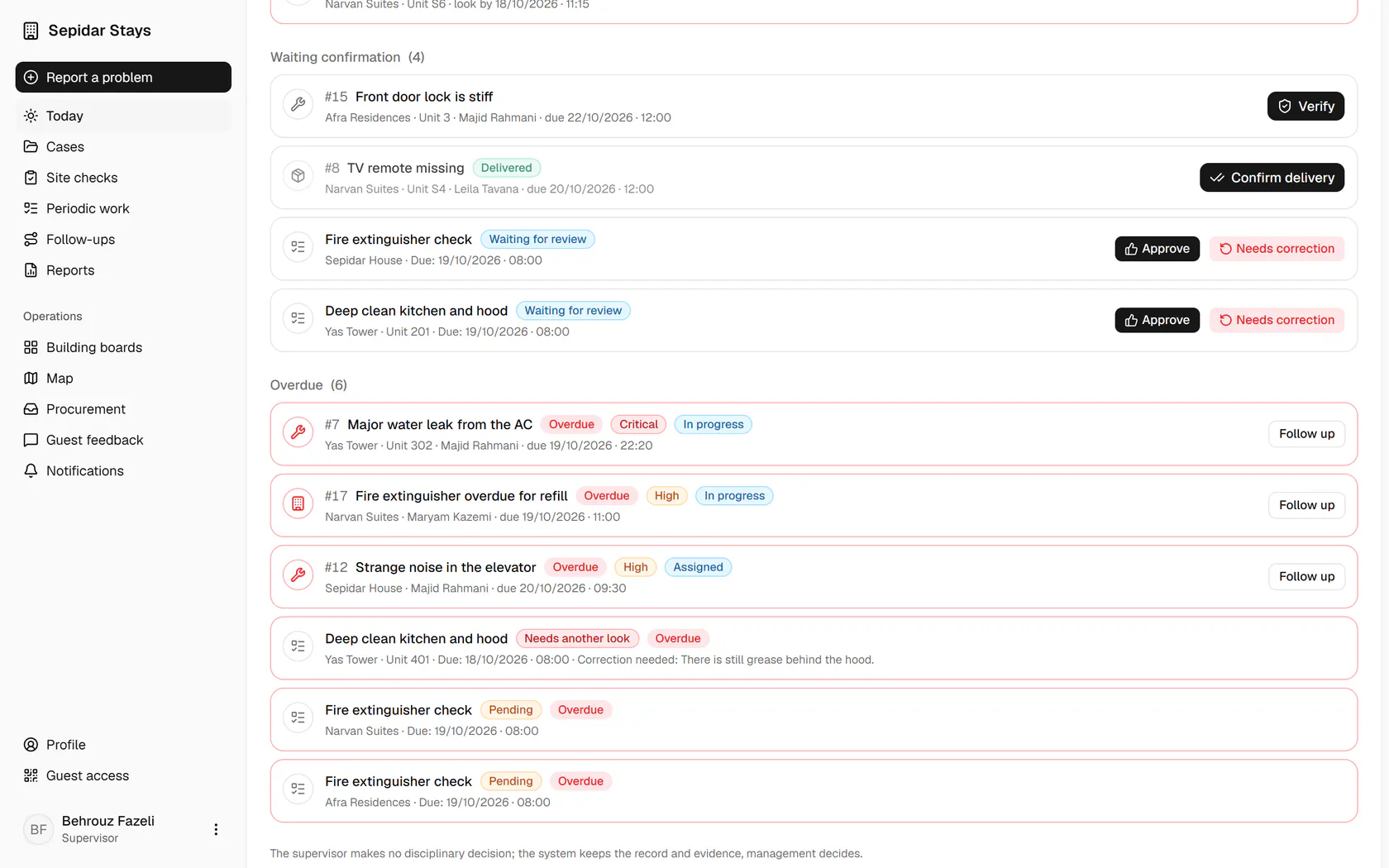
Tap the waiting confirmation counter to jump straight to that section.
- 4
Finished repairs, deliveries and periodic work are confirmed right here with one button.
- 5
Overdue items sit at the bottom; press Follow up on the unit 302 AC leak.
- 6
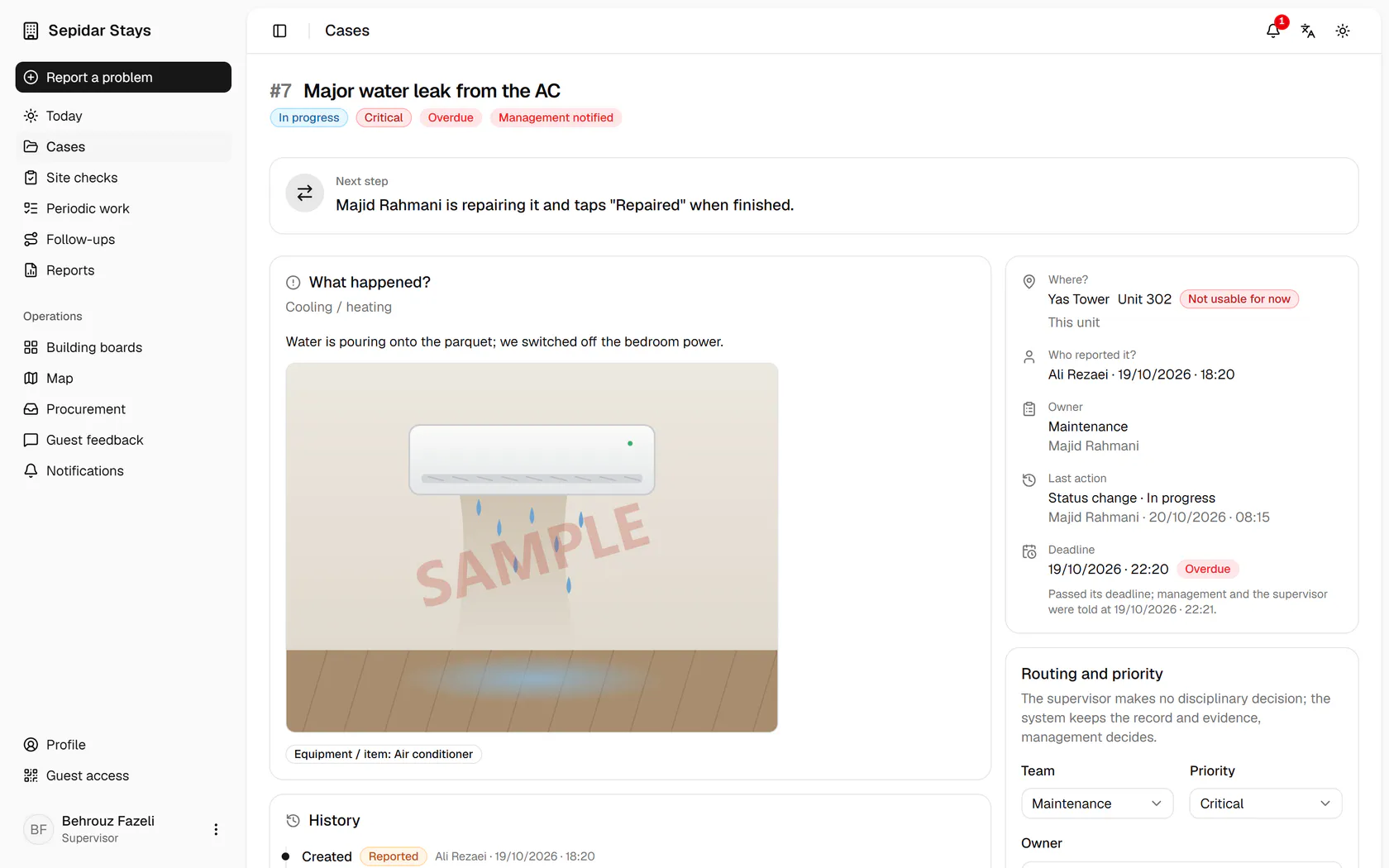
The case shows what happened, where, who owns it and what the next step is.