Skip to content
Mizban

Verify a repair

The supervisor checks the repair photo and verifies or reopens the case, so no repair is closed unchecked.

SupervisorOn a computer5 steps
Under waiting confirmation, open the Afra unit 3 front door lock case.The photo maintenance took after the repair sits next to their note.If the fix did not hold, Reopen sends the case back with a reason.The lock now turns smoothly, so press Verify.The case is closed, with your name and the verification time kept on it.

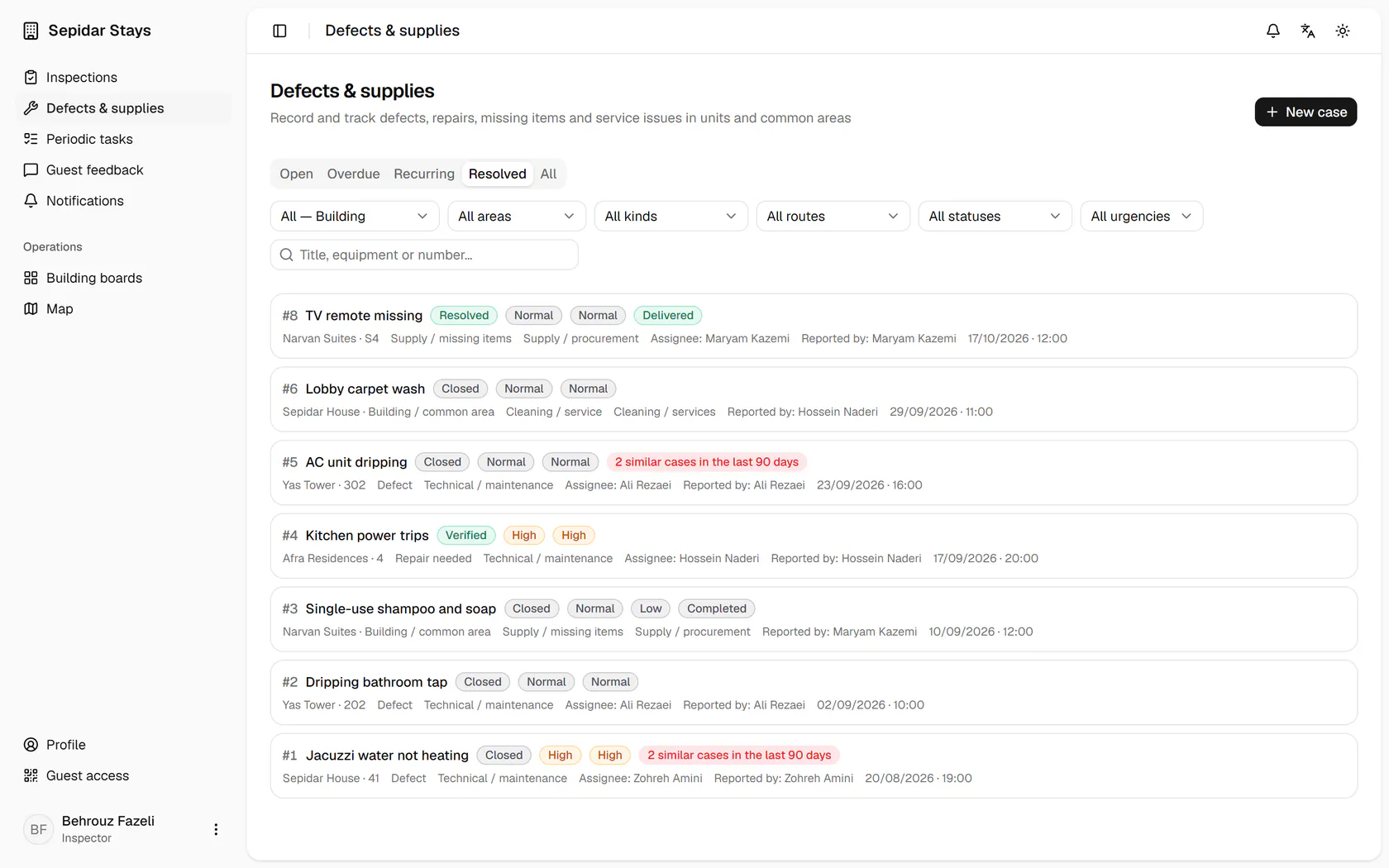
Under waiting confirmation, open the Afra unit 3 front door lock case.

12:10What is still unresolved?Behrouz's screen shows urgent, overdue and waiting confirmations. He verifies the Afra 3 door lock against its repair photo and chases the overdue Sepidar elevator case.

Step by step

  1. 1

    Under waiting confirmation, open the Afra unit 3 front door lock case.

    Under waiting confirmation, open the Afra unit 3 front door lock case.
  2. 2

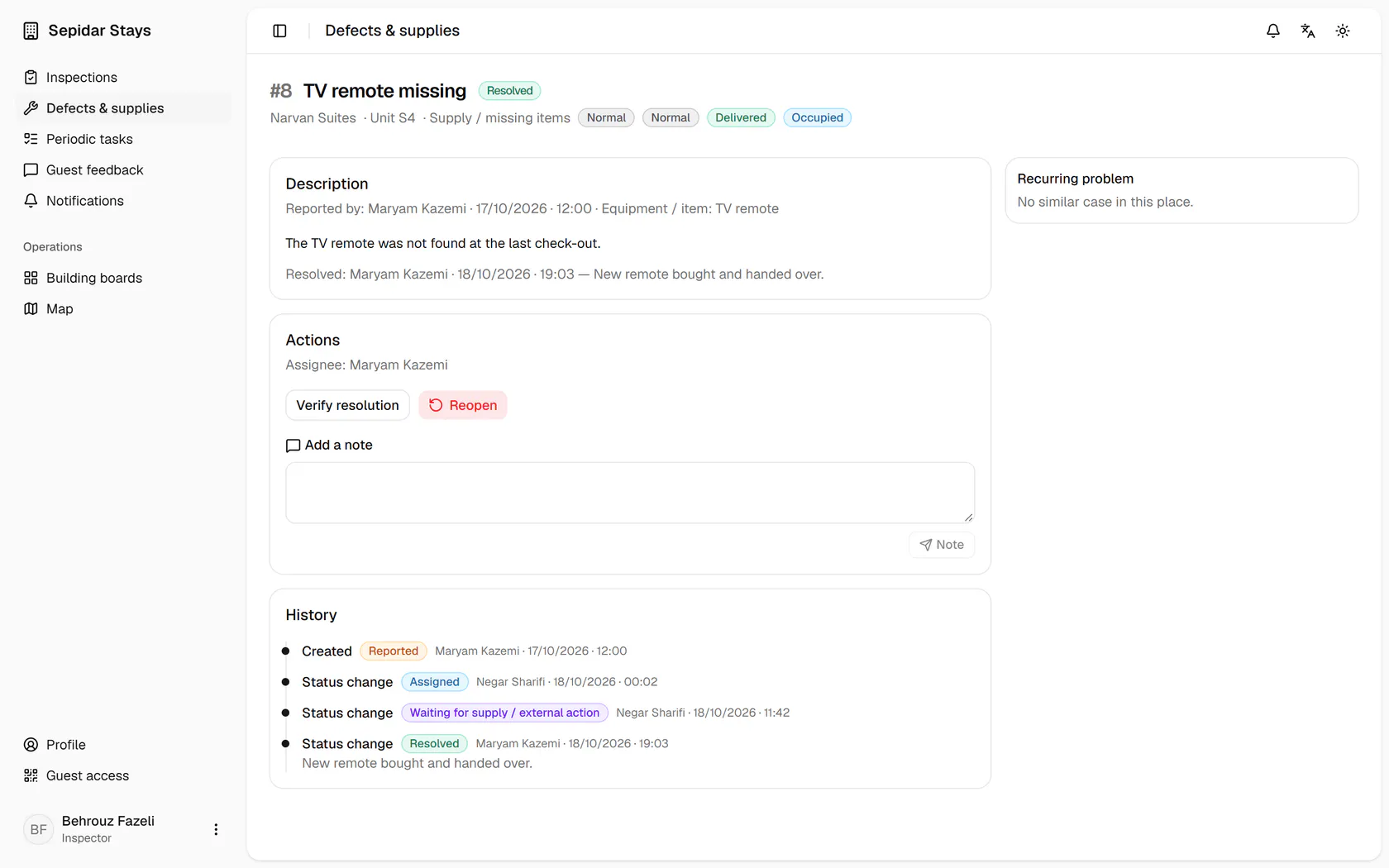
    The photo maintenance took after the repair sits next to their note.

    The photo maintenance took after the repair sits next to their note.
  3. 3

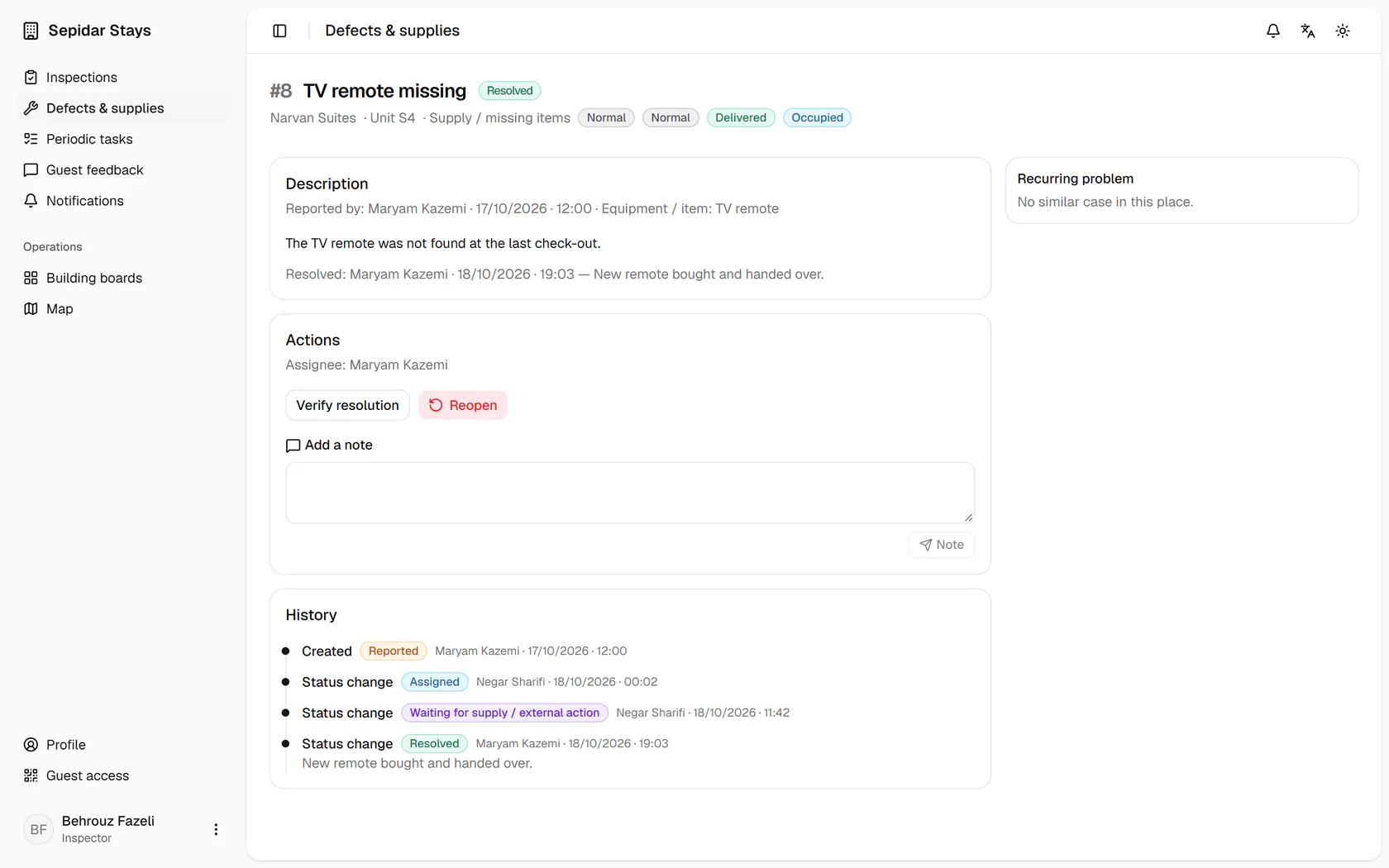
    If the fix did not hold, Reopen sends the case back with a reason.

    If the fix did not hold, Reopen sends the case back with a reason.
  4. 4

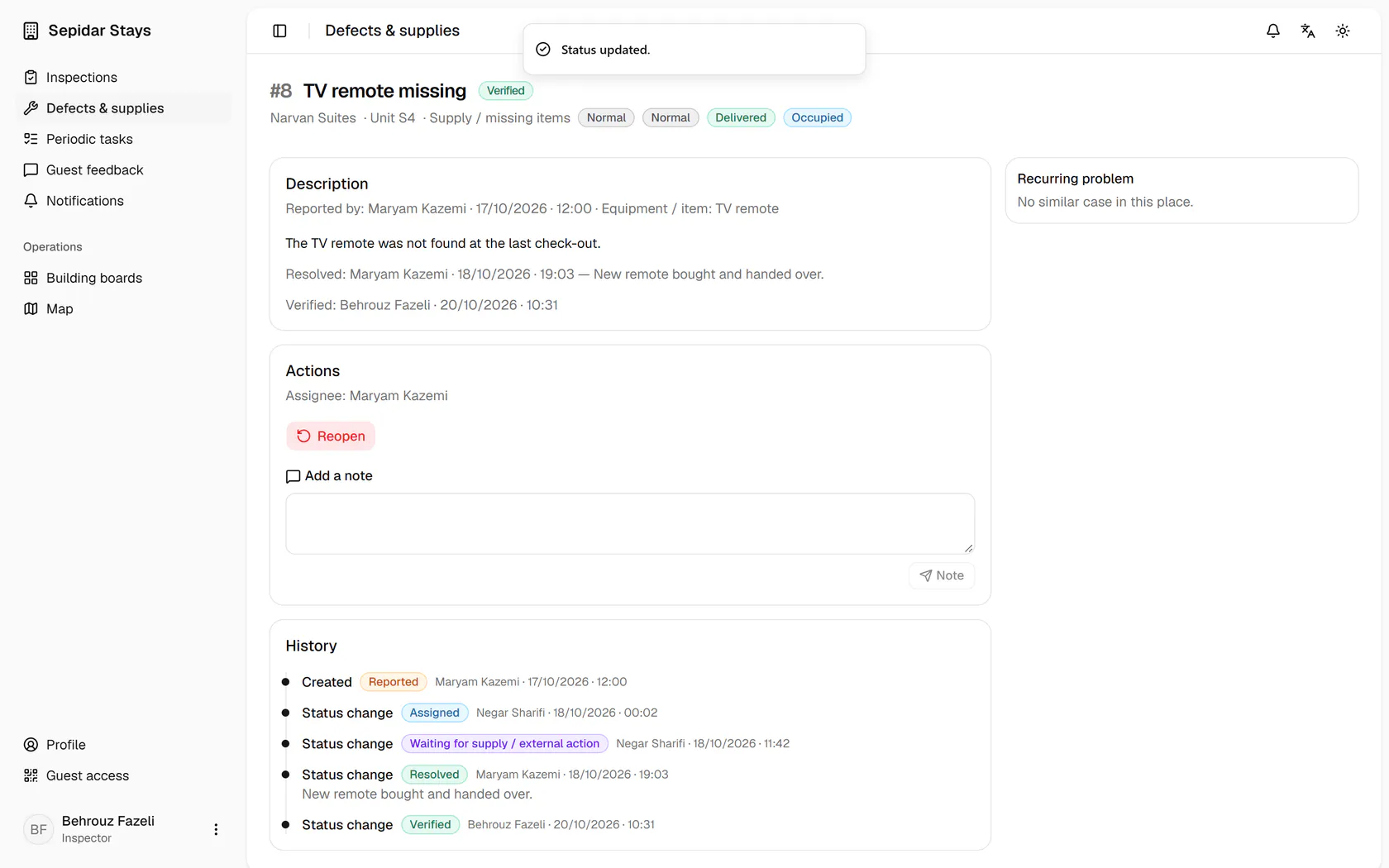
    The lock now turns smoothly, so press Verify.

    The lock now turns smoothly, so press Verify.
  5. 5

    The case is closed, with your name and the verification time kept on it.

    The case is closed, with your name and the verification time kept on it.