Decline a unit change request
When a guest's request cannot be met, it is declined with a clear reason that the guest can read.
Call center and operatorsOn a computer6 steps
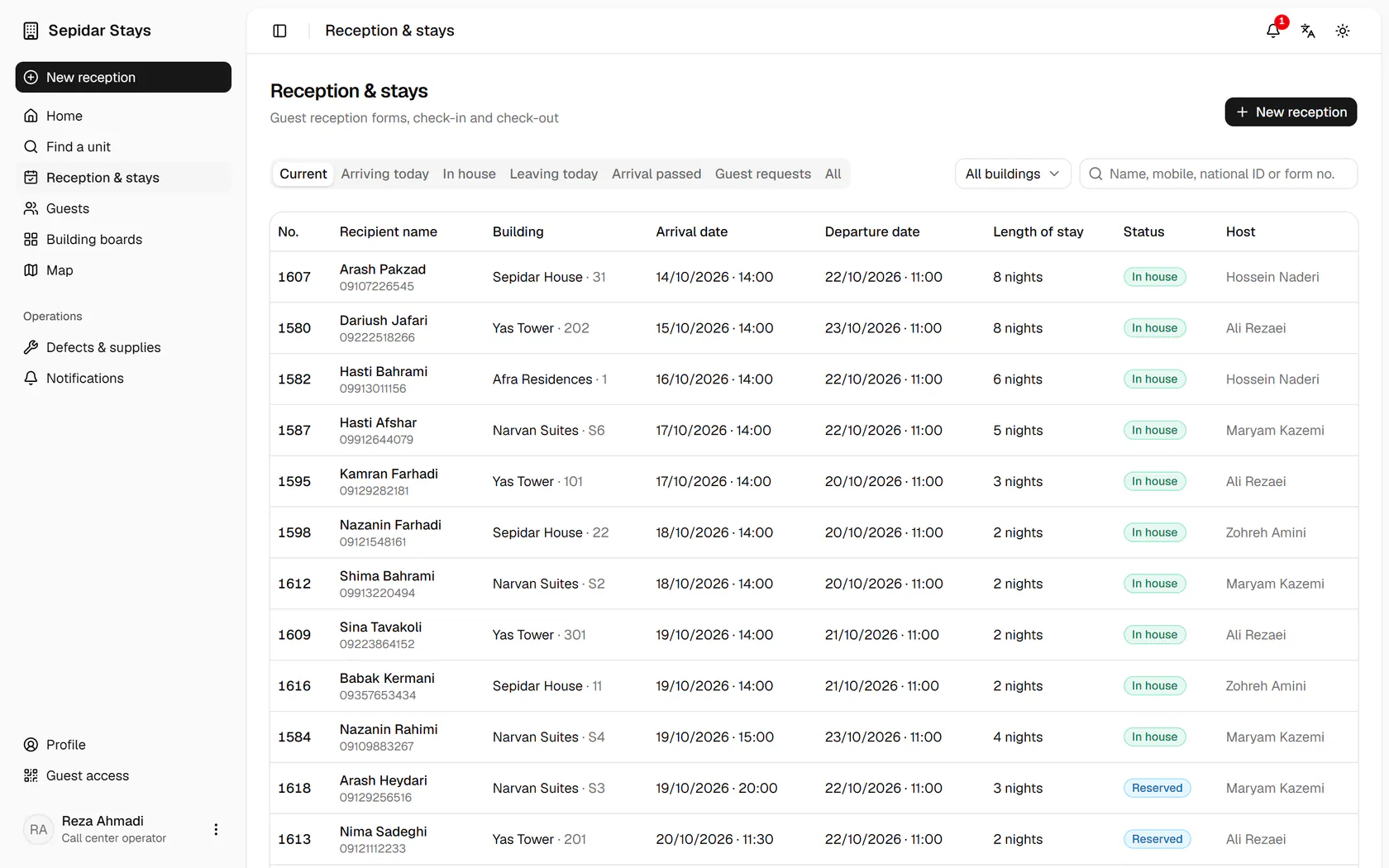
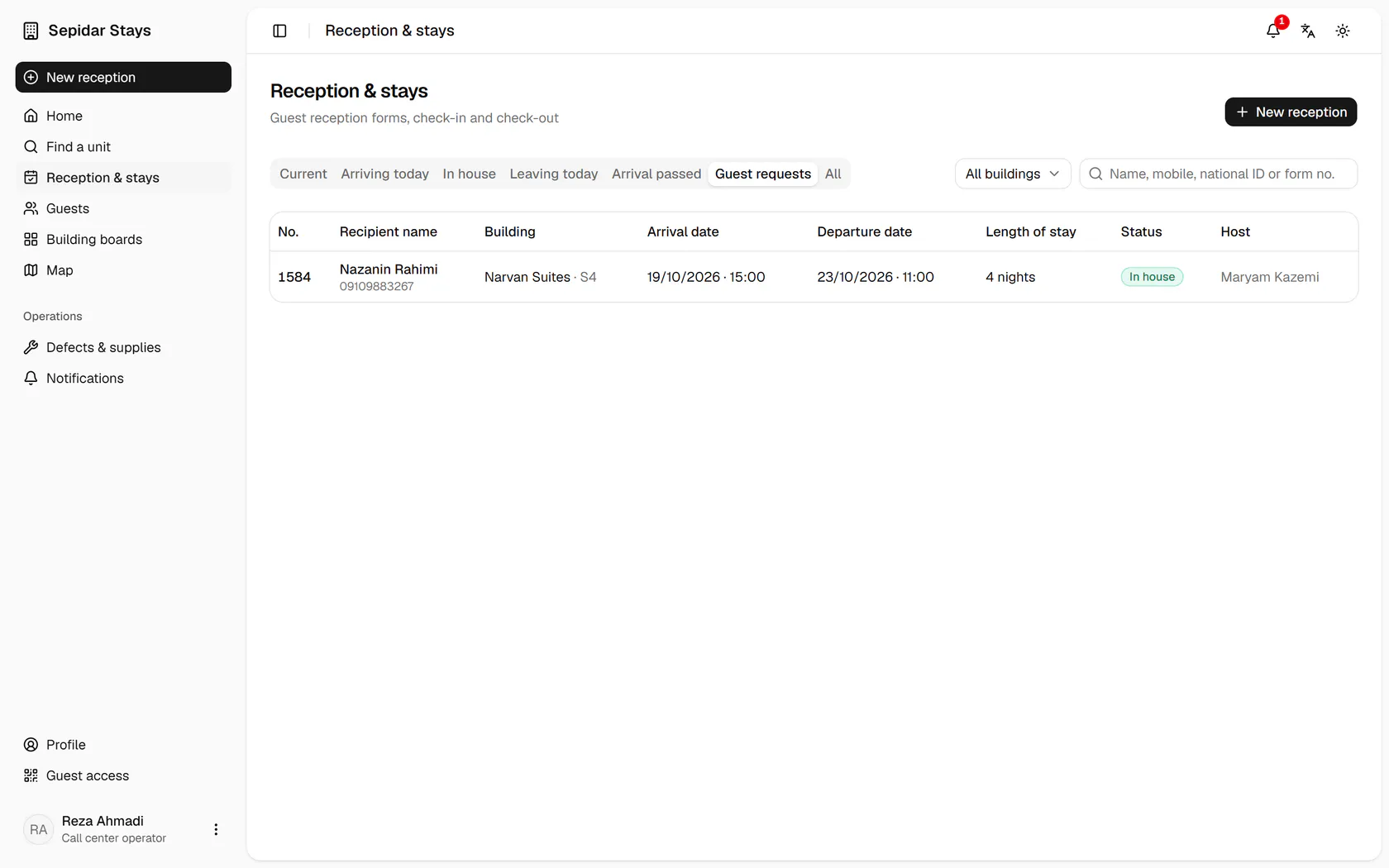
In Reception and stays, open the Guest requests tab.
Step by step
- 1
In Reception and stays, open the Guest requests tab.
- 2
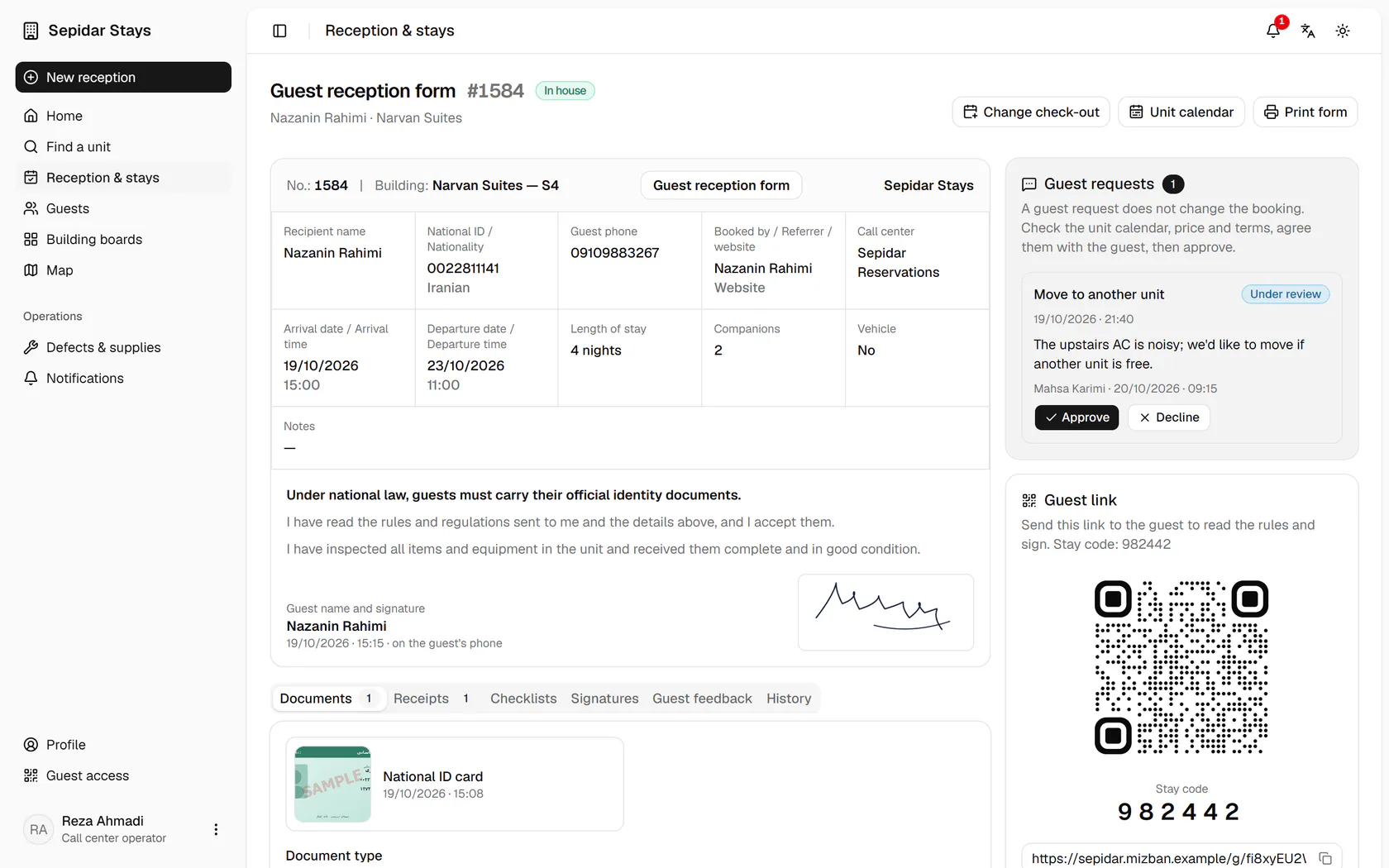
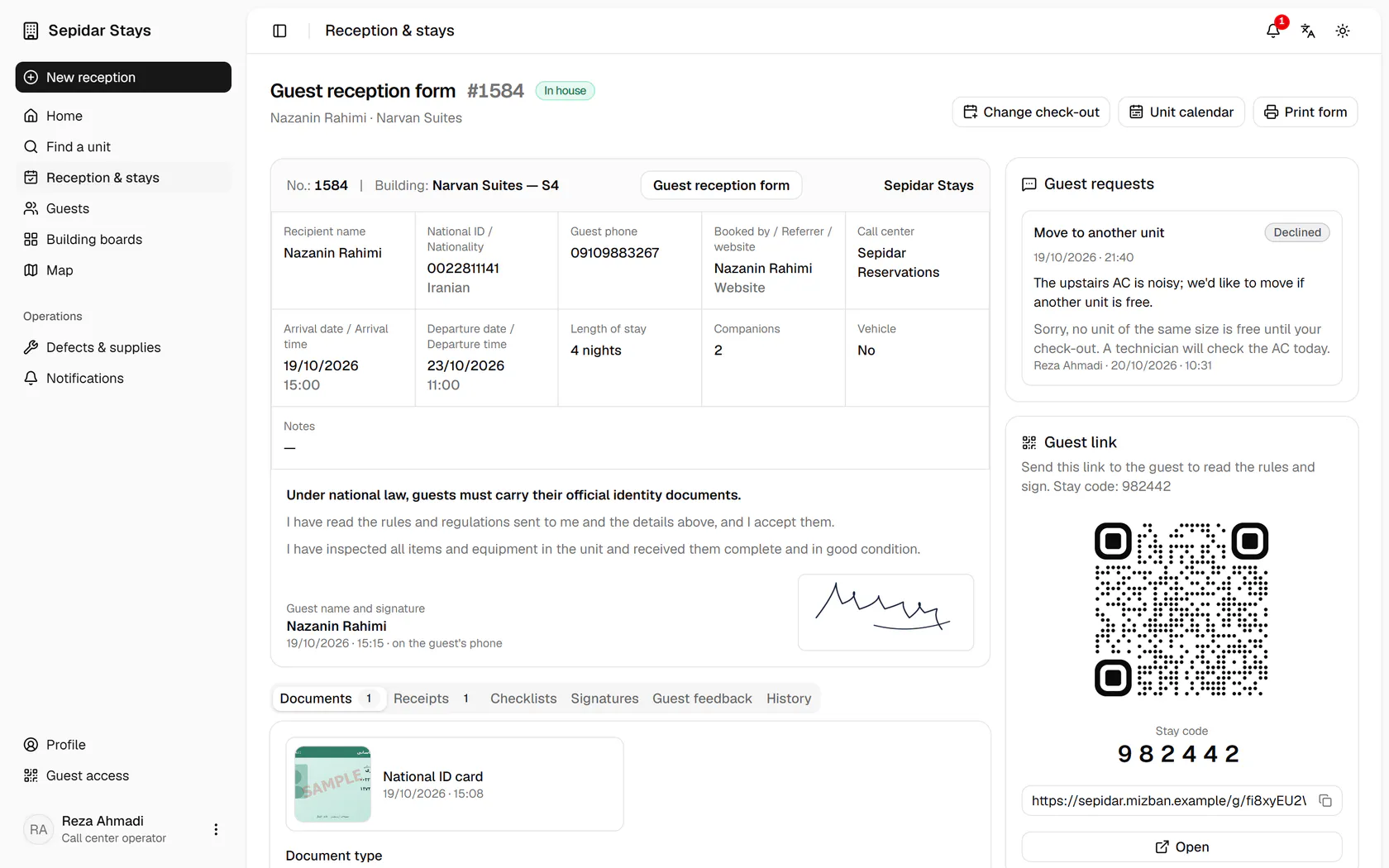
Open Nazanin Rahimi's booking in Narvan Suites S4.
- 3
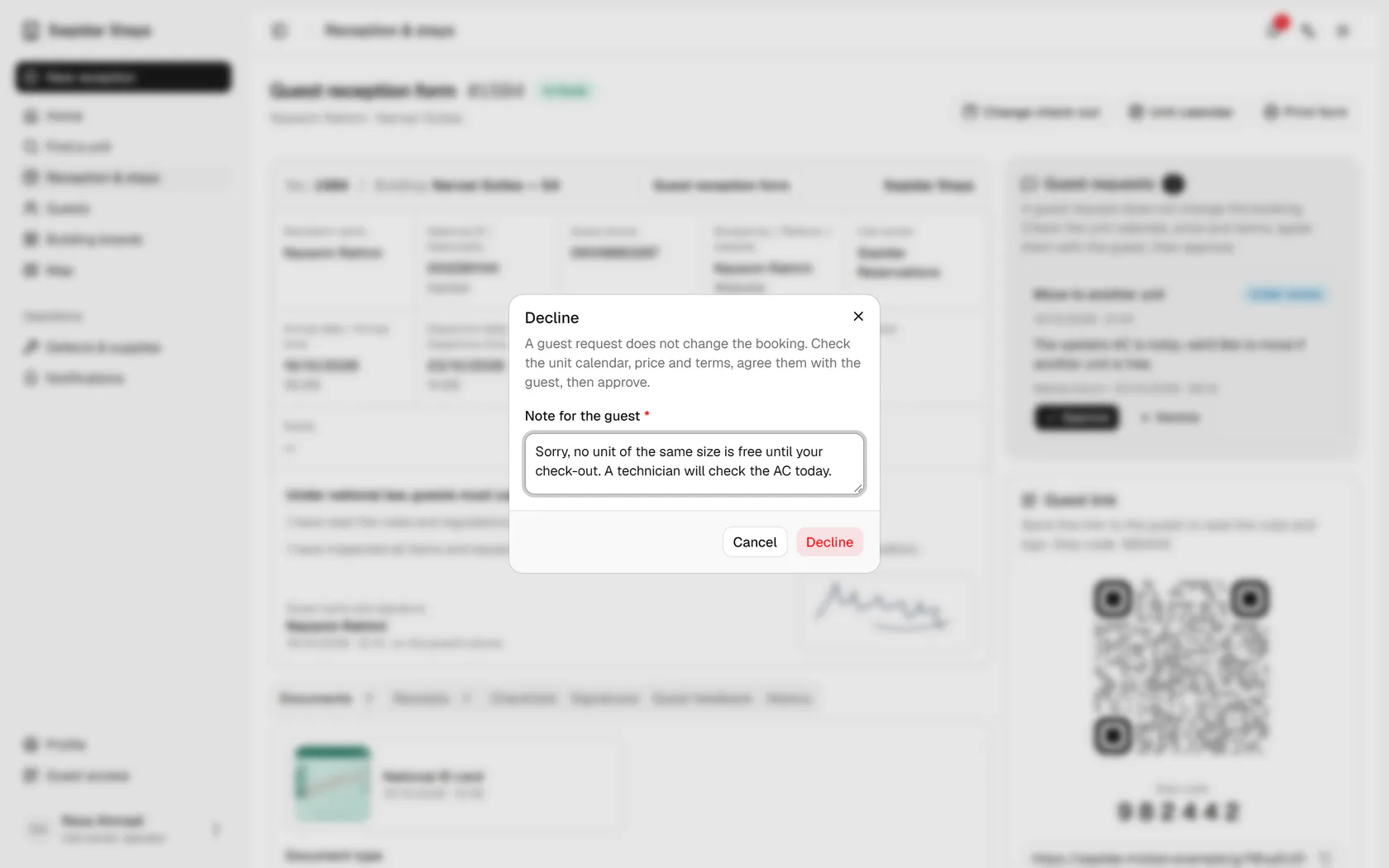
The unit change is under review and no similar unit is free; press Decline.
- 4
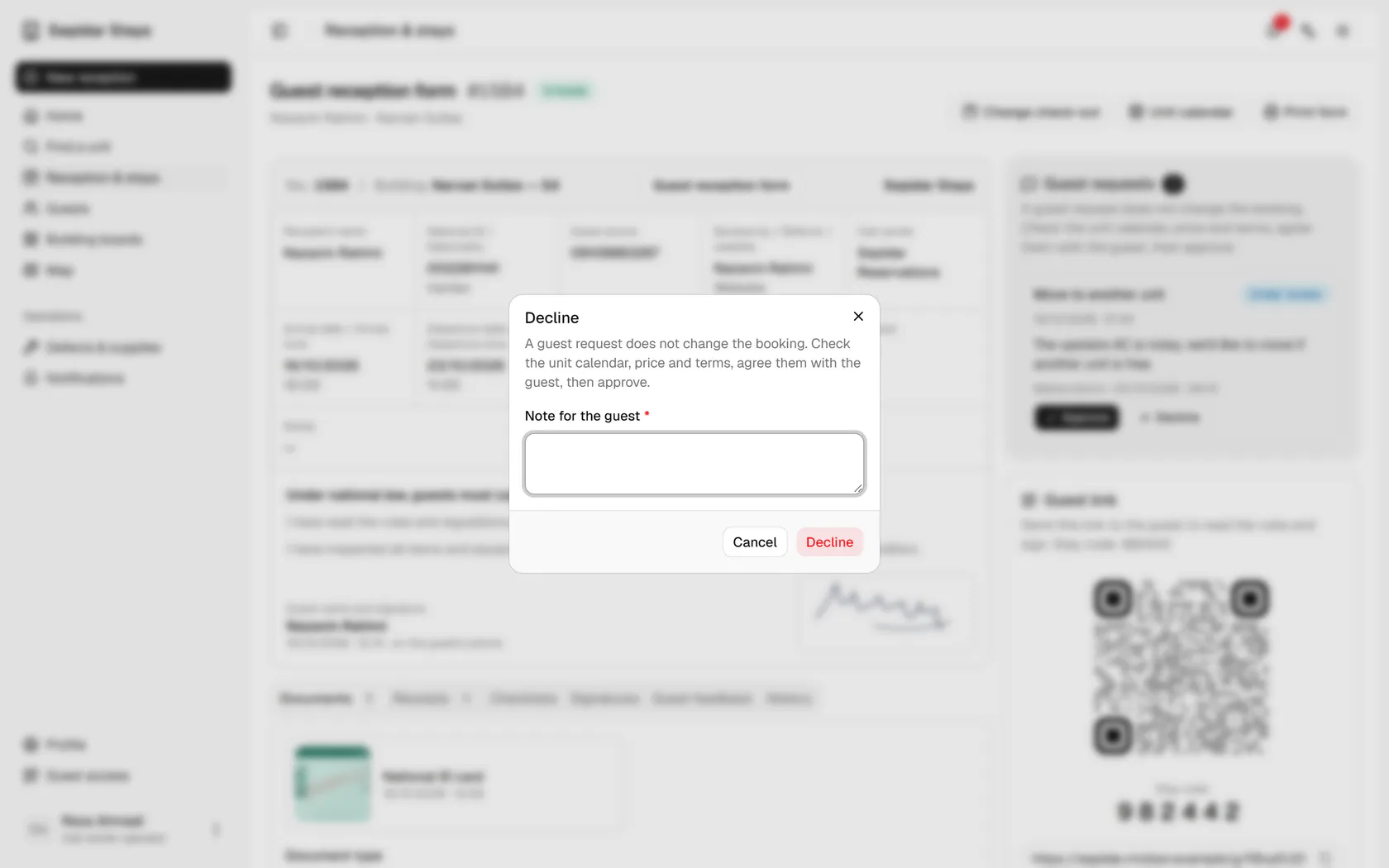
A reason is required; write it politely and clearly for the guest.
- 5
Confirm the decline; the guest sees the answer on the live guest page.
- 6
The request now shows Declined, with the reason and the operator's name.