The guest signs on their phone
The guest sees the handed-over items and the rules live on their own phone and signs with a finger, with no paper.
GuestOn a phone7 steps
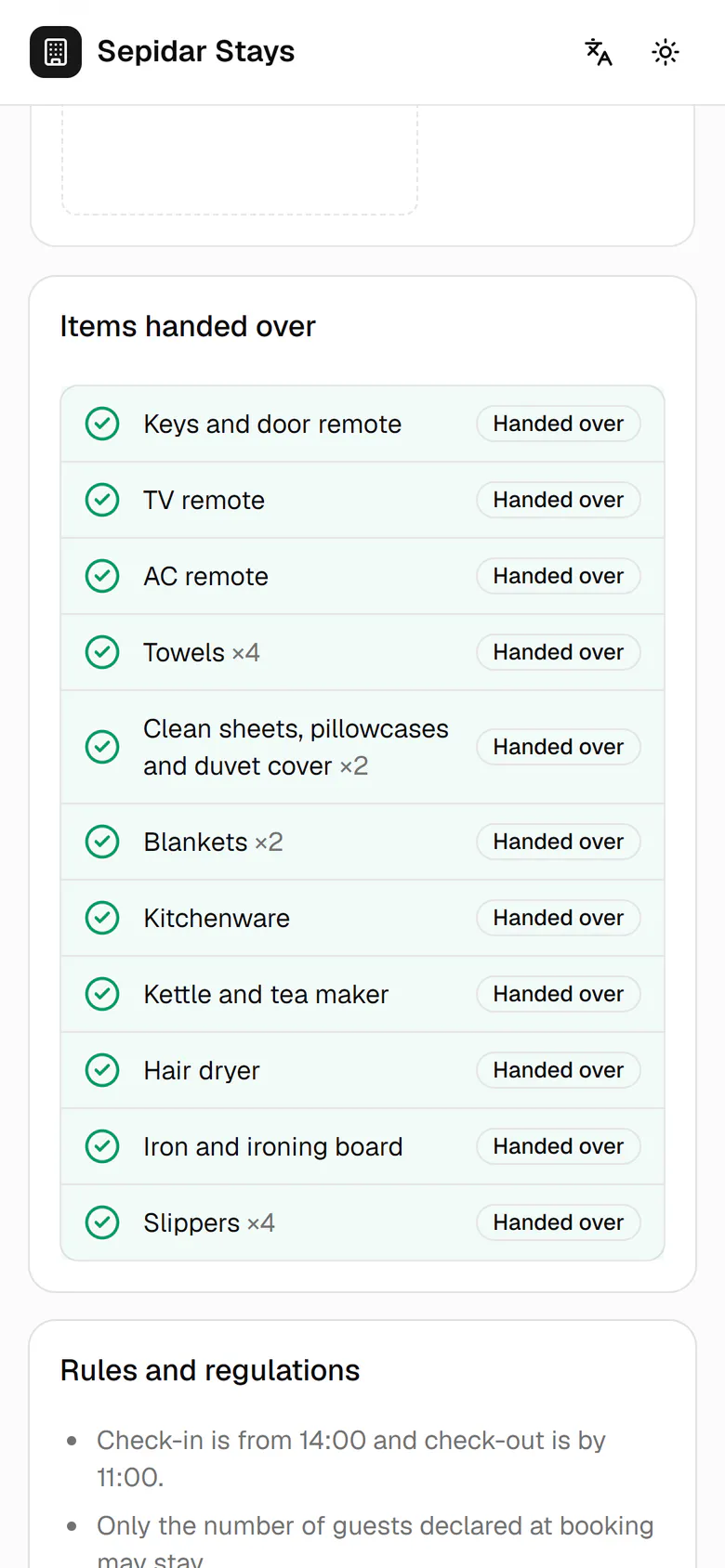
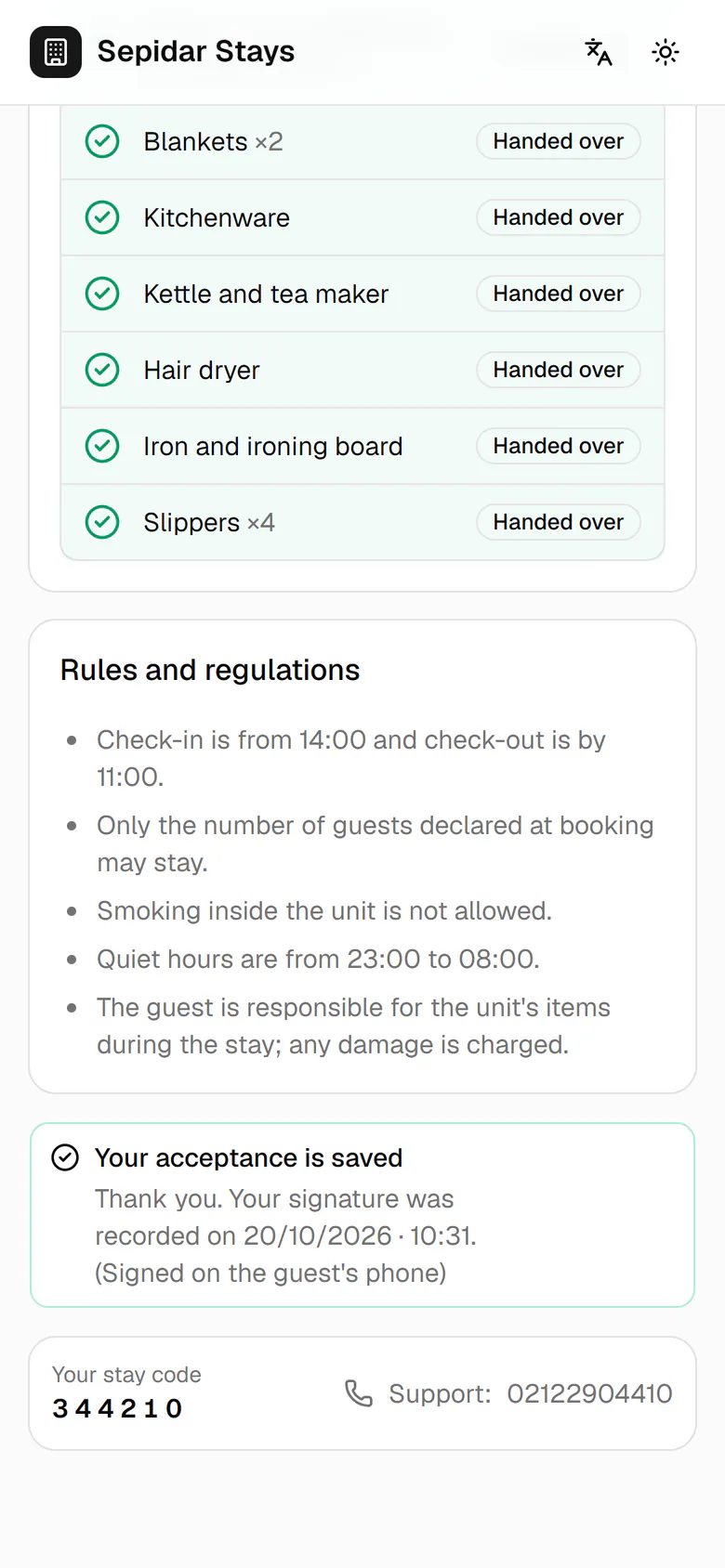
Each item the host ticks shows as handed over on the guest's phone right away.
Step by step
- 1
Each item the host ticks shows as handed over on the guest's phone right away.
- 2
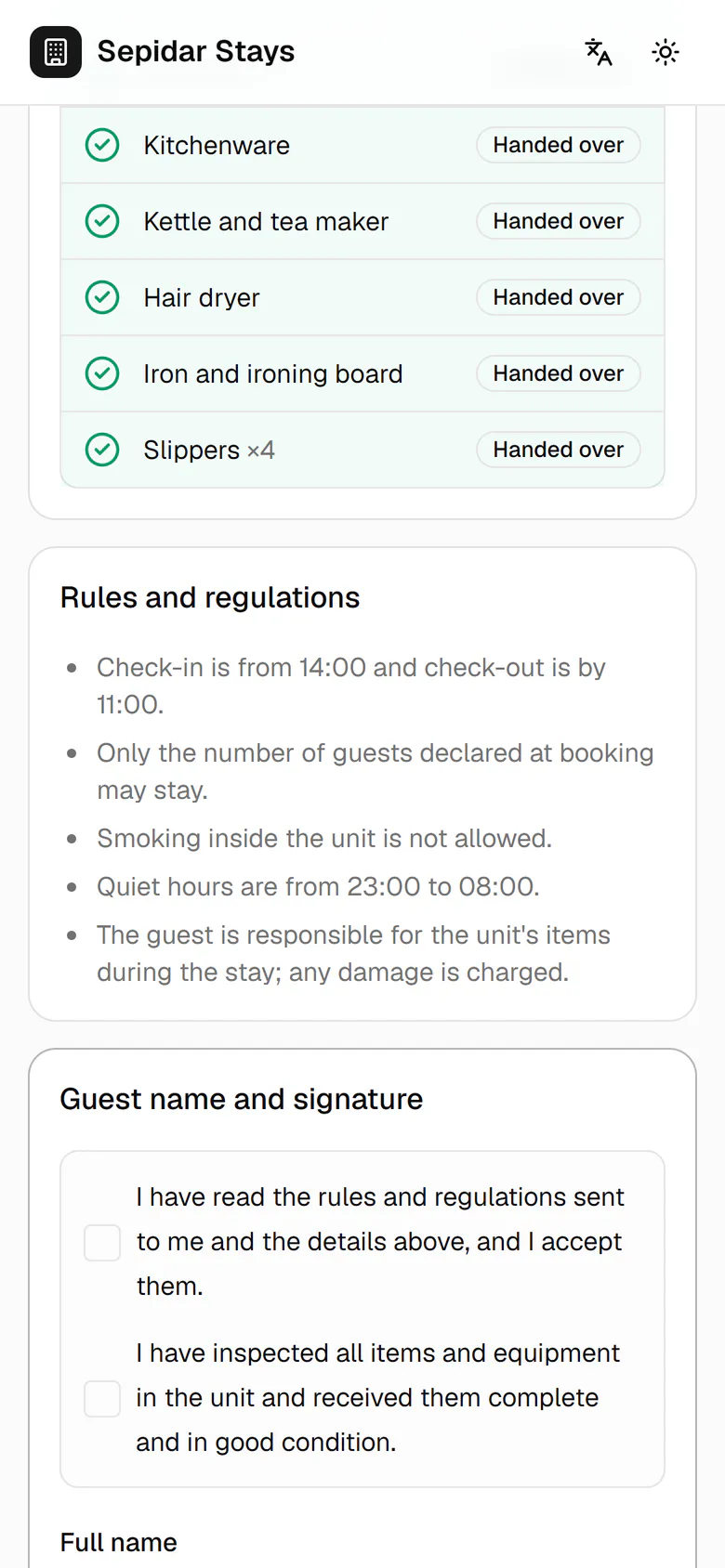
The guest reads the house rules before signing.
- 3
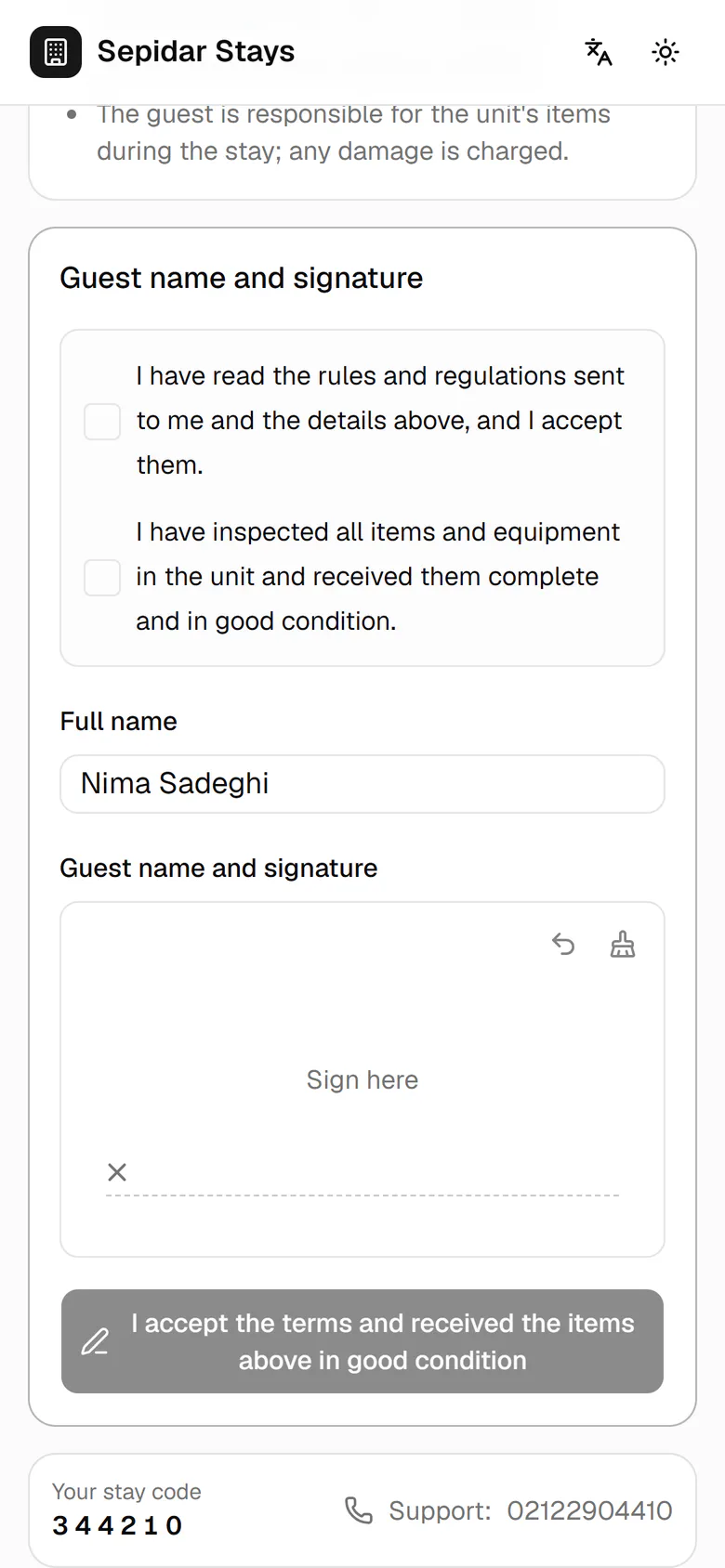
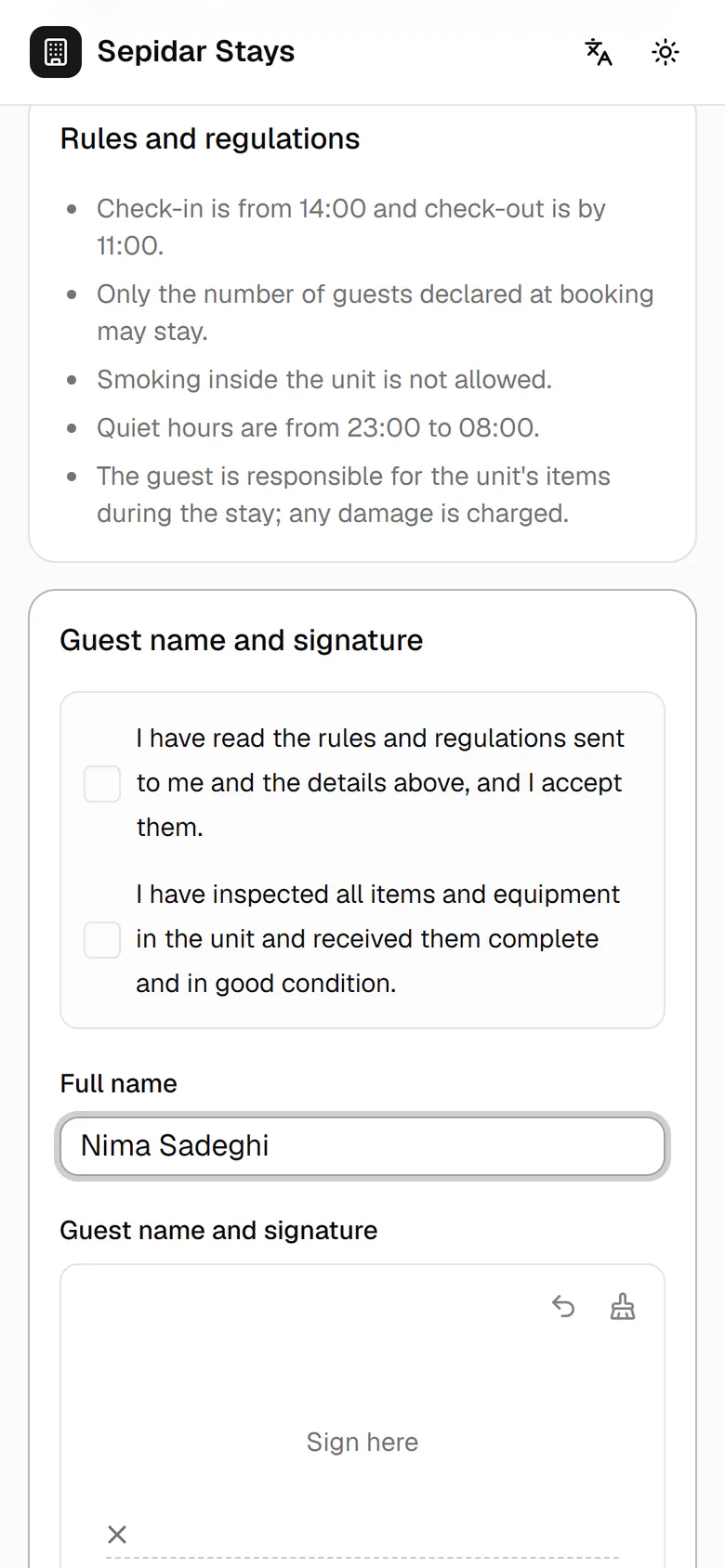
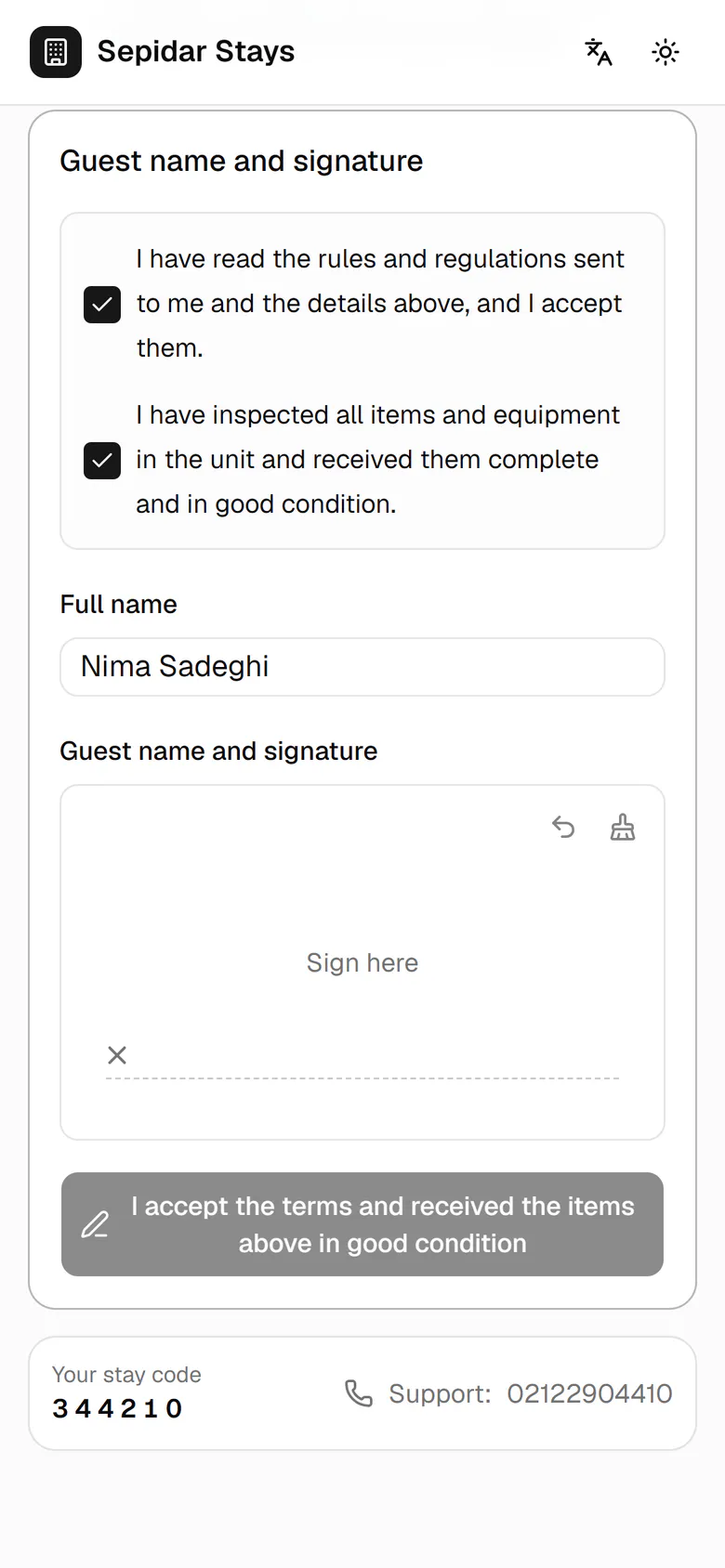
Check the full name and correct it if needed.
- 4
Tick both statements: accepting the rules and receiving the items in good condition.
- 5
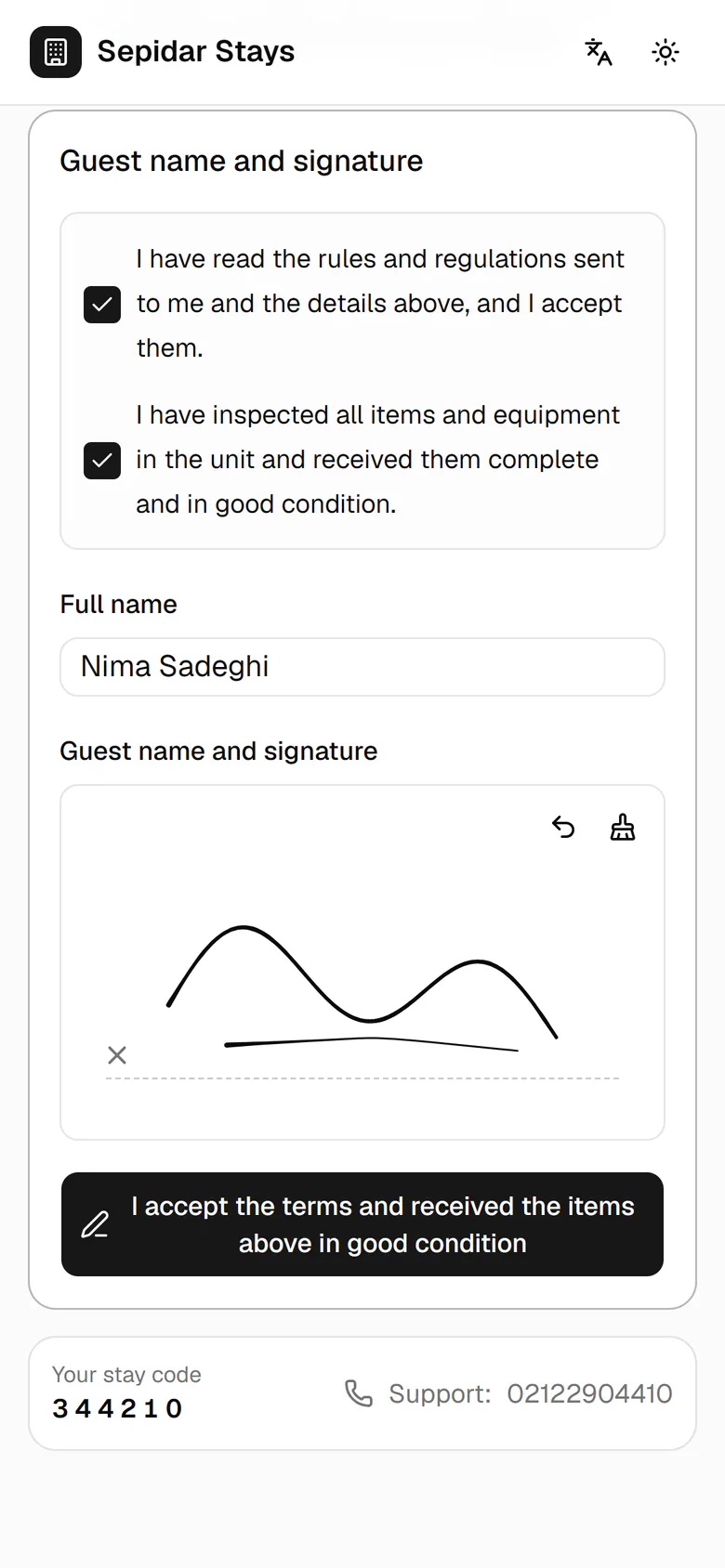
Sign inside the box with a finger. Undo lets you sign again.
- 6
Tap the accept button to send the signature to the host.
- 7
The acceptance is saved with date and time and has reached the host's phone.