Guest
No app to install: a QR code or text opens the guest's own page for signing, unit status, extensions and feedback.
NS
Nima Sadeghi
Guest at Yas Tower
5 guided sections
The guest signs on their phone
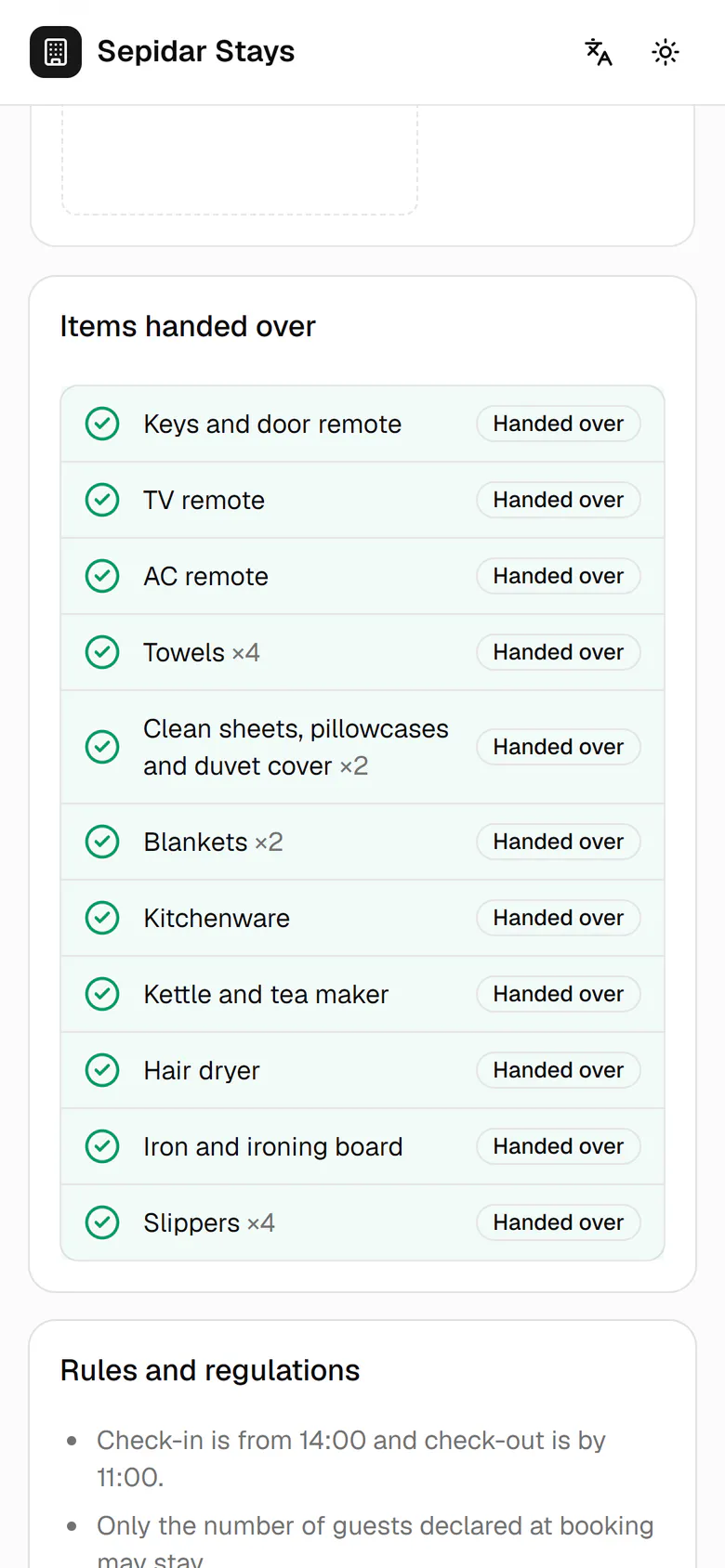
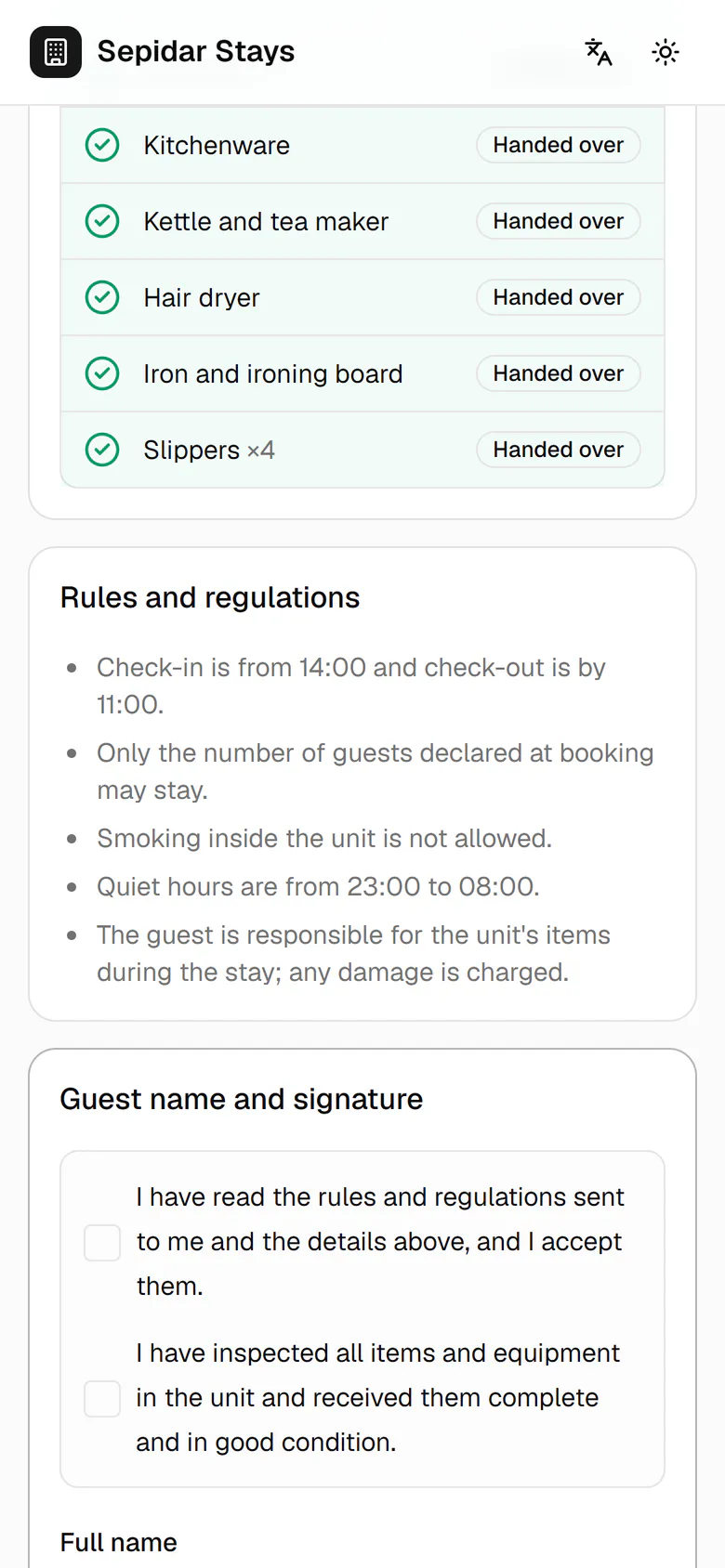
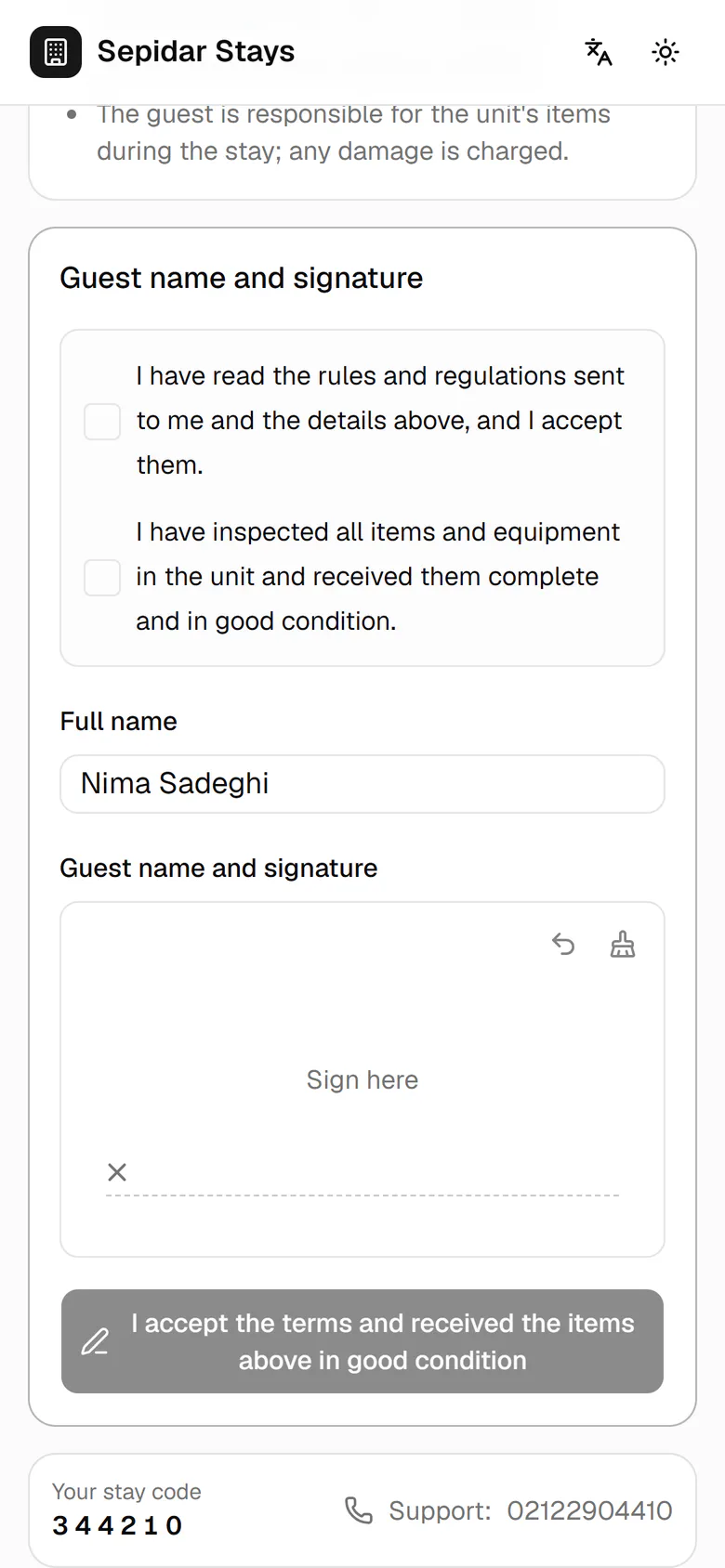
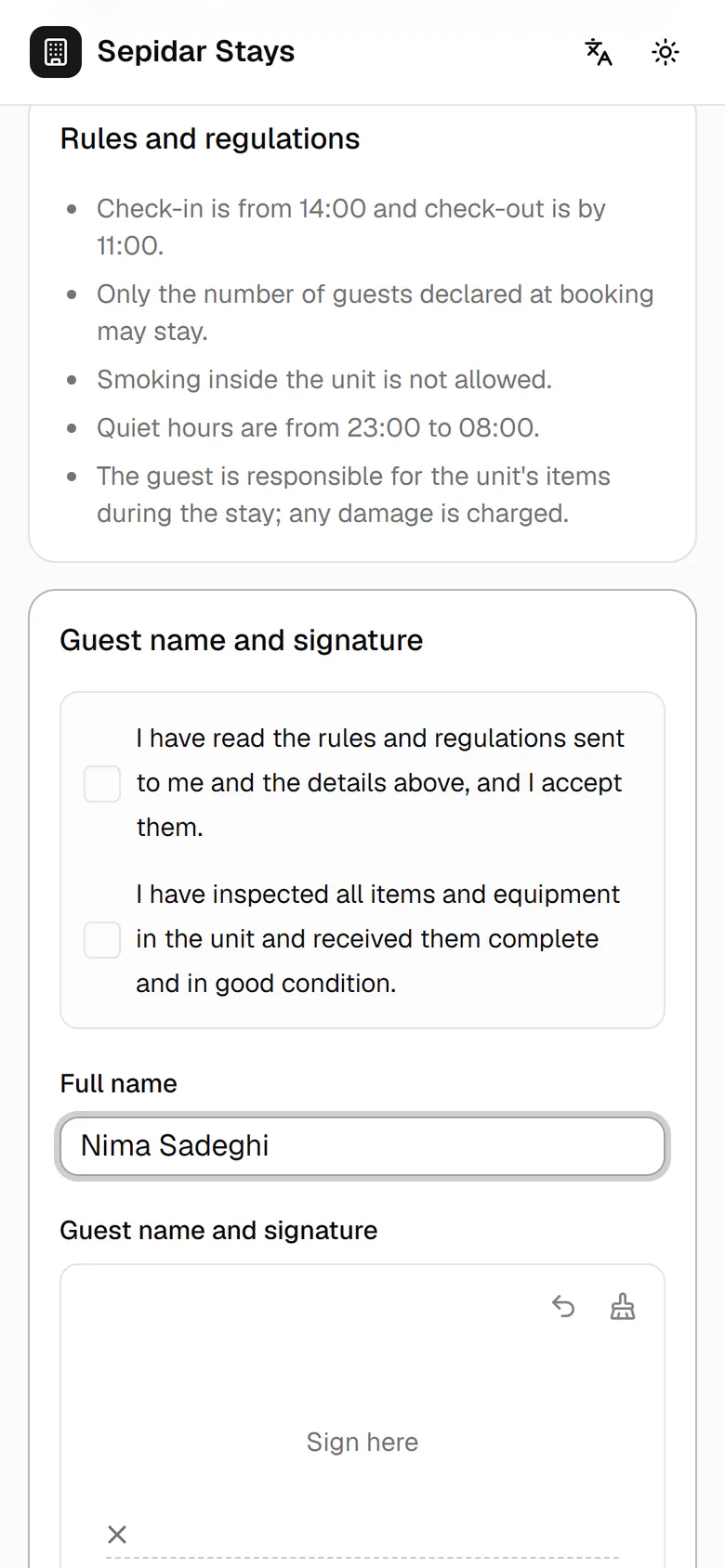
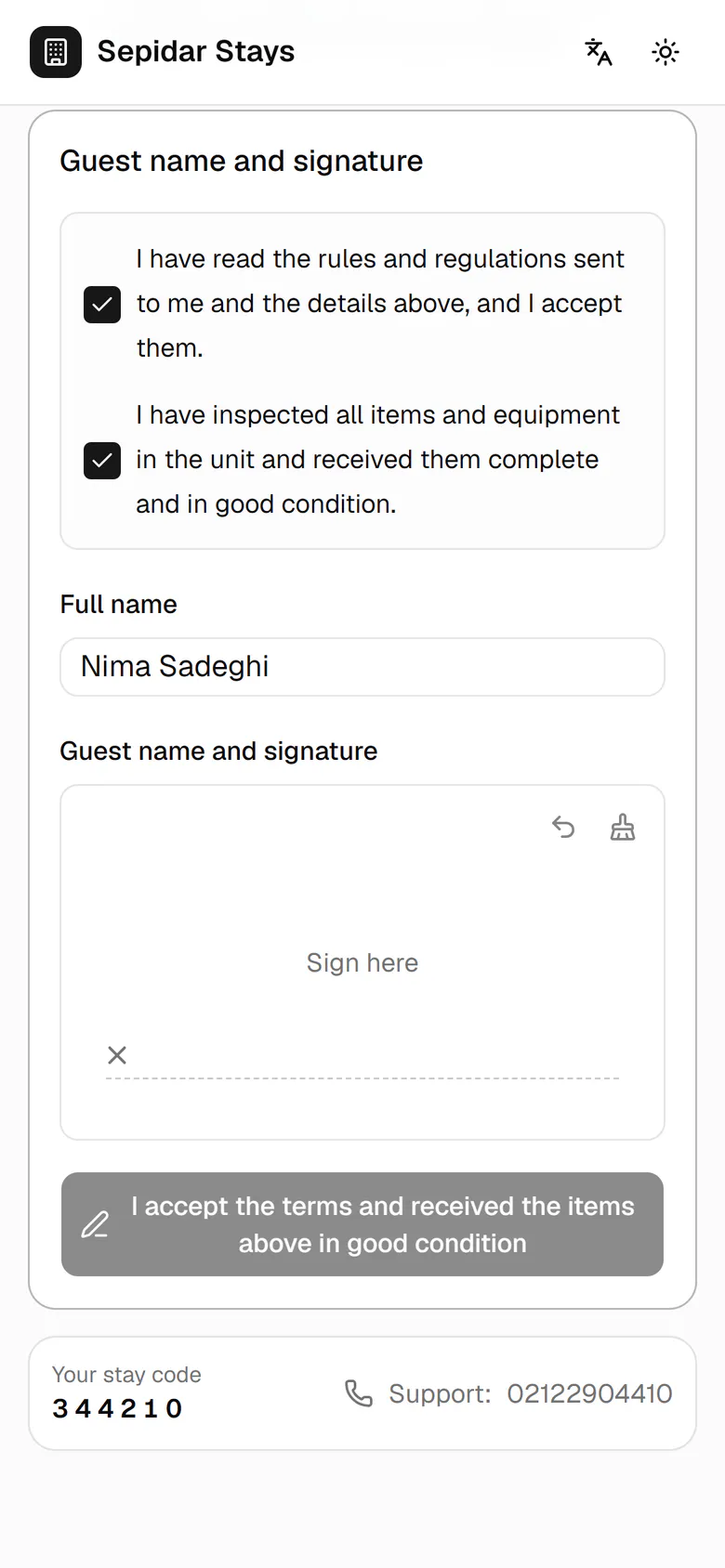
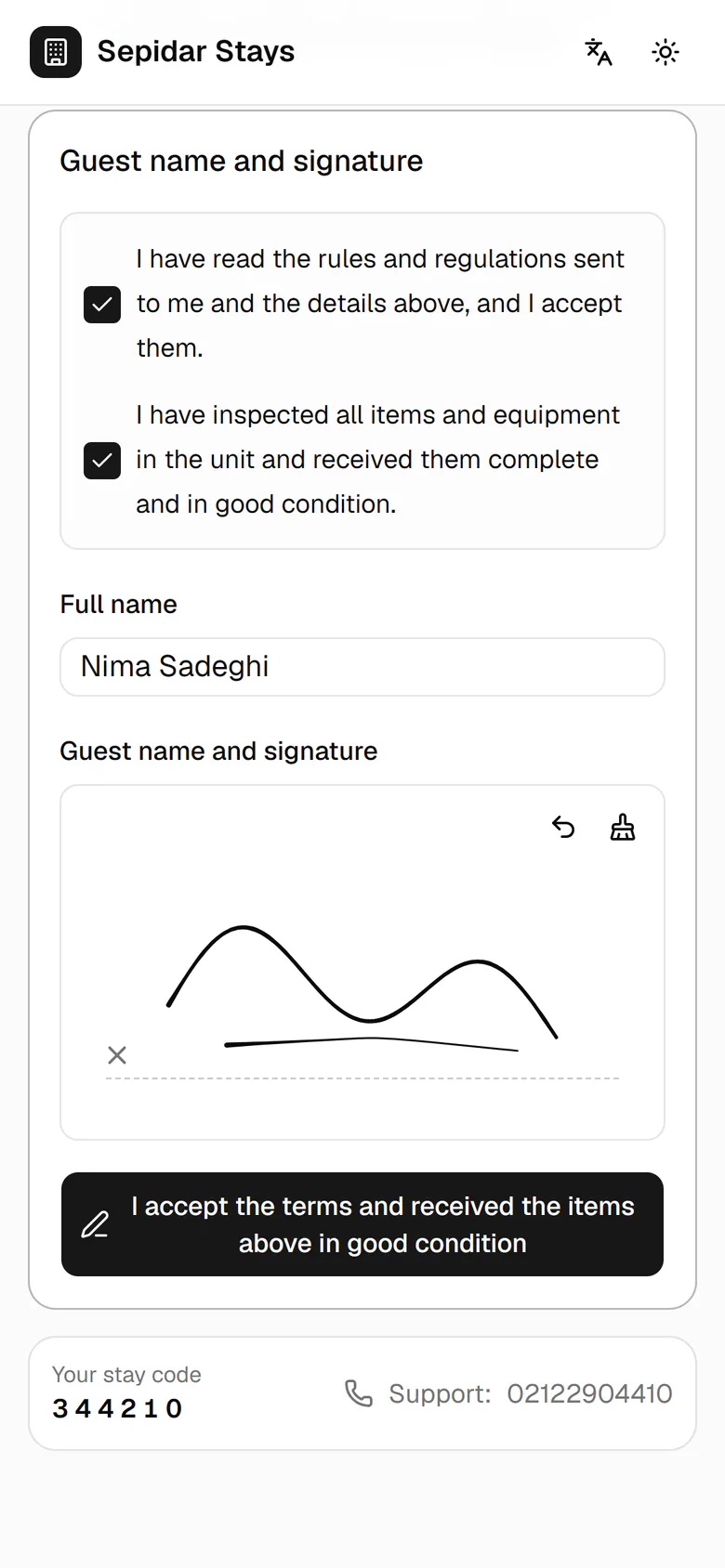
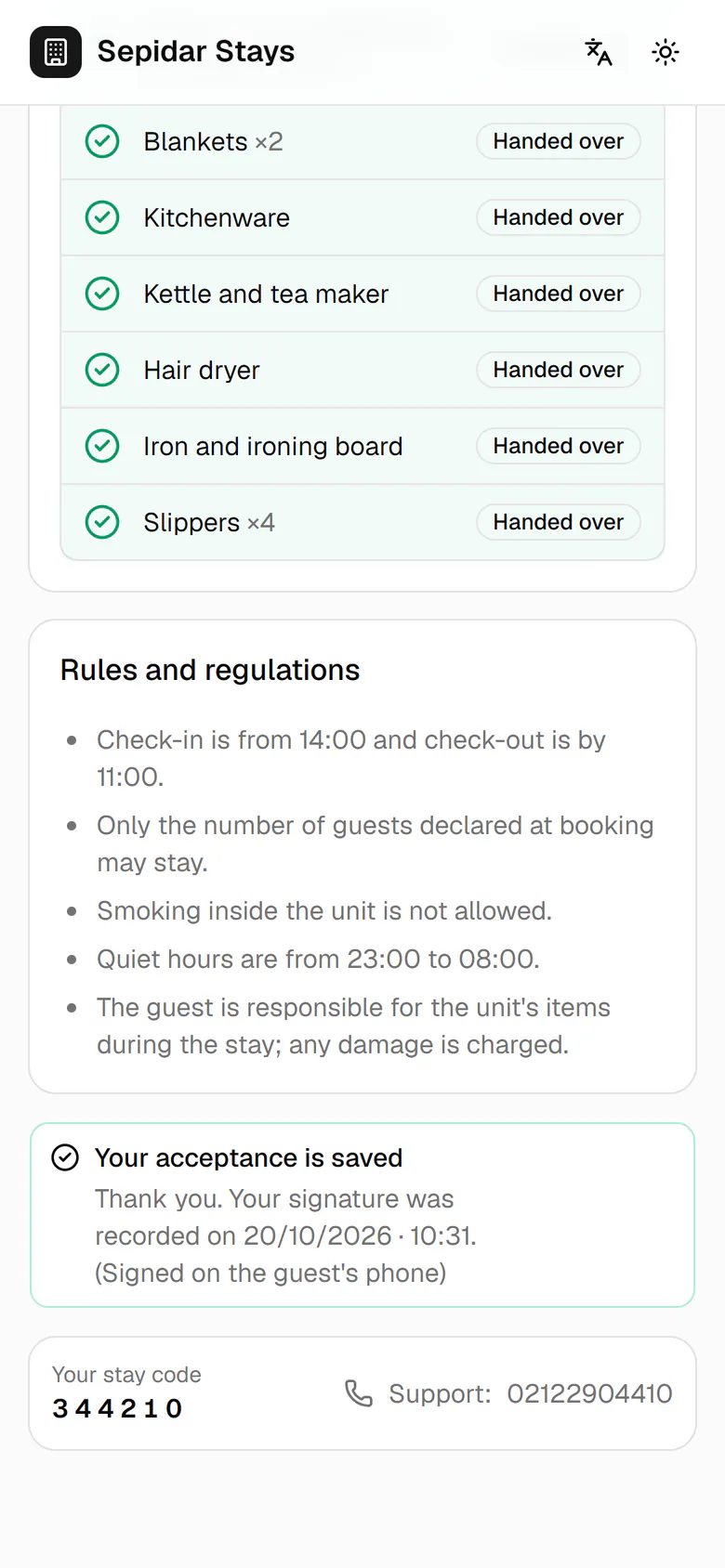
Each item the host ticks shows as handed over on the guest's phone right away.
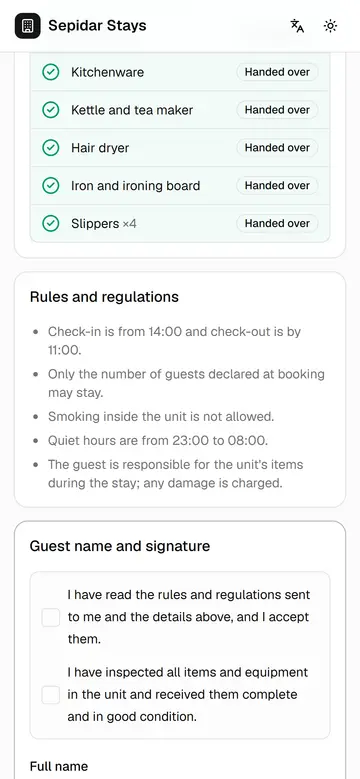
The guest signs on their phone
The guest sees the handed-over items and the rules live on their own phone and signs with a finger, with no paper.
On a phone7 steps
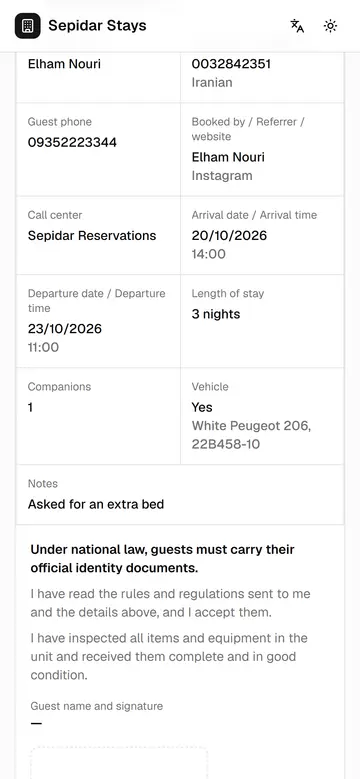
Live page before arrival
Before arriving, the guest sees when the unit will be ready, reads the form and rules, and sends a request.
On a phone7 steps
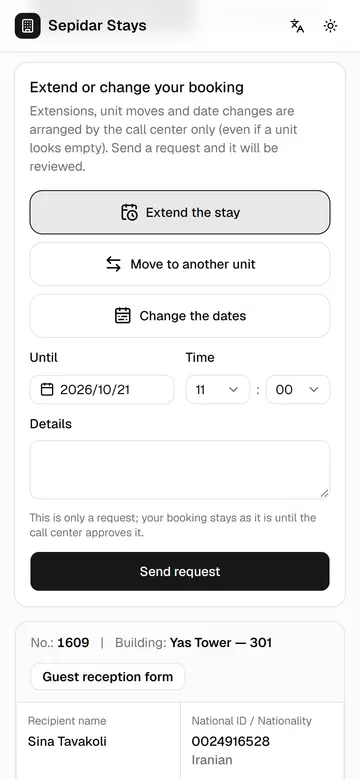
Ask to extend the stay
A guest in the unit asks for an extension from the live page, and the request goes straight to the call center.
On a phone7 steps
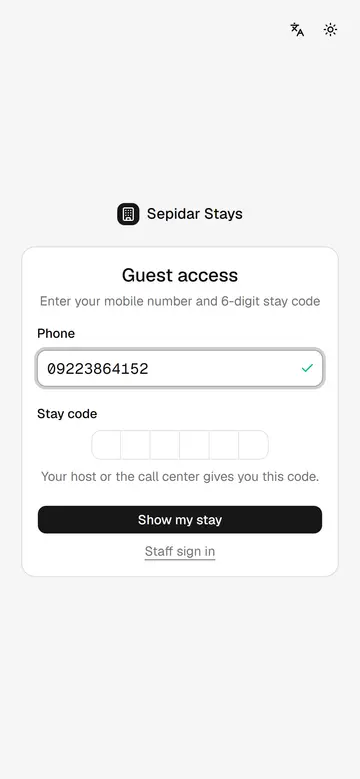
Guest sign-in with stay code
A guest without the QR code reaches the live page with a mobile number and the 6-digit stay code.
On a phone4 steps
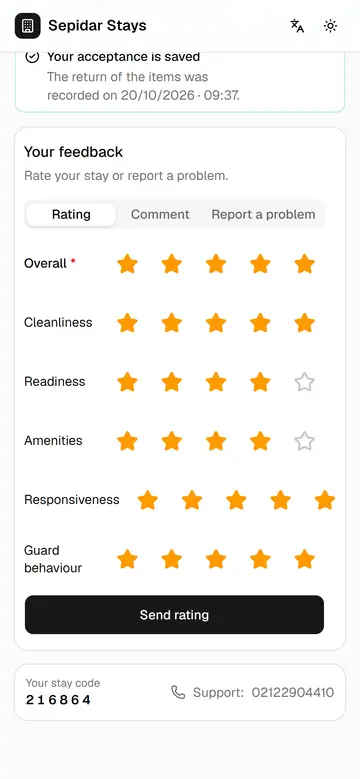
Guest feedback after check-out
After check-out the guest rates six areas, leaves a comment and reports a problem, so quality can be measured.
On a phone9 steps