Guest feedback after check-out
After check-out the guest rates six areas, leaves a comment and reports a problem, so quality can be measured.
GuestOn a phone9 steps
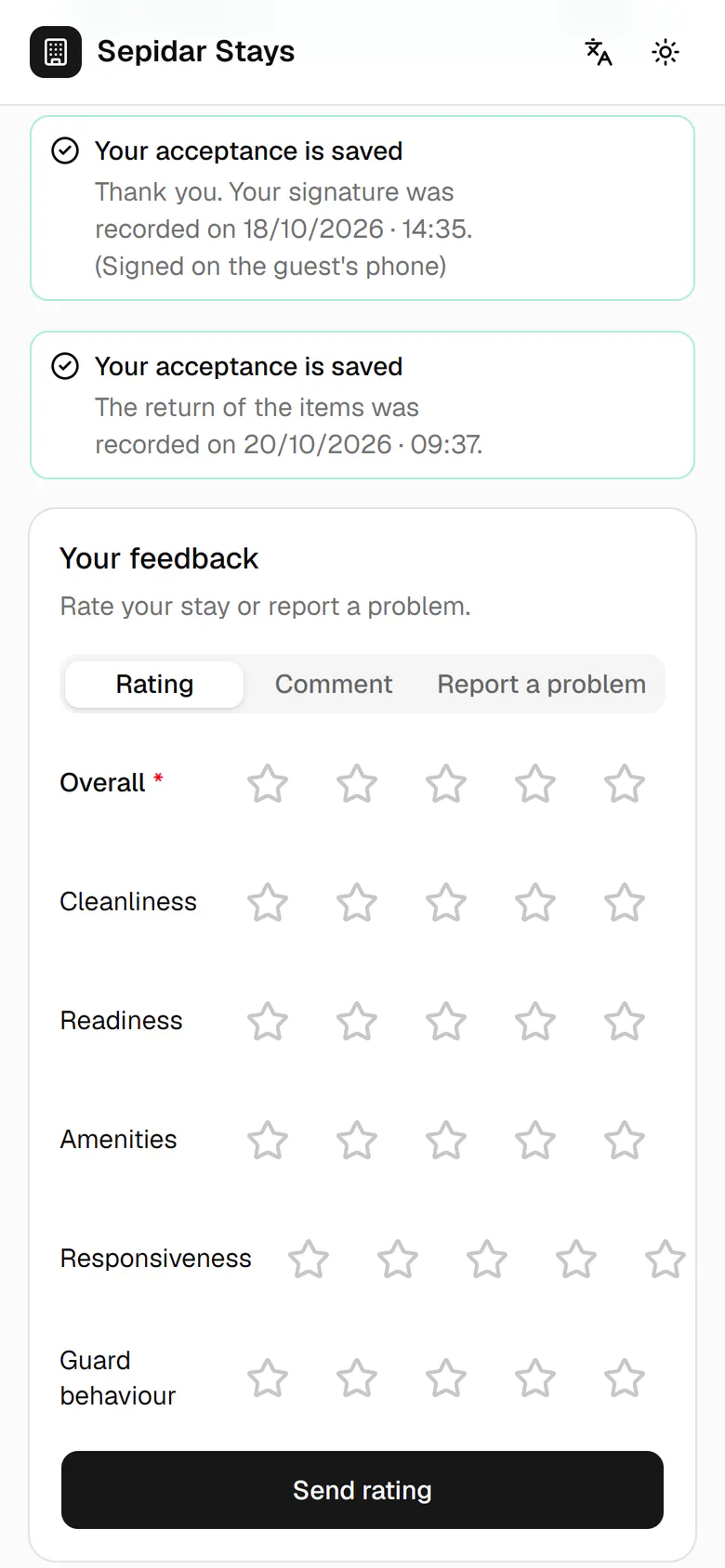
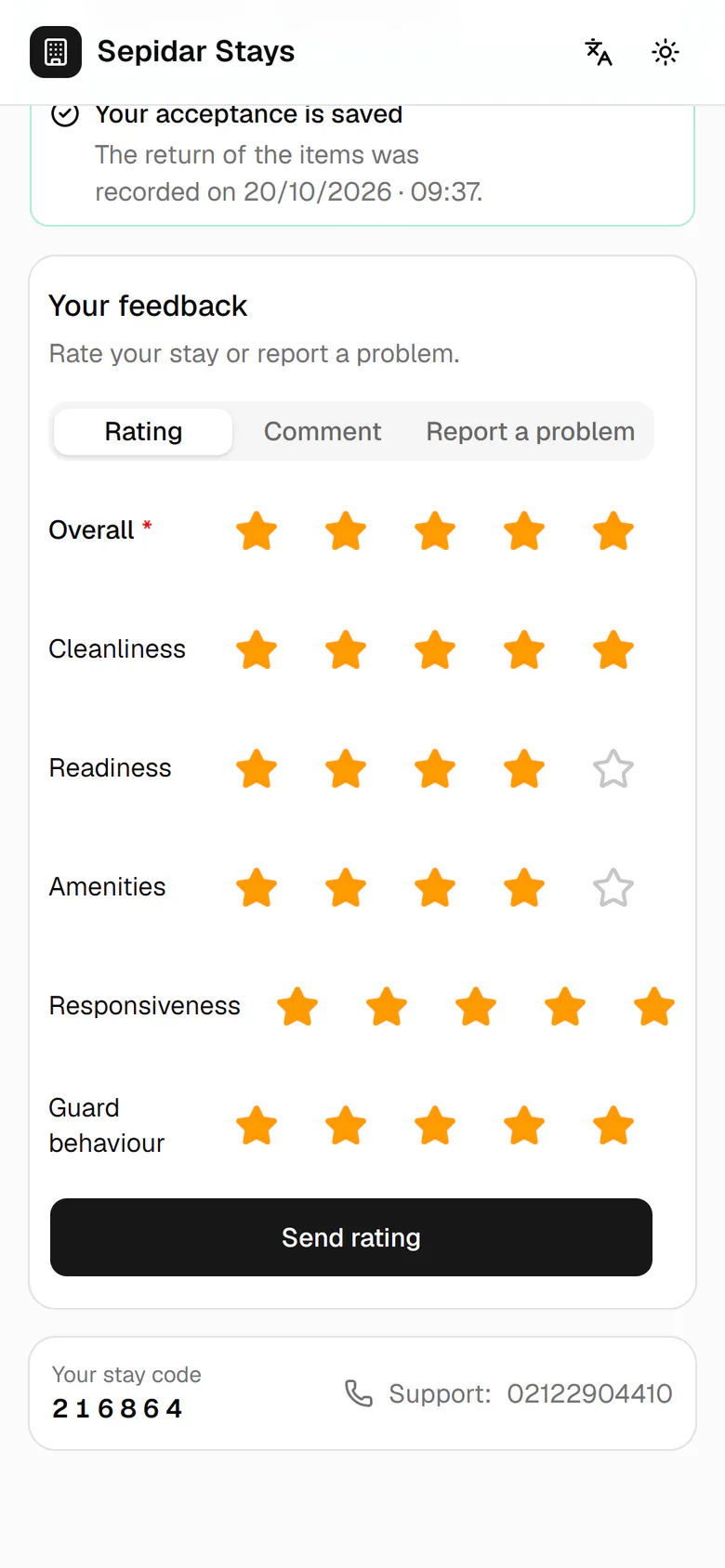
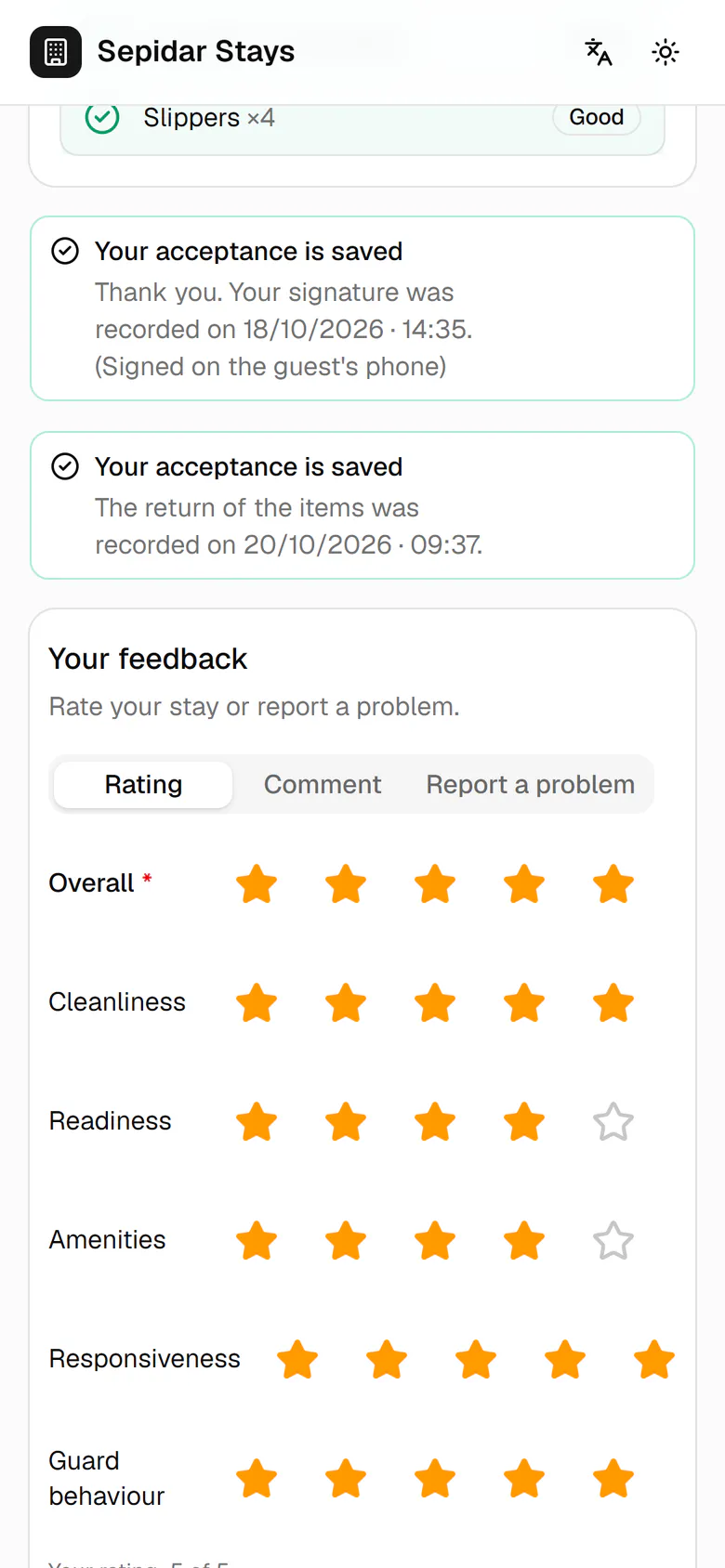
Give stars in six areas: overall, cleanliness, readiness, amenities, responsiveness and host behaviour.
Step by step
- 1
Give stars in six areas: overall, cleanliness, readiness, amenities, responsiveness and host behaviour.
- 2
Tap Send rating to save your stars.
- 3
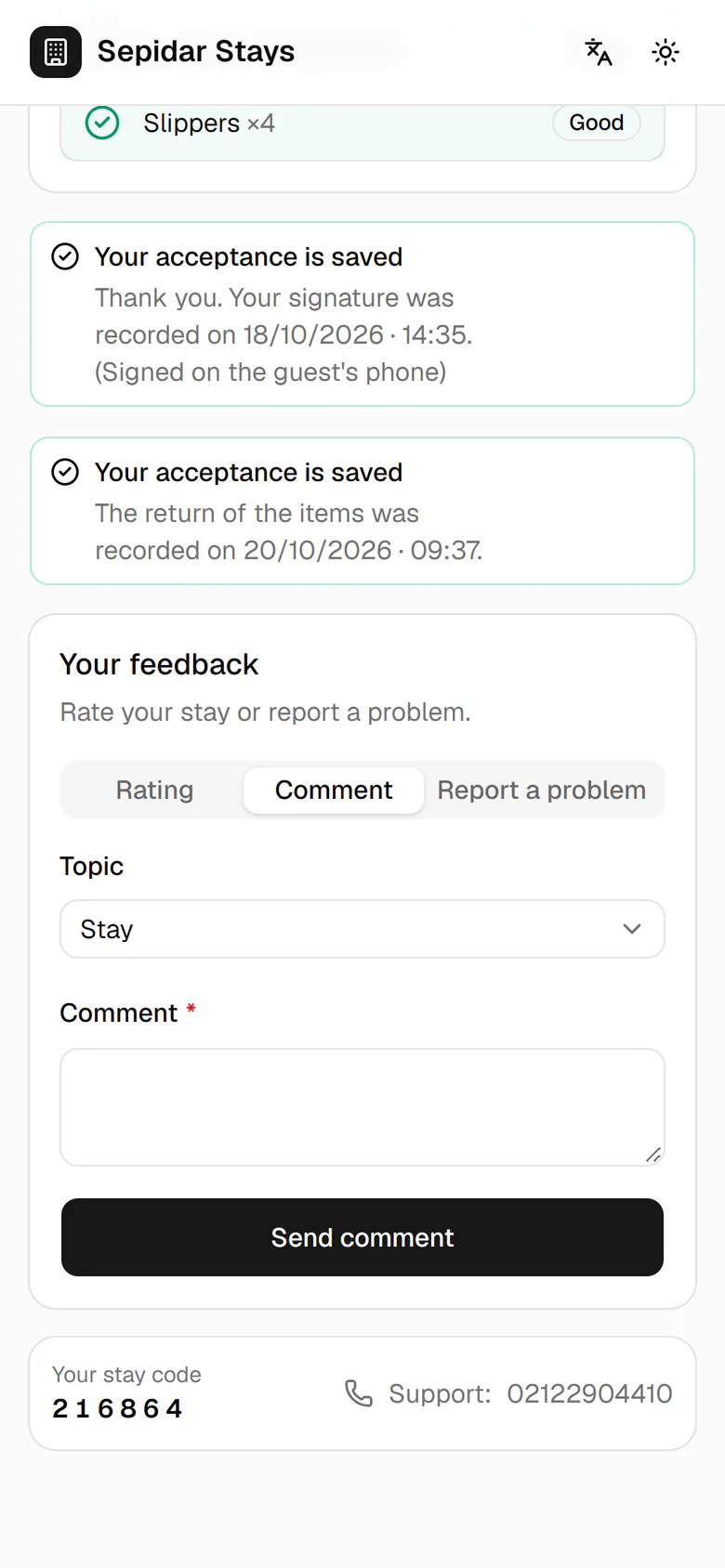
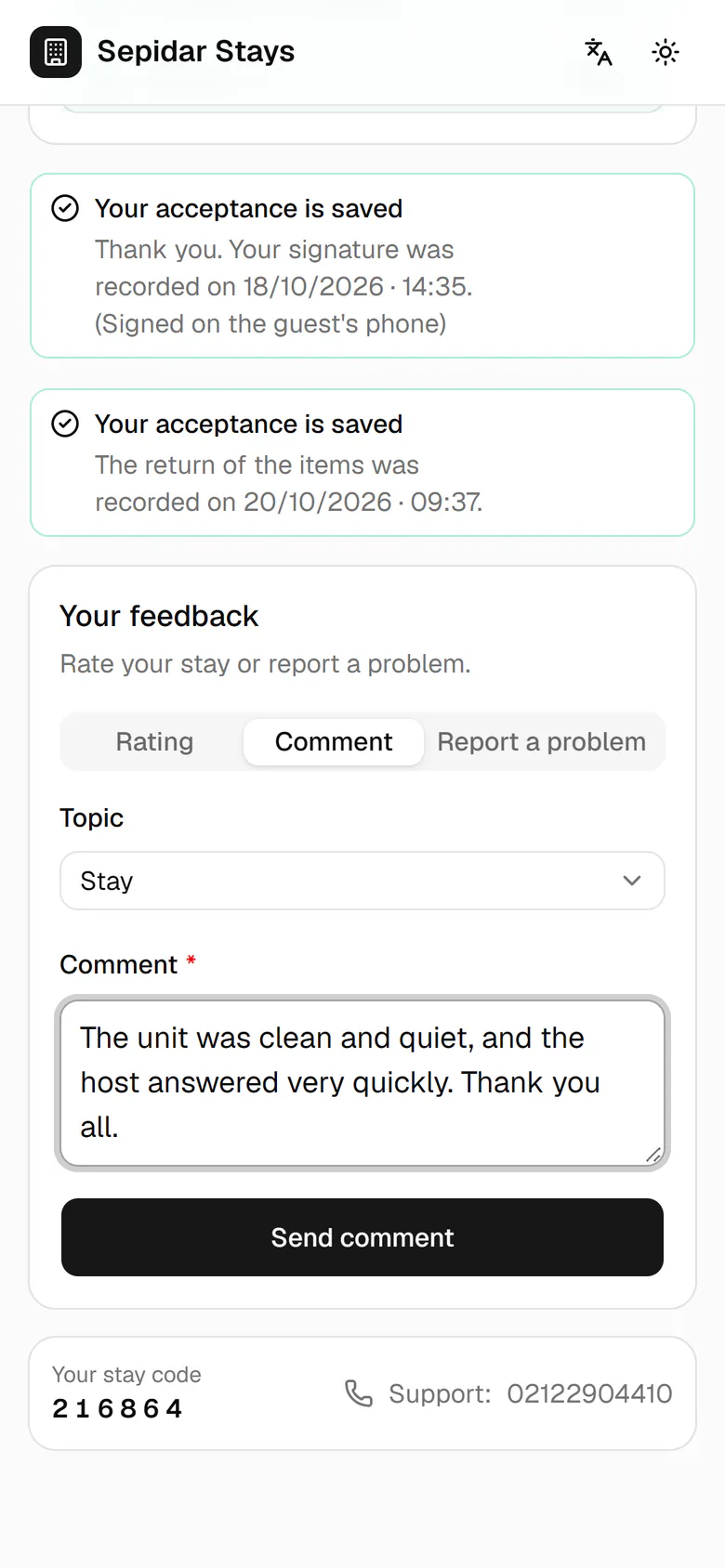
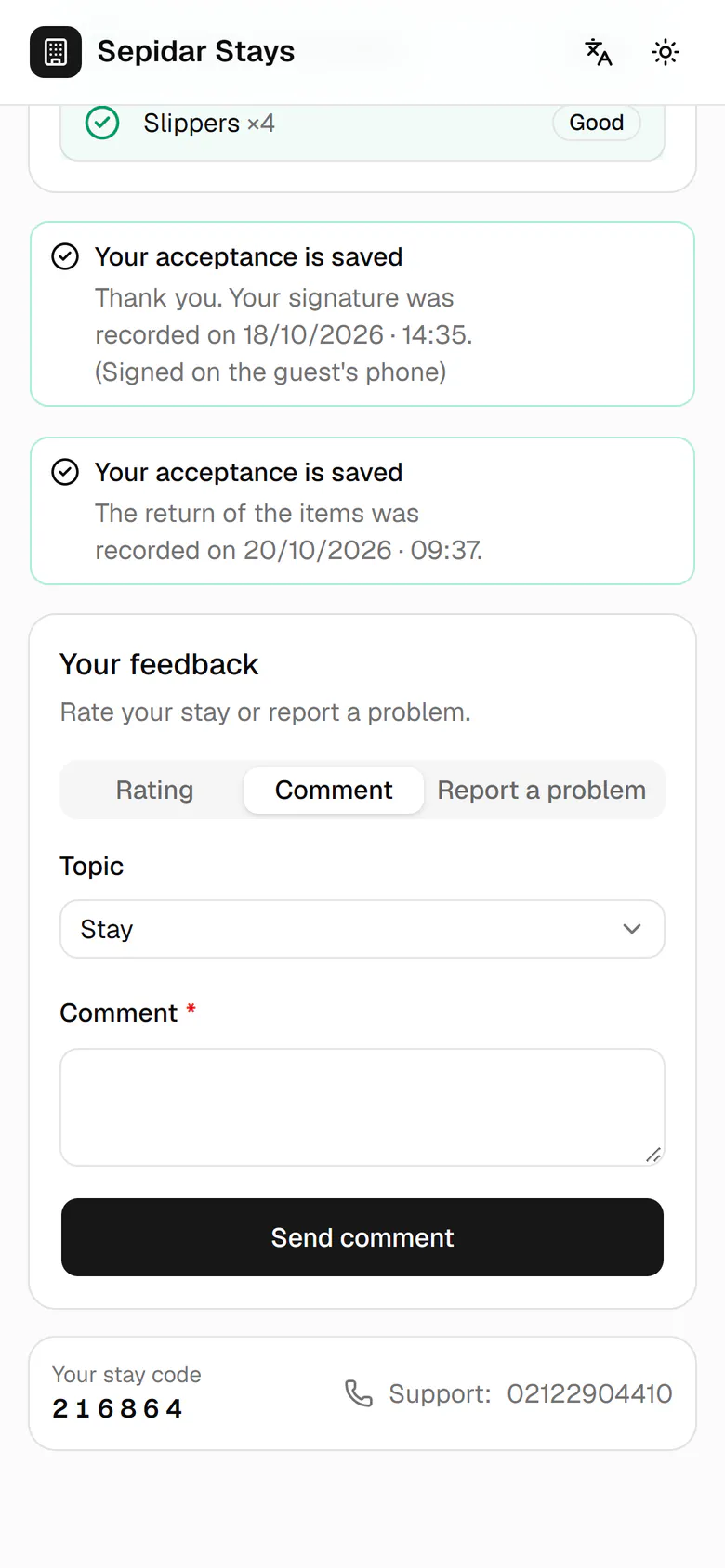
Switch to the Comment tab to write a few words.
- 4
Write what you thought of the stay.
- 5
Tap Send comment to pass it to management.
- 6
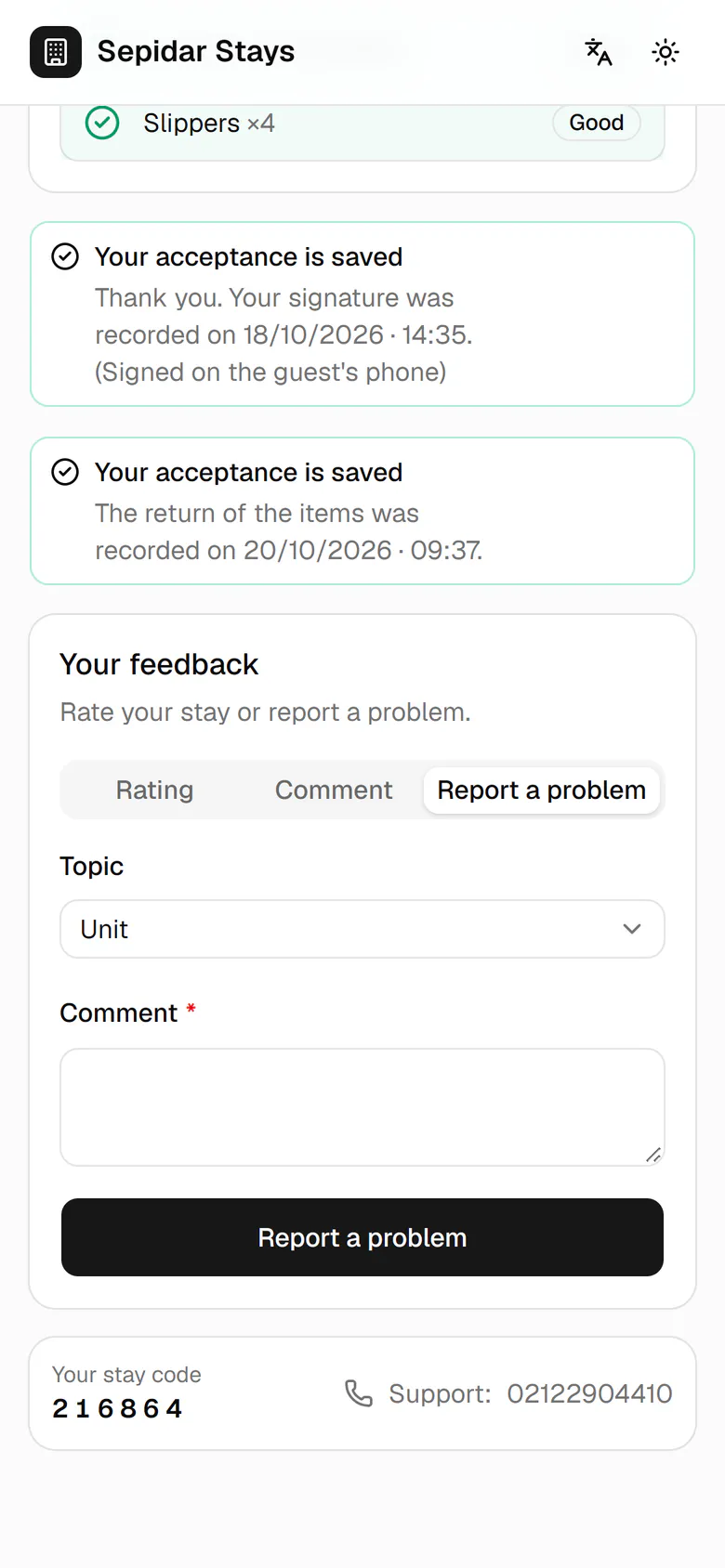
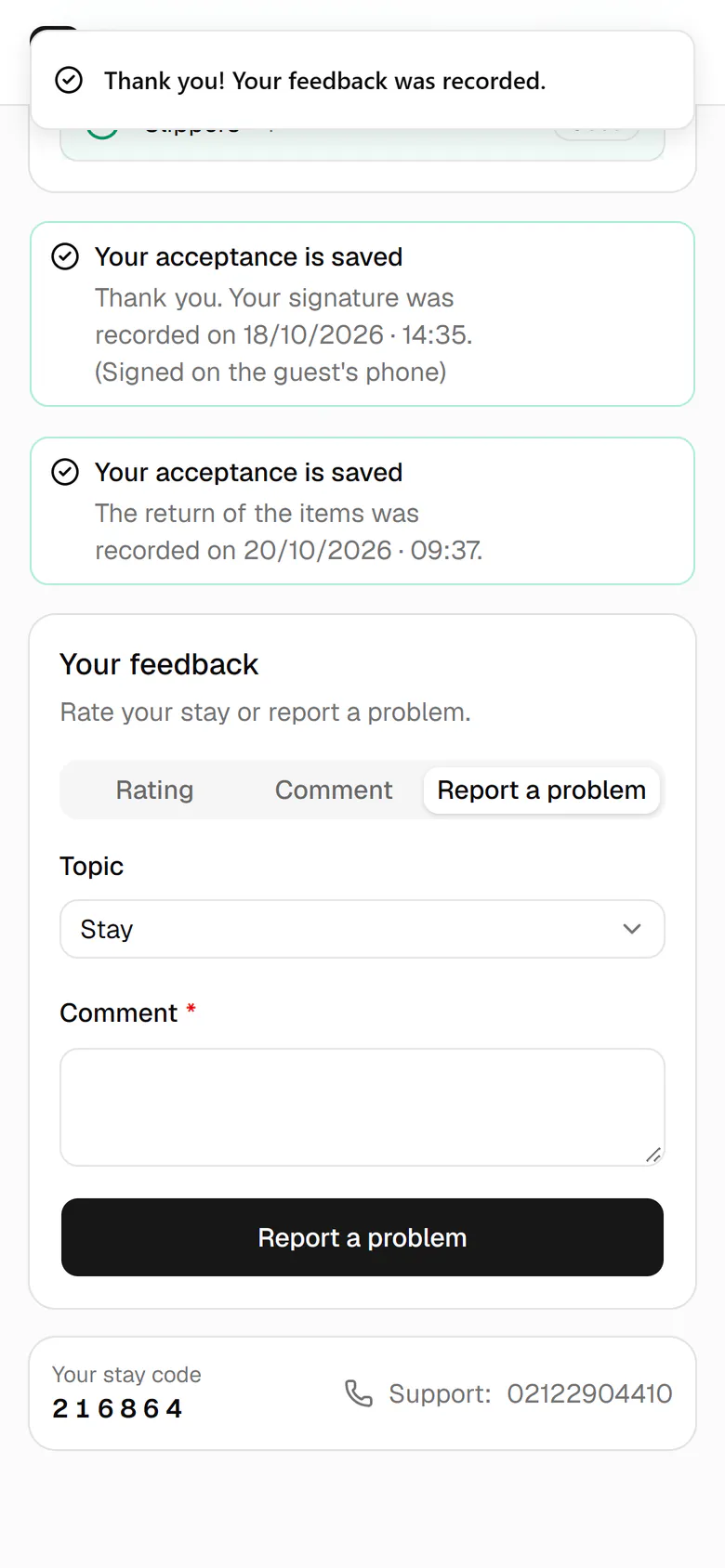
If something was wrong, open the Report a problem tab.
- 7
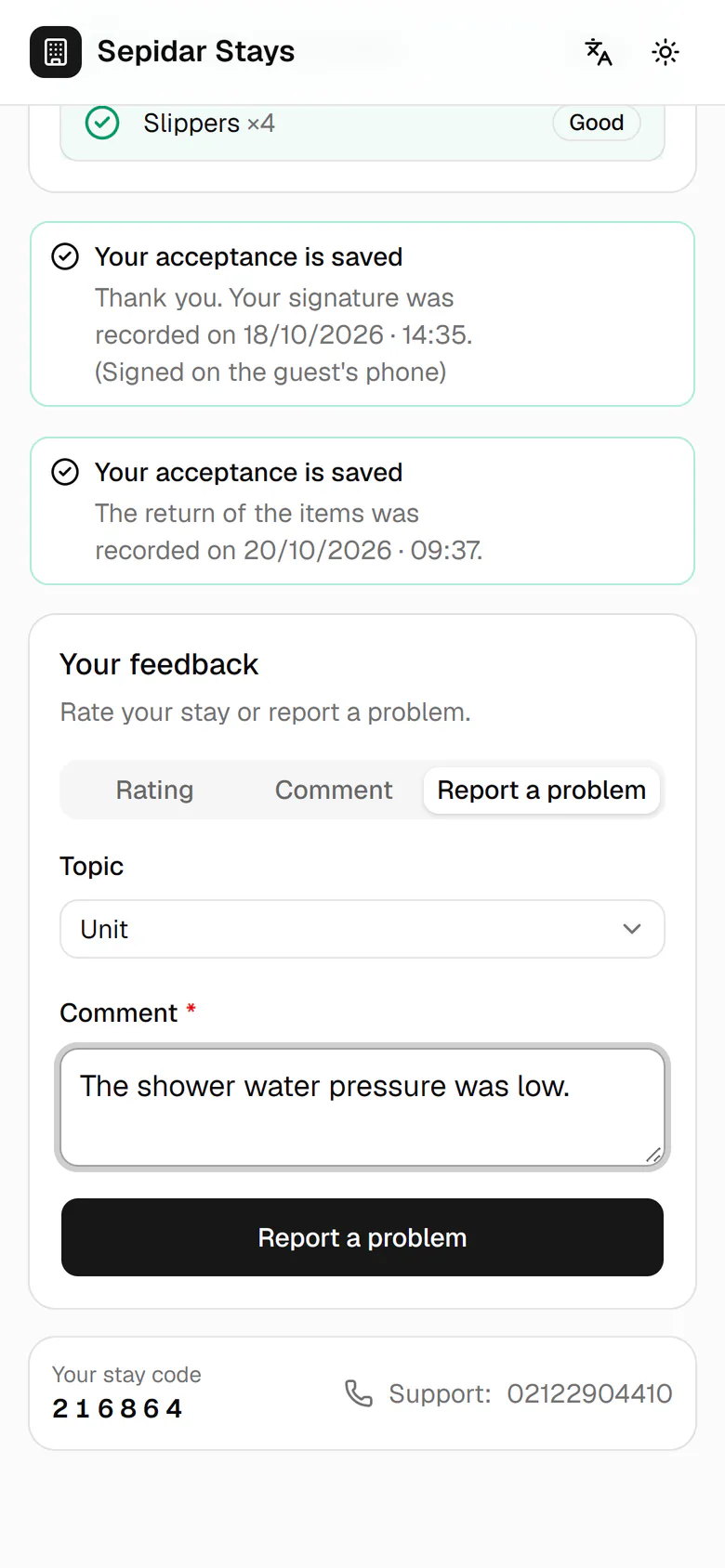
Set the topic to Unit and describe the problem briefly.
- 8
Tap Report a problem to send it to management.
- 9
A thank-you message confirms your feedback was recorded.