Skip to content
Mizban

Guest sign-in with stay code

A guest without the QR code reaches the live page with a mobile number and the 6-digit stay code.

GuestOn a phone4 steps
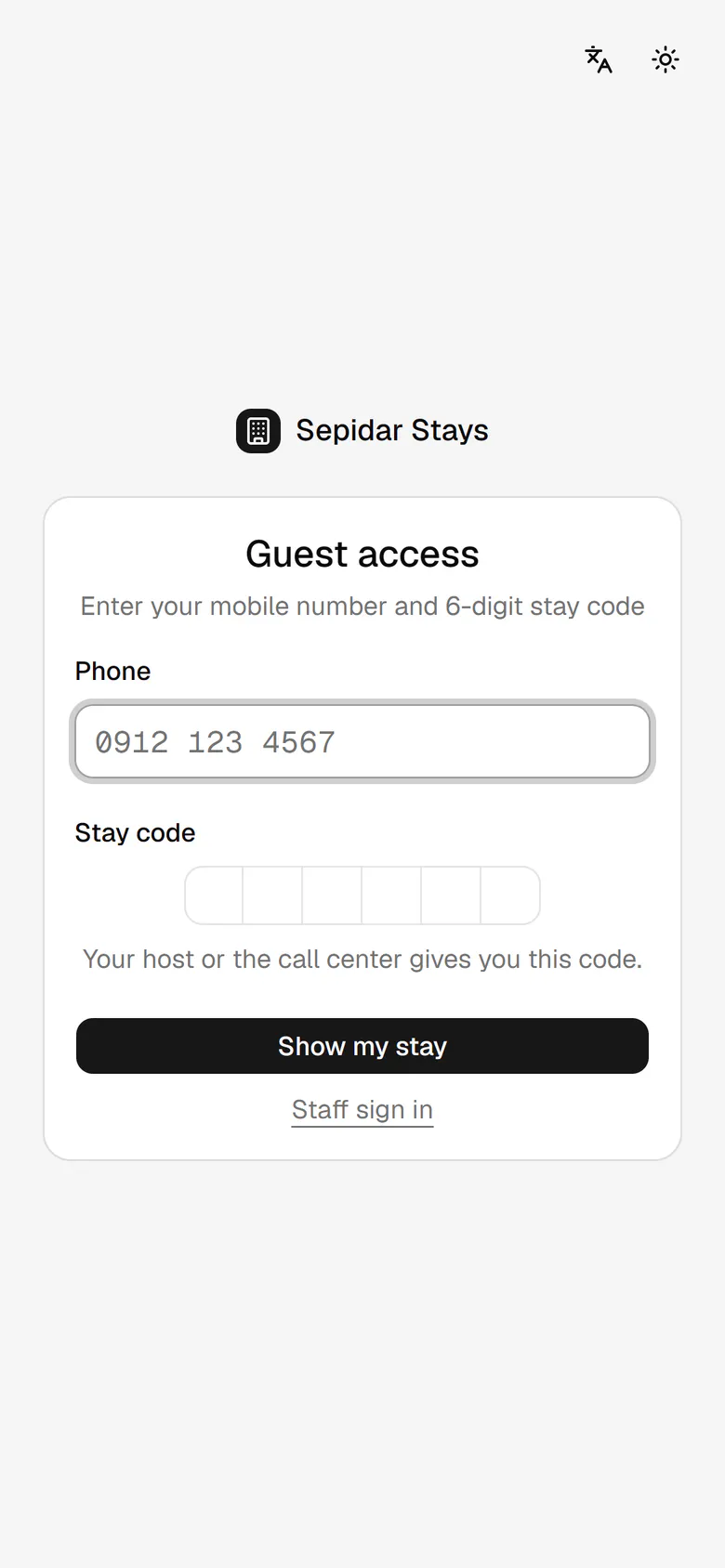
The guest enters the mobile number used for the booking.He types the 6-digit stay code from the host or the call center.He taps Show my stay to open his page.The live guest page opens, with the handover card and his requests.

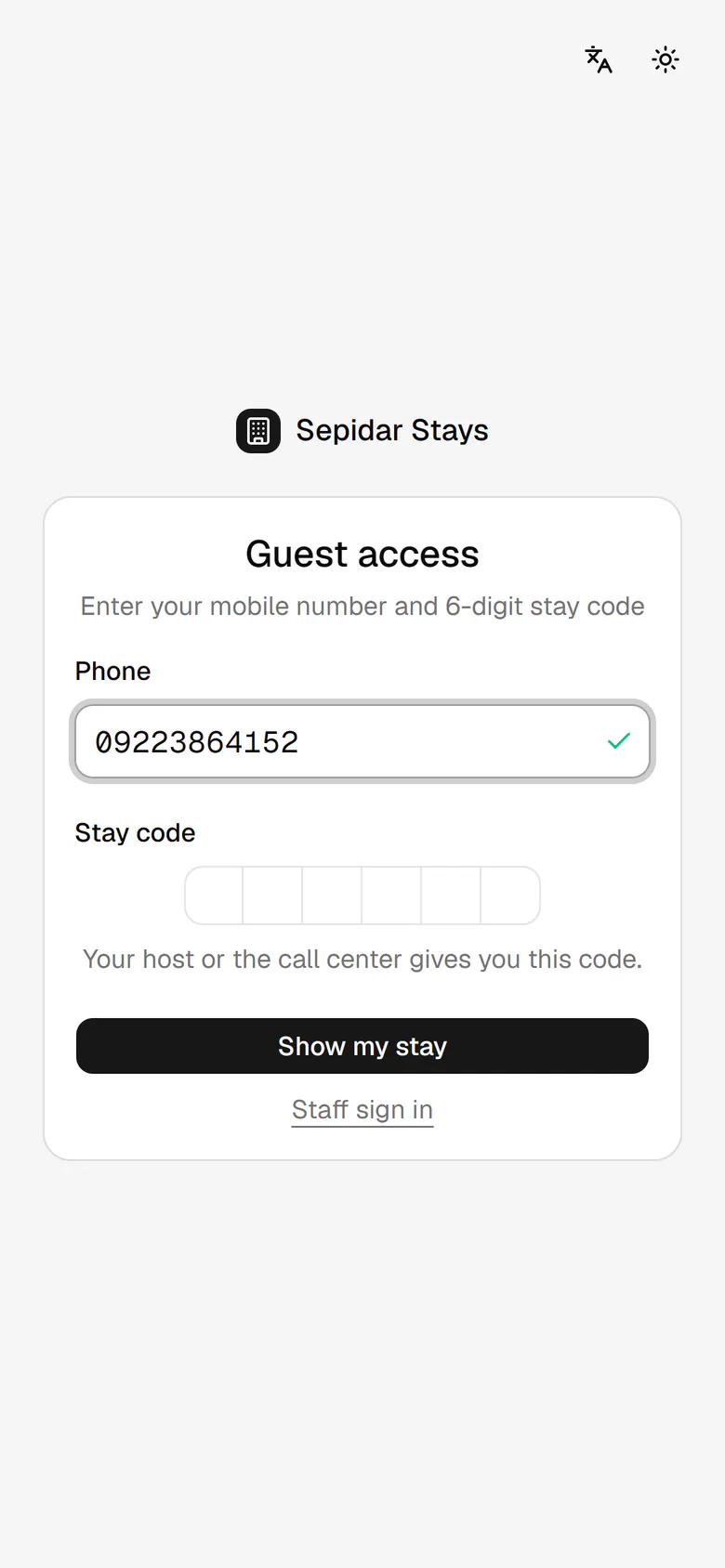
The guest enters the mobile number used for the booking.

Step by step

  1. 1

    The guest enters the mobile number used for the booking.

    The guest enters the mobile number used for the booking.
  2. 2

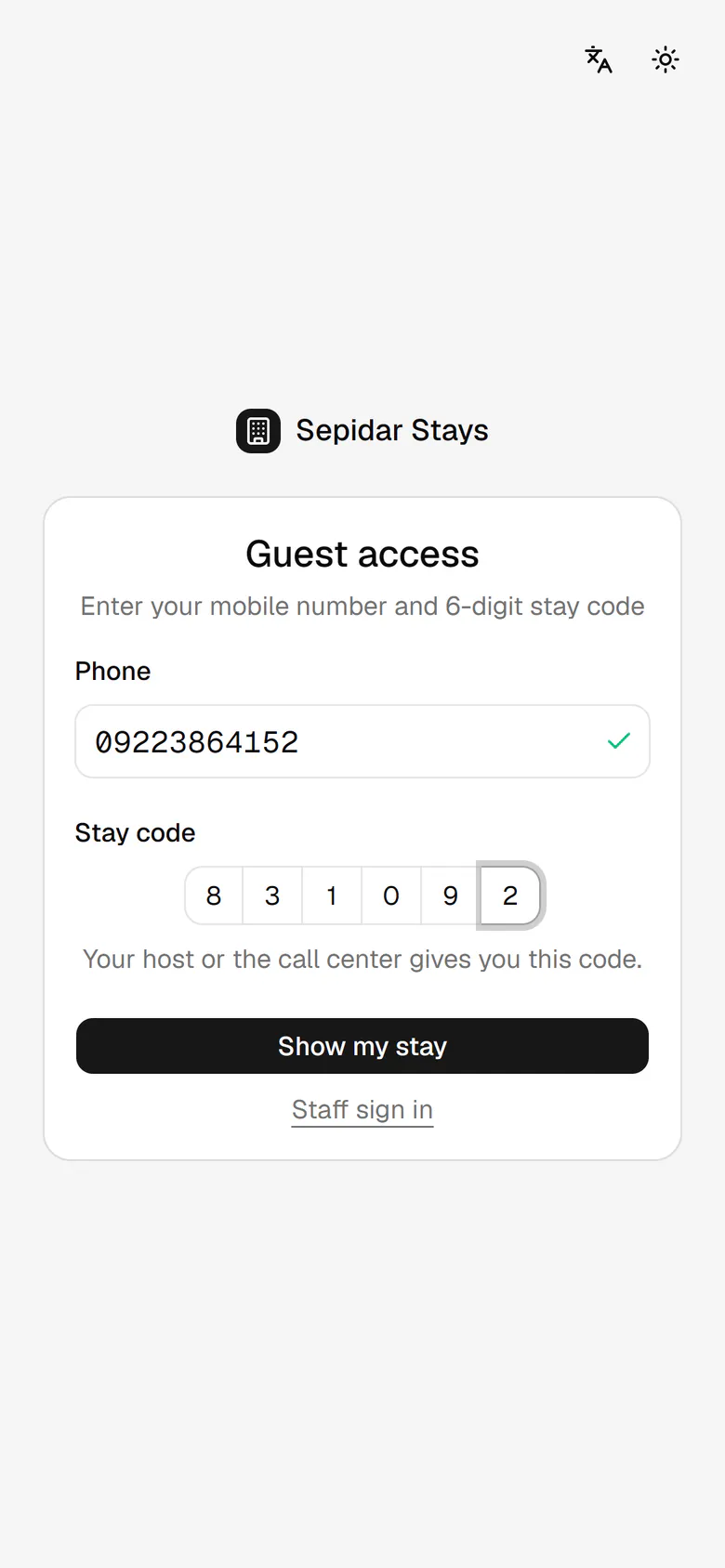
    He types the 6-digit stay code from the host or the call center.

    He types the 6-digit stay code from the host or the call center.
  3. 3

    He taps Show my stay to open his page.

    He taps Show my stay to open his page.
  4. 4

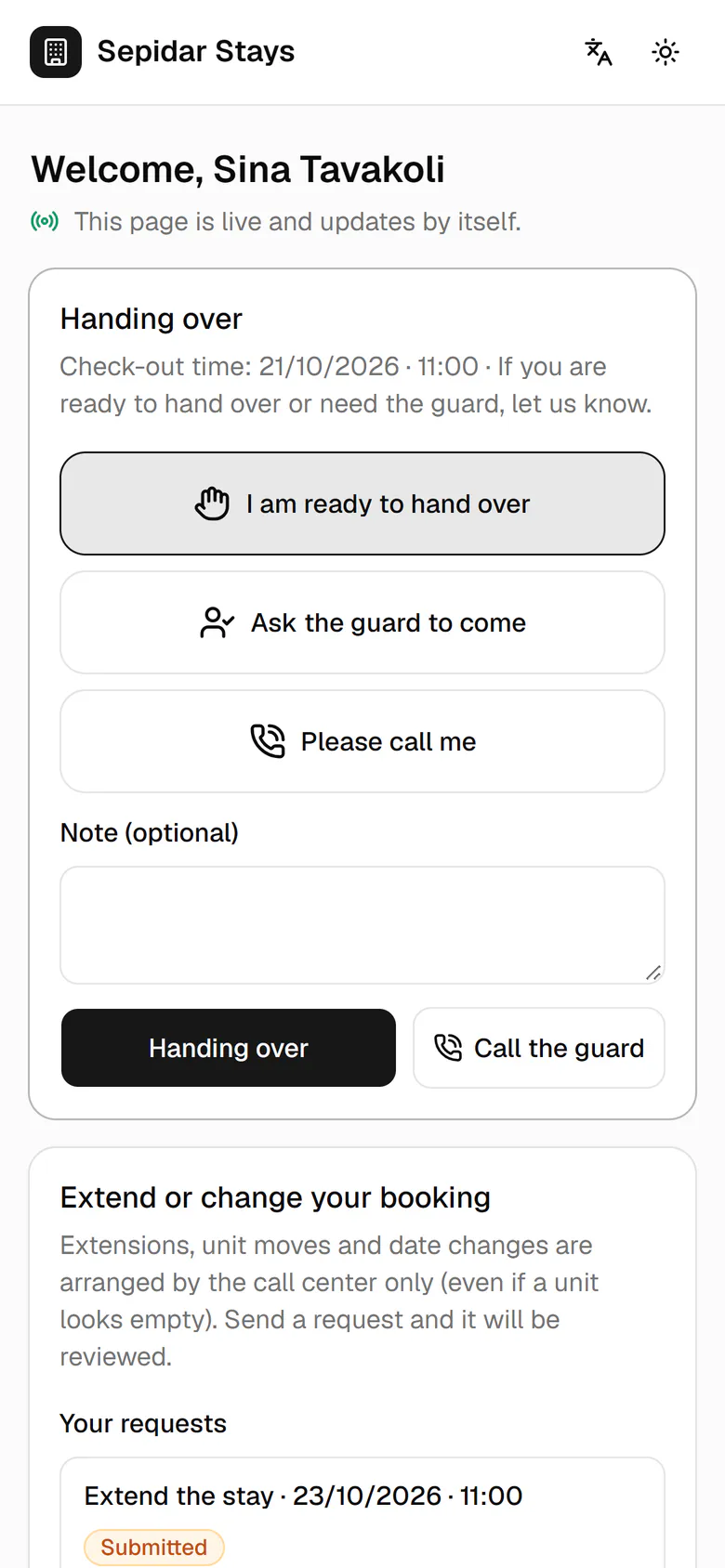
    The live guest page opens, with the handover card and his requests.

    The live guest page opens, with the handover card and his requests.