Ask to extend the stay
A guest in the unit asks for an extension from the live page, and the request goes straight to the call center.
GuestOn a phone7 steps
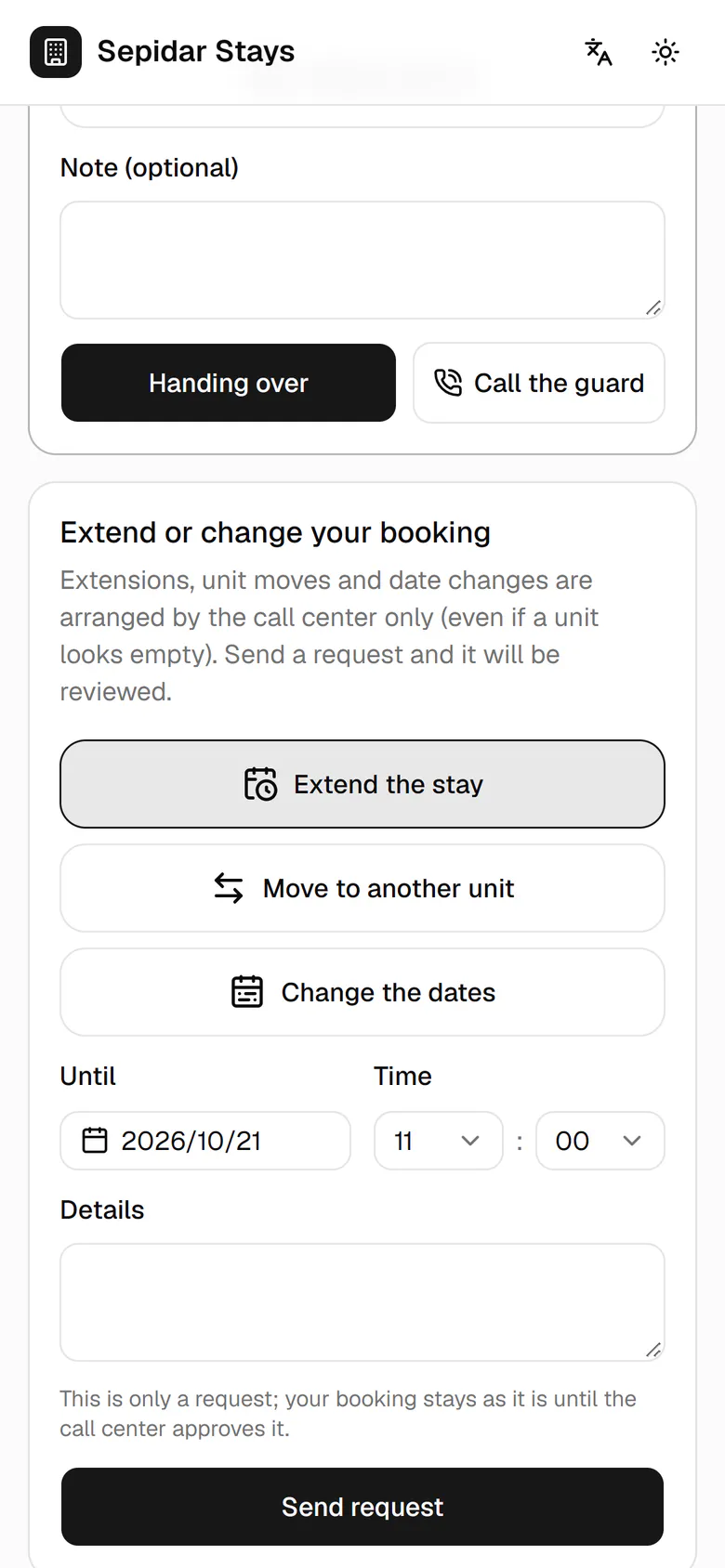
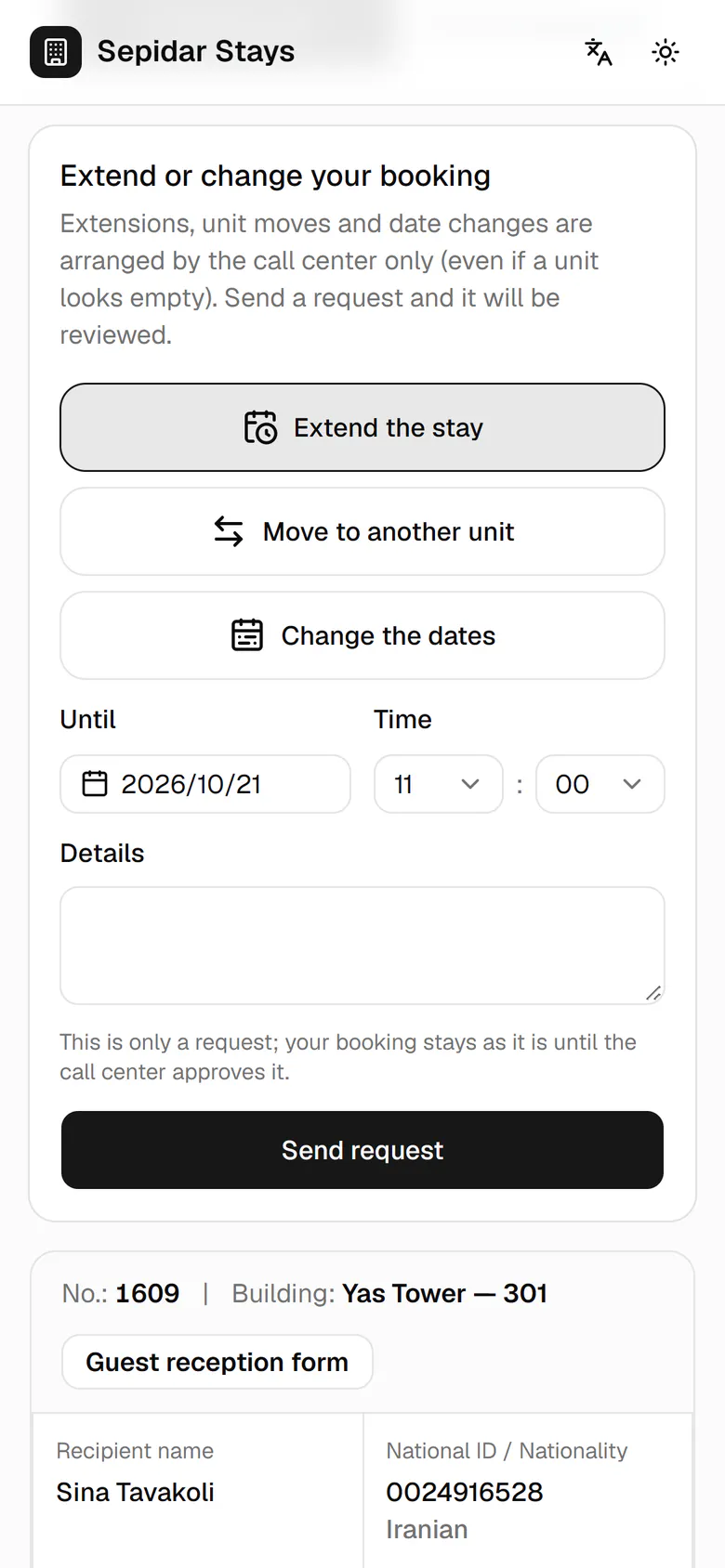

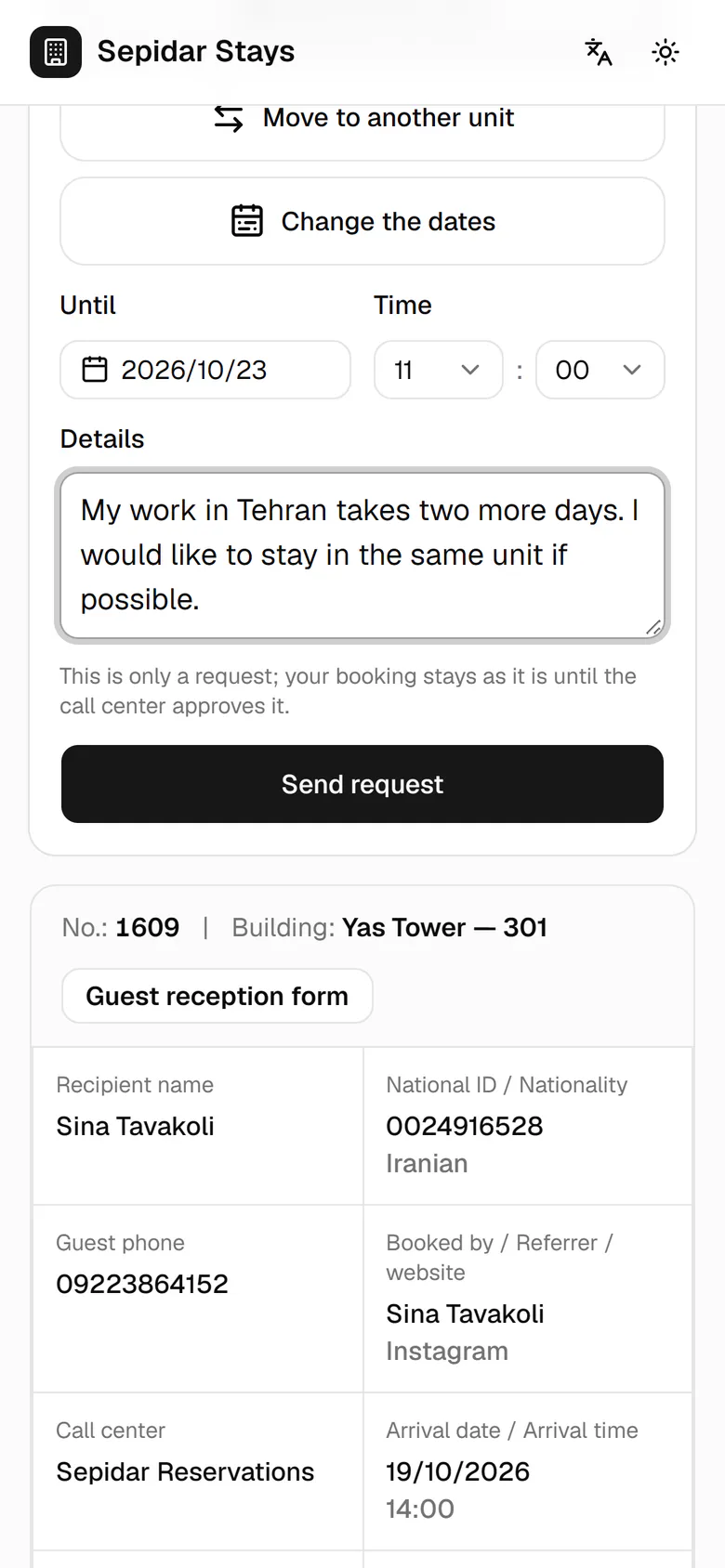
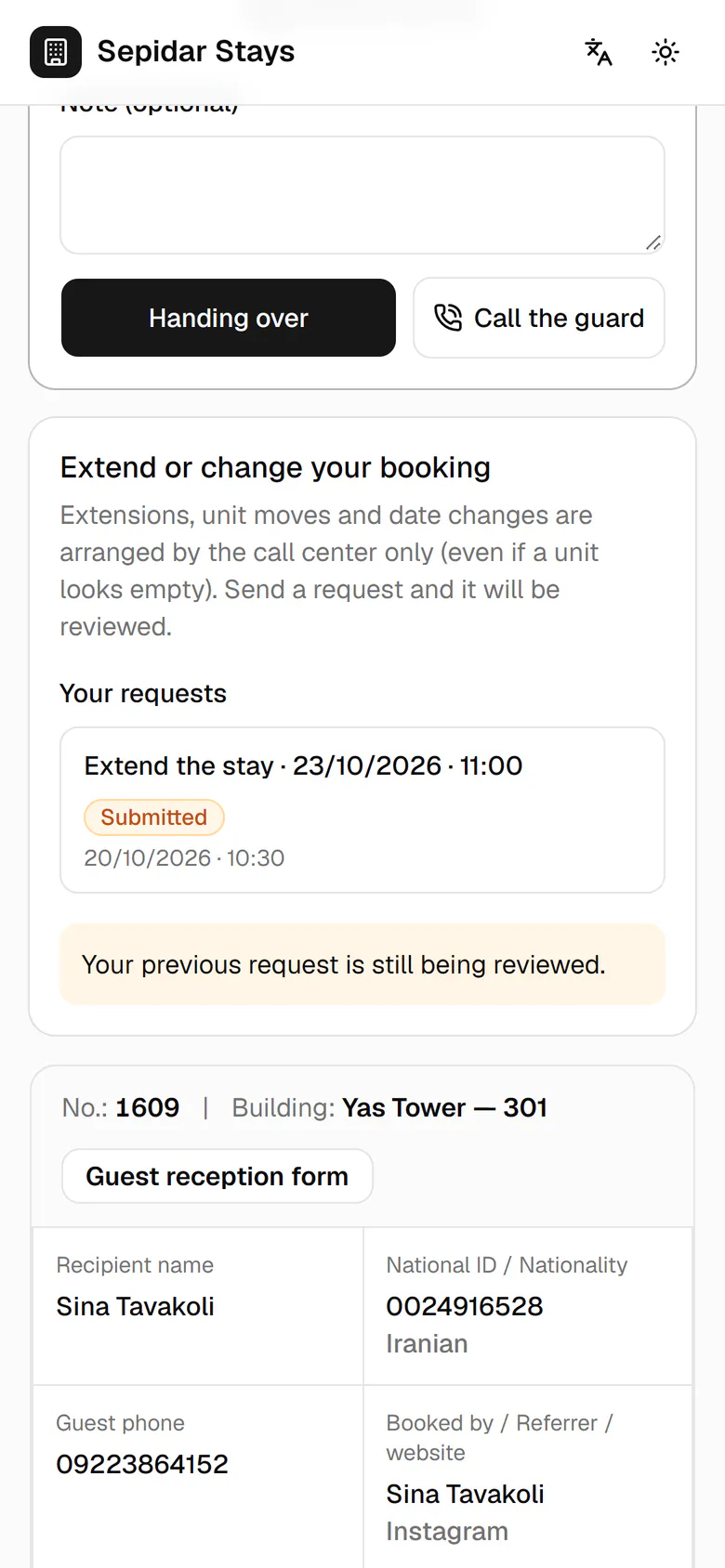
In Extend or change your booking, Sina picks Extend the stay.
Step by step
- 1
In Extend or change your booking, Sina picks Extend the stay.
- 2
He taps the current check-out date to open the calendar.
- 3
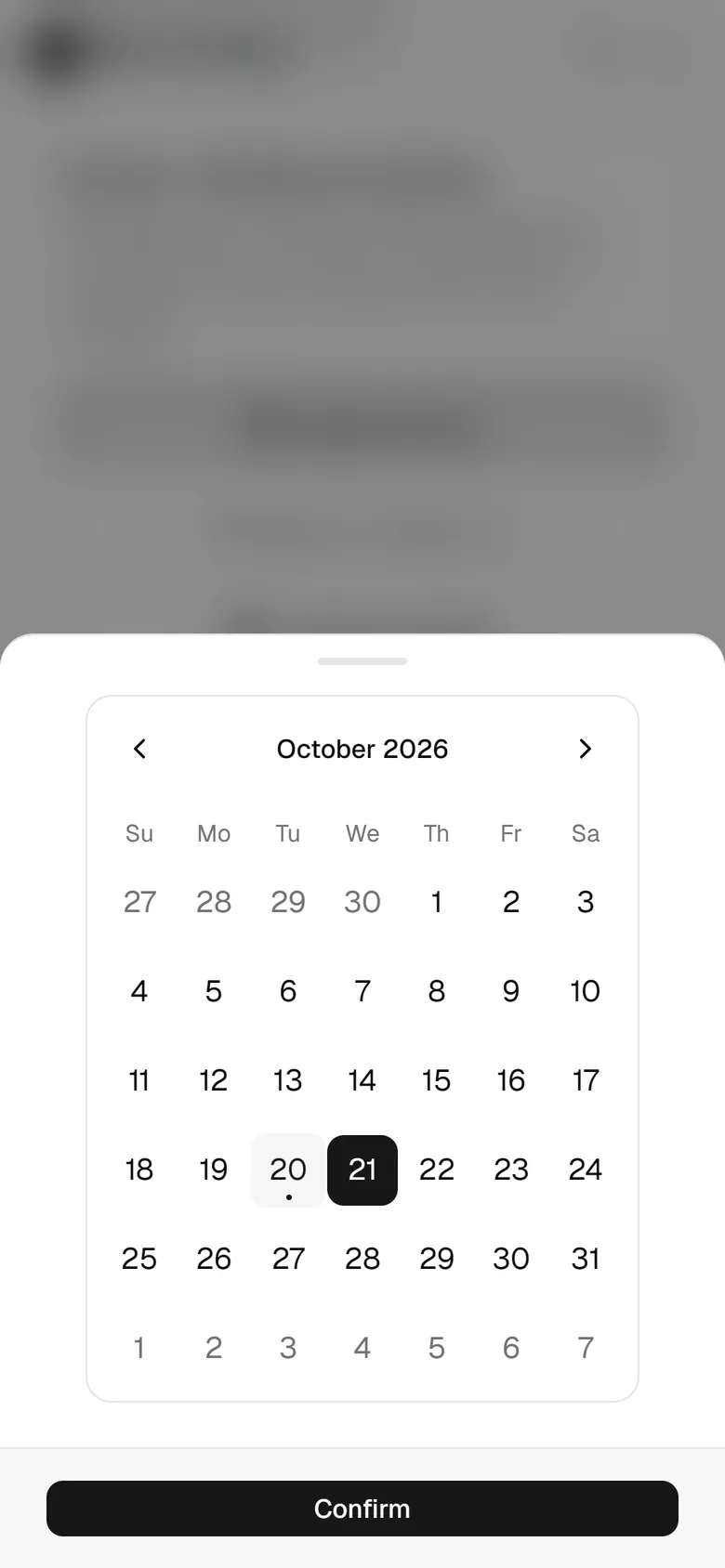
He picks the new check-out day, two days later.
- 4
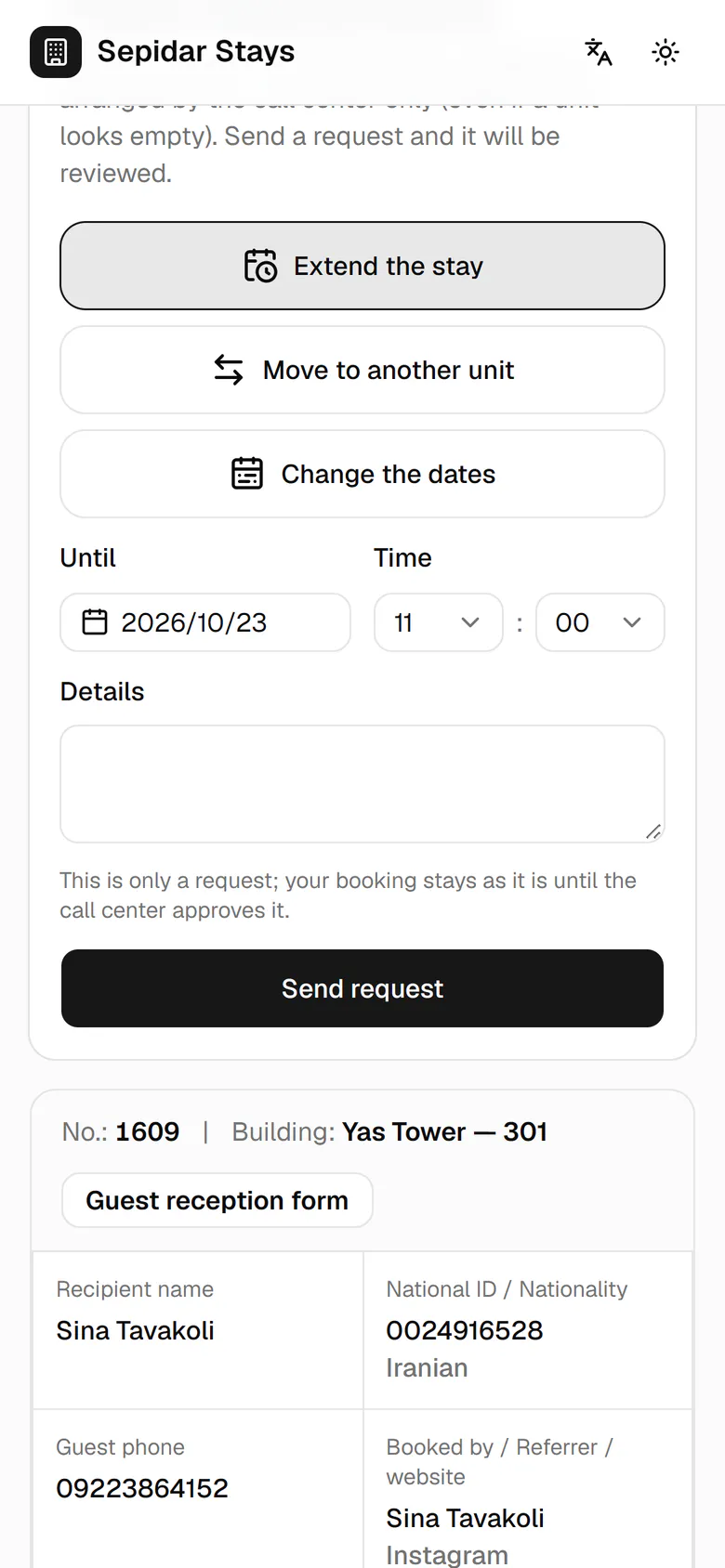
He taps Confirm to put the new date in the form.
- 5
He adds the reason and that he would like the same unit.
- 6
He taps Send request for the call center to review.
- 7
The extension request shows the new date and the status Submitted.