Live page before arrival
Before arriving, the guest sees when the unit will be ready, reads the form and rules, and sends a request.
GuestOn a phone7 steps
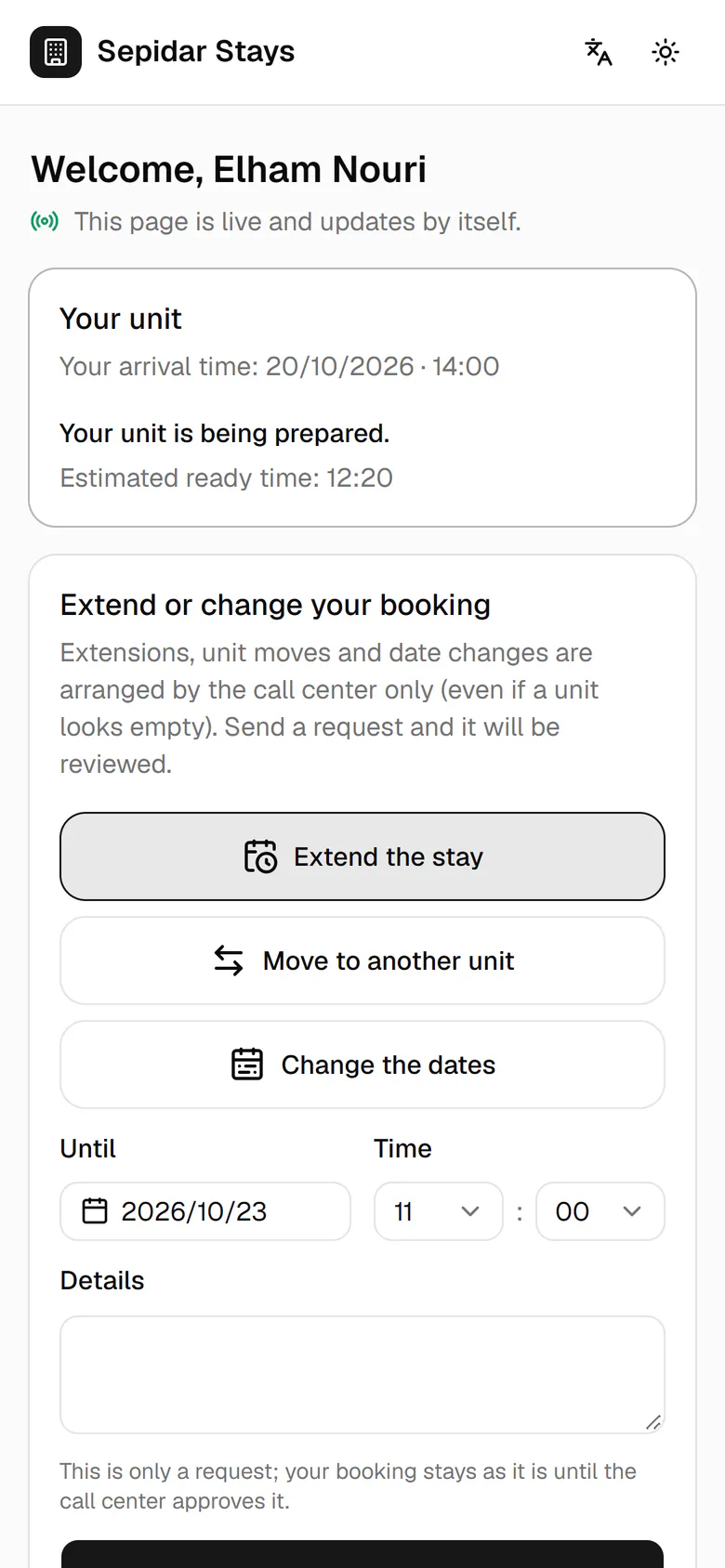
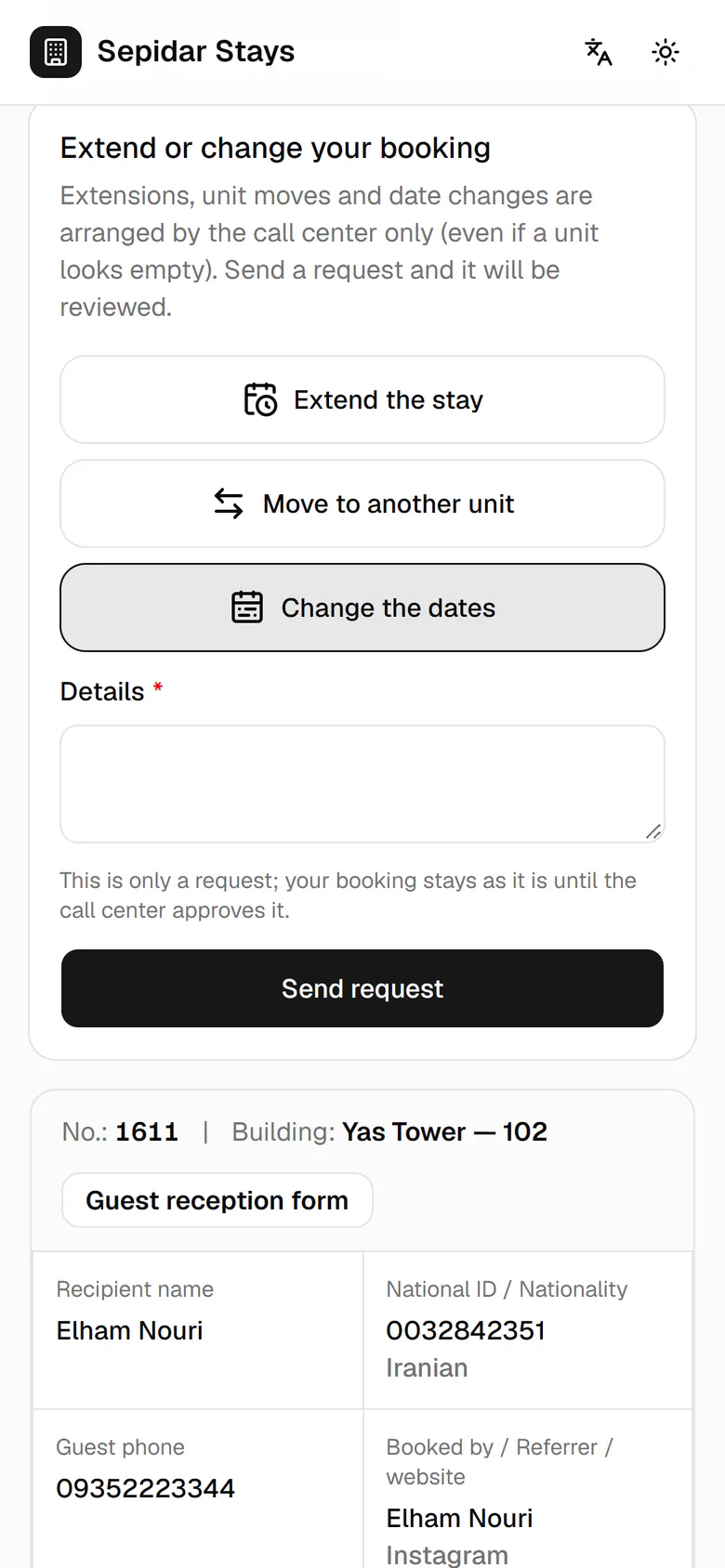
Elham sees that her unit is being prepared and roughly when it will be ready.
Step by step
- 1
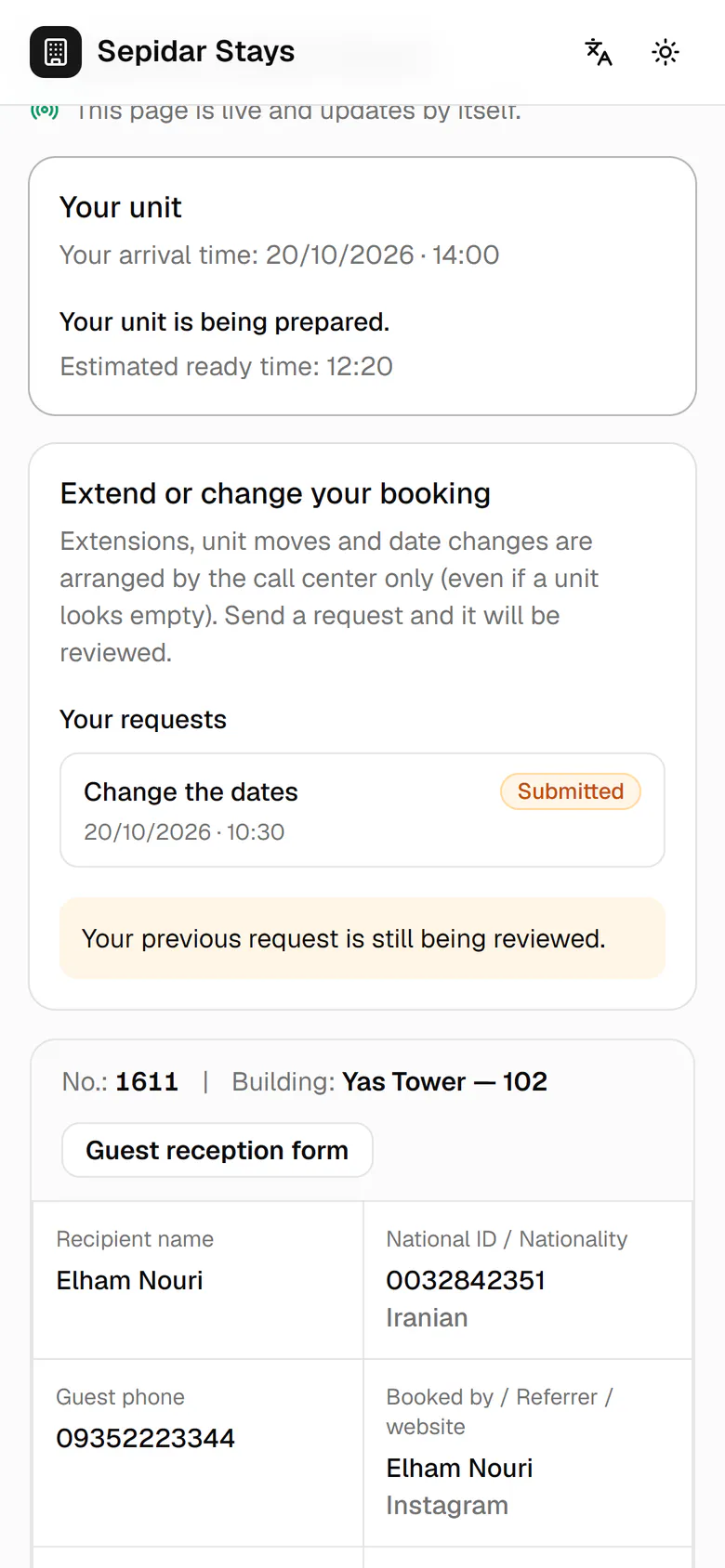
Elham sees that her unit is being prepared and roughly when it will be ready.
- 2
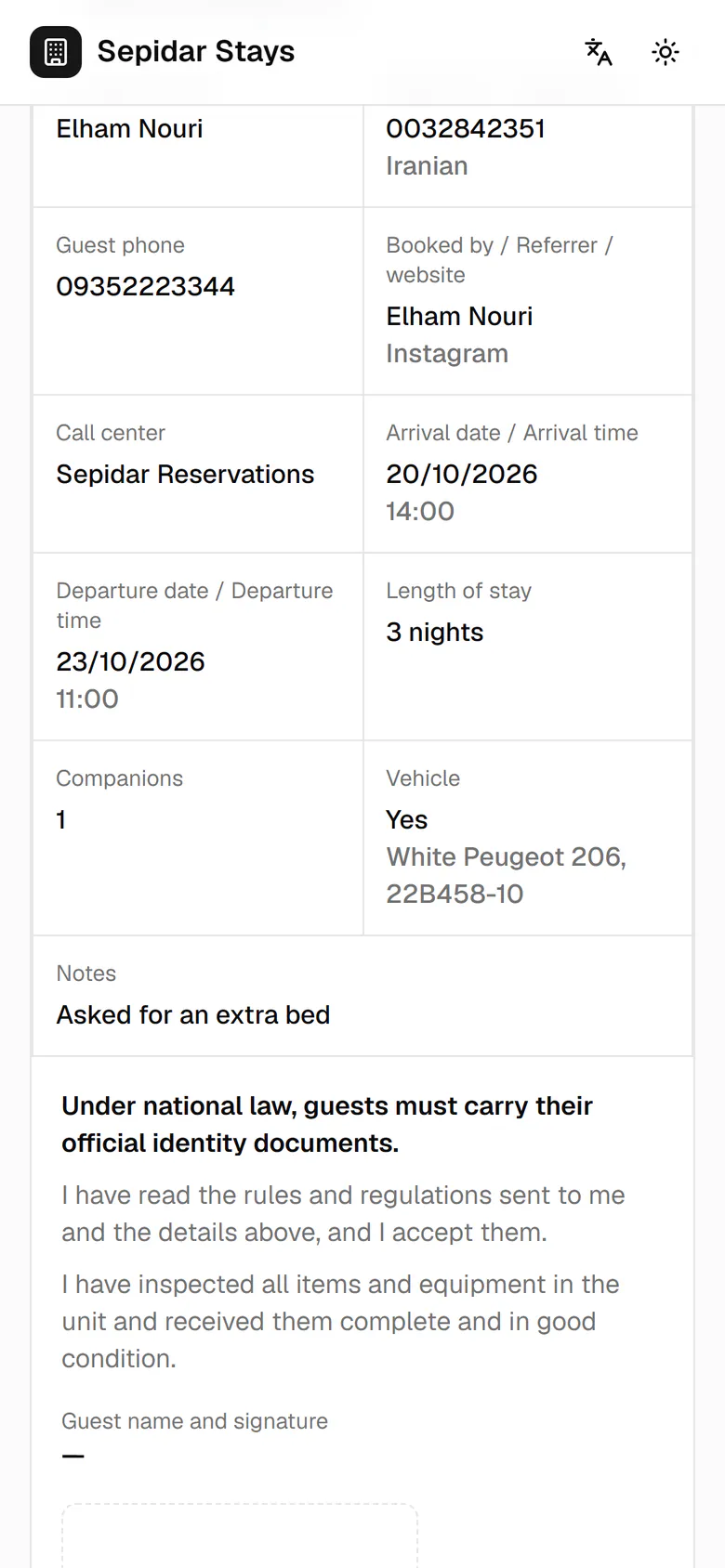
The booking details are on the guest reception form: dates, companions and vehicle.
- 3
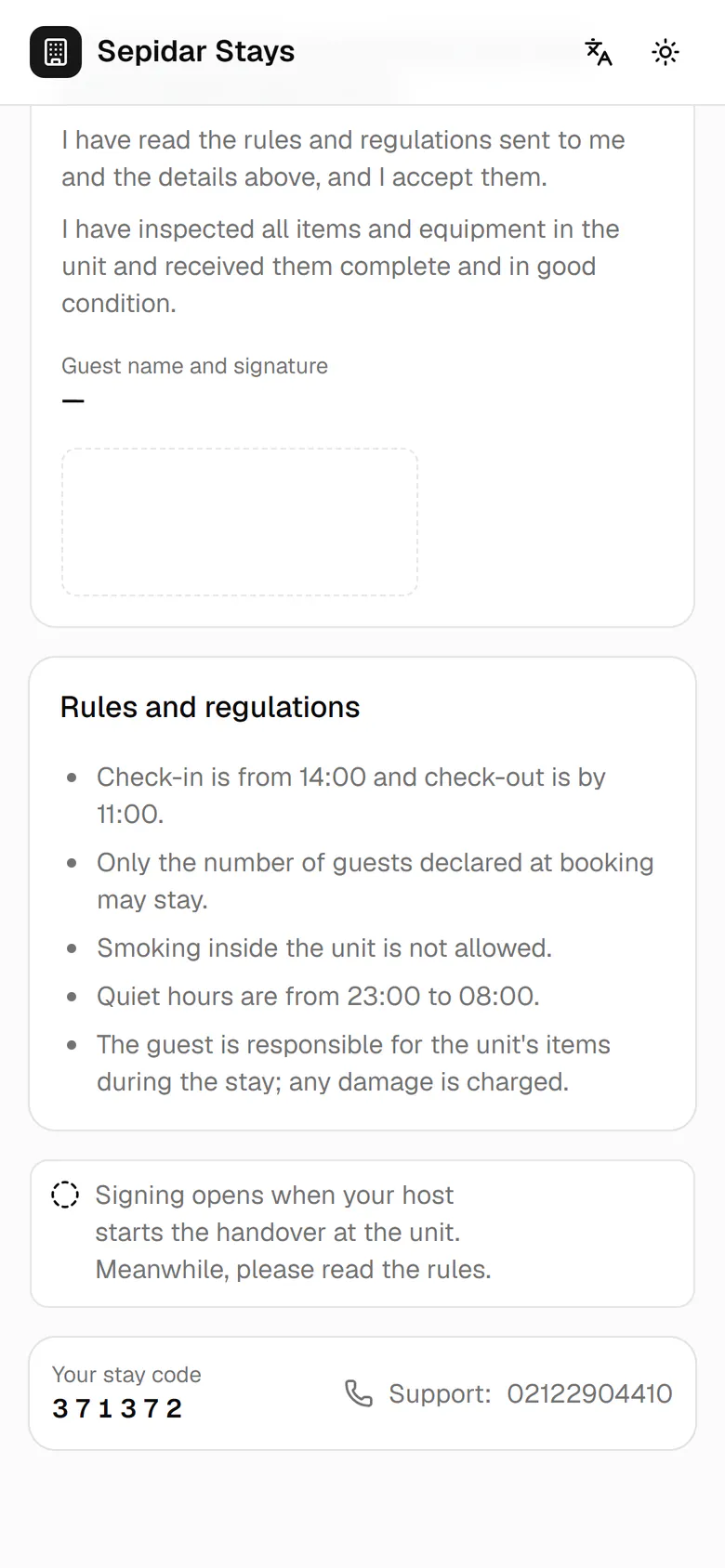
The house rules can be read now. Signing opens at check-in.
- 4
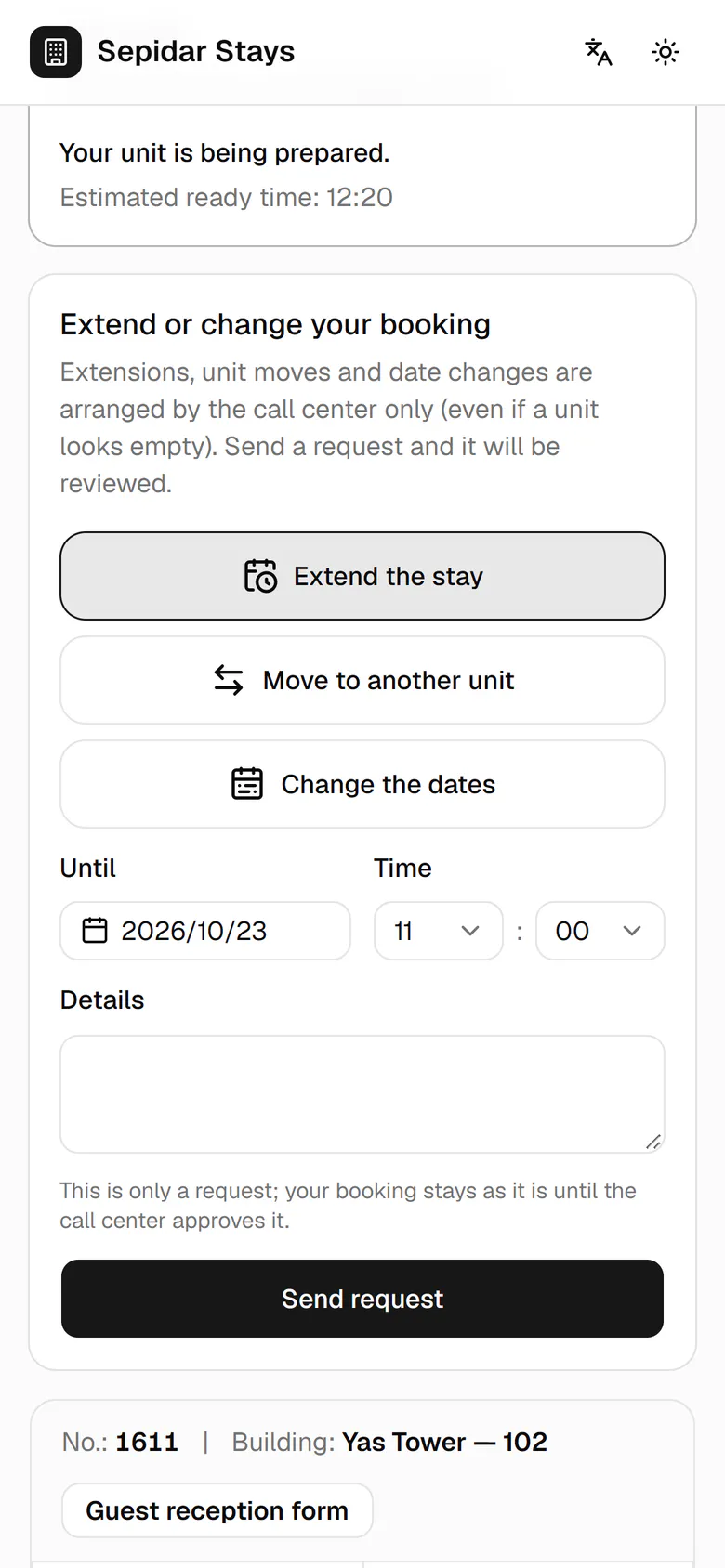
Elham's flight moved by a day, so she picks Change the dates.
- 5
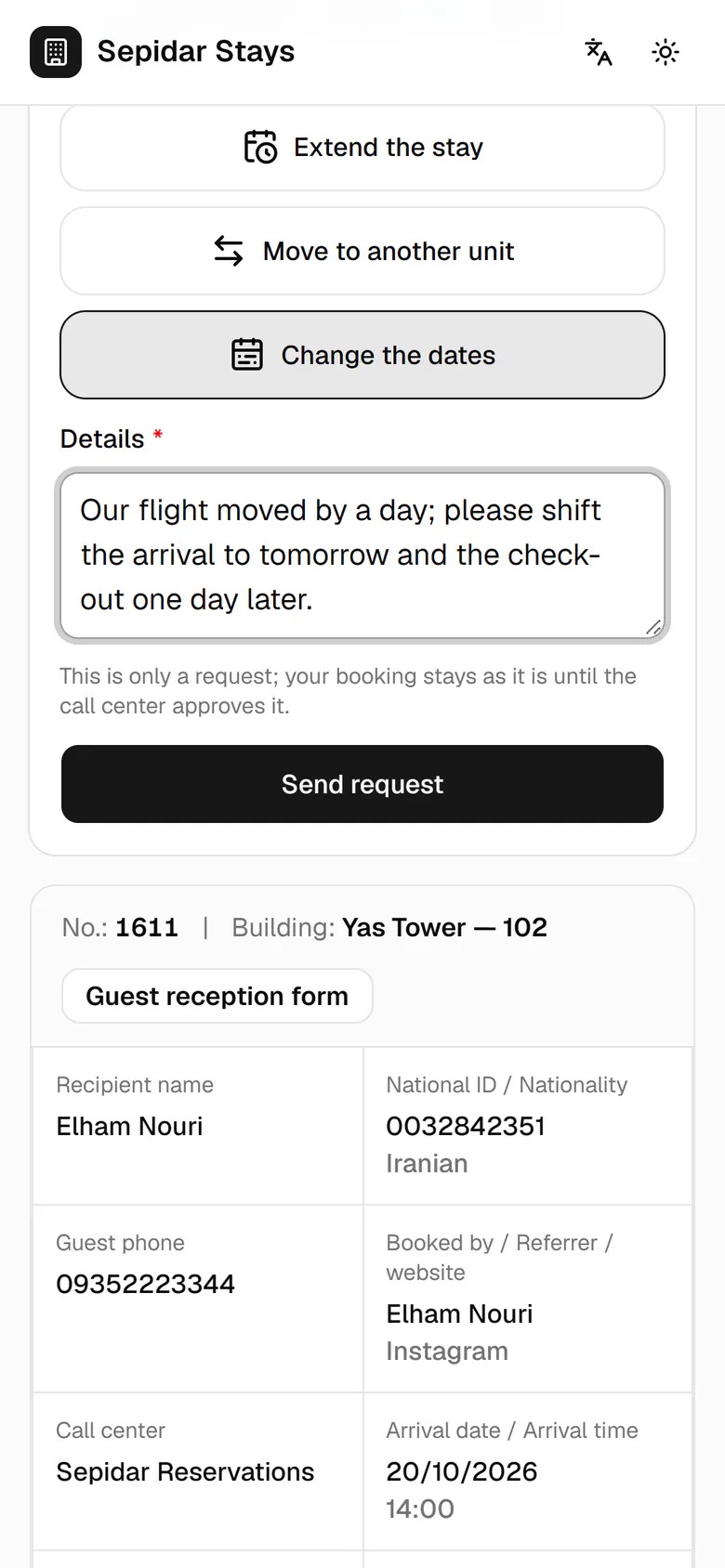
She writes the change she needs so the call center can review it.
- 6
She taps Send request. The booking stays the same until the call center approves.
- 7
The request appears in her list with the status Submitted.