The guest's stay companion
The guest has the whole stay on their own phone, from the unit and Wi-Fi to requests and calls, with no app to install.
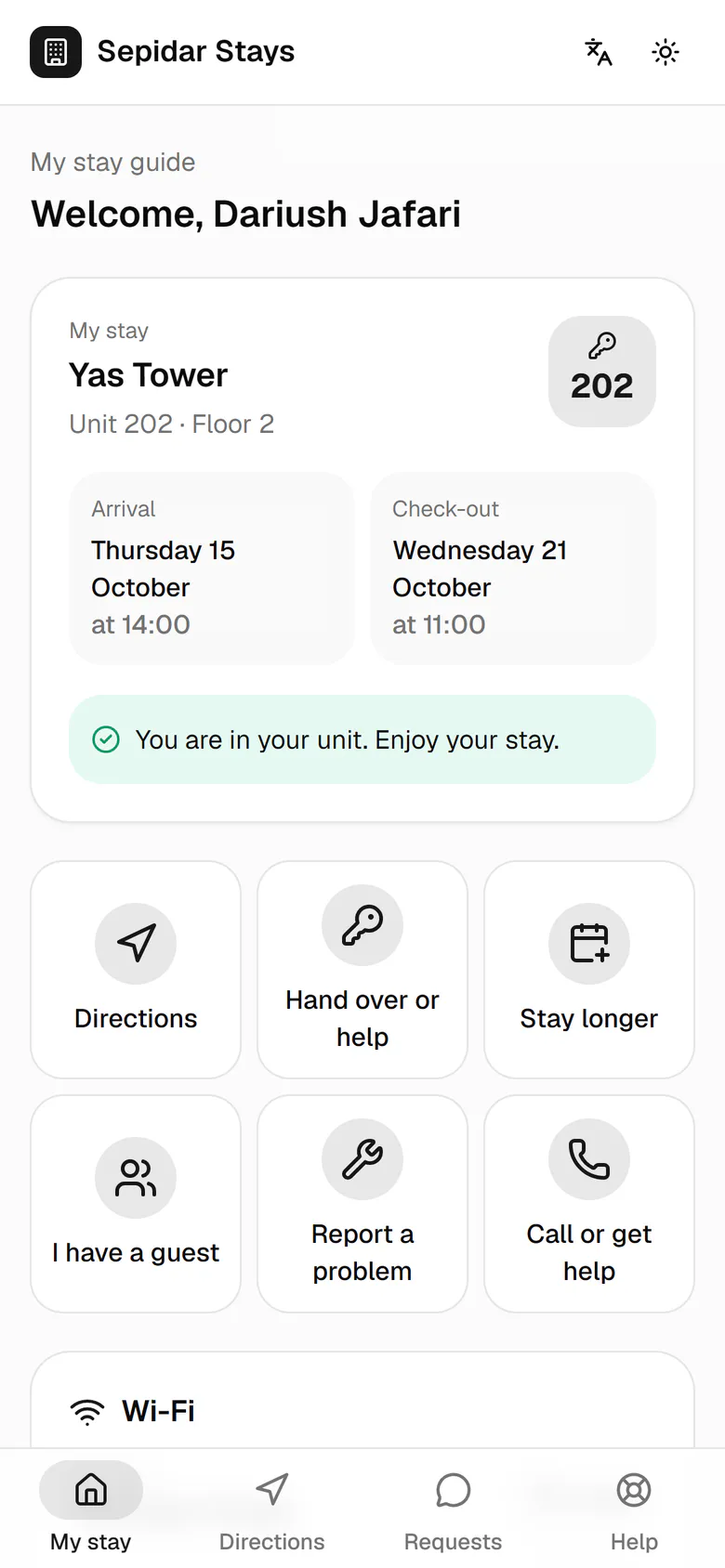
The stay card comes first: building, unit number, arrival and check-out days, and the current state.
Step by step
- 1
The stay card comes first: building, unit number, arrival and check-out days, and the current state.
- 2
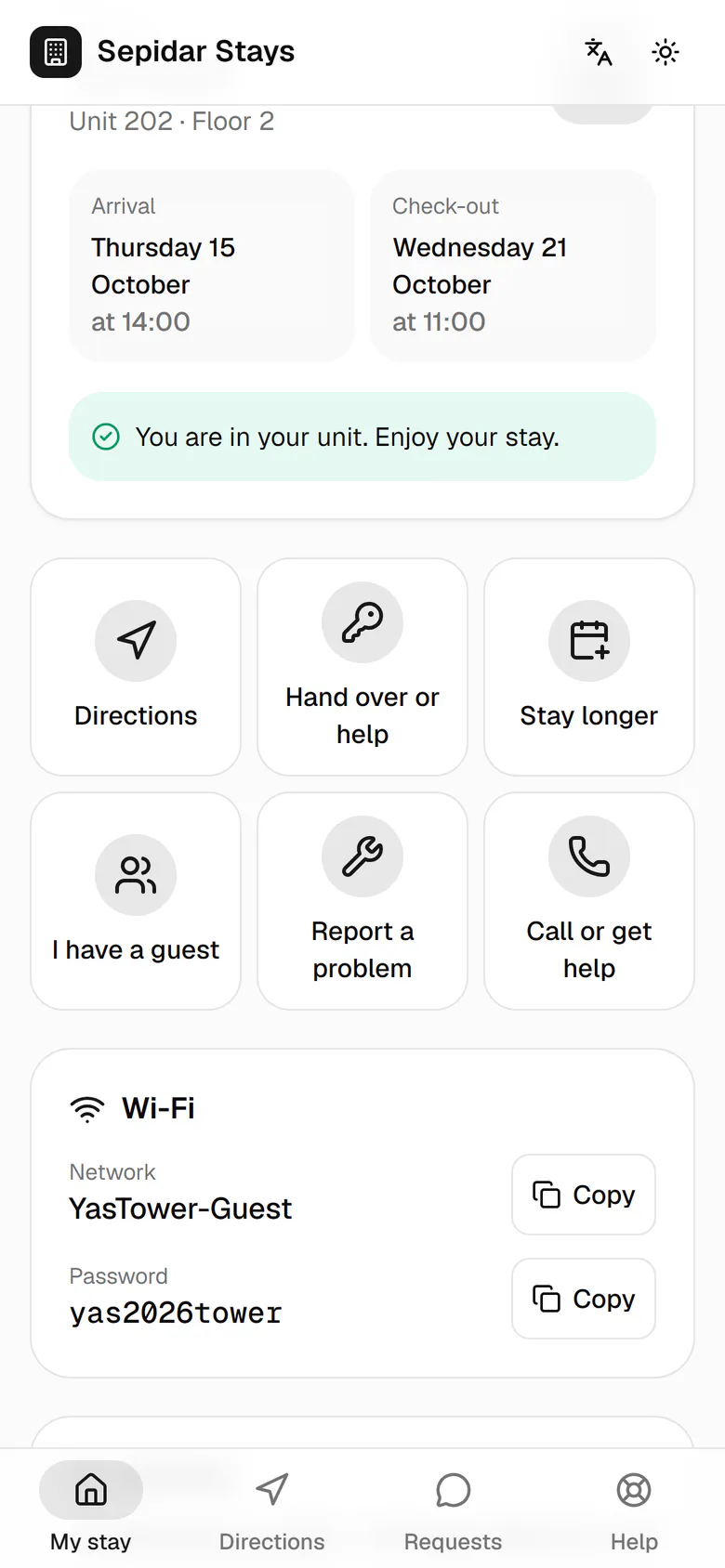
Large tiles keep common tasks one tap away: directions, staying longer, a guest, hand over or help.
- 3
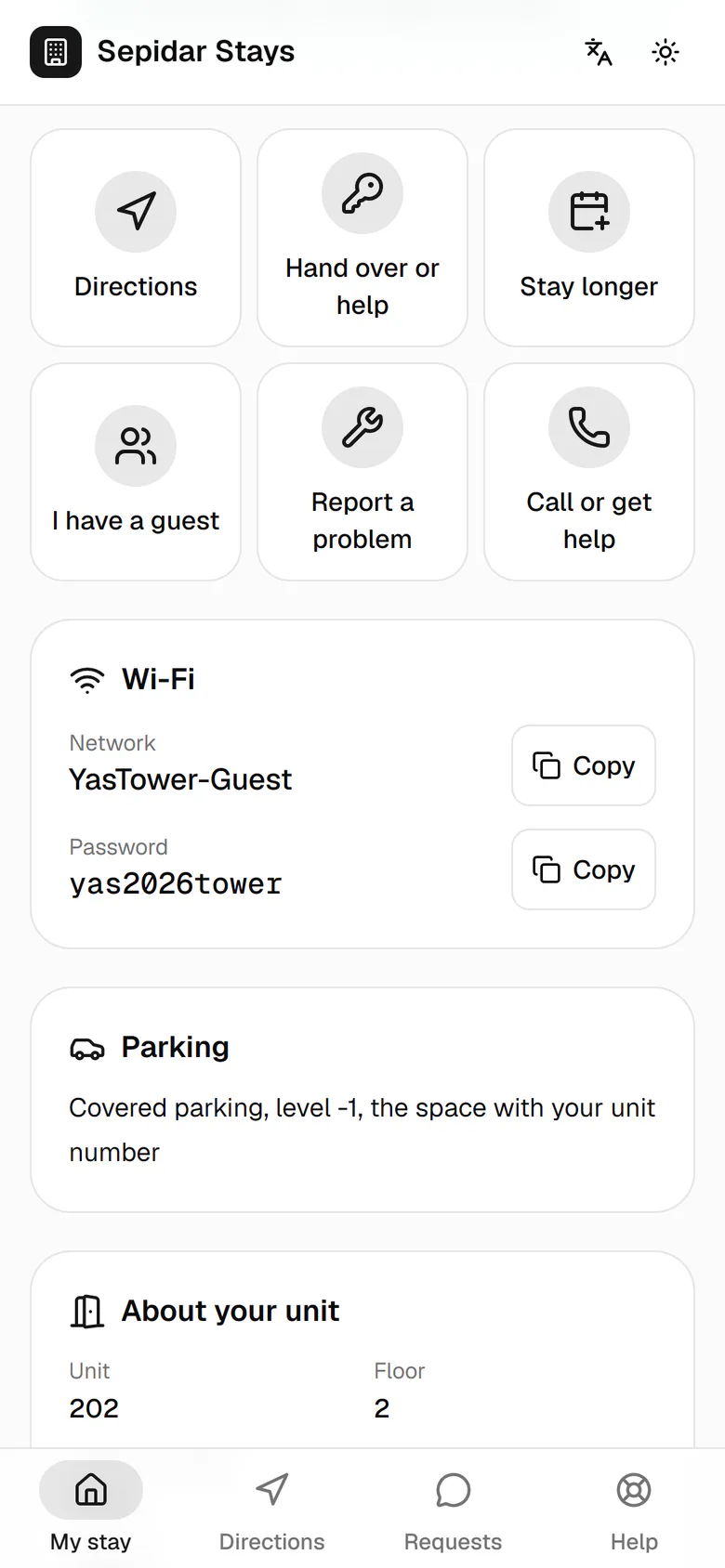
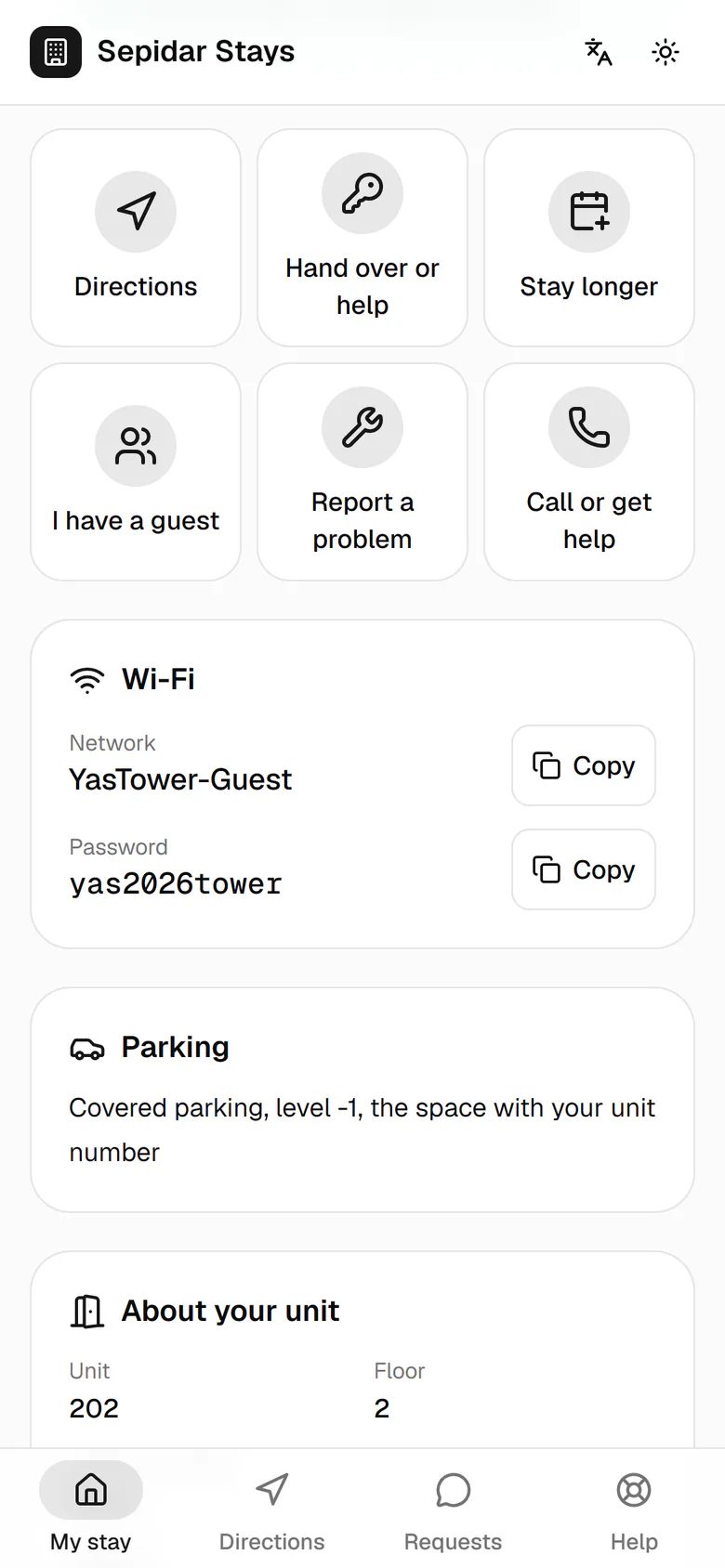
The Wi-Fi name and password copy with one tap; the password shows only once the guest is in.
- 4
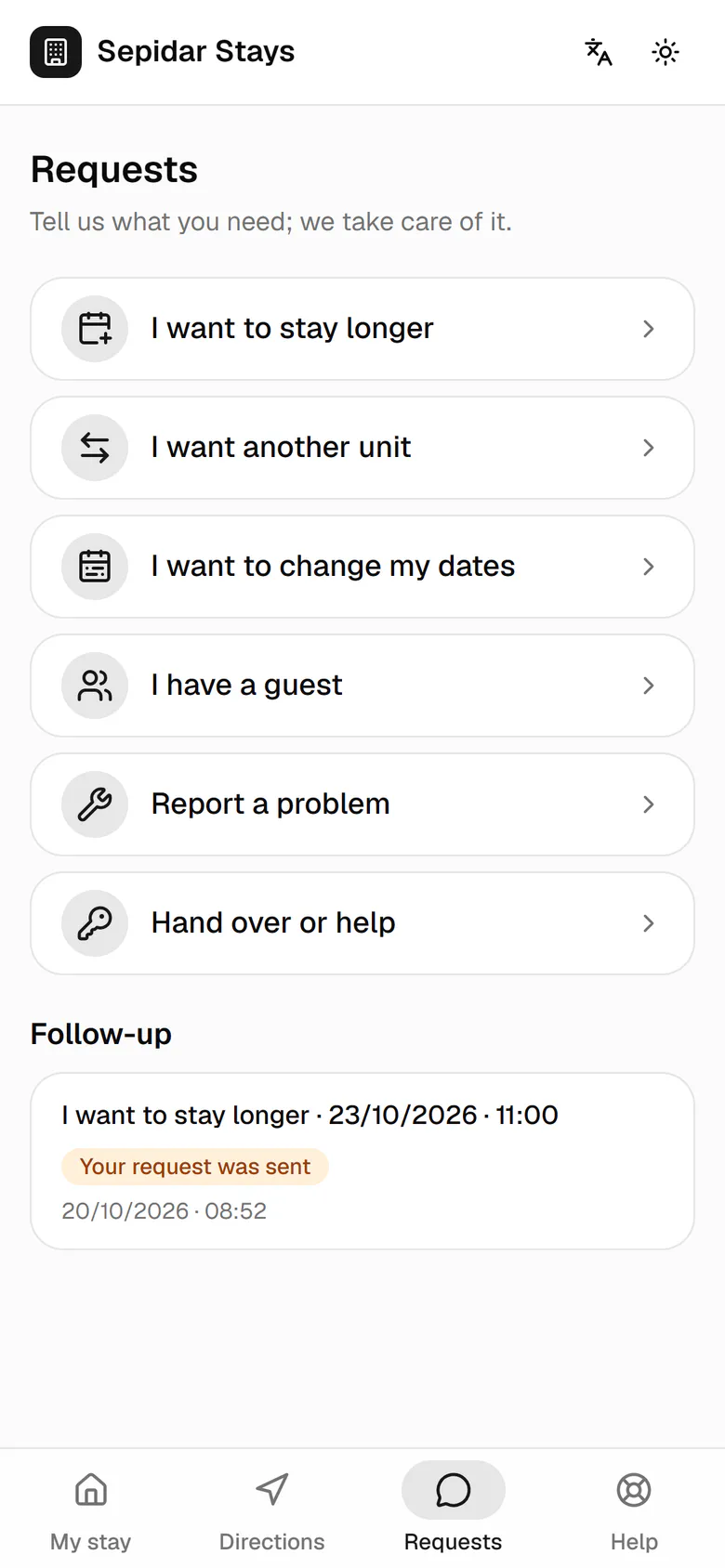
The bottom bar holds the companion's four places. Now we open Requests.
- 5
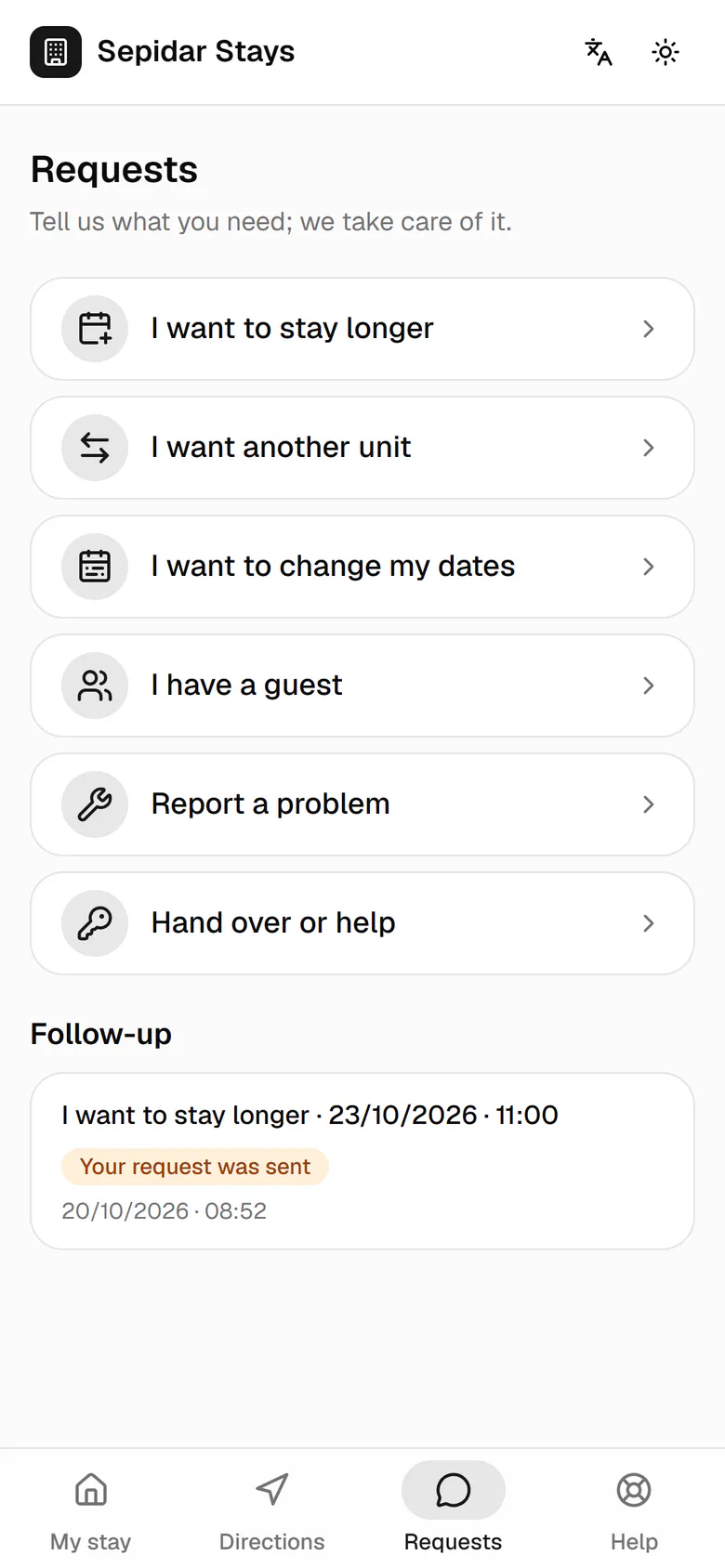
Every request shows a plain status: sent, being reviewed, or the result.
- 6
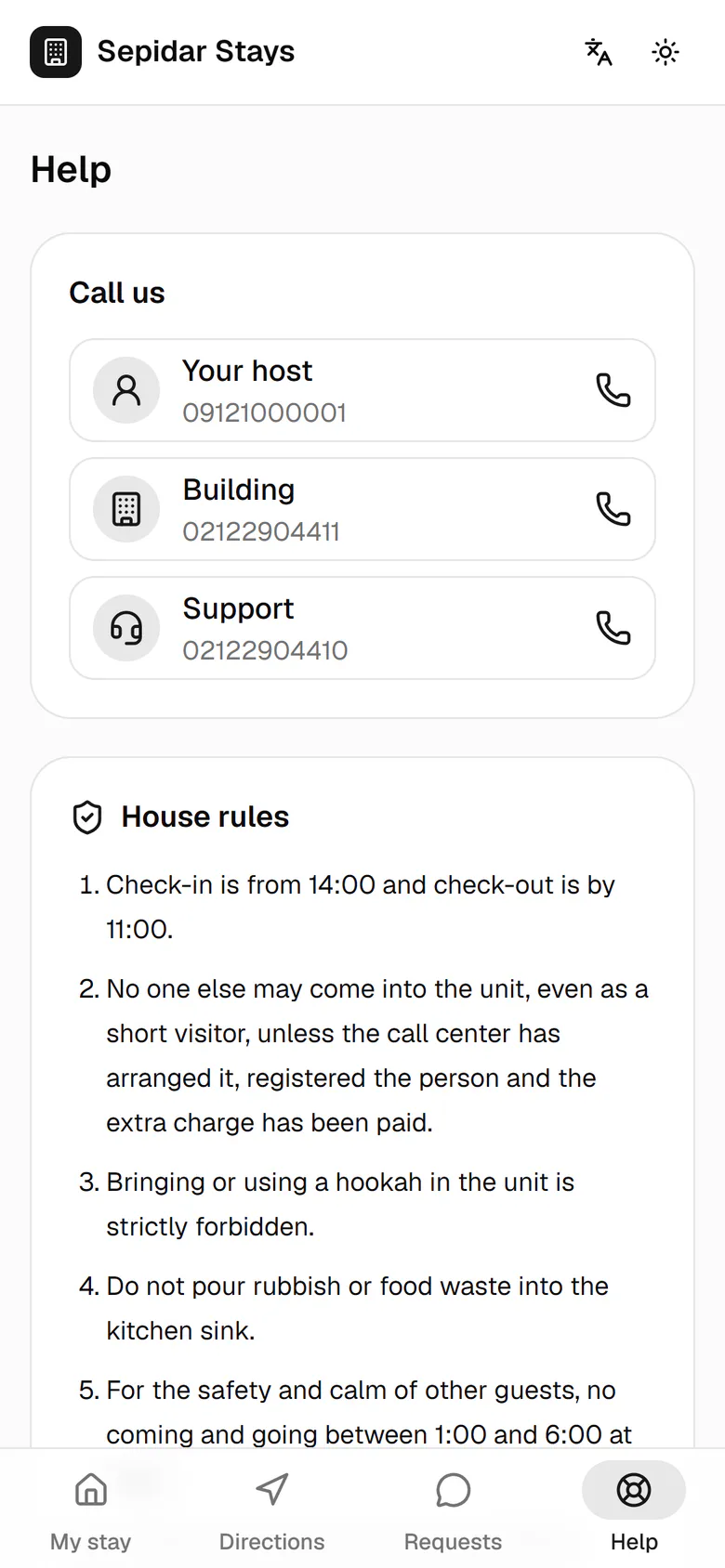
To call someone or read the rules, the guest opens Help.
- 7
The host, the building and support are each one tap from a call.