Skip to content
Mizban

Online pre-check-in

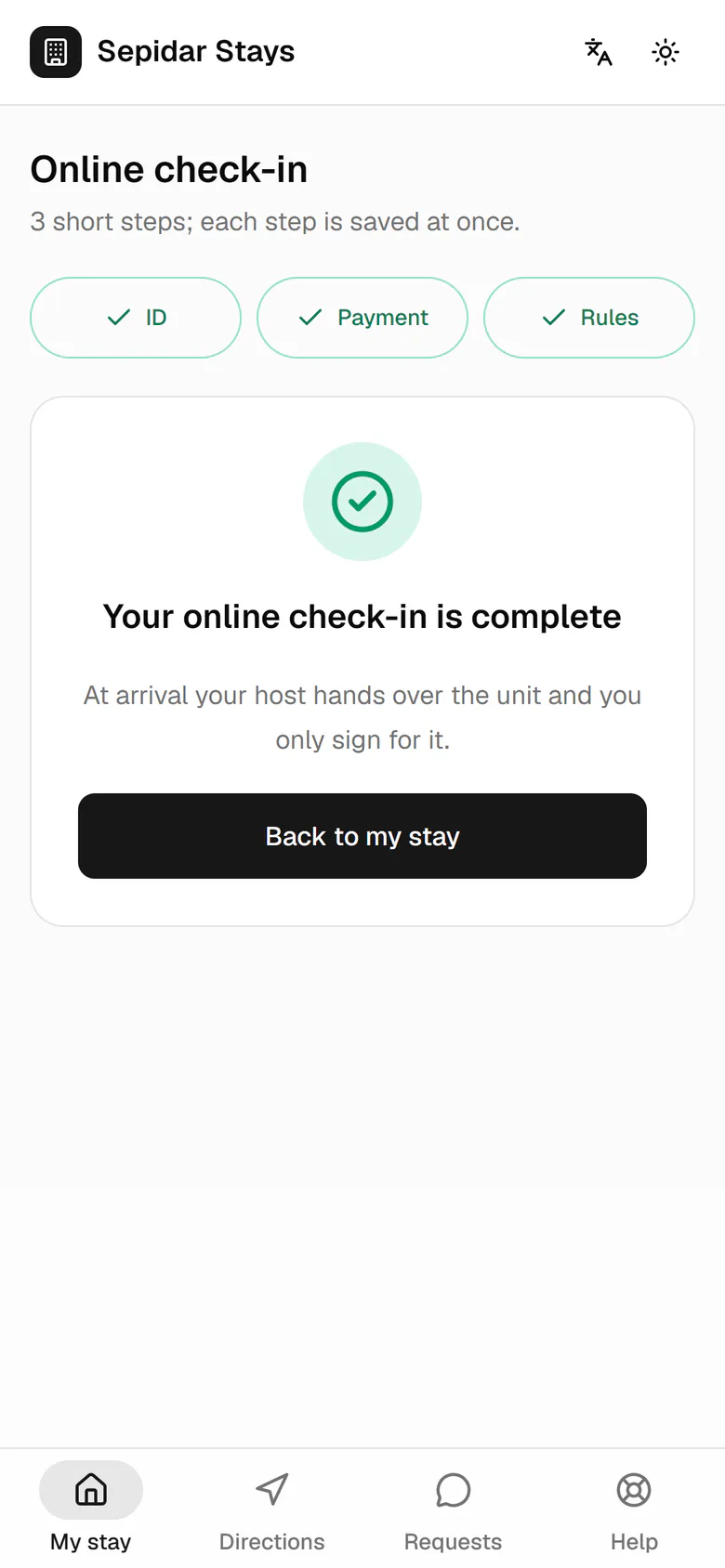
The guest sends ID and a payment receipt and accepts the rules before arriving, so only the handover and signature remain.
GuestOn a phone8 steps
Elham Nouri arrives today at 14:00. She starts from the online pre-check-in card.She checks her details and photographs her national ID card with the phone camera.The document is saved at once and listed with its time. She moves on to payment.She has paid for the booking; she picks the receipt photo and adds the amount and reference.She sends the receipt; the host sees it next to her ID at arrival.The key rules are summed up above; after reading, she ticks that she accepts them.This button records her acceptance of the rules with her name and the time.All three steps are done; the host sees her ID and receipt on their phone at arrival.

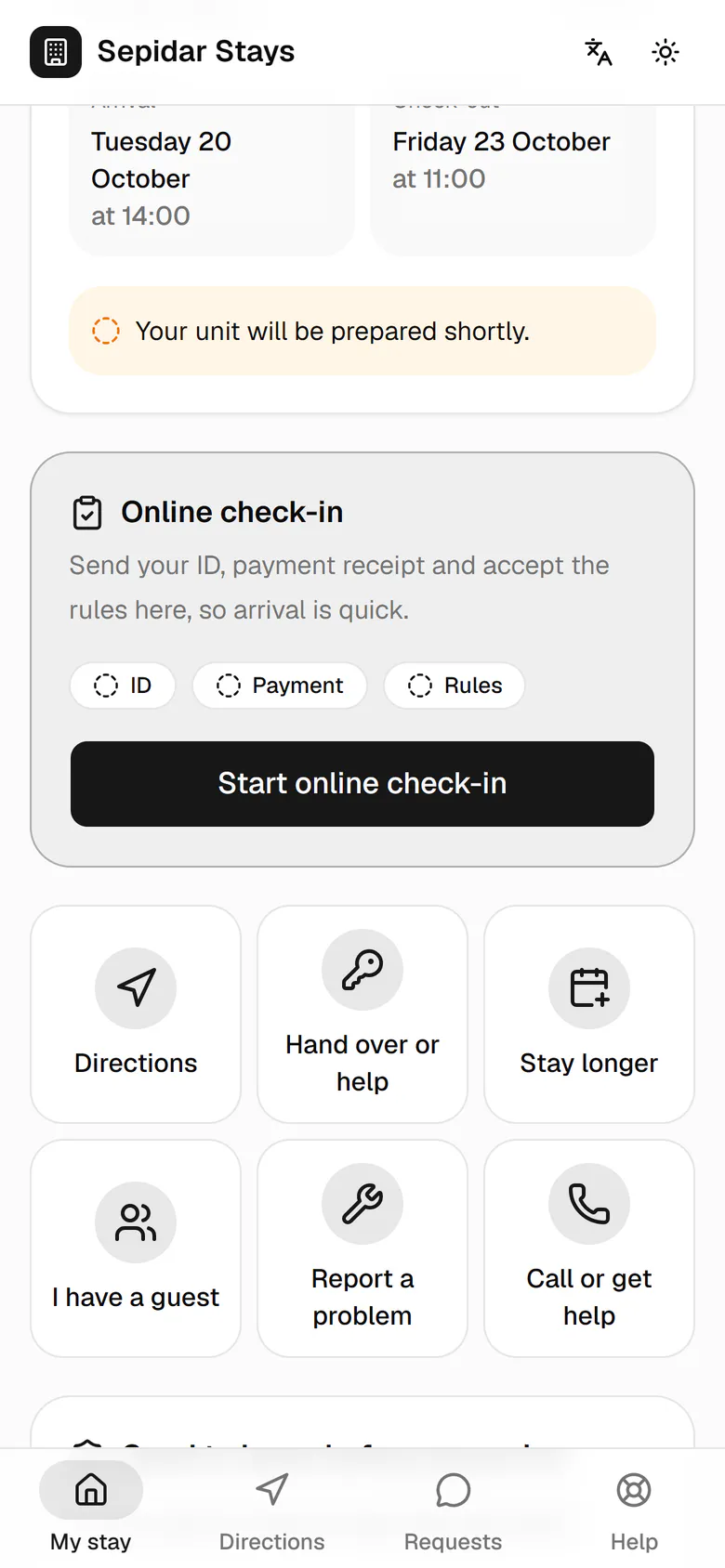
Elham Nouri arrives today at 14:00. She starts from the online pre-check-in card.

10:18Checking in before arrivingElham sends her ID photo and receipt and accepts the key rules. At the door only the handover and signature remain.
Step by step

  1. 1

    Elham Nouri arrives today at 14:00. She starts from the online pre-check-in card.

    Elham Nouri arrives today at 14:00. She starts from the online pre-check-in card.
  2. 2

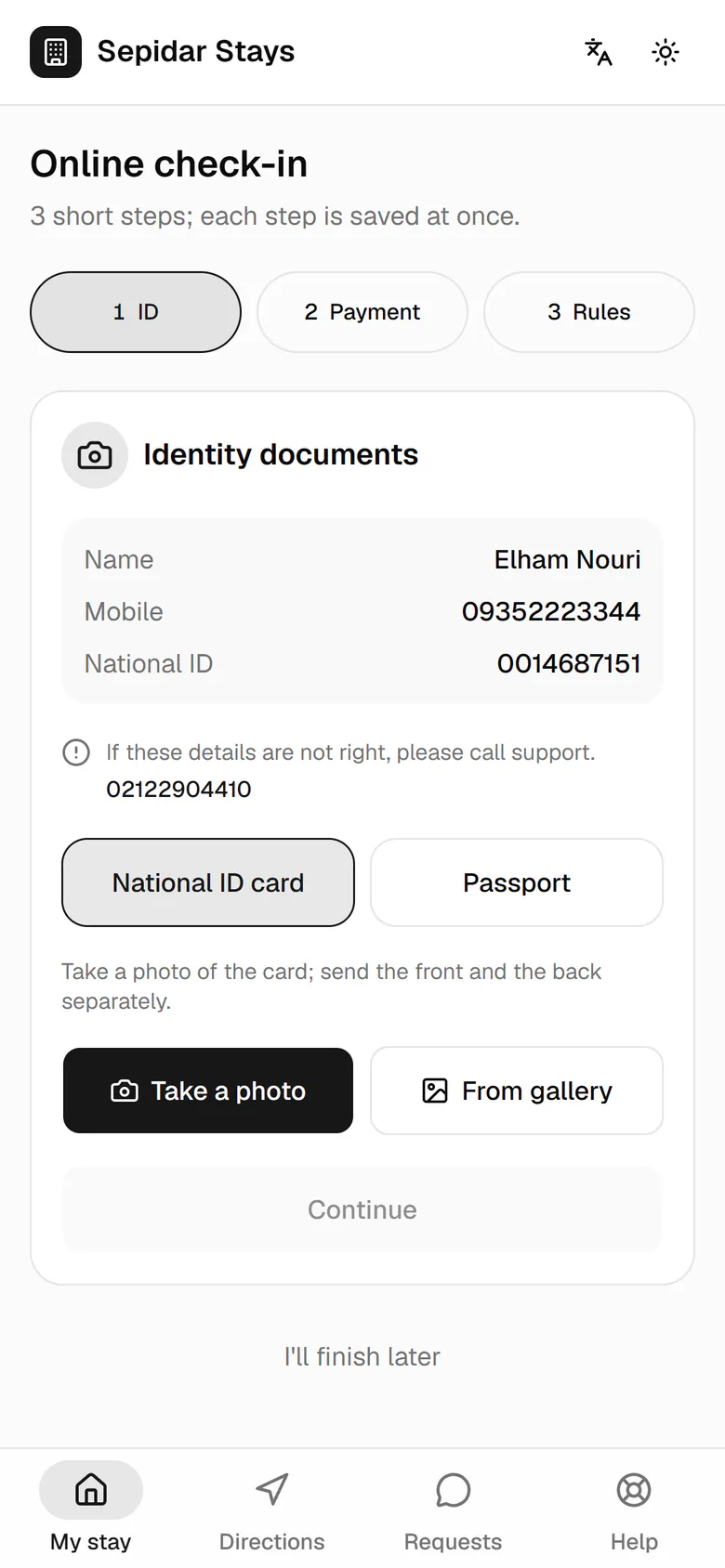
    She checks her details and photographs her national ID card with the phone camera.

    She checks her details and photographs her national ID card with the phone camera.
  3. 3

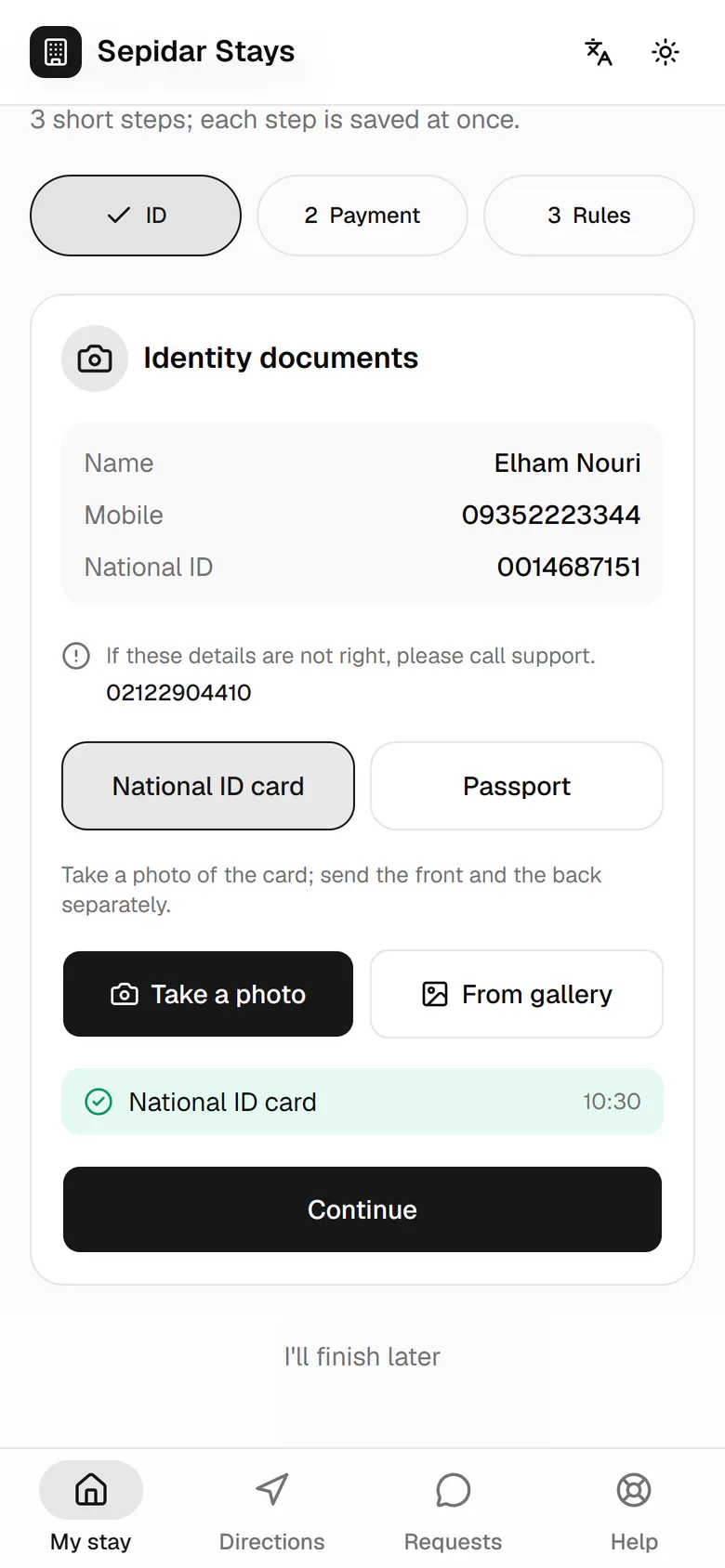
    The document is saved at once and listed with its time. She moves on to payment.

    The document is saved at once and listed with its time. She moves on to payment.
  4. 4

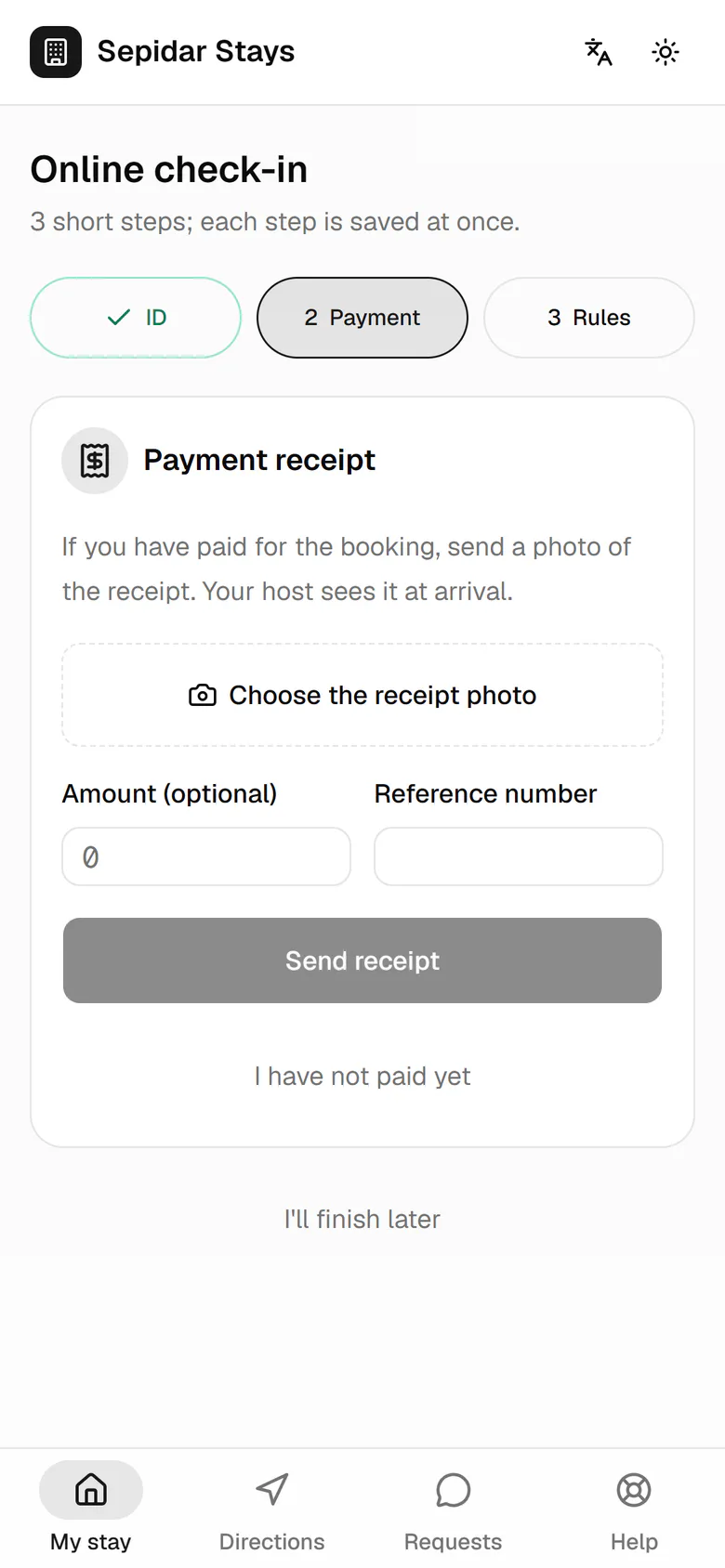
    She has paid for the booking; she picks the receipt photo and adds the amount and reference.

    She has paid for the booking; she picks the receipt photo and adds the amount and reference.
  5. 5

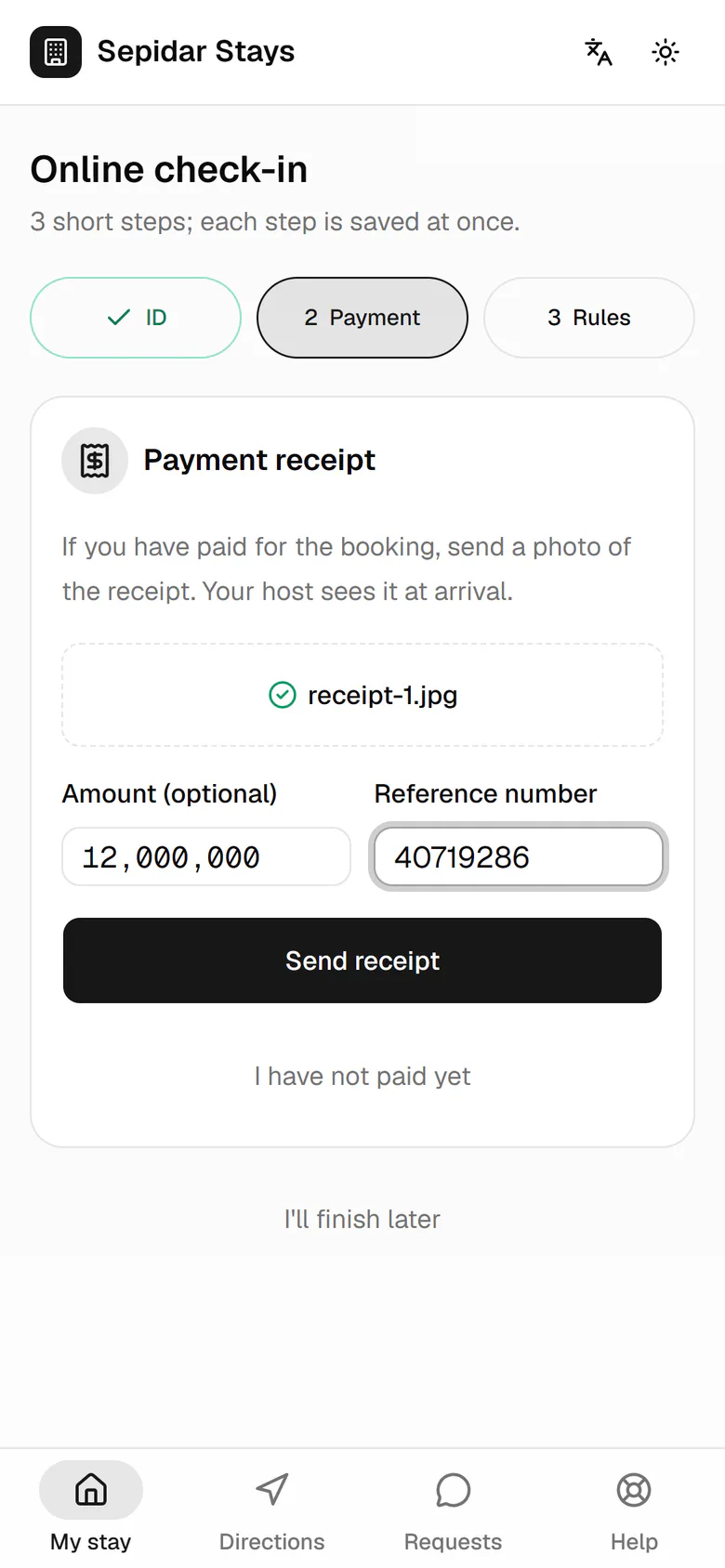
    She sends the receipt; the host sees it next to her ID at arrival.

    She sends the receipt; the host sees it next to her ID at arrival.
  6. 6

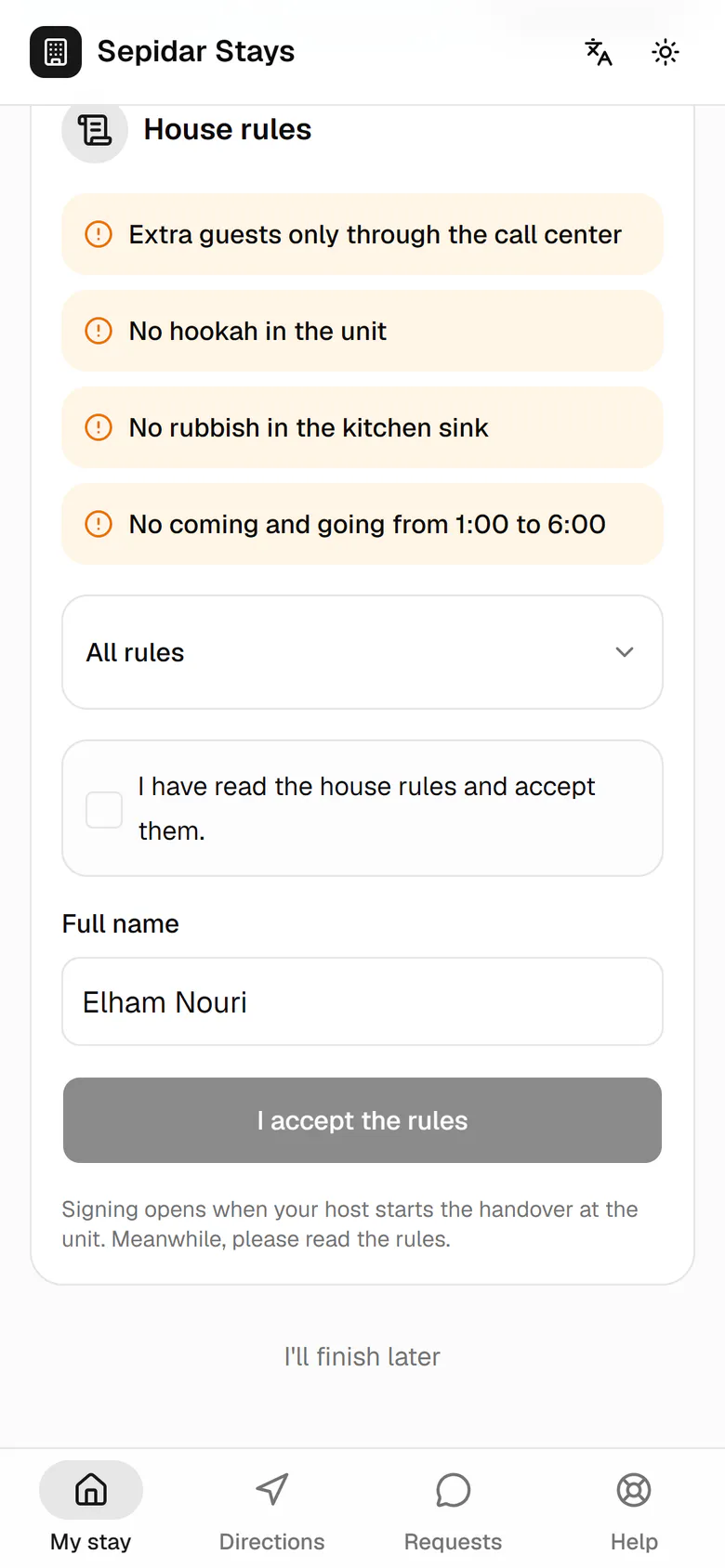
    The key rules are summed up above; after reading, she ticks that she accepts them.

    The key rules are summed up above; after reading, she ticks that she accepts them.
  7. 7

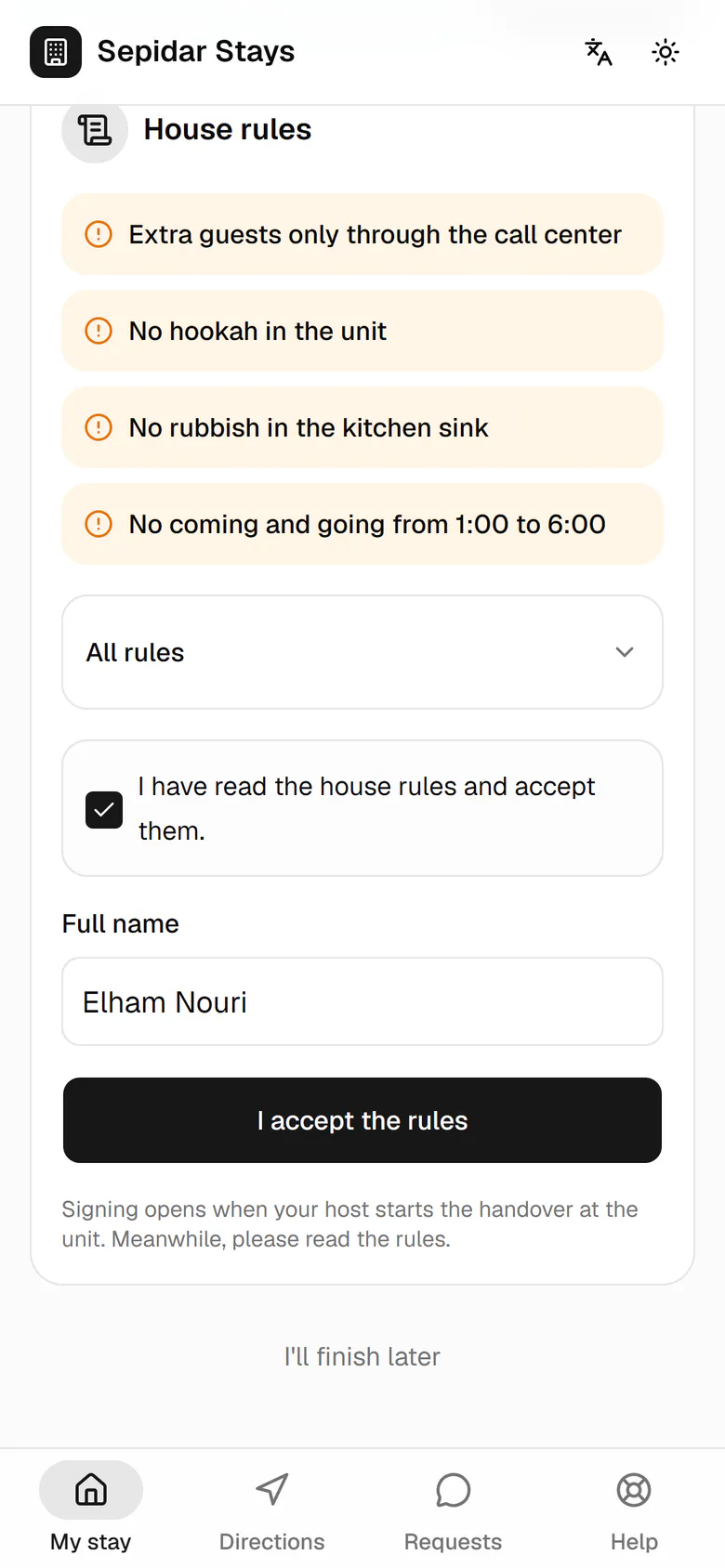
    This button records her acceptance of the rules with her name and the time.

    This button records her acceptance of the rules with her name and the time.
  8. 8

    All three steps are done; the host sees her ID and receipt on their phone at arrival.

    All three steps are done; the host sees her ID and receipt on their phone at arrival.