Check-in a guest
The host records documents, receipt and items, the guest signs on their own phone, and the unit becomes occupied.
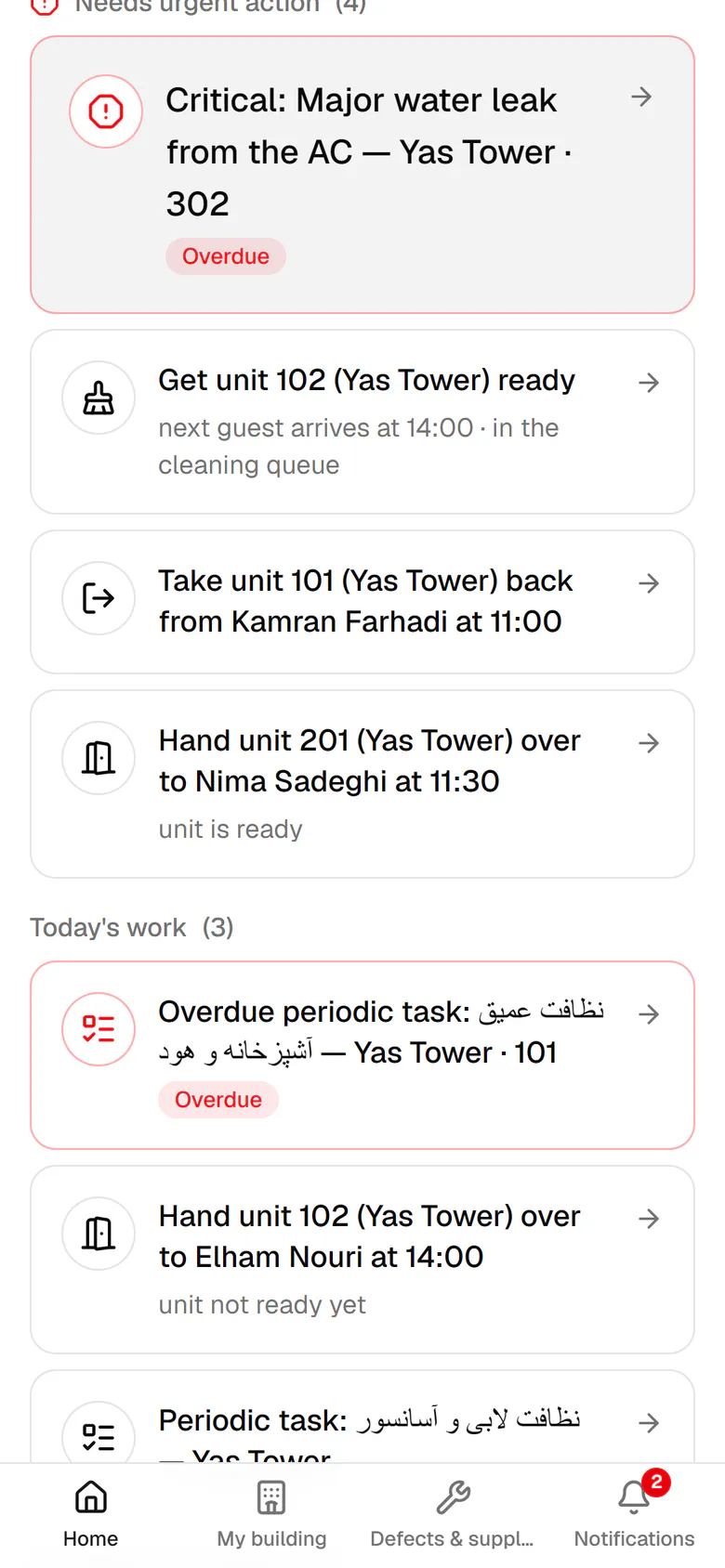
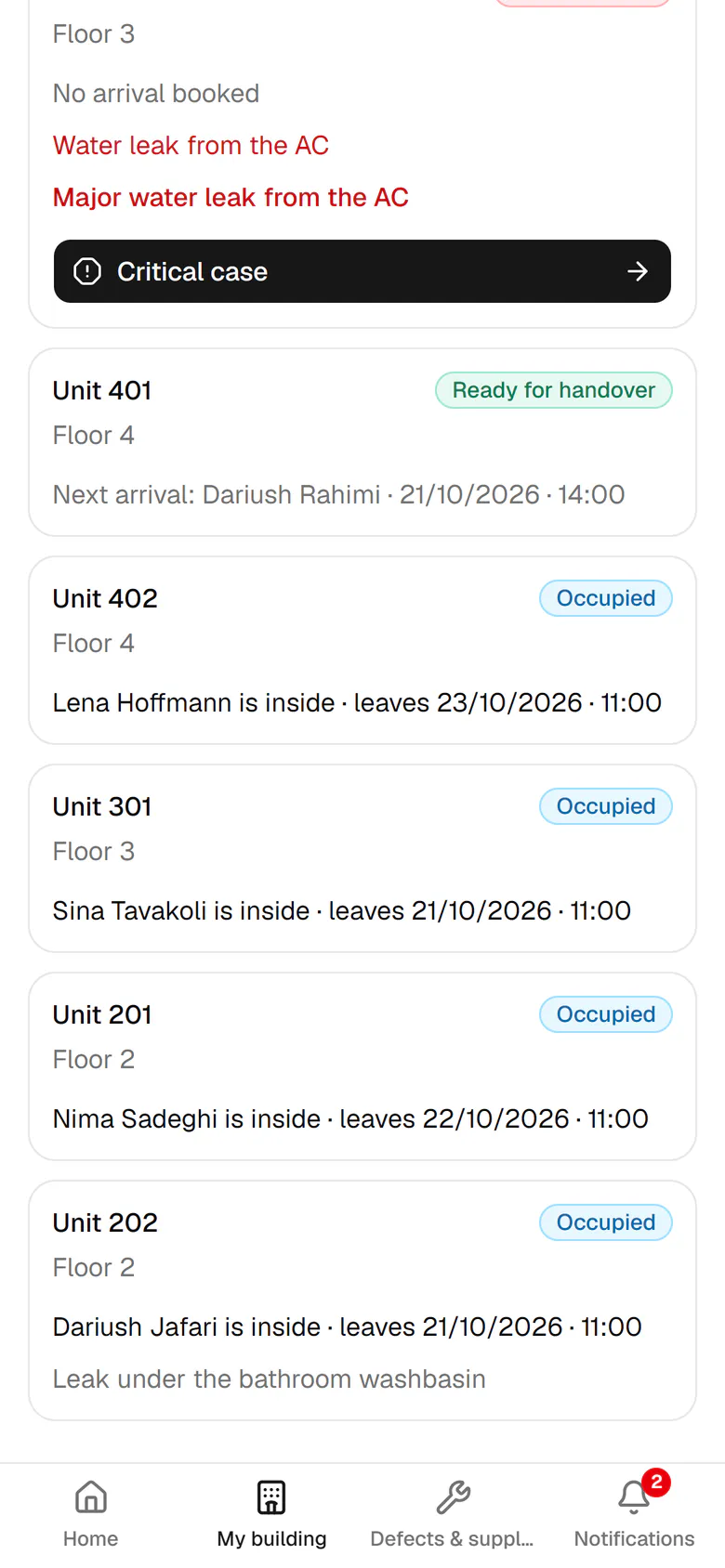
Nima is waiting in the lobby. Open the check-in task for unit 201.
Step by step
- 1
Nima is waiting in the lobby. Open the check-in task for unit 201.
- 2
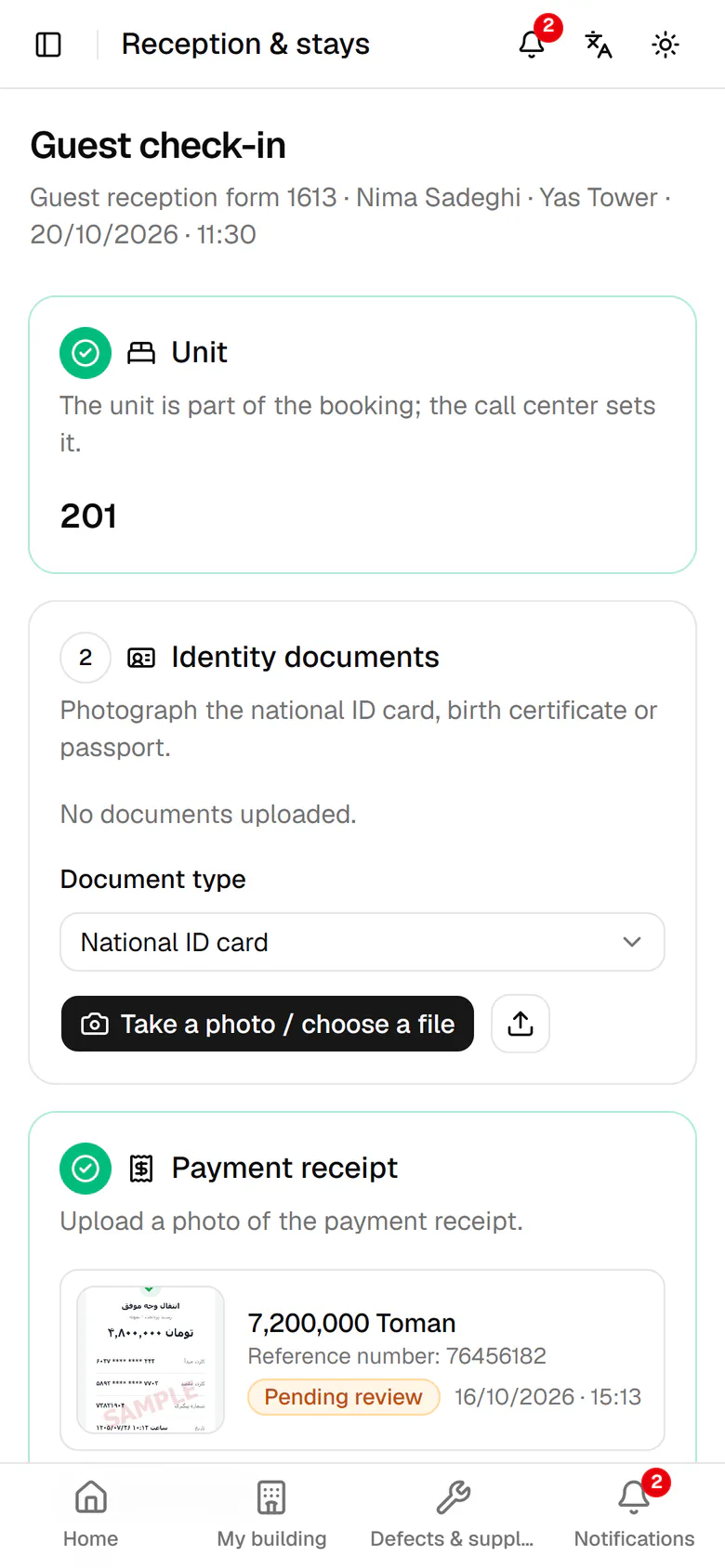
The call center set the unit in the booking, so you hand over unit 201.
- 3
Take a photo of the guest's ID card to attach it to the stay.
- 4
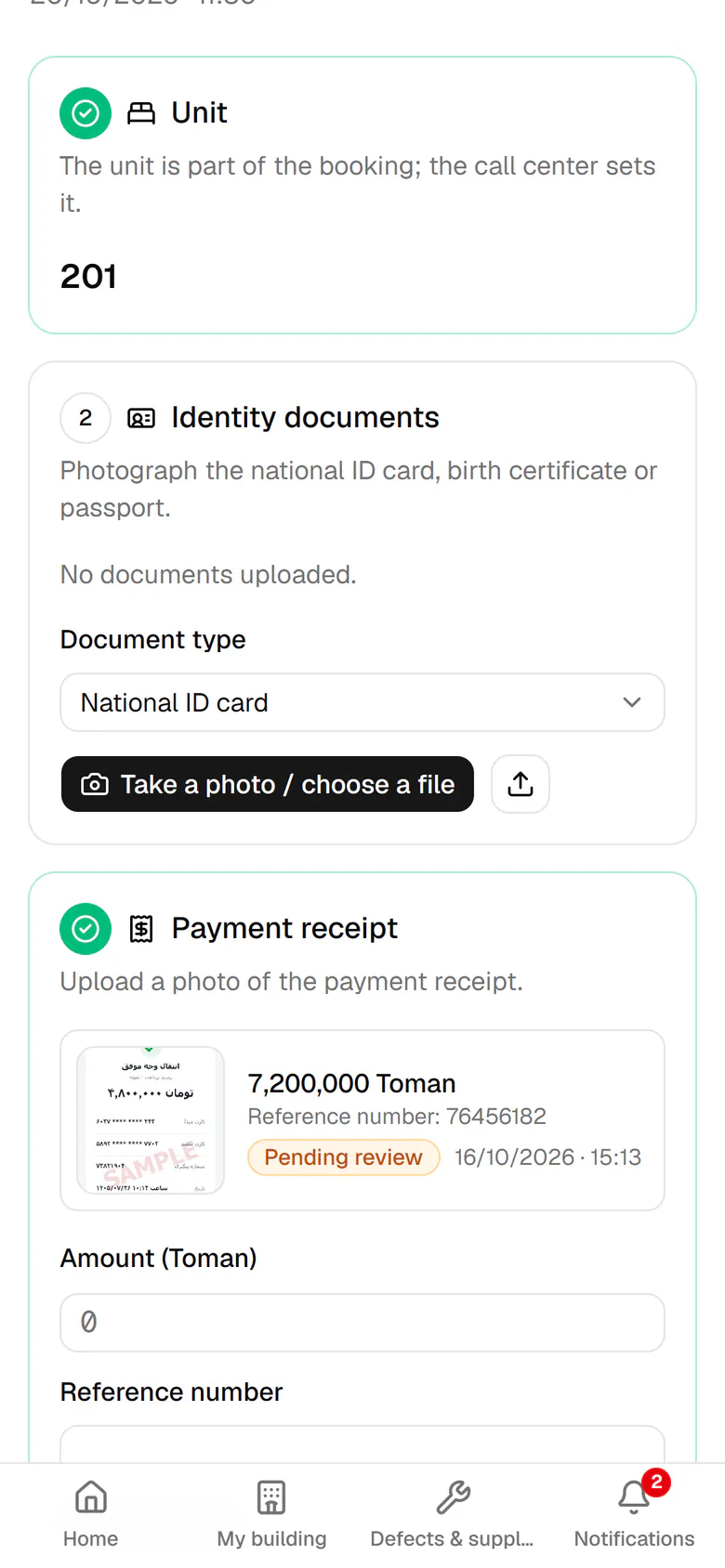
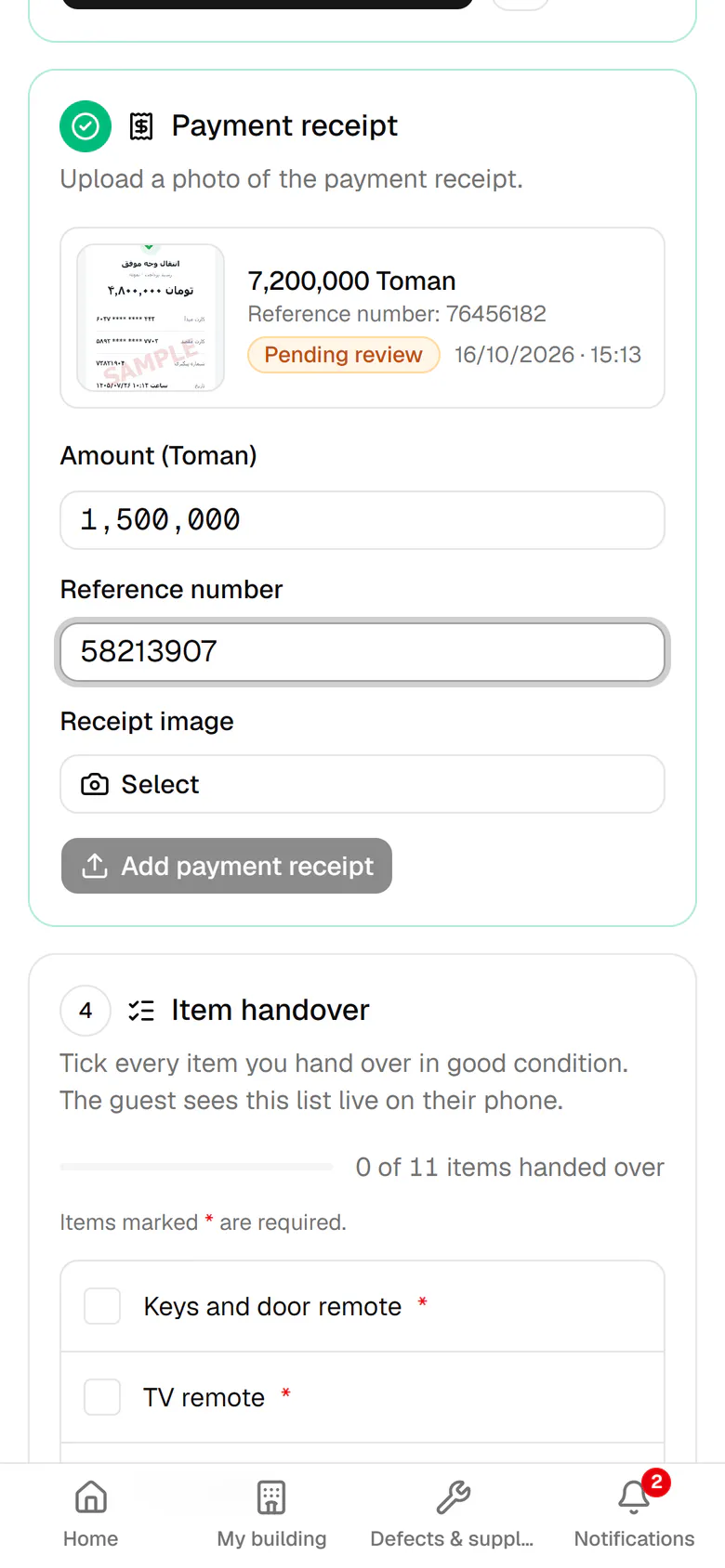
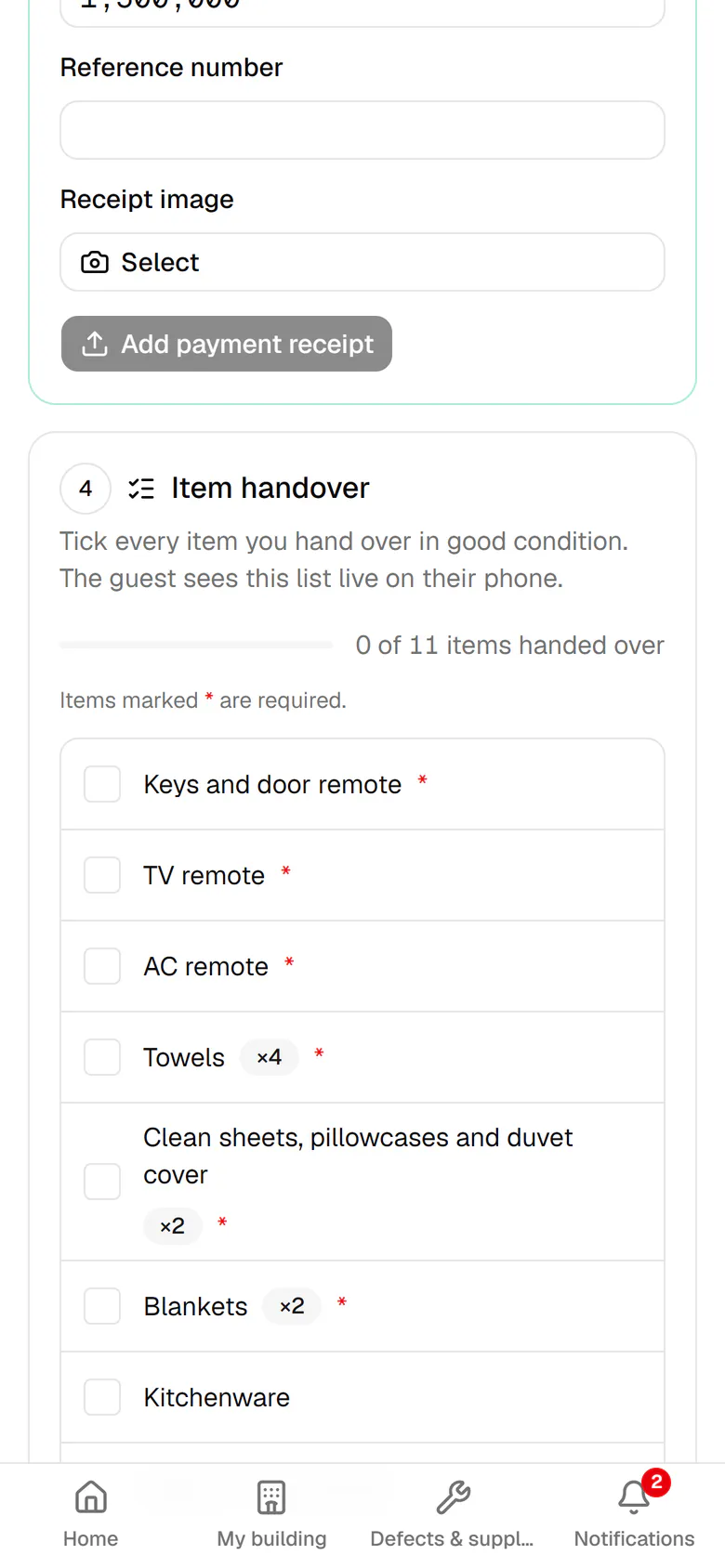
Enter the amount and reference number, then add a photo of the payment receipt.
- 5
Tick each item you hand over in good condition on the handover checklist.
- 6
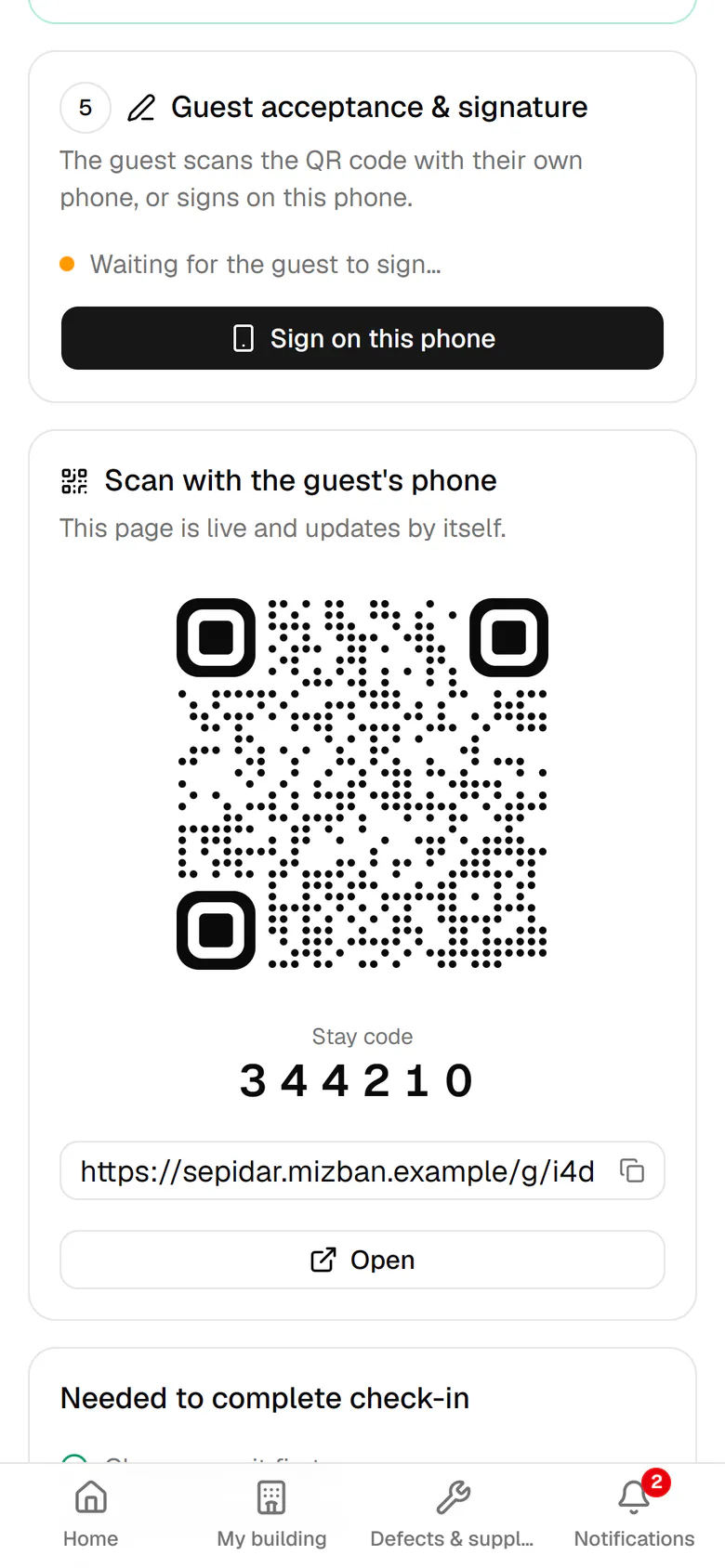
The guest scans this QR code with their own phone to open their live page.
- 7
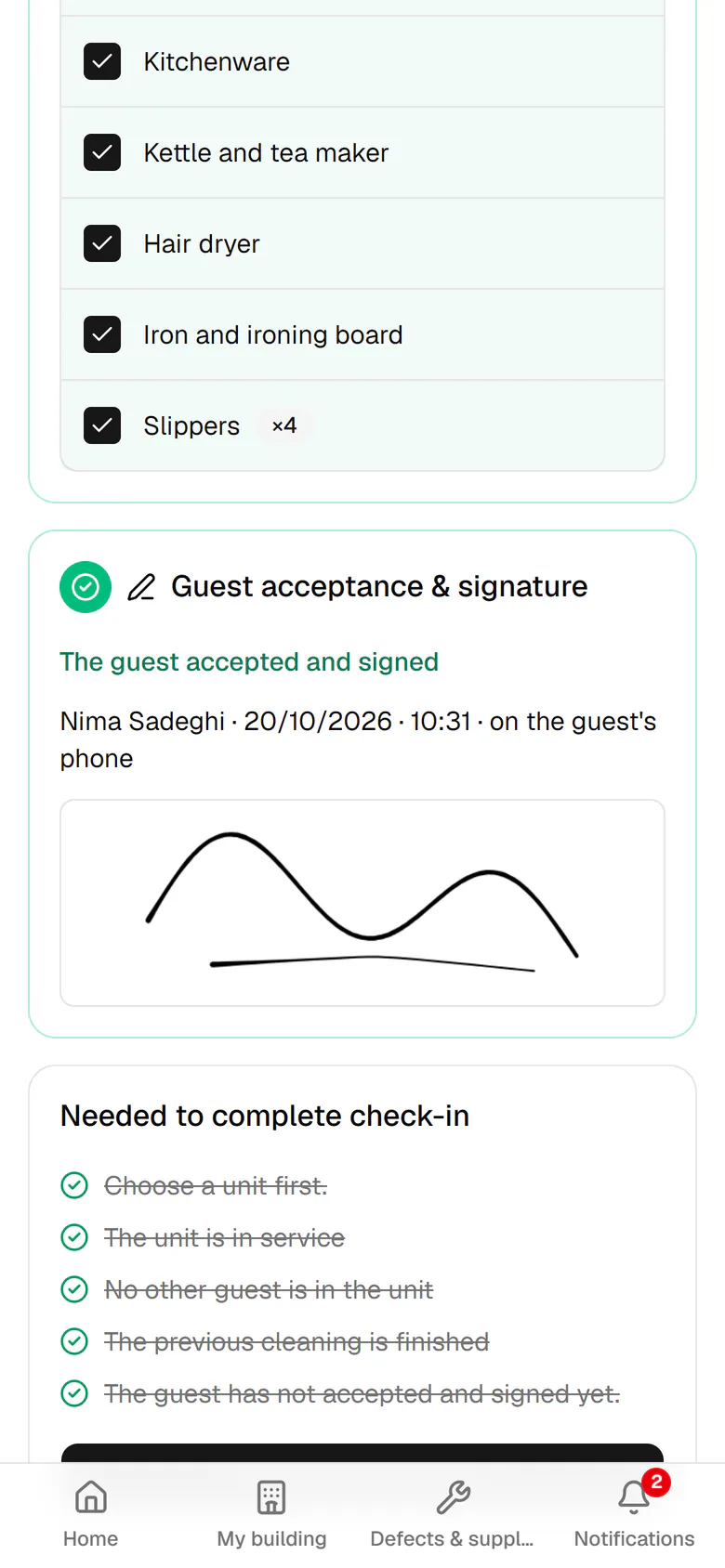
The guest's signature arrives without reloading, and the acceptance step turns green.
- 8
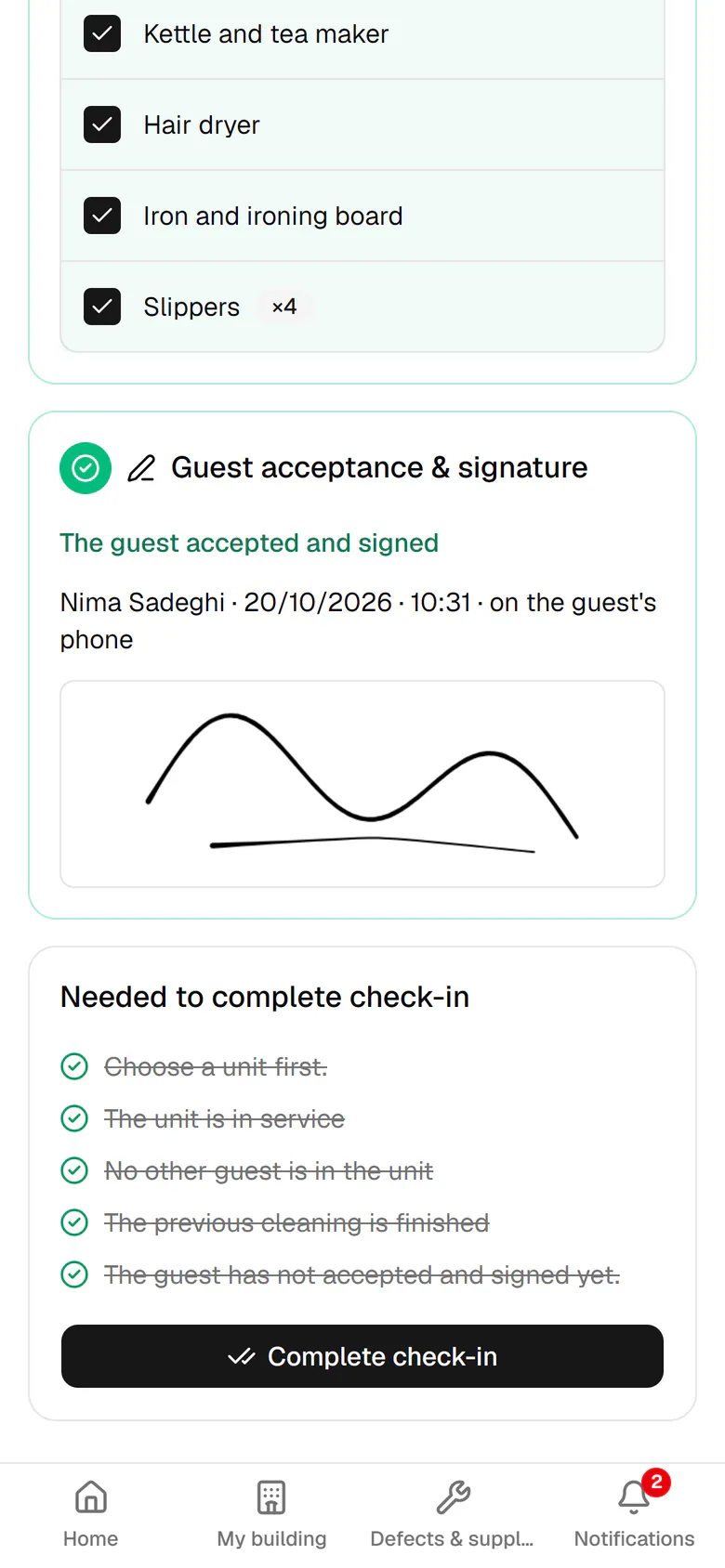
All requirements are met. Tap Complete check-in.
- 9
Unit 201 is now occupied, showing Nima and his check-out time.