Host
Runs the building day from a phone: check-ins, check-outs, cleaning, periodic tasks and reporting problems.
The host's phone home
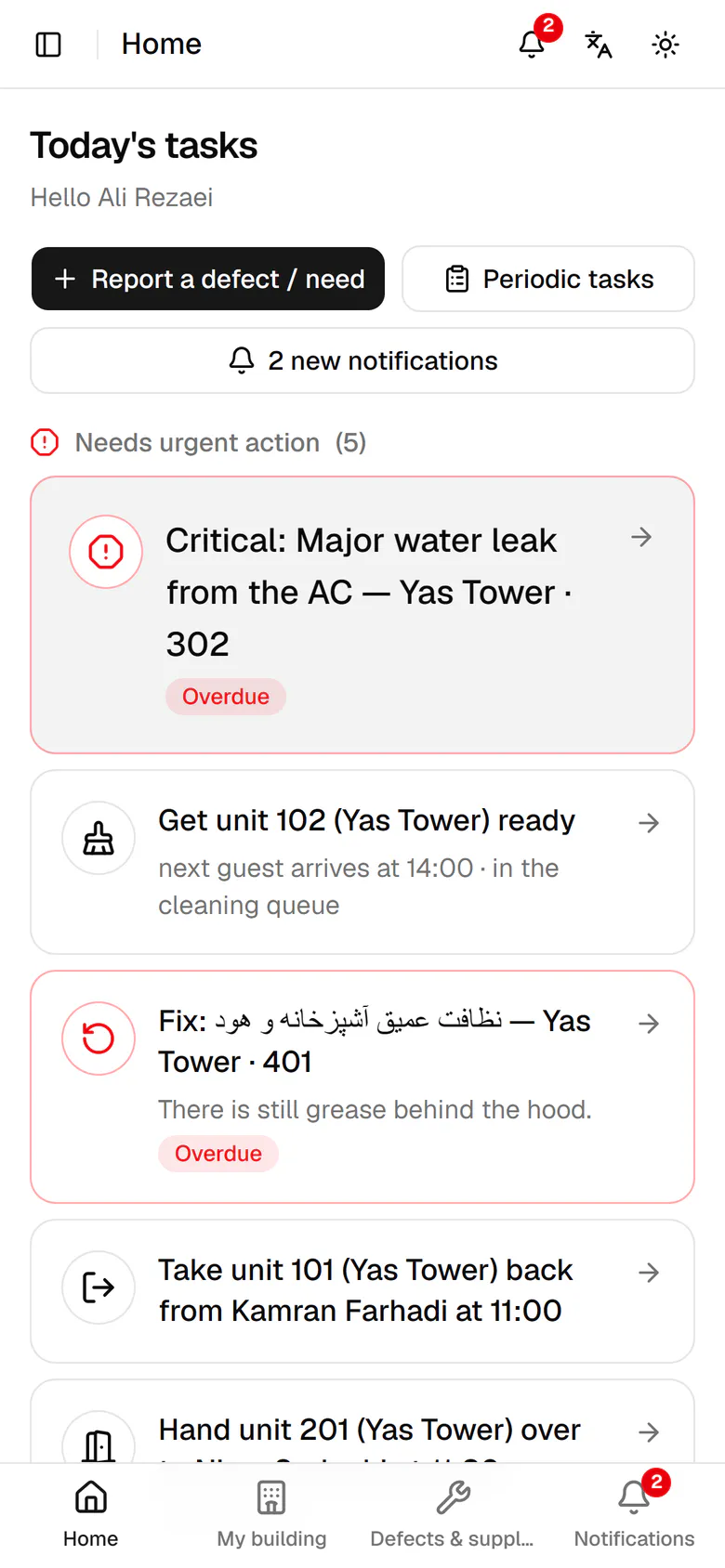
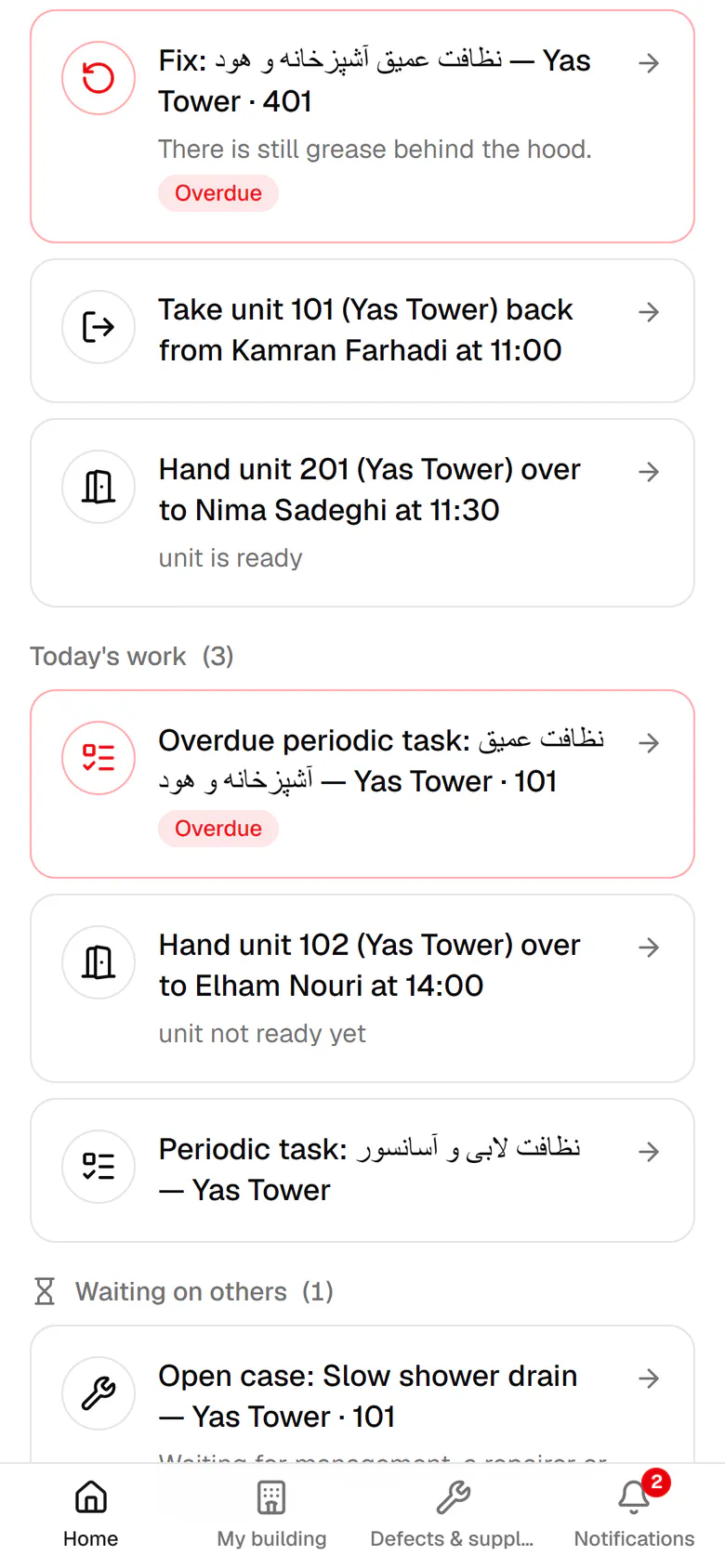
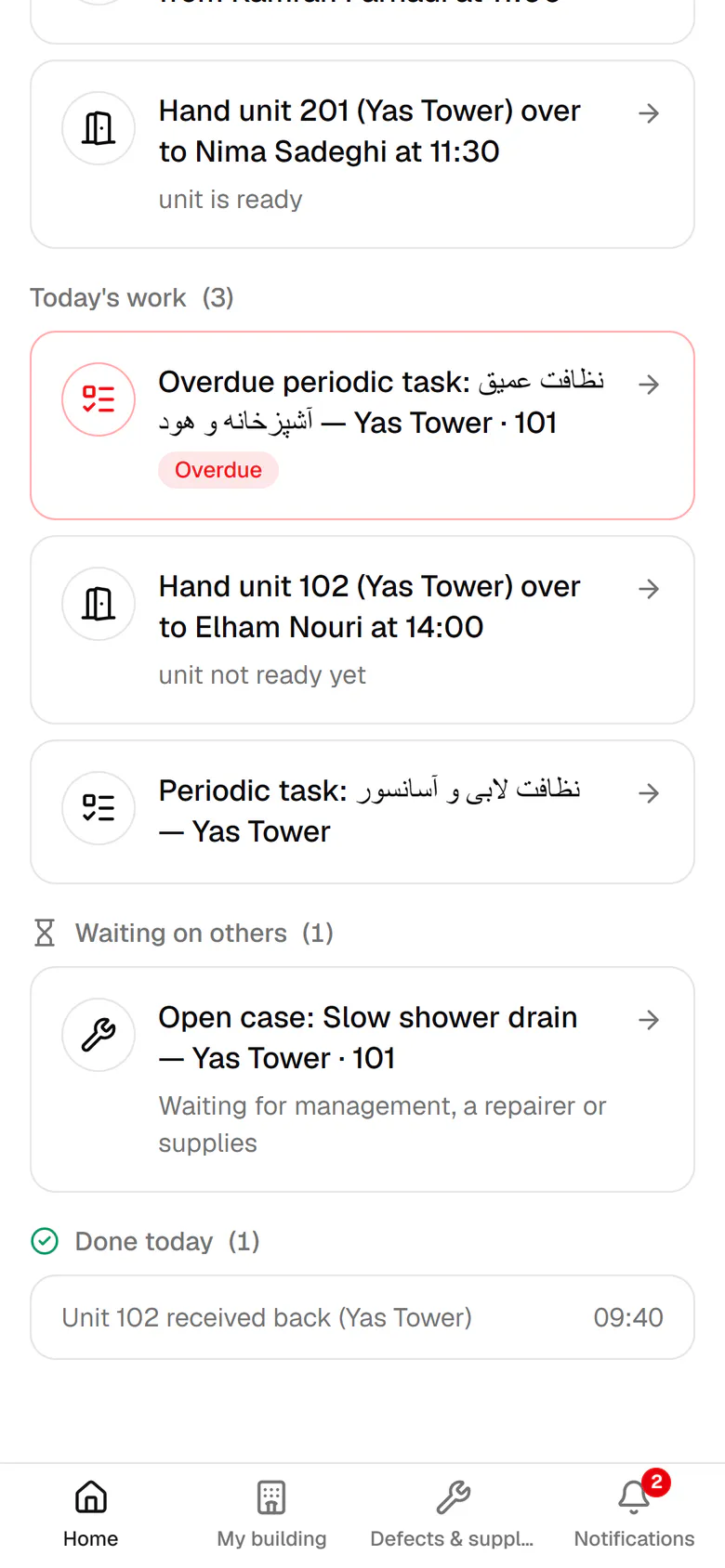
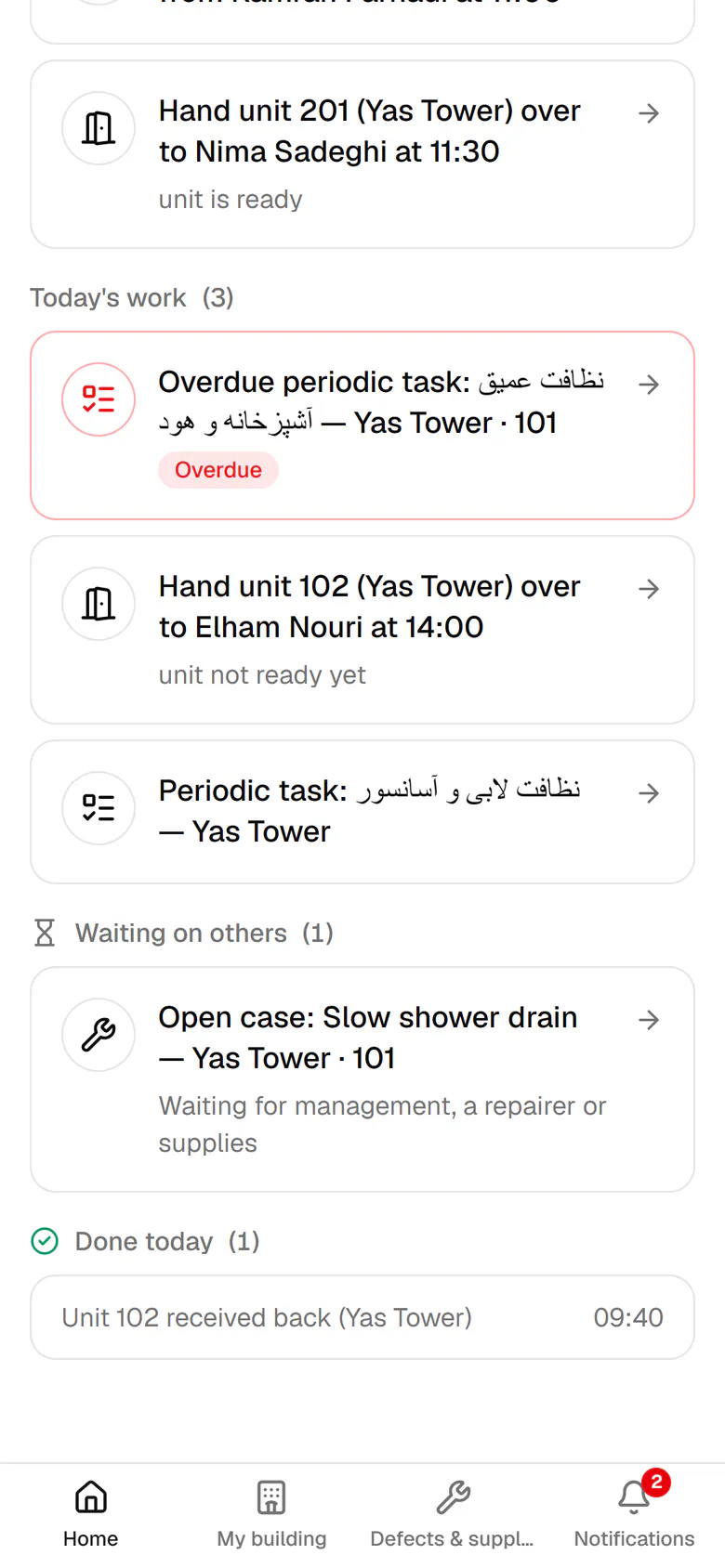
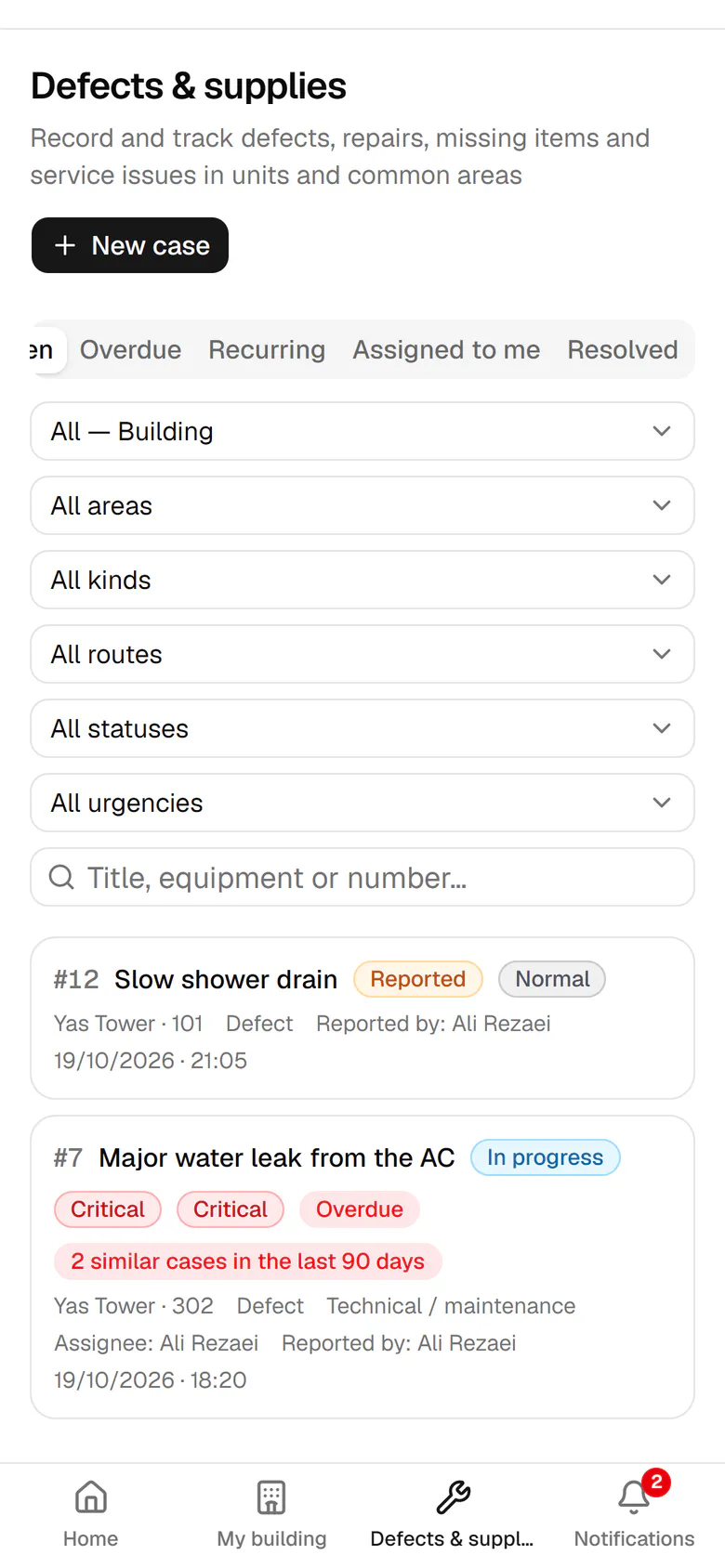
Urgent work comes first, such as a critical case or a guest who is waiting.
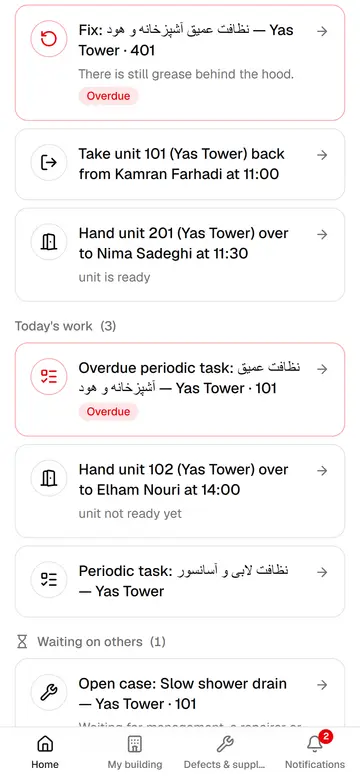
The host's phone home
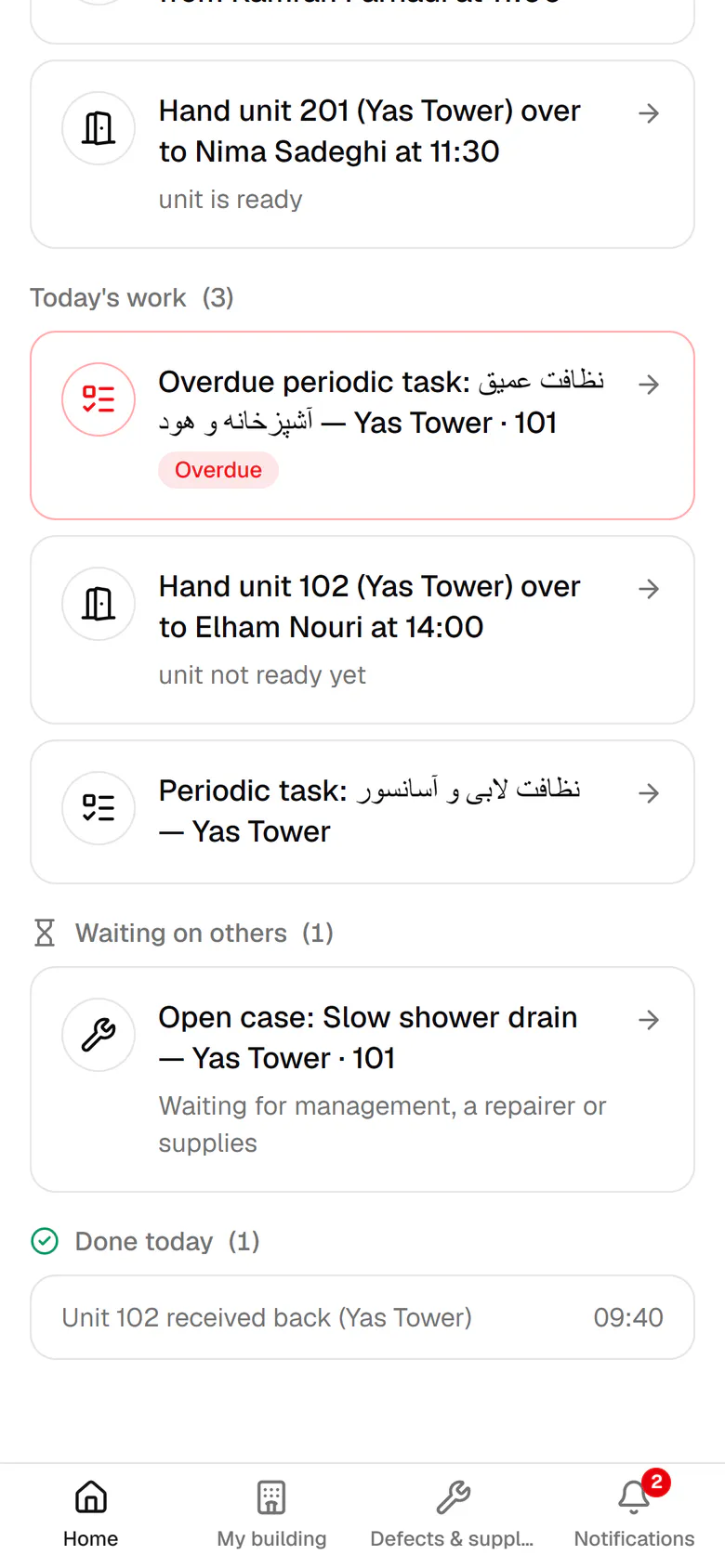
Every morning the host sees on one screen what is urgent, what is due today and what waits on others.
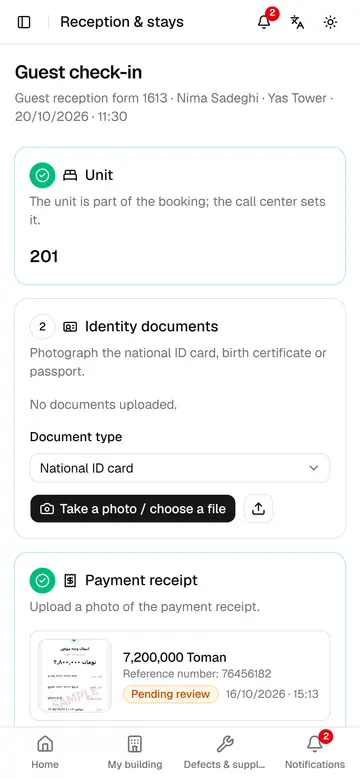
Check-in a guest
The host records documents, receipt and items, the guest signs on their own phone, and the unit becomes occupied.
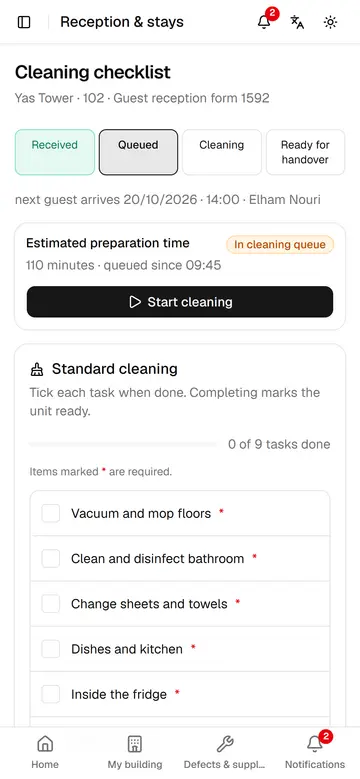
Prepare a unit before arrival
Unit 102 is cleaned before Elham arrives at 14:00, and everyone can see when it will be ready.
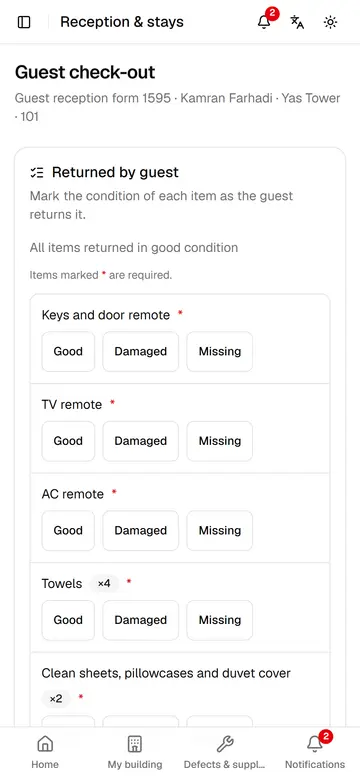
Check-out and take the unit back
The host rates every returned item, the guest signs, and the unit goes straight to the cleaning queue.
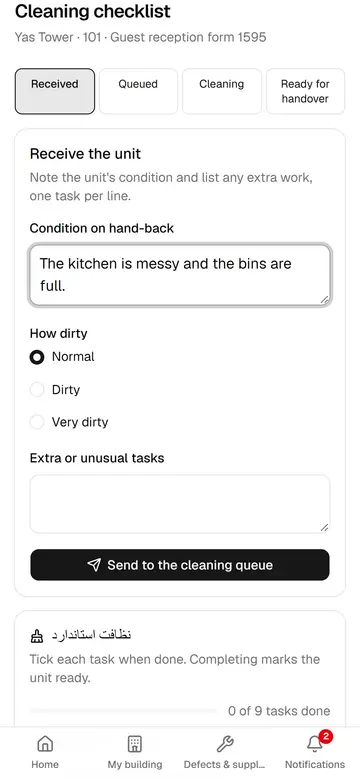
Send a unit to cleaning
The host notes the unit's condition and extra work, so the ready time is estimated more accurately.
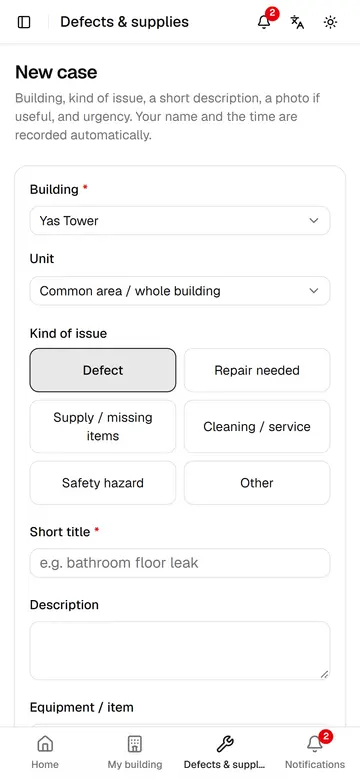
Report a defect or need
In a few taps the host files a case with a photo and urgency, so the right person hears about it quickly.
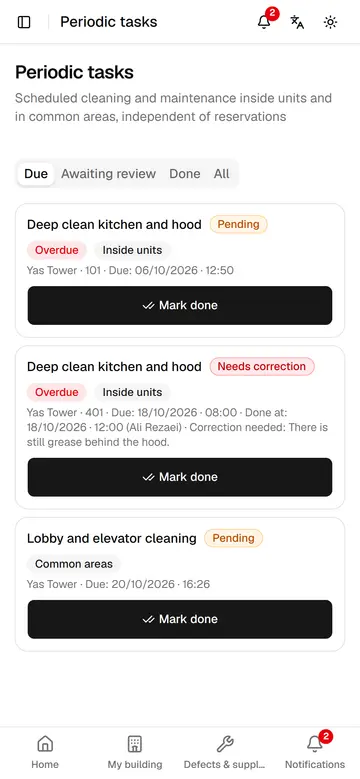
Periodic tasks and corrections
The host marks periodic tasks done and redoes a task the reviewer sent back, with a short note.
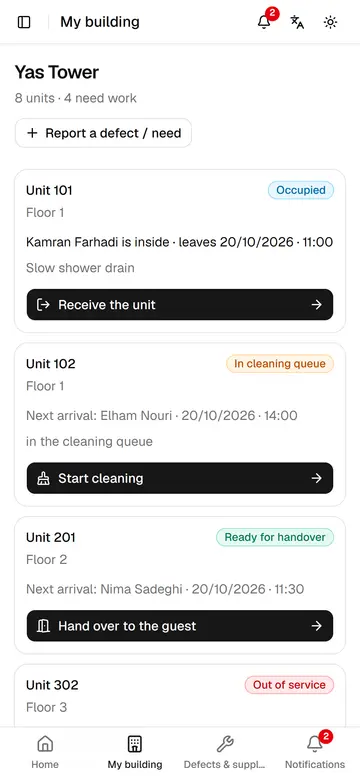
My building
The host sees every unit's state, who is inside and the next step at a glance.
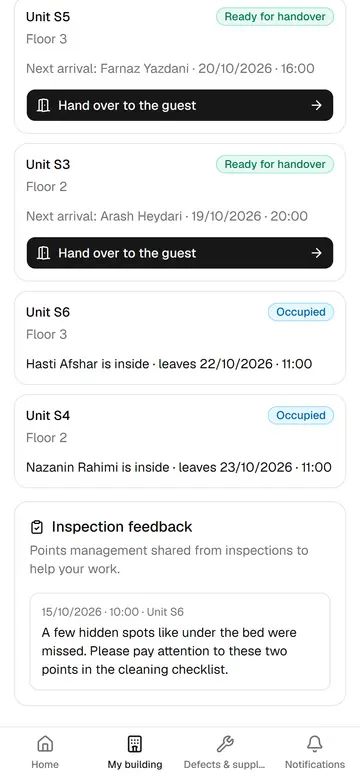
Inspection feedback for the host
Points management shares from inspections appear right on the host's My building page.
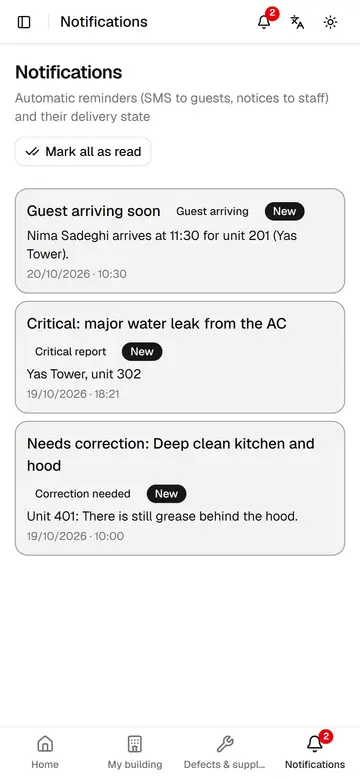
Host notifications
The host sees upcoming arrivals, urgent cases and returned tasks in notifications and opens each with one tap.