Check-out and take the unit back
The host rates every returned item, the guest signs, and the unit goes straight to the cleaning queue.
HostOn a phone9 steps
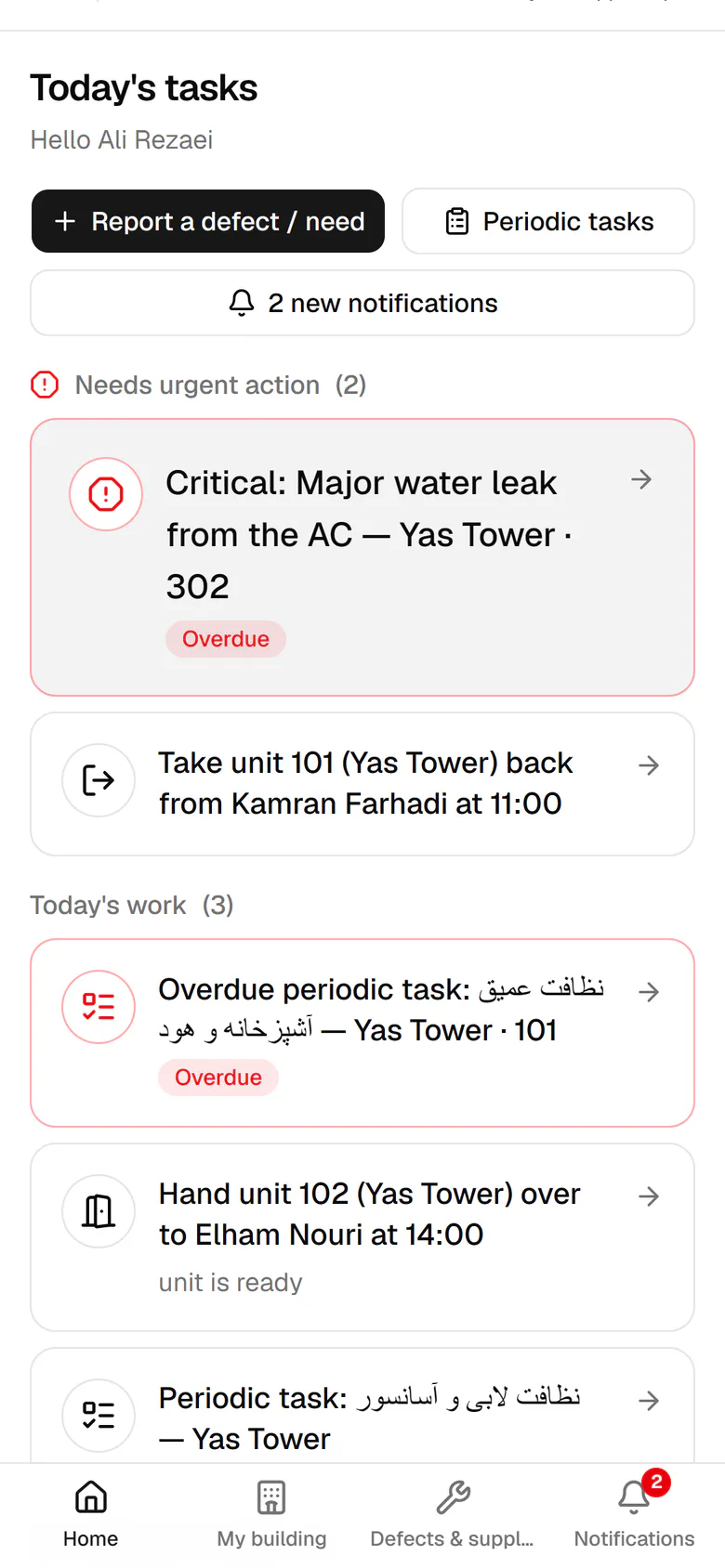
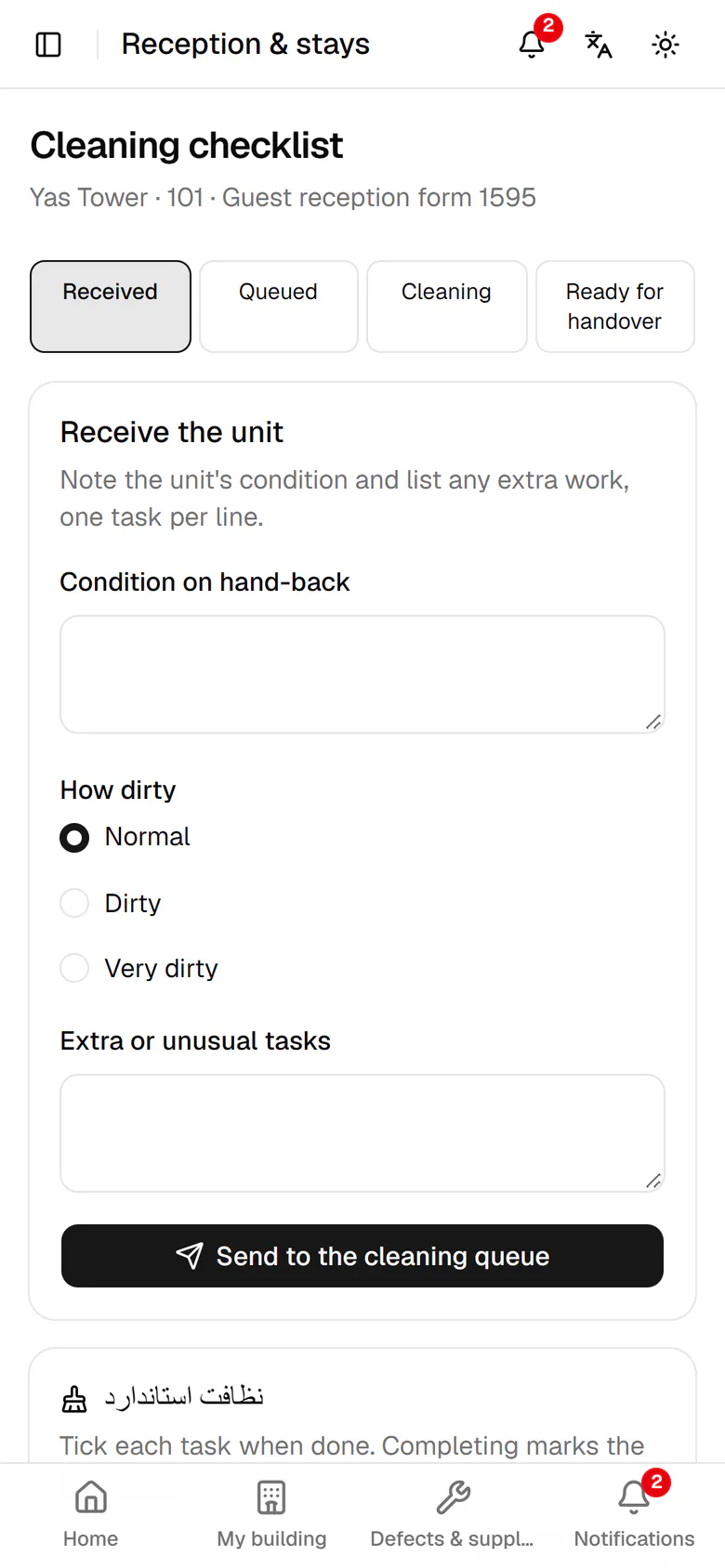
Kamran leaves unit 101 at 11:00. Open the check-out task.
Step by step
- 1
Kamran leaves unit 101 at 11:00. Open the check-out task.
- 2
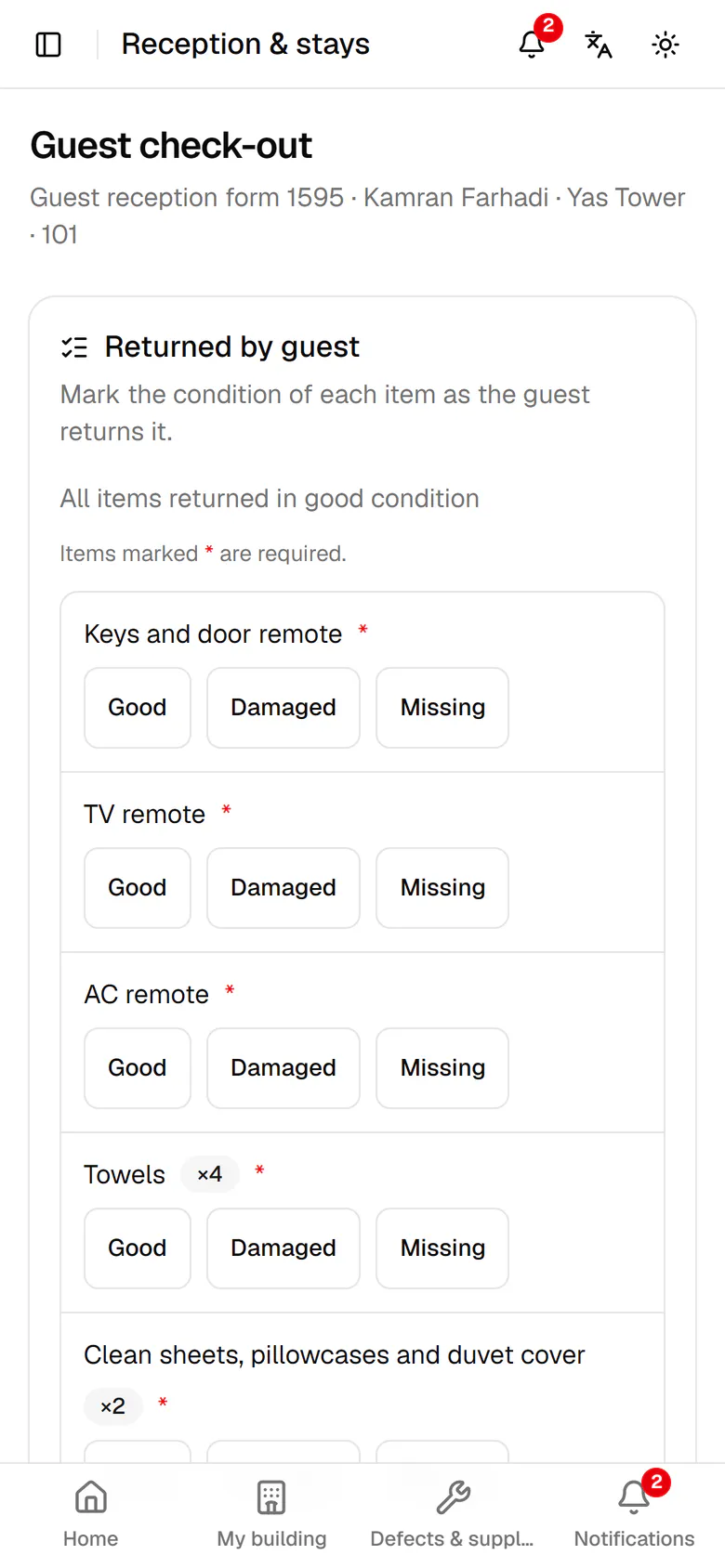
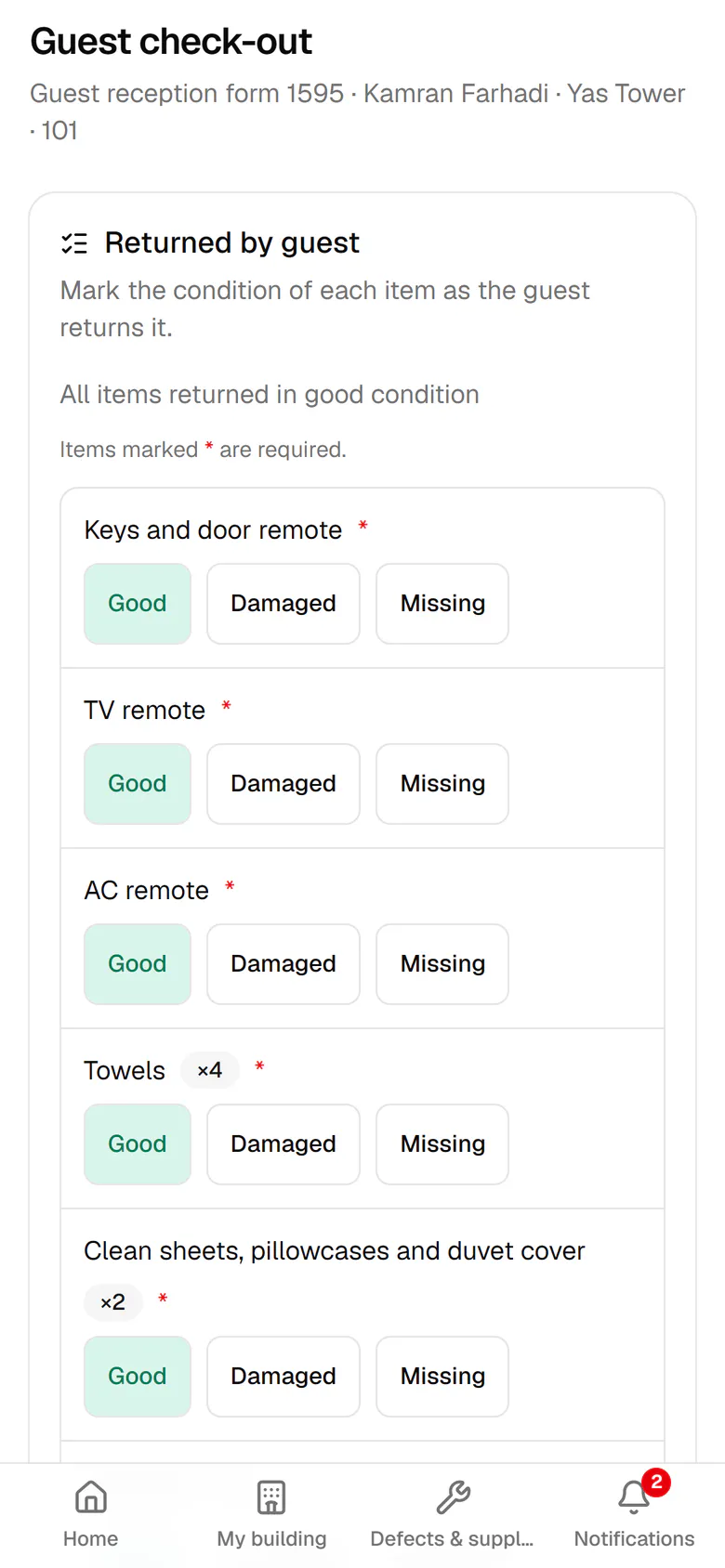
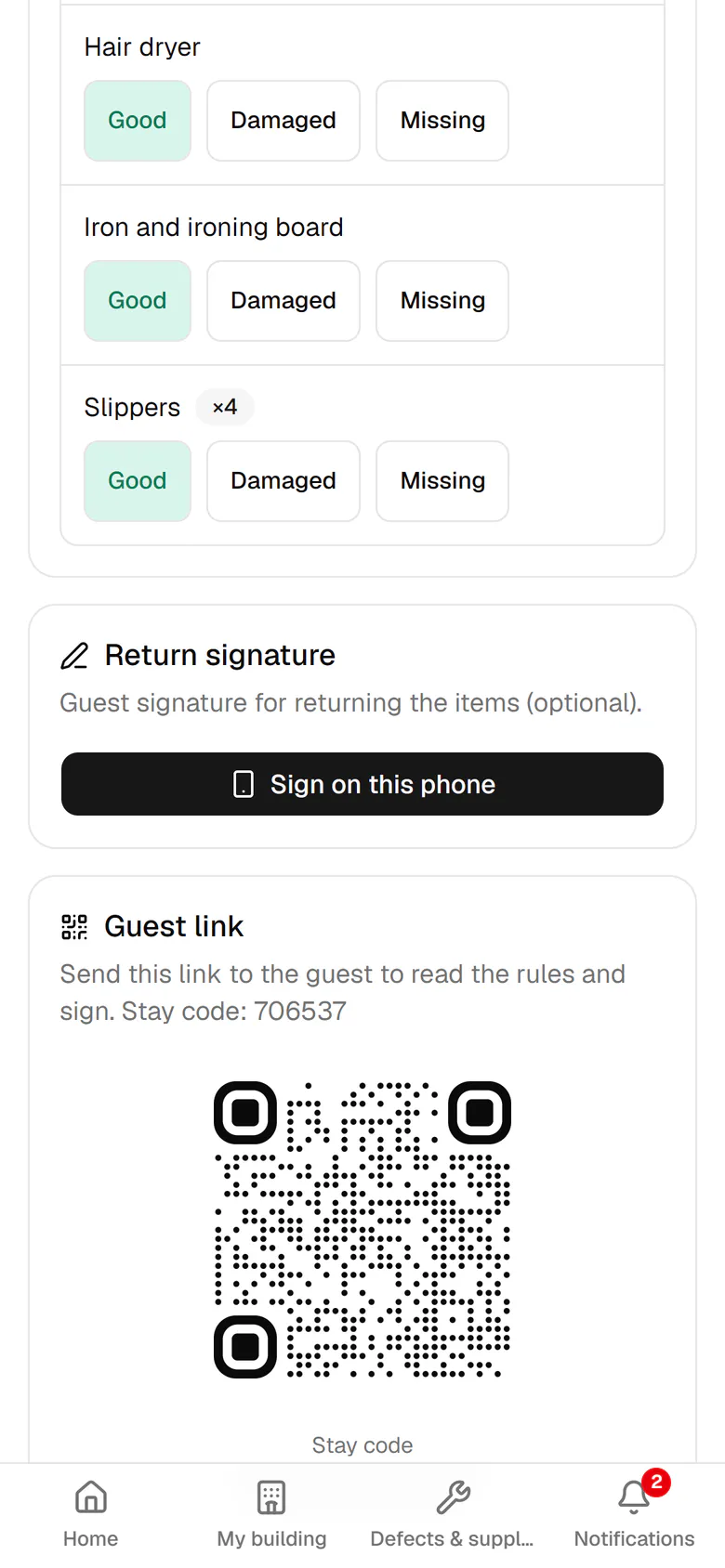
For each returned item choose Good, Damaged or Missing.
- 3
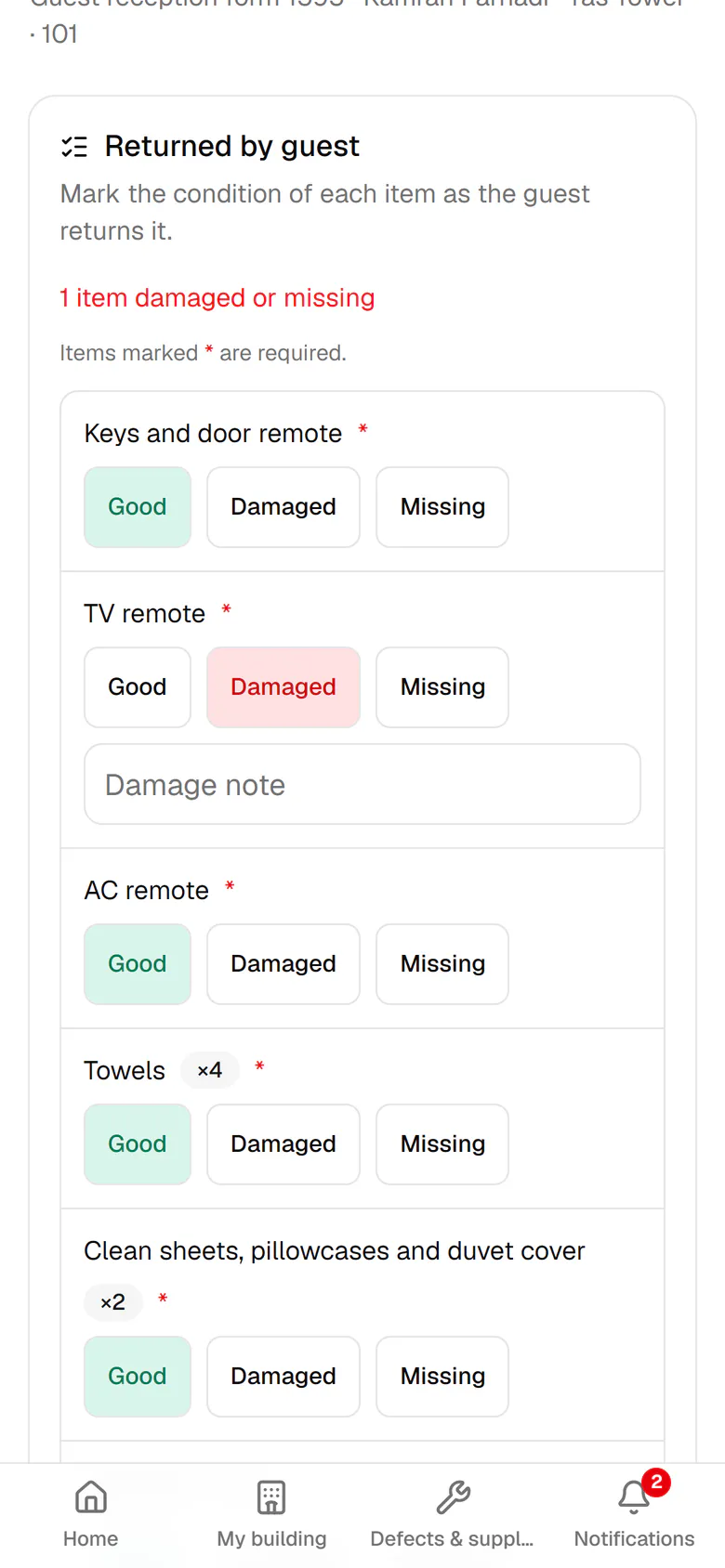
The TV remote is damaged, so mark it as Damaged.
- 4
Write one line about the damage so management can follow it up.
- 5
The guest is here, so tap Sign on this phone and hand it over.
- 6
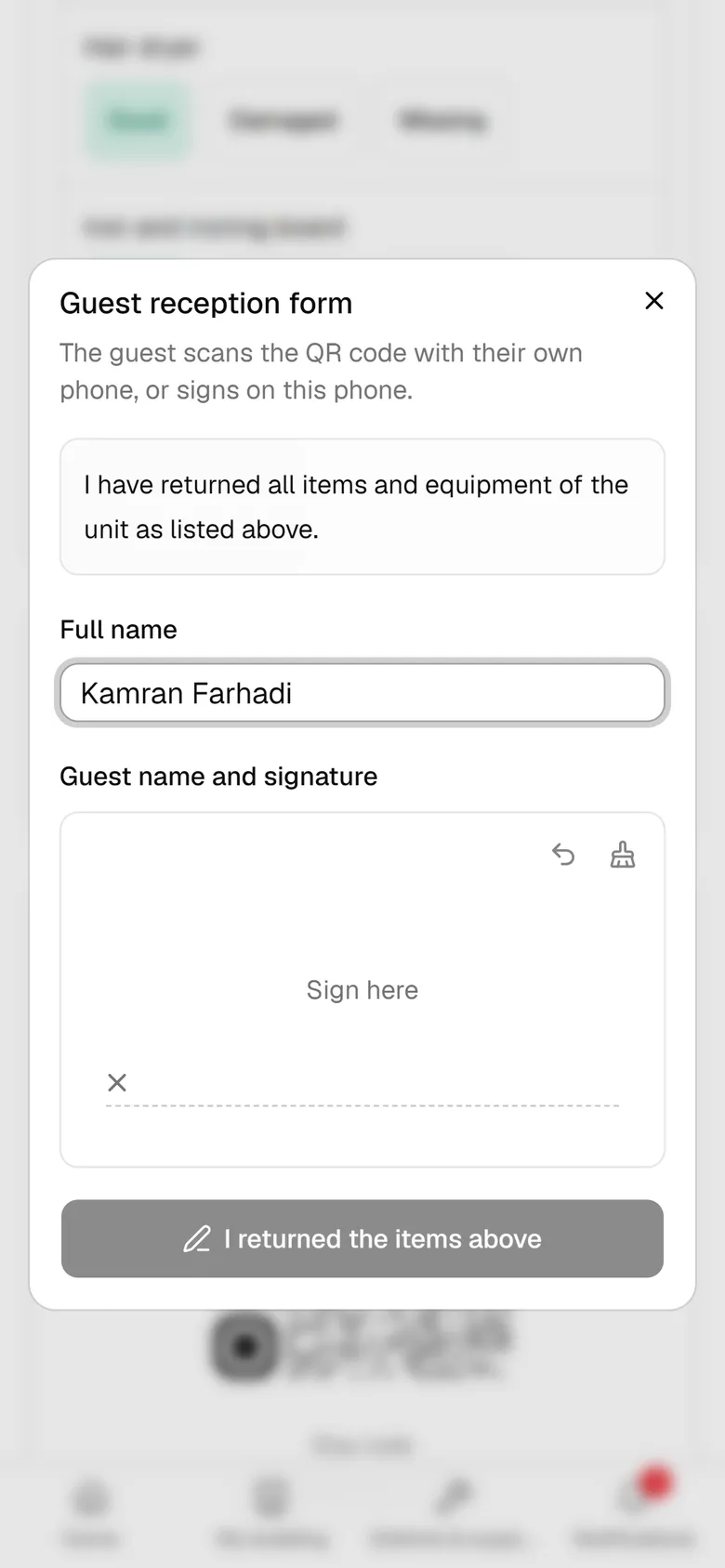
The guest confirms the name and signs inside the box with a finger.
- 7
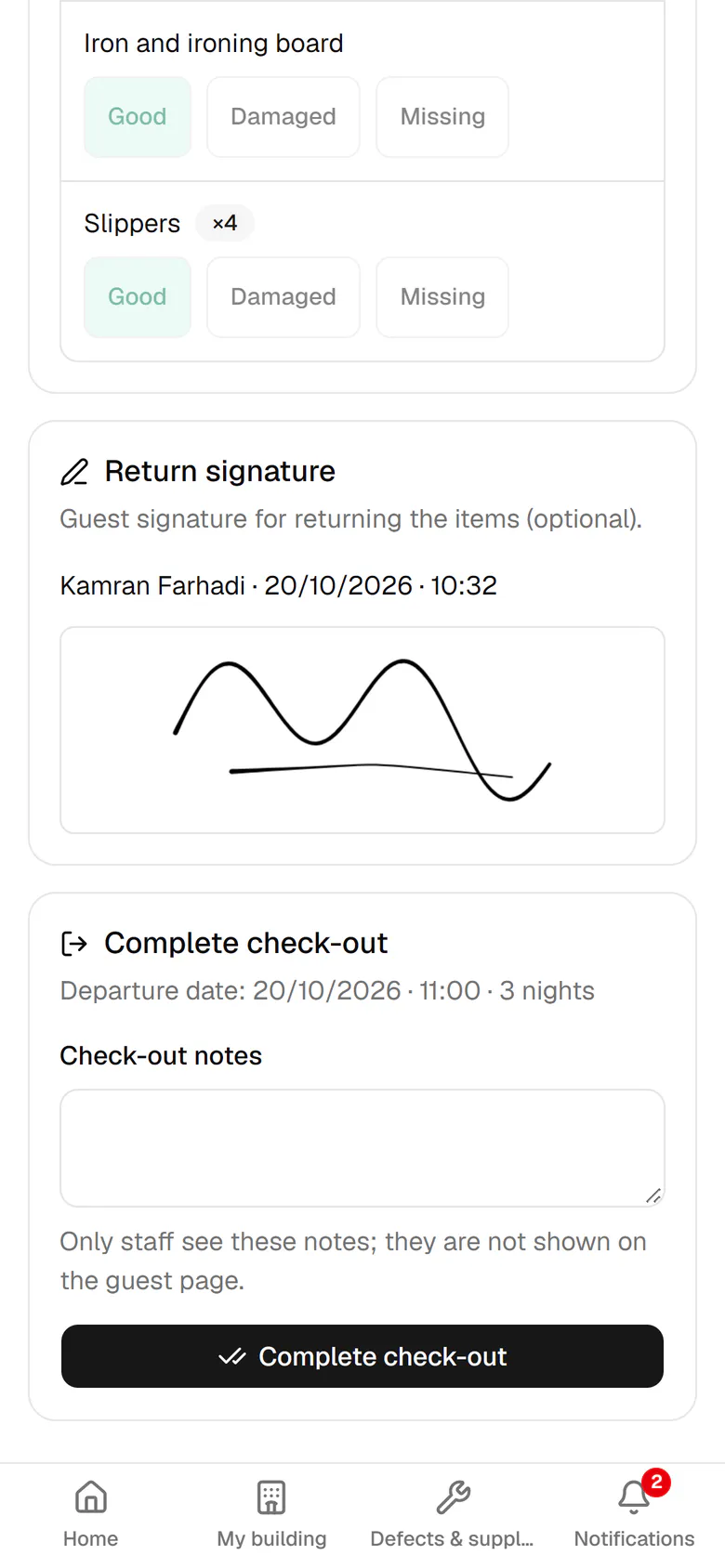
The return signature is saved. Now tap Complete check-out.
- 8
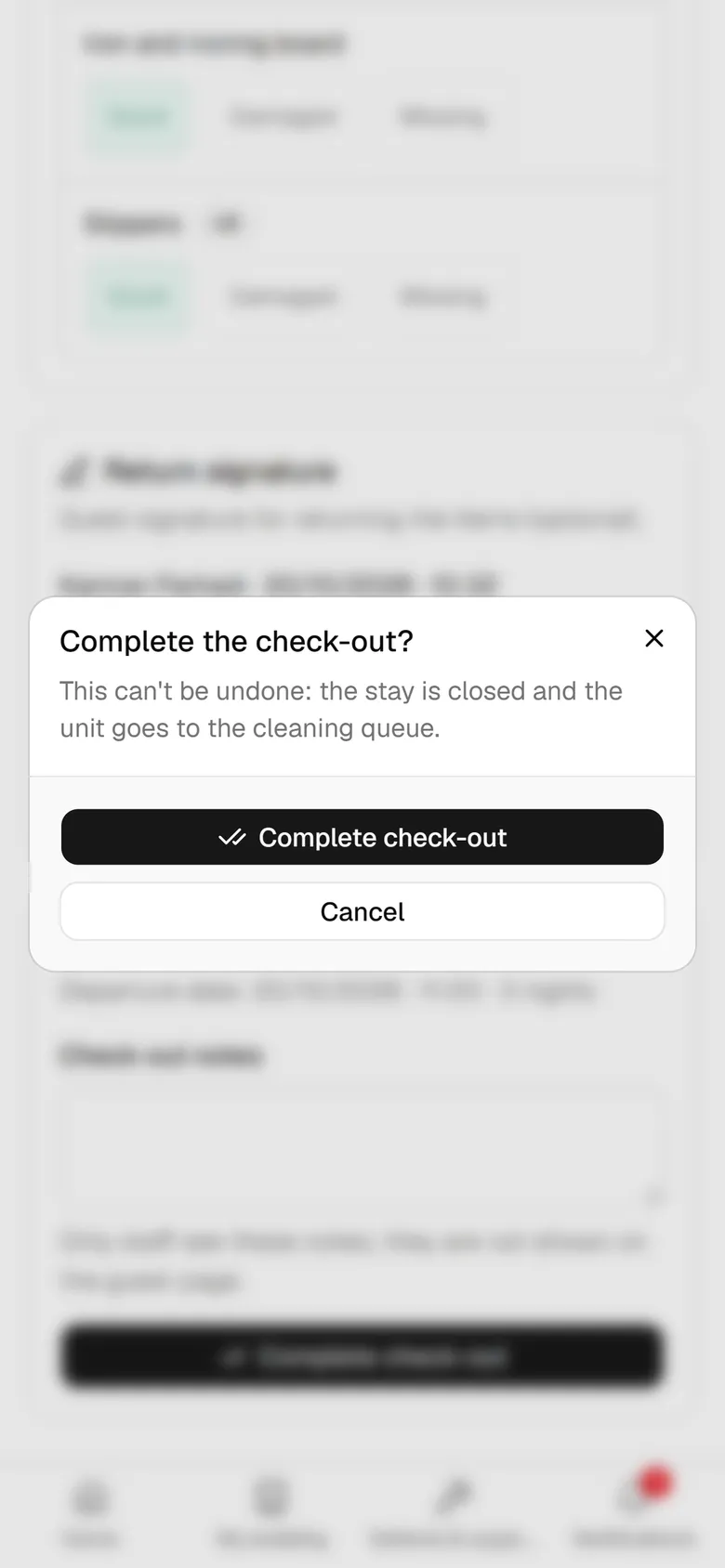
Check-out cannot be undone, so confirm it once more.
- 9
The stay is closed and unit 101 is received for cleaning.