My building
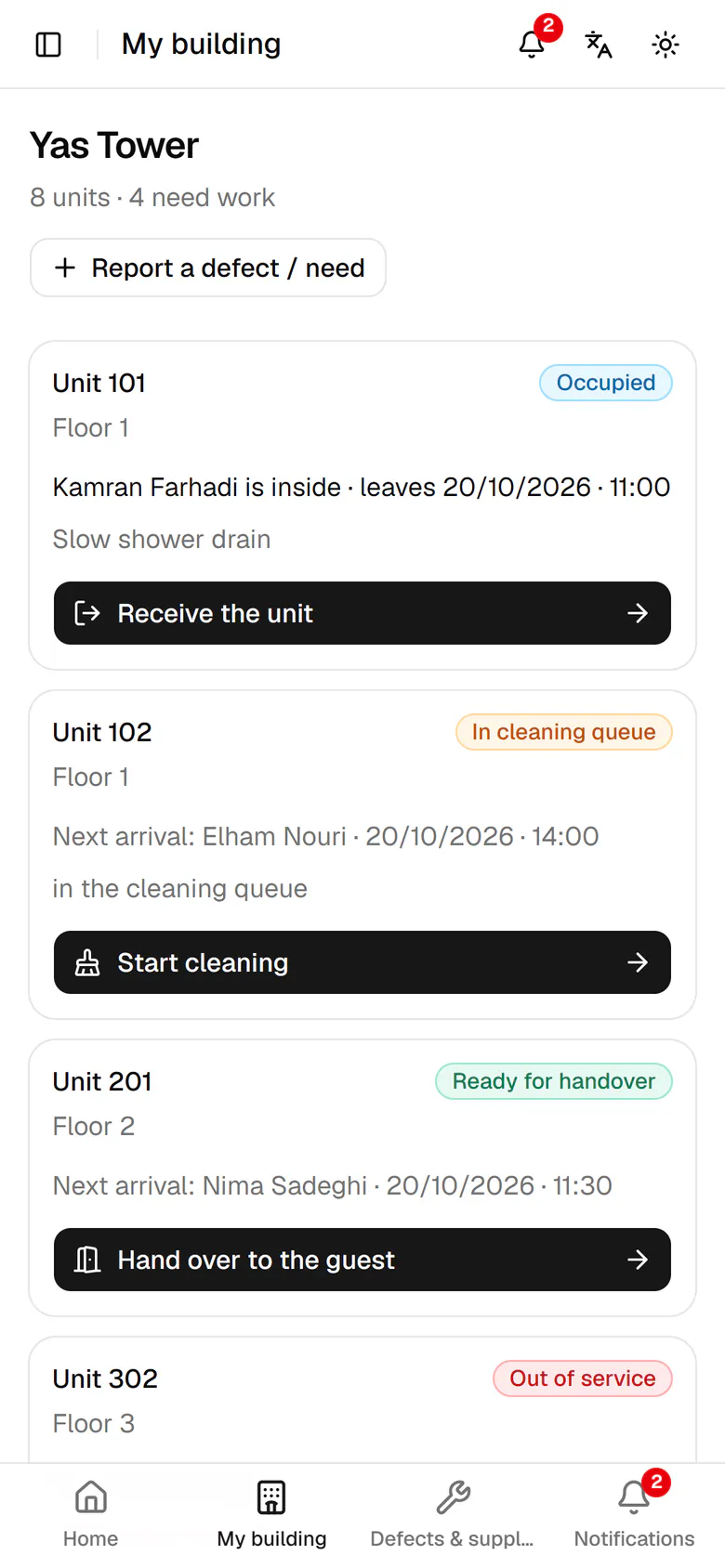
The host sees every unit's state, who is inside and the next step at a glance.
HostOn a phone5 steps
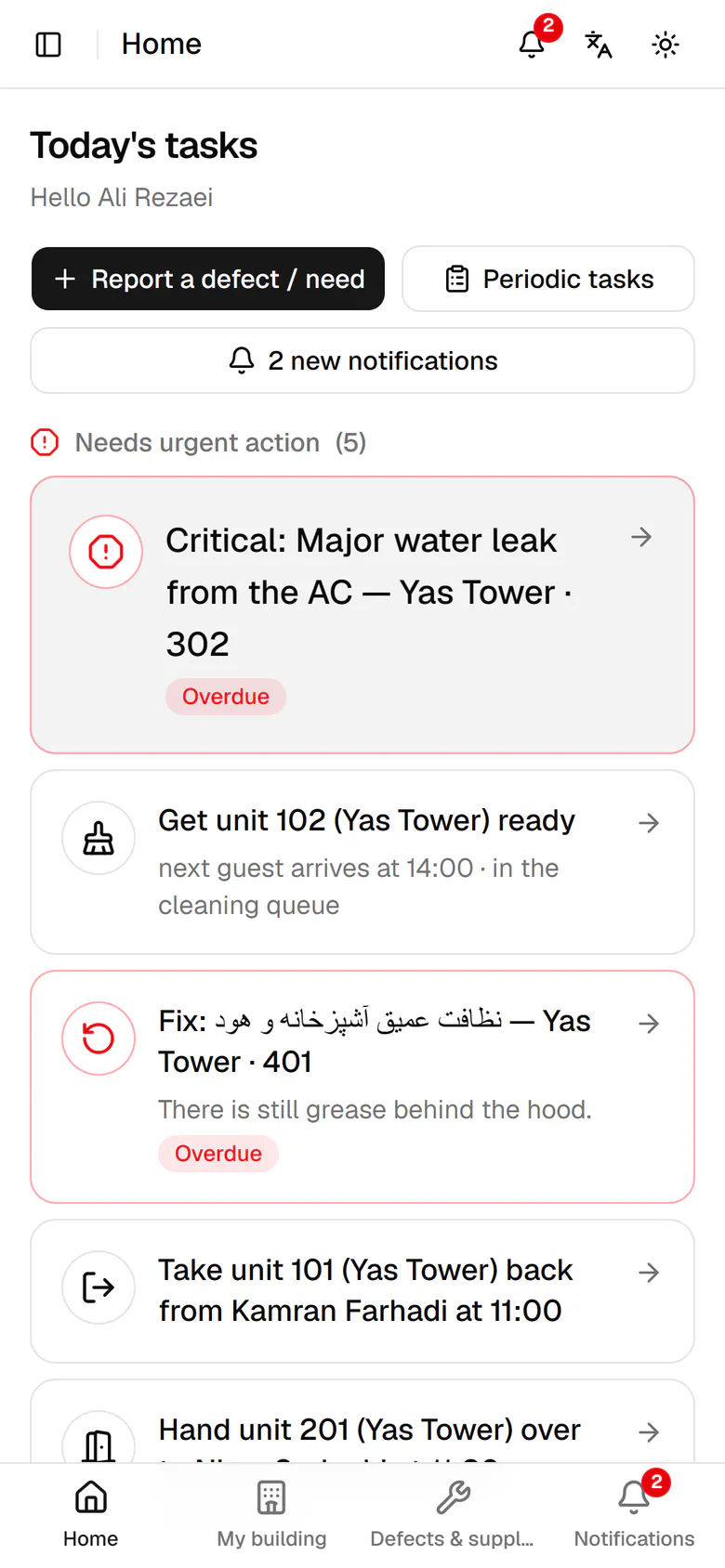
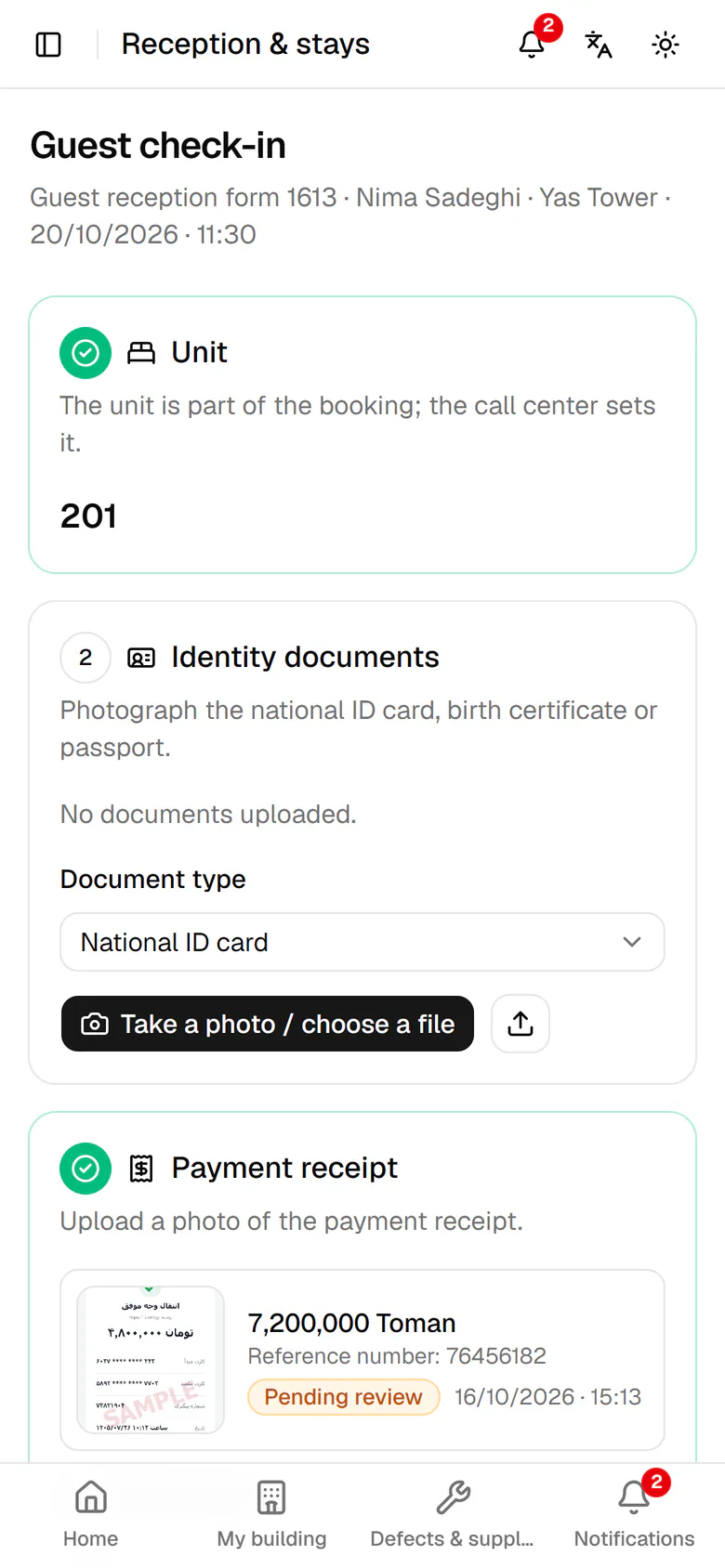
Open My building from the bottom bar.
Step by step
- 1
Open My building from the bottom bar.
- 2
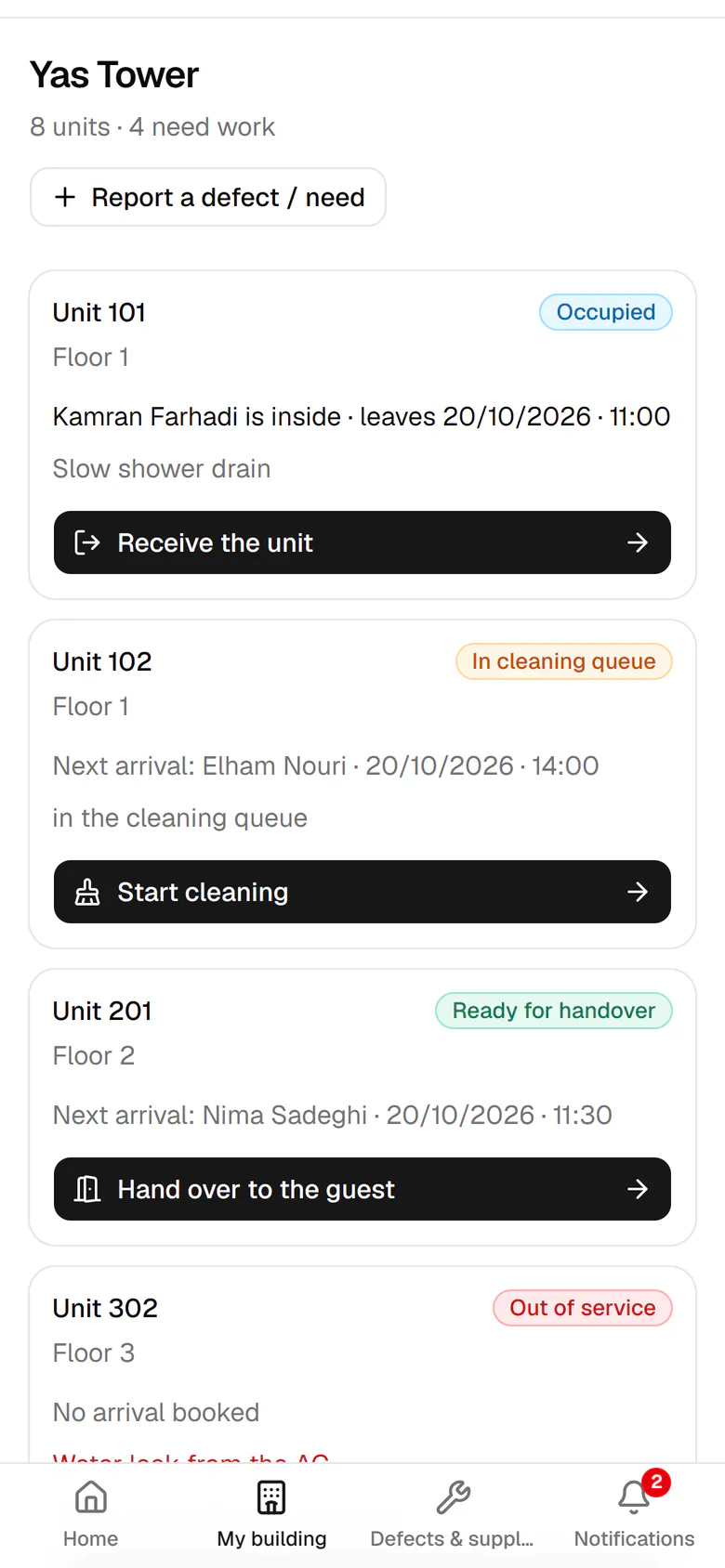
Each card shows the unit's state, the guest inside and their check-out time.
- 3
Unit 102 is in the cleaning queue, with the next arrival at 14:00.
- 4
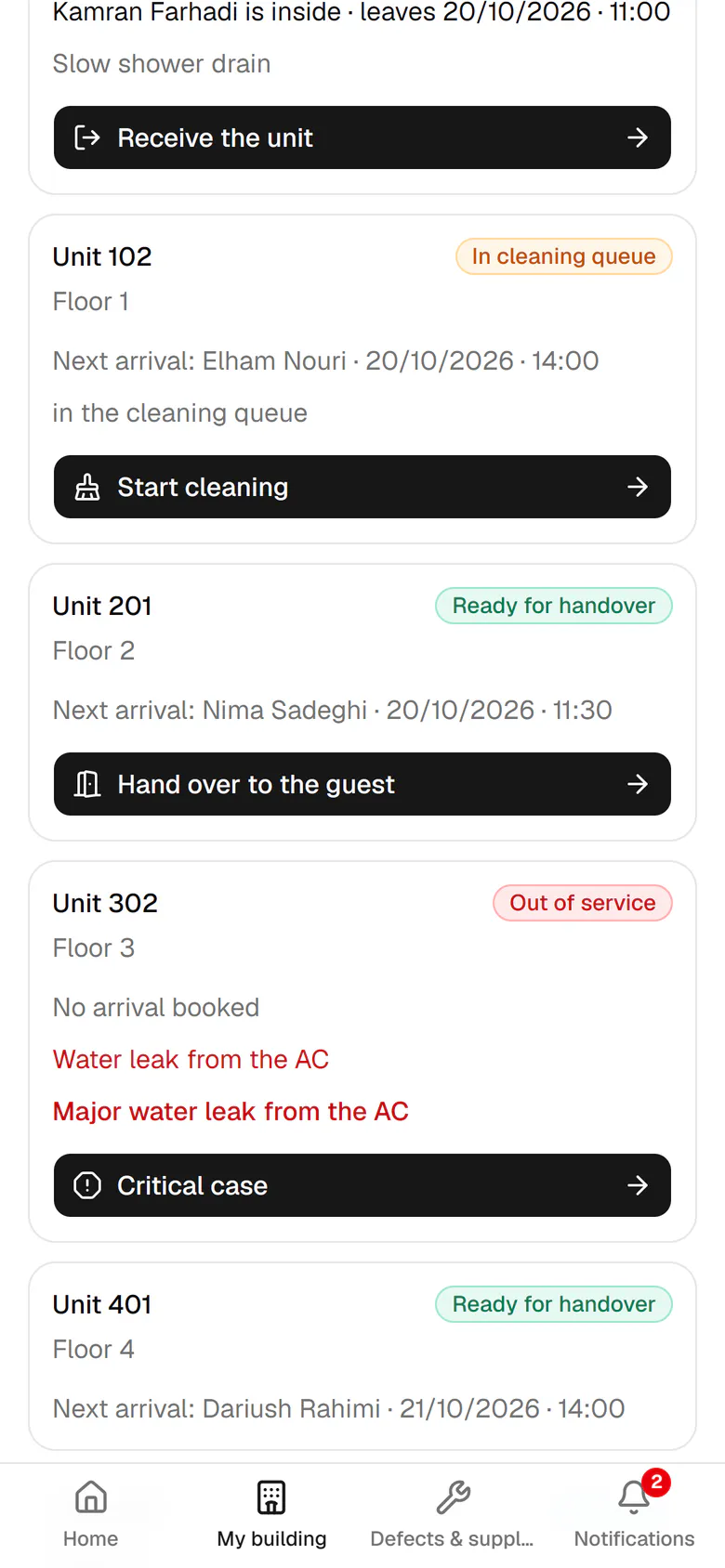
The button on each card is the next step. Tap Hand over to the guest.
- 5
The check-in for unit 201 opens directly.