Skip to content
Mizban

The host's phone home

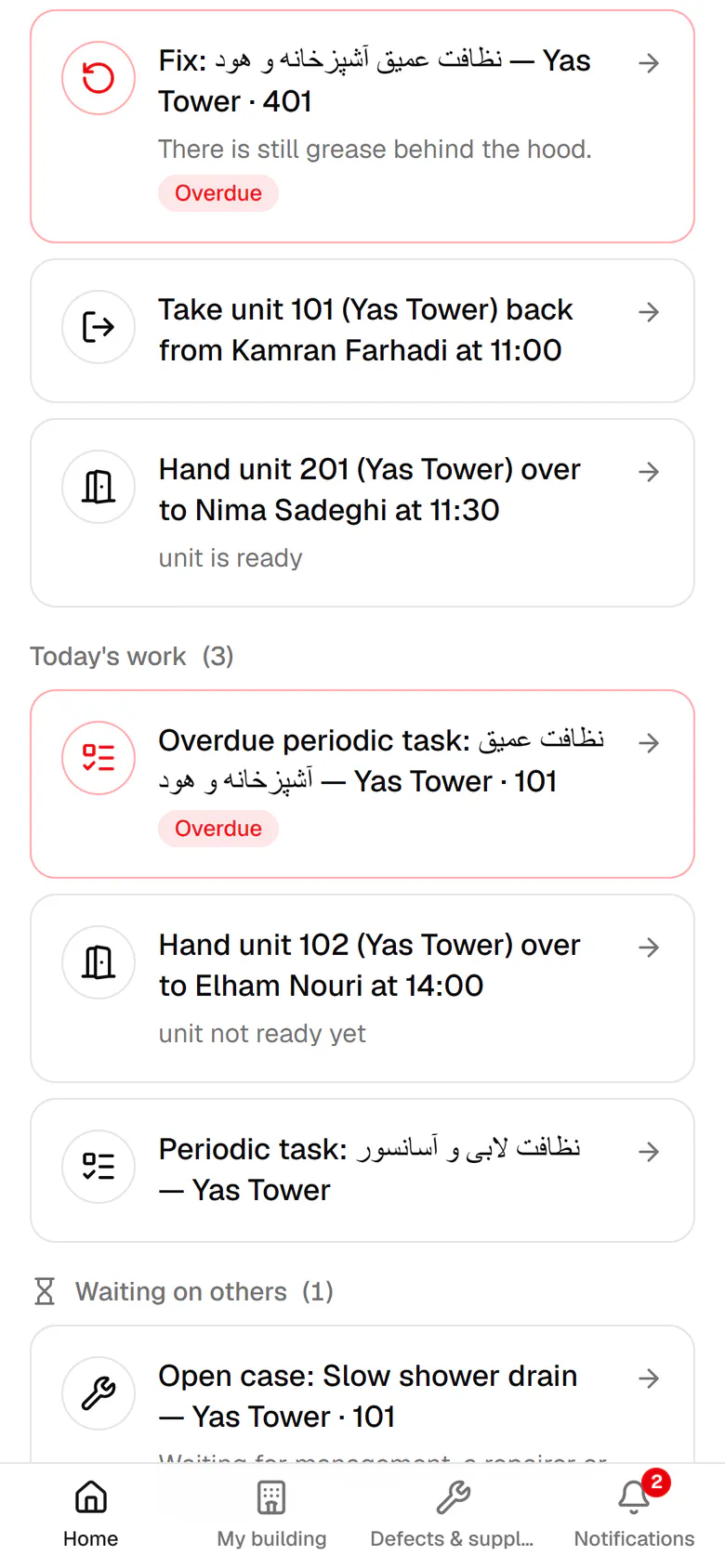
Every morning the host sees on one screen what is urgent, what is due today and what waits on others.

HostOn a phone6 steps
Urgent work comes first, such as a critical case or a guest who is waiting.Today's work is ranked by priority, each item with its time and reason.Items waiting for management, a repairer or supplies are kept in their own group.What you finished today is listed at the bottom with the exact time.The bottom bar has Home, My building, Cases and Notifications. Open Cases.The cases of your building, each with its status and urgency.

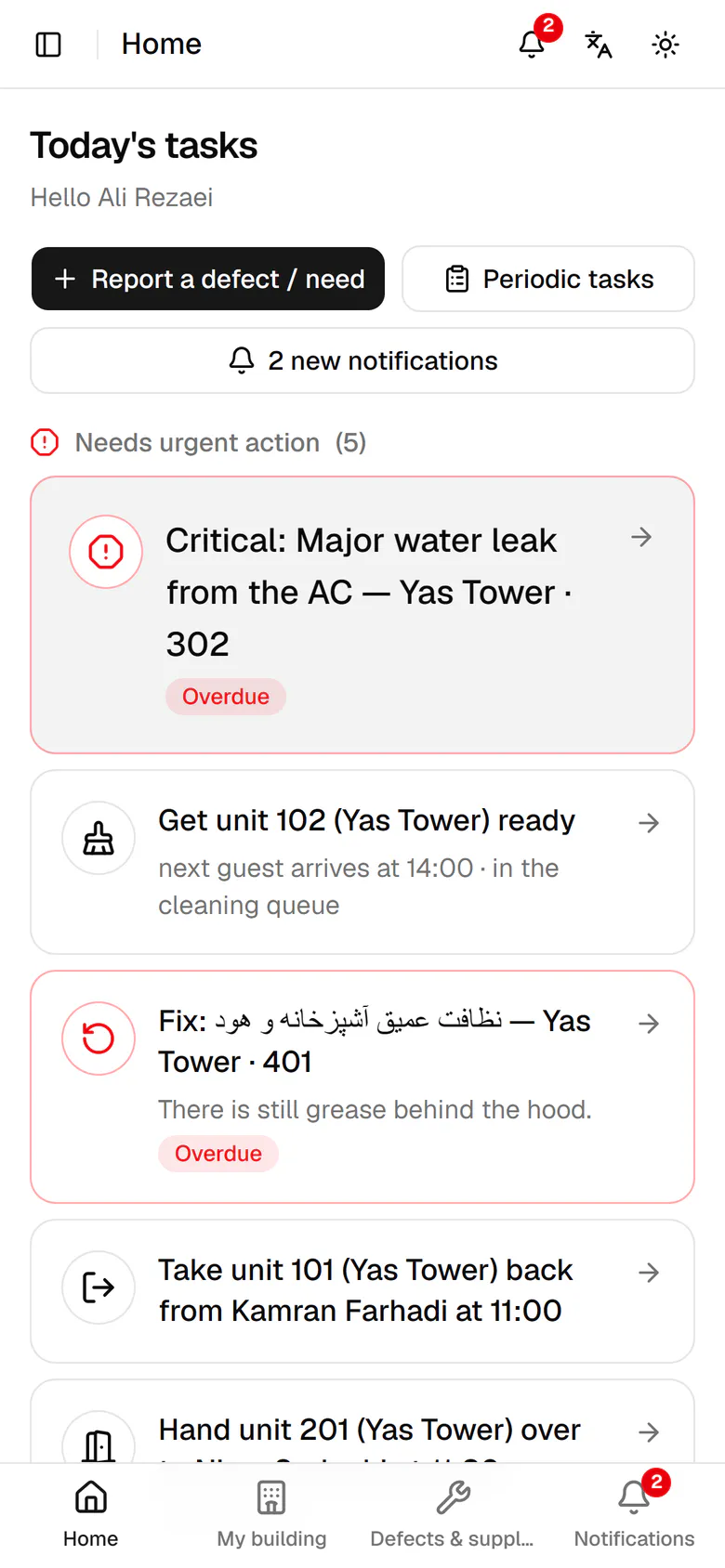
Urgent work comes first, such as a critical case or a guest who is waiting.

Step by step

  1. 1

    Urgent work comes first, such as a critical case or a guest who is waiting.

    Urgent work comes first, such as a critical case or a guest who is waiting.
  2. 2

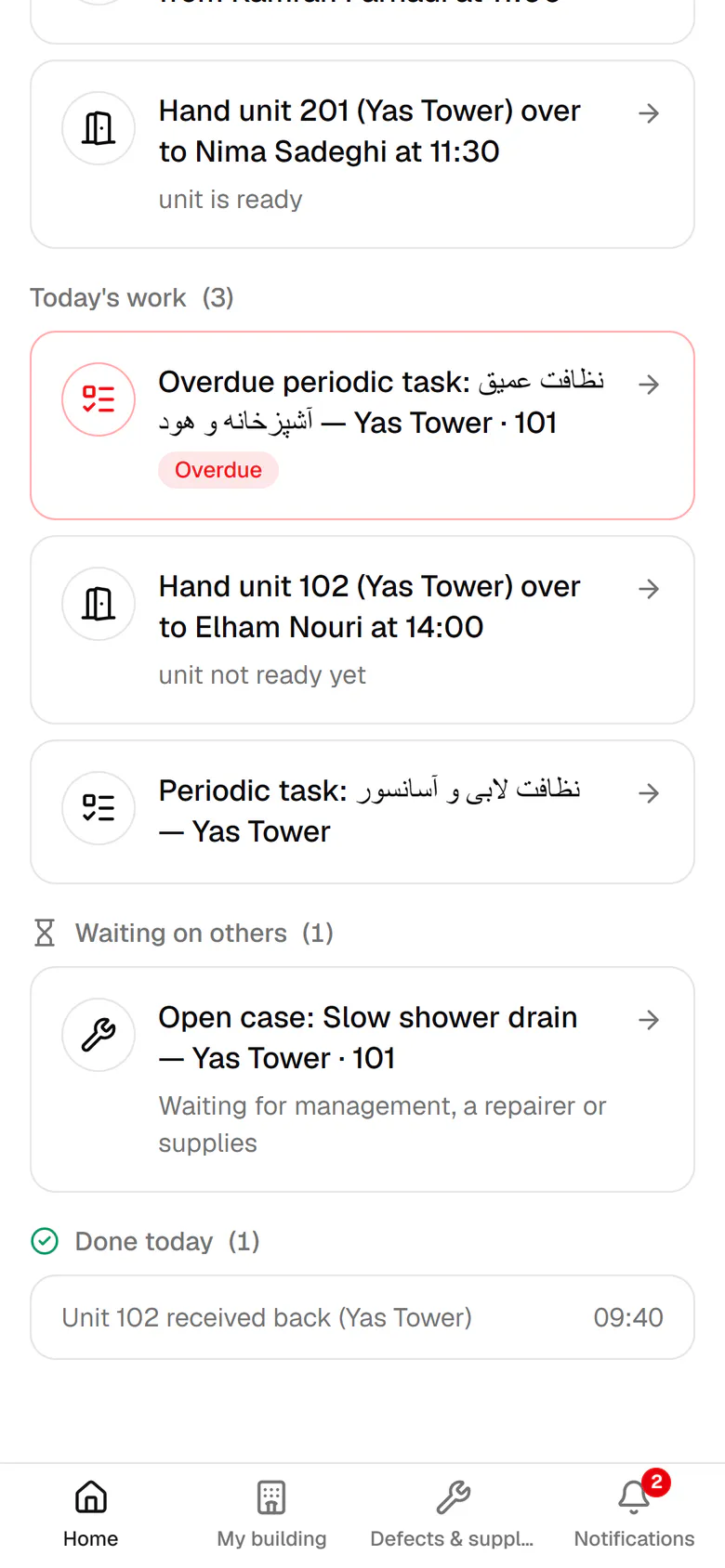
    Today's work is ranked by priority, each item with its time and reason.

    Today's work is ranked by priority, each item with its time and reason.
  3. 3

    Items waiting for management, a repairer or supplies are kept in their own group.

    Items waiting for management, a repairer or supplies are kept in their own group.
  4. 4

    What you finished today is listed at the bottom with the exact time.

    What you finished today is listed at the bottom with the exact time.
  5. 5

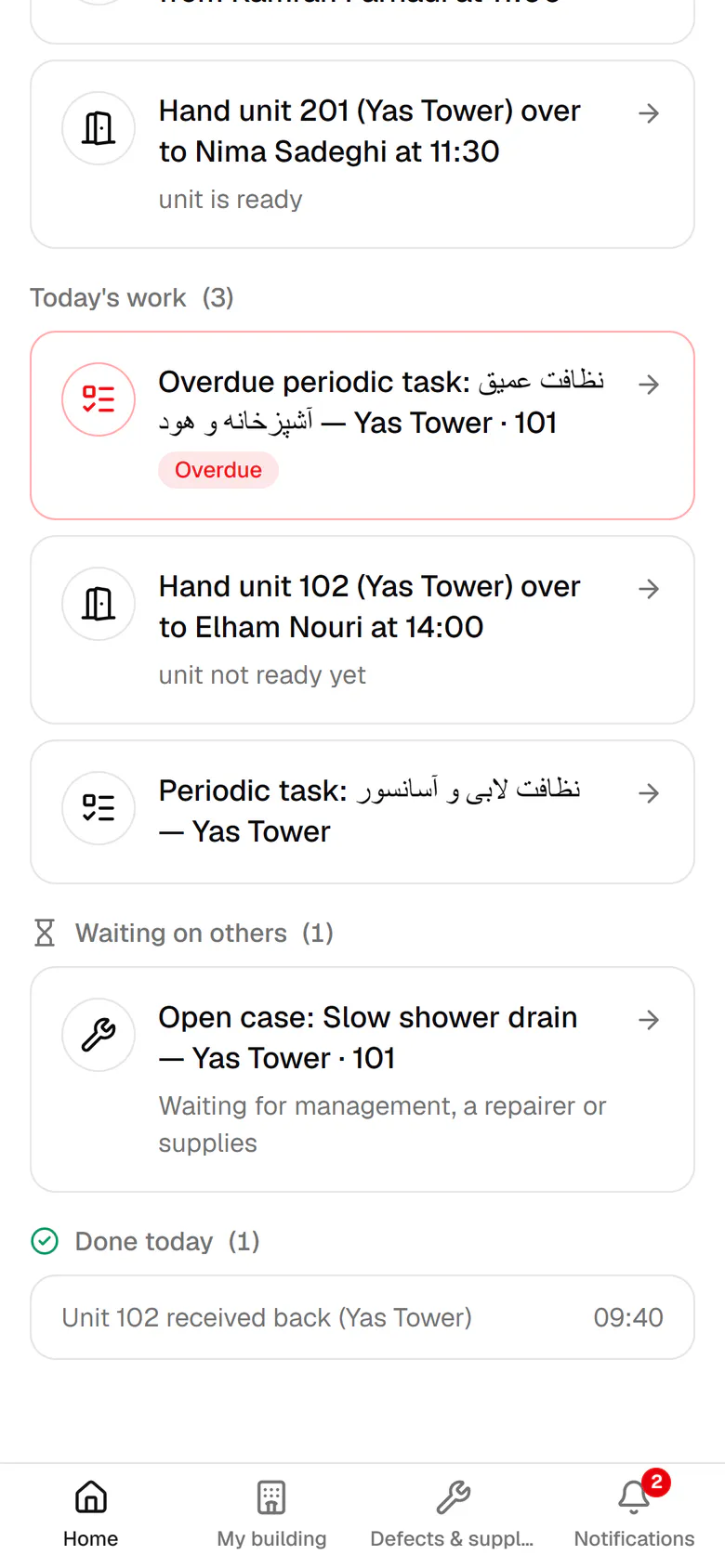
    The bottom bar has Home, My building, Cases and Notifications. Open Cases.

    The bottom bar has Home, My building, Cases and Notifications. Open Cases.
  6. 6

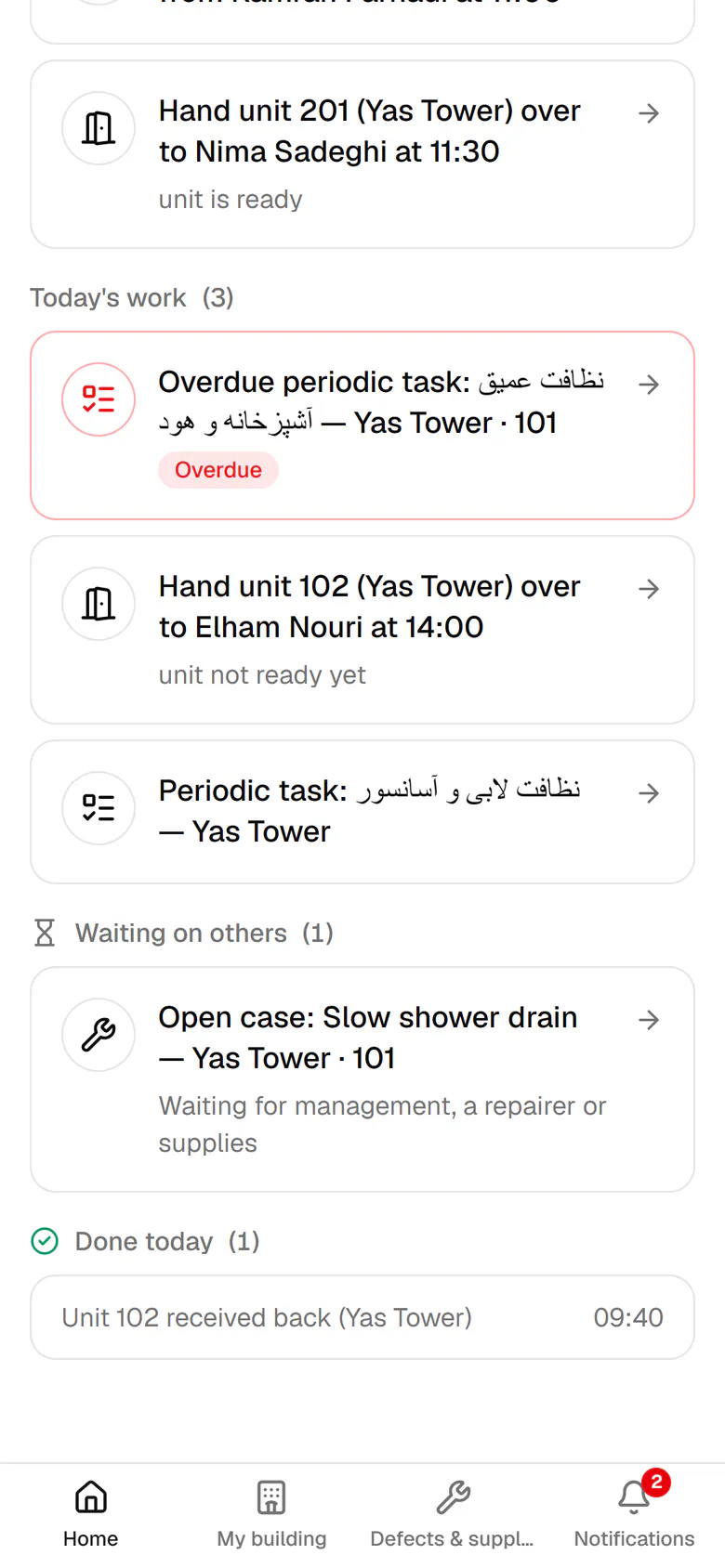
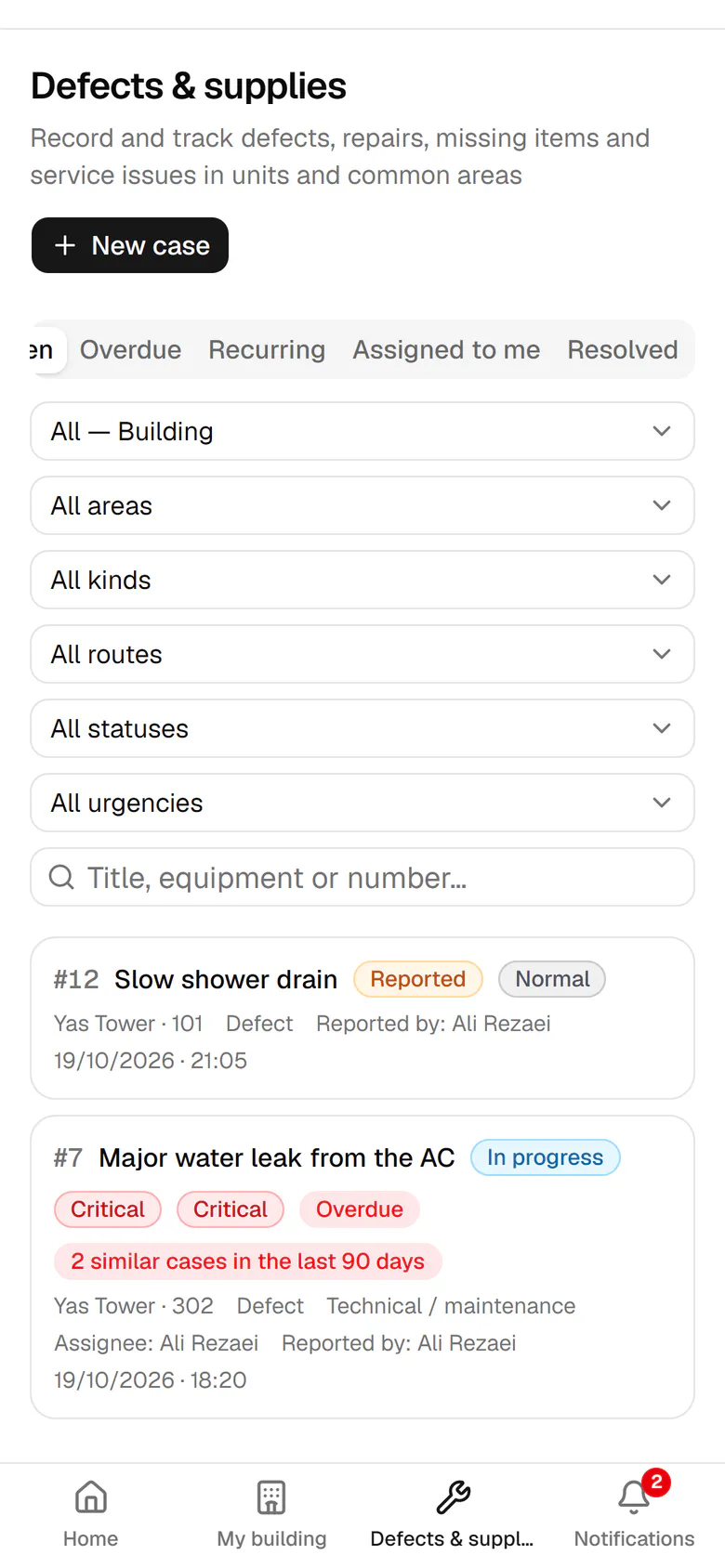
    The cases of your building, each with its status and urgency.

    The cases of your building, each with its status and urgency.