Skip to content
Mizban

Report a defect or need

In a few taps the host files a case with a photo and urgency, so the right person hears about it quickly.

HostOn a phone9 steps
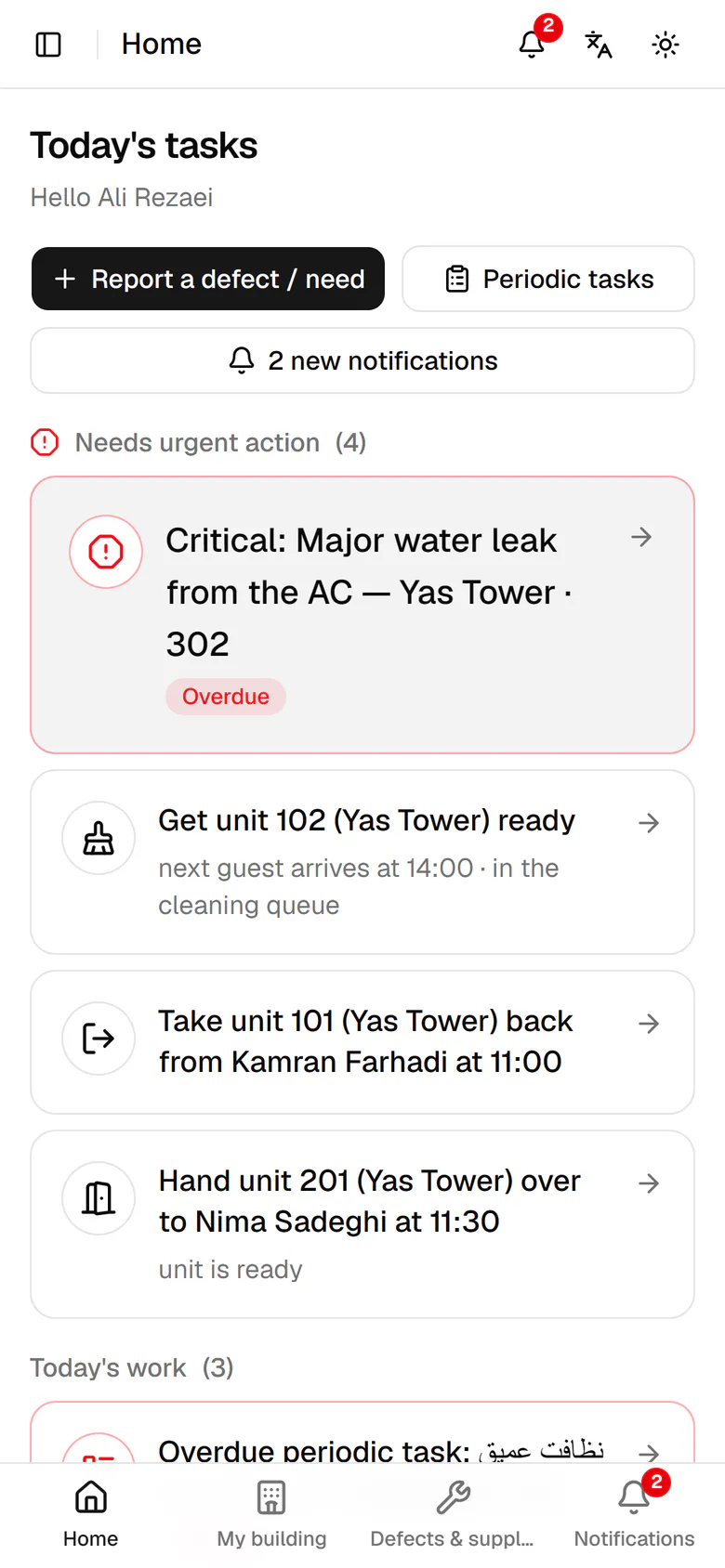
On Home, tap Report a defect or need.Pick the unit, or leave Common area for hallways and the lobby.Choose the kind of issue. This one is a defect.Write a short title that tells everyone what happened.In the description, say where the problem is and what it affects.Add a photo so the person in charge can decide faster.Set the urgency to High, because water is wetting the bathroom floor.Tap Submit. Your name and the time are saved automatically.The case is created with its number, photo and urgency, ready for follow-up.

On Home, tap Report a defect or need.

Step by step

  1. 1

    On Home, tap Report a defect or need.

    On Home, tap Report a defect or need.
  2. 2

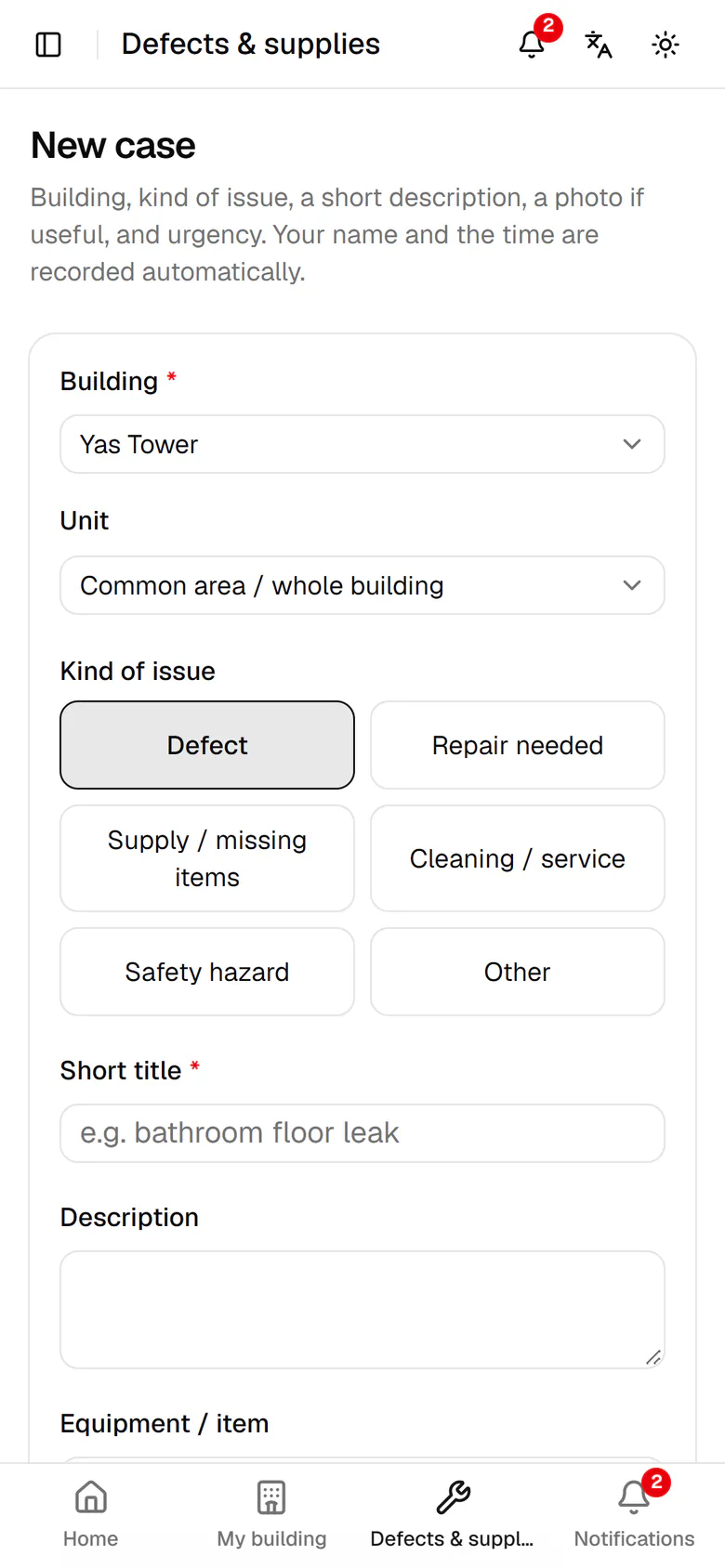
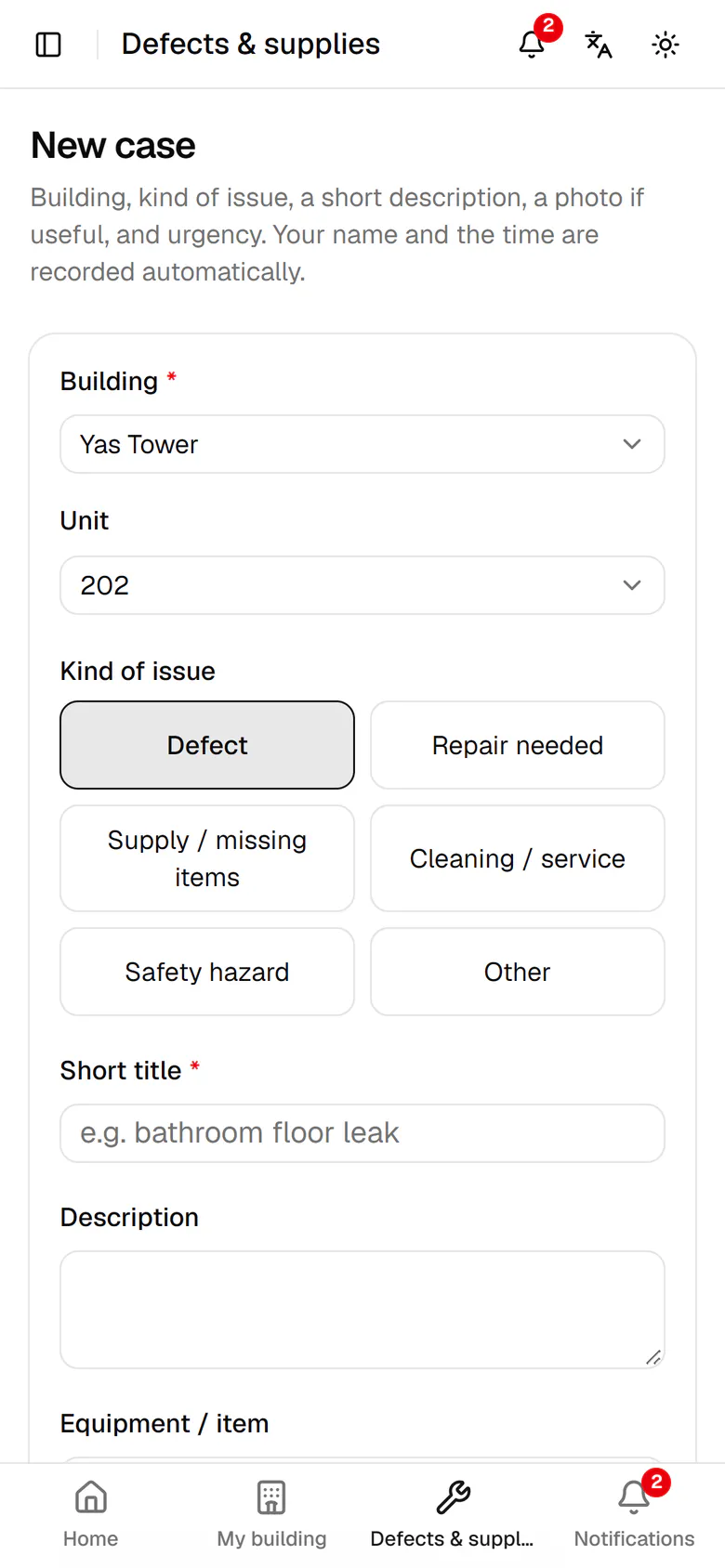
    Pick the unit, or leave Common area for hallways and the lobby.

    Pick the unit, or leave Common area for hallways and the lobby.
  3. 3

    Choose the kind of issue. This one is a defect.

    Choose the kind of issue. This one is a defect.
  4. 4

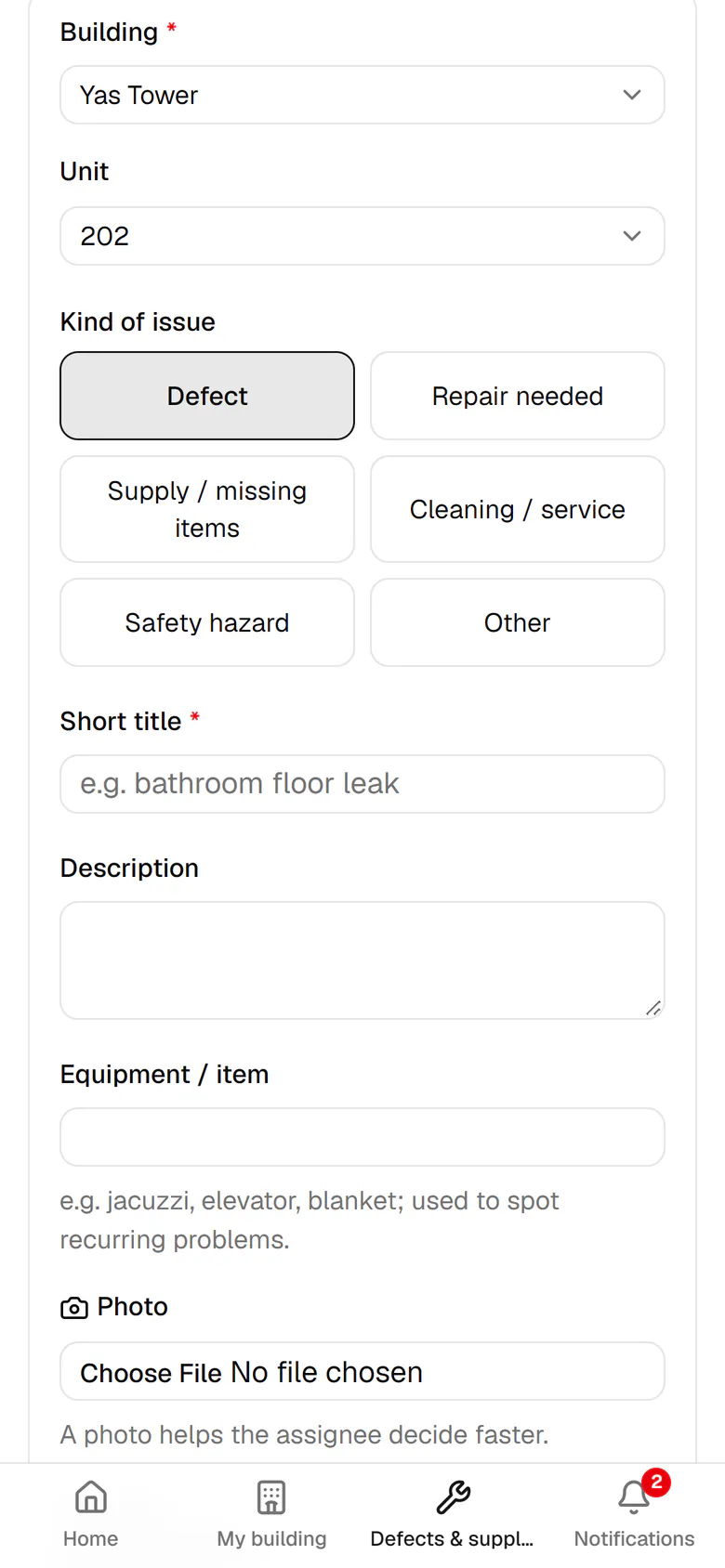
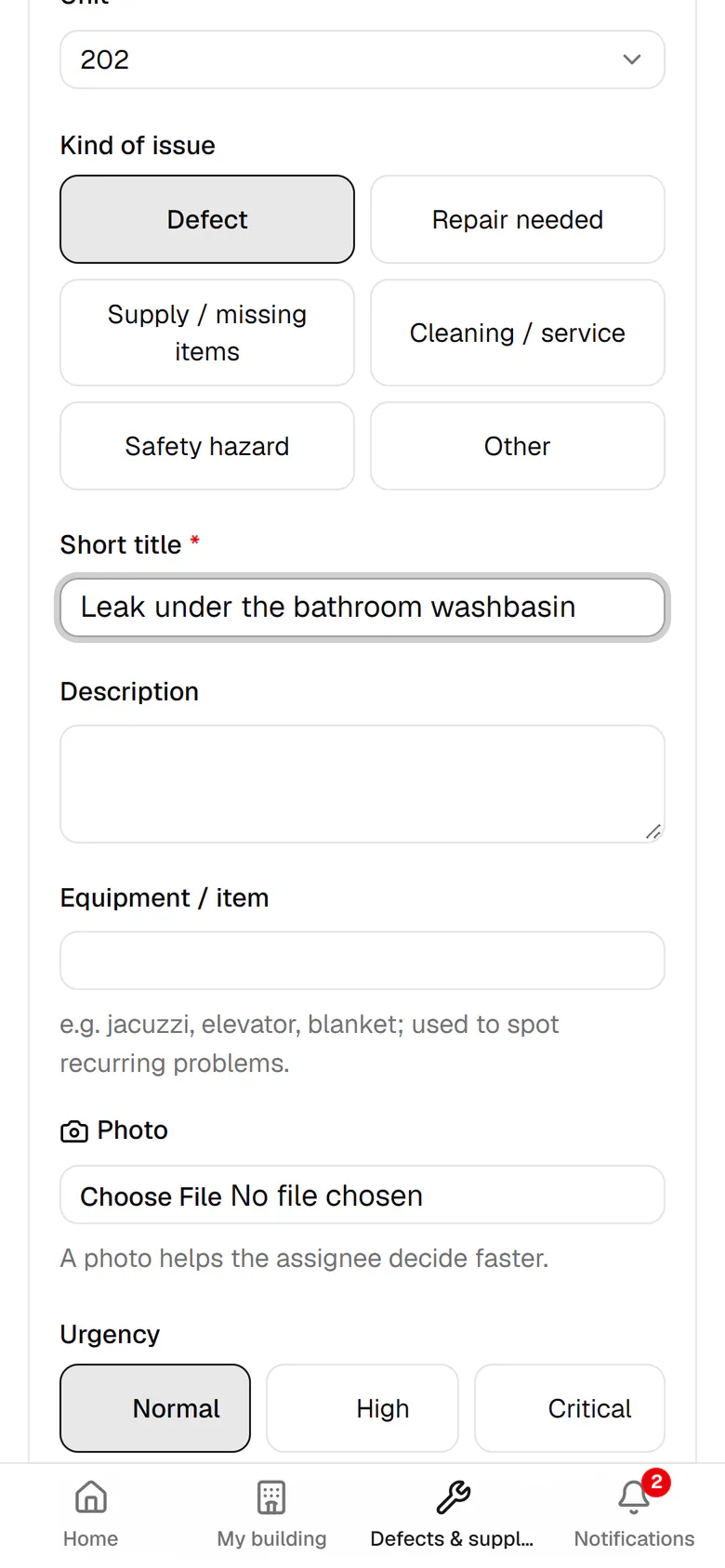
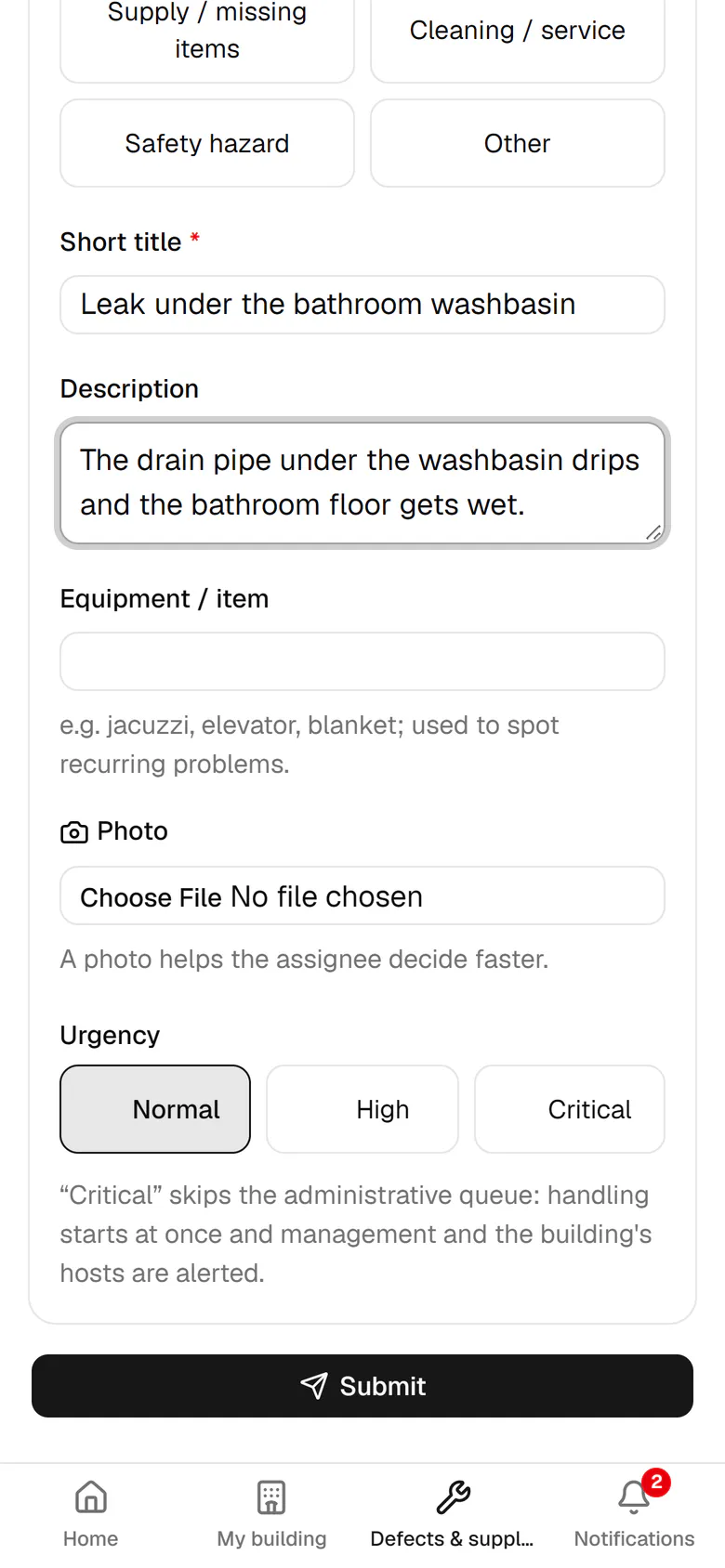
    Write a short title that tells everyone what happened.

    Write a short title that tells everyone what happened.
  5. 5

    In the description, say where the problem is and what it affects.

    In the description, say where the problem is and what it affects.
  6. 6

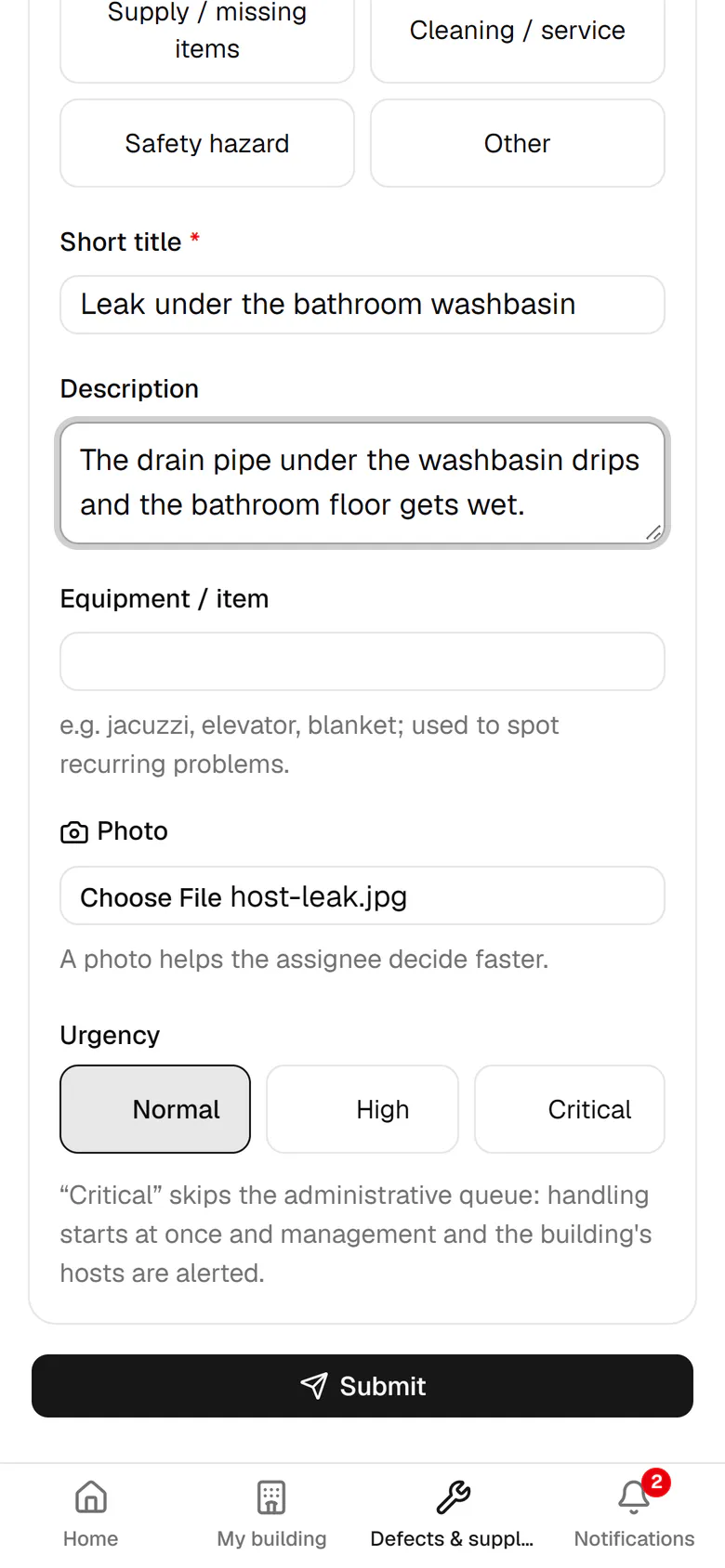
    Add a photo so the person in charge can decide faster.

    Add a photo so the person in charge can decide faster.
  7. 7

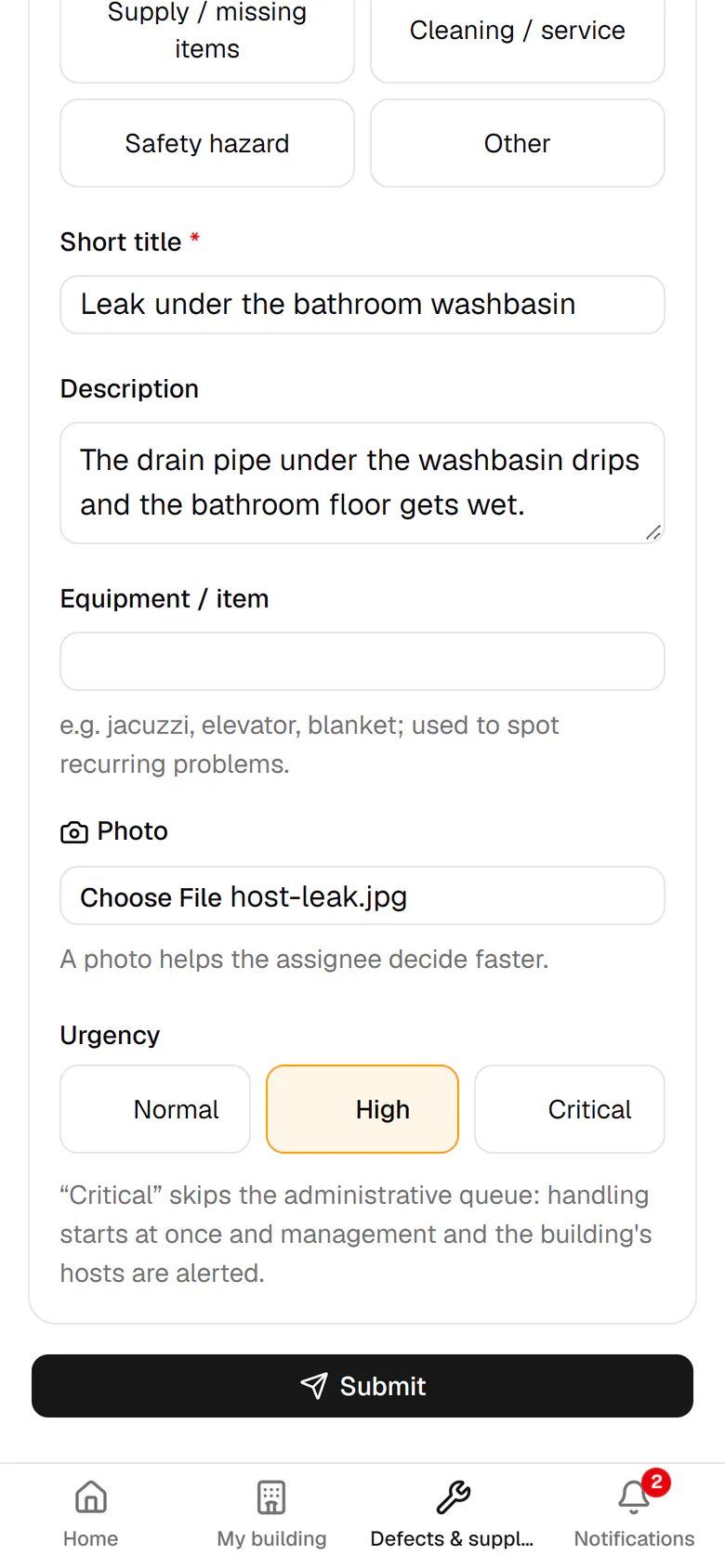
    Set the urgency to High, because water is wetting the bathroom floor.

    Set the urgency to High, because water is wetting the bathroom floor.
  8. 8

    Tap Submit. Your name and the time are saved automatically.

    Tap Submit. Your name and the time are saved automatically.
  9. 9

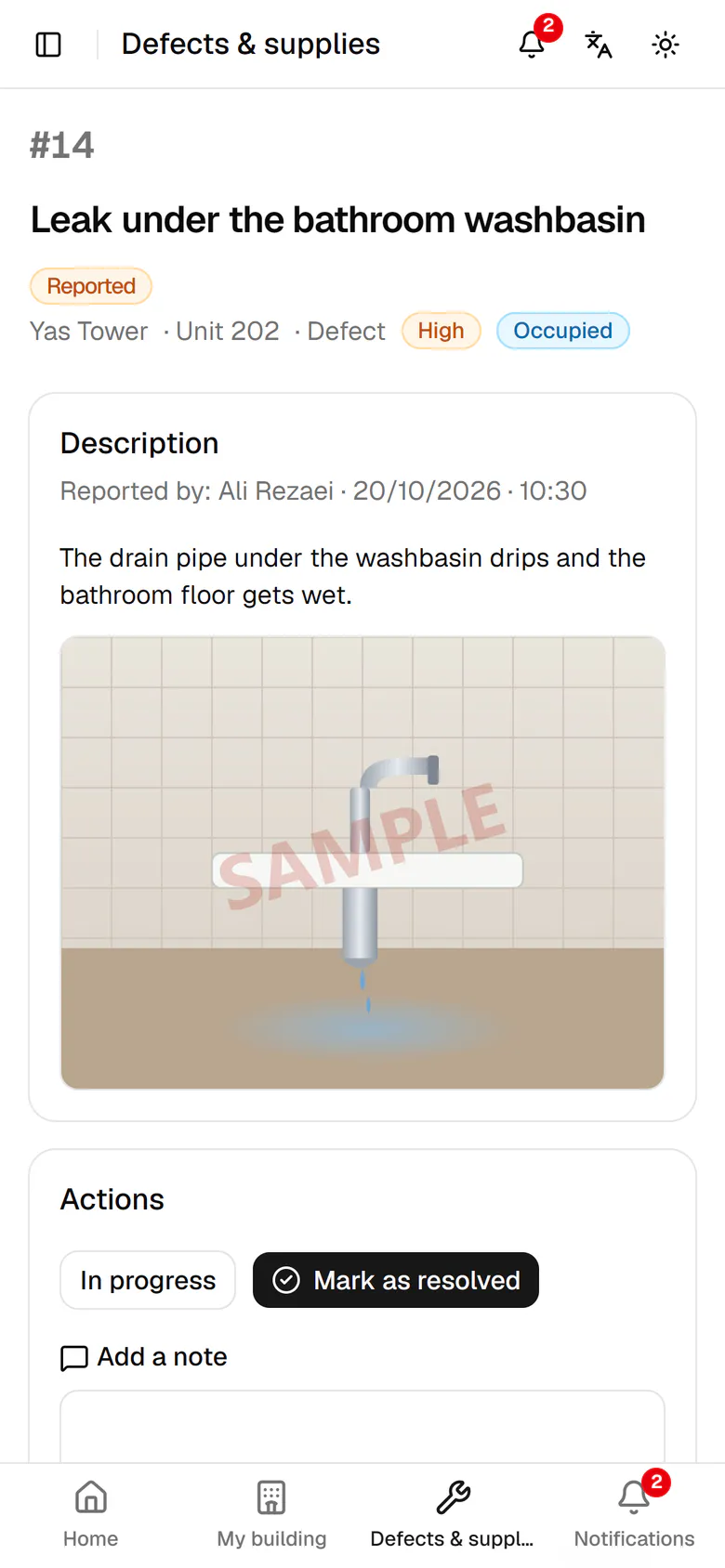
    The case is created with its number, photo and urgency, ready for follow-up.

    The case is created with its number, photo and urgency, ready for follow-up.