Delivery and the building's confirmation
Procurement records the delivery and then sees the building's host confirm it and the case close.
ProcurementOn a computer5 steps
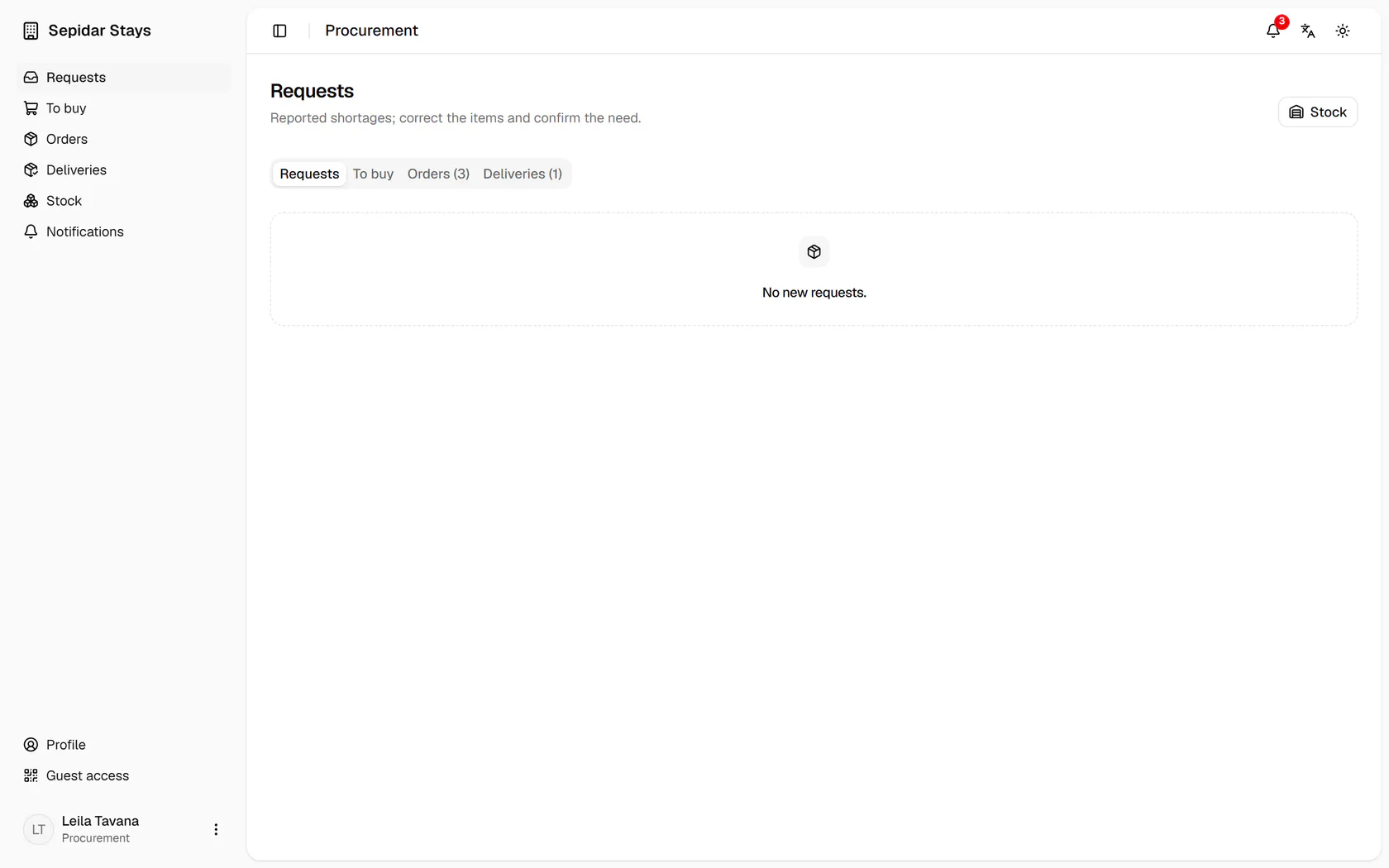
Open Orders from the side menu of the page.
Step by step
- 1
Open Orders from the side menu of the page.
- 2
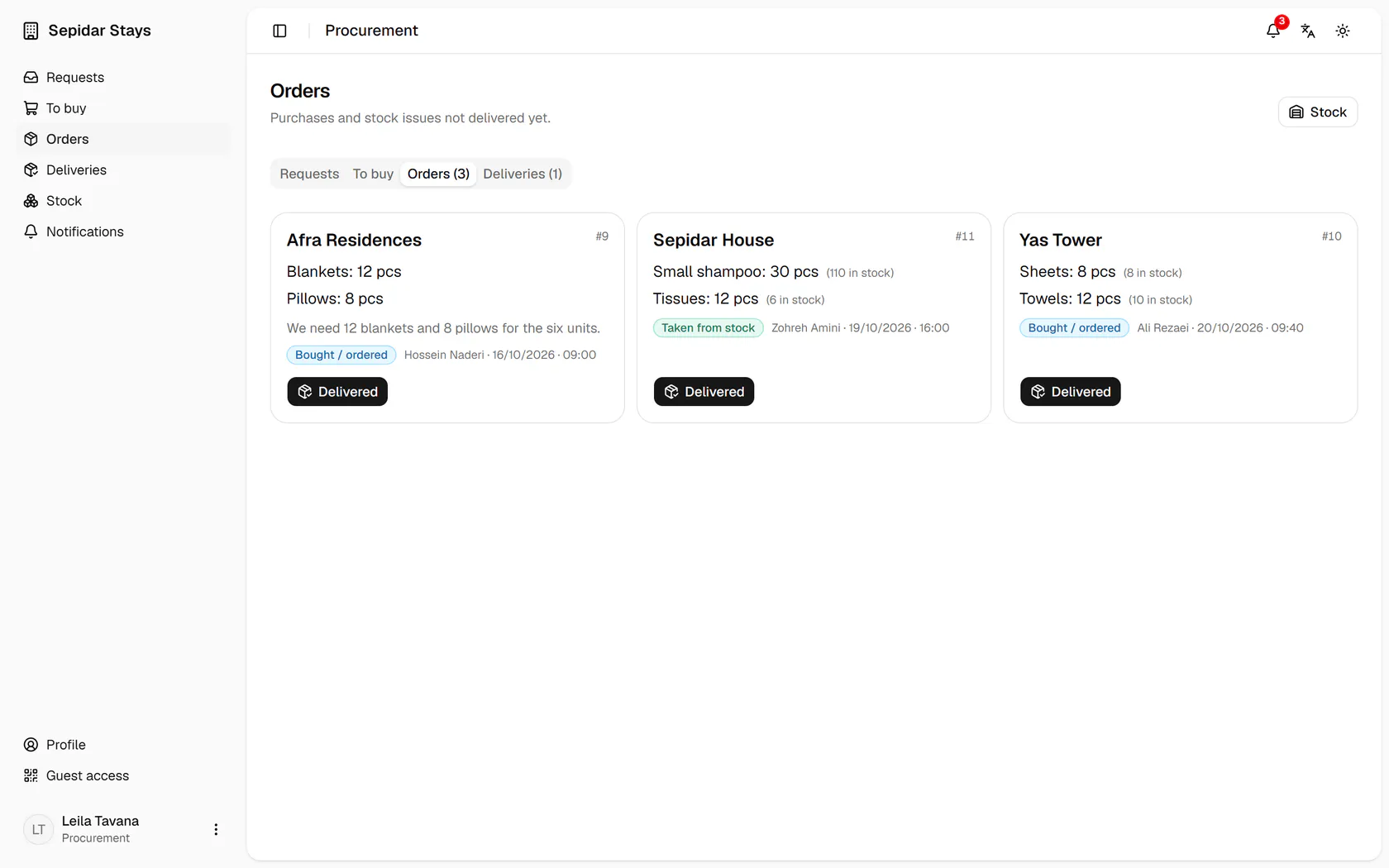
The blankets and pillows reached Afra; press Delivered.
- 3
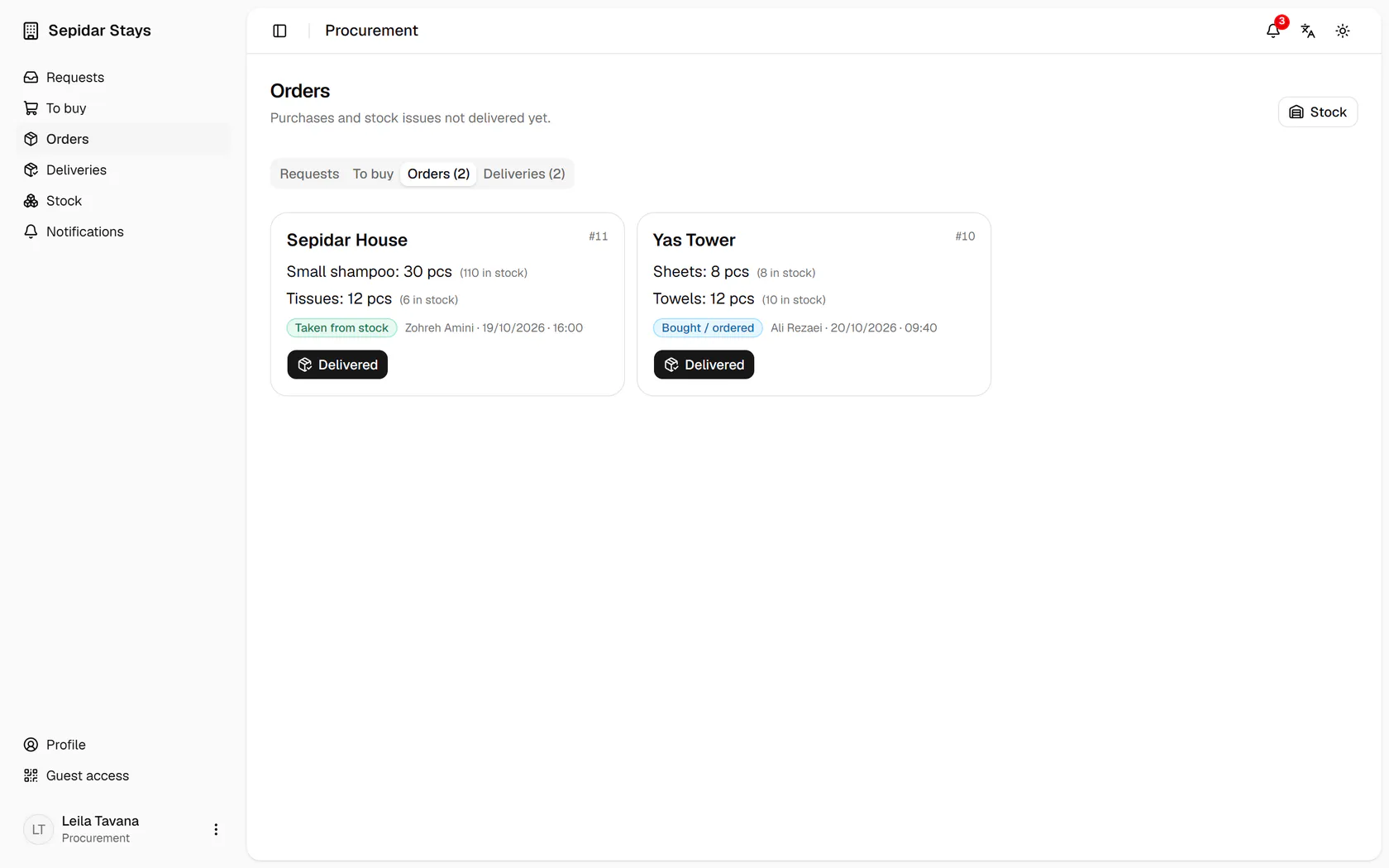
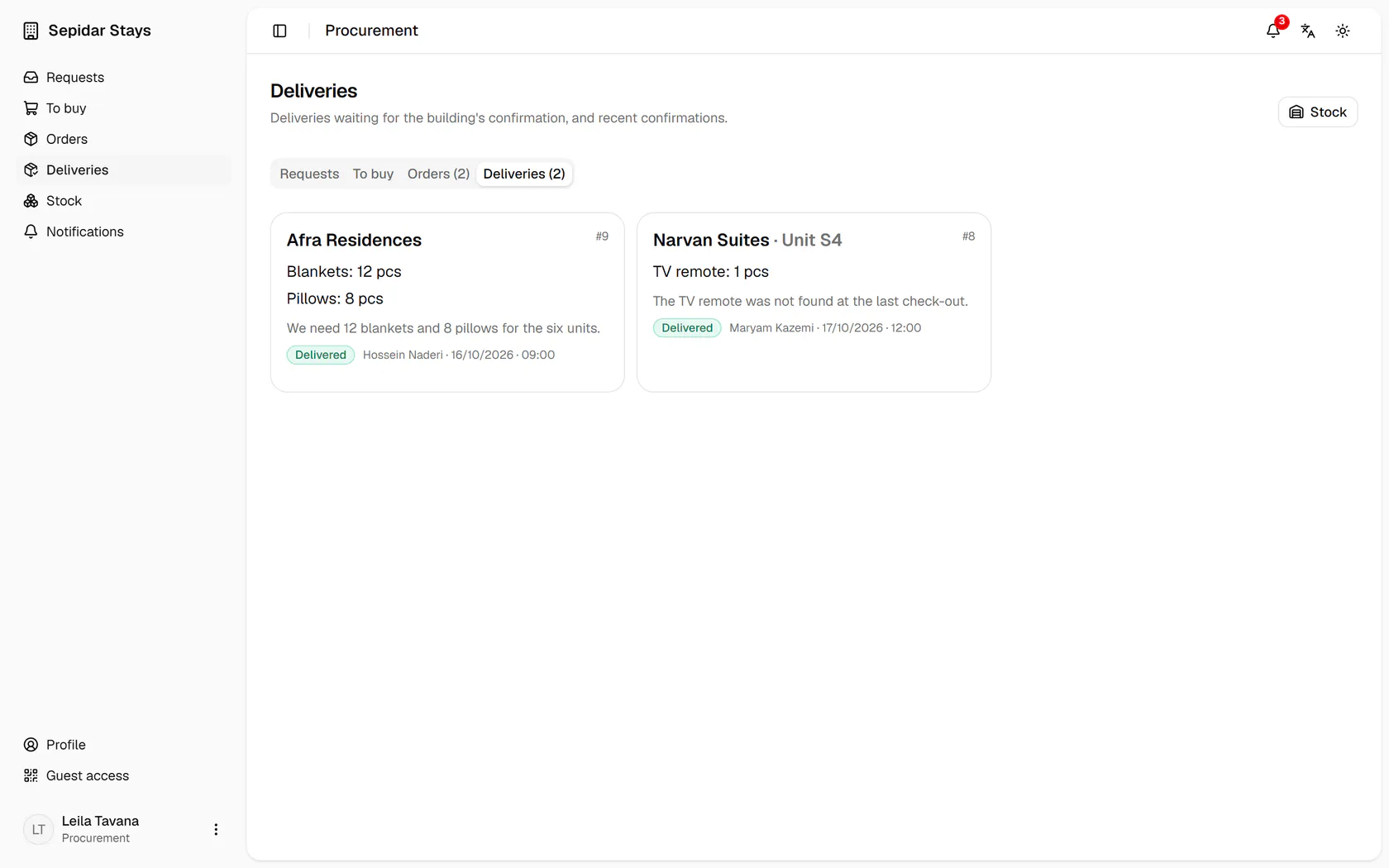
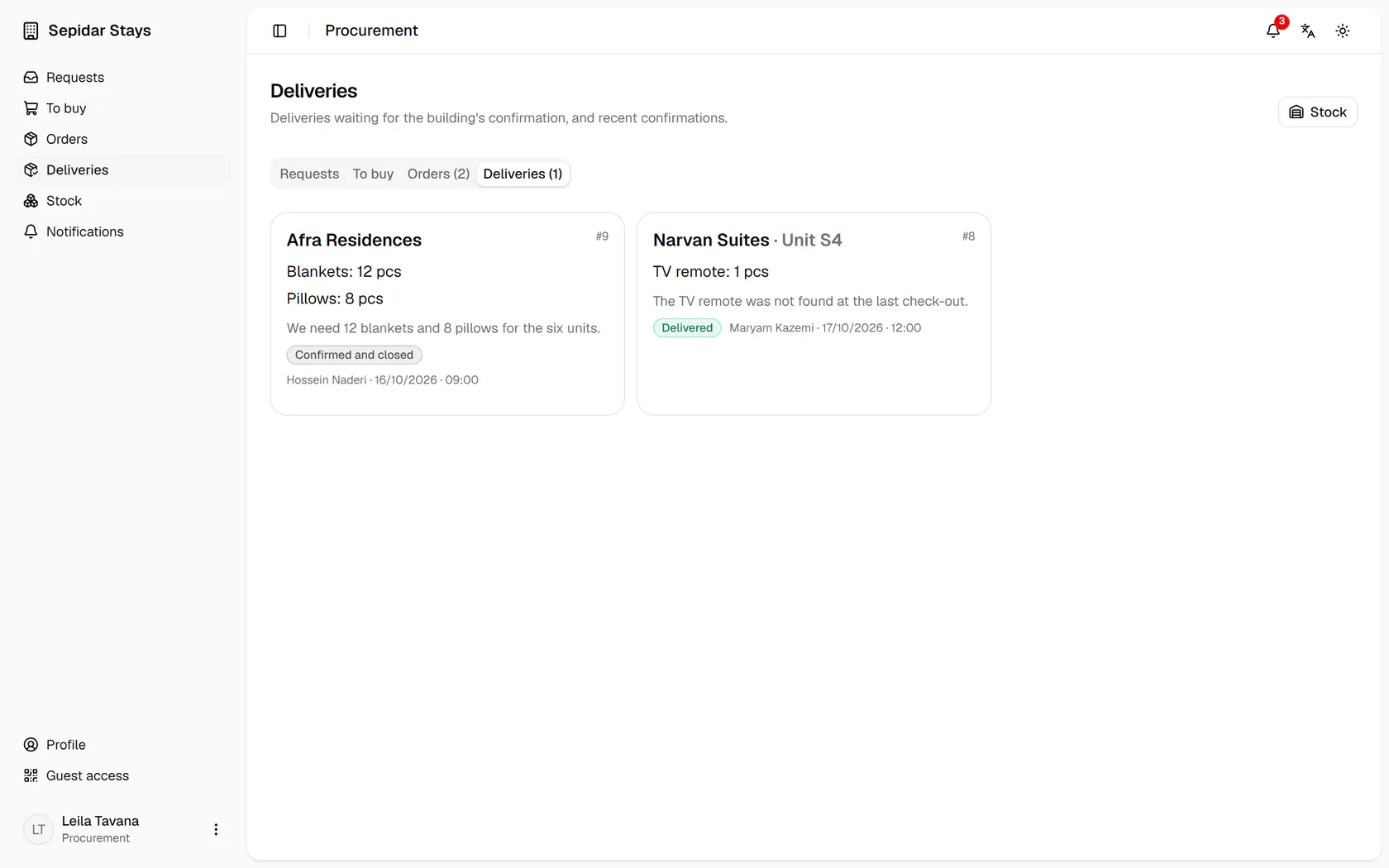
Now open the Deliveries tab to follow it.
- 4
The delivery waits for the building's host, who confirms it on their phone.
- 5
The host confirmed, and the request now reads Confirmed and closed.