Stock and reorder points
Items at their reorder point rise to the top, and one purchase request refills them before they run out.
ProcurementOn a computer7 steps
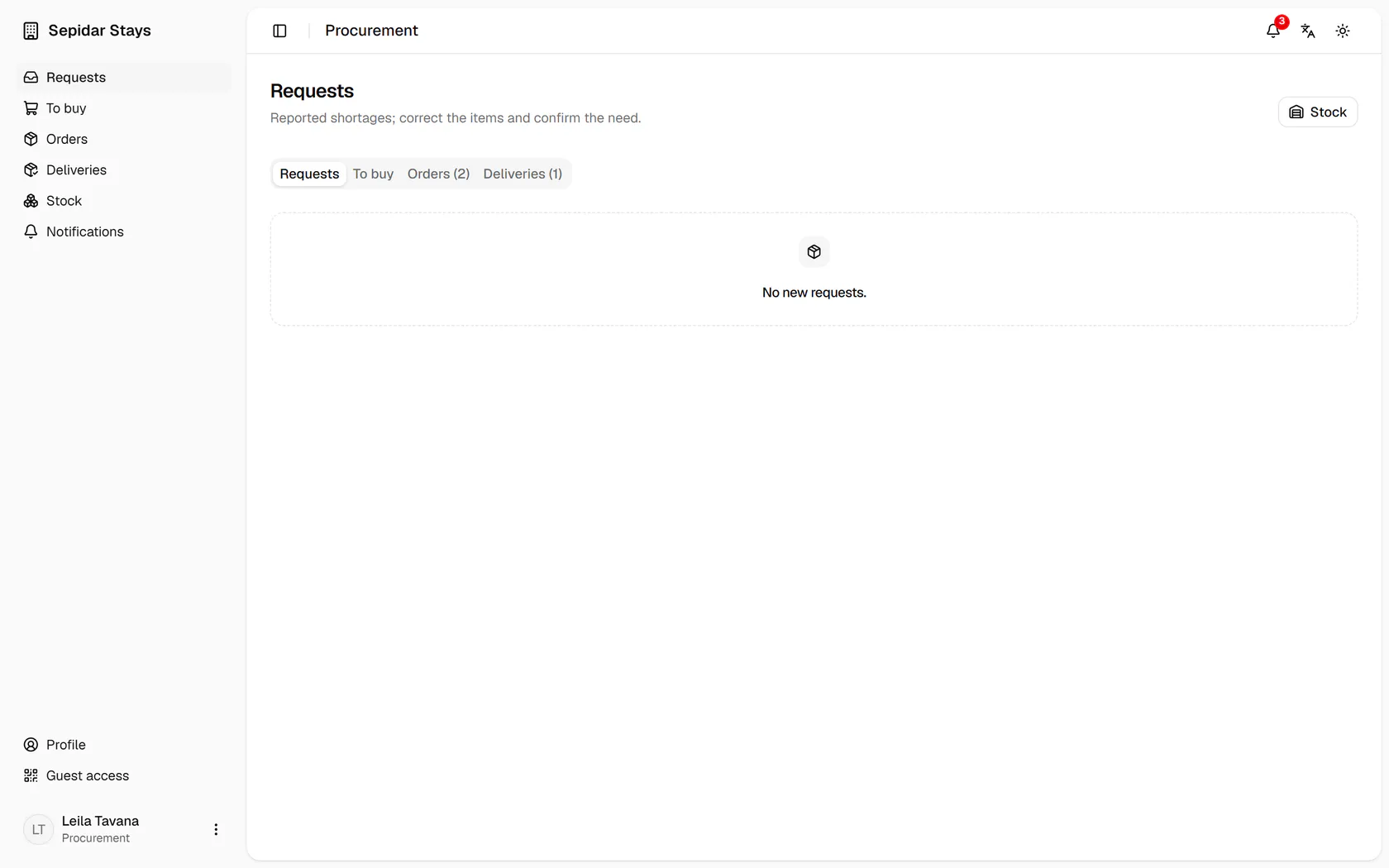
Open Stock from the side menu of the page.
Step by step
- 1
Open Stock from the side menu of the page.
- 2
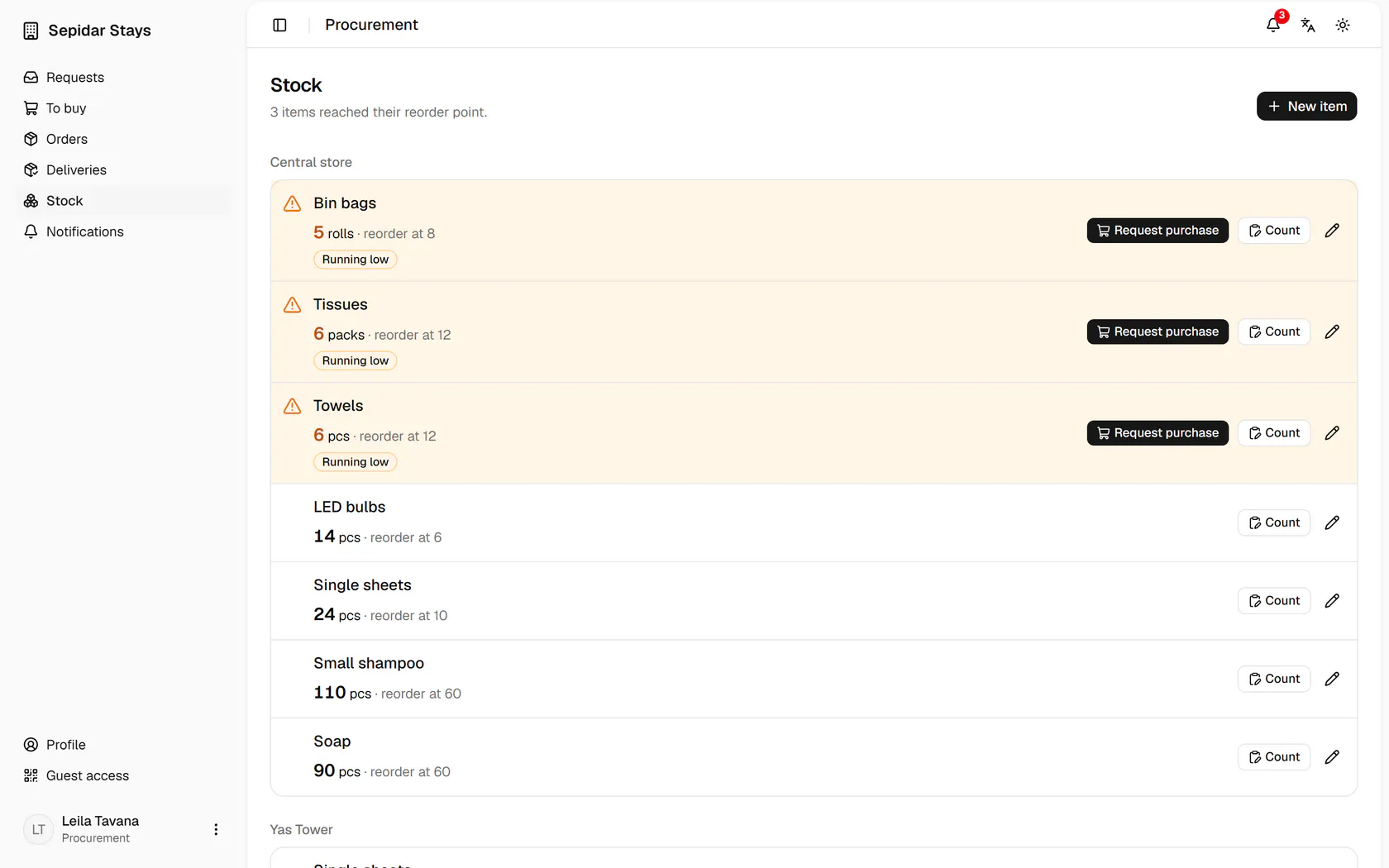
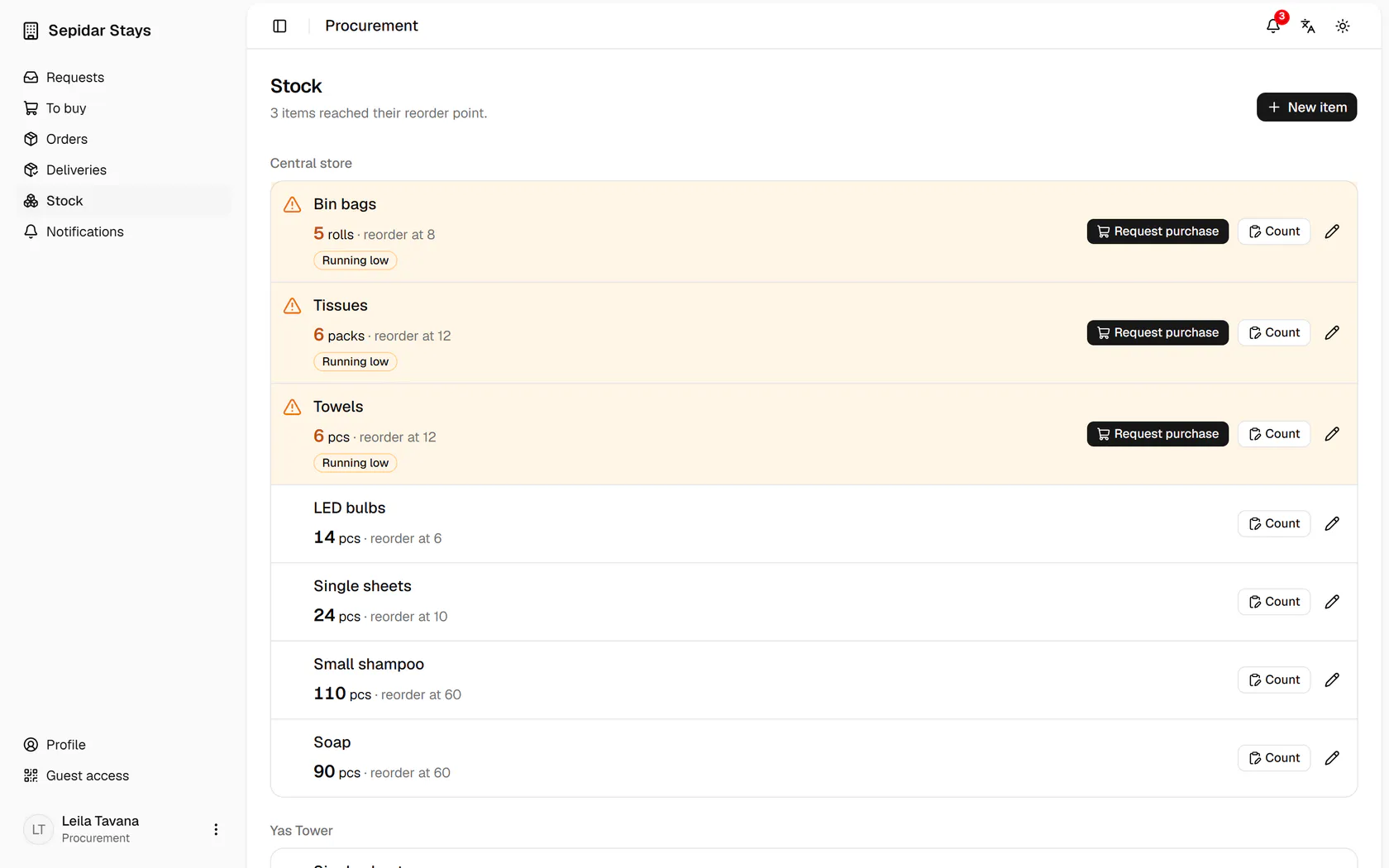
The central store has 6 towels with a reorder point of 12, so it is running low.
- 3
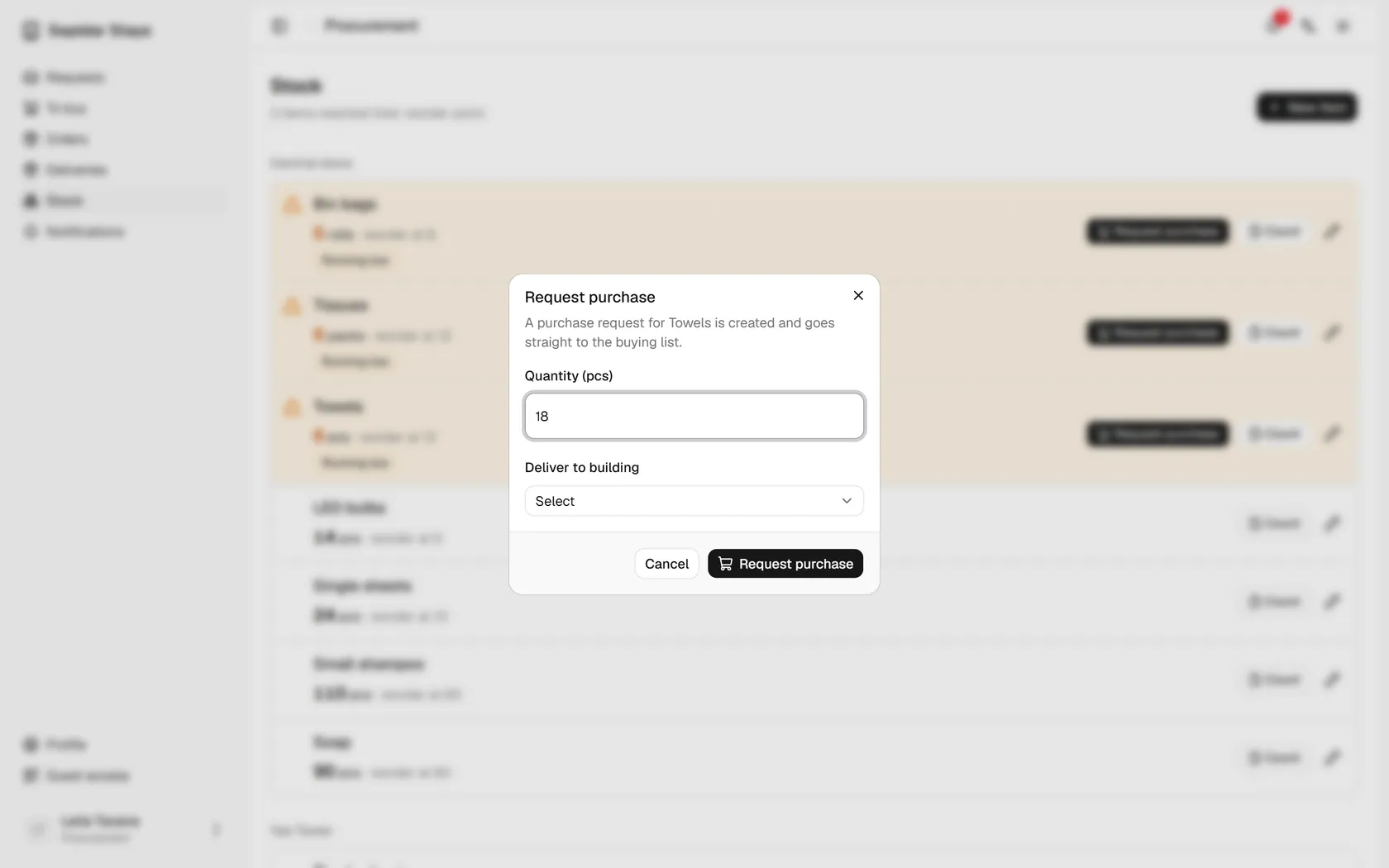
Press Request purchase to create a purchase request.
- 4
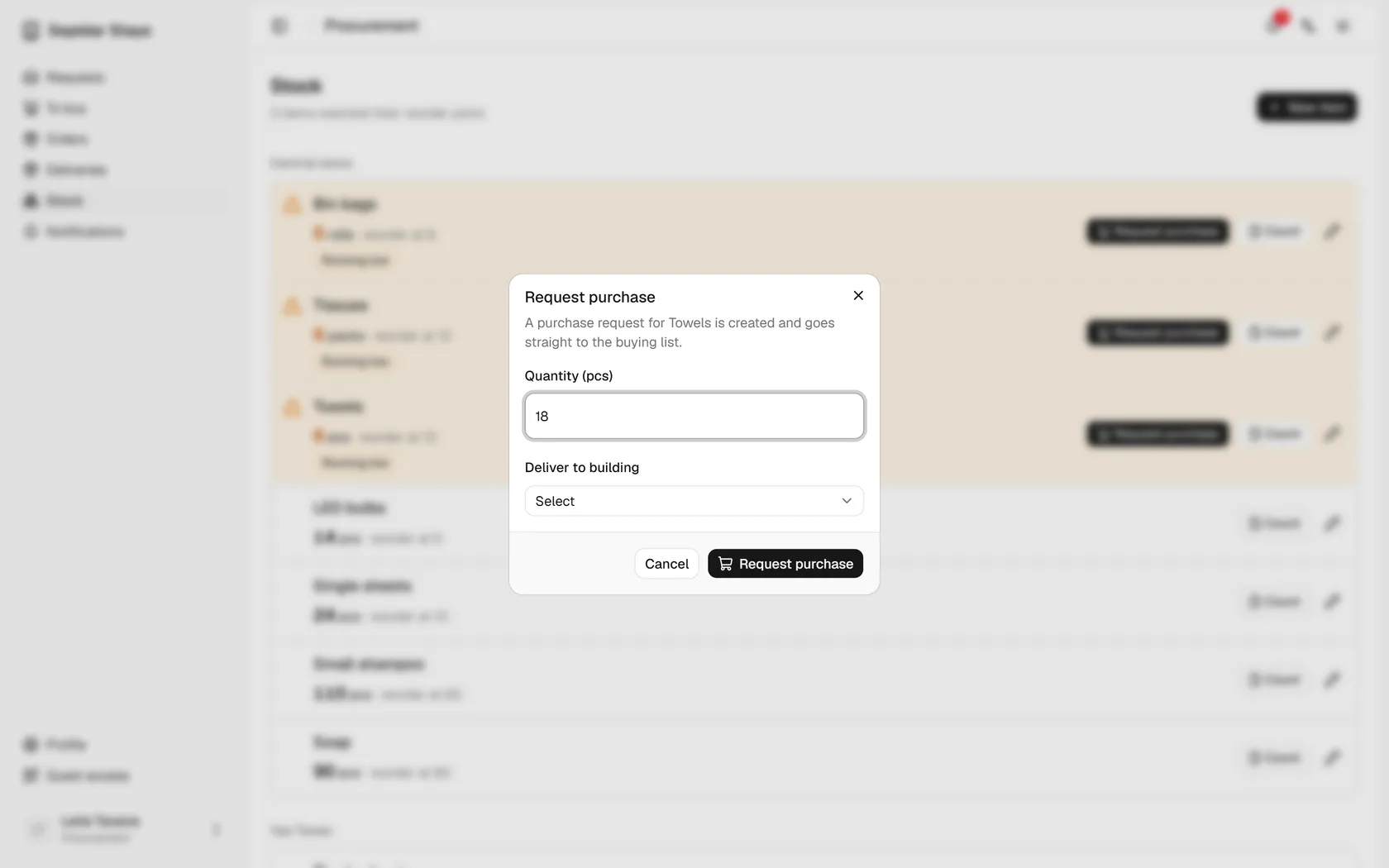
The suggested quantity brings stock to twice the reorder point, and you can change it.
- 5
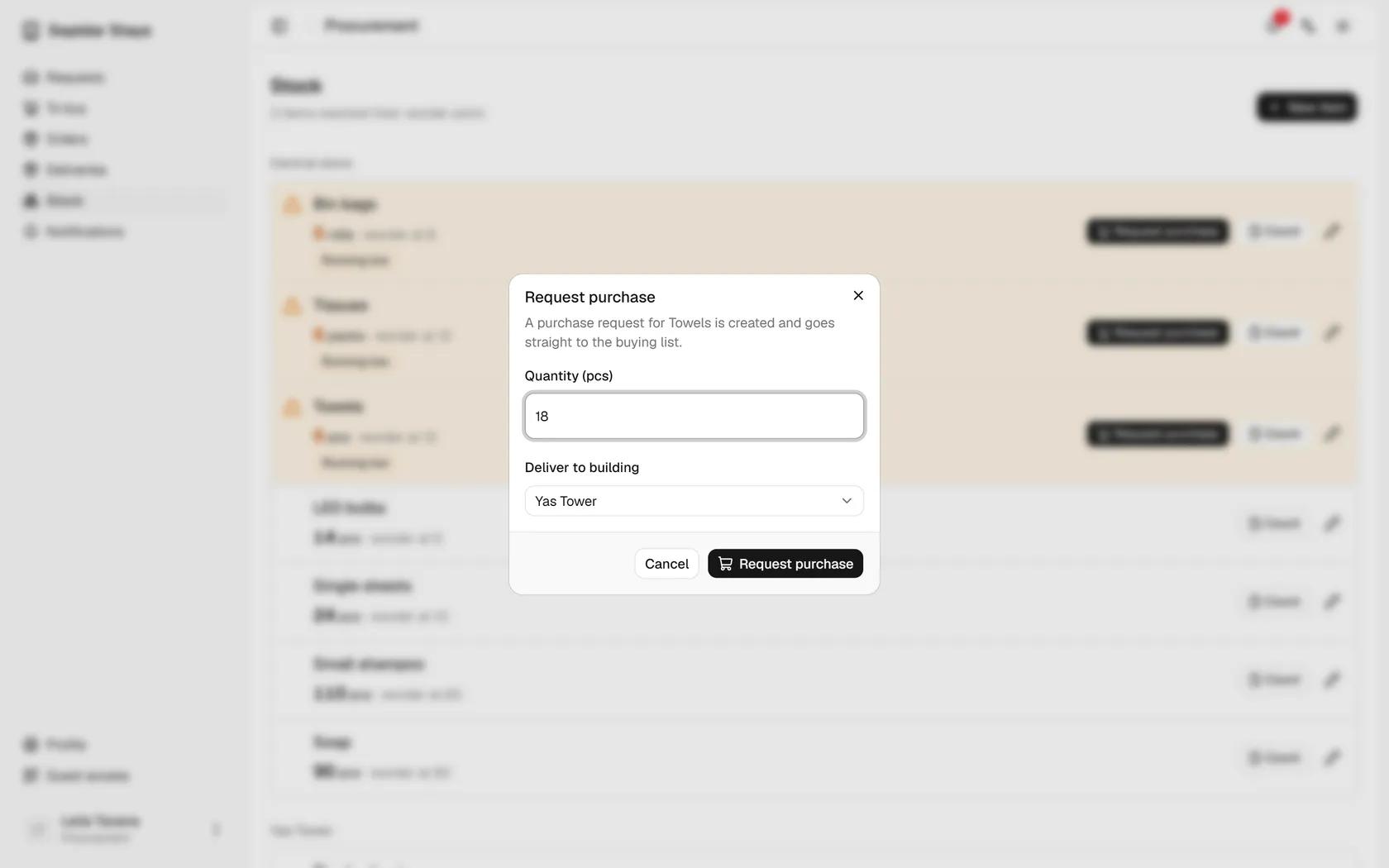
Choose the building the items should be delivered to.
- 6
Send the request so it goes straight to the buying list.
- 7
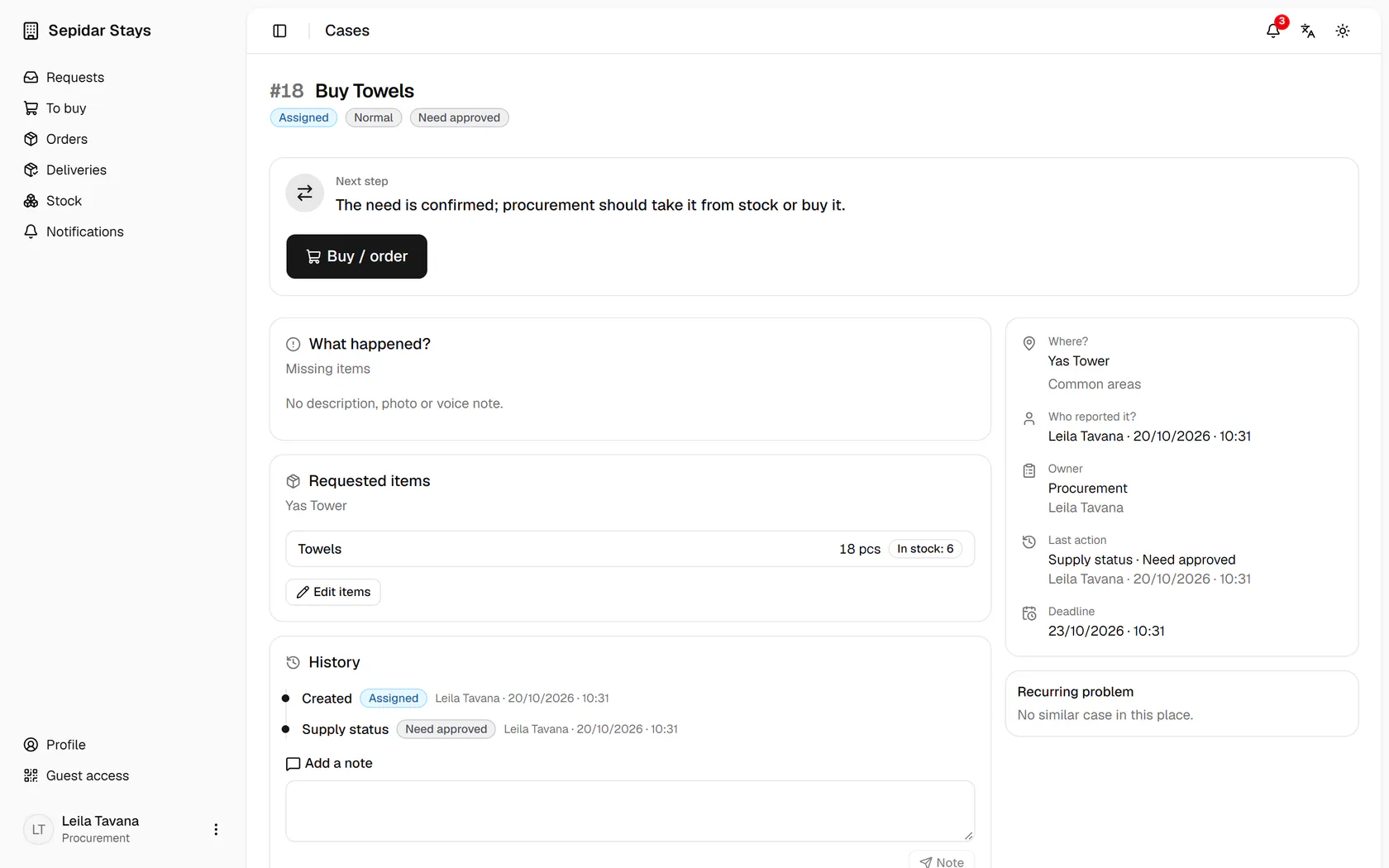
The purchase case is created for Yas Tower's common areas, and only Buy / order remains.