Guest feedback
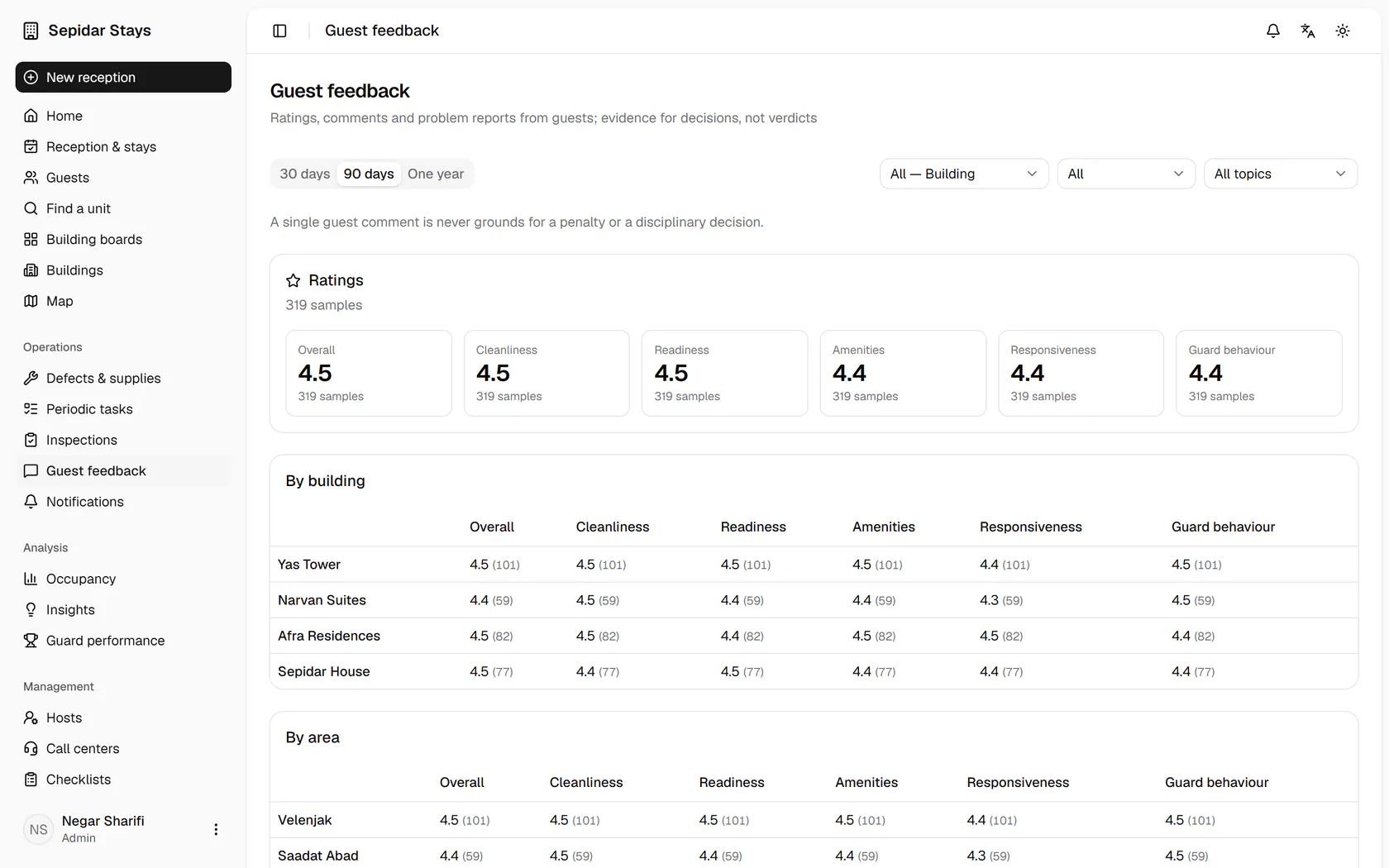
The admin reads guest scores by building, files a guest's problem report and turns it into a trackable case.
AdminOn a computer7 steps
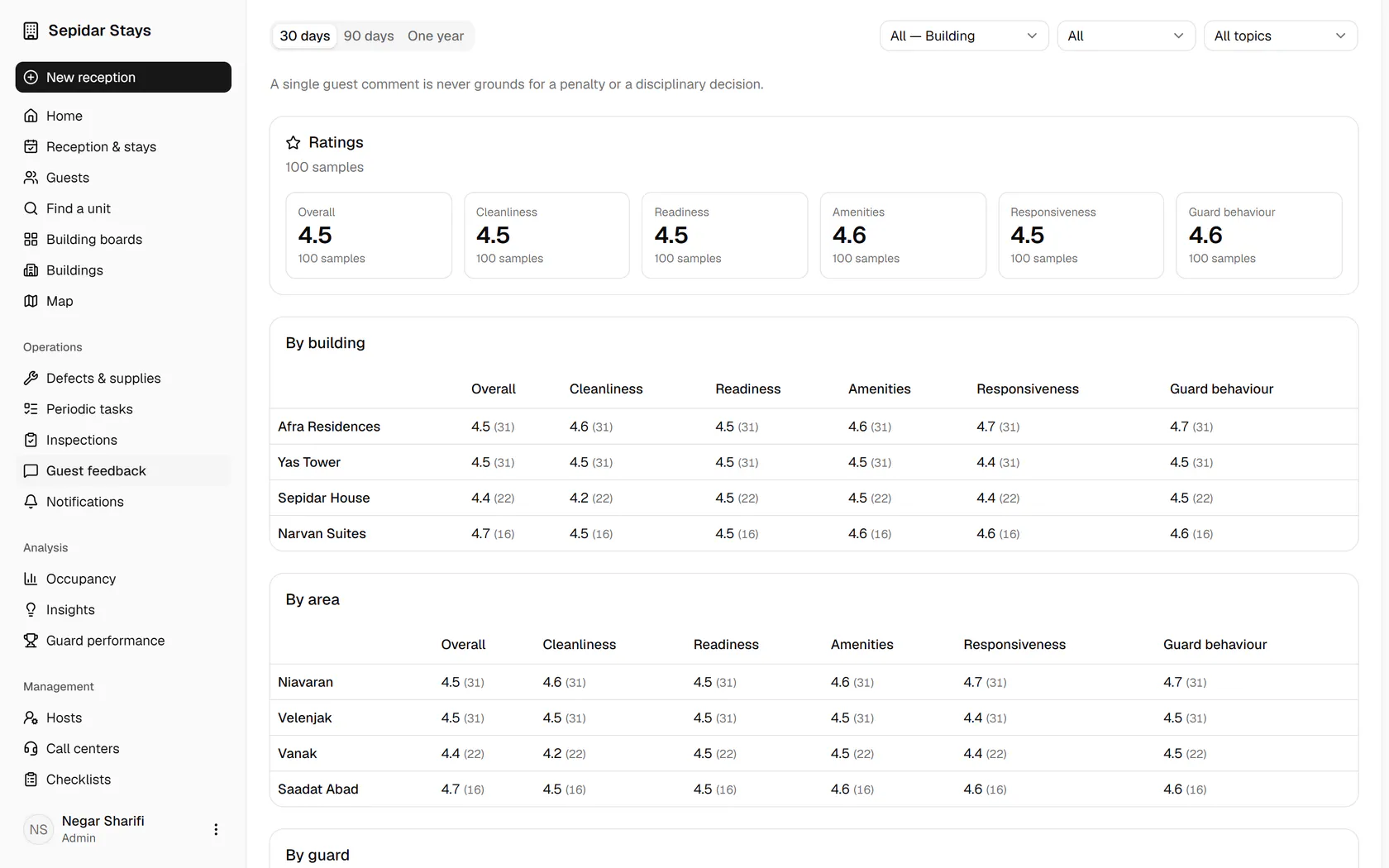
Set the period to 30 days to see the recent scores.
Step by step
- 1
Set the period to 30 days to see the recent scores.
- 2
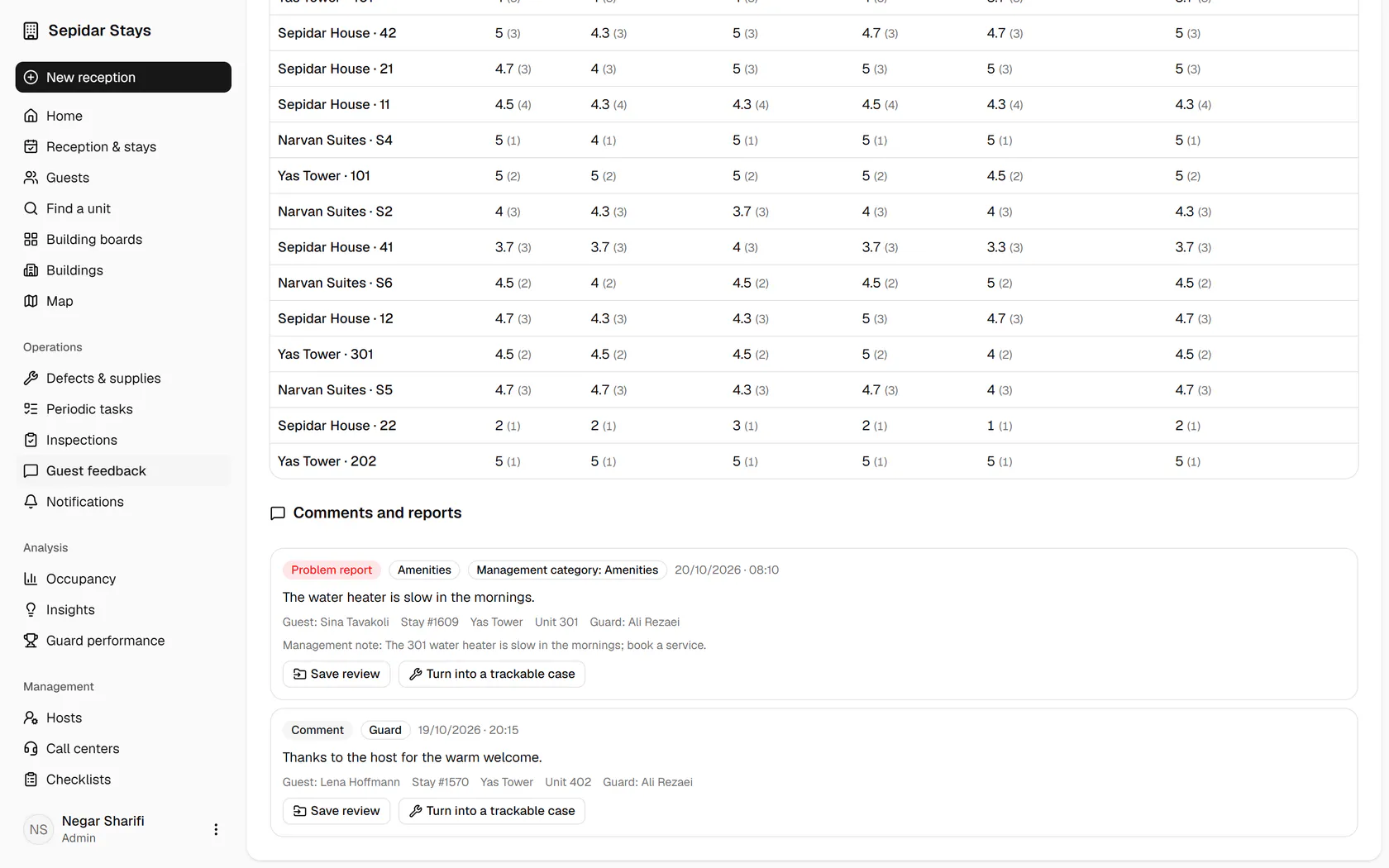
Each building's scores for cleanliness, readiness, amenities and host behaviour come with sample counts.
- 3
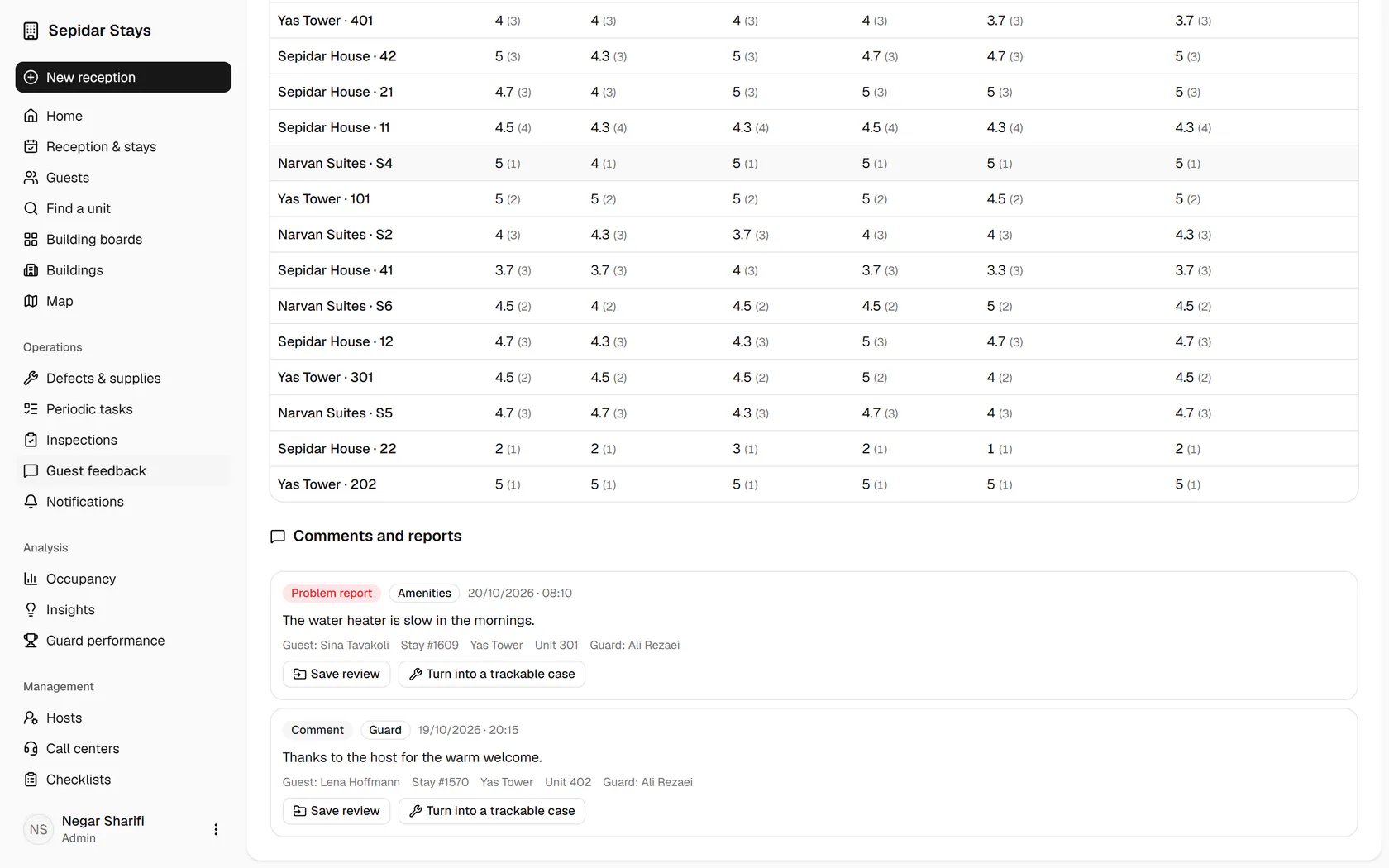
The guest in unit 301 says the water heater is slow in the mornings; click Save review.
- 4
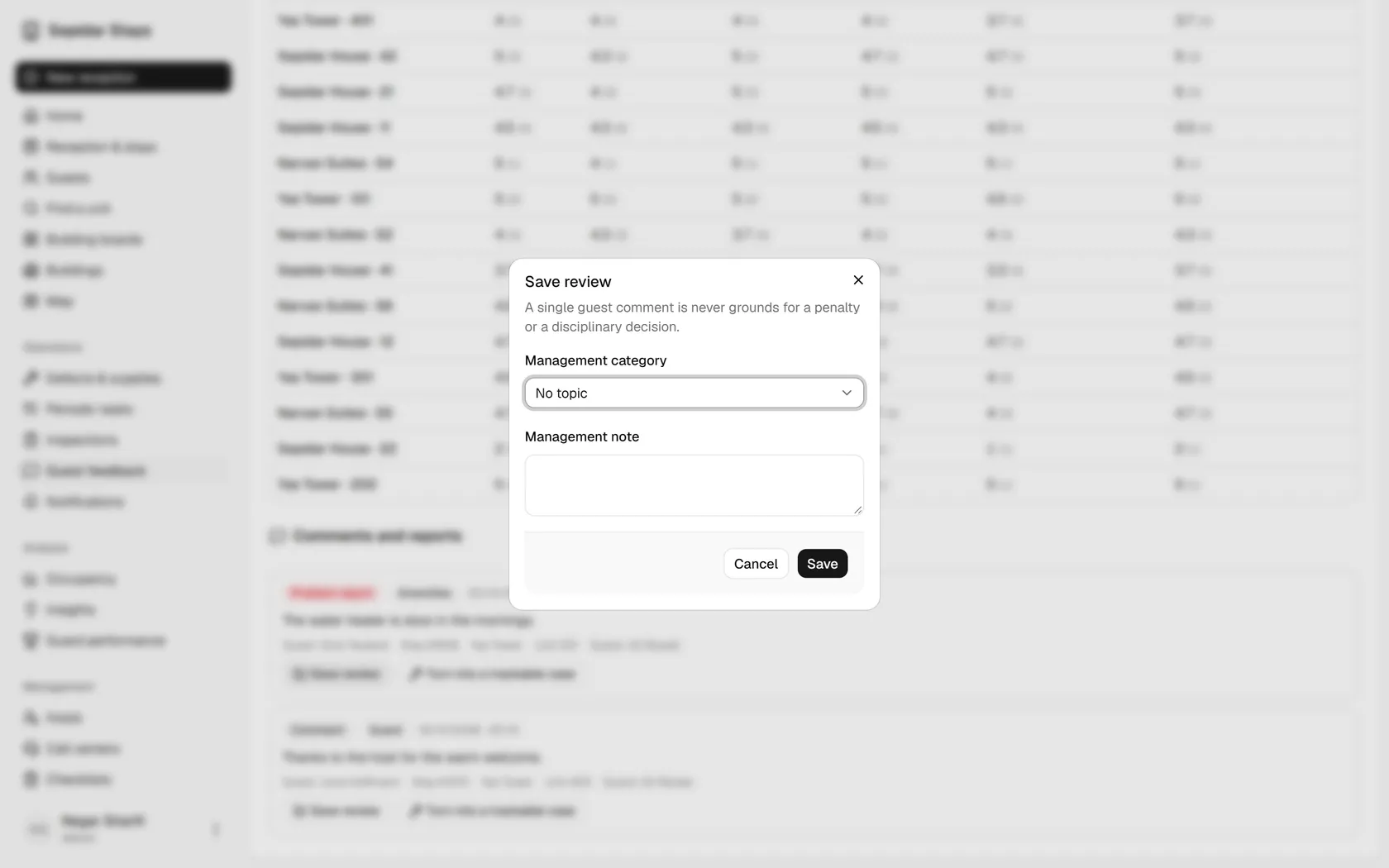
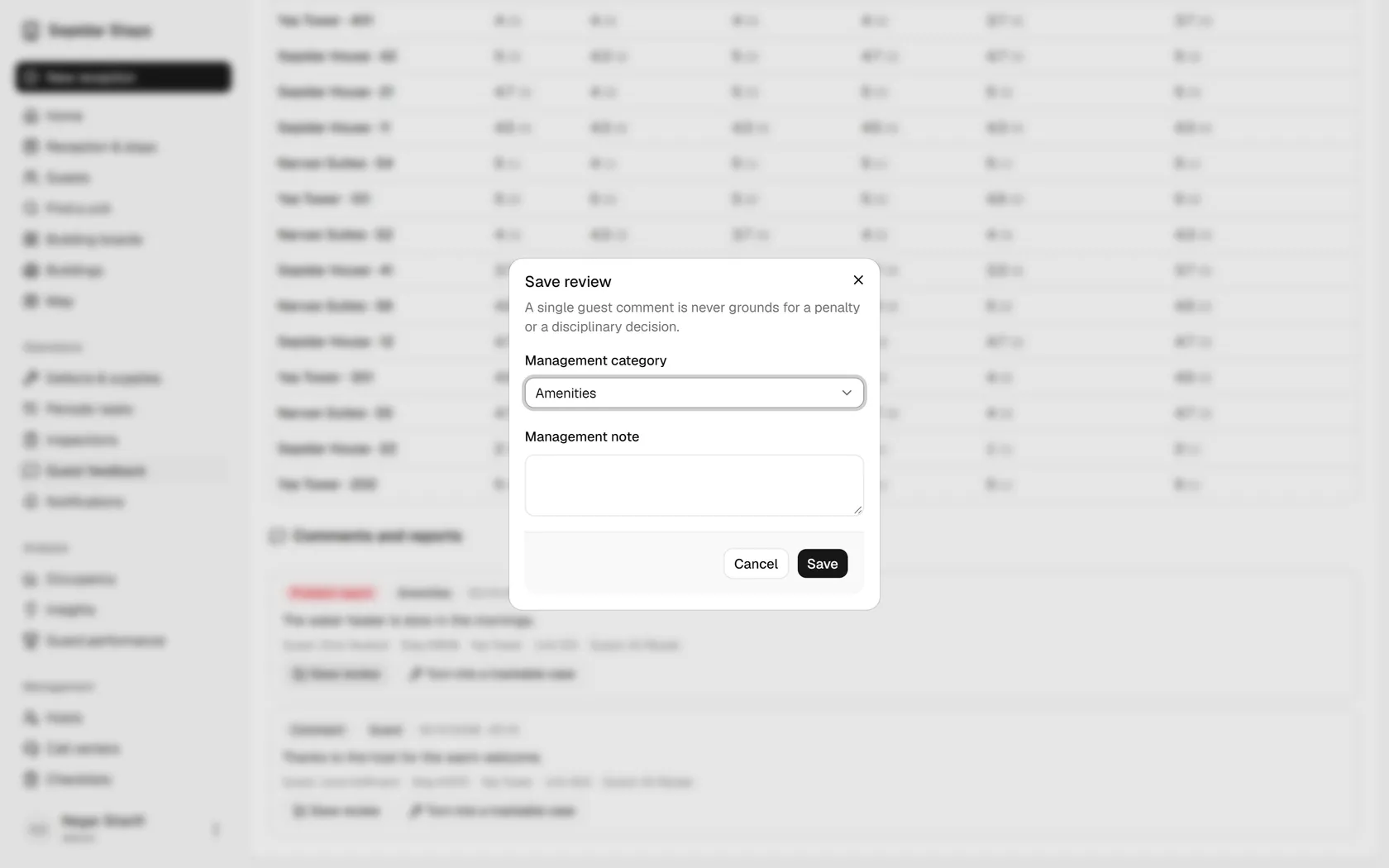
Set the management category to amenities, so it is counted correctly in reports.
- 5
Write a management note and save; a single comment is never grounds for a penalty.
- 6
The category and note now show under the comment; click Turn into a trackable case.
- 7
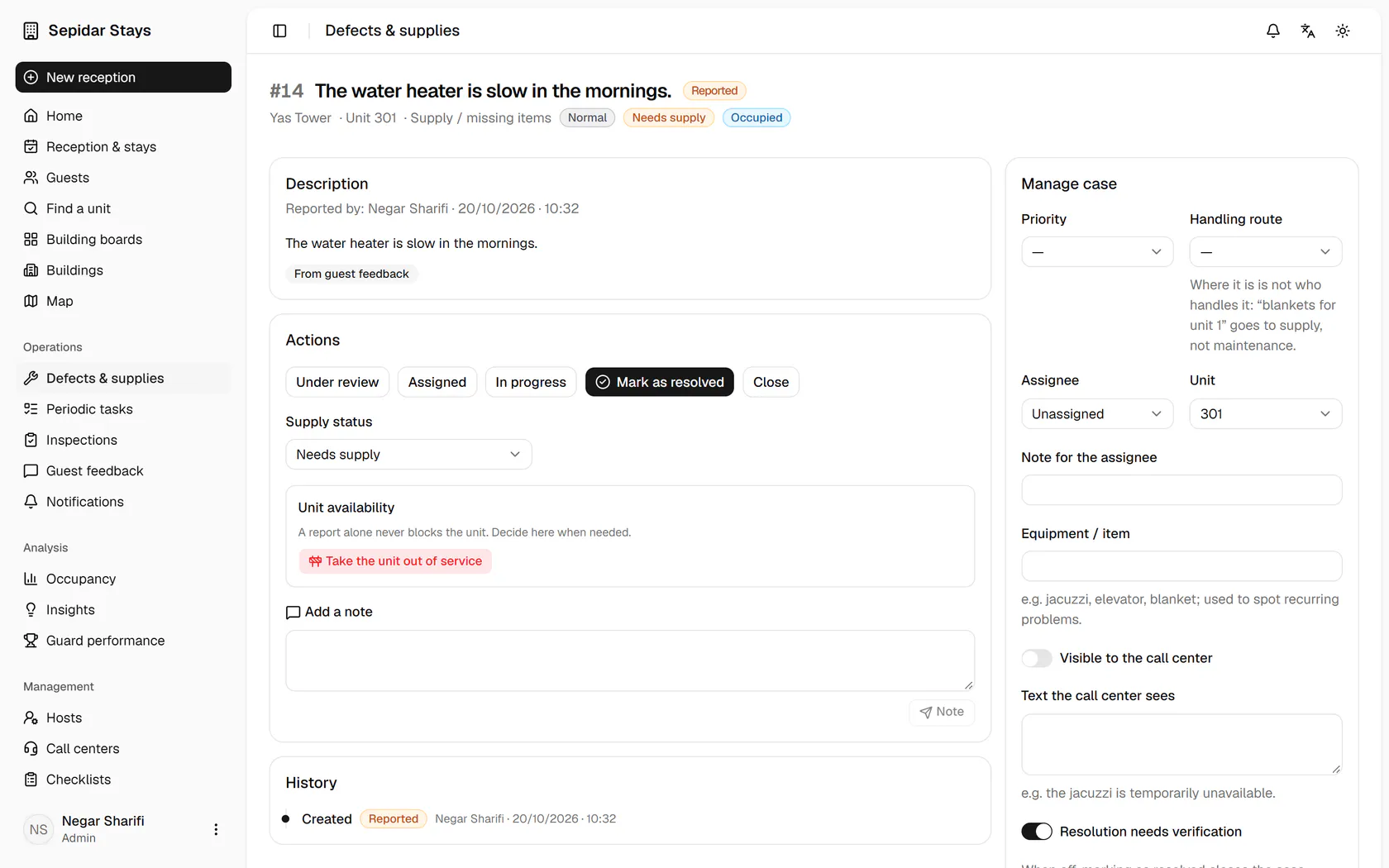
A new case for unit 301 is created and can be routed and followed like any other.