Share inspection feedback
The admin turns an inspection into clear feedback for the host, while scores and internal notes stay private.
AdminOn a computer5 steps
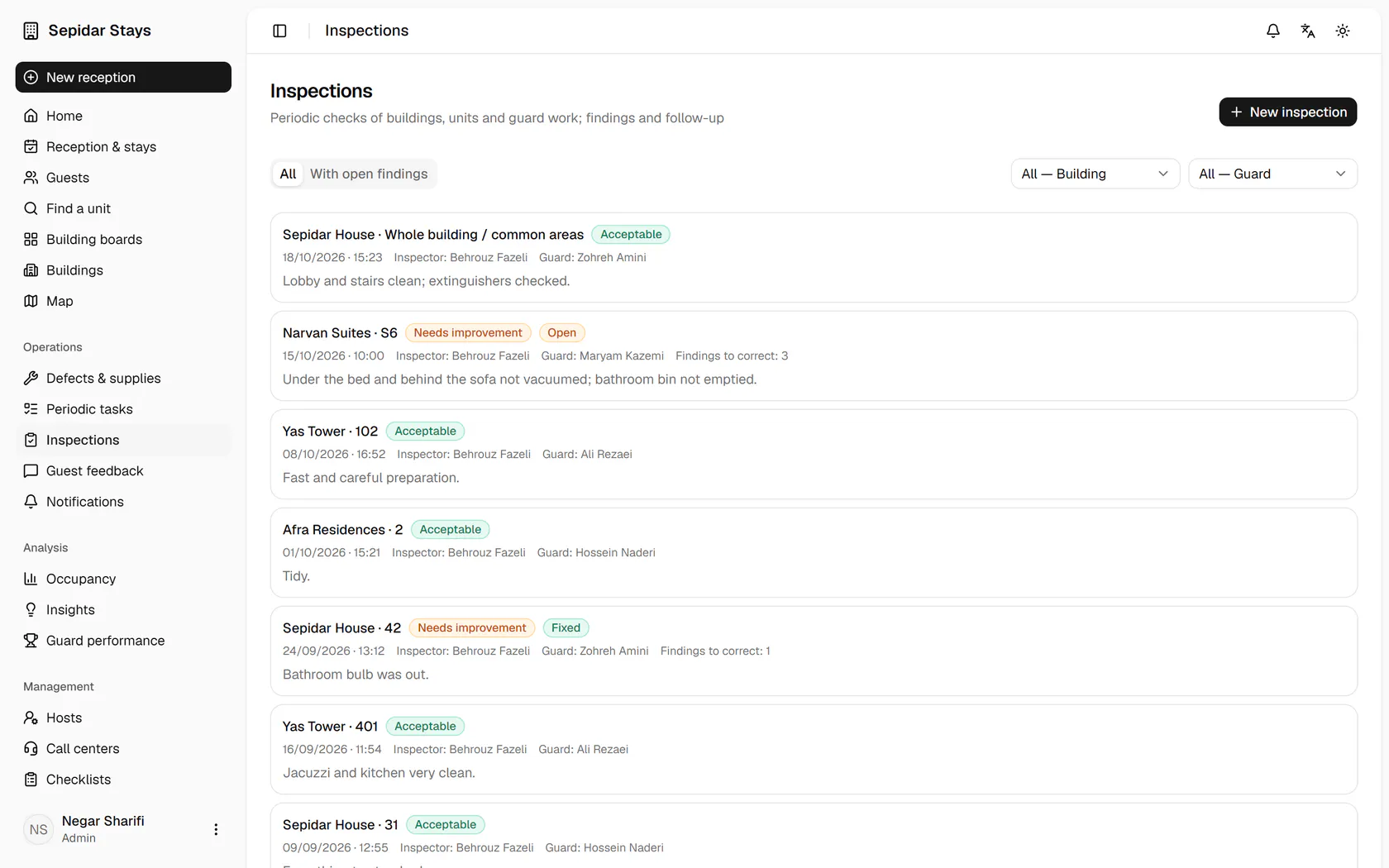
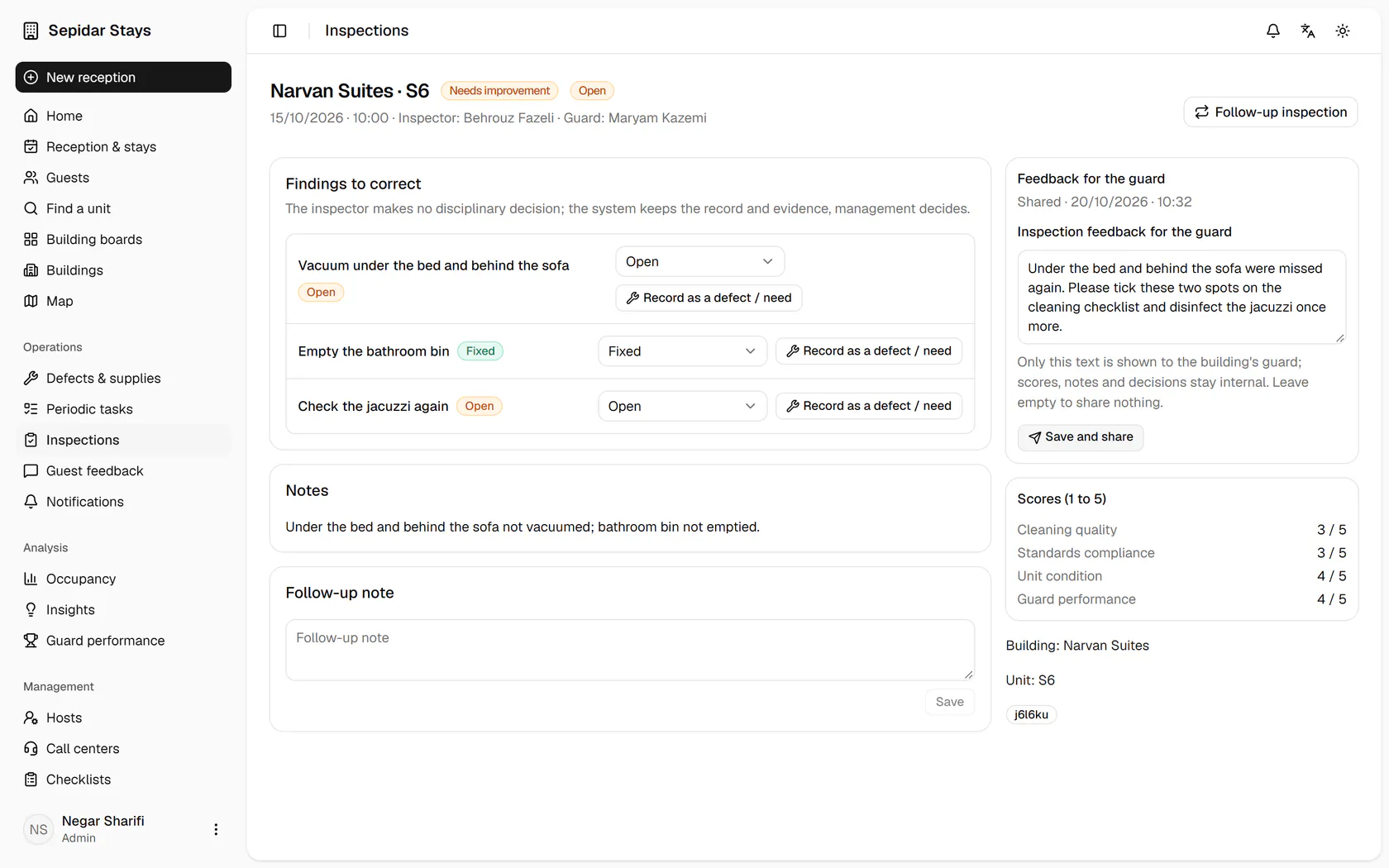
The Narvan S6 inspection needs improvement and has open findings; open it.
Step by step
- 1
The Narvan S6 inspection needs improvement and has open findings; open it.
- 2
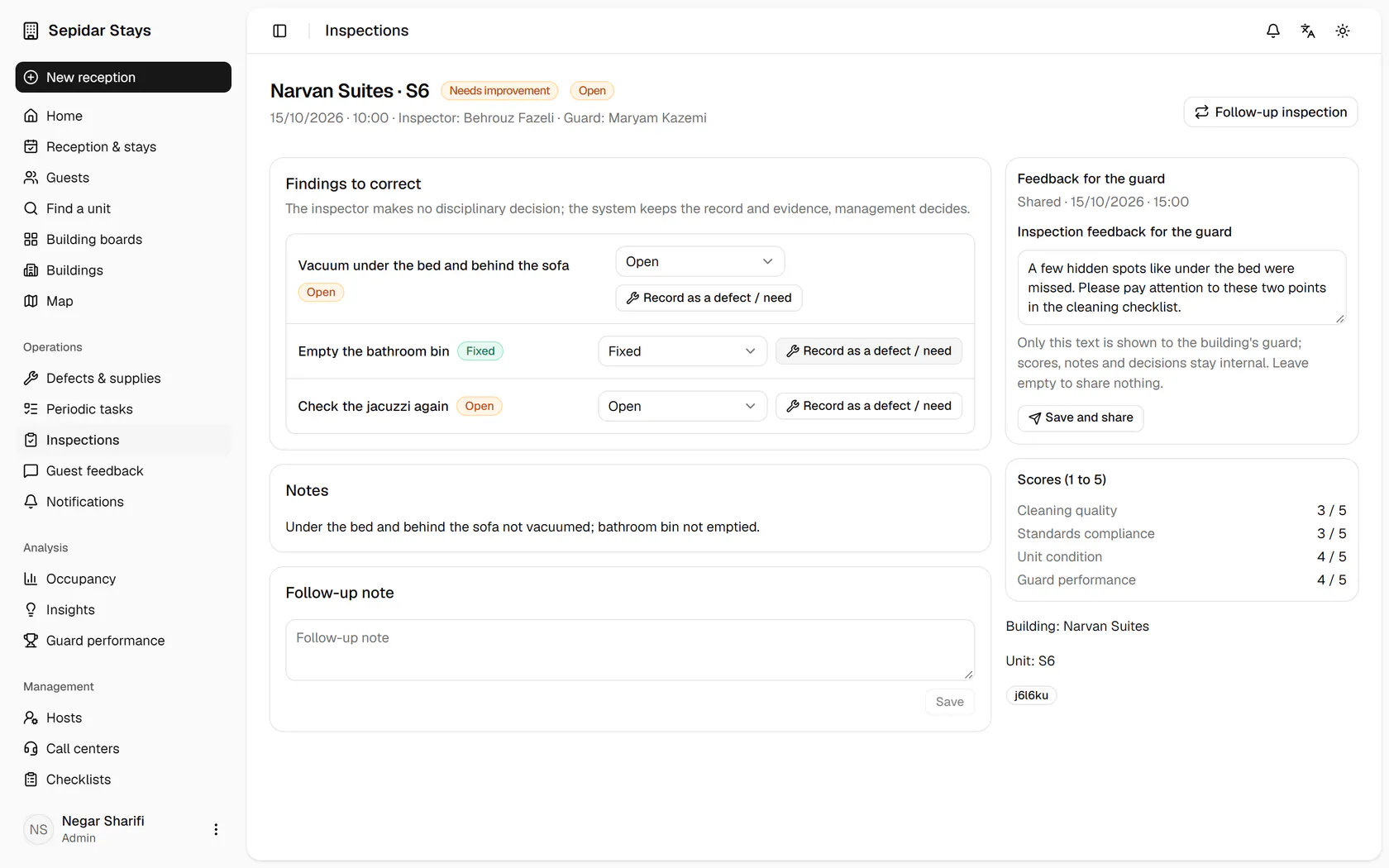
The findings to correct are listed with their status, and each can become a case.
- 3
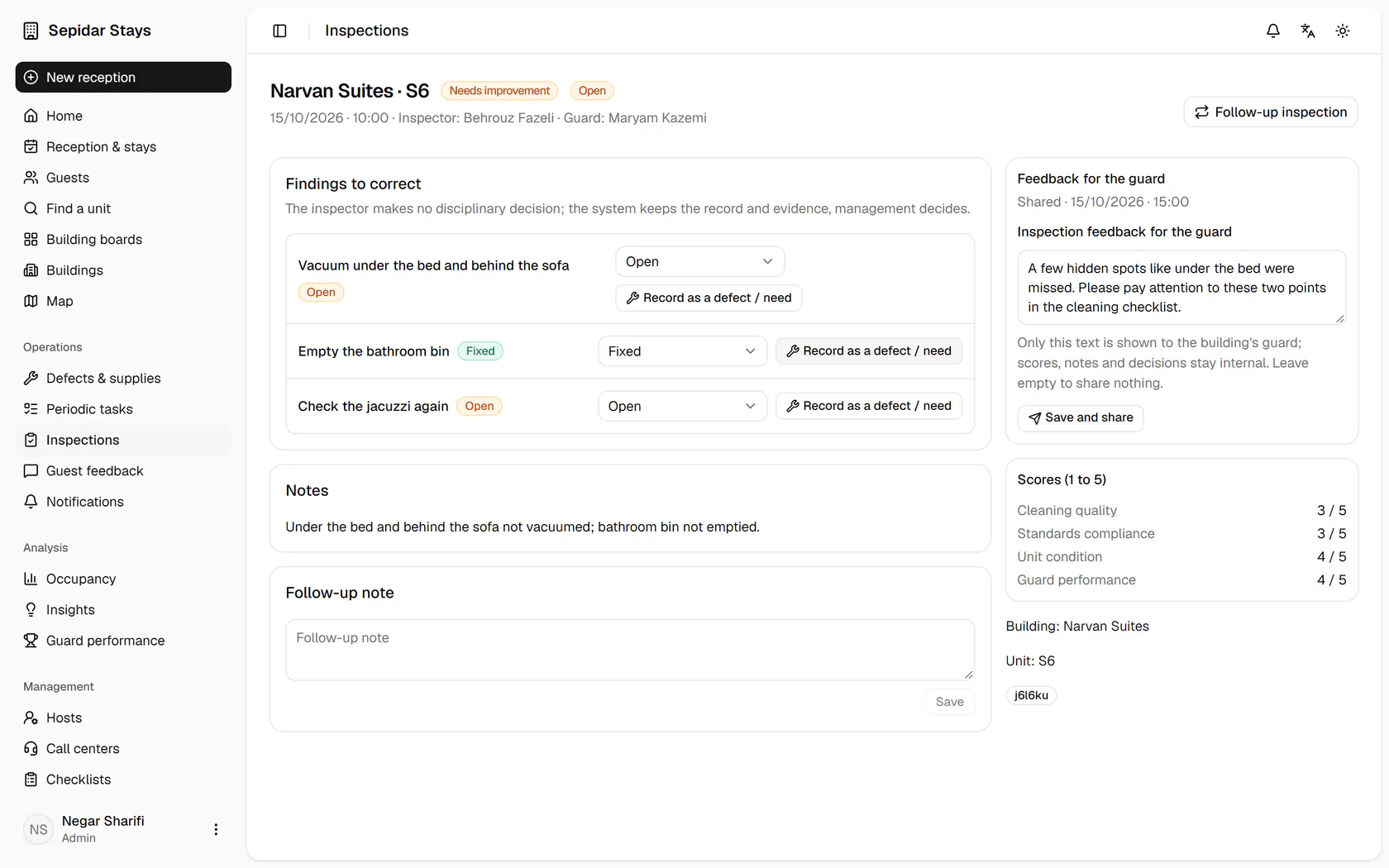
Write the feedback for the host; only this text is shown to them.
- 4
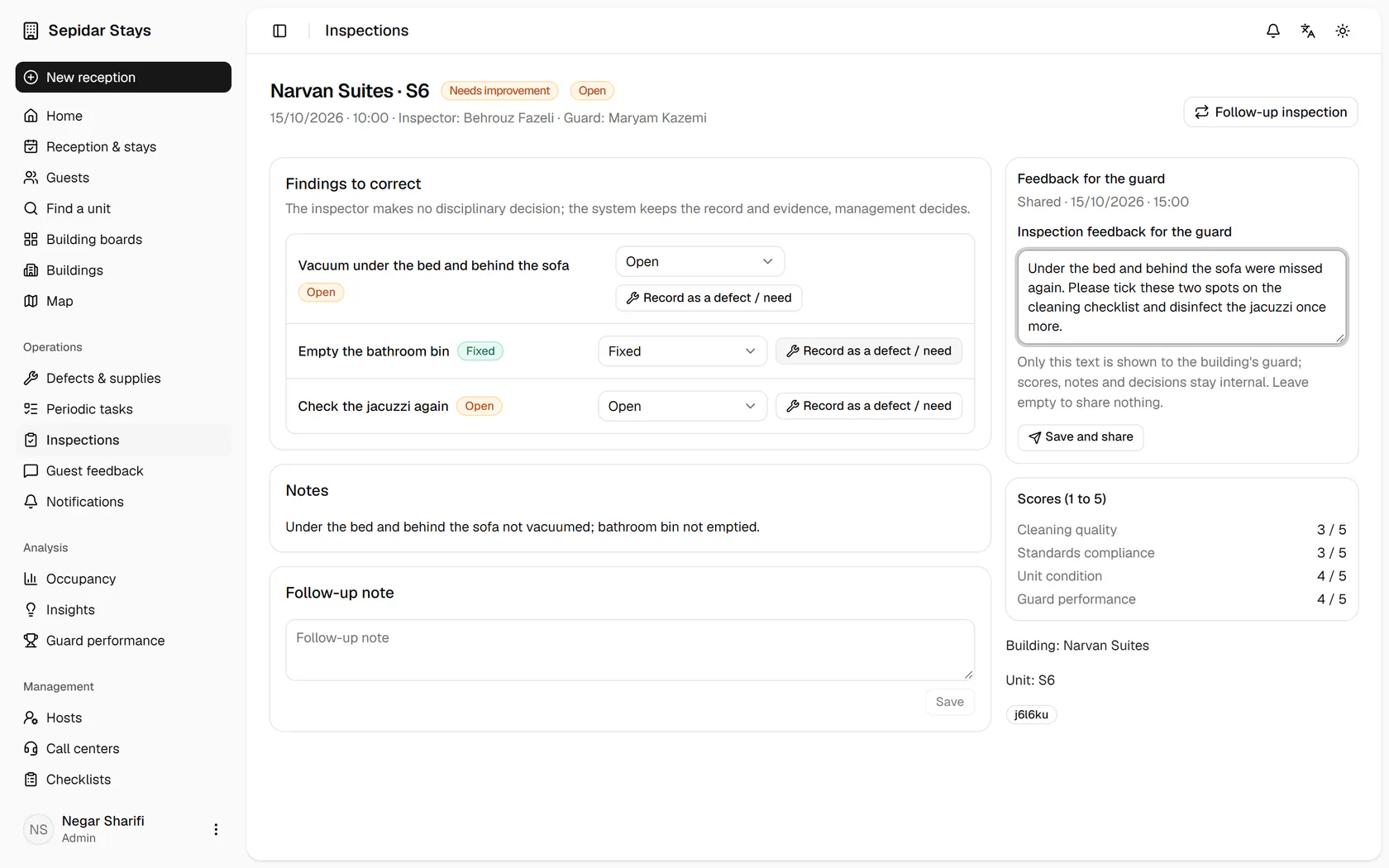
Click Save and share to send the feedback to the building's host.
- 5
The feedback is shared with today's date and time, and the host sees it on their page.