Admin
Sets up buildings, units, hosts, call centers, checklists and settings, then runs the business on real numbers.
The admin home page
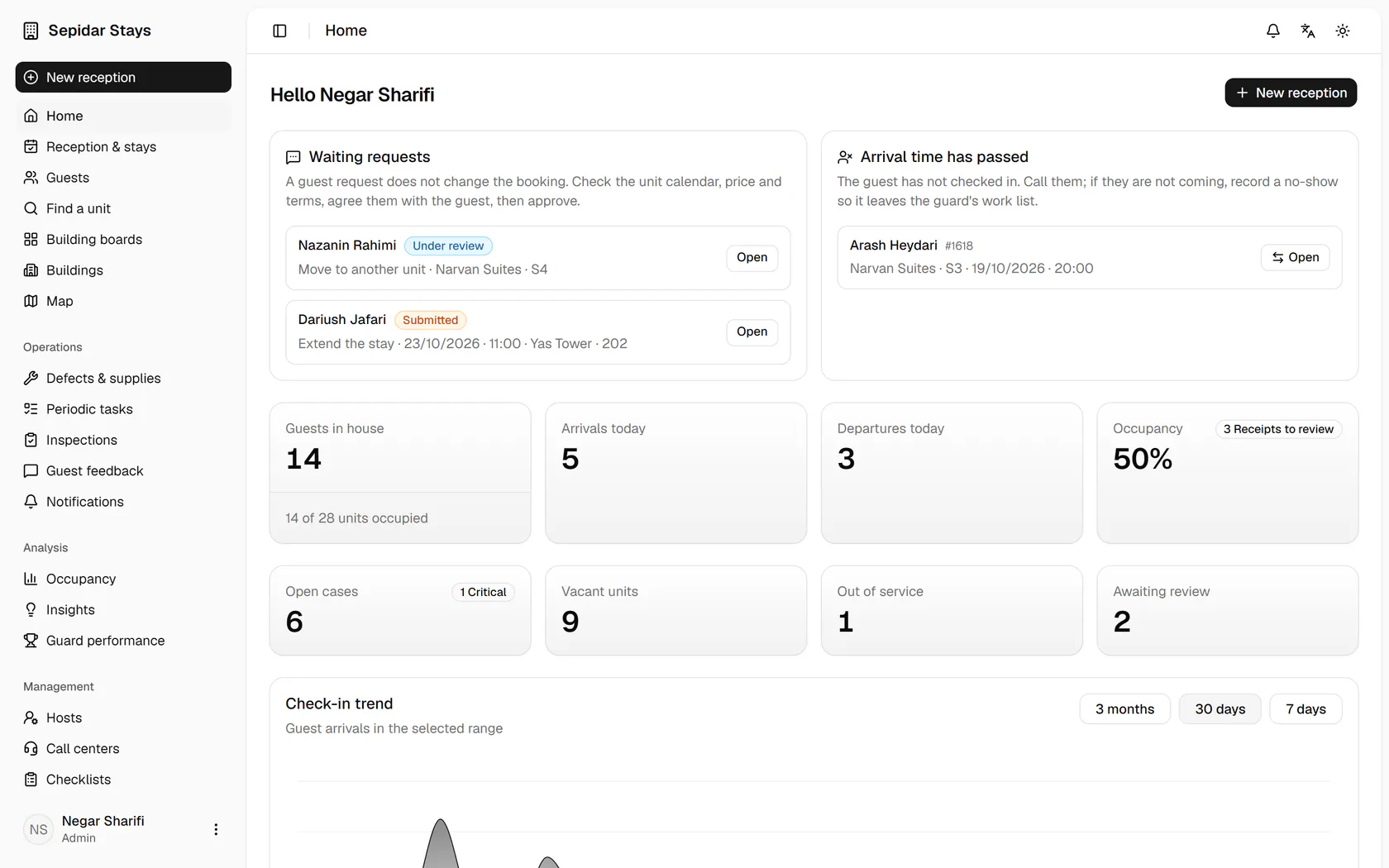
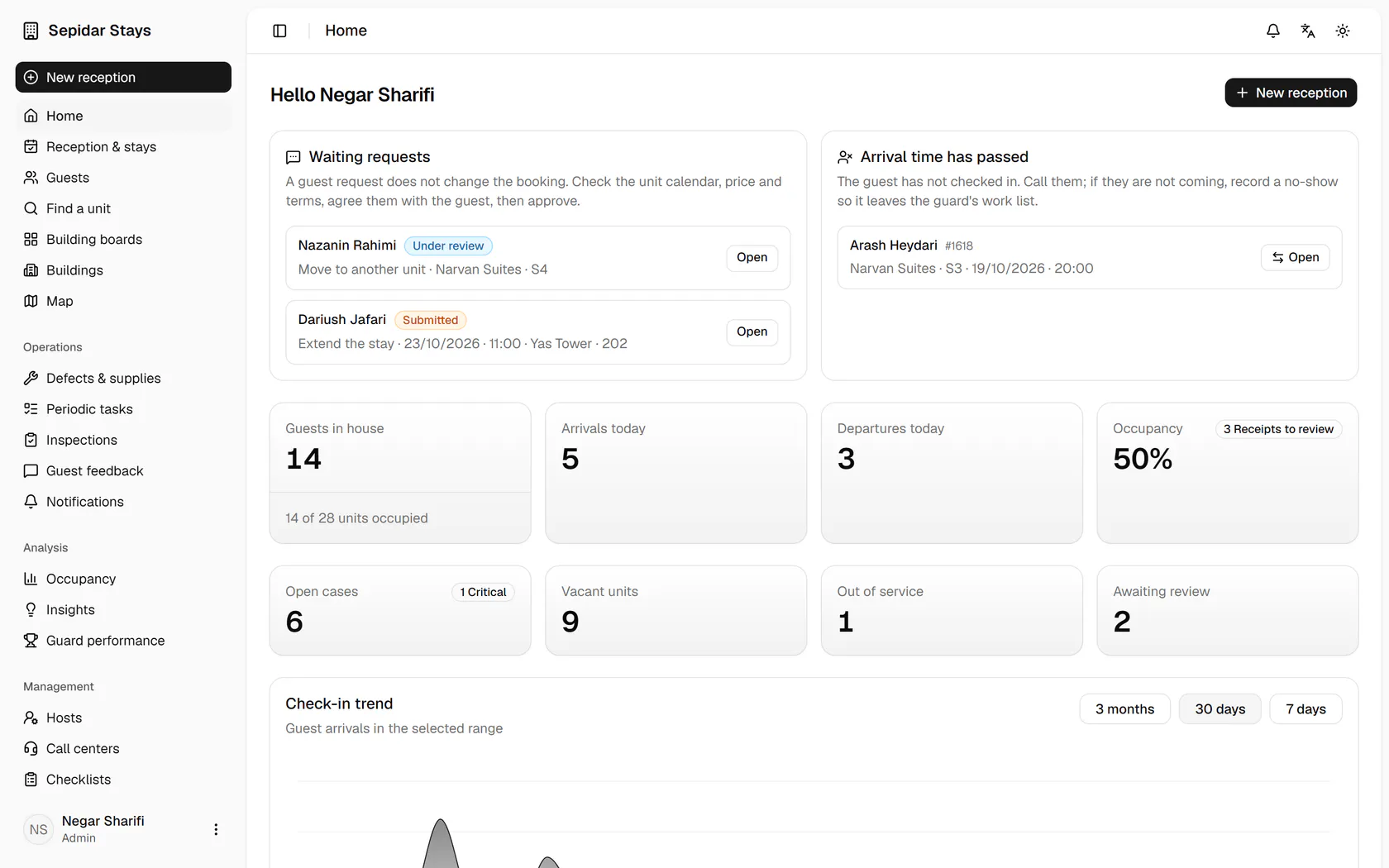
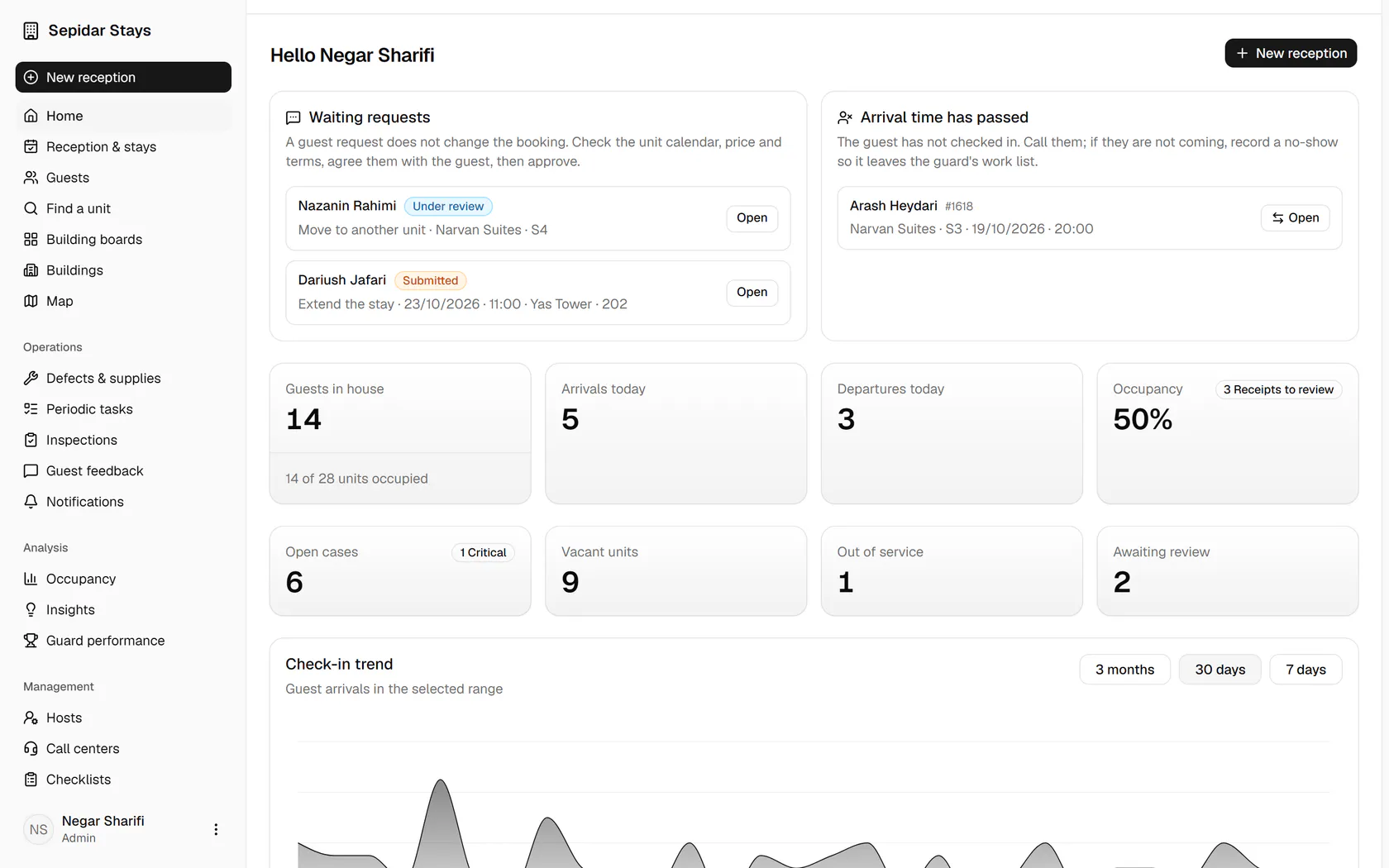
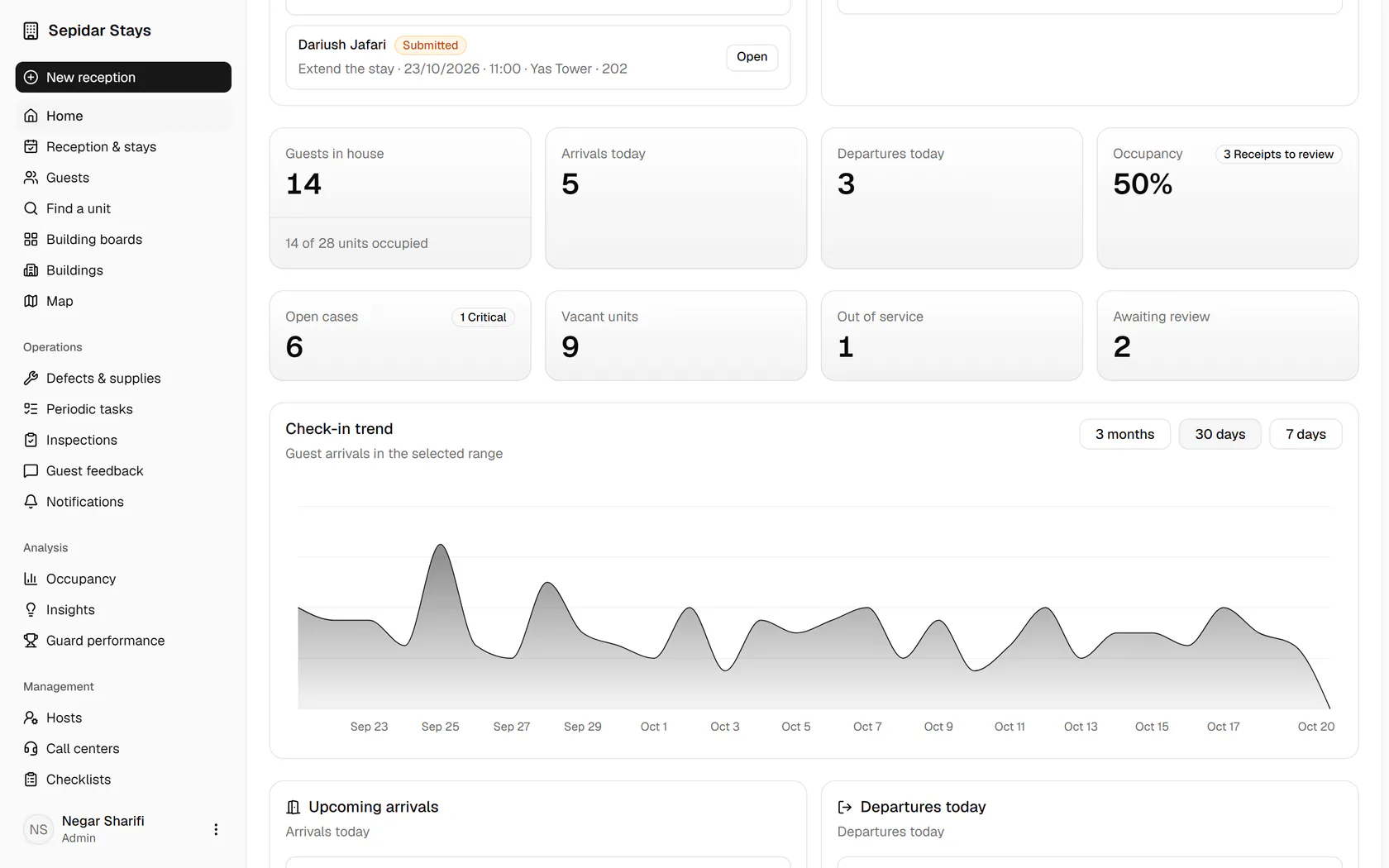
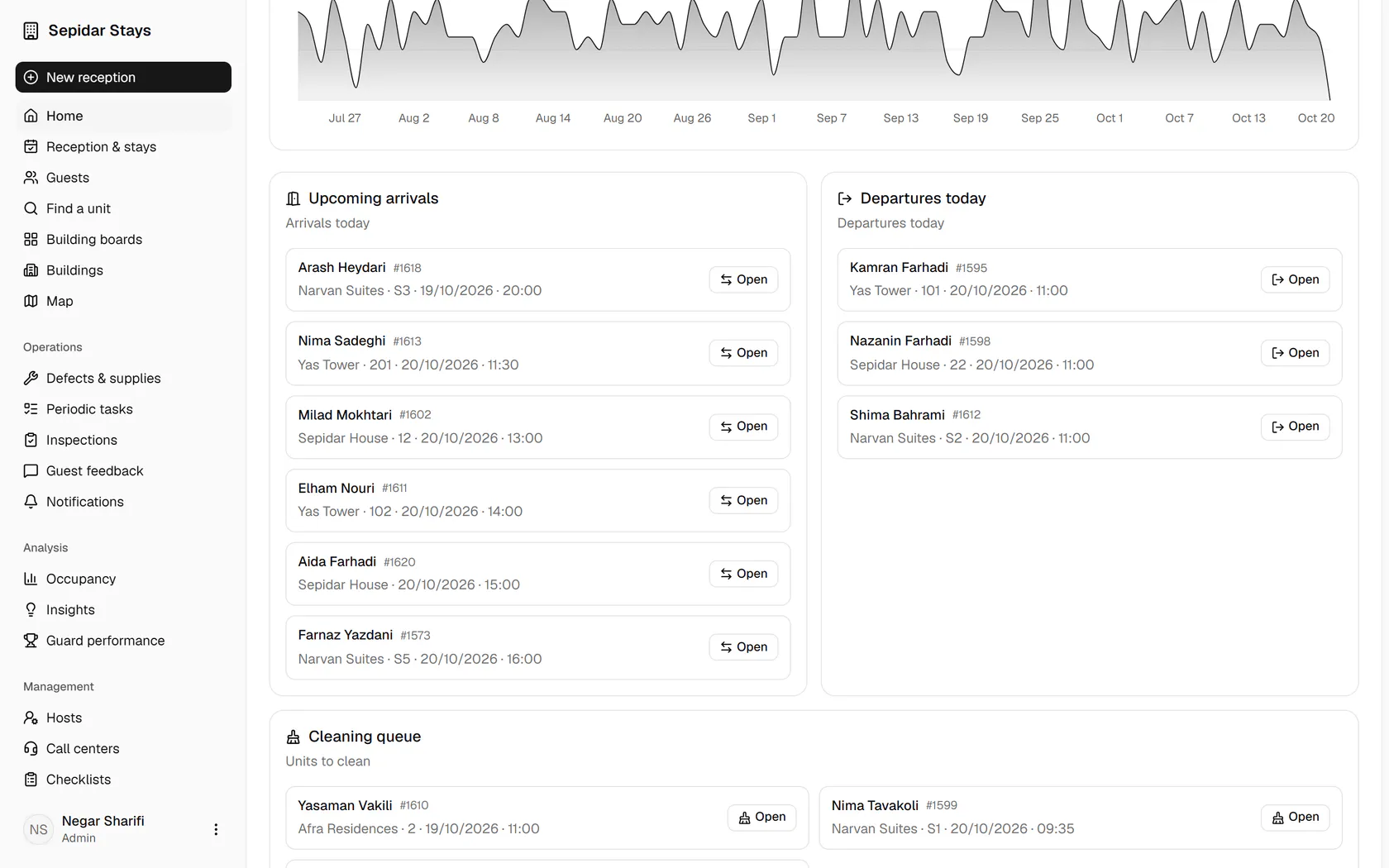
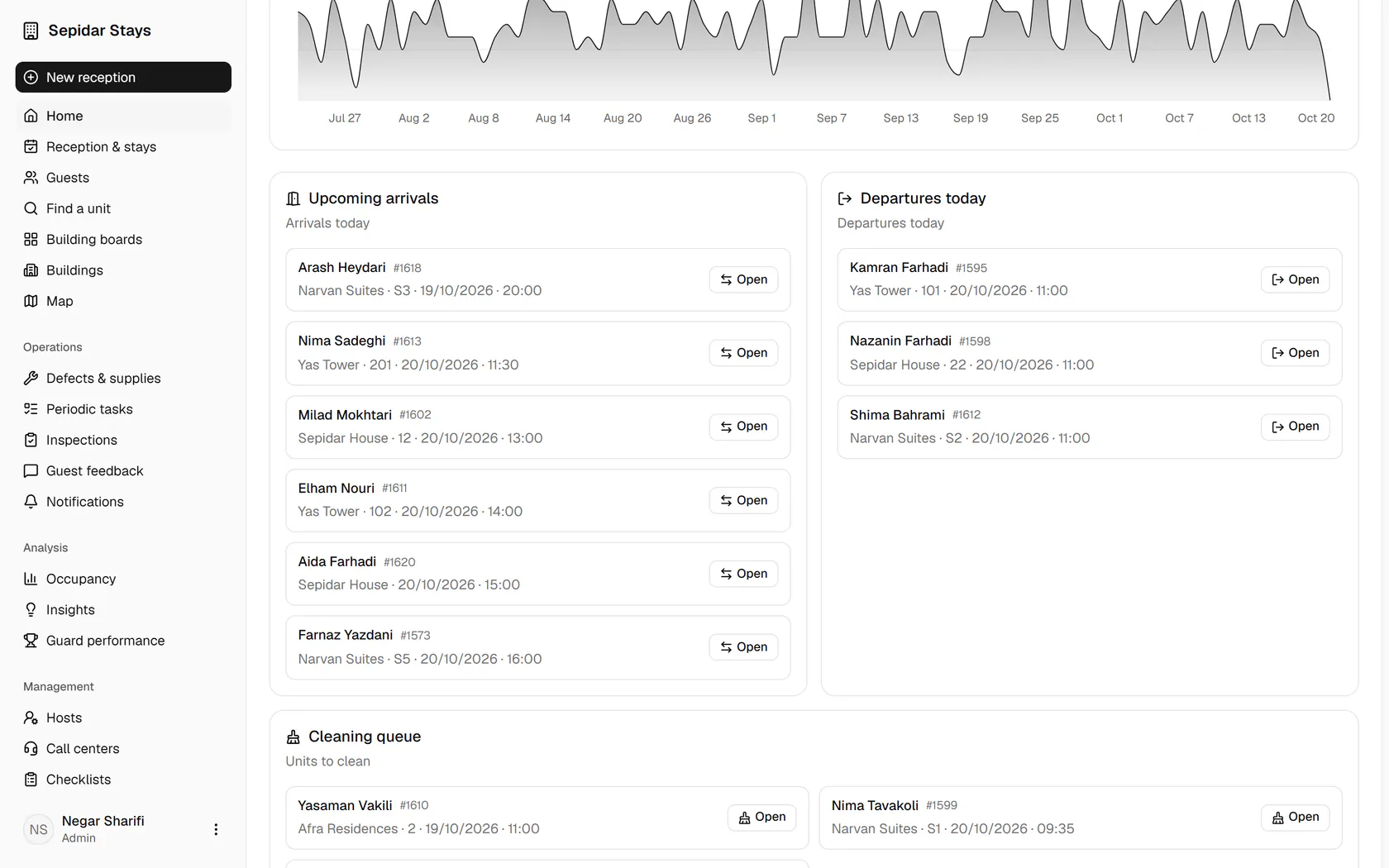
Guest requests such as an extension or a unit move wait for your review at the top.
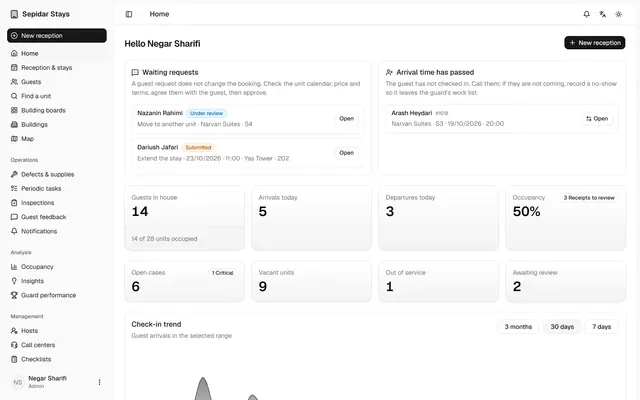
The admin home page
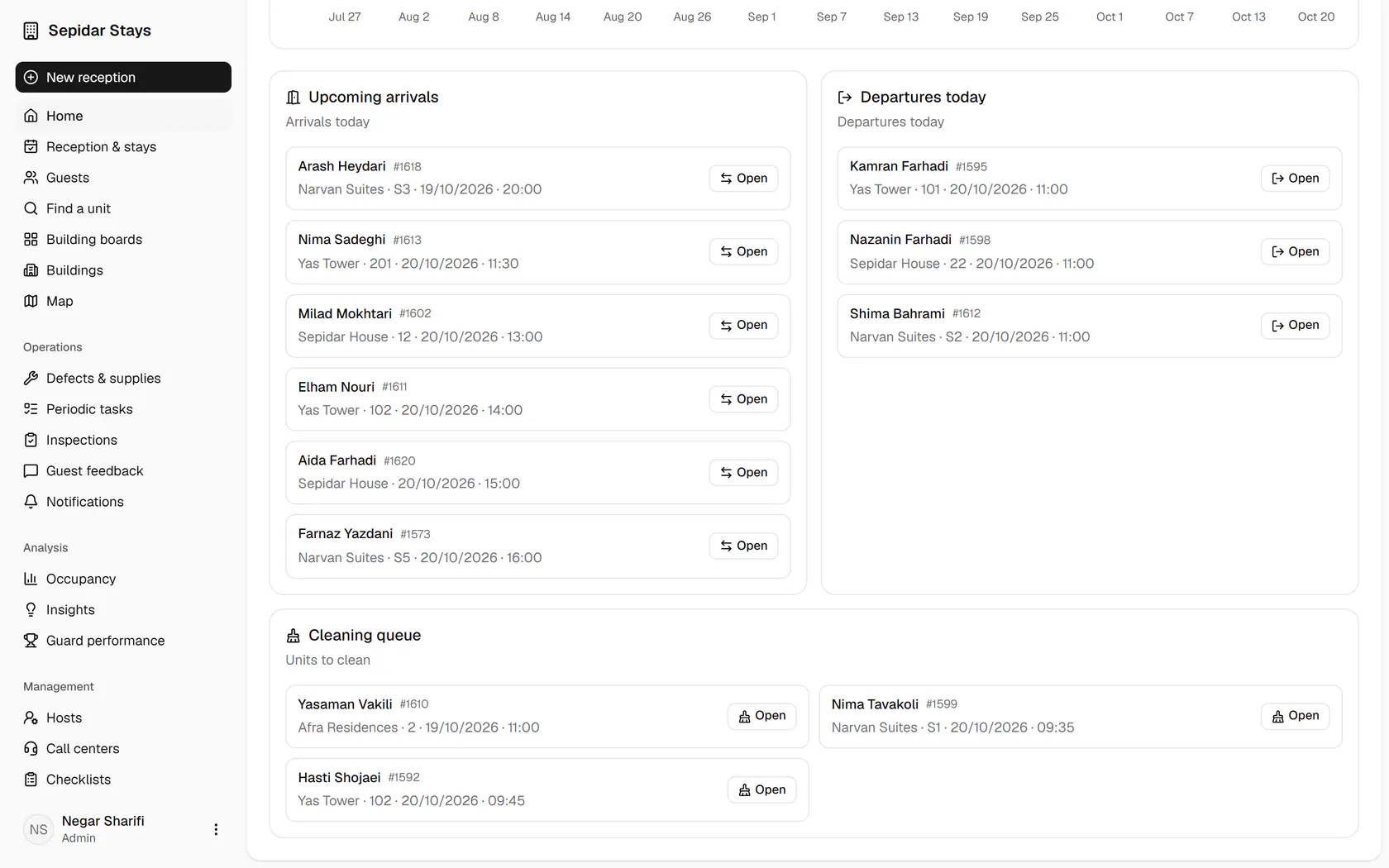
The admin sees at a glance what needs attention today: requests, late arrivals, occupancy, arrivals, departures and cleaning.
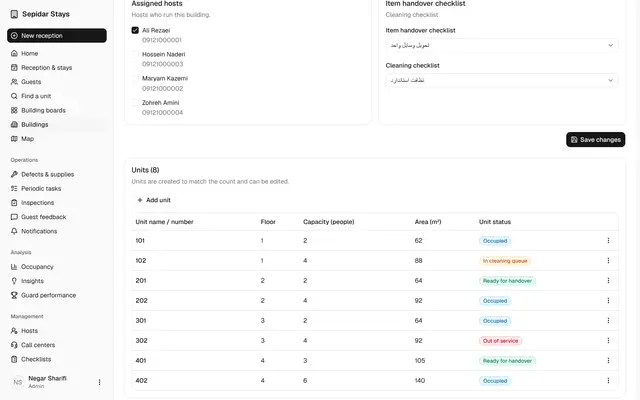
Buildings, units and the board
The admin keeps each building's units up to date and sees every unit's booking and operational state on the board.
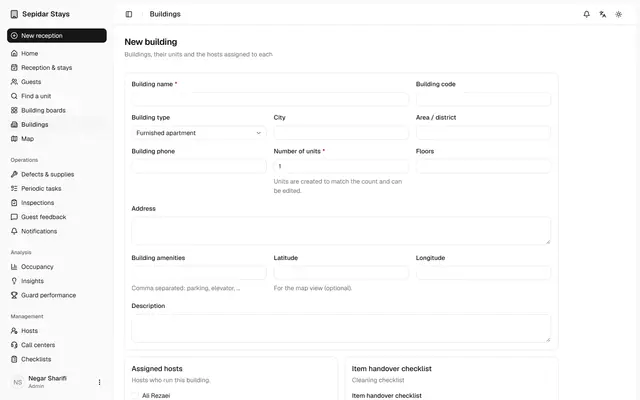
Add a new building
A new building with its host and checklists is set up in minutes, and its units are created automatically.
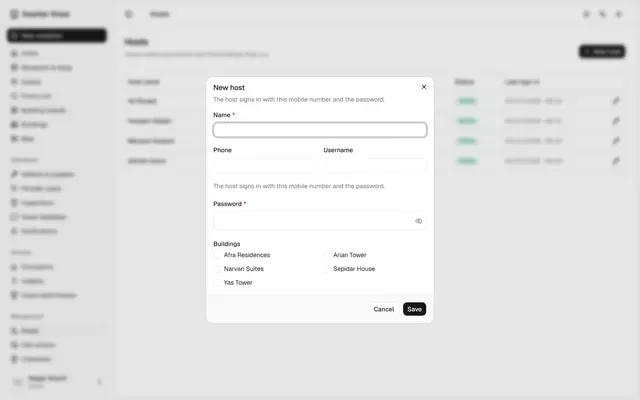
Hosts, call centers and users
The admin adds a host, checks each call center's users and keeps everyone who signs in to Mizban in one list.
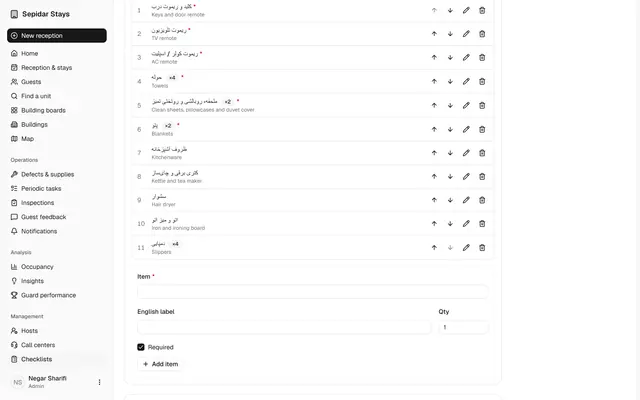
Edit the handover checklist
The admin decides which items are counted when a unit is handed over, so check-in and check-out stay accurate.
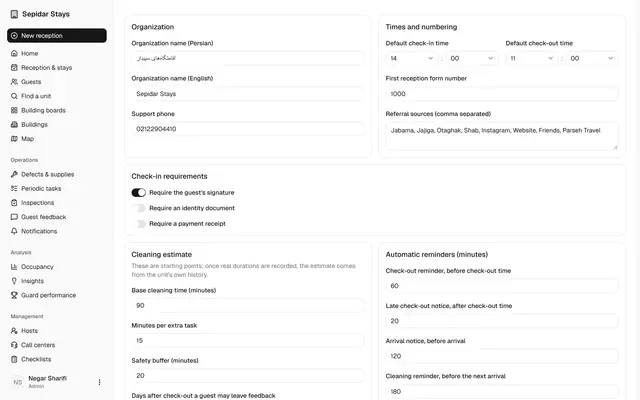
Organisation settings
The organisation's rules, from check-in requirements to reminders and the SMS gateway, are set on one page.
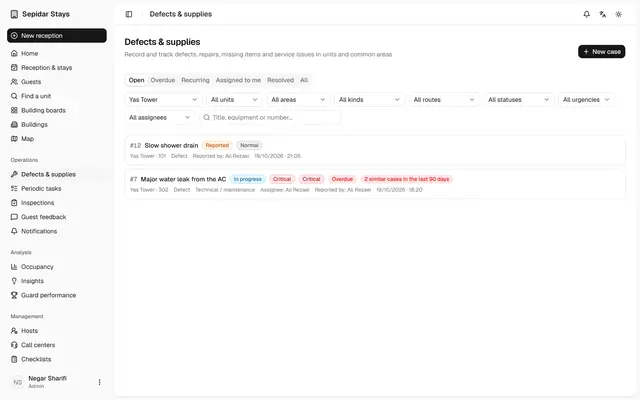
Triage a new case
The admin routes a case nobody has reviewed yet, so its owner, priority and call center notice are clear.
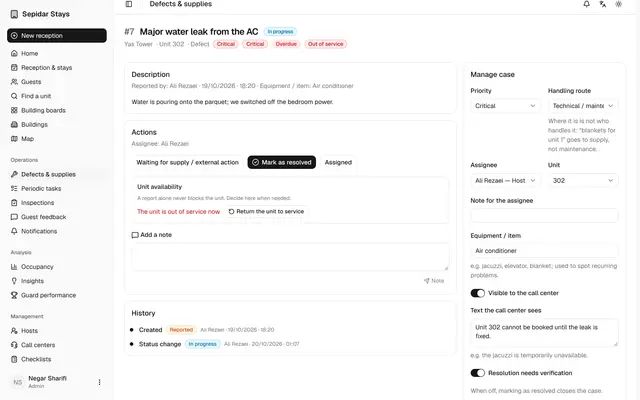
Critical case, unit out of service
A critical case shows why a unit is out of service, what the call center knows and what has happened so far.
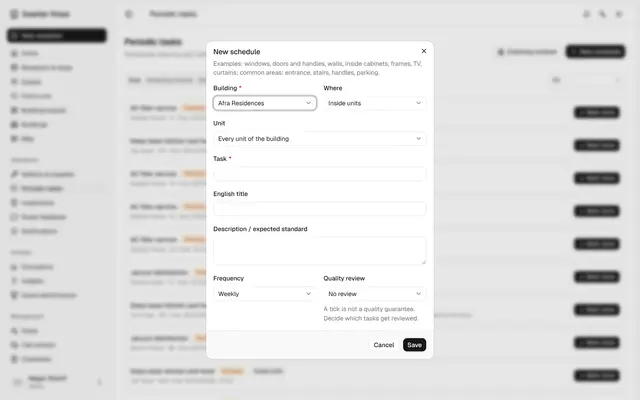
Schedule a periodic task
Recurring work like washing curtains is scheduled once and reaches the host on time by itself.
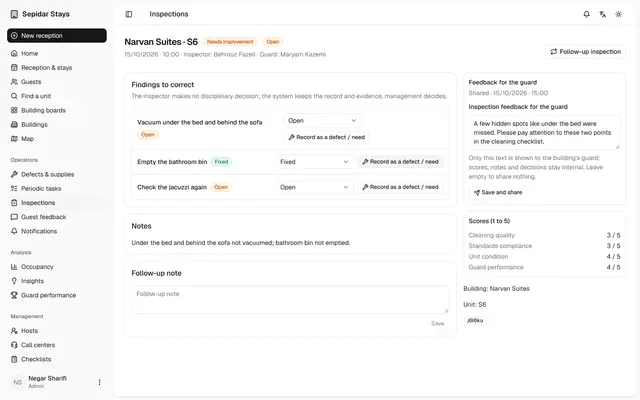
Share inspection feedback
The admin turns an inspection into clear feedback for the host, while scores and internal notes stay private.
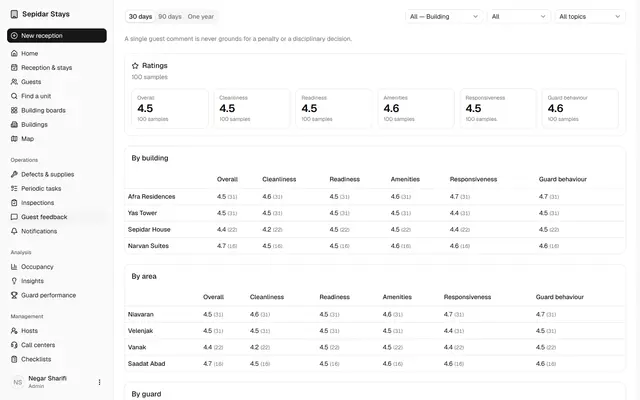
Guest feedback
The admin reads guest scores by building, files a guest's problem report and turns it into a trackable case.
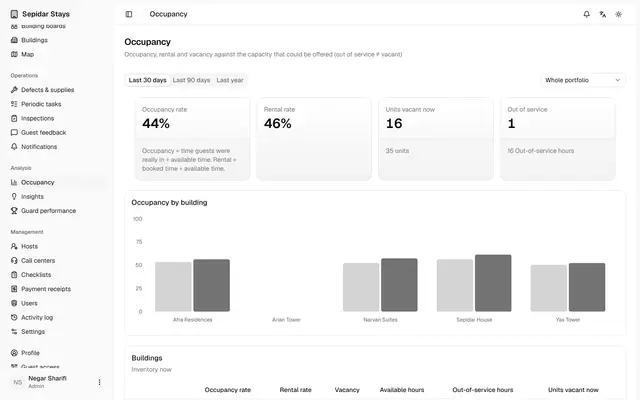
Occupancy, insights and map
The admin reads occupancy, answers to management questions, host performance and the building map from real data.
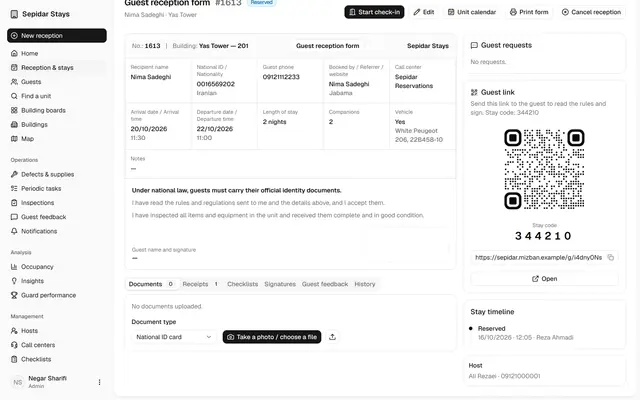
Verify a payment receipt
Receipts uploaded by guests are checked and verified, so no check-in waits on an unconfirmed payment.
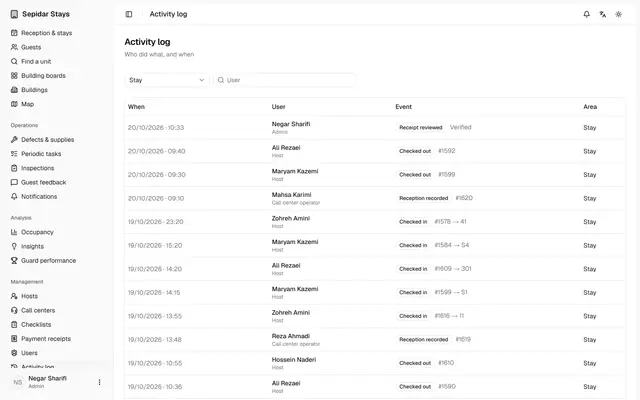
Activity log and notifications
The admin sees who did what, and which texts and reminders were sent and with what status.