Edit the handover checklist
The admin decides which items are counted when a unit is handed over, so check-in and check-out stay accurate.
AdminOn a computer7 steps
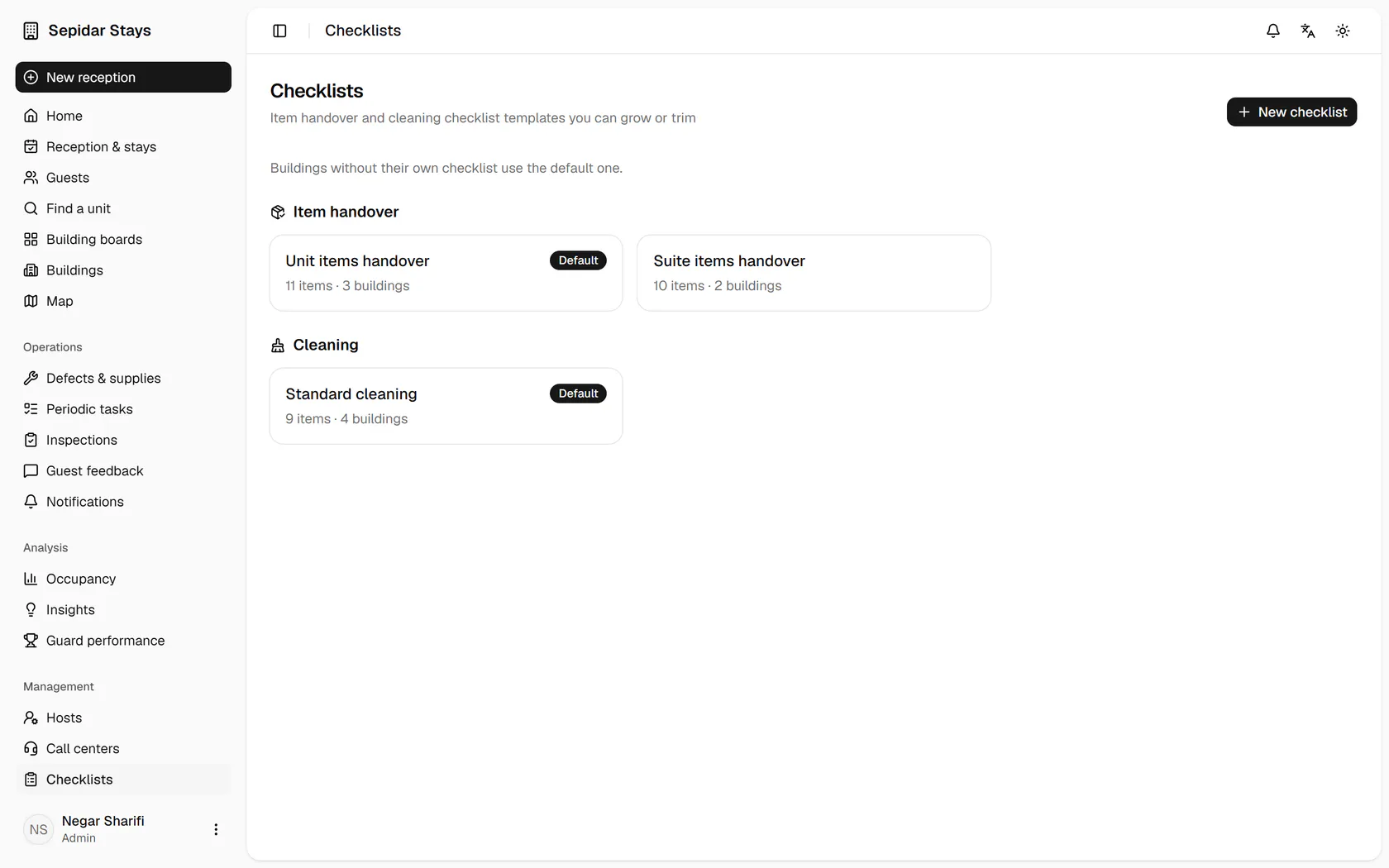
Checklists are grouped into item handover and cleaning; open the default handover list.
Step by step
- 1
Checklists are grouped into item handover and cleaning; open the default handover list.
- 2
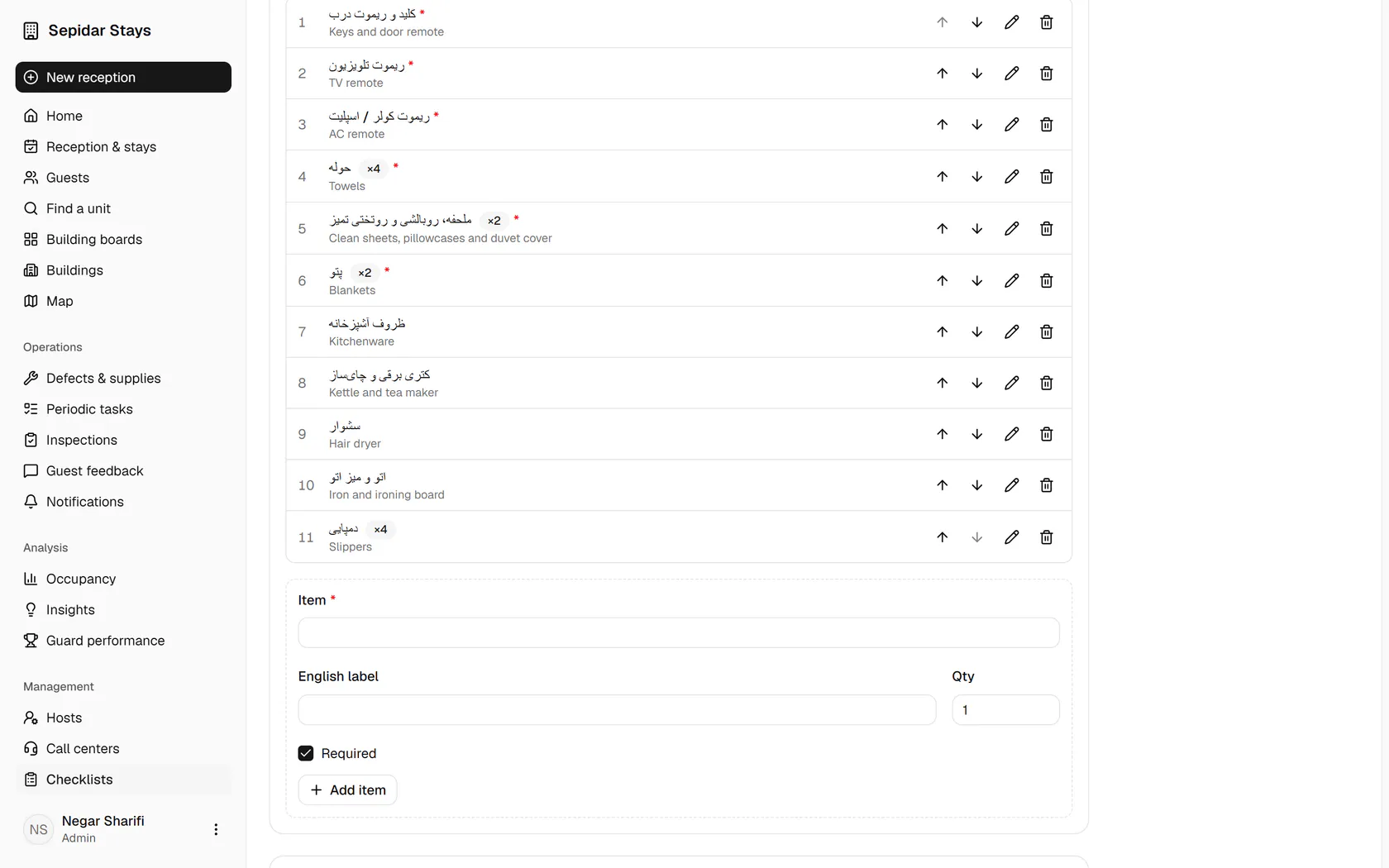
Use the arrows to reorder the items; the hair dryer moves up one row.
- 3
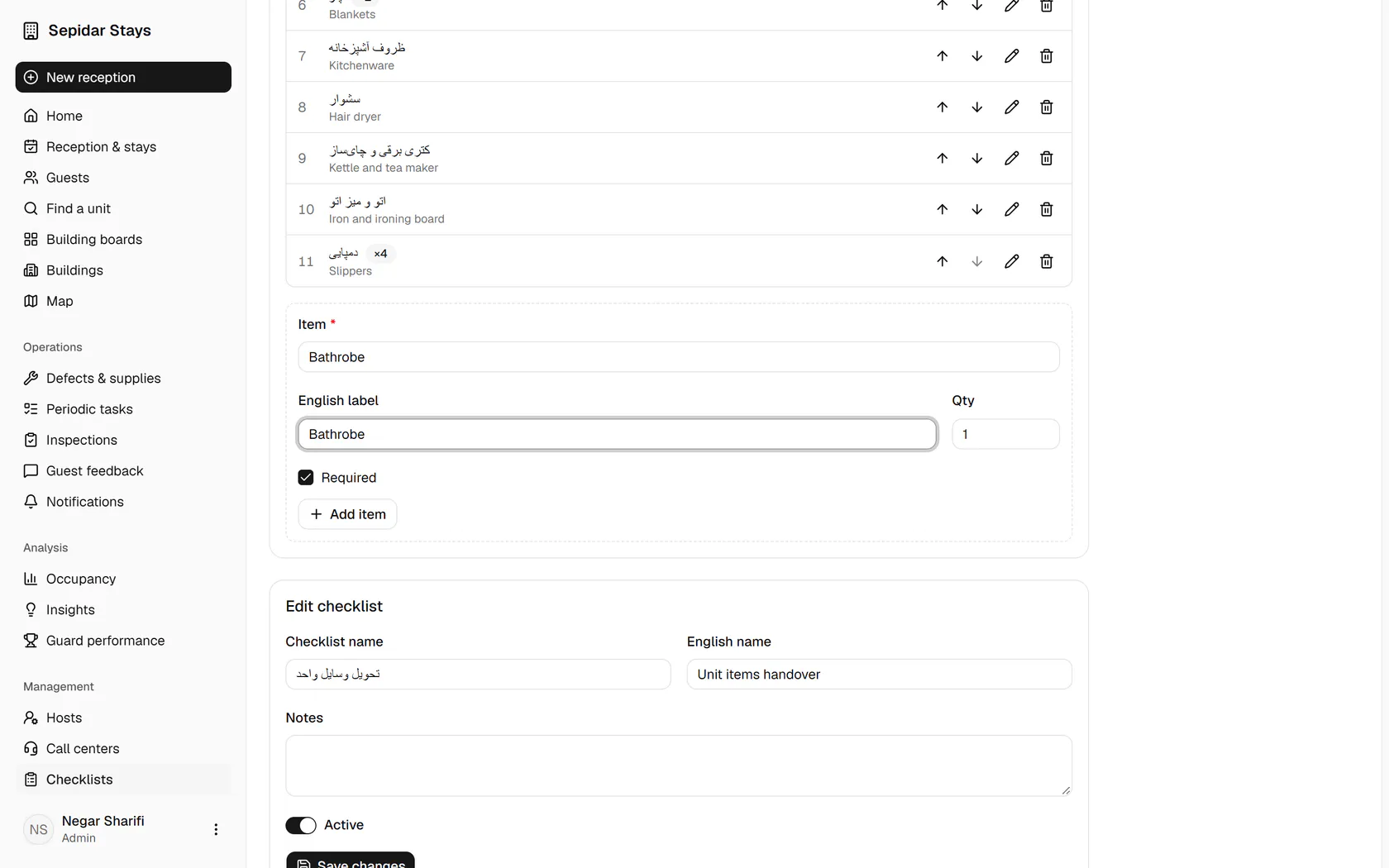
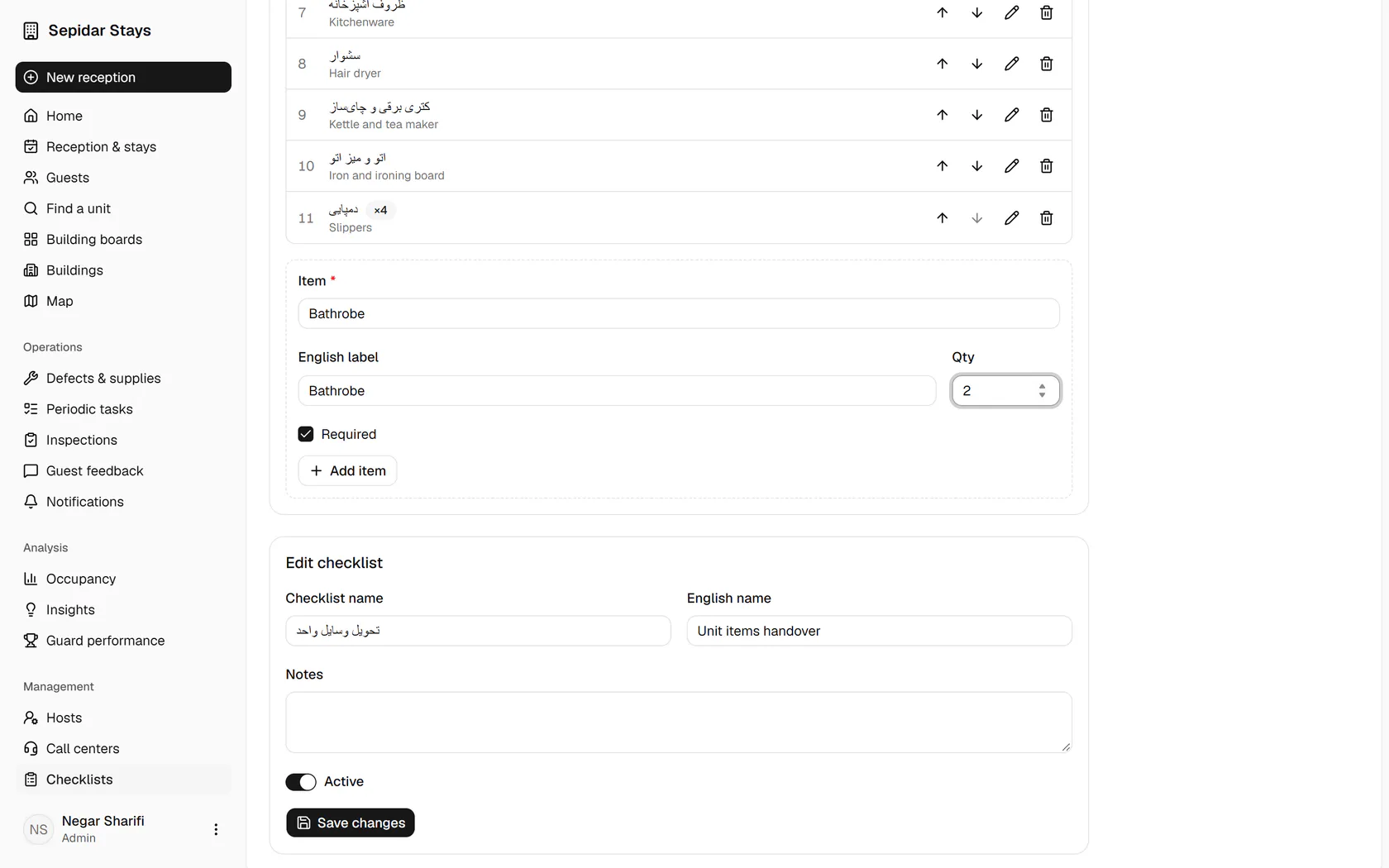
Type a label for the new item, for example a bathrobe, plus its English label.
- 4
Enter the quantity, so the same number is counted at check-in and check-out.
- 5
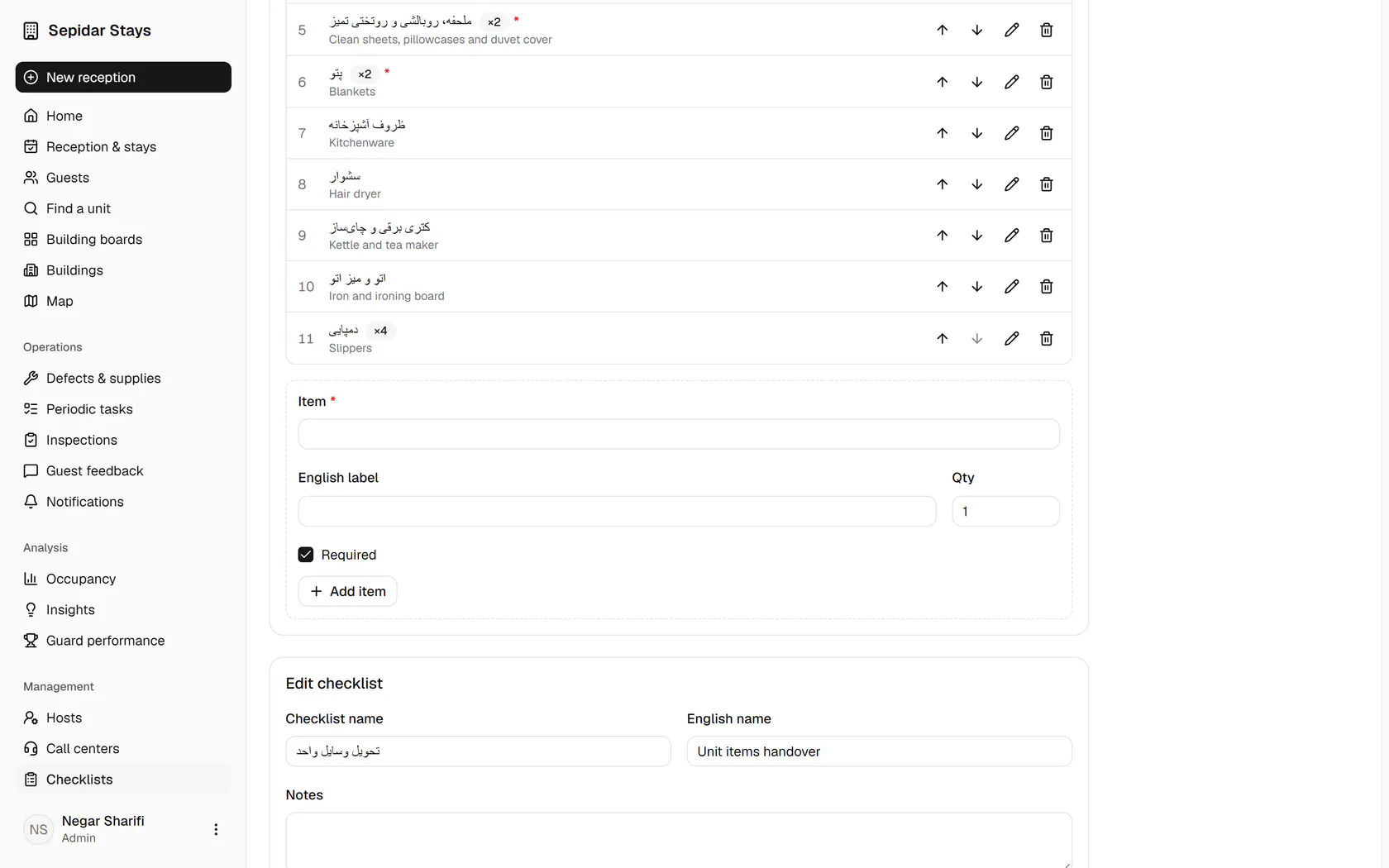
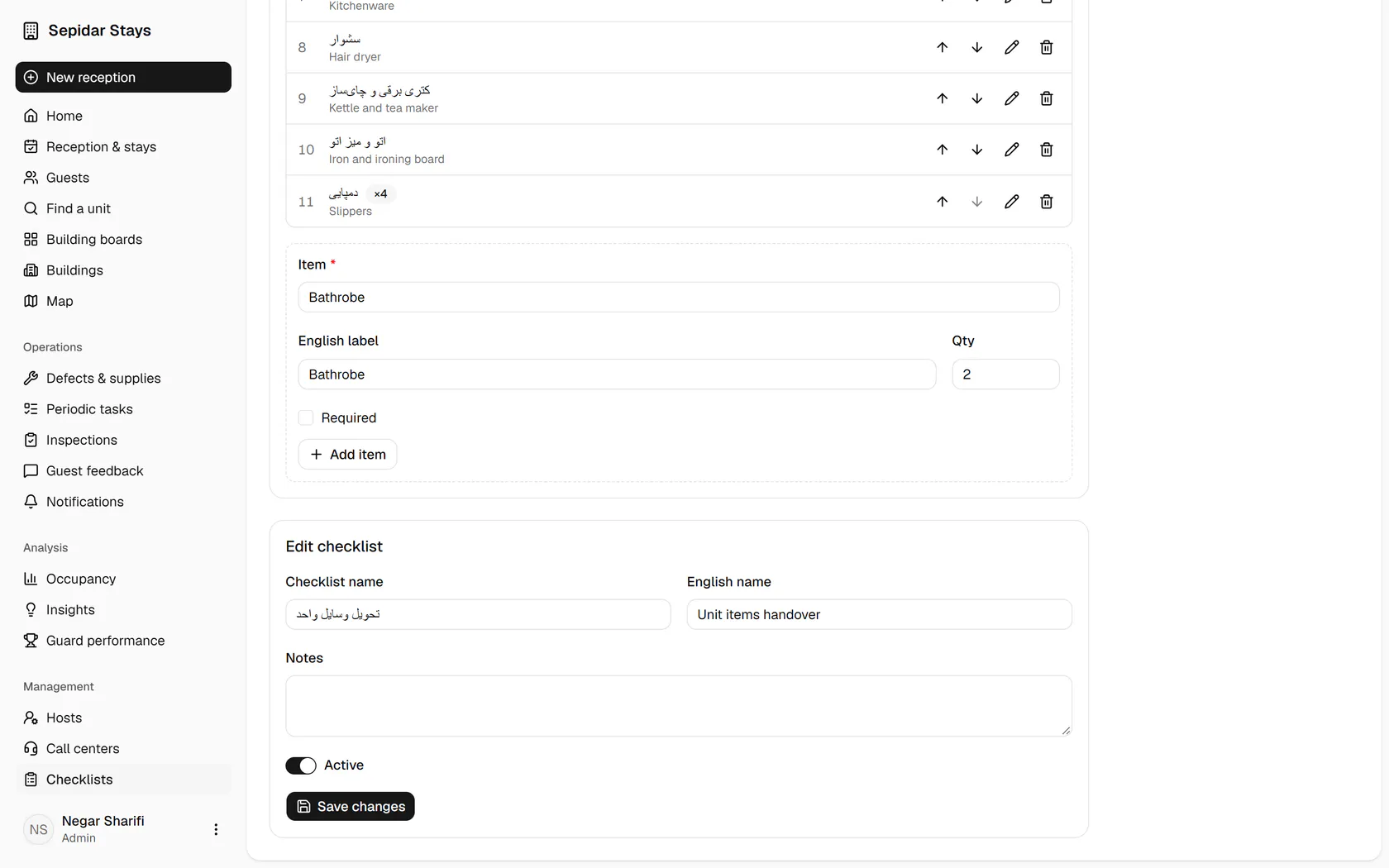
If a missing item should not block the handover, untick Required.
- 6
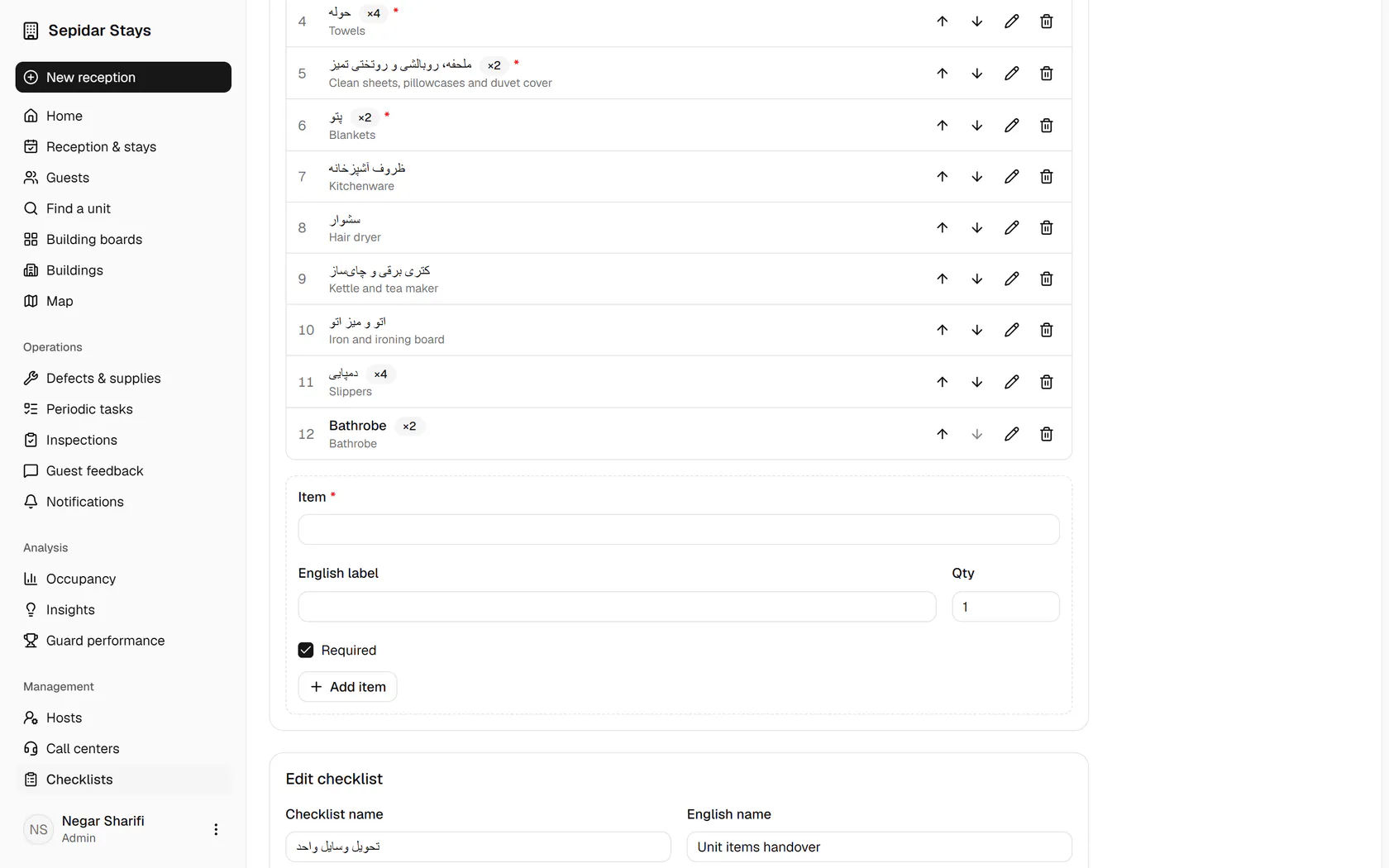
Click Add item to put the new item at the end of the list.
- 7
The bathrobe, quantity 2, is now on the list and counted at every handover.