Hosts, call centers and users
The admin adds a host, checks each call center's users and keeps everyone who signs in to Mizban in one list.
AdminOn a computer8 steps
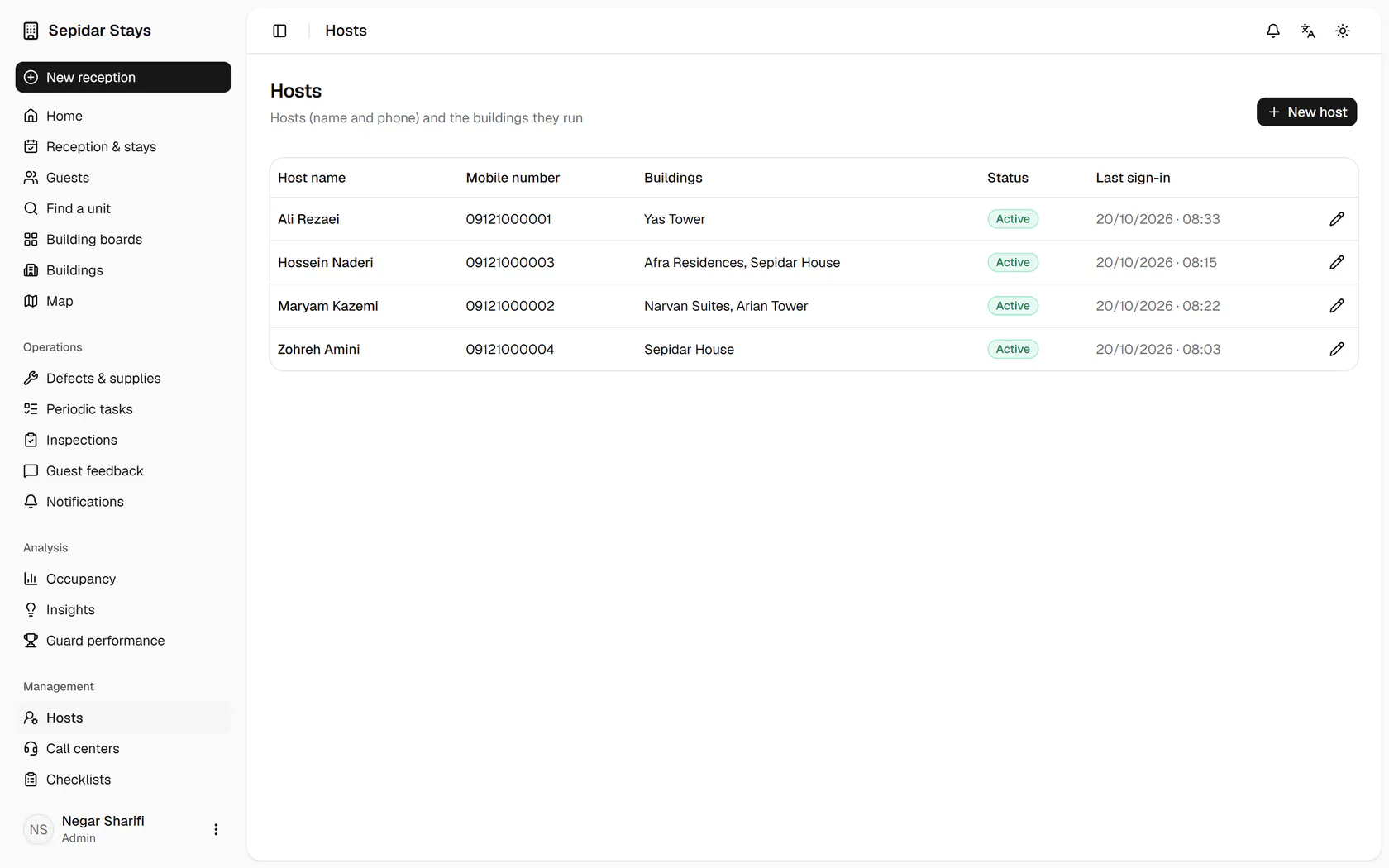
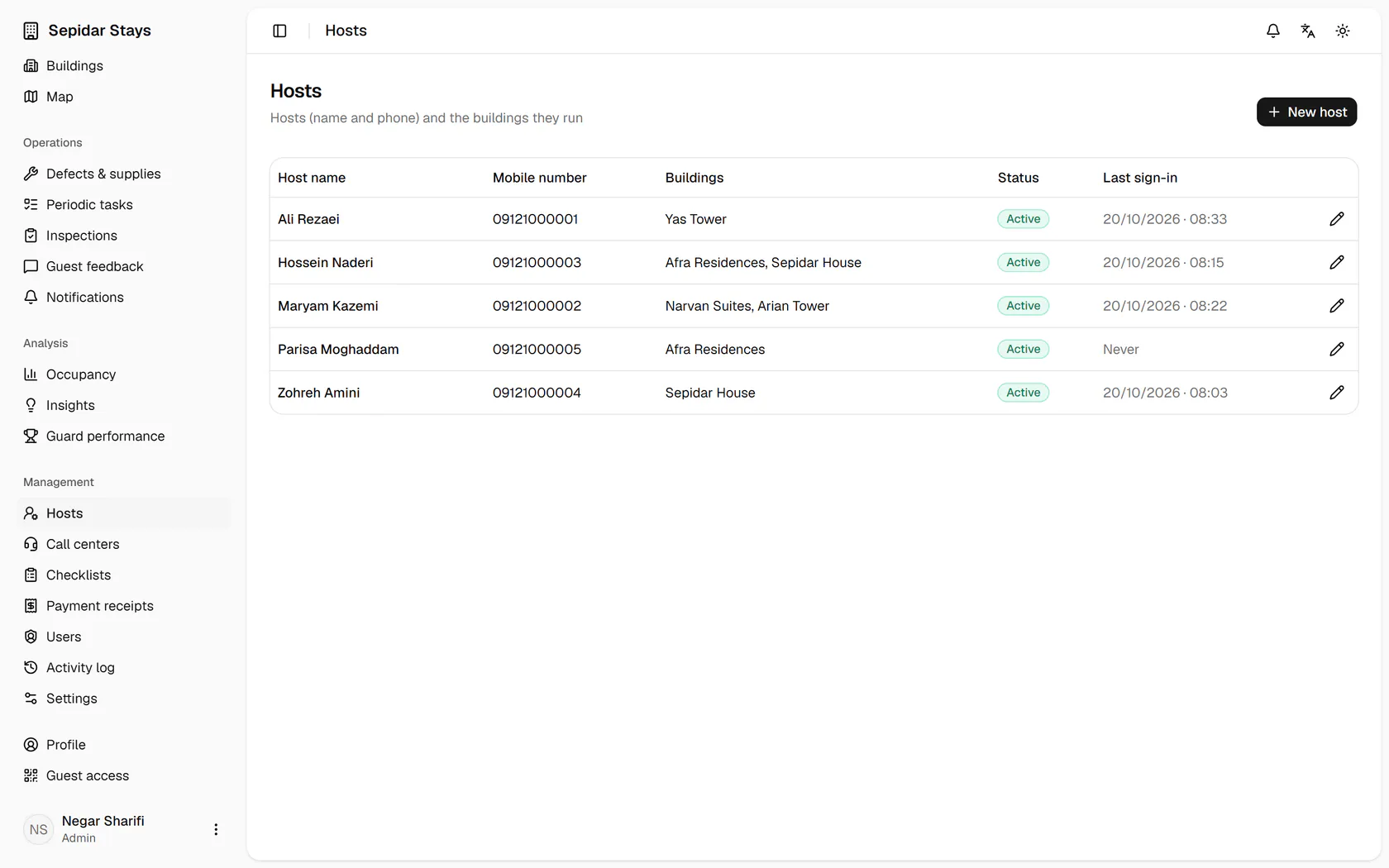
The hosts list shows their buildings and last sign-in; click New host.
Step by step
- 1
The hosts list shows their buildings and last sign-in; click New host.
- 2
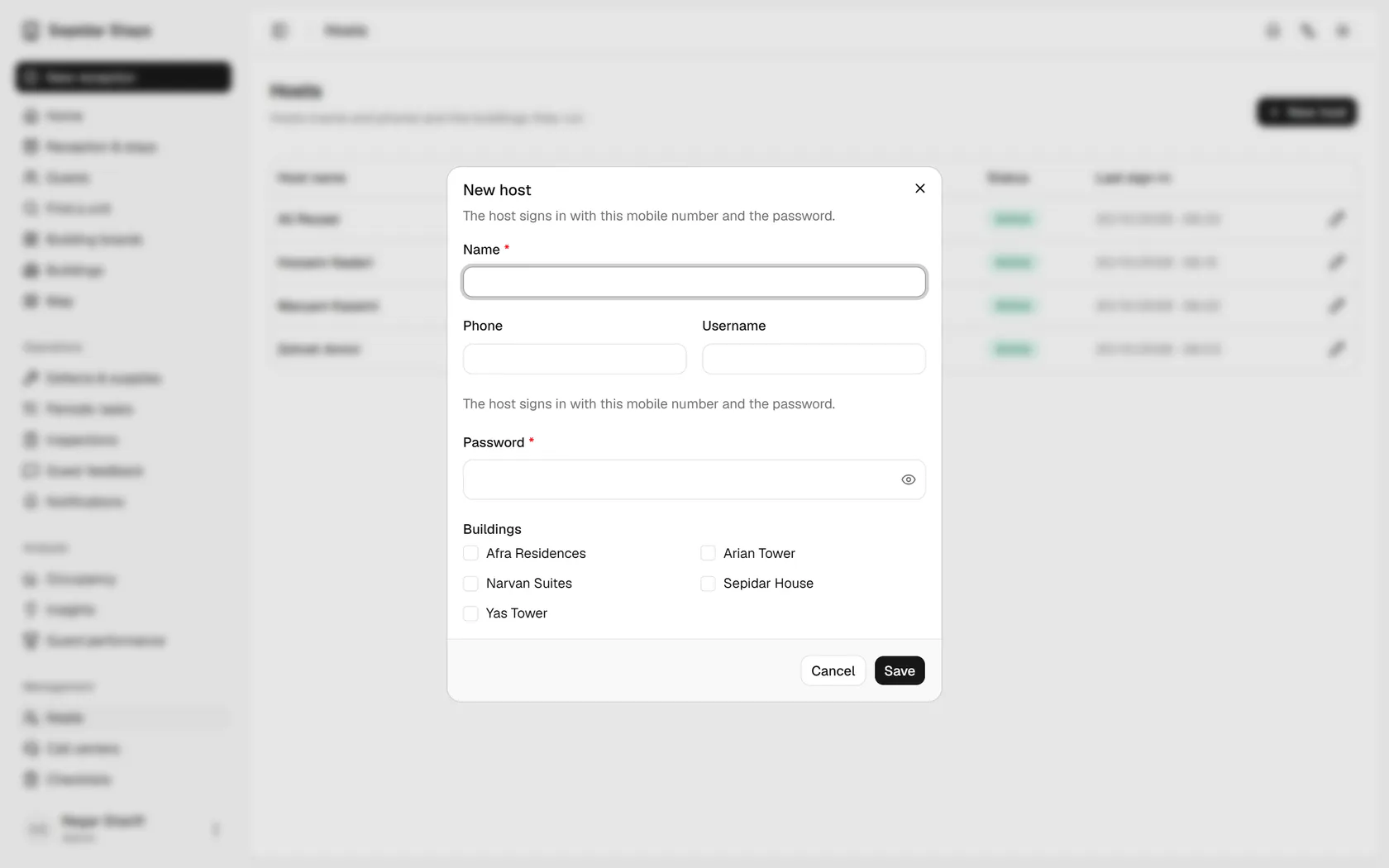
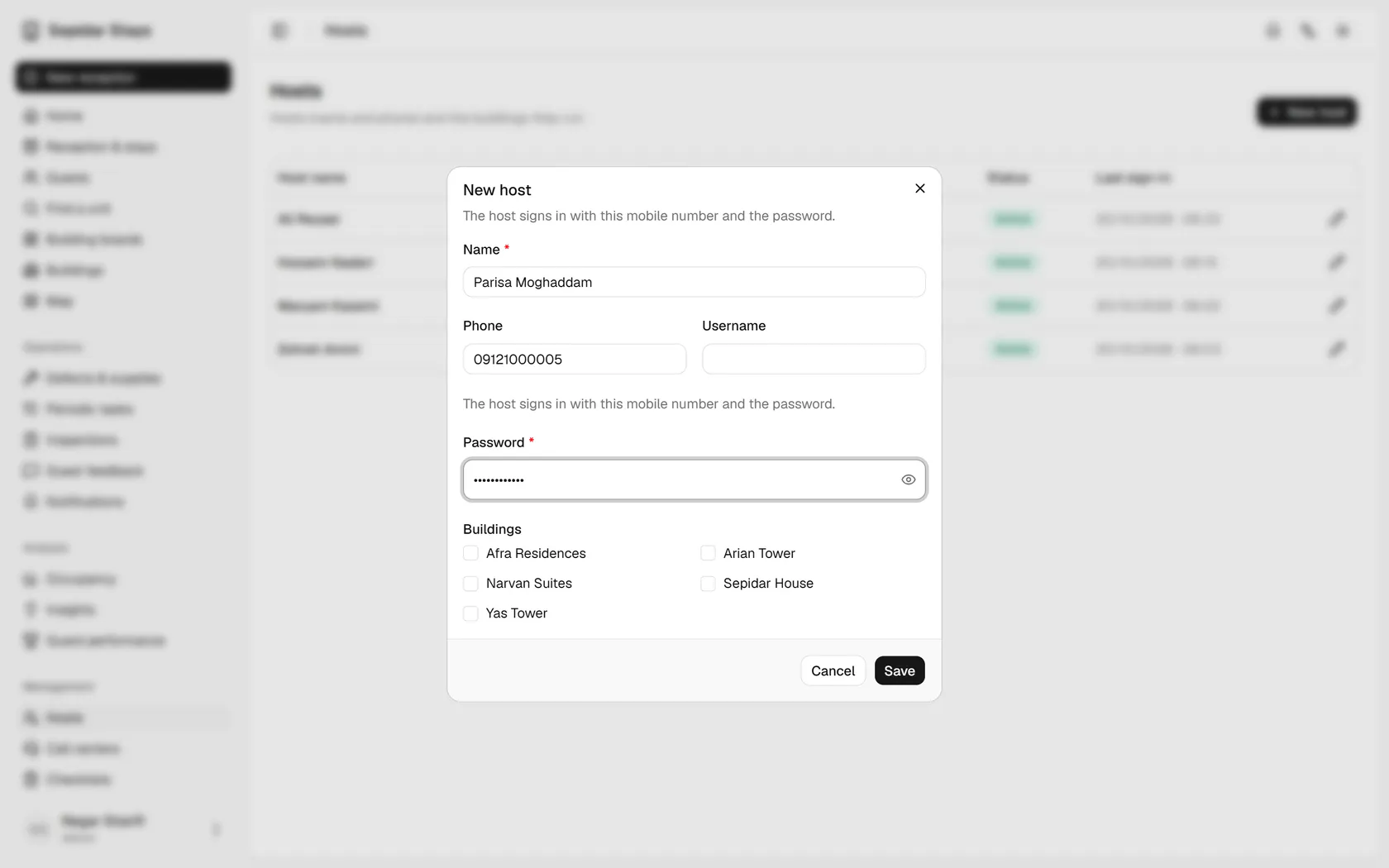
Type the host's name; they sign in with their mobile number and a password.
- 3
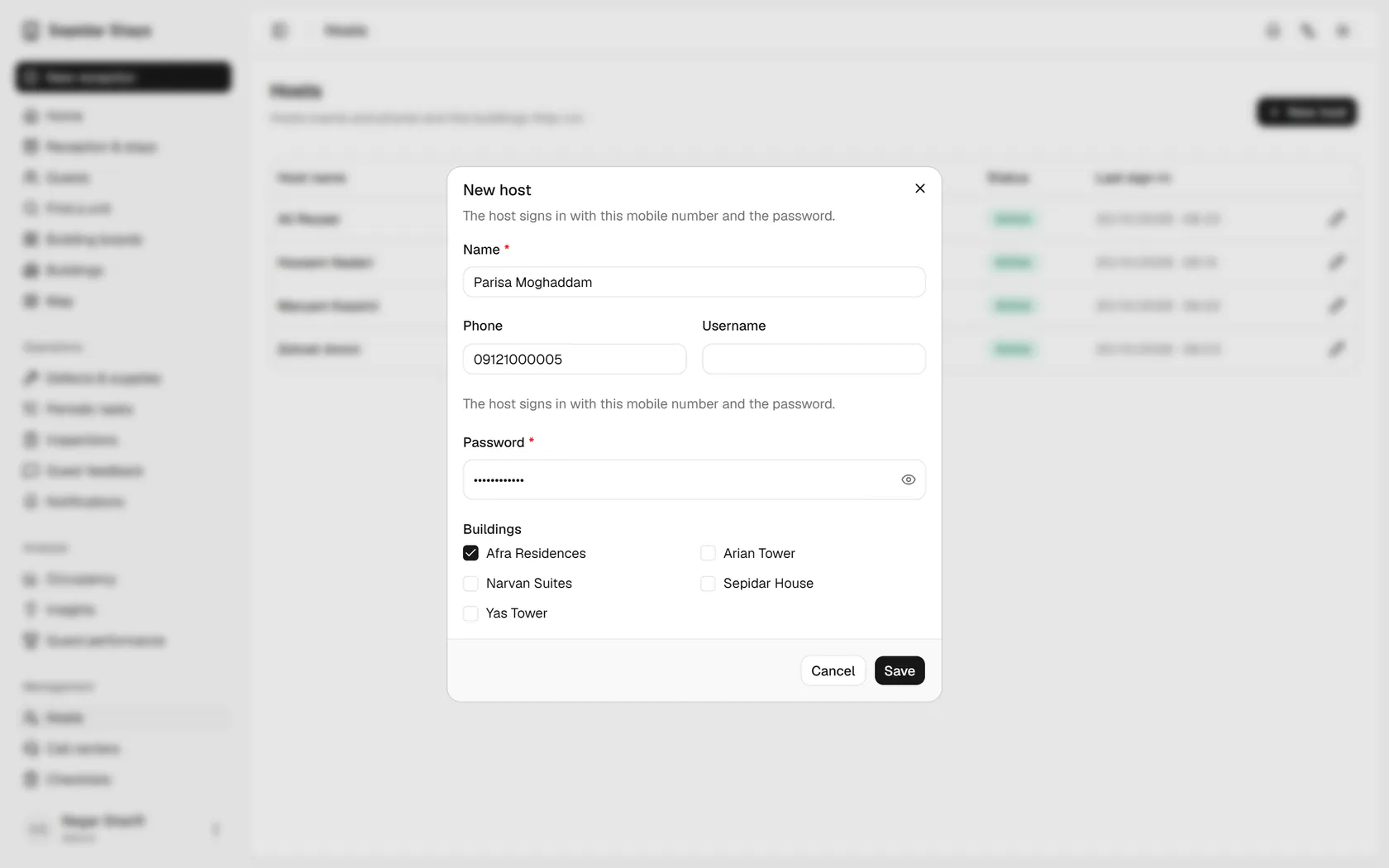
Tick the building this host will run.
- 4
Save, and the new host joins the list.
- 5
The new host is in the list; now open Call centers from the menu.
- 6
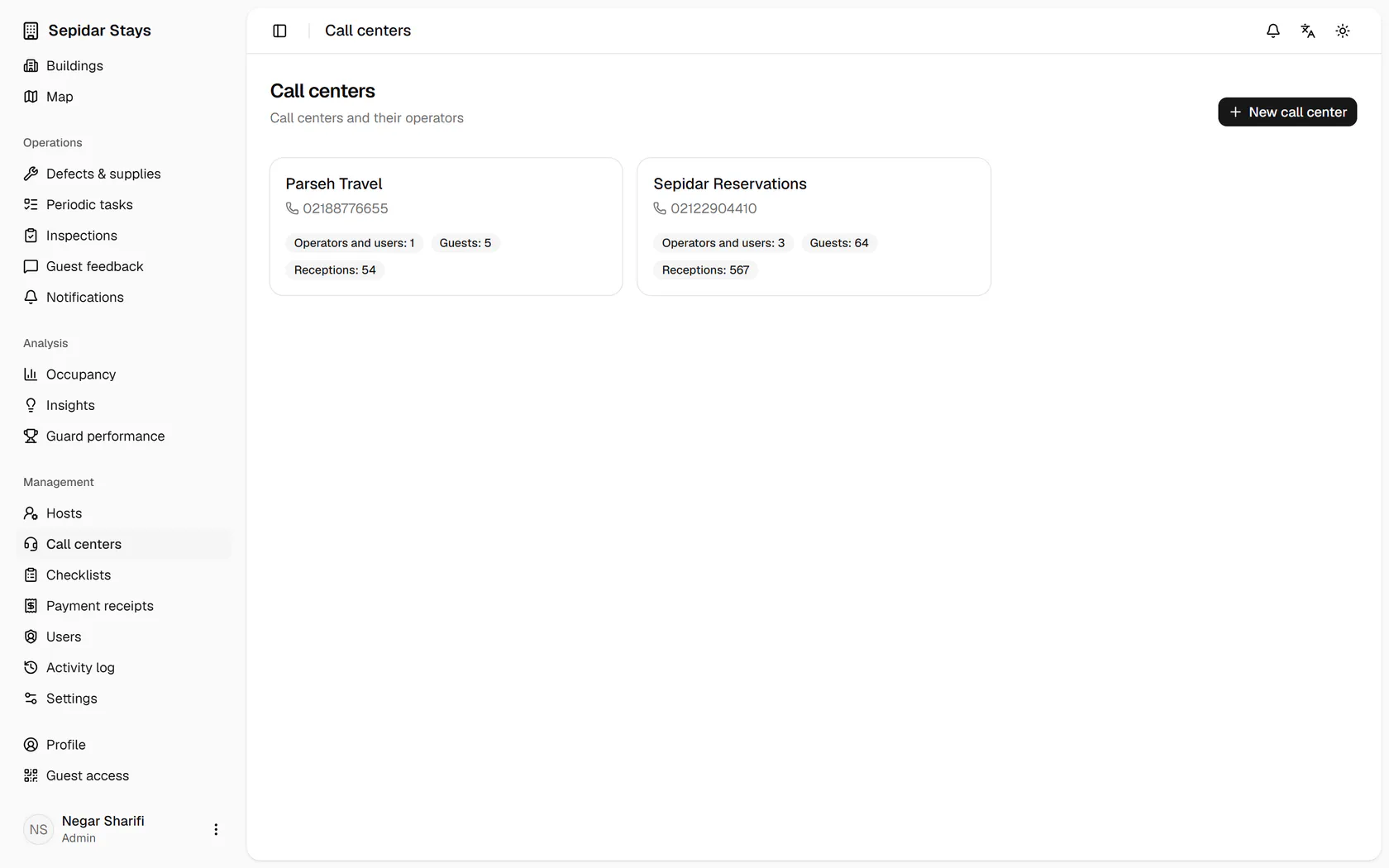
Each call center shows its users, guests and bookings; open Sepidar Reservations.
- 7
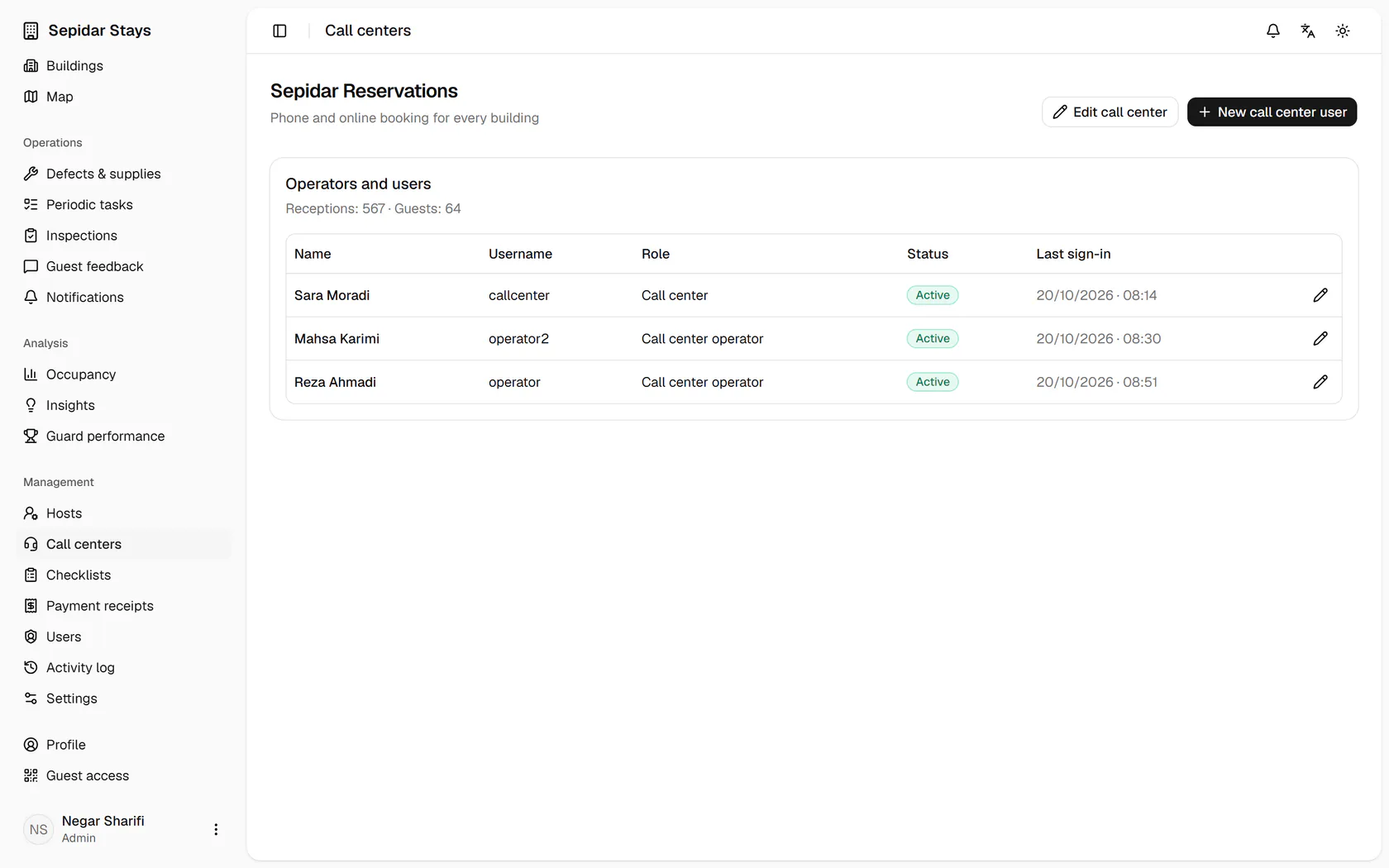
Its operators and manager are listed with role and last sign-in; then open Users.
- 8
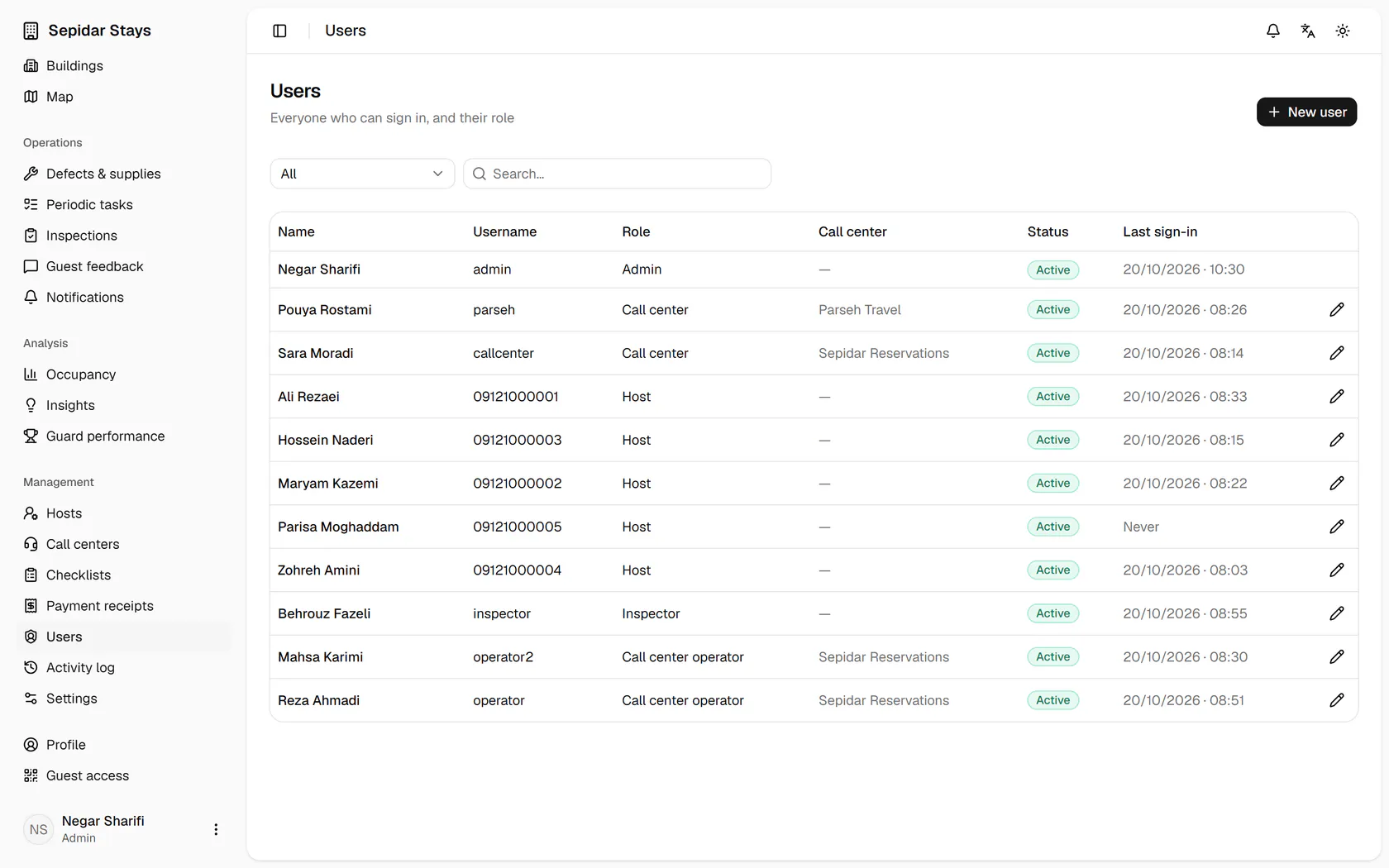
Every Mizban user appears in one searchable table with role, call center and status.