Skip to content
Mizban

Add a new building

A new building with its host and checklists is set up in minutes, and its units are created automatically.

AdminOn a computer8 steps
On the buildings page, click New building.Type the building name; the code, city and phone fields sit right beside it.Choose the building type, for example hotel apartment, suite or furnished apartment.With the area and address in place, enter the number of units and floors.Tick the host who runs this building, so its daily work reaches them.Pick the handover checklist and cleaning checklist for this building, or keep the defaults.Save, and the building is created and its page opens.Six units were created to match the count, all ready for handover.

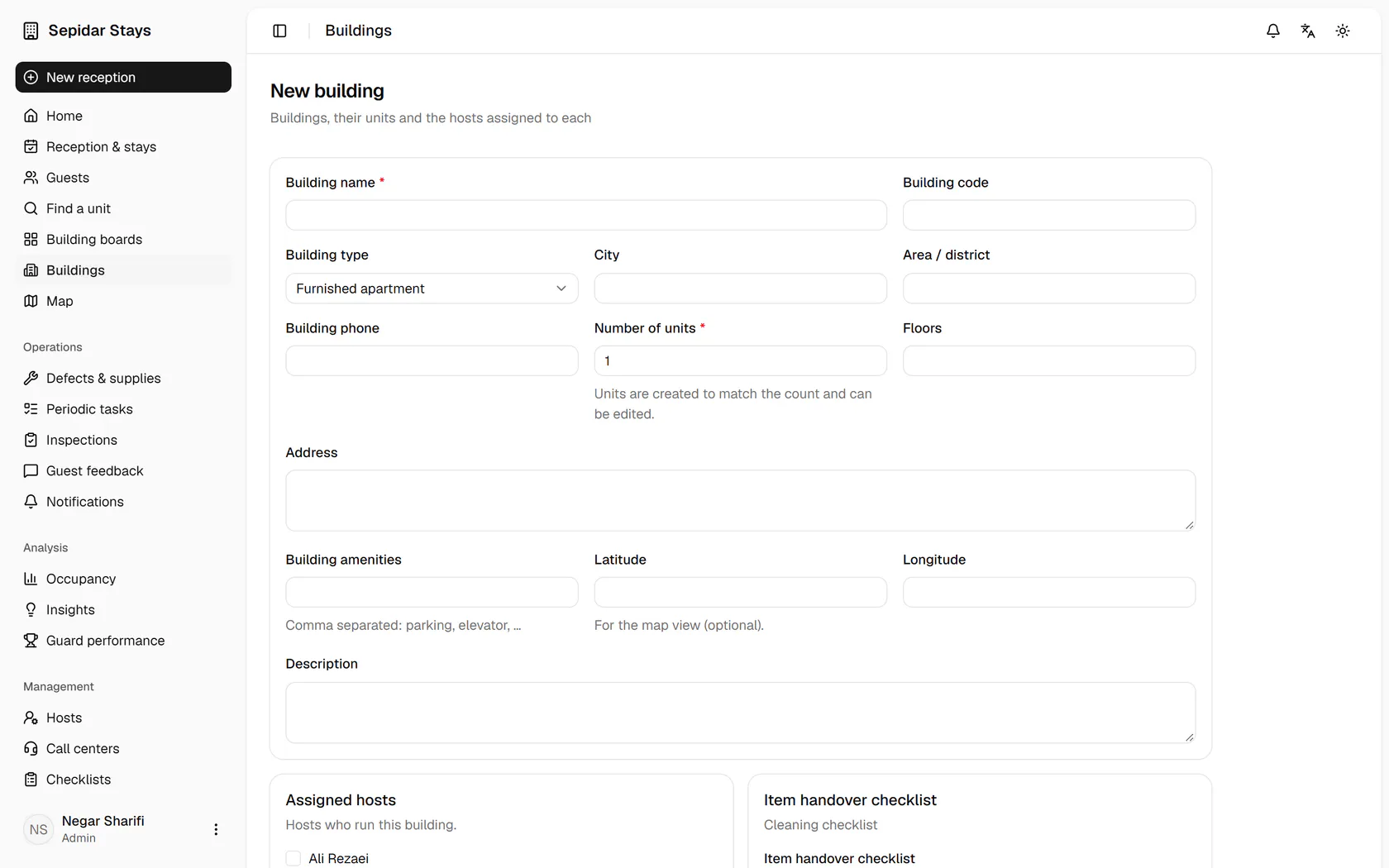
On the buildings page, click New building.

Step by step

  1. 1

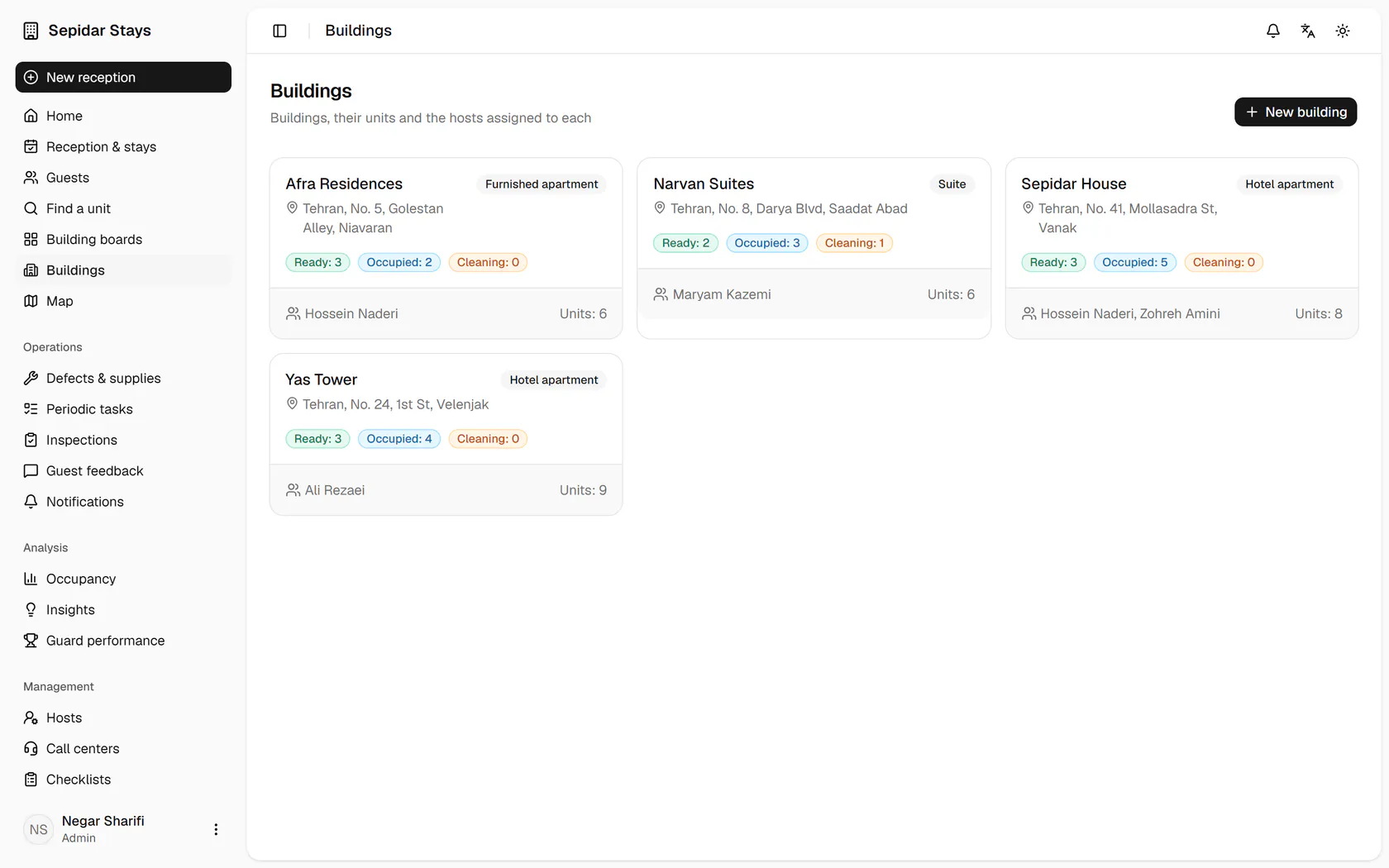
    On the buildings page, click New building.

    On the buildings page, click New building.
  2. 2

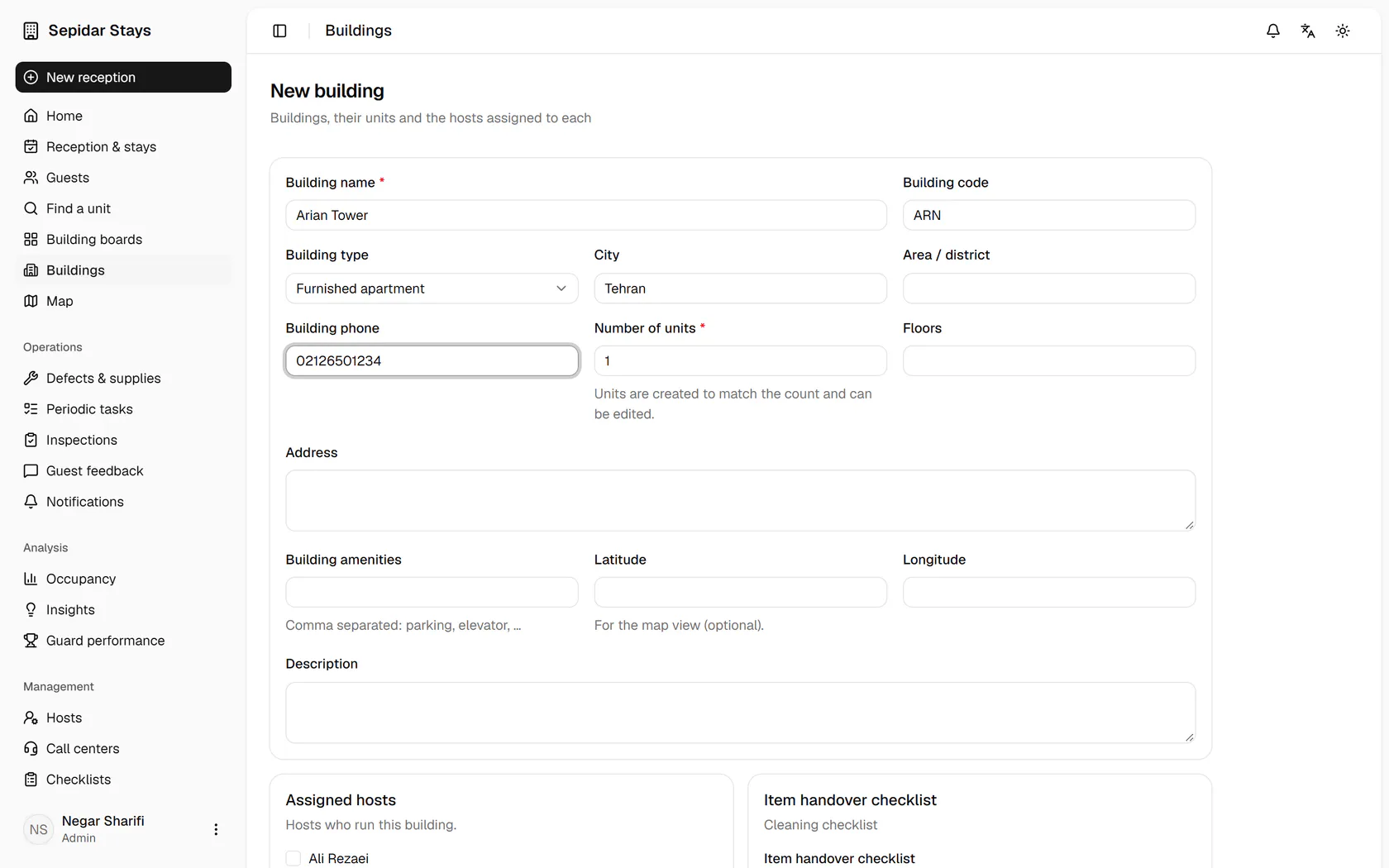
    Type the building name; the code, city and phone fields sit right beside it.

    Type the building name; the code, city and phone fields sit right beside it.
  3. 3

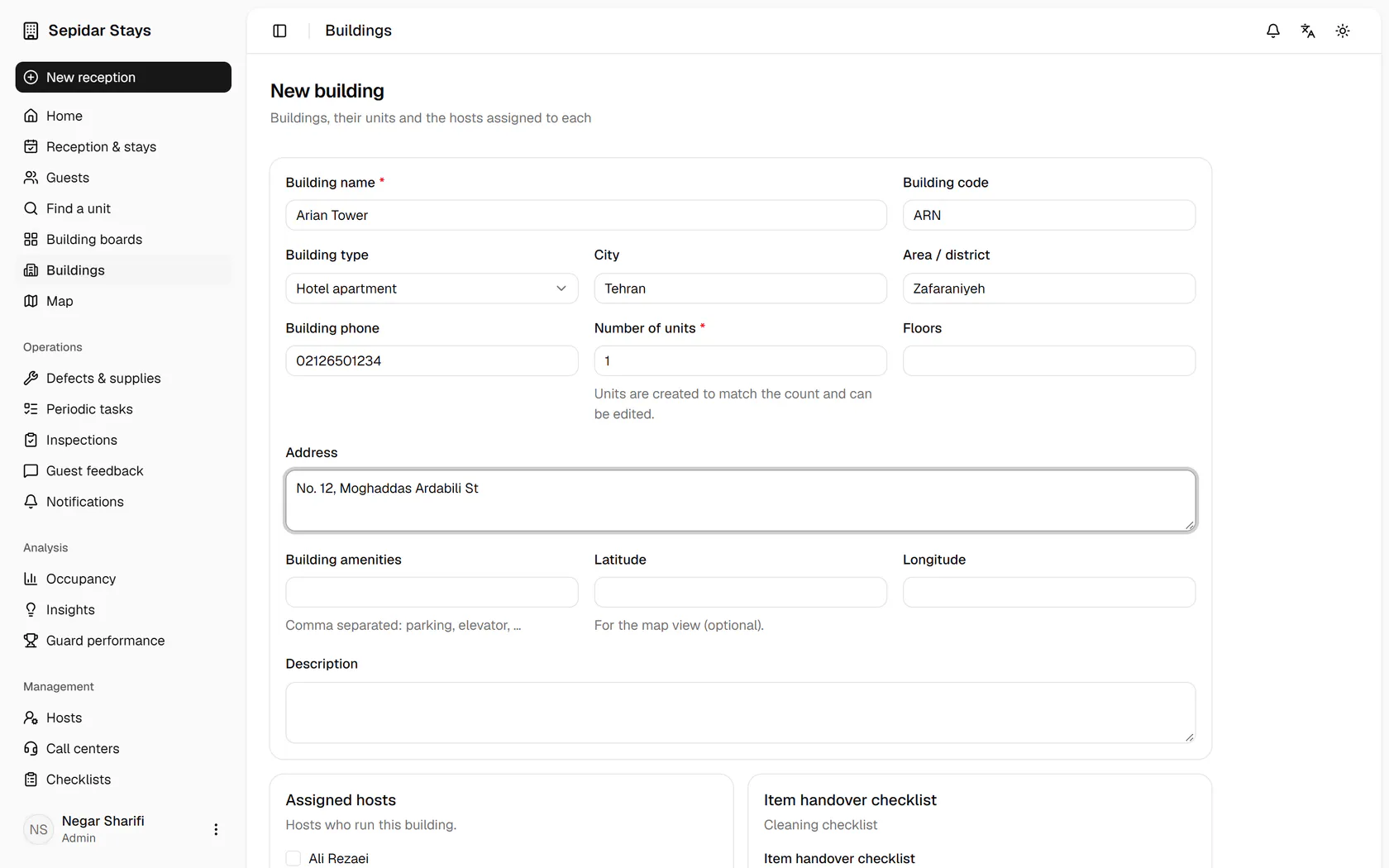
    Choose the building type, for example hotel apartment, suite or furnished apartment.

    Choose the building type, for example hotel apartment, suite or furnished apartment.
  4. 4

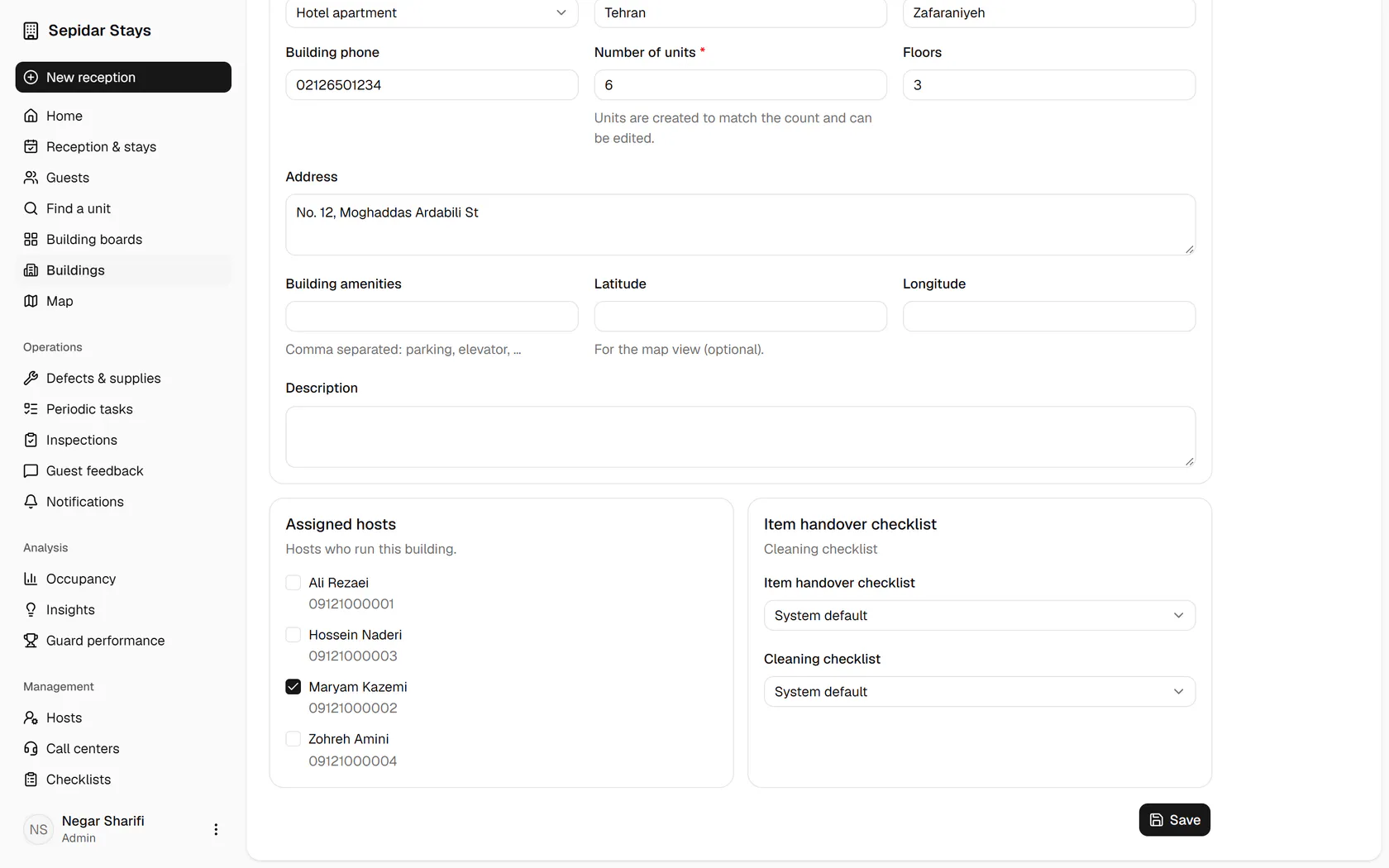
    With the area and address in place, enter the number of units and floors.

    With the area and address in place, enter the number of units and floors.
  5. 5

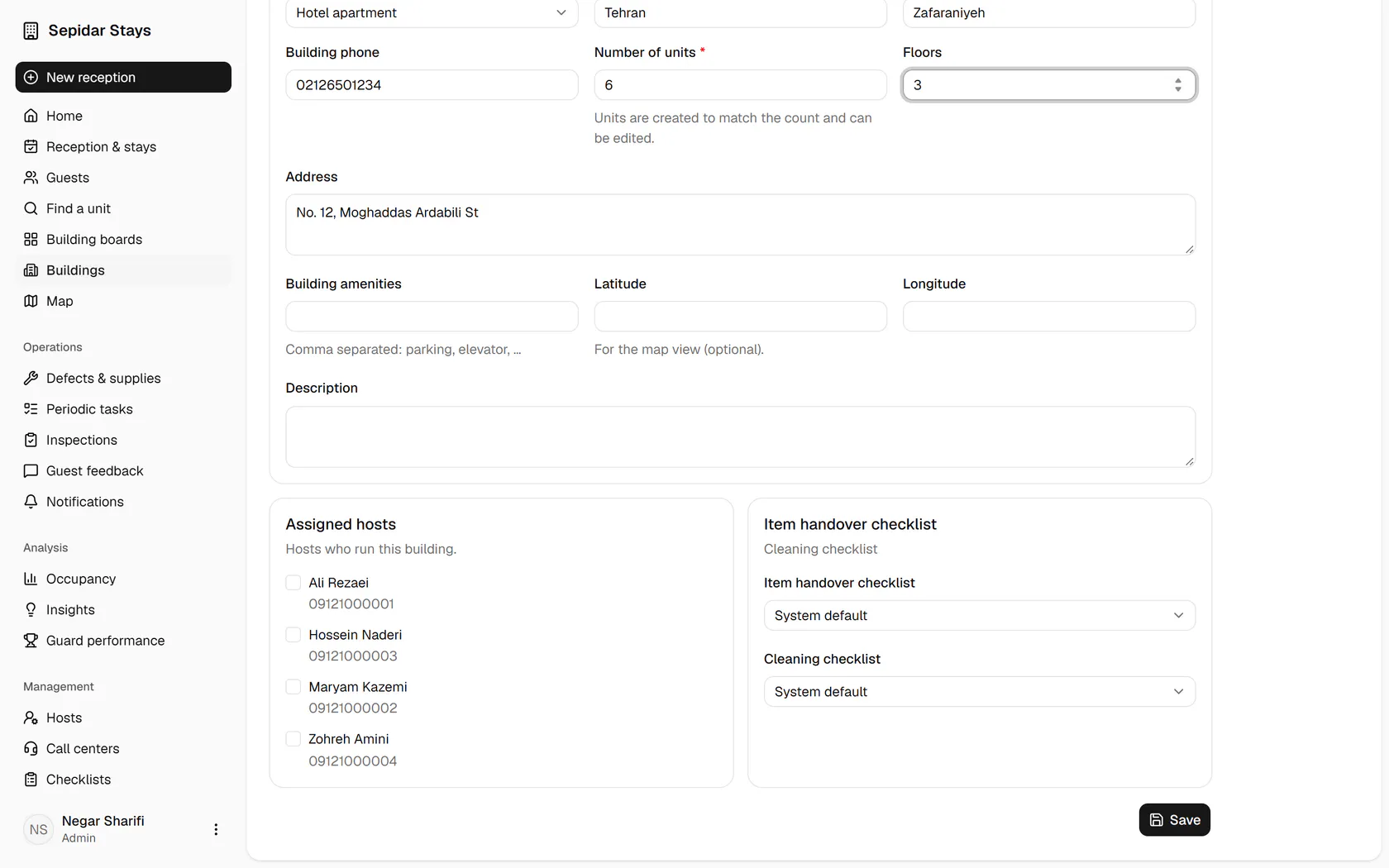
    Tick the host who runs this building, so its daily work reaches them.

    Tick the host who runs this building, so its daily work reaches them.
  6. 6

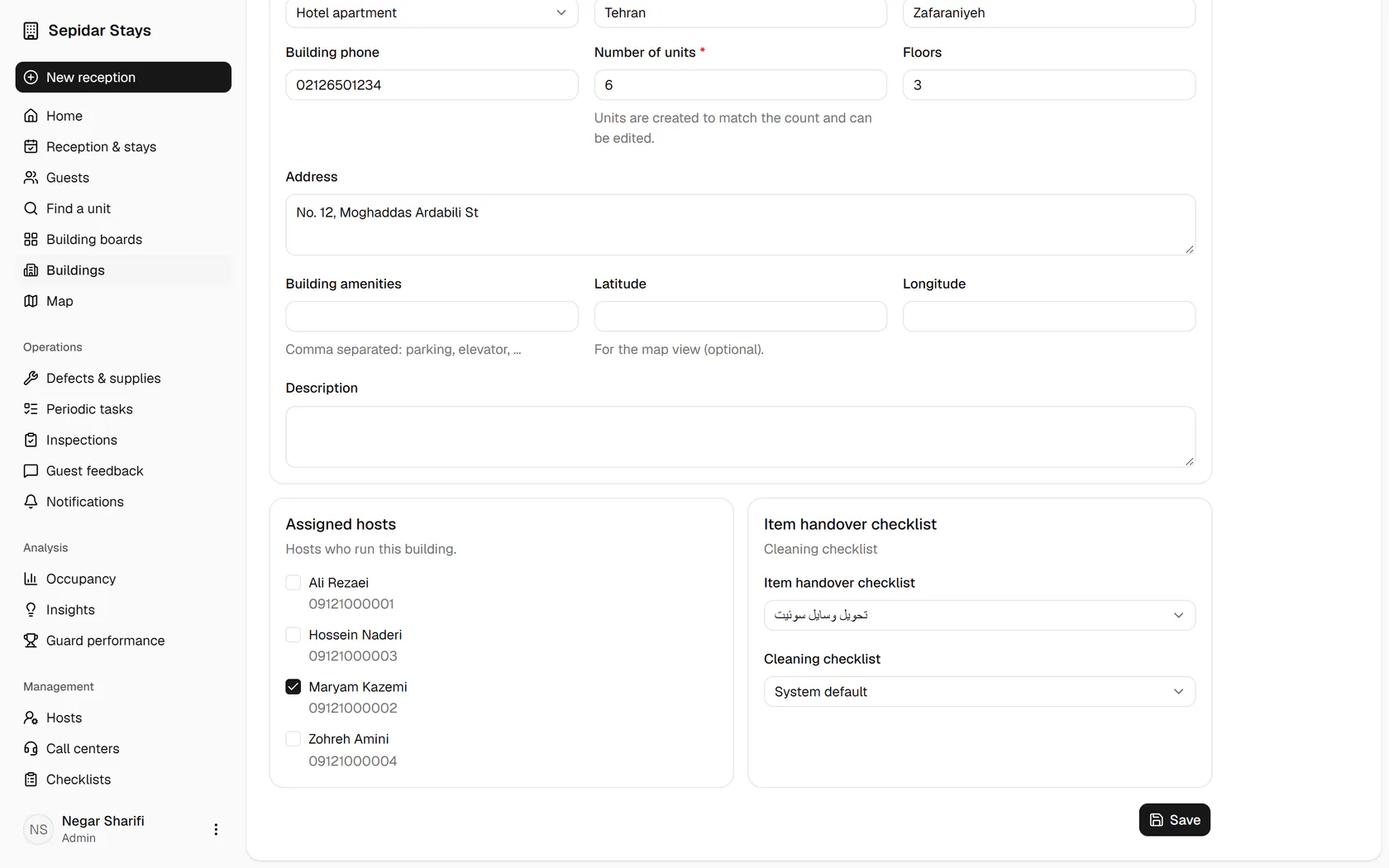
    Pick the handover checklist and cleaning checklist for this building, or keep the defaults.

    Pick the handover checklist and cleaning checklist for this building, or keep the defaults.
  7. 7

    Save, and the building is created and its page opens.

    Save, and the building is created and its page opens.
  8. 8

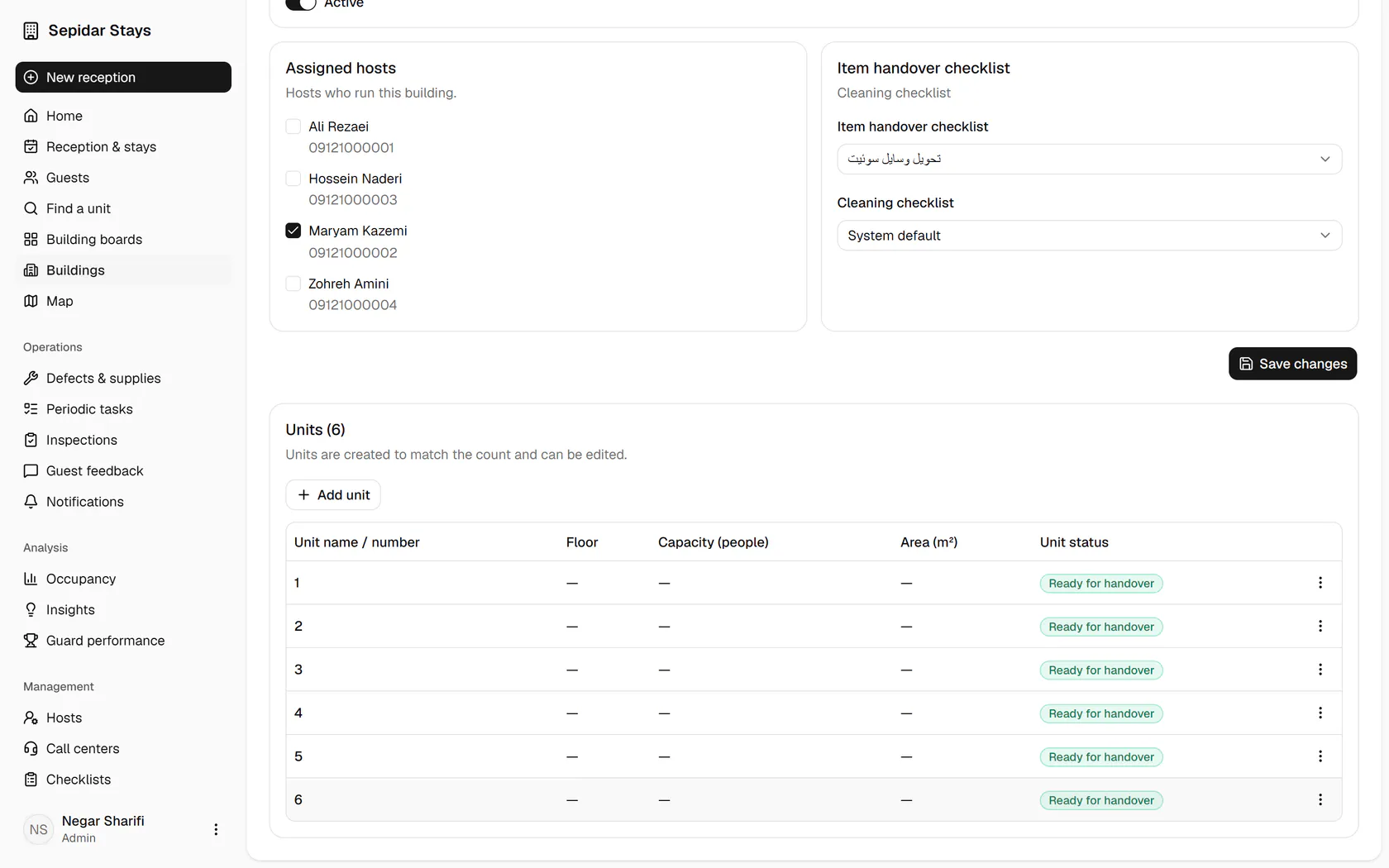
    Six units were created to match the count, all ready for handover.

    Six units were created to match the count, all ready for handover.