Skip to content
Mizban

Schedule a periodic task

Recurring work like washing curtains is scheduled once and reaches the host on time by itself.

AdminOn a computer8 steps
Due and overdue periodic tasks are listed here; click New schedule.Choose Yas Tower as the building.Decide whether the work is inside units or in common areas; here, inside every unit.Write the task title and the expected standard, so the host knows exactly what to do.Set the frequency to monthly, so the task comes round once a month.Choose sample review, because a tick alone does not guarantee quality.Save, and the schedule is created for the chosen units.The schedule is in the table, and a periodic task now exists for each Yas Tower unit.

Due and overdue periodic tasks are listed here; click New schedule.

Step by step

  1. 1

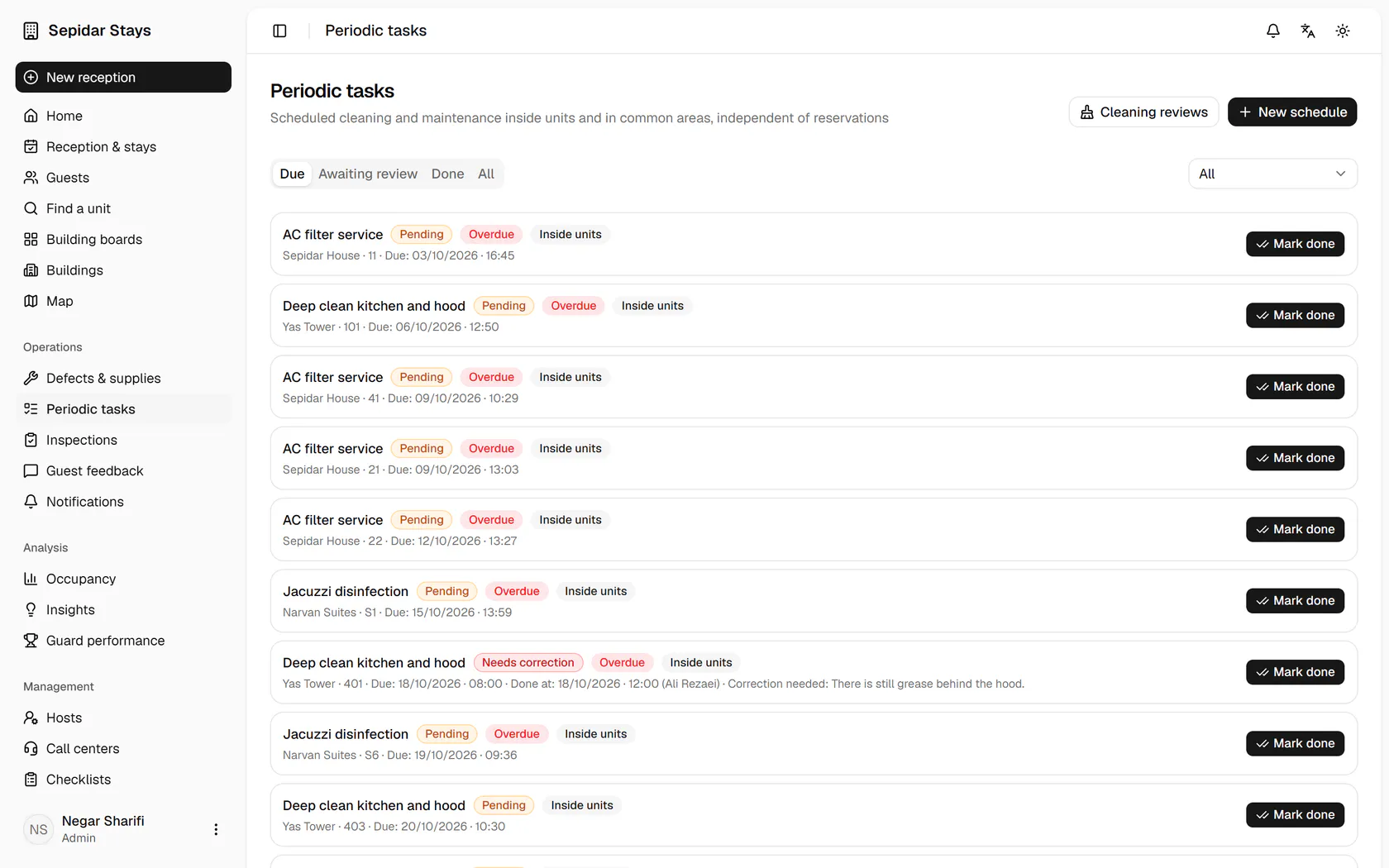
    Due and overdue periodic tasks are listed here; click New schedule.

    Due and overdue periodic tasks are listed here; click New schedule.
  2. 2

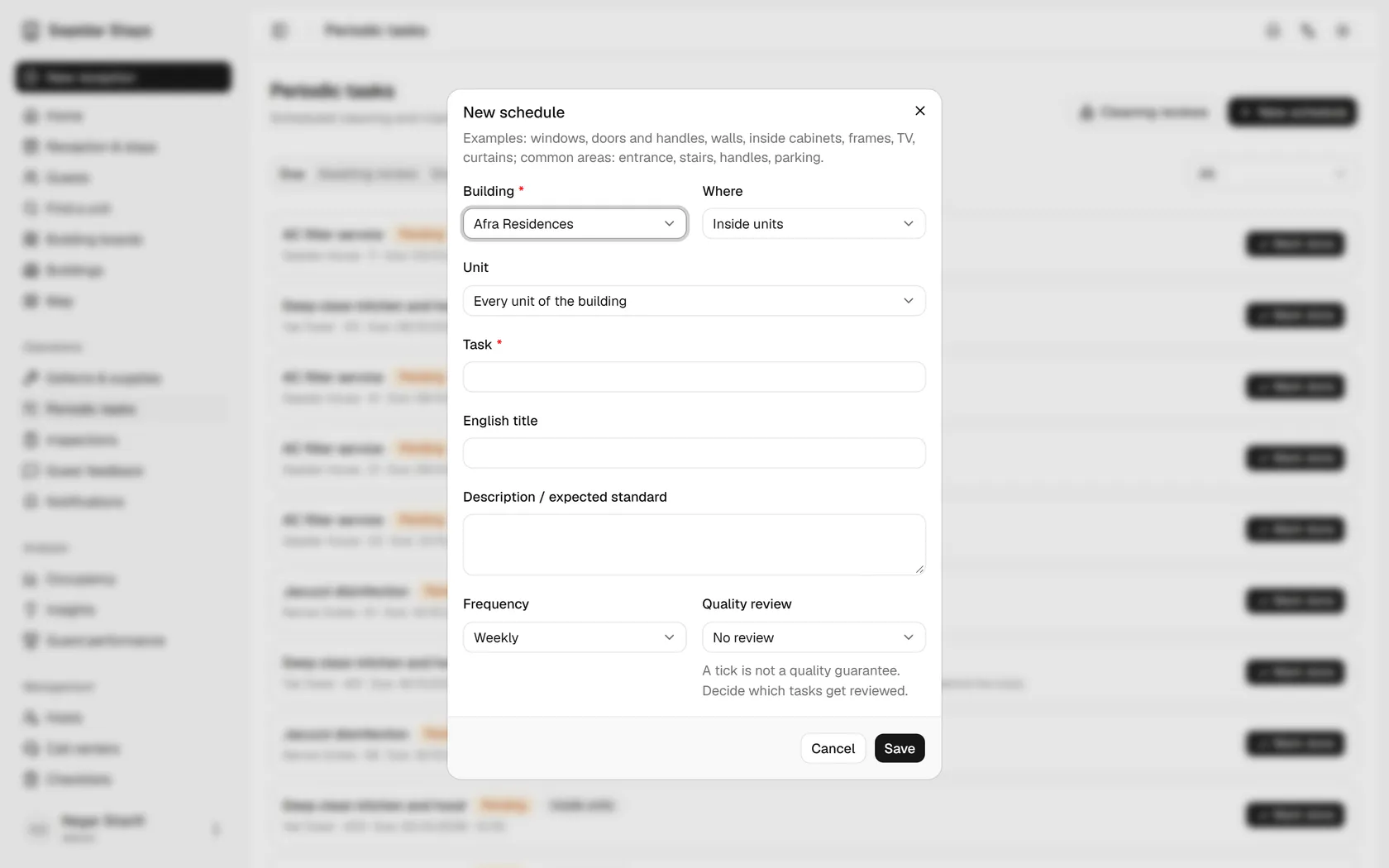
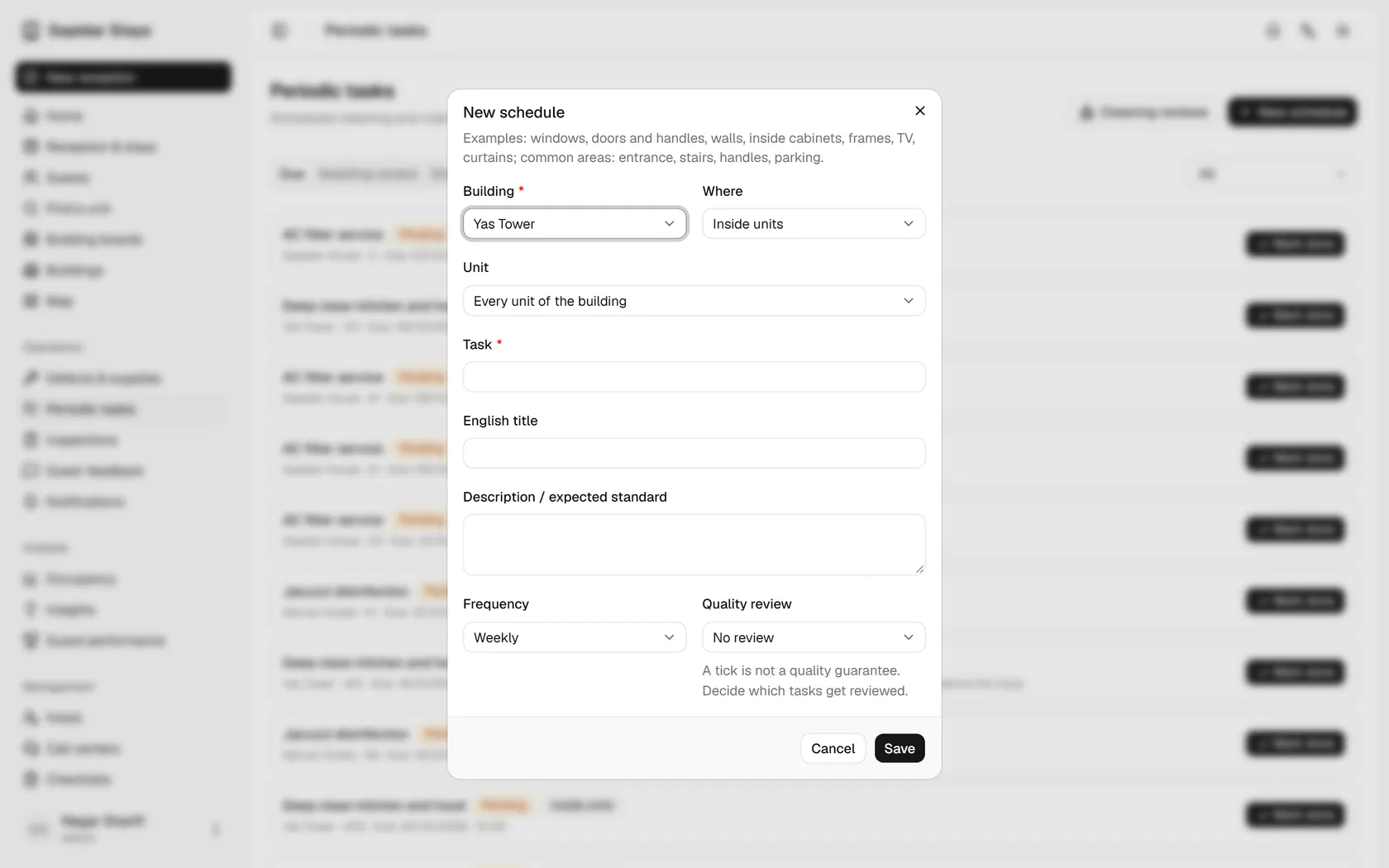
    Choose Yas Tower as the building.

    Choose Yas Tower as the building.
  3. 3

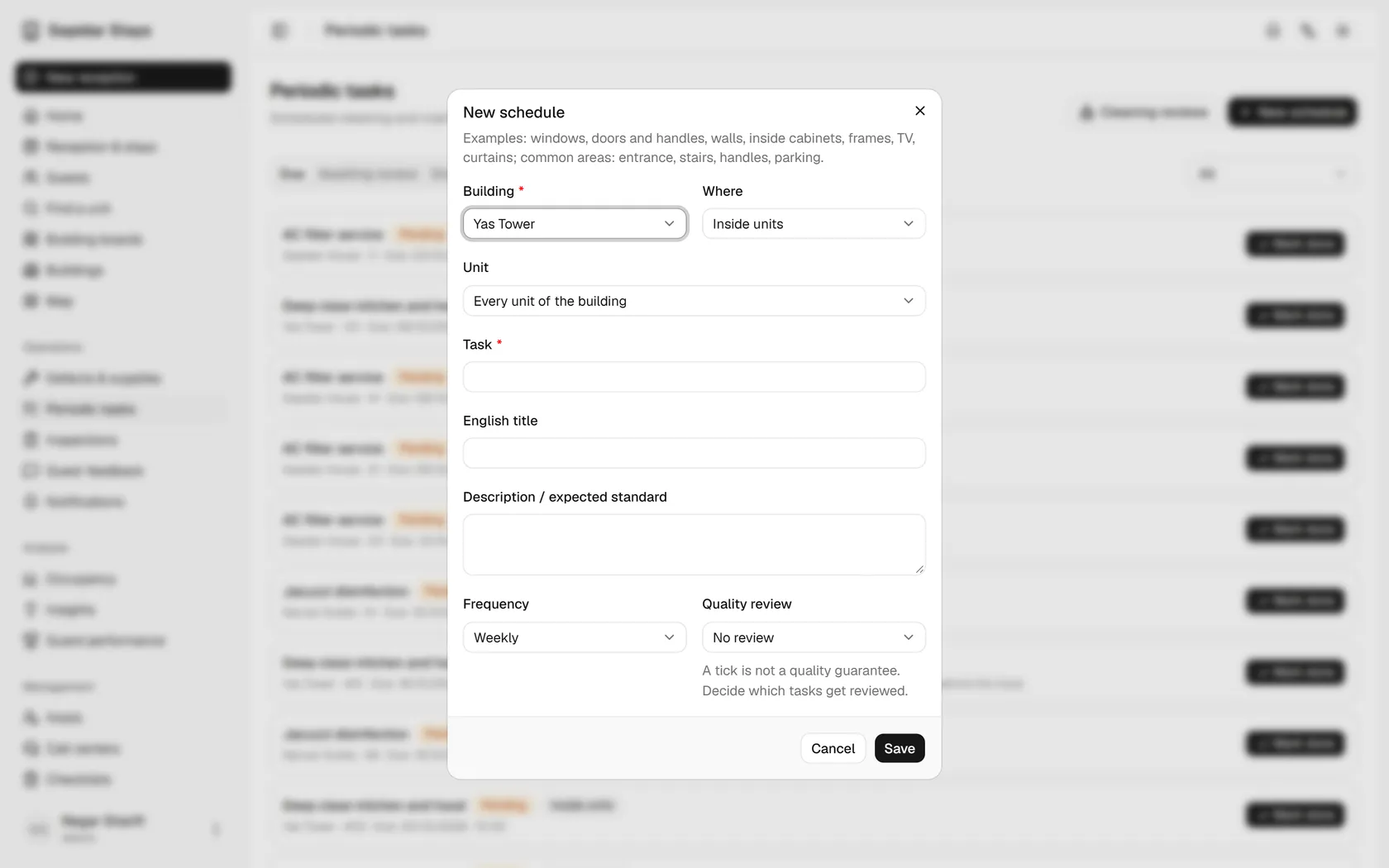
    Decide whether the work is inside units or in common areas; here, inside every unit.

    Decide whether the work is inside units or in common areas; here, inside every unit.
  4. 4

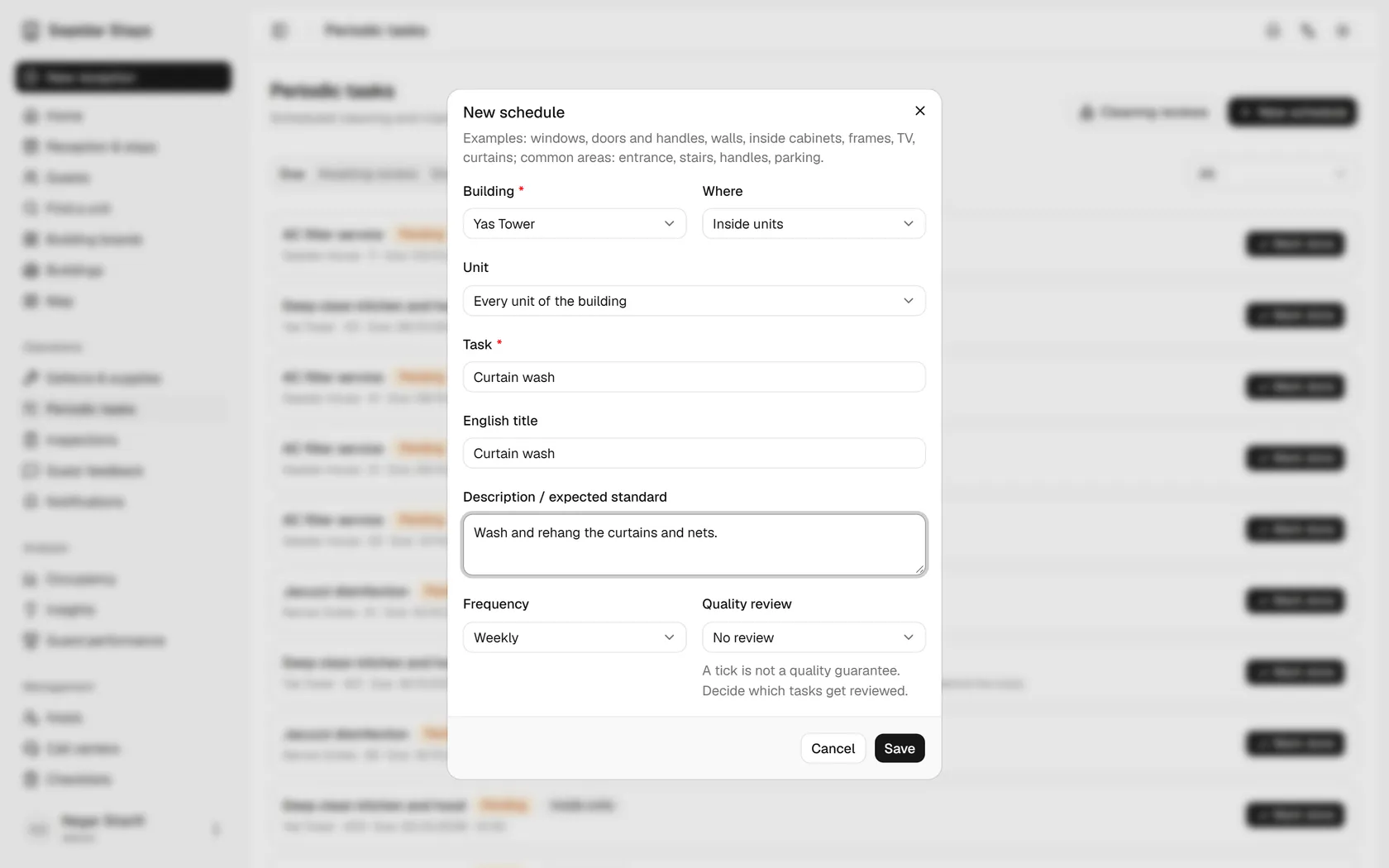
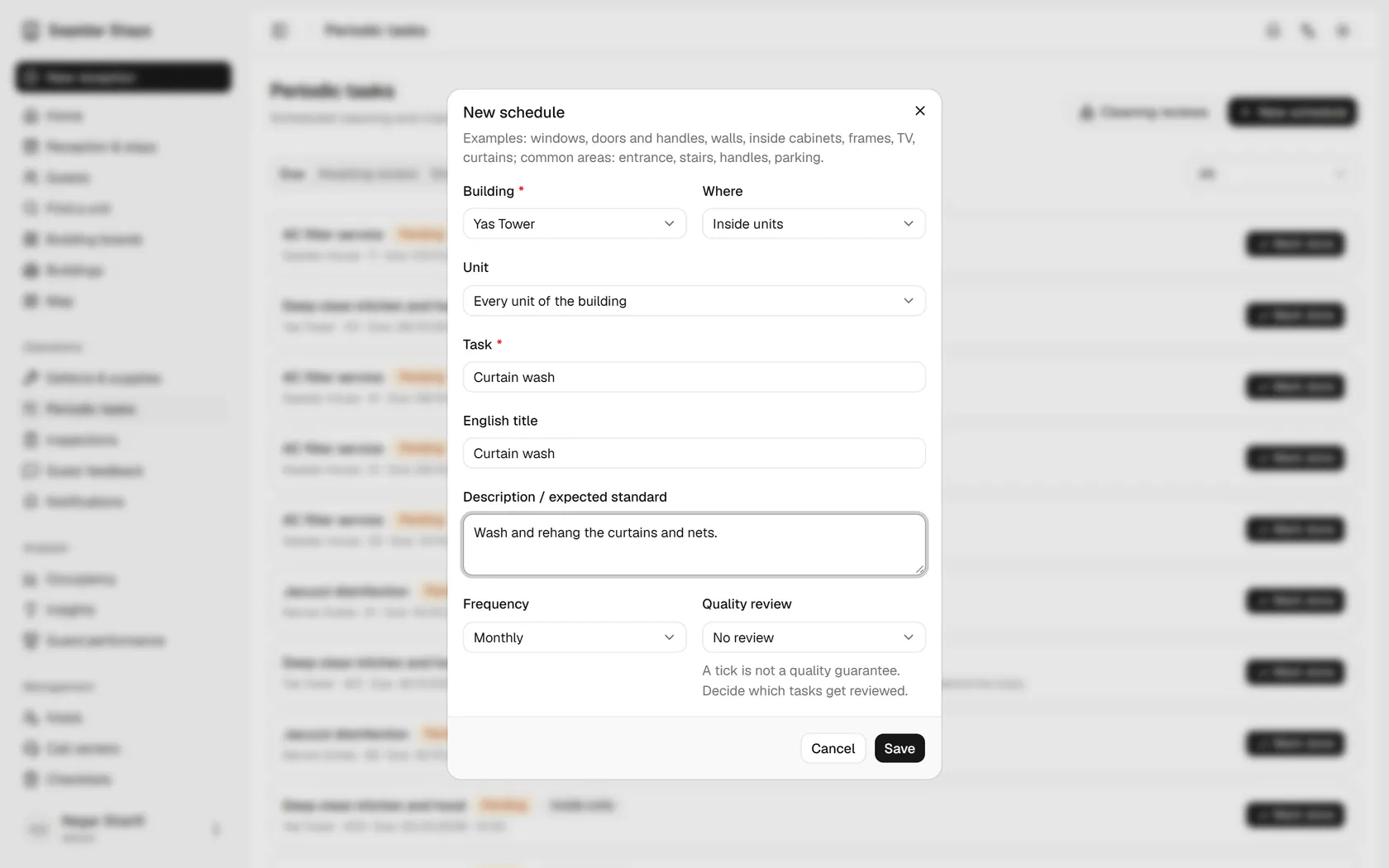
    Write the task title and the expected standard, so the host knows exactly what to do.

    Write the task title and the expected standard, so the host knows exactly what to do.
  5. 5

    Set the frequency to monthly, so the task comes round once a month.

    Set the frequency to monthly, so the task comes round once a month.
  6. 6

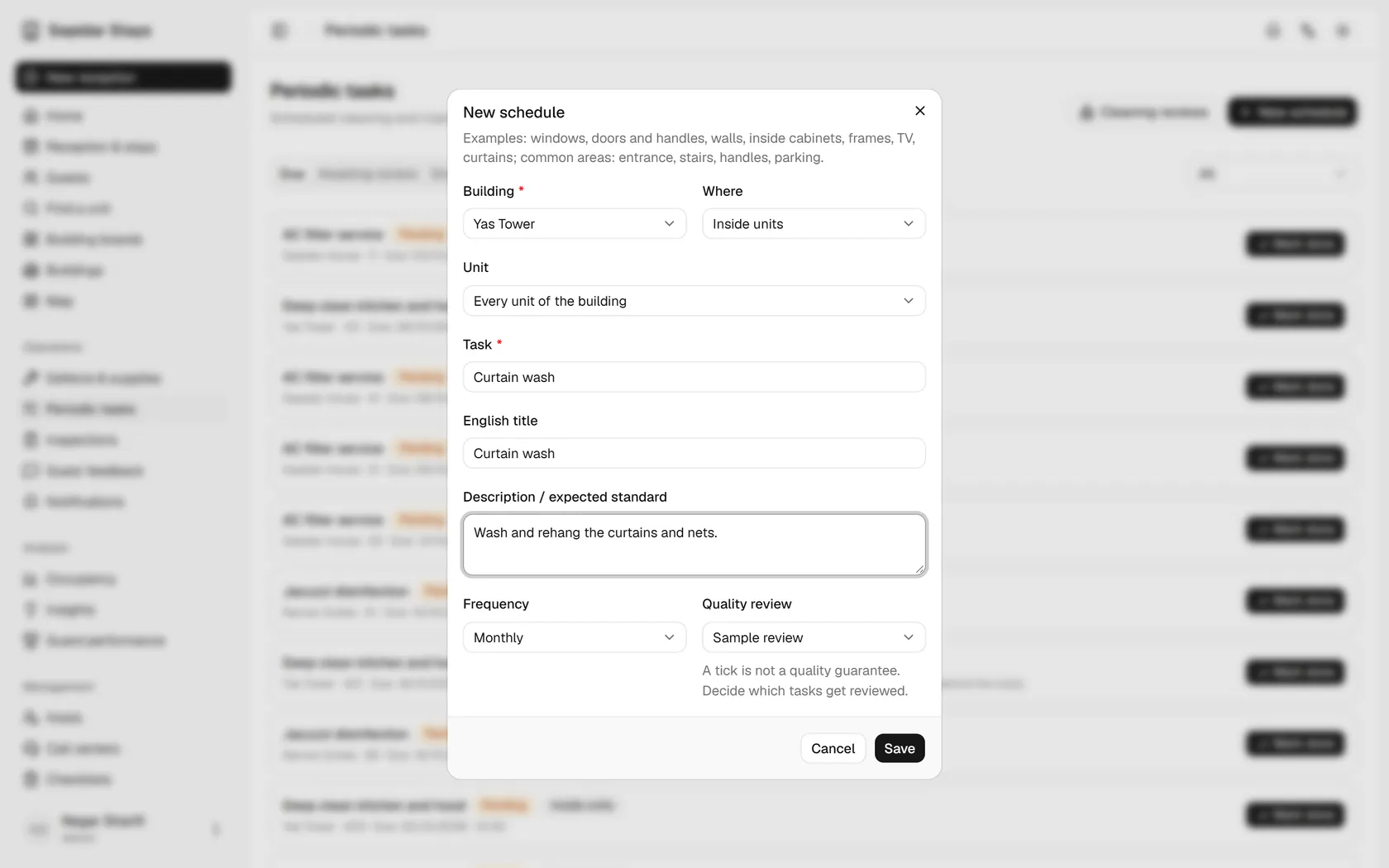
    Choose sample review, because a tick alone does not guarantee quality.

    Choose sample review, because a tick alone does not guarantee quality.
  7. 7

    Save, and the schedule is created for the chosen units.

    Save, and the schedule is created for the chosen units.
  8. 8

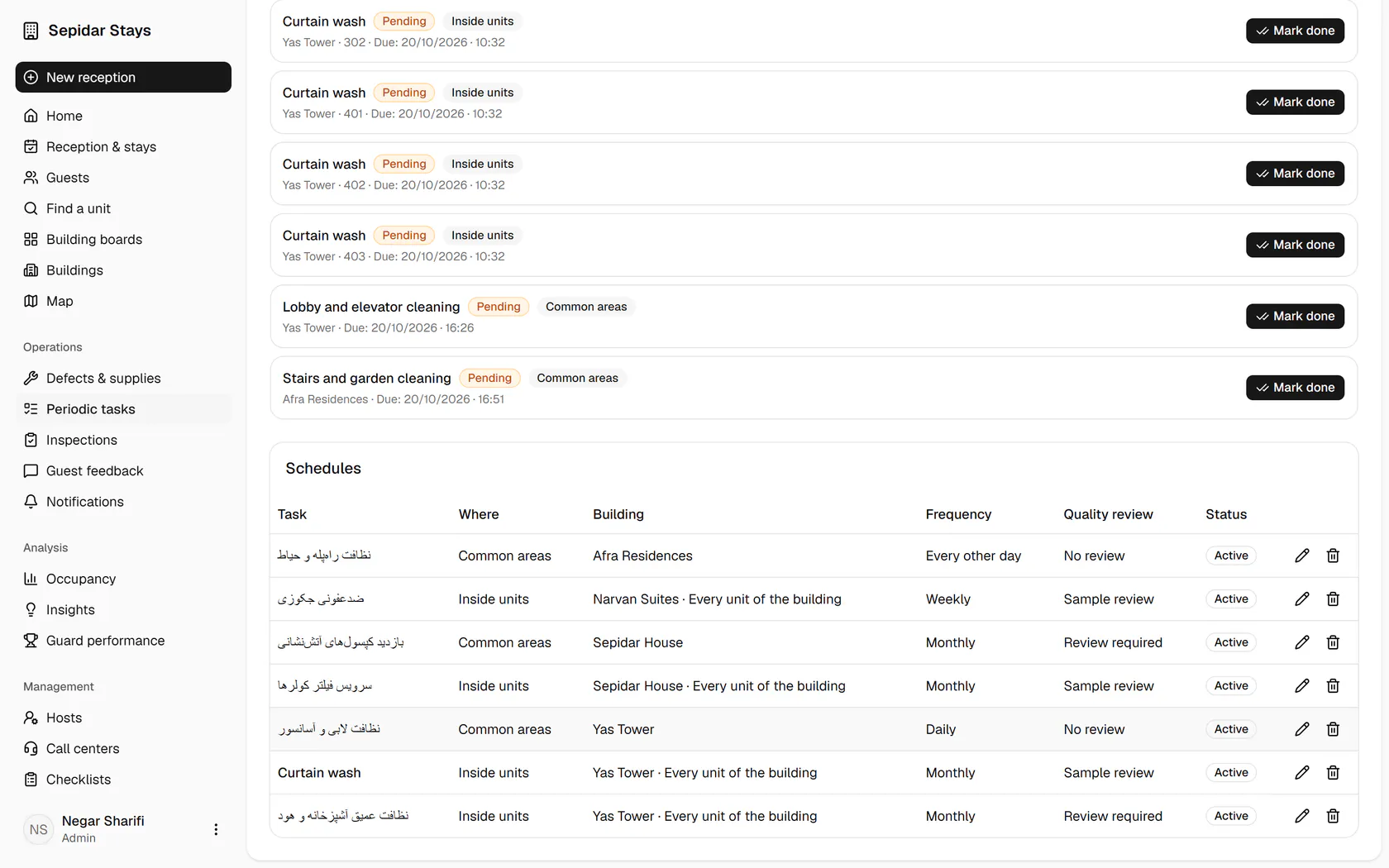
    The schedule is in the table, and a periodic task now exists for each Yas Tower unit.

    The schedule is in the table, and a periodic task now exists for each Yas Tower unit.