Skip to content
Mizban

Triage a new case

The admin routes a case nobody has reviewed yet, so its owner, priority and call center notice are clear.

AdminOn a computer8 steps
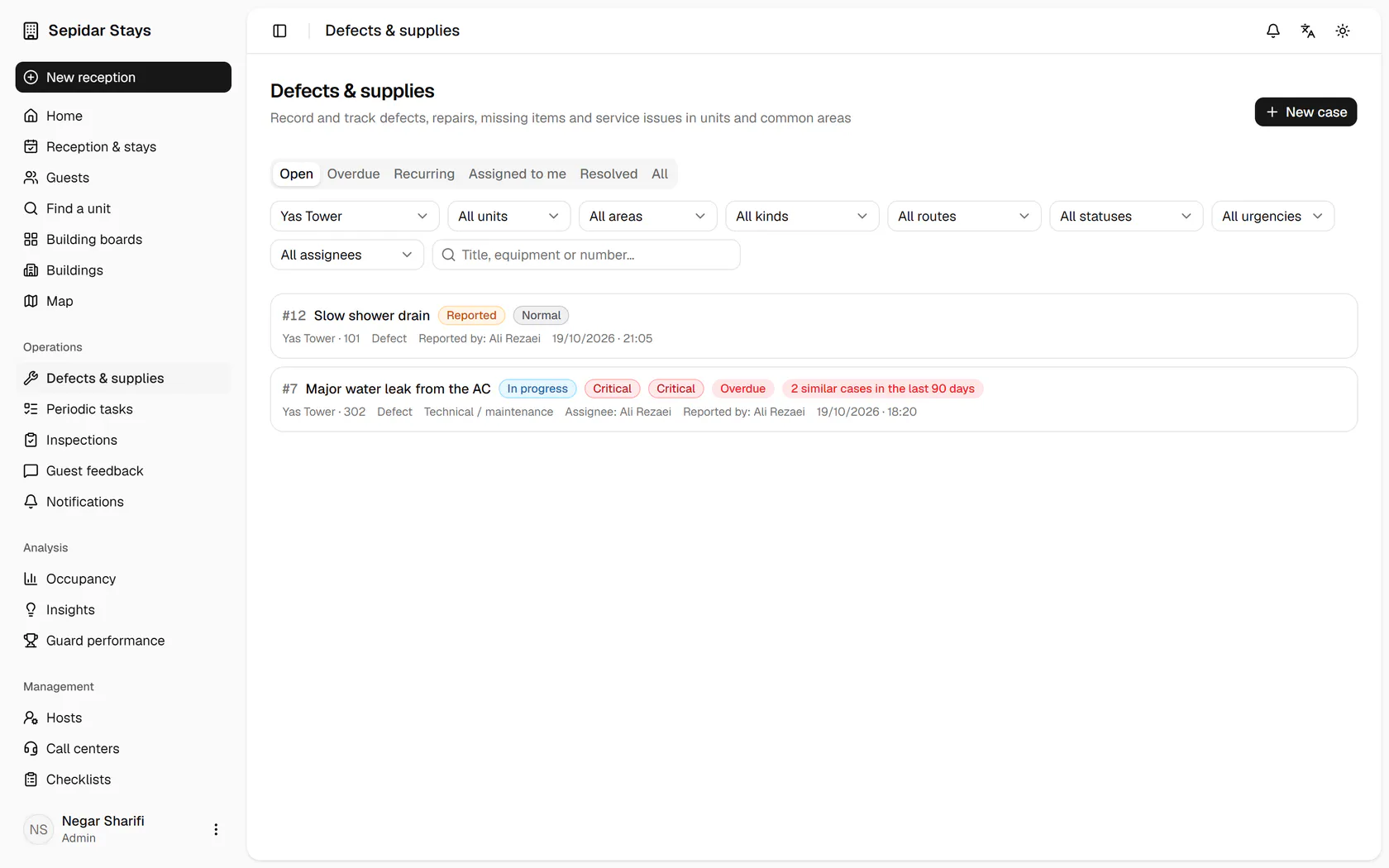
In the cases list, filter by building to see only Yas Tower's cases.The Slow shower drain case is still only reported; open it.Set the handling route to technical; the route is who handles it, not where it is.Raise the priority to high, because a guest is still staying in unit 101.Assign the case to Ali Rezaei, the host of Yas Tower.Turn on Visible to the call center and write the text operators can share with guests.Click Save to store the changes and send the case to its owner.The case is now assigned, and the change is recorded in the history under your name.

In the cases list, filter by building to see only Yas Tower's cases.

12:10Cases and inspection feedbackNegar routes the new "slow shower drain" case with a priority and an owner, and shares part of the Narvan inspection with Maryam.

Step by step

  1. 1

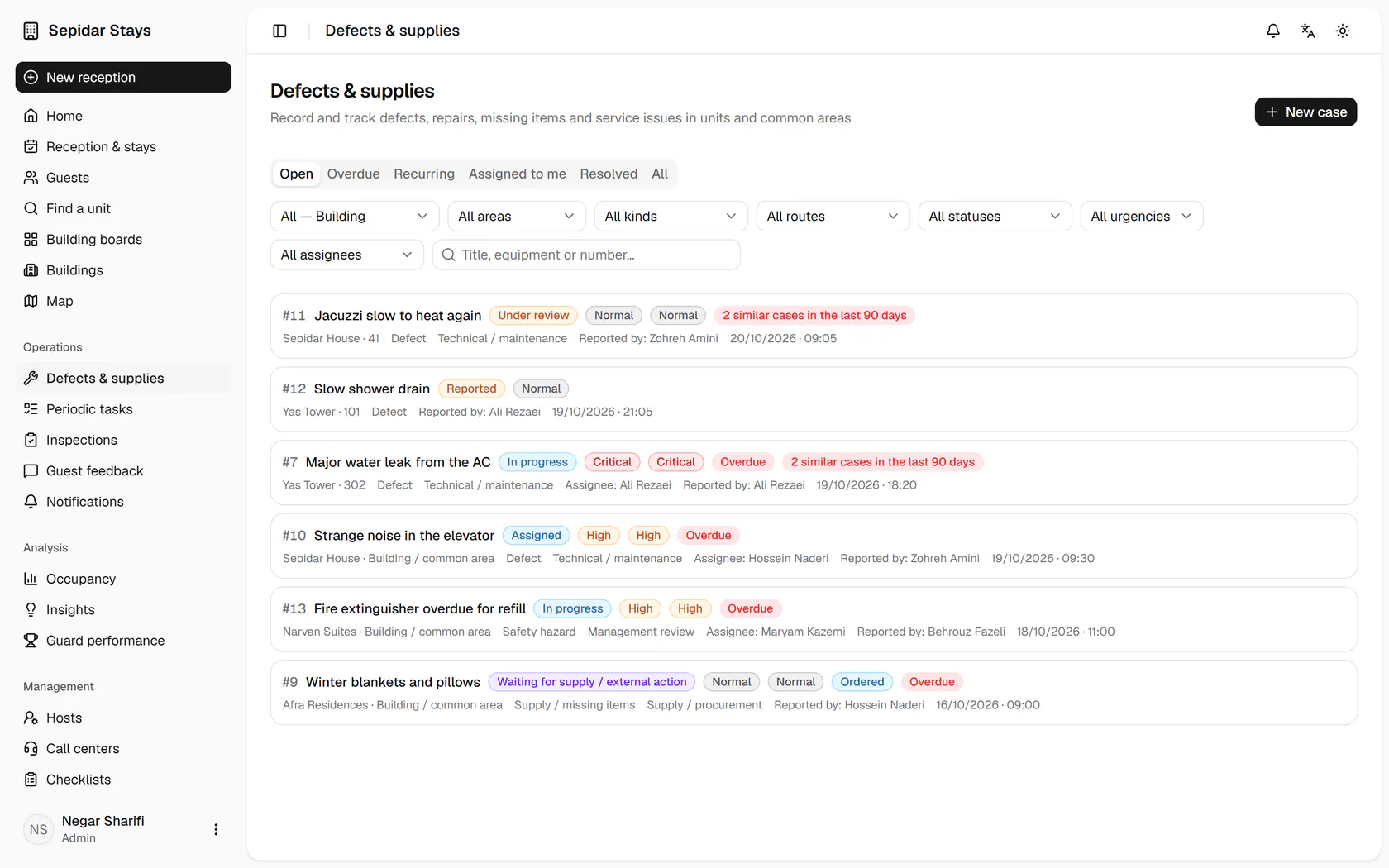
    In the cases list, filter by building to see only Yas Tower's cases.

    In the cases list, filter by building to see only Yas Tower's cases.
  2. 2

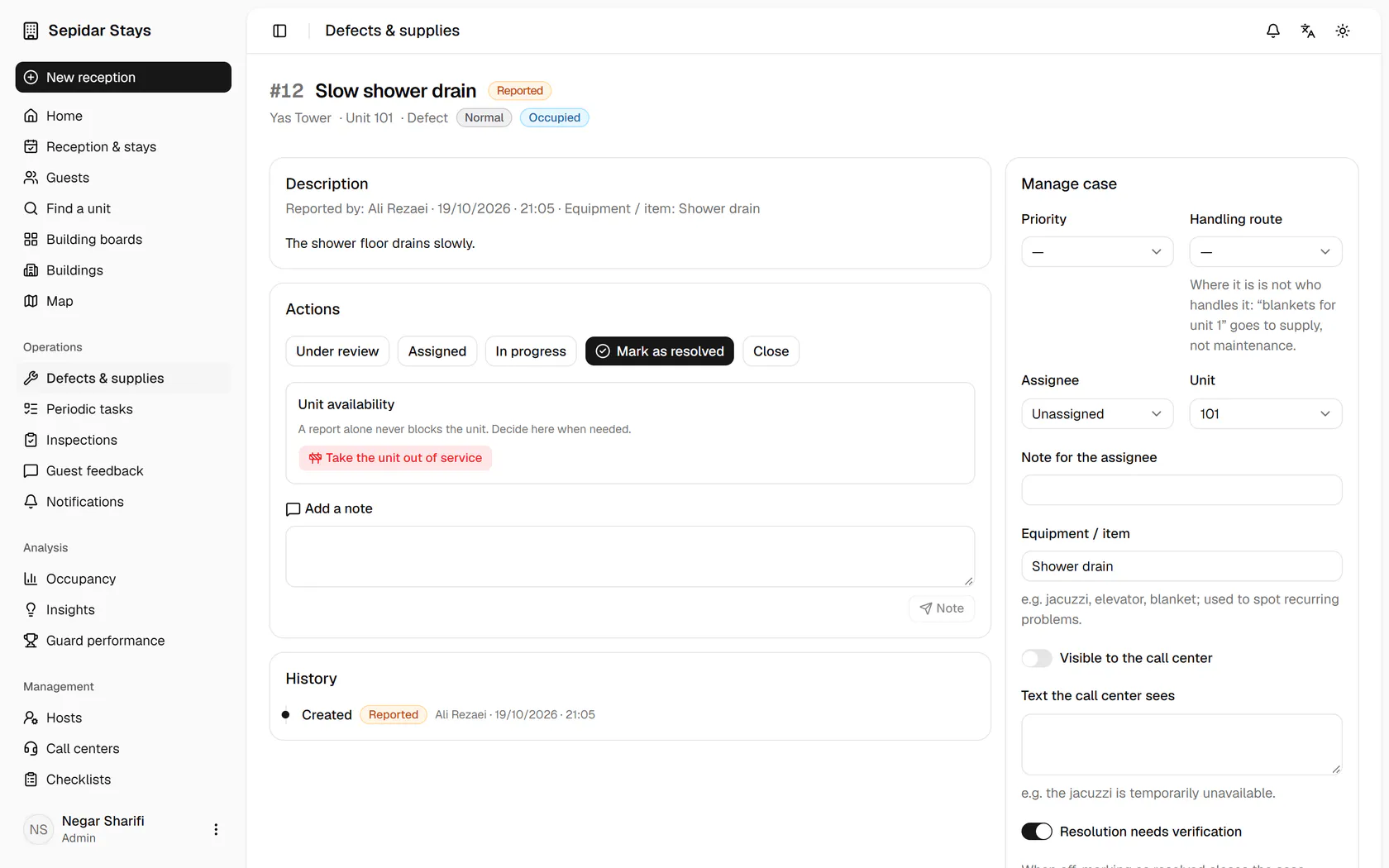
    The Slow shower drain case is still only reported; open it.

    The Slow shower drain case is still only reported; open it.
  3. 3

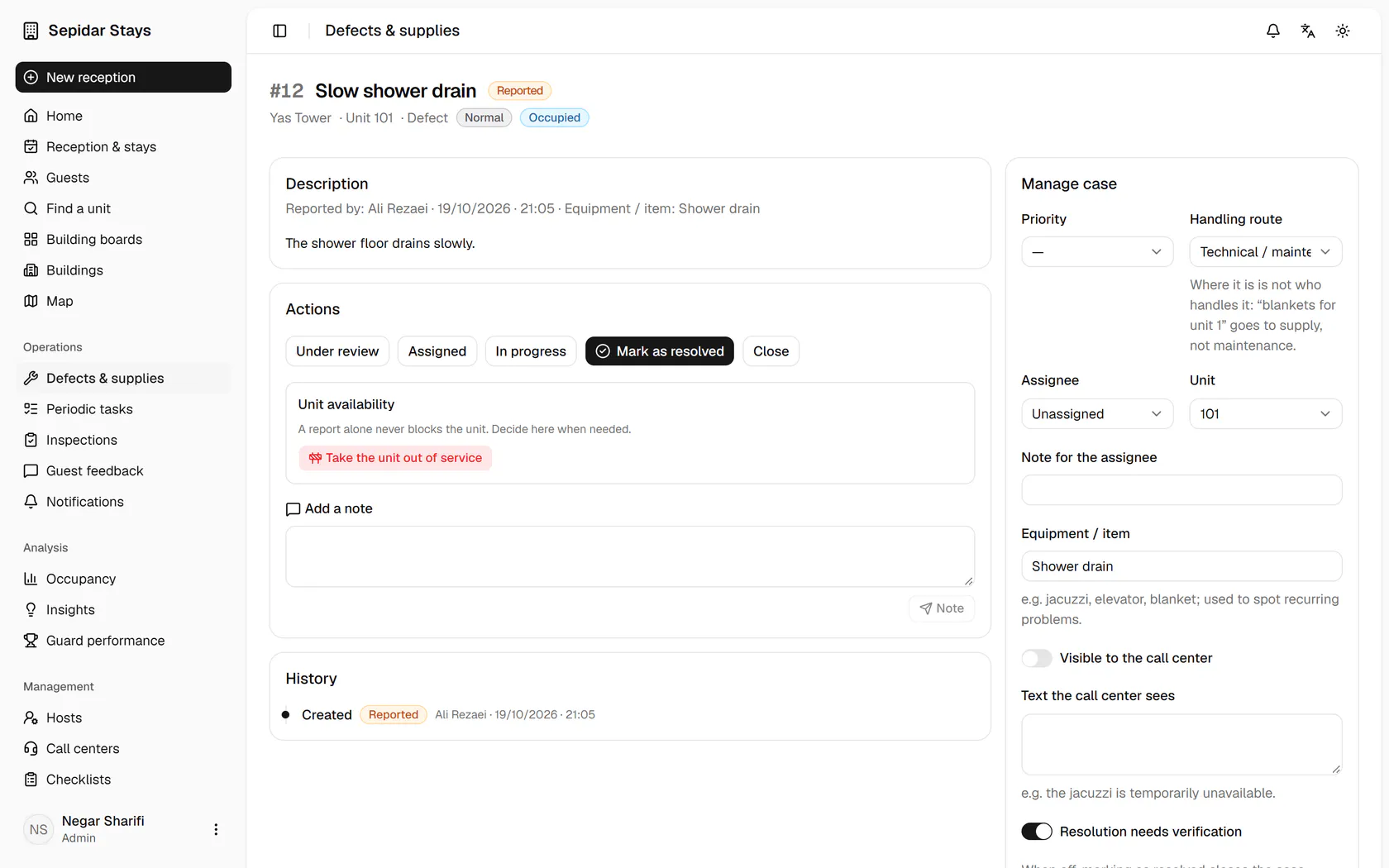
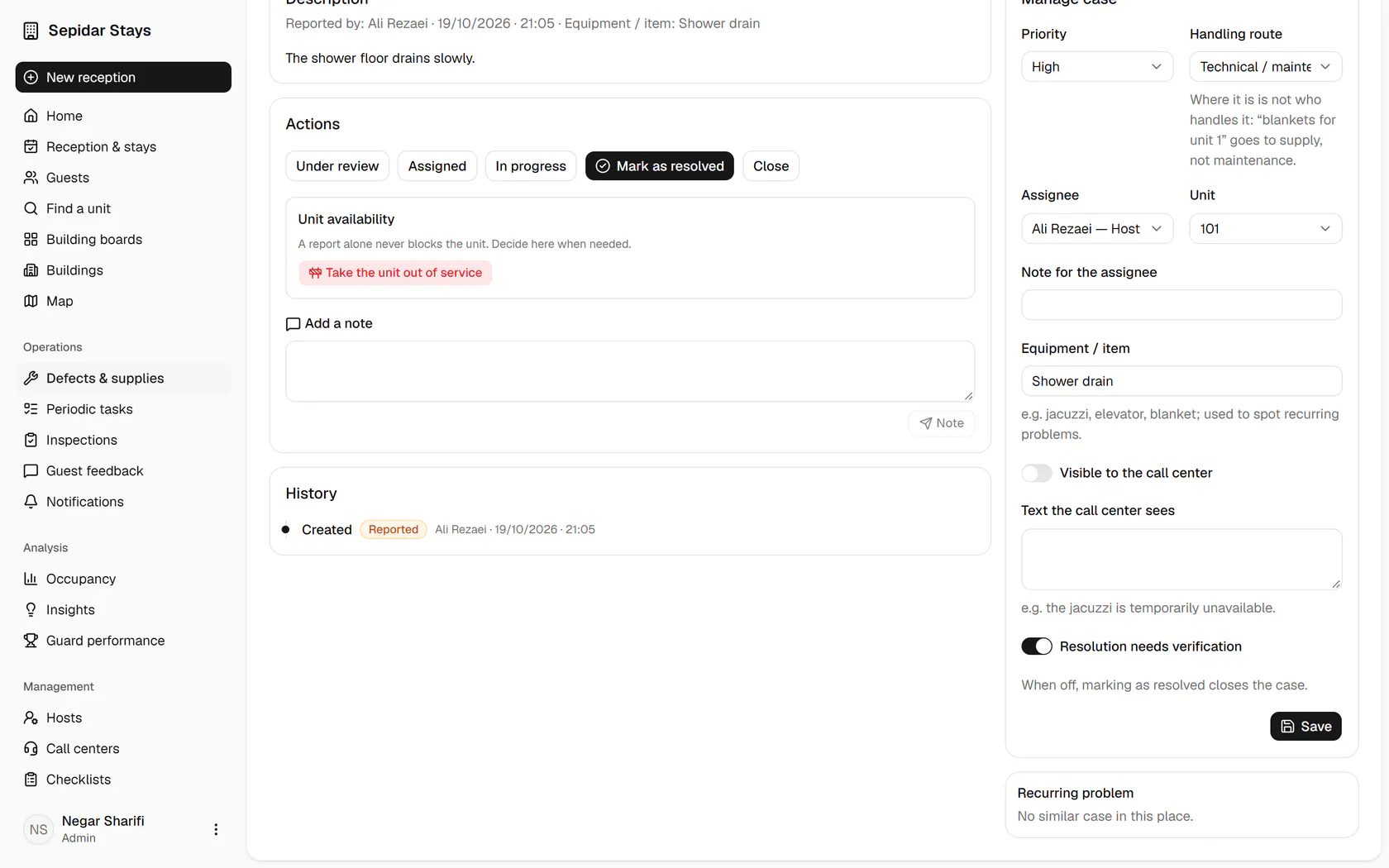
    Set the handling route to technical; the route is who handles it, not where it is.

    Set the handling route to technical; the route is who handles it, not where it is.
  4. 4

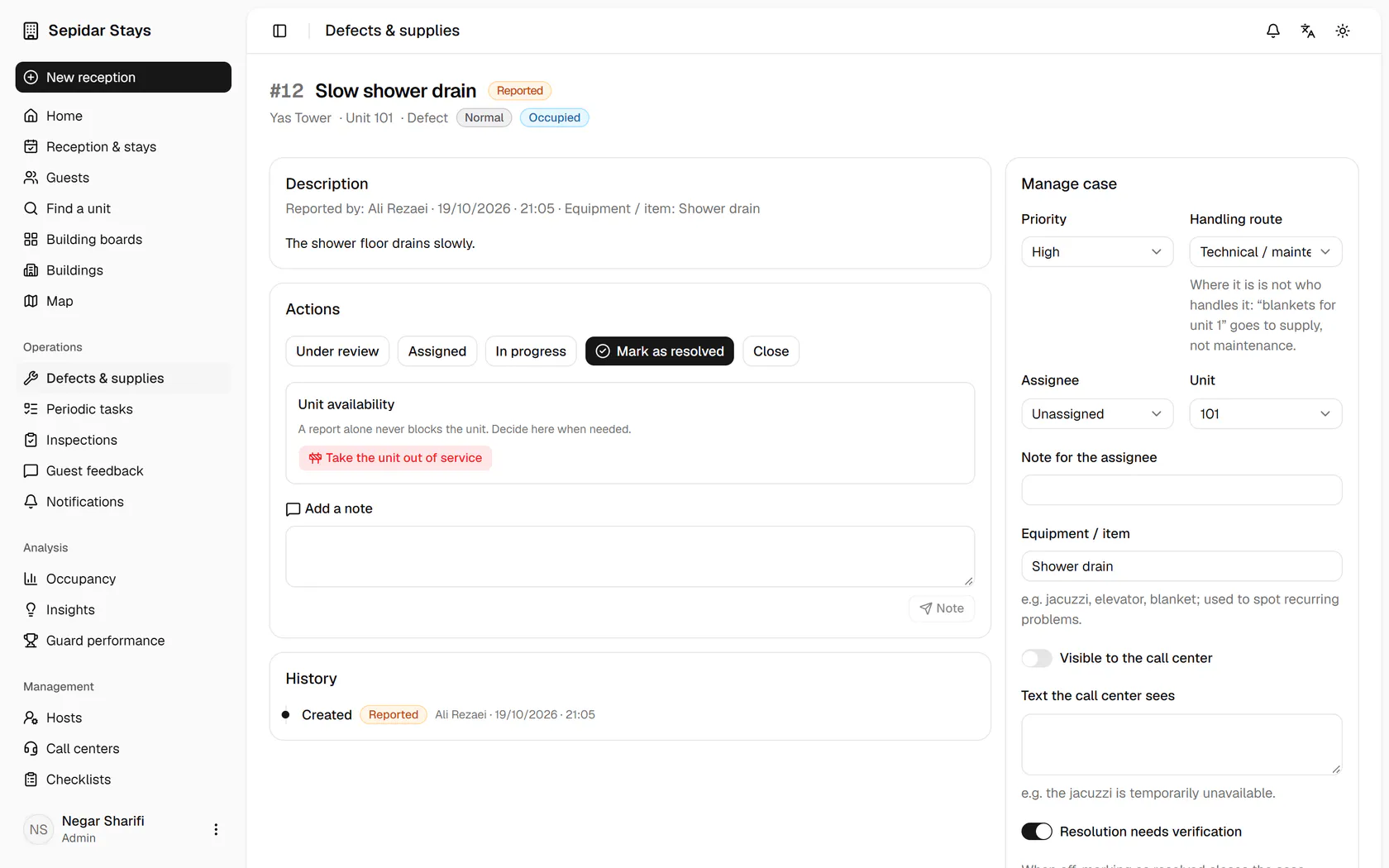
    Raise the priority to high, because a guest is still staying in unit 101.

    Raise the priority to high, because a guest is still staying in unit 101.
  5. 5

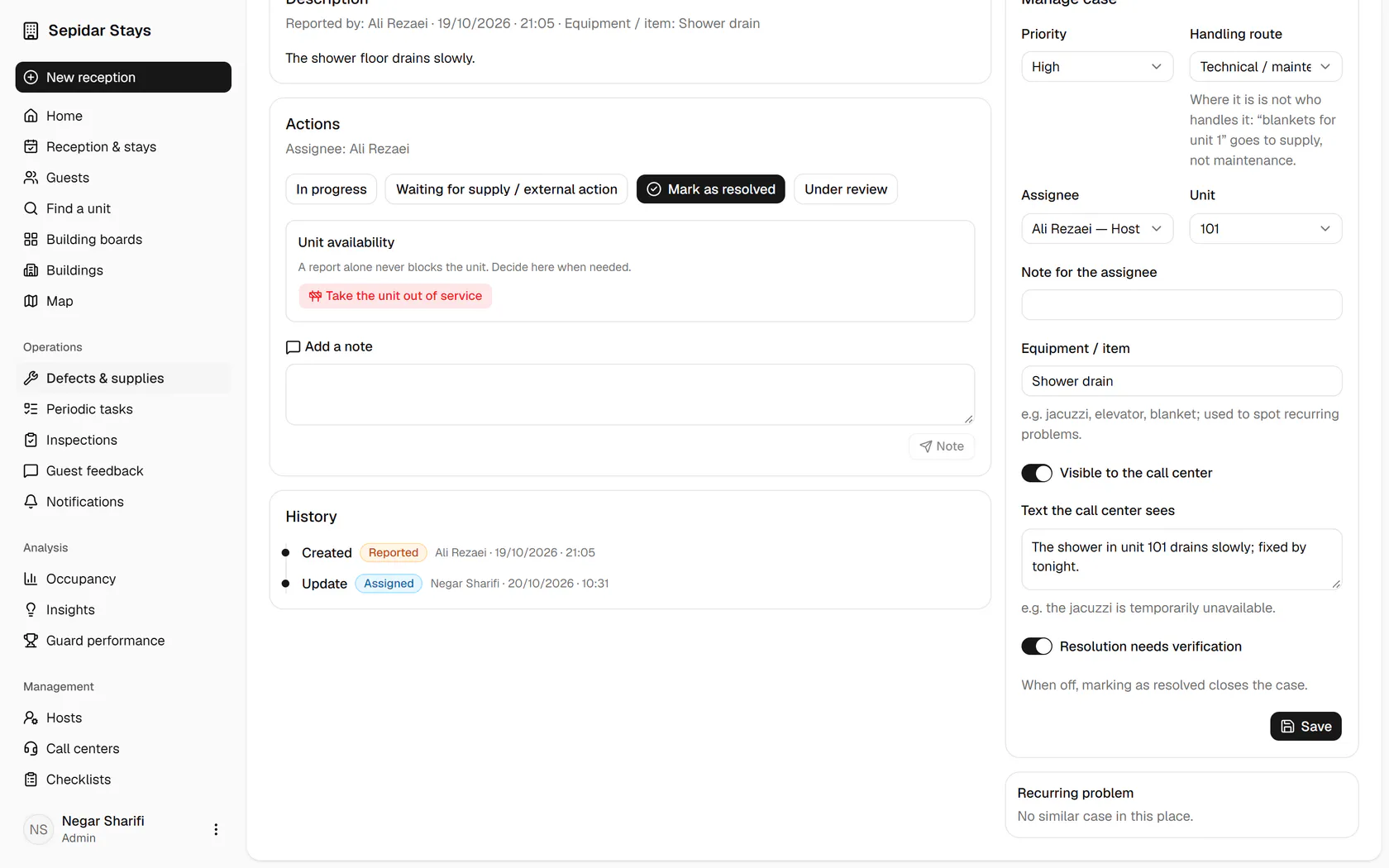
    Assign the case to Ali Rezaei, the host of Yas Tower.

    Assign the case to Ali Rezaei, the host of Yas Tower.
  6. 6

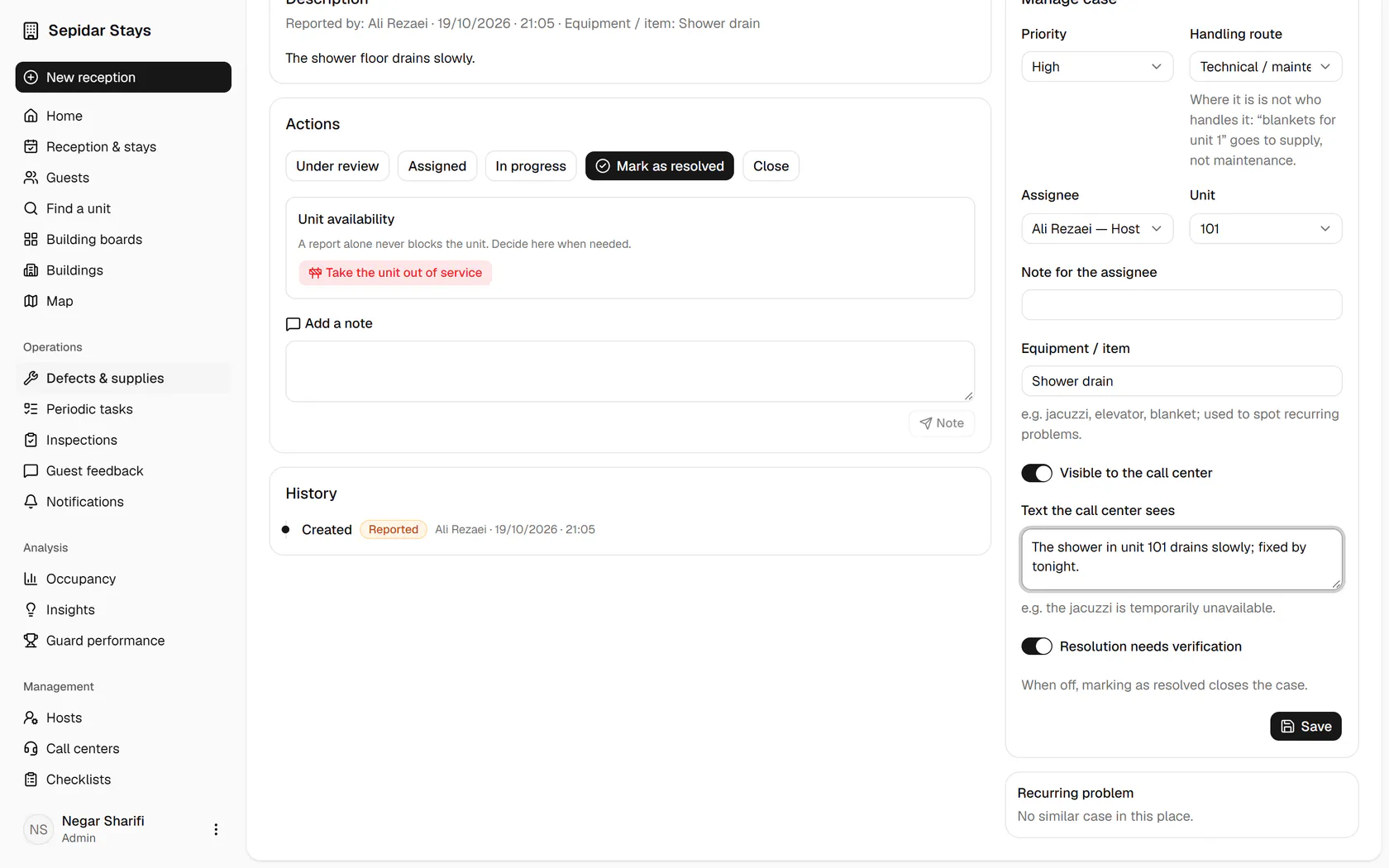
    Turn on Visible to the call center and write the text operators can share with guests.

    Turn on Visible to the call center and write the text operators can share with guests.
  7. 7

    Click Save to store the changes and send the case to its owner.

    Click Save to store the changes and send the case to its owner.
  8. 8

    The case is now assigned, and the change is recorded in the history under your name.

    The case is now assigned, and the change is recorded in the history under your name.